Productivity app home screens
61 home screens from 61 productivity app templates, each in its own design language. Productivity apps are about getting through the day: dense but calm layouts, clear priority and nothing that slows the next action.
The examples
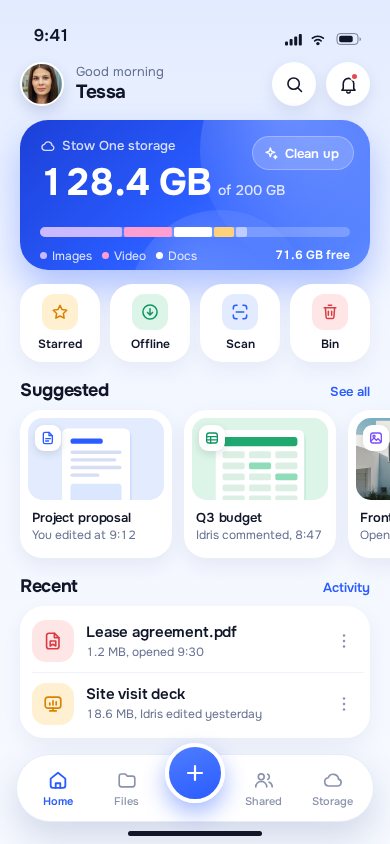 Stow Home: Cloud storage, Minimal
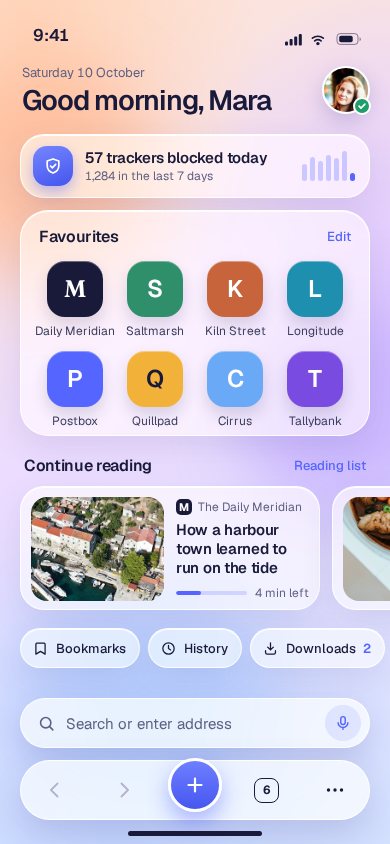 Meridian Start page: Mobile web browser, Glass
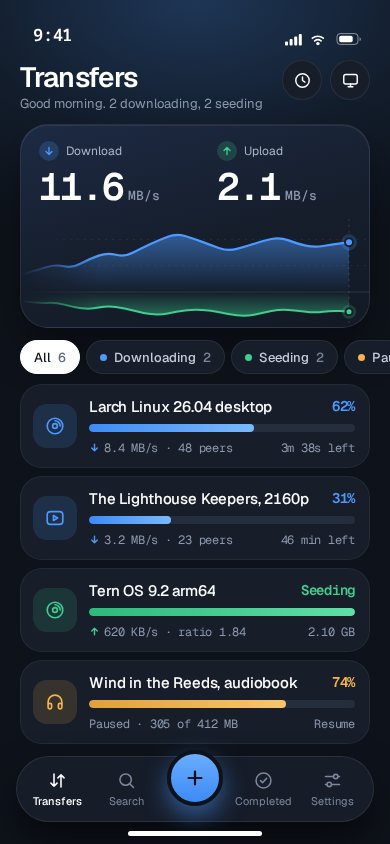 Swarm Transfers: Torrent client, Dark-first, dark
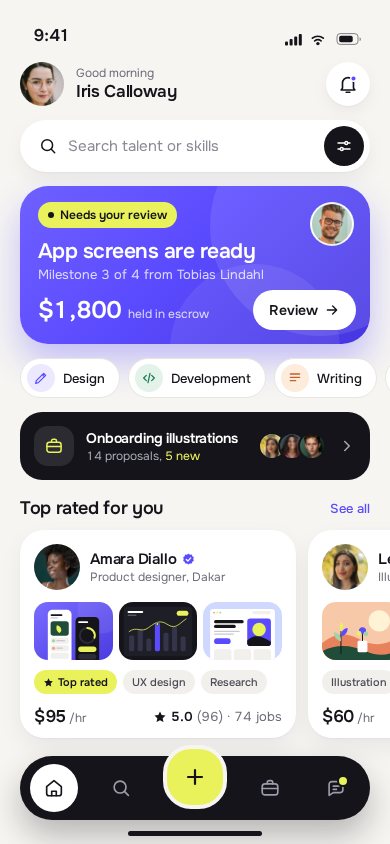 Bench Home: Freelance marketplace, Enterprise
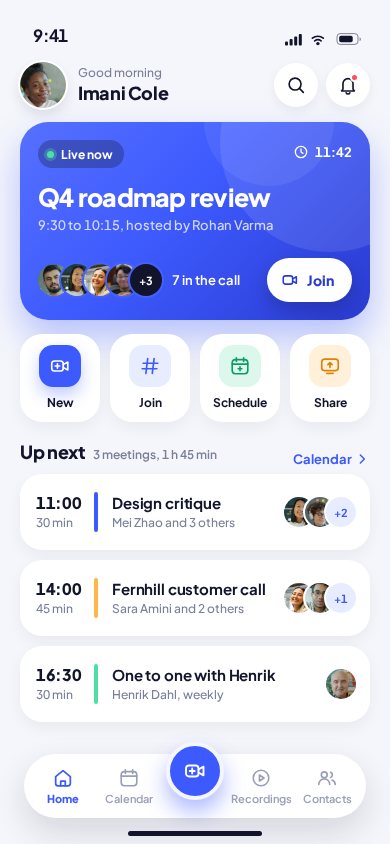 Convene Home: Video meetings, Minimal
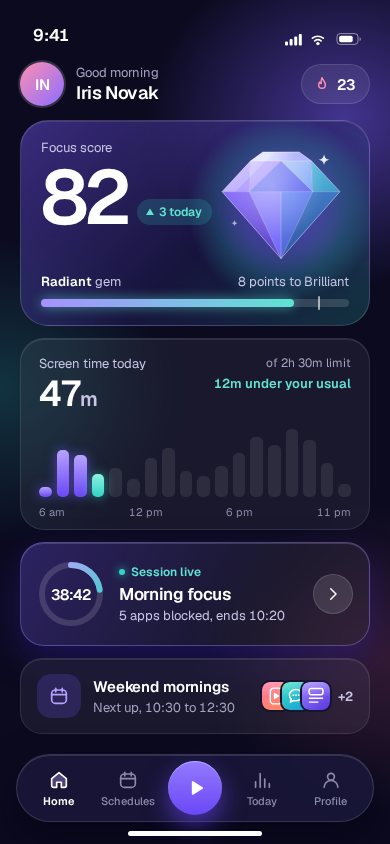 Unplug Home: Screen time blocker, Glass, dark
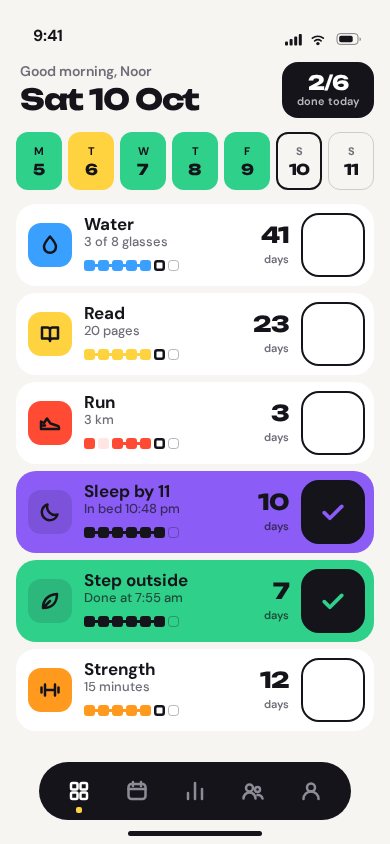 Streak Today: Small days, long chains, Playful
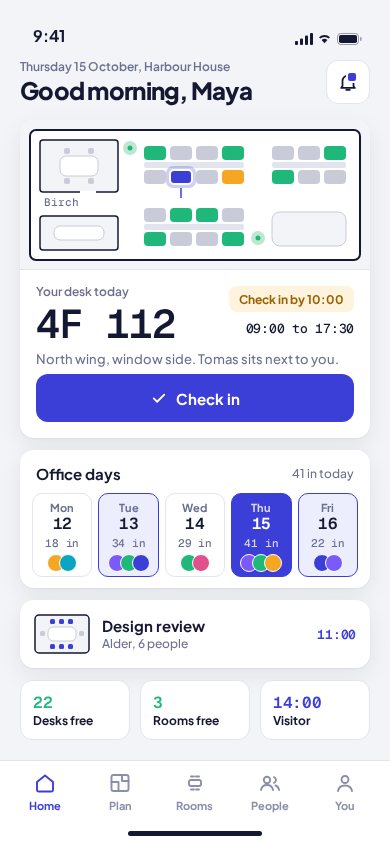 Deskly Home: Hybrid office booking, Enterprise
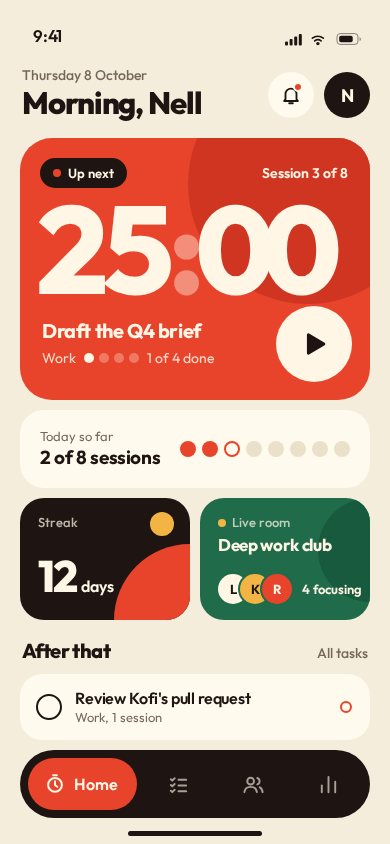 Pomo Home: Focus timer, Minimal
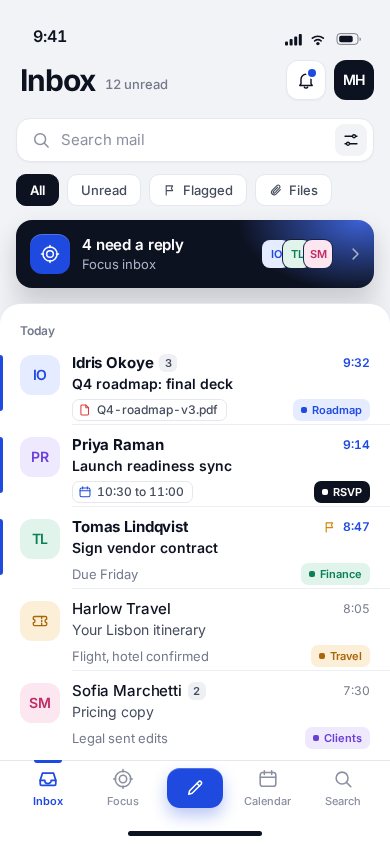 Postbox Inbox: Email for busy teams, Enterprise
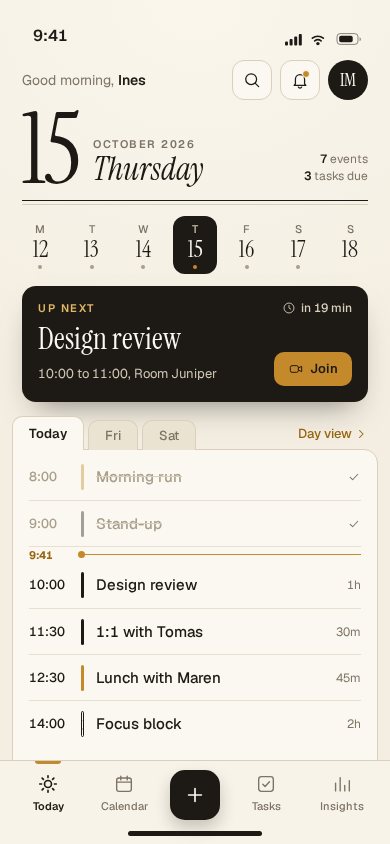 Daybook Today: Calendar and planner, Minimal
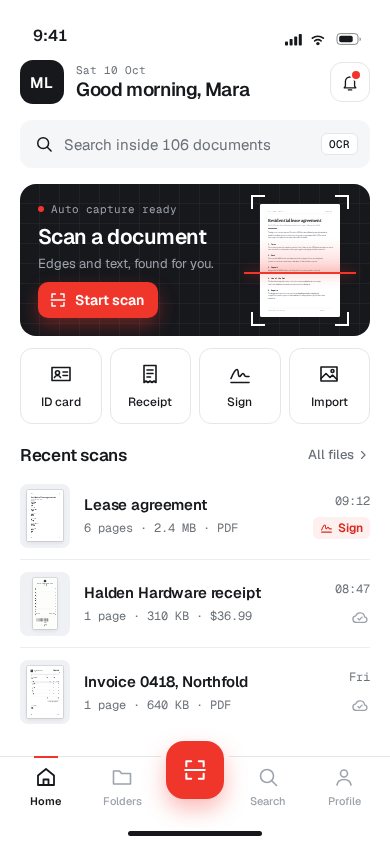 Scanly Home: Document scanner, Clinical
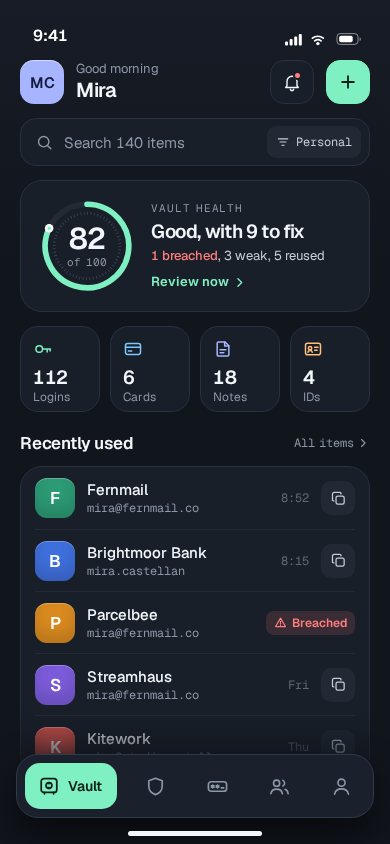 Keyring Vault: Password manager, Dark-first, dark
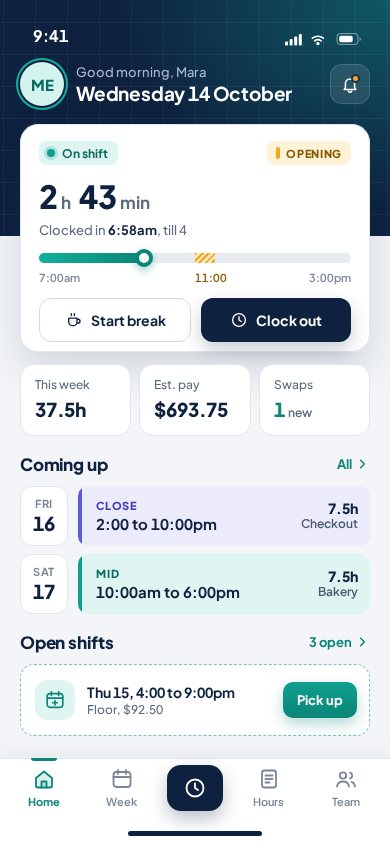 Rota Home: Shift scheduling for hourly teams, Enterprise
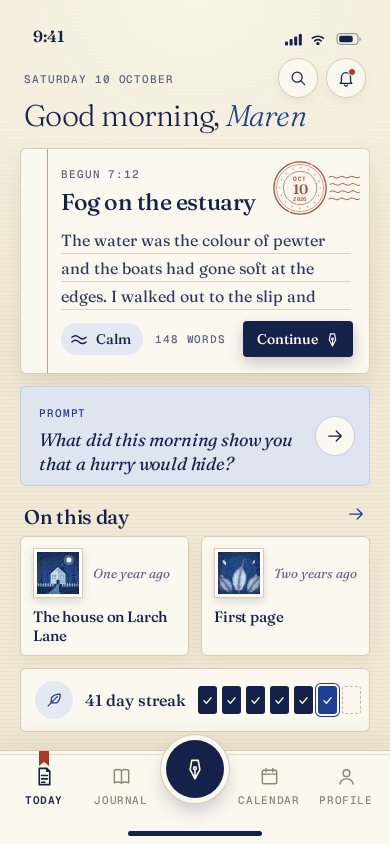 Inkwell Today: Daily journal, Luxury
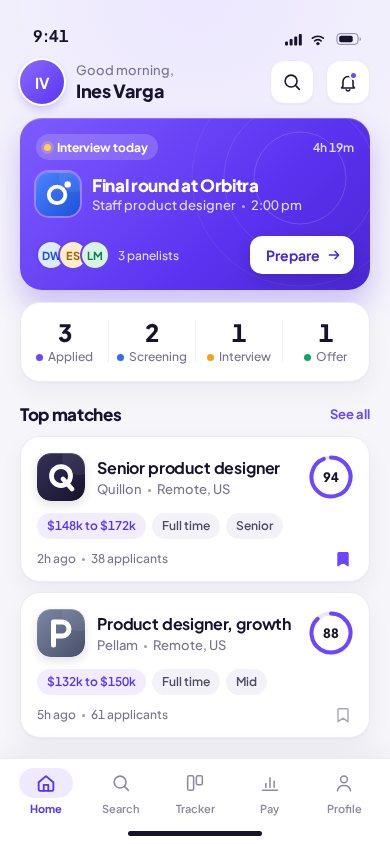 Shortlist Home: Job search and application tracker, Enterprise
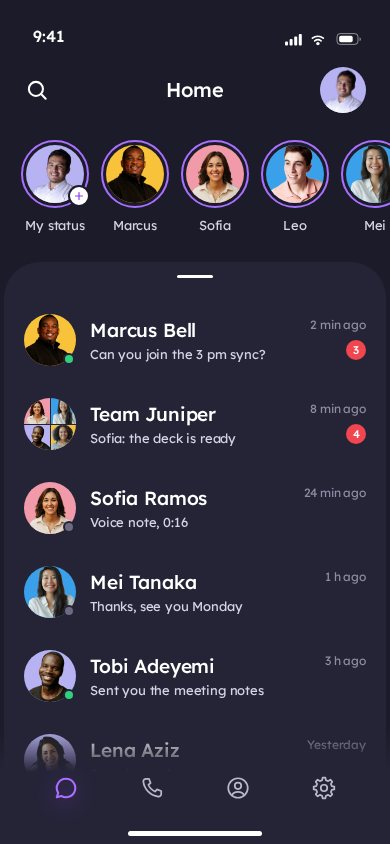 Parley Home: Team messenger, Dark-first, dark
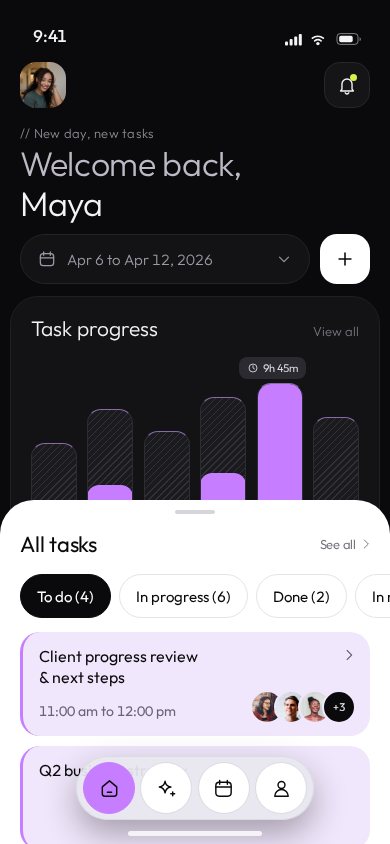 Docket Home: Task and sprint planner, Dark-first, dark
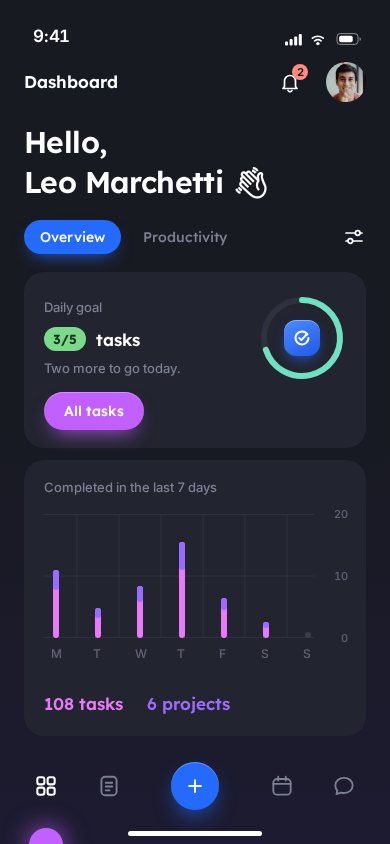 Kanso Home: Tasks, calendar and chat, Dark-first, dark
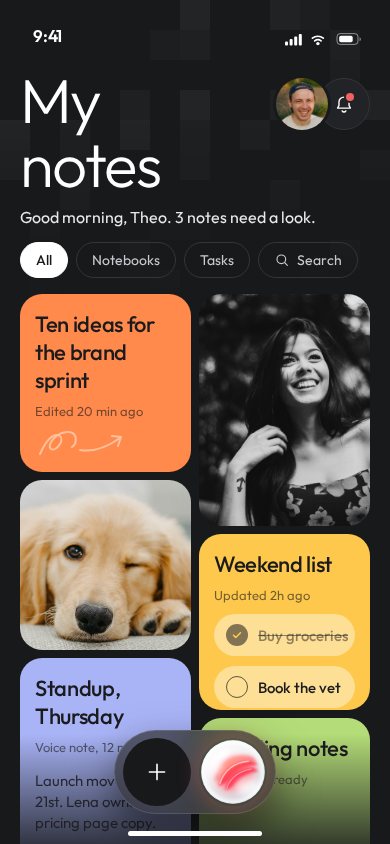 Margin Home: AI note taking, Dark-first, dark
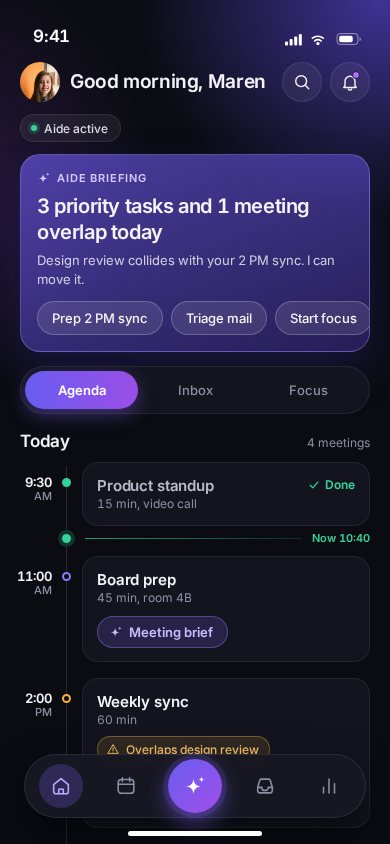 Aide Home: Executive AI assistant, Dark-first, dark
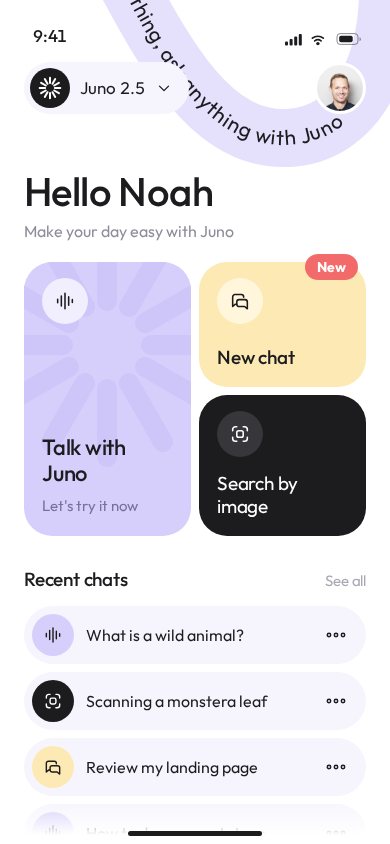 Juno Home: AI chat assistant, Playful
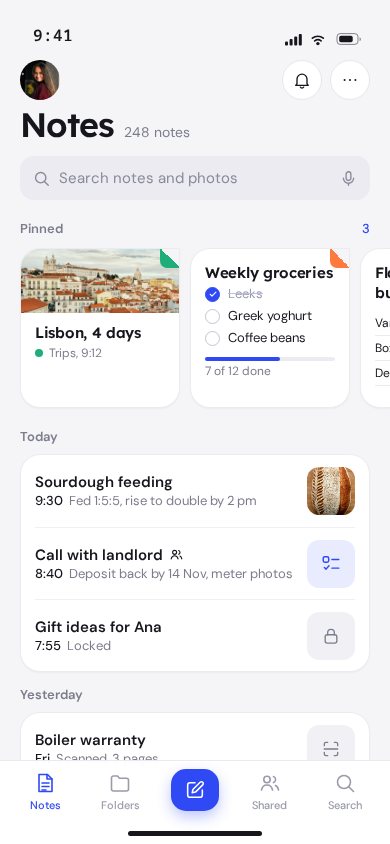 Jot Notes: Quick notes and checklists, Minimal
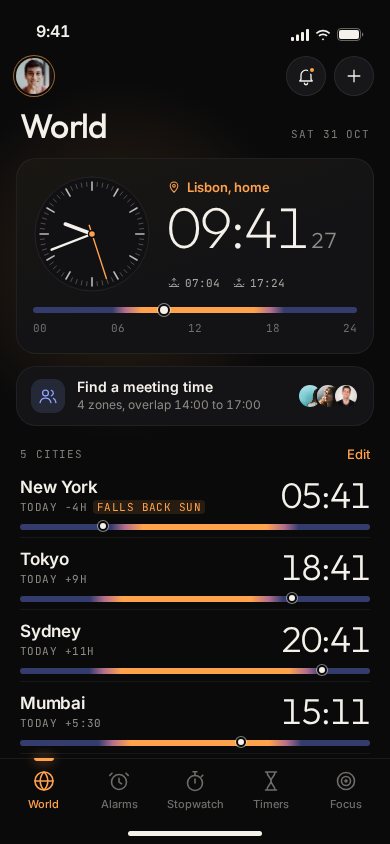 Chrono World: World clock, timers and stopwatch, Dark-first, dark
- Frontdesk Home: Customer support inbox, Enterprise
- Campaign Home: Email marketing campaigns, Playful
- Outpost Queue: Schedule social posts, Minimal
- Pageview Home: Website analytics, Enterprise
- Polish Home: Writing assistant and keyboard, Glass
- Tapline My page: Link-in-bio pages and analytics, Gen Z
- Quill Home: Docs, wikis and databases in one workspace, Minimal
- Tandem Home: Team chat, channels and huddles, Enterprise
- Shipyard Home: Issue tracking for product teams, Dark-first, dark
- Canvas Recents: Design files and comments on mobile, Glass
- Merge Home: Code, pull requests and reviews, Dark-first, dark
- Query Home: AI answers with sources, Minimal
- Glossa Translate: Translate text, voice and camera, Minimal
- Layout Home: Design anything from templates, Playful
- Tick Today: To-do lists and reminders, Minimal
- Beacon People: Find your devices and people, Glass
- Staffroom Home: HR, payslips and time off, Enterprise
- Slot Home: Booking links and meeting scheduling, Minimal
- Sheet Home: Spreadsheets and databases, Enterprise
- Tunnel Home: VPN and online privacy, Dark-first, dark
- Ping Home: Internet speed test, Dark-first, dark
- Glance Home: Visual search with the camera, Glass
- Replay Home: Record and share screen videos, Glass
- Easel Boards: Collaborative whiteboard, Playful
- Token Codes: Two-factor codes and sign-in approvals, Minimal
- Beam Home: Send big files, Playful
- Parchment Home: Documents, edit and share, Minimal
- Lectern Home: Slides and presenter remote, Dark-first, dark
- Ringer Favourites: Phone, contacts and voicemail, Minimal
- Pipeline Today: Sales CRM on the road, Enterprise
- Aim Today: Goals and key results, Minimal
- Scribe Home: Voice memos to notes, Glass
- Inkline Home: Sign and send contracts, Clinical
- Dispatch Today: Field service jobs for technicians, Enterprise
- Stash Home: Read-it-later and highlights, Neubrutalism
- Uptime Overview: Server and site monitoring, Dark-first, dark
- Branch Home: Mind maps, Playful
What makes a good productivity app home screen
- Put the most important thing first. Decide the one thing most people come for, like today's workout, a balance or the next booking, and give it the top of the screen.
- Make it feel current. Greetings with the time of day, today's date, fresh numbers and recent activity tell people the app is alive and about them.
- Keep quick actions within thumb reach. The two or three things people do most should be one tap away, in the lower part of the screen or a floating button.
- Group related content in clear sections. Use headings and spacing so the screen scans as a few blocks, not a long mixed list.
- Handle the empty state. A new user has no history. Show a helpful first step instead of empty cards and zeros.
The full home screen guide: layouts, mistakes and questions
Home screens in other kinds of app
- Lifestyle app home screens (66)
- Social app home screens (43)
- Travel app home screens (40)
- Finance app home screens (40)
- Fitness app home screens (35)
- Food app home screens (29)
- Education app home screens (29)
- Sports app home screens (22)
- Smart home app home screens (20)
- Music app home screens (19)
Other productivity app screens
- Productivity app onboarding screens
- Productivity app sign in and sign up screens
- Productivity app search and explore screens
- Productivity app list and feed screens
- Productivity app detail screens
- Productivity app booking and checkout screens
- Productivity app paywall screens
- Productivity app success and confirmation screens
- Productivity app profile screens
- Productivity app settings screens
- Productivity app dashboard and stats screens
- Productivity app player, camera and editor screens
- Productivity app live tracking screens
- Productivity app form and input screens