Templates · Live tracking screens
Productivity app live tracking screens
44 live tracking screens from 31 productivity app templates, each in its own design language. Productivity apps are about getting through the day: dense but calm layouts, clear priority and nothing that slows the next action.
The examples
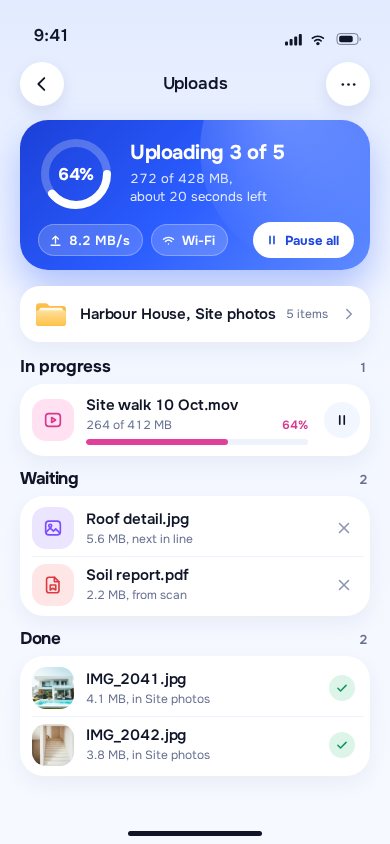 Stow Uploads: Cloud storage, Minimal
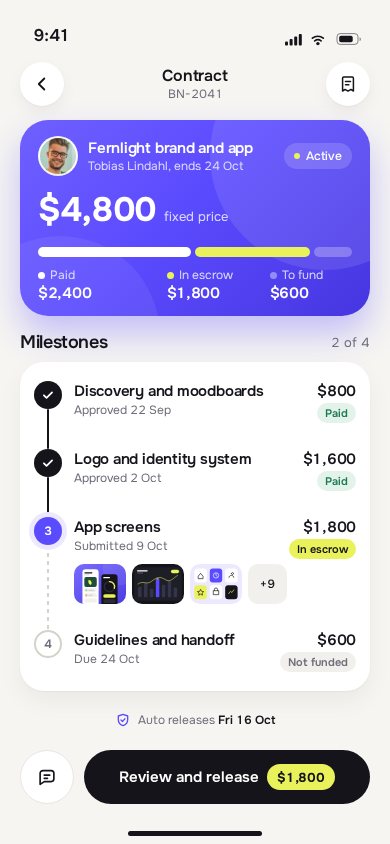 Bench Contract: Freelance marketplace, Enterprise
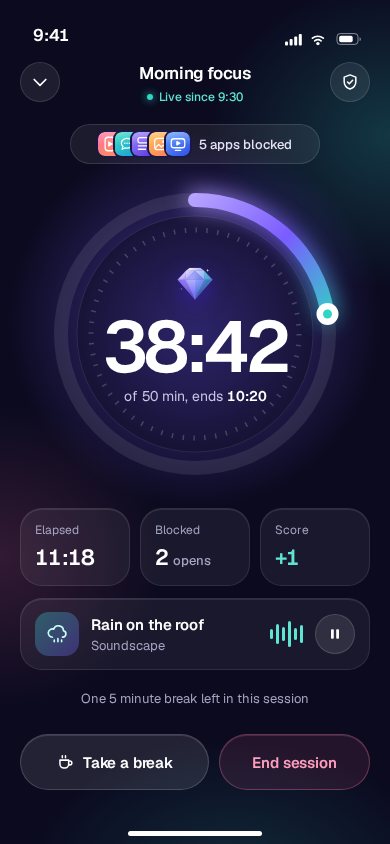 Unplug Session: Screen time blocker, Glass, dark
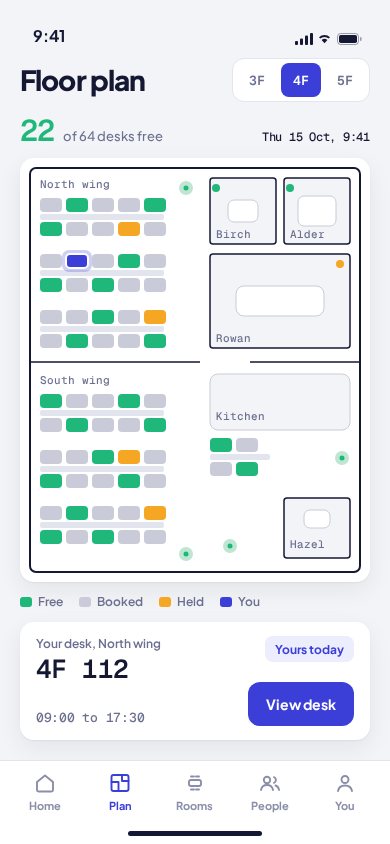 Deskly Floor plan: Hybrid office booking, Enterprise
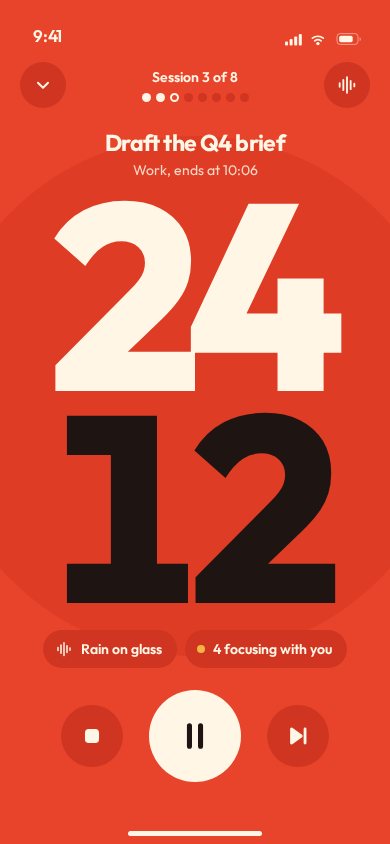 Pomo Focus: Focus timer, Minimal
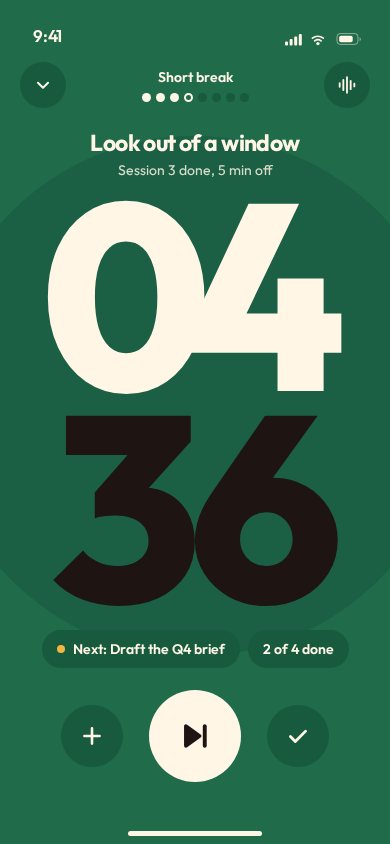 Pomo Break: Focus timer, Minimal
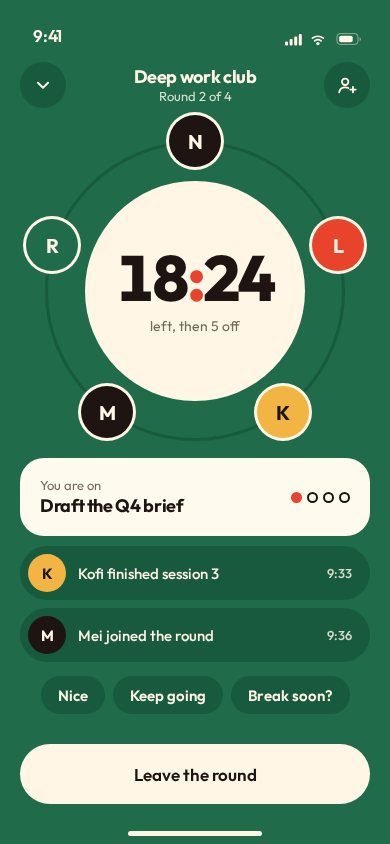 Pomo Live room: Focus timer, Minimal
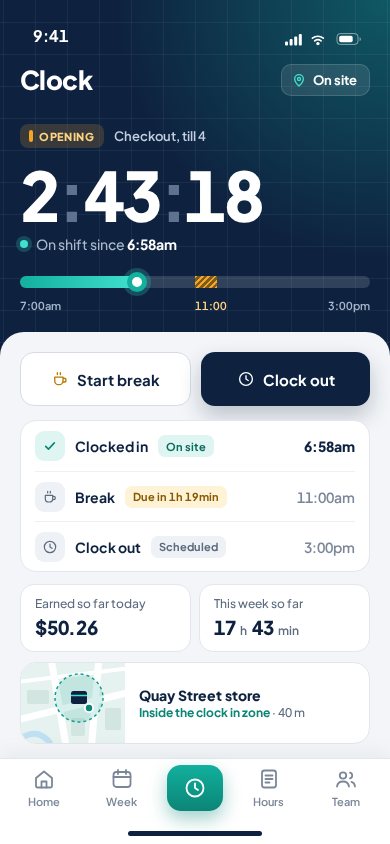 Rota Clock in: Shift scheduling for hourly teams, Enterprise
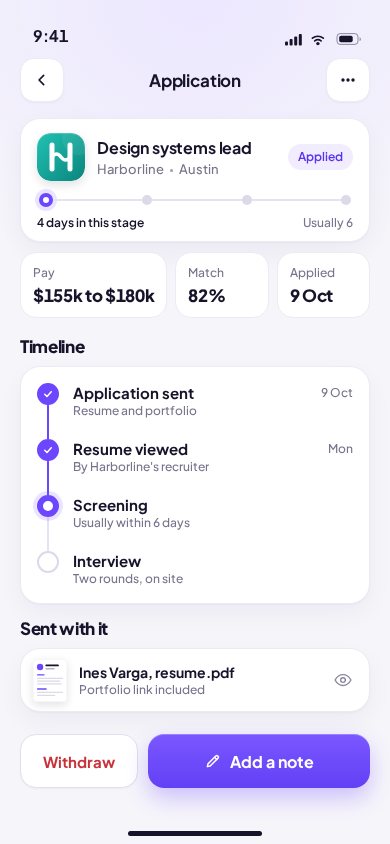 Shortlist Application: Job search and application tracker, Enterprise
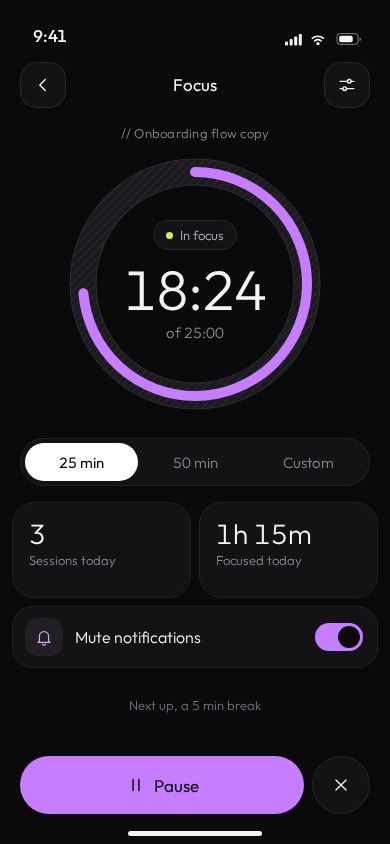 Docket Focus: Task and sprint planner, Dark-first, dark
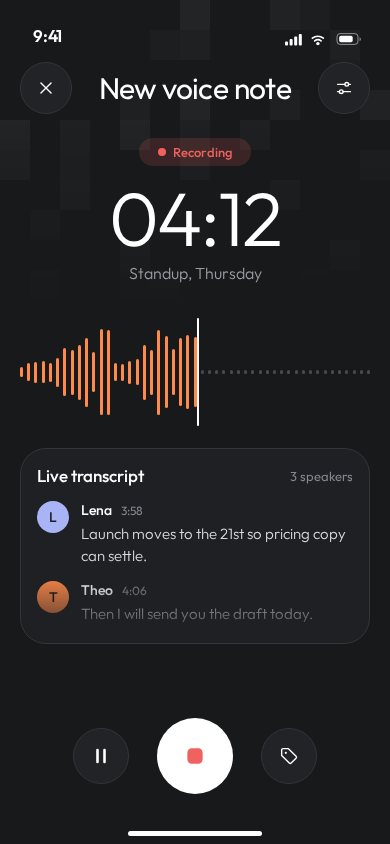 Margin Record: AI note taking, Dark-first, dark
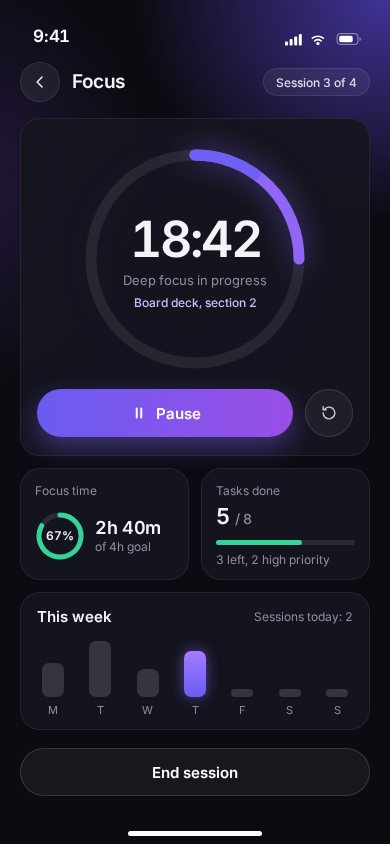 Aide Focus: Executive AI assistant, Dark-first, dark
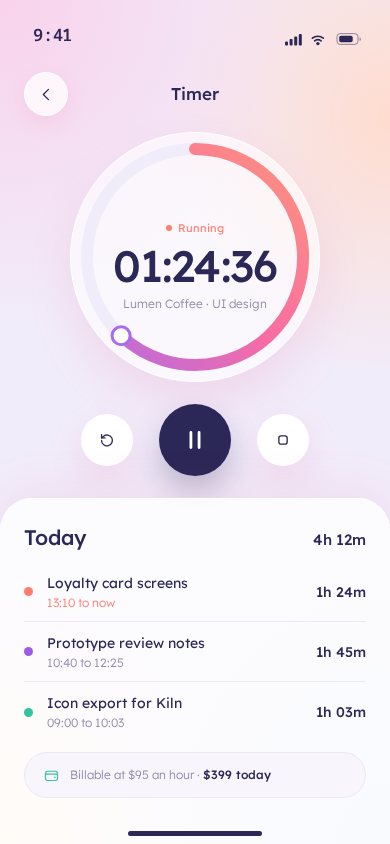 Opal Timer: Studio dashboard, Glass
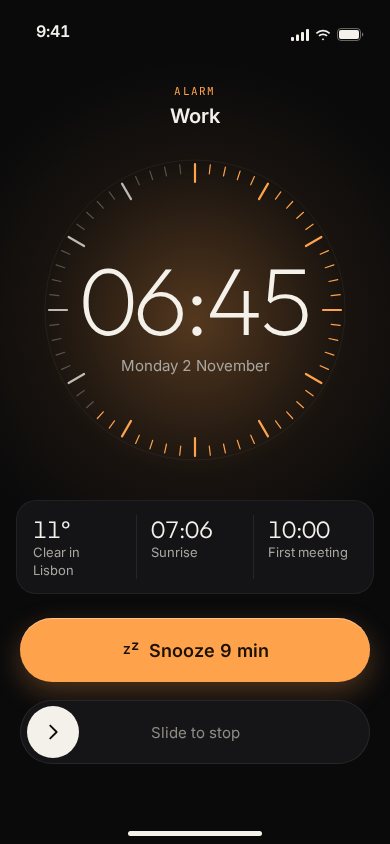 Chrono Ringing: World clock, timers and stopwatch, Dark-first, dark
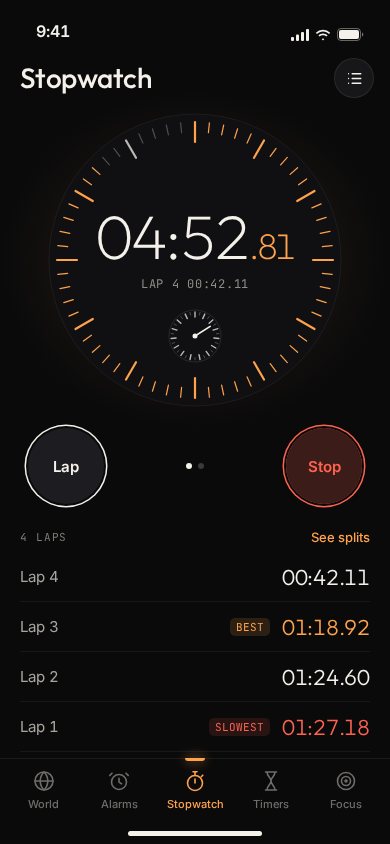 Chrono Stopwatch: World clock, timers and stopwatch, Dark-first, dark
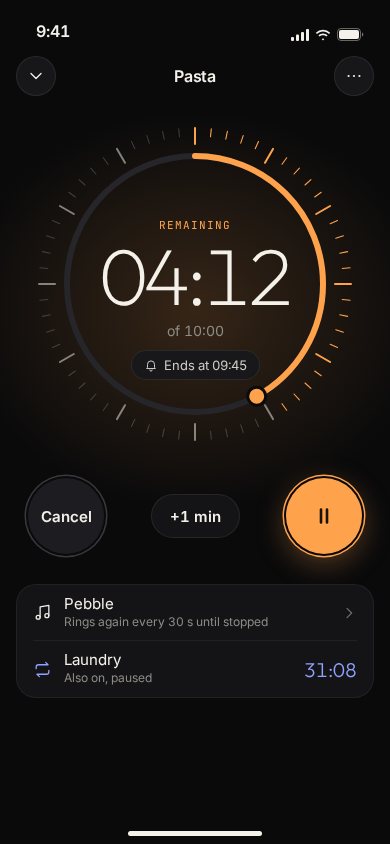 Chrono Timer: World clock, timers and stopwatch, Dark-first, dark
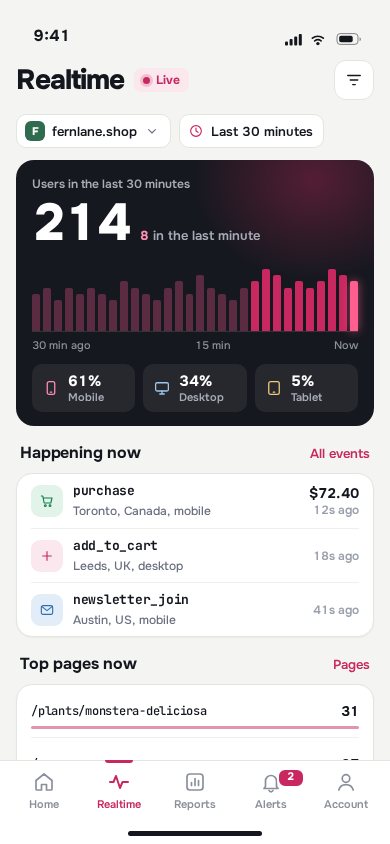 Pageview Realtime: Website analytics, Enterprise
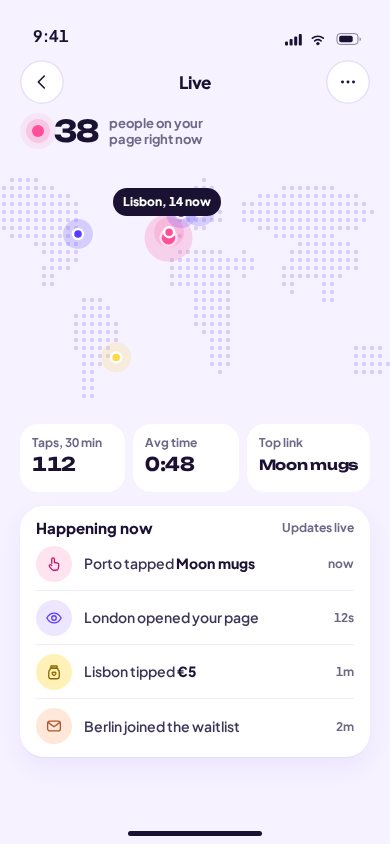 Tapline Live: Link-in-bio pages and analytics, Gen Z
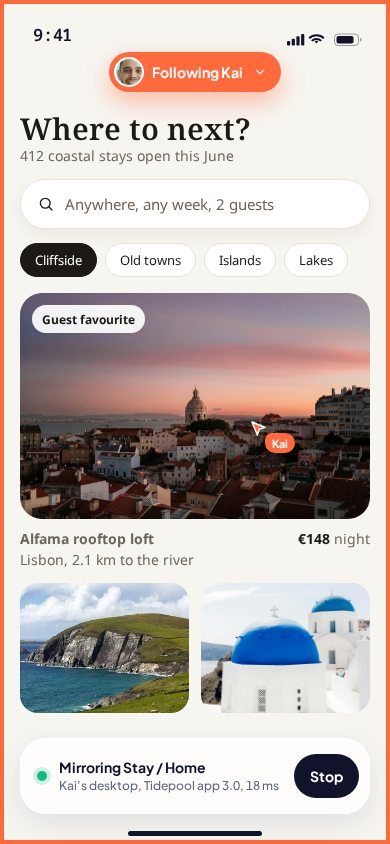 Canvas Mirror: Design files and comments on mobile, Glass
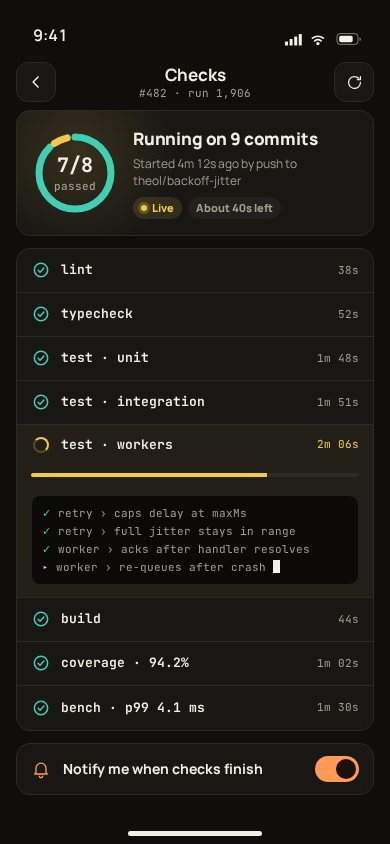 Merge Checks: Code, pull requests and reviews, Dark-first, dark
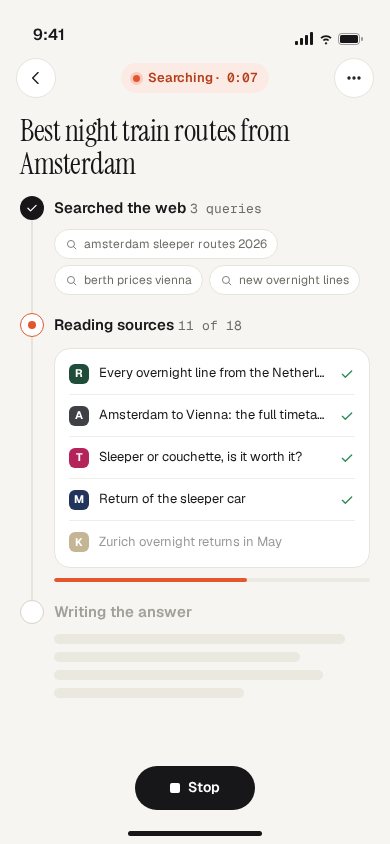 Query Searching: AI answers with sources, Minimal
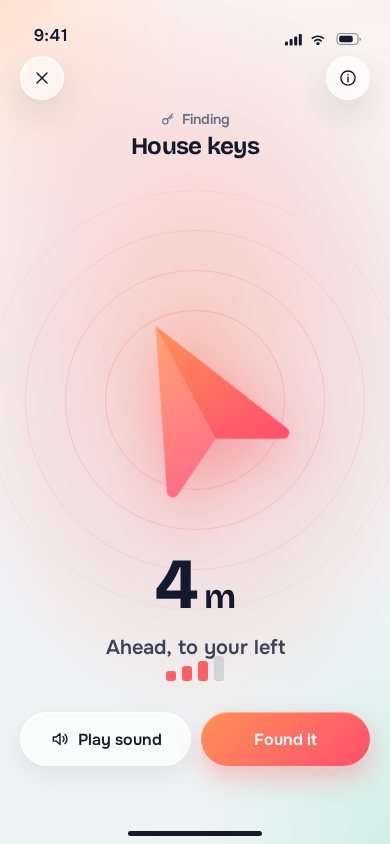 Beacon Find nearby: Find your devices and people, Glass
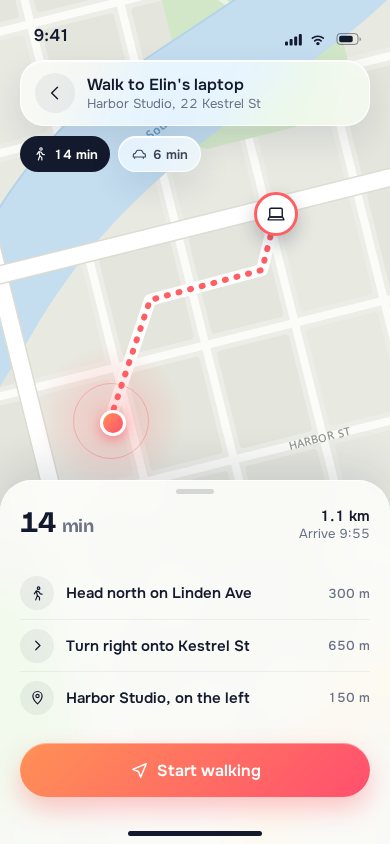 Beacon Directions: Find your devices and people, Glass
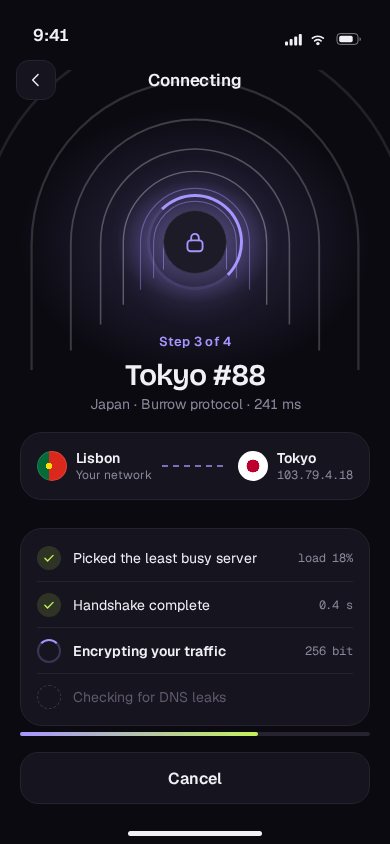 Tunnel Connecting: VPN and online privacy, Dark-first, dark
- Tunnel Speed test: VPN and online privacy, Dark-first, dark
- Ping Testing: Internet speed test, Dark-first, dark
- Ping Upload test: Internet speed test, Dark-first, dark
- Ping Signal finder: Internet speed test, Dark-first, dark
- Easel Voting: Collaborative whiteboard, Playful
- Easel Timer: Collaborative whiteboard, Playful
- Beam Uploading: Send big files, Playful
- Lectern Rehearse: Slides and presenter remote, Dark-first, dark
- Lectern Remote: Slides and presenter remote, Dark-first, dark
- Ringer In call: Phone, contacts and voicemail, Minimal
- Pipeline Route: Sales CRM on the road, Enterprise
- Aim Focus: Goals and key results, Minimal
- Scribe Transcribing: Voice memos to notes, Glass
- Inkline Live status: Sign and send contracts, Clinical
- Dispatch Route: Field service jobs for technicians, Enterprise
- Dispatch On site: Field service jobs for technicians, Enterprise
- Uptime Regions: Server and site monitoring, Dark-first, dark
- Uptime Live checks: Server and site monitoring, Dark-first, dark
- Branch Brainstorm: Mind maps, Playful
- Branch Live session: Mind maps, Playful
What makes a good productivity app live tracking screen
- The live number is the hero. Arrival time, pace, distance or time left, in large type at the top or centre.
- Show status in words. "Driver is 3 minutes away" or "Halfway there" alongside the map or chart.
- Make it readable while moving. Large numbers, high contrast and big buttons for pause, stop or call.
- Keep updates calm. Smooth movement on the map and steady numbers; jumpy updates feel broken.
- Extend beyond the app. Lock screen and notification updates, like iOS Live Activities, so people need not keep the app open.
- Plan for lost signal. Show when data was last updated and keep recording offline where possible, so a tunnel or a weak connection does not lose a run or confuse a customer.
The full live tracking screen guide: layouts, mistakes and questions
Live tracking screens in other kinds of app
- Lifestyle app live tracking screens (55)
- Travel app live tracking screens (51)
- Fitness app live tracking screens (47)
- Food app live tracking screens (37)
- Sports app live tracking screens (23)
- Smart home app live tracking screens (22)
- Social app live tracking screens (18)
- Finance app live tracking screens (17)
- Education app live tracking screens (16)
- Music app live tracking screens (10)
Other productivity app screens
- Productivity app onboarding screens
- Productivity app sign in and sign up screens
- Productivity app home screens
- Productivity app search and explore screens
- Productivity app list and feed screens
- Productivity app detail screens
- Productivity app booking and checkout screens
- Productivity app paywall screens
- Productivity app success and confirmation screens
- Productivity app profile screens
- Productivity app settings screens
- Productivity app dashboard and stats screens
- Productivity app player, camera and editor screens
- Productivity app form and input screens