Finance app home screens
40 home screens from 40 finance app templates, each in its own design language. Finance apps live on trust: exact numbers, calm colour, plain words about fees, and nothing that looks like it is rushing you.
The examples
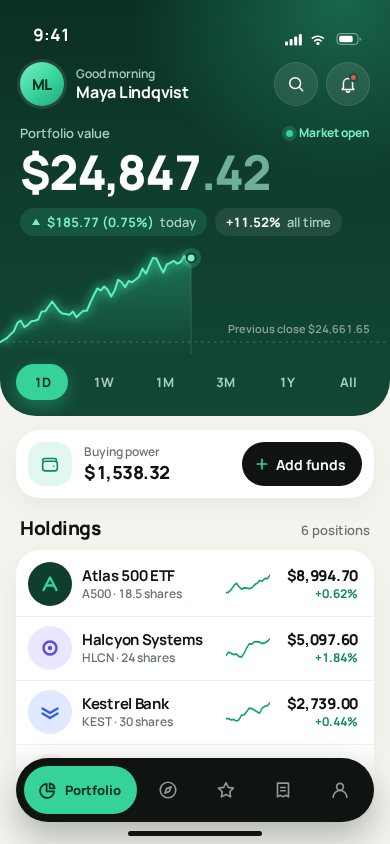 Folio Portfolio: Stocks and ETF investing, Minimal
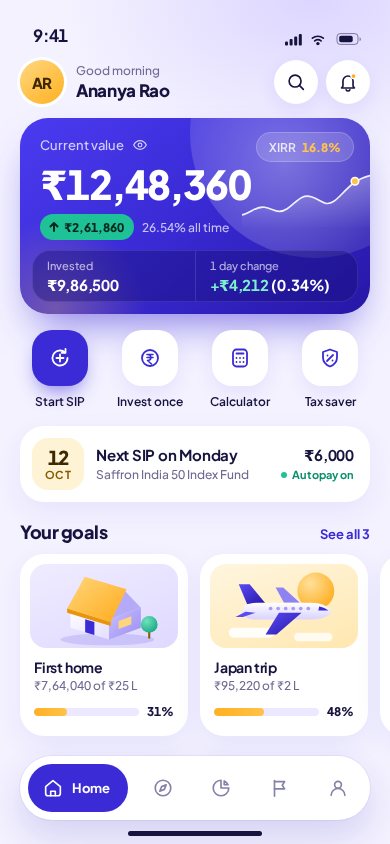 Compound Home: Mutual funds and SIPs, Minimal
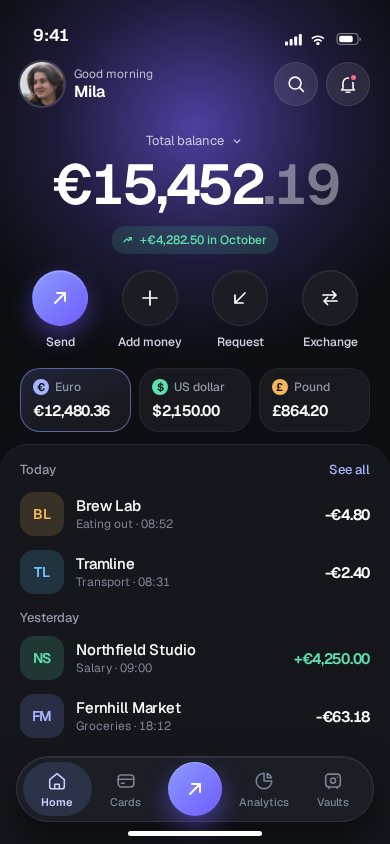 Halden Home: Premium neobank, Dark-first, dark
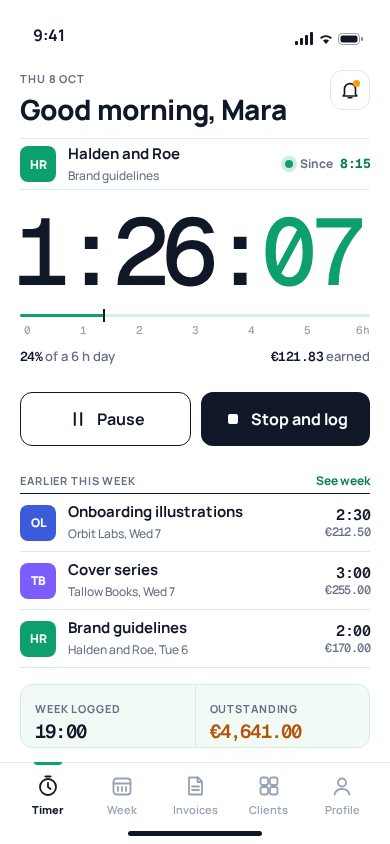 Billable Home: Time tracking and invoices, kept like a ledger, Minimal
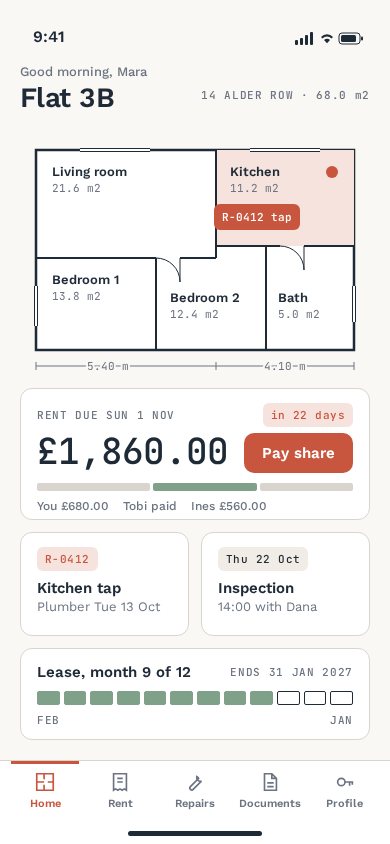 Lease Home: Your tenancy, drawn to plan, Enterprise
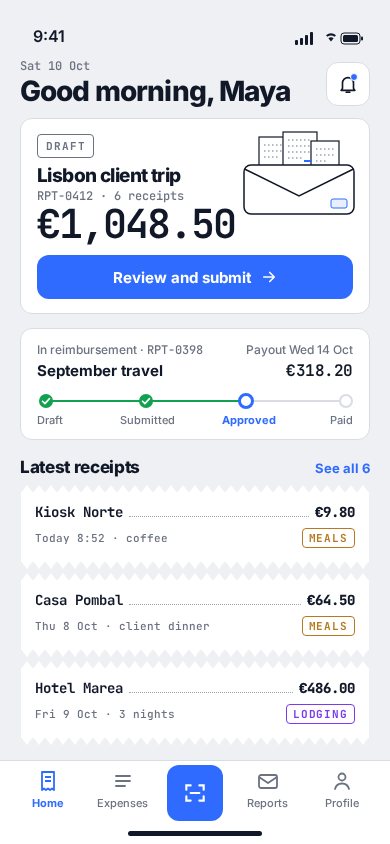 Claim Home: Expenses, filed like a till receipt, Minimal
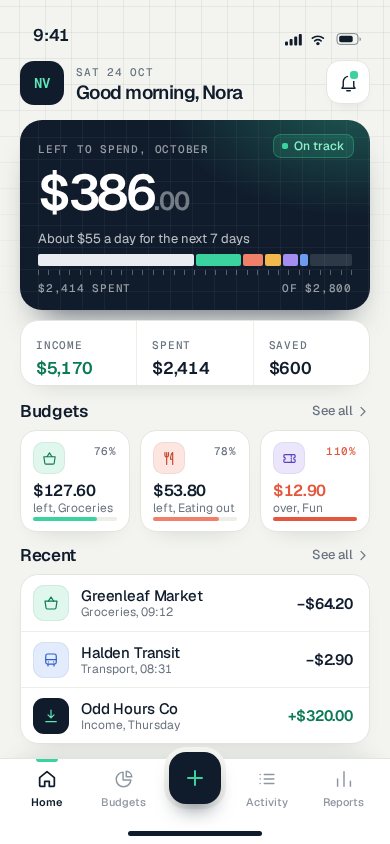 Tally Home: Monthly budgeting, Clinical
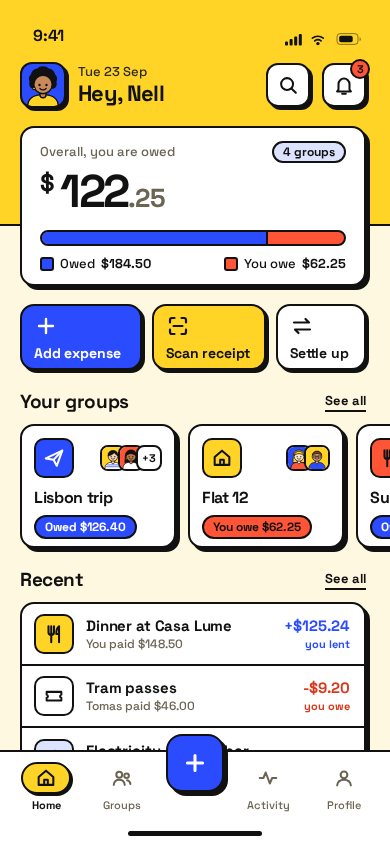 Divvy Home: Split bills with friends, Neubrutalism
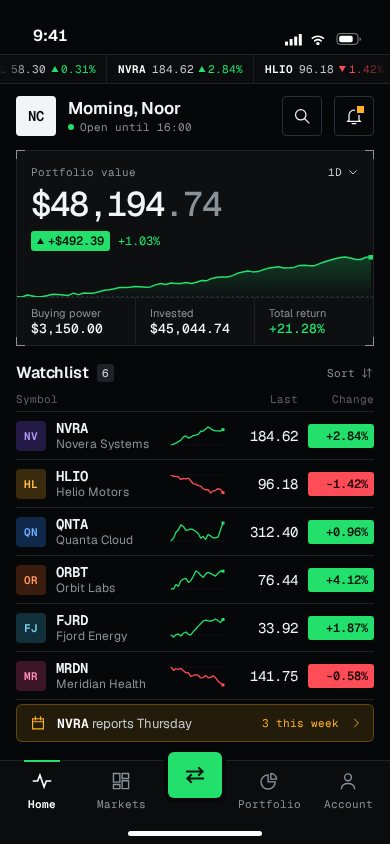 Ticker Home: Stock investing, Dark-first, dark
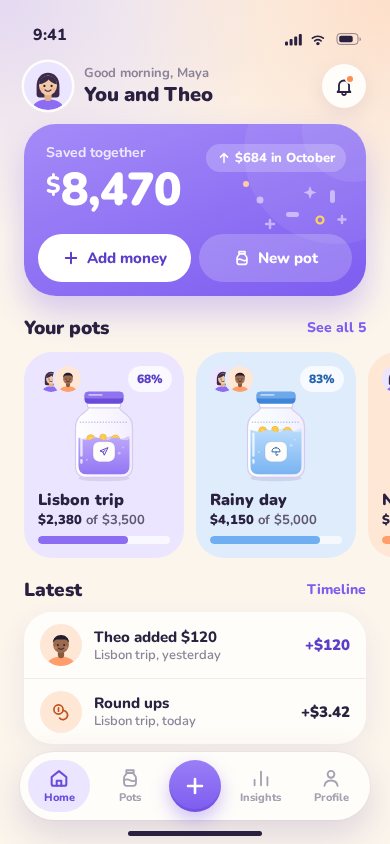 Burrow Home: Shared savings pots, Playful
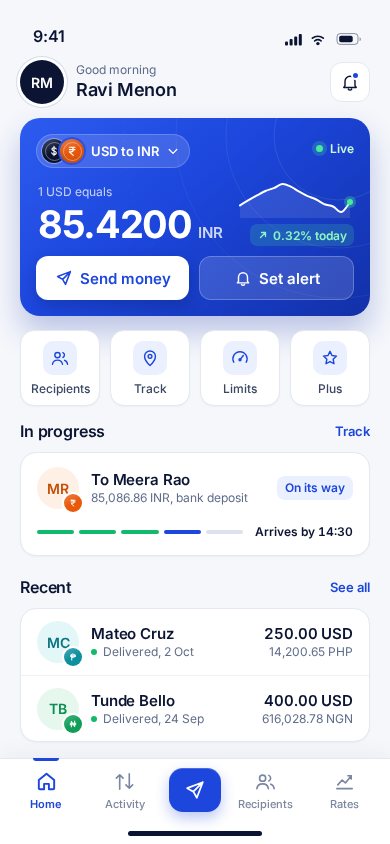 Remit Home: International money transfer, Enterprise
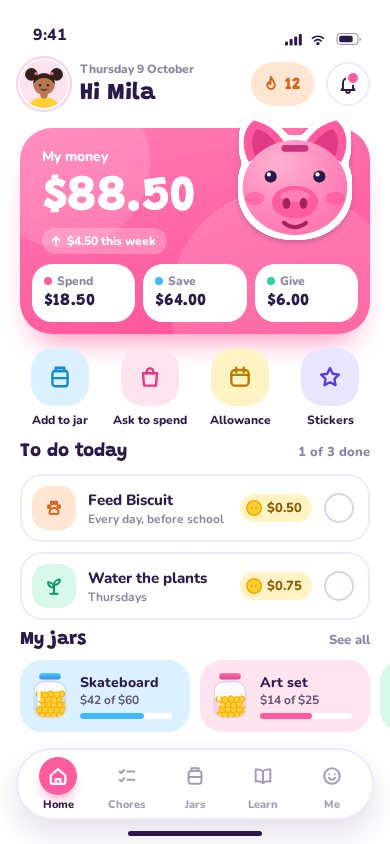 Piggy Home: Pocket money for kids, Playful
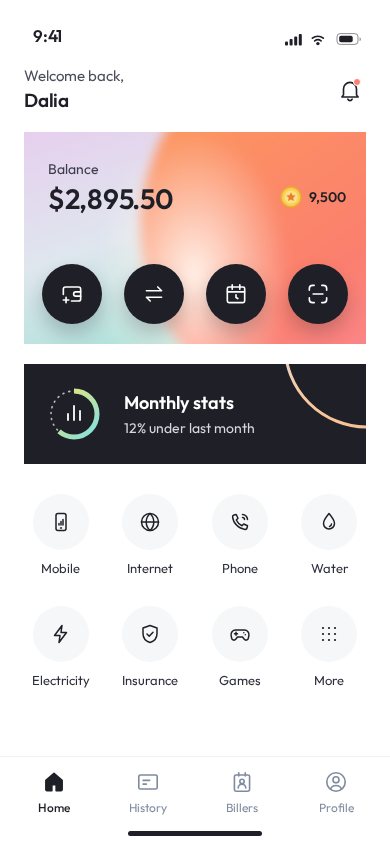 Settle Home: Bill payments and banking, Minimal
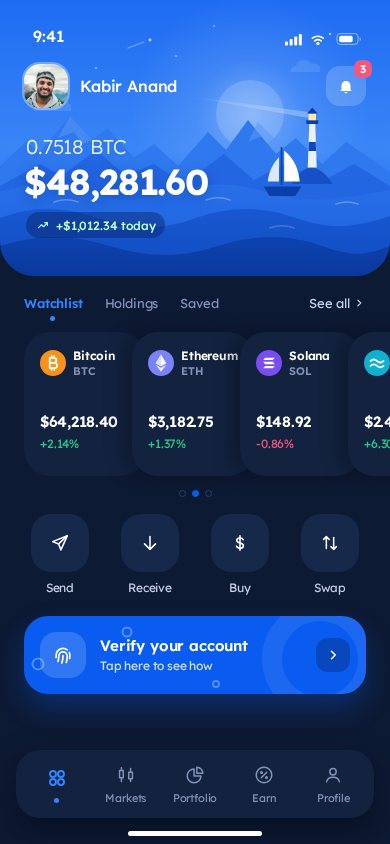 Fathom Home: Crypto wallet, Dark-first, dark
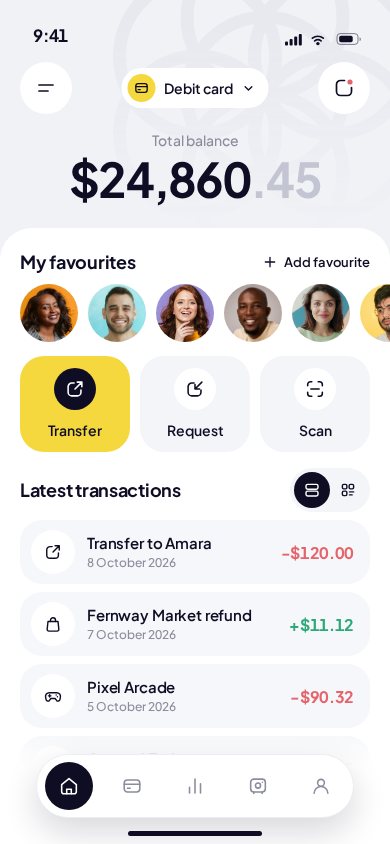 Marigold Home: Mobile banking, Minimal
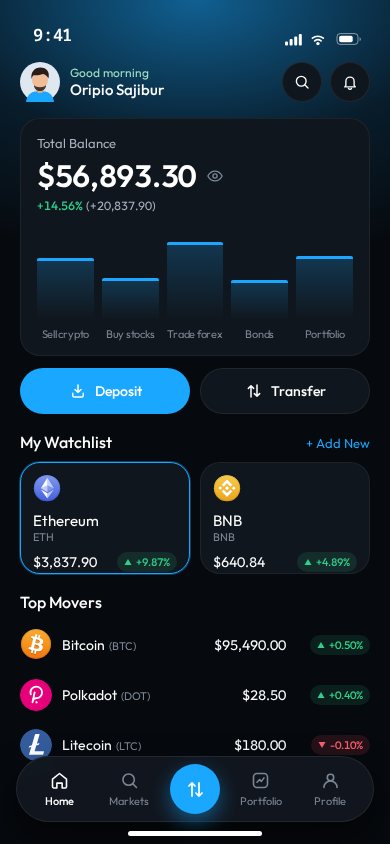 Zentra Home: Crypto trading, Dark-first, dark
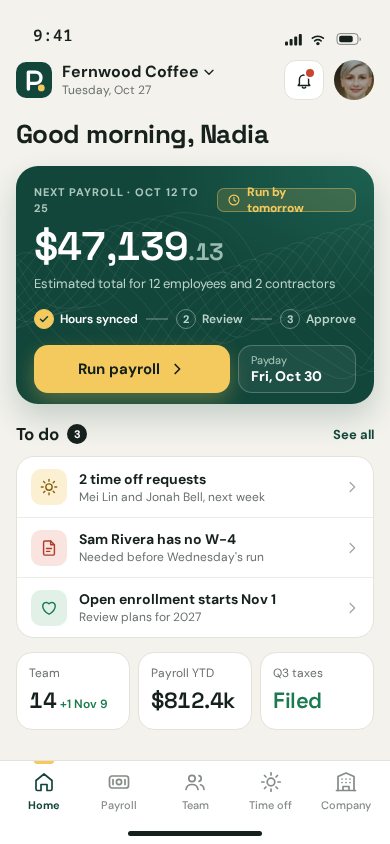 Payday Home: Payroll for small teams, Enterprise
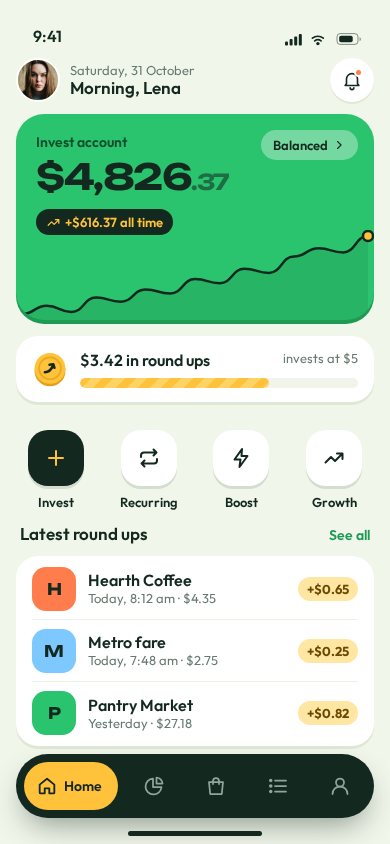 Roundup Home: Invest your spare change, Playful
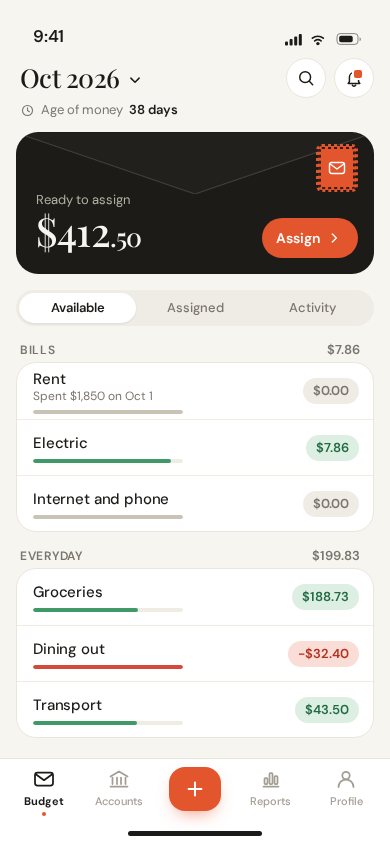 Envelope Budget: Give every dollar a job, Minimal
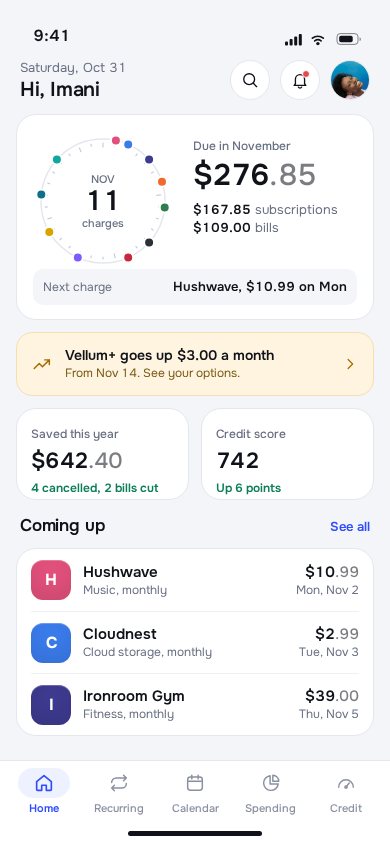 Recur Home: Track and cancel subscriptions, Minimal
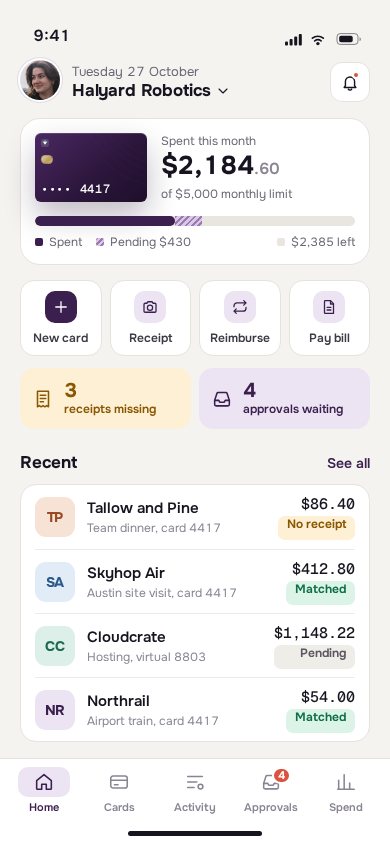 Keel Home: Corporate cards and spend controls, Enterprise
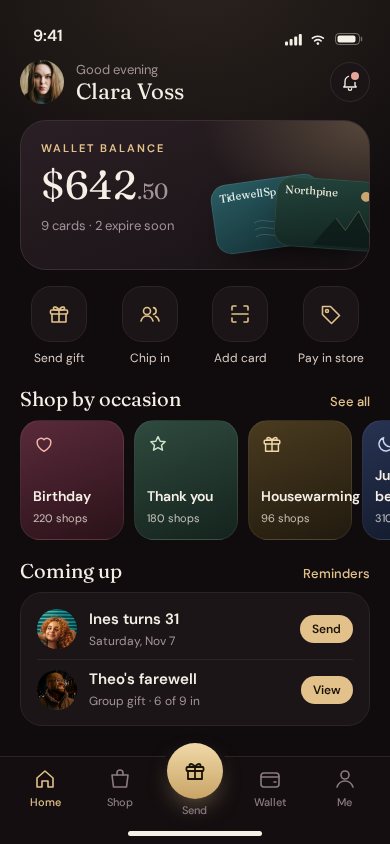 Giftly Home: Gift cards, sent and stored, Luxury, dark
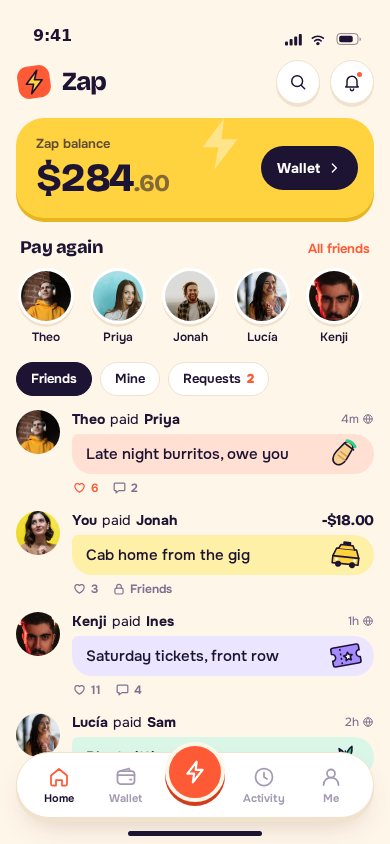 Zap Home: Pay friends with a note, Playful
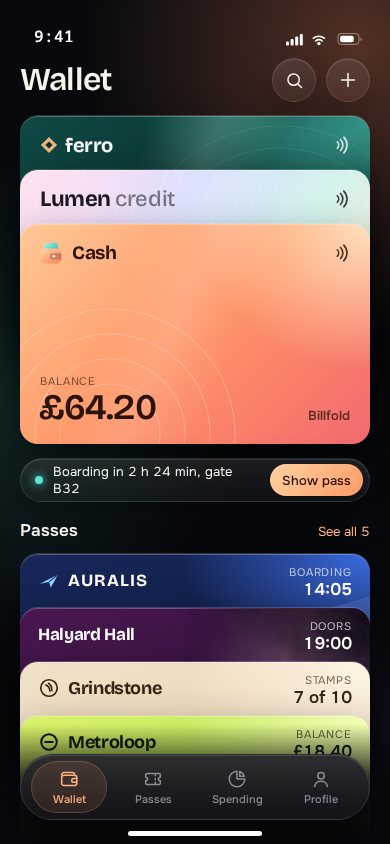 Billfold Wallet: Cards, passes and tickets wallet, Glass, dark
- Payly Home: UPI payments, recharges and bills, Playful
- Crest Home: Credit card bills and rewards, Luxury, dark
- Storefront Home: Run your online store, Enterprise
- Bastion Accounts: Everyday banking from a big bank, Enterprise
- Later Home: Buy now, pay in four, Playful
- Standing Home: Credit score and reports, Minimal
- Accrue Home: Retirement and pension planner, Minimal
- Levy Home: Taxes for freelancers, Brutalist
- Bullion Home: Gold and silver savings, Luxury, dark
- Wage Home: Get paid as you work, Playful
- Keystone Home: Mortgage and home loan tracker, Enterprise
- Rebate Home: Cashback card and rewards, Gen Z
- Aegis Home: Insurance policies and claims, Clinical
- Till Today: Card reader and sales for small shops, Neubrutalism
- Strike Home: Options trading, Dark-first, dark
- Prism Net worth: Net worth across every account, Glass, dark
What makes a good finance app home screen
- Put the most important thing first. Decide the one thing most people come for, like today's workout, a balance or the next booking, and give it the top of the screen.
- Make it feel current. Greetings with the time of day, today's date, fresh numbers and recent activity tell people the app is alive and about them.
- Keep quick actions within thumb reach. The two or three things people do most should be one tap away, in the lower part of the screen or a floating button.
- Group related content in clear sections. Use headings and spacing so the screen scans as a few blocks, not a long mixed list.
- Handle the empty state. A new user has no history. Show a helpful first step instead of empty cards and zeros.
The full home screen guide: layouts, mistakes and questions
Home screens in other kinds of app
- Lifestyle app home screens (66)
- Productivity app home screens (61)
- Social app home screens (43)
- Travel app home screens (40)
- Fitness app home screens (35)
- Food app home screens (29)
- Education app home screens (29)
- Sports app home screens (22)
- Smart home app home screens (20)
- Music app home screens (19)
Other finance app screens
- Finance app onboarding screens
- Finance app sign in and sign up screens
- Finance app search and explore screens
- Finance app list and feed screens
- Finance app detail screens
- Finance app booking and checkout screens
- Finance app paywall screens
- Finance app success and confirmation screens
- Finance app profile screens
- Finance app settings screens
- Finance app dashboard and stats screens
- Finance app player, camera and editor screens
- Finance app live tracking screens
- Finance app form and input screens