Education app home screens
29 home screens from 29 education app templates, each in its own design language. Education apps are about the next step: what to learn today, how far you have come, and a tone that encourages rather than lectures.
The examples
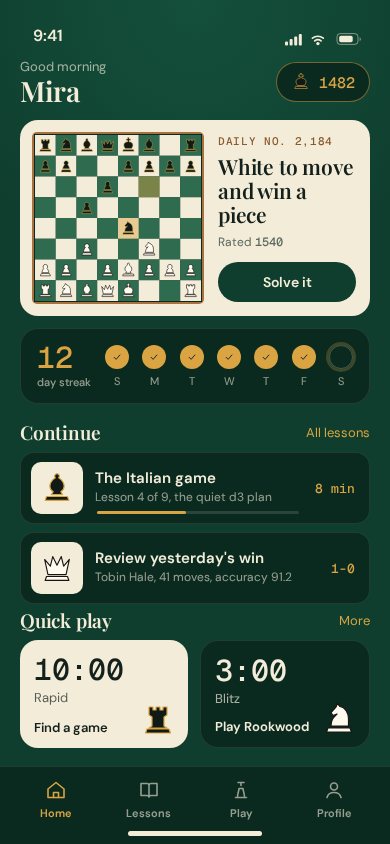 Gambit Home: Chess training, Luxury, dark
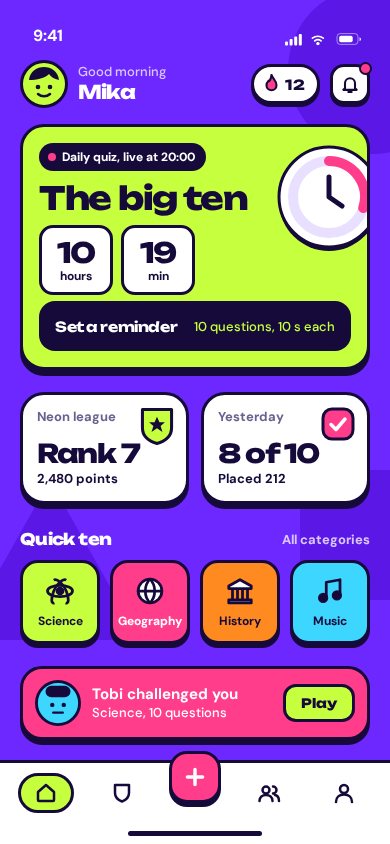 Buzzer Home: Live trivia, Gen Z
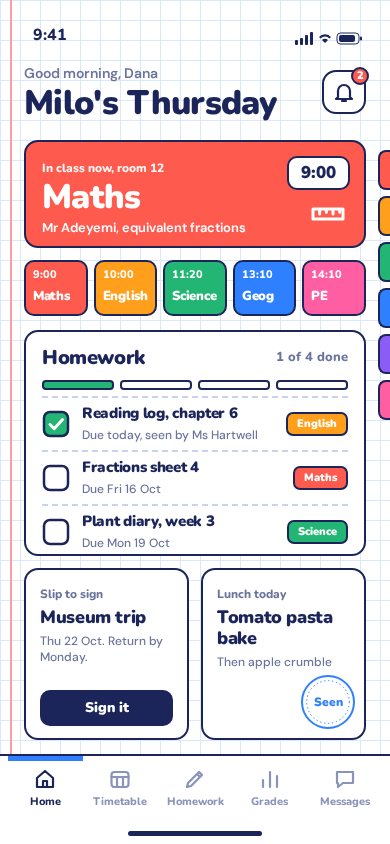 Homeroom Home: School, all on one page, Playful
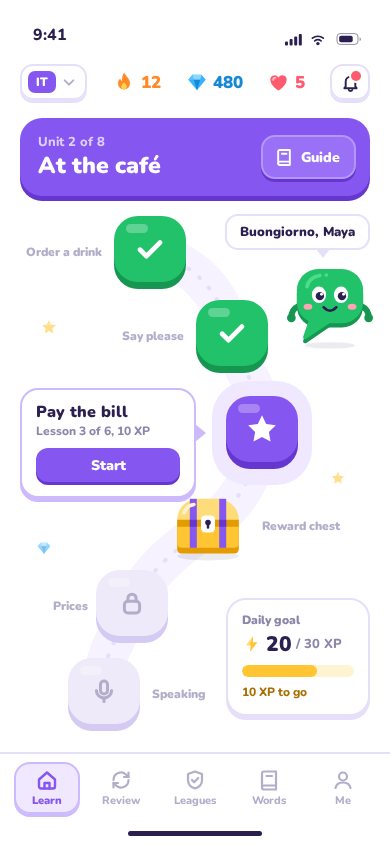 Parla Home: Language learning, Playful
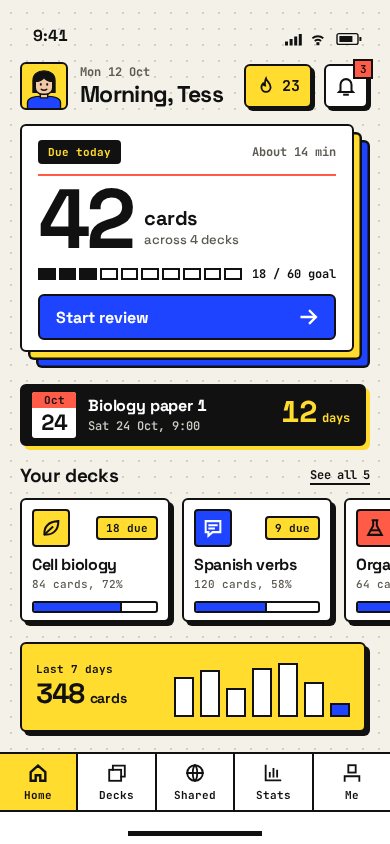 Recall Home: Flashcards and spaced repetition, Neubrutalism
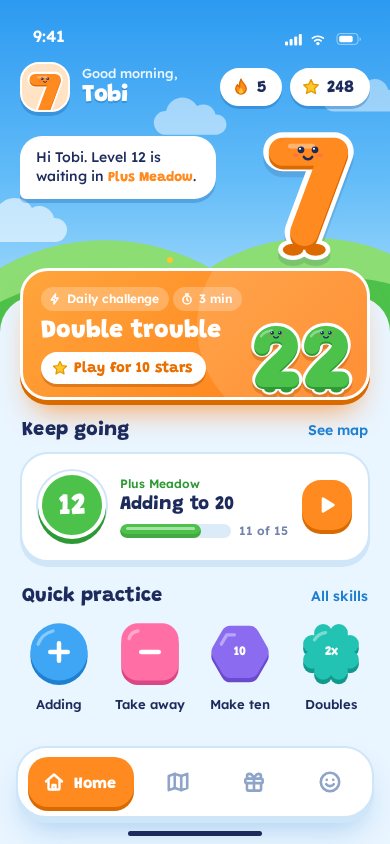 Numo Home: Kids maths game, Playful
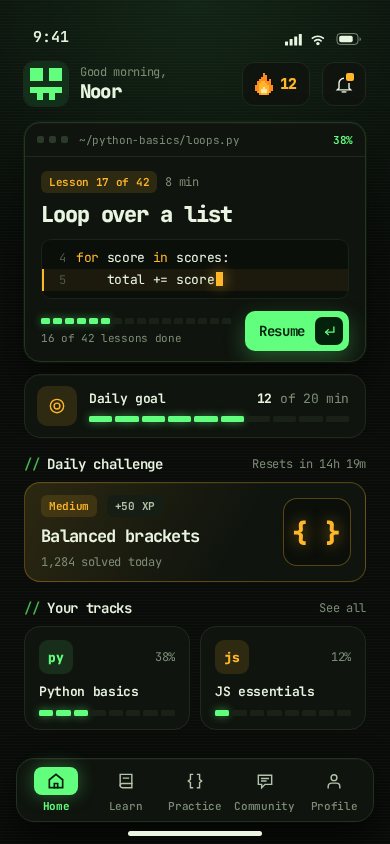 Syntax Home: Learn to code, Dark-first, dark
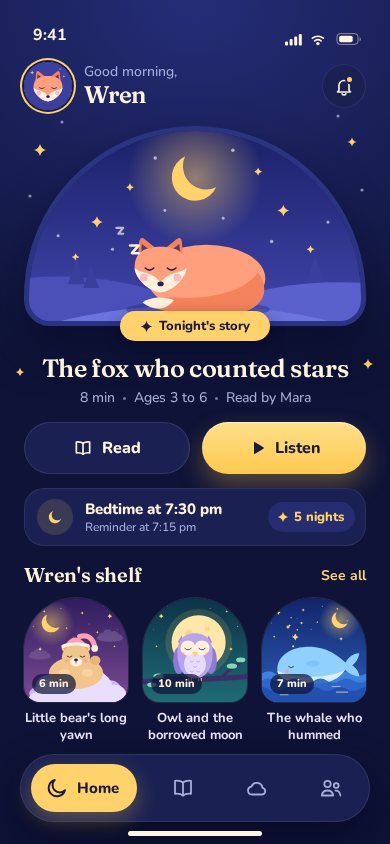 Tuckin Home: Bedtime stories for kids, Playful, dark
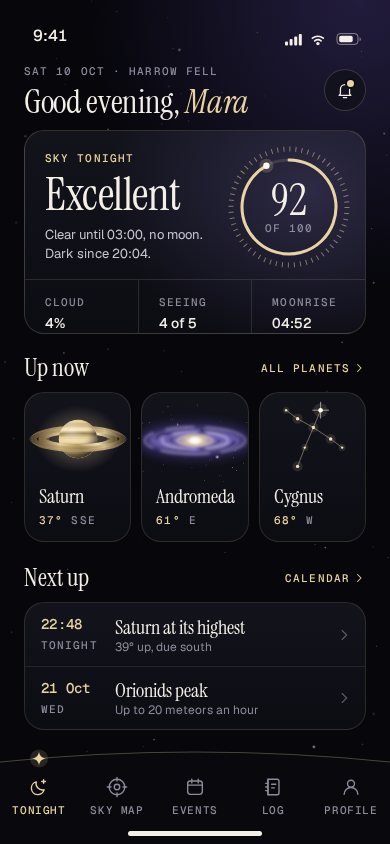 Zenith Tonight: Night sky guide, Dark-first, dark
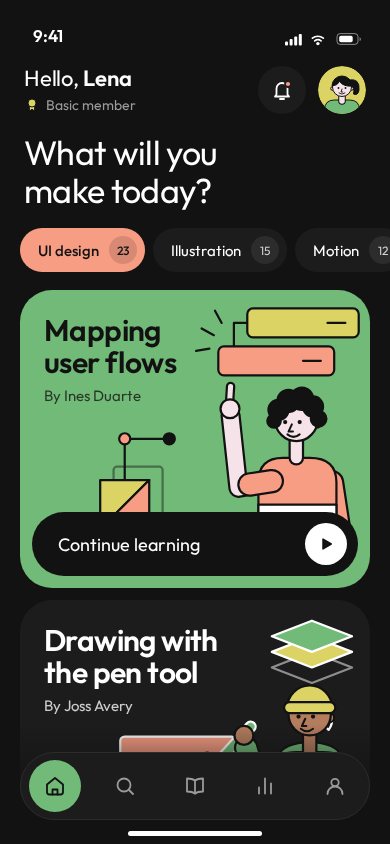 Chalk Home: Design courses, Playful, dark
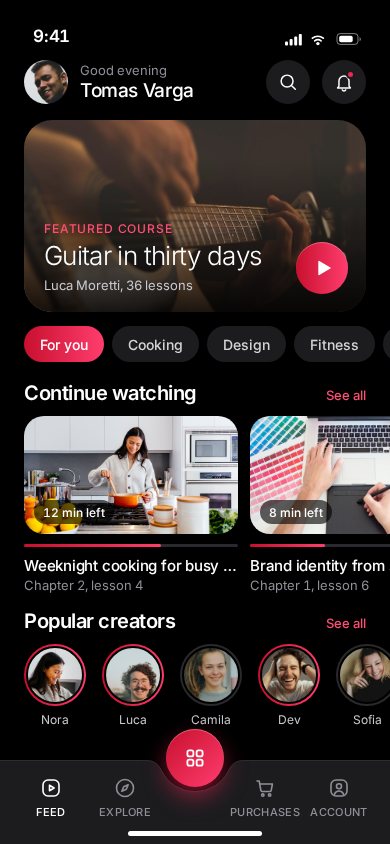 Encore Feed: Creator courses, Dark-first, dark
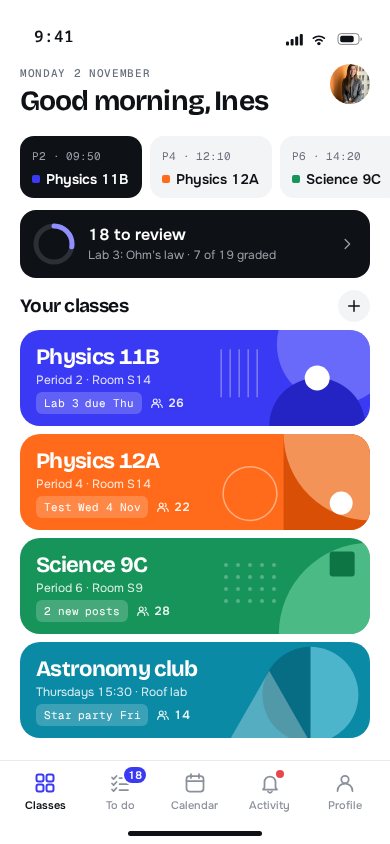 Classroom Classes: Class stream and assignments, Minimal
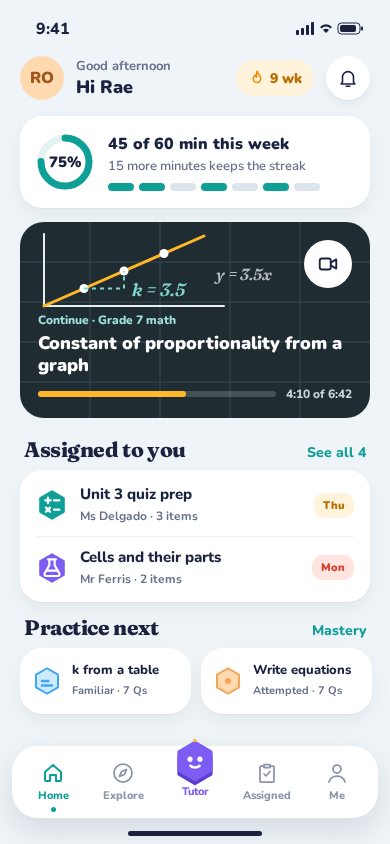 Studyhall Home: Free lessons and practice for school, Playful
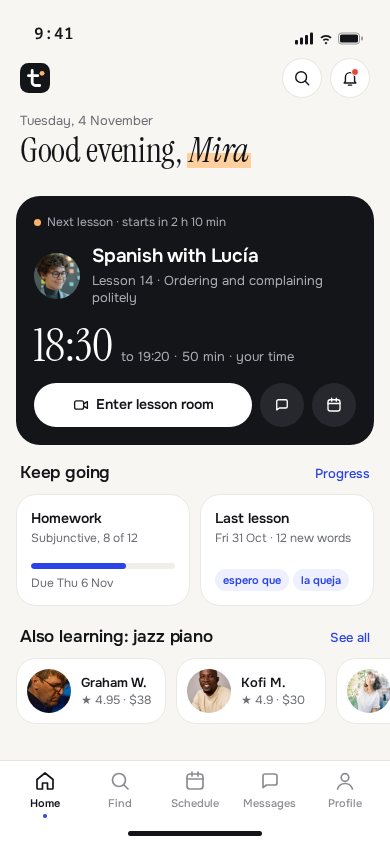 Tutor Home: Book online tutors for any skill, Minimal
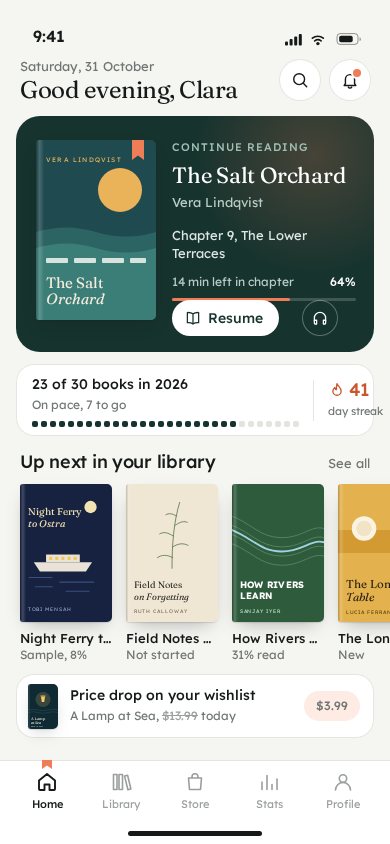 Leaf Home: E-books and reading, Minimal
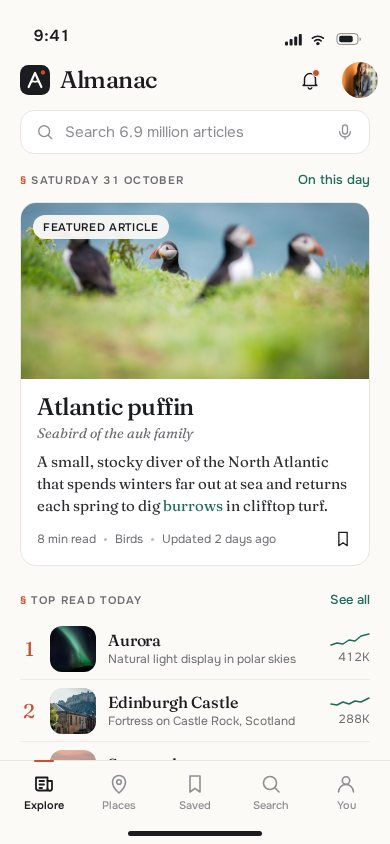 Almanac Explore: The free encyclopedia reader, Minimal
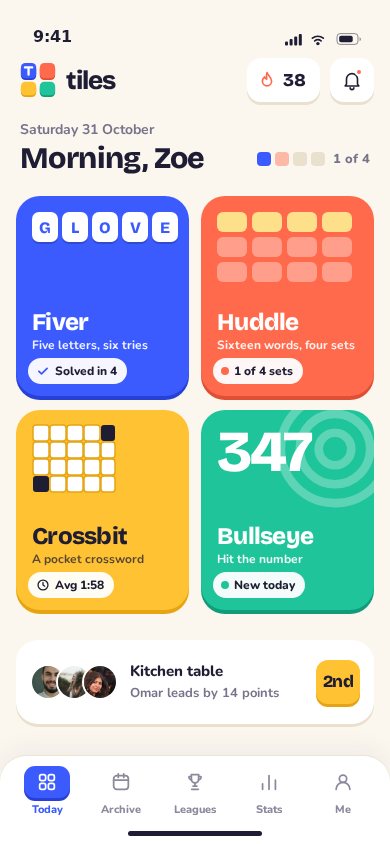 Tiles Today: Daily word and number puzzles, Playful
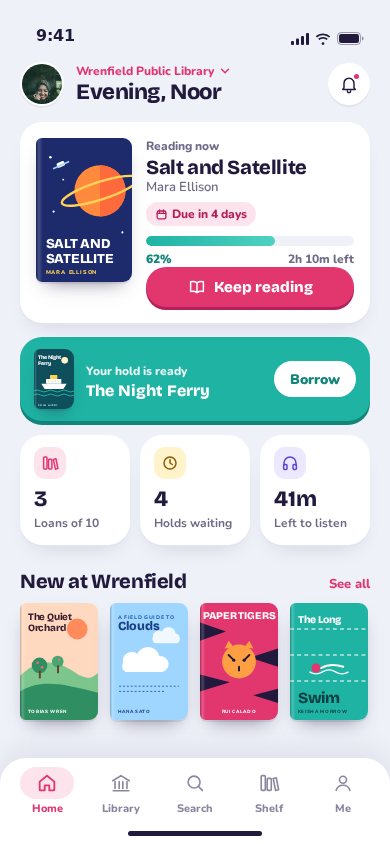 Stacks Home: Borrow e-books and audiobooks from your library, Playful
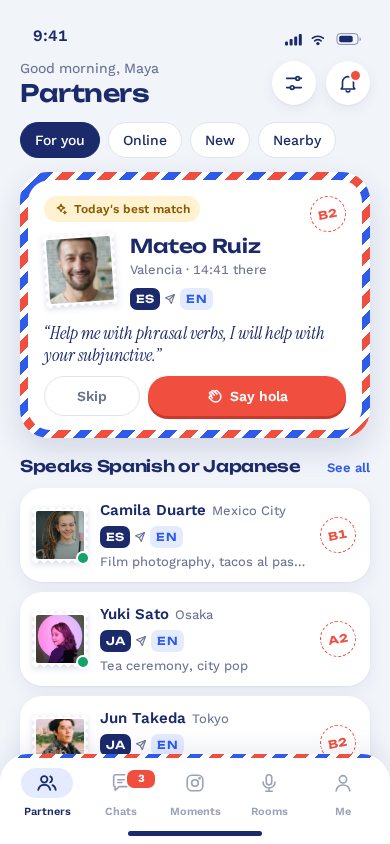 Penpal Partners: Language exchange chat, Playful
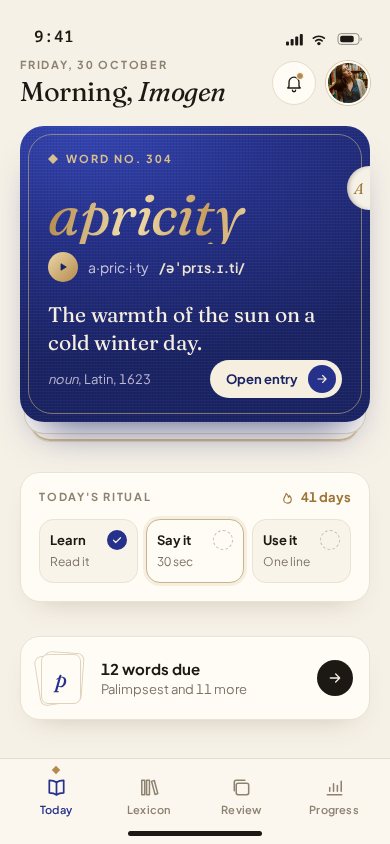 Lexis Today: A word a day, Luxury
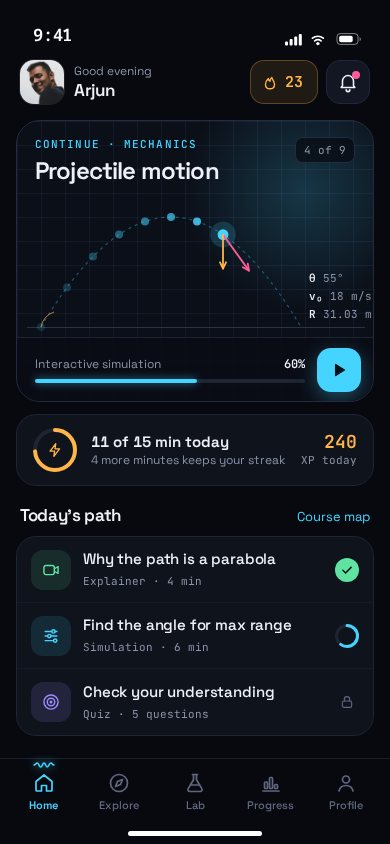 Quanta Home: Interactive physics lessons, Dark-first, dark
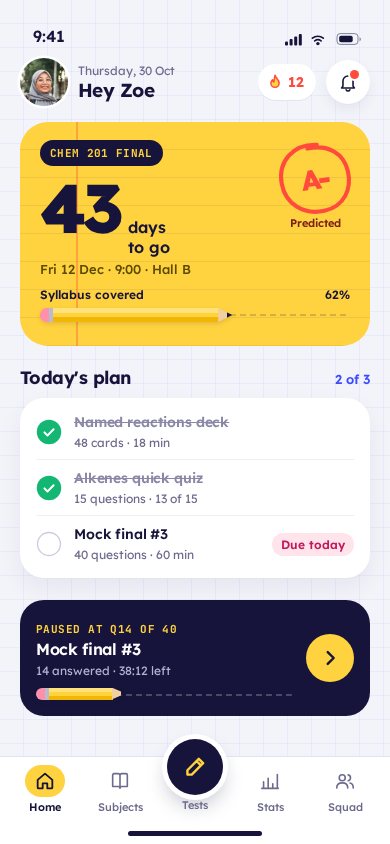 Cram Home: Exam prep and mock tests, Gen Z
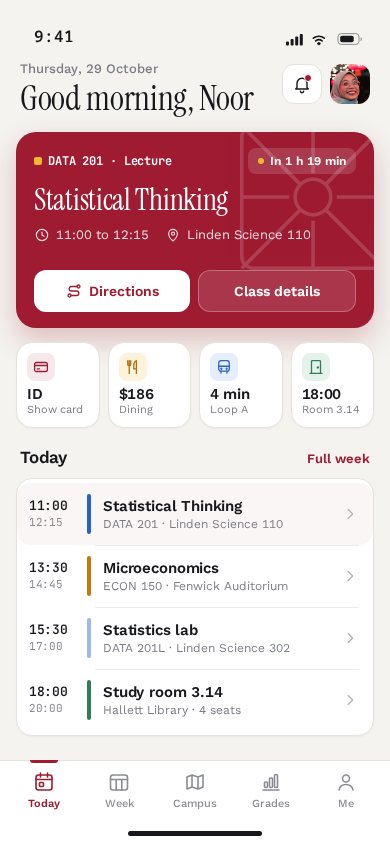 Quad Today: University campus app, Enterprise
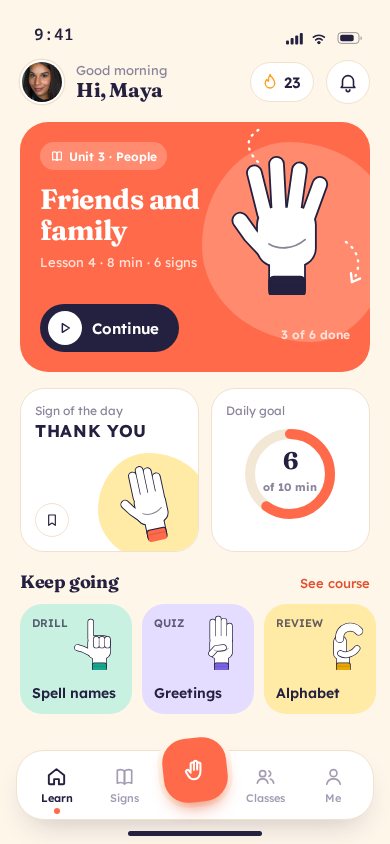 Palm Home: Learn sign language, Playful
- Epoch Today: History on a timeline, Brutalist
- Wren Home: Early reading for kids, Neubrutalism
- Proof Home: Maths tutor that shows its working, Clinical
- Skim Today: Speed reading trainer, Minimal
- Terra Home: Geography and flags quiz, Glass
What makes a good education app home screen
- Put the most important thing first. Decide the one thing most people come for, like today's workout, a balance or the next booking, and give it the top of the screen.
- Make it feel current. Greetings with the time of day, today's date, fresh numbers and recent activity tell people the app is alive and about them.
- Keep quick actions within thumb reach. The two or three things people do most should be one tap away, in the lower part of the screen or a floating button.
- Group related content in clear sections. Use headings and spacing so the screen scans as a few blocks, not a long mixed list.
- Handle the empty state. A new user has no history. Show a helpful first step instead of empty cards and zeros.
The full home screen guide: layouts, mistakes and questions
Home screens in other kinds of app
- Lifestyle app home screens (66)
- Productivity app home screens (61)
- Social app home screens (43)
- Travel app home screens (40)
- Finance app home screens (40)
- Fitness app home screens (35)
- Food app home screens (29)
- Sports app home screens (22)
- Smart home app home screens (20)
- Music app home screens (19)
Other education app screens
- Education app onboarding screens
- Education app sign in and sign up screens
- Education app search and explore screens
- Education app list and feed screens
- Education app detail screens
- Education app booking and checkout screens
- Education app paywall screens
- Education app success and confirmation screens
- Education app profile screens
- Education app settings screens
- Education app dashboard and stats screens
- Education app player, camera and editor screens
- Education app live tracking screens
- Education app form and input screens