Fitness app home screens
35 home screens from 35 health and fitness app templates, each in its own design language. Health and fitness apps run on progress and motivation: rings, streaks and numbers people check daily, with goals that feel personal.
The examples
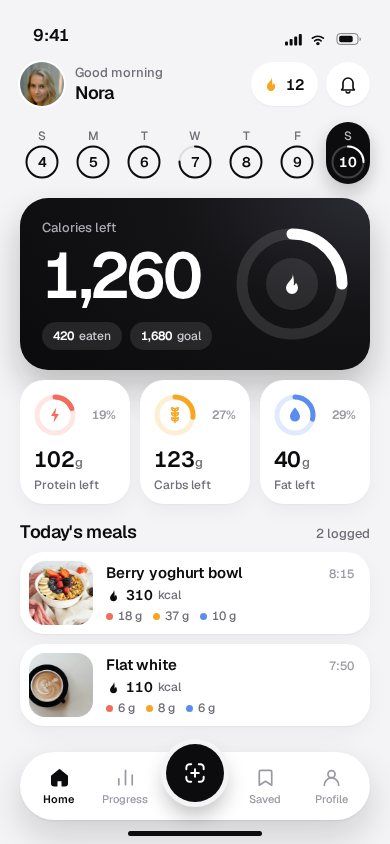 Morsel Home: AI calorie tracker, Minimal
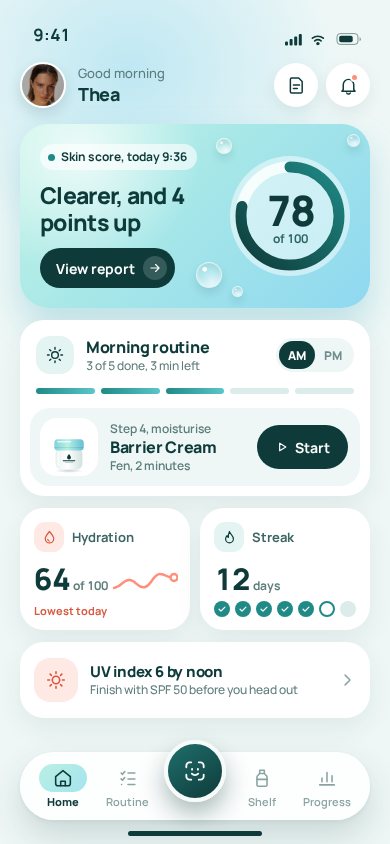 Dew Home: AI skin scan and routine, Clinical
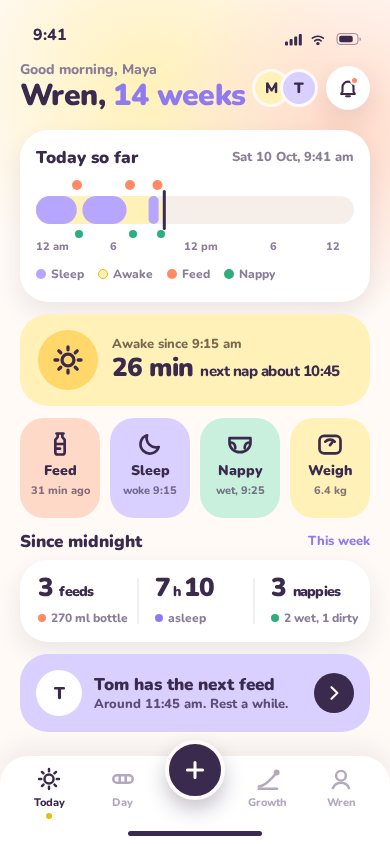 Cradle Home: Baby tracker, Playful
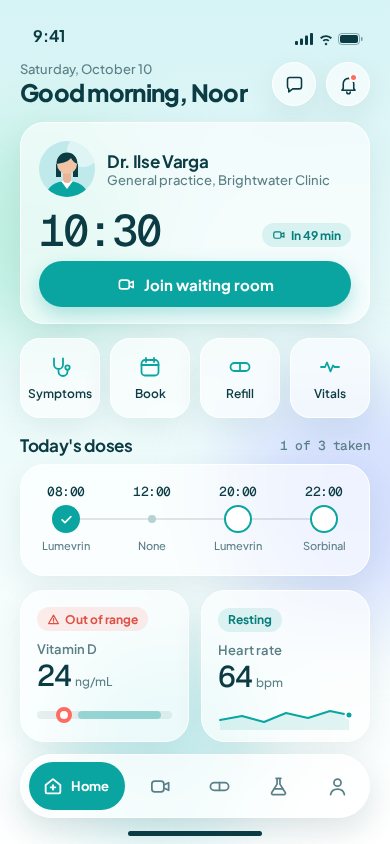 Medly Home: Doctor on call, Glass
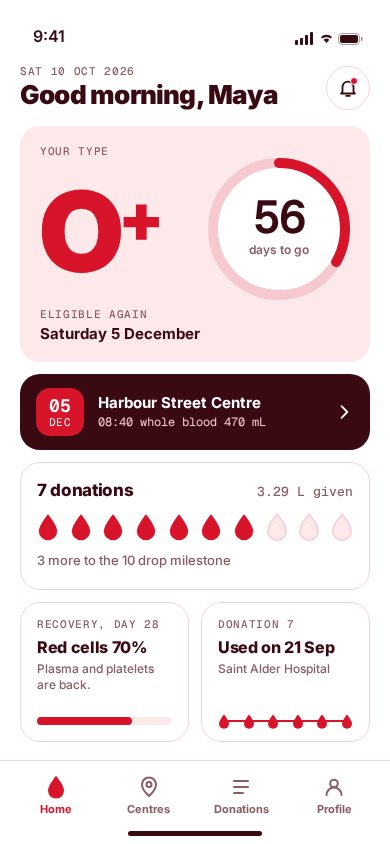 Donor Home: Blood donation, counted drop by drop, Clinical
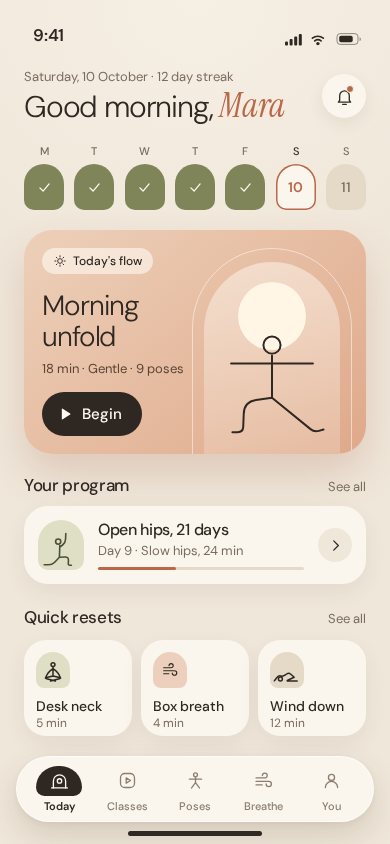 Unfold Home: Yoga and stretching, Minimal
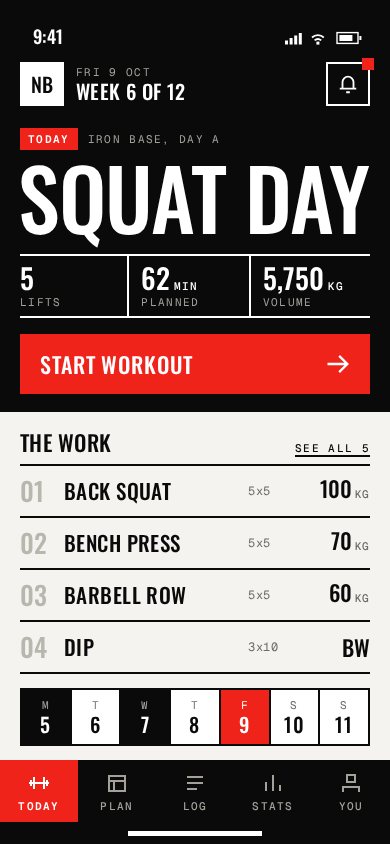 Kilo Home: Strength training log, Brutalist
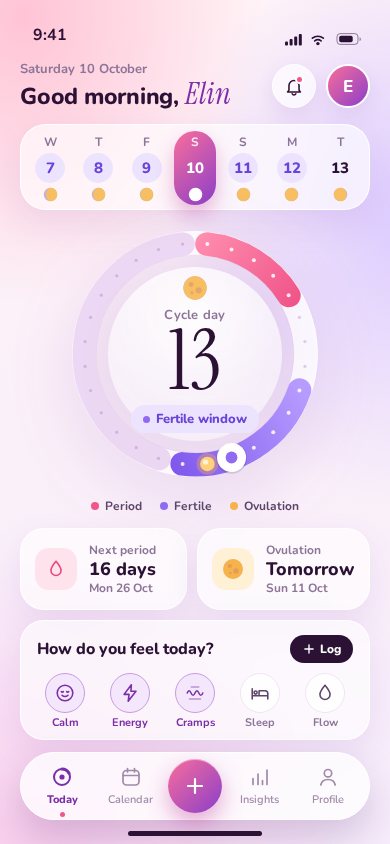 Cyra Today: Cycle tracker, Glass
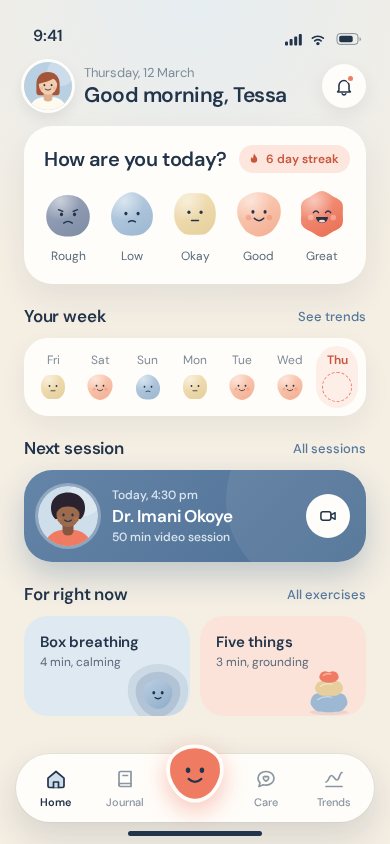 Harbor Home: Therapy and mood, Minimal
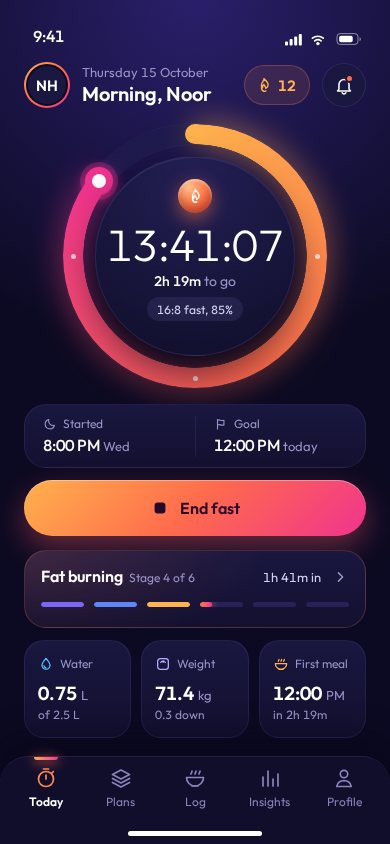 Fasten Home: Intermittent fasting, Dark-first, dark
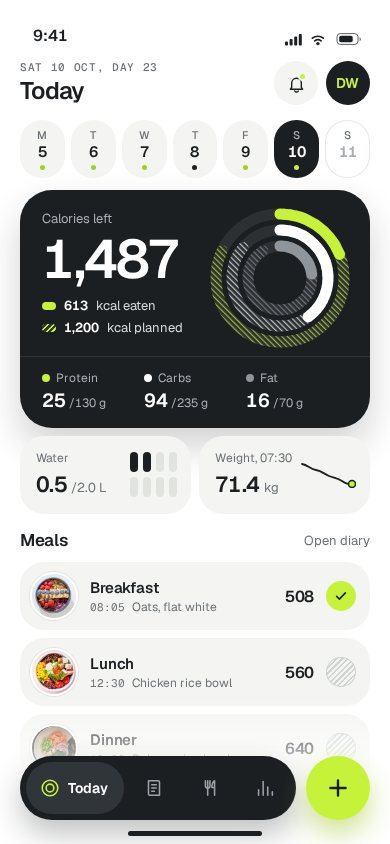 Plate Today: Calorie and macro tracker, Clinical
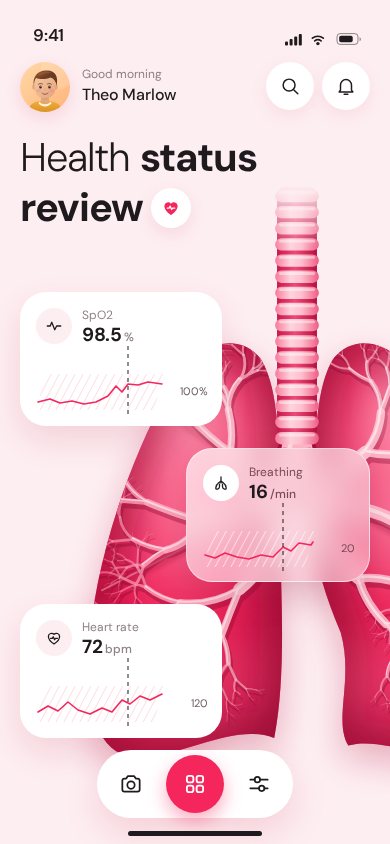 Vita Home: Personal health record, Clinical
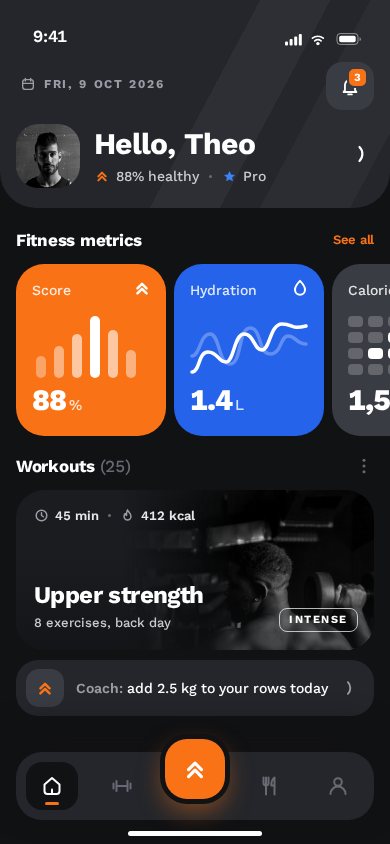 Forge Home: AI fitness and nutrition, Dark-first, dark
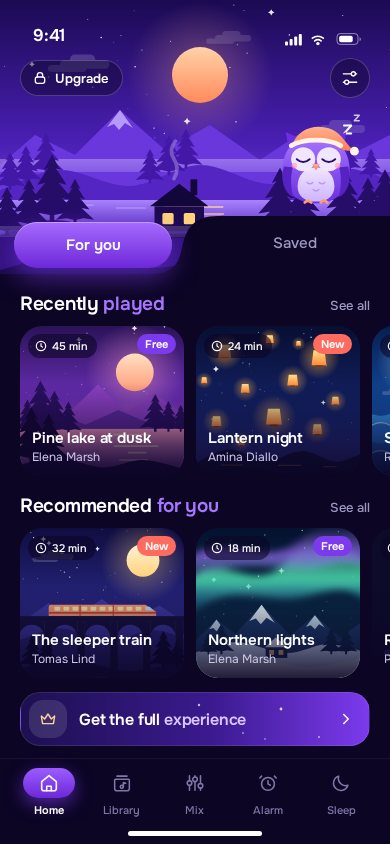 Lull Home: Sleep sounds and meditation, Dark-first, dark
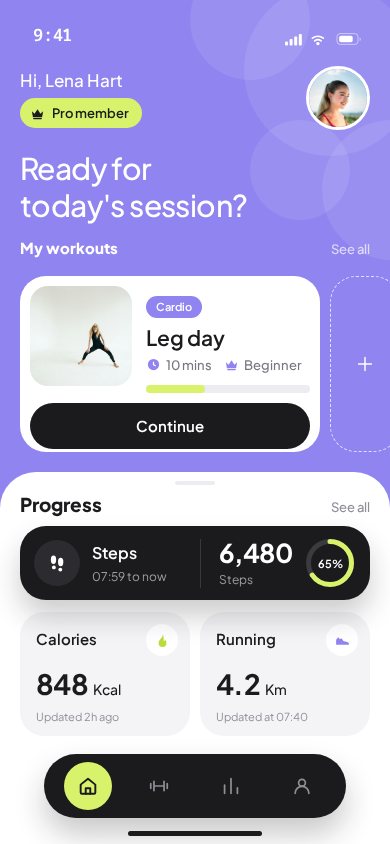 Pace Home: Fitness tracker, Playful
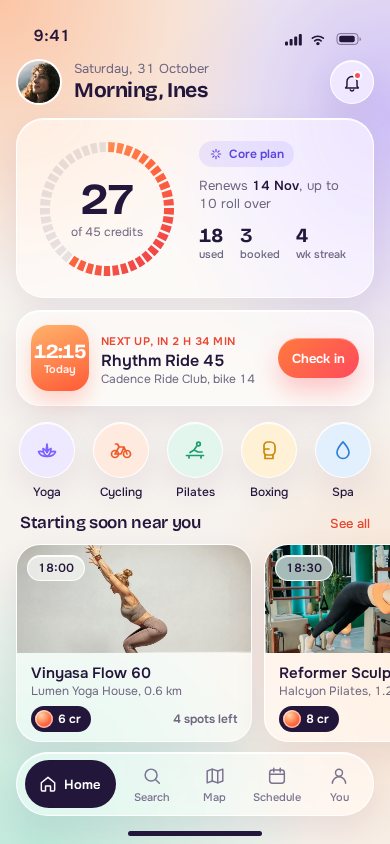 Flexpass Home: One membership, many studios, Glass
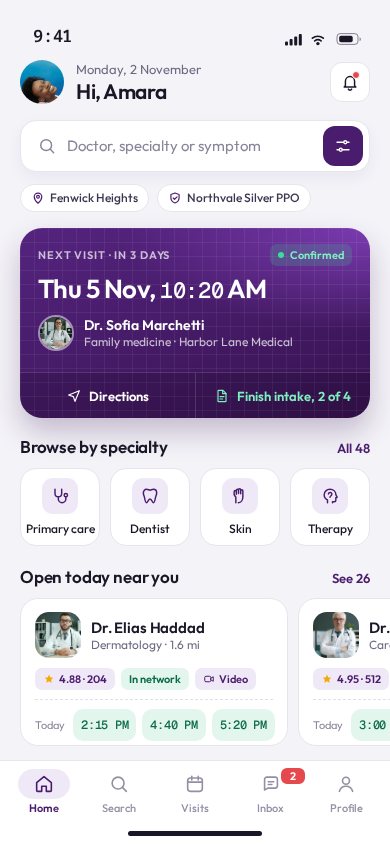 Clinic Home: Find and book doctors, Clinical
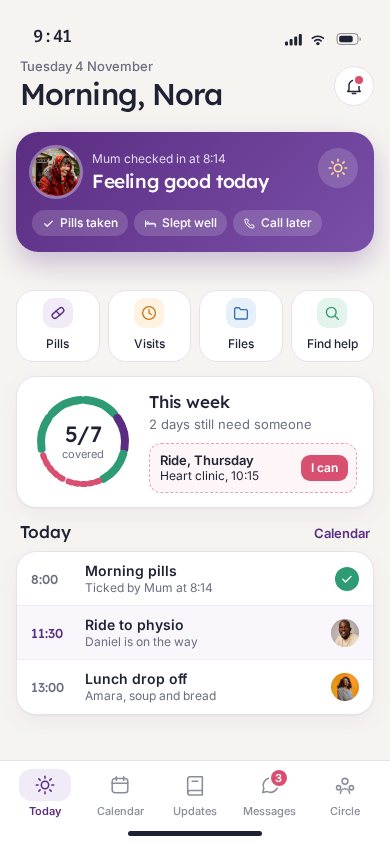 Careline Today: Care for an ageing parent, Clinical
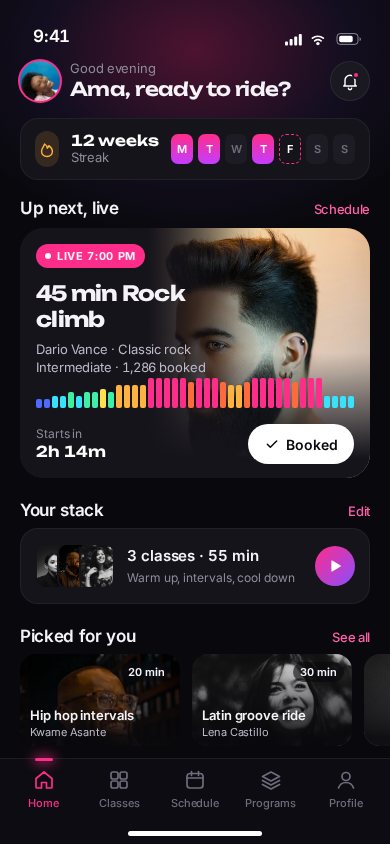 Velo Home: Live and on-demand indoor cycling, Dark-first, dark
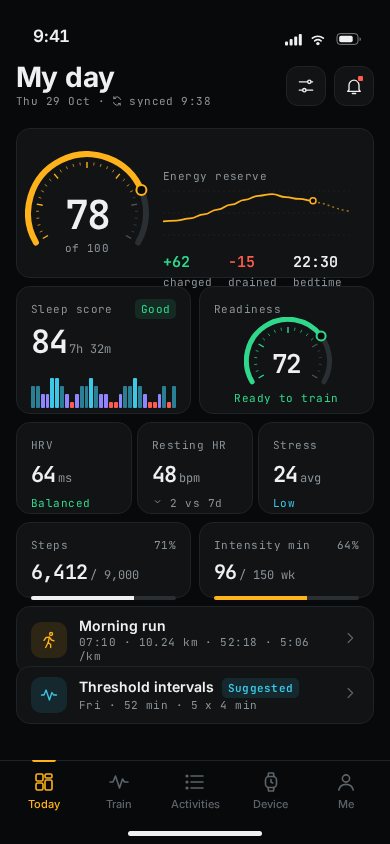 Vantage My day: Sports watch companion, Clinical, dark
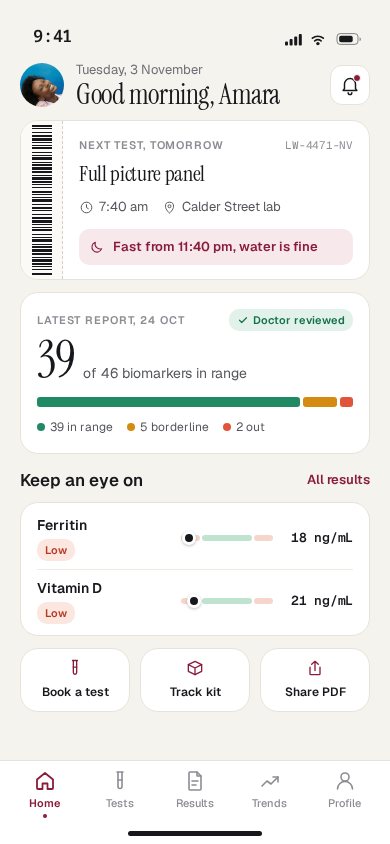 Labwork Home: Book blood tests and see results, Clinical
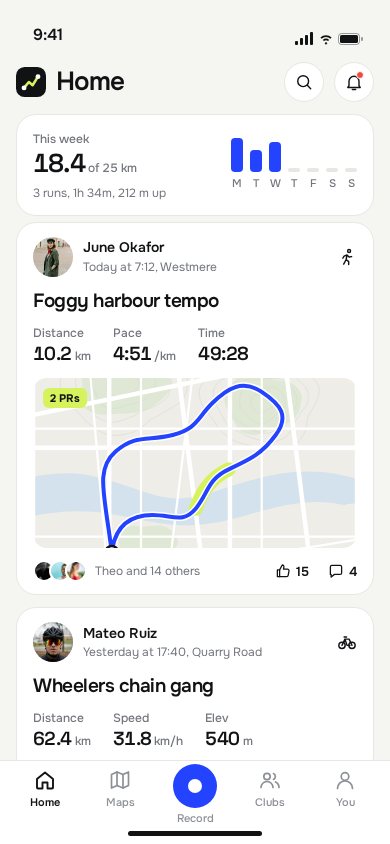 Segment Home: Runs and rides with friends, Minimal
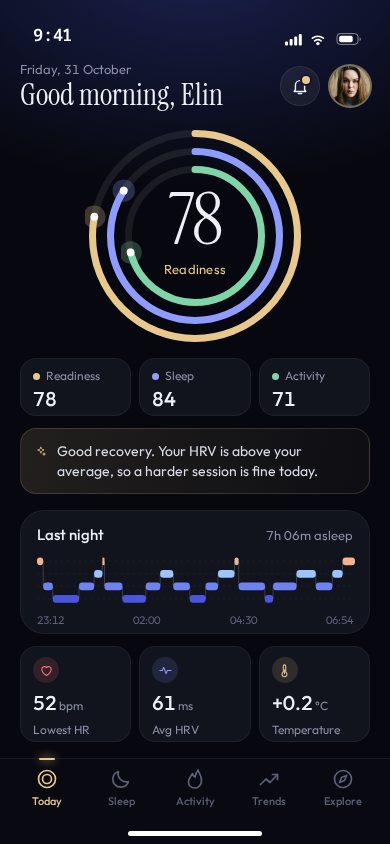 Nightly Today: Smart ring sleep and readiness, Dark-first, dark
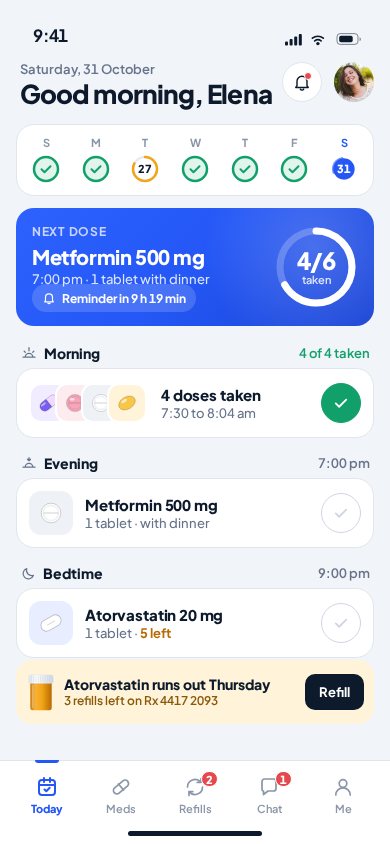 Pillbox Today: Pharmacy refills and medicine reminders, Clinical
- Rise Alarm: Alarm clock and sleep cycles, Glass, dark
- Ward Home: Patient portal for results, visits and messages, Clinical
- Level Today: Glucose monitor companion, Clinical
- Reformer Today: Pilates studio booking, Luxury
- Sip Today: Water intake and hydration, Playful
- Mend Today: Physio and rehab exercises, Minimal
- Tabata Home: HIIT interval timer, Neubrutalism
- Jab Home: Boxing workouts with a smart bag, Dark-first, dark
- Exhale Today: Breathwork sessions, Glass, dark
- Bump Today: Pregnancy week by week, Glass
- Locker Home: Gym membership and class booking, Brutalist
What makes a good fitness app home screen
- Put the most important thing first. Decide the one thing most people come for, like today's workout, a balance or the next booking, and give it the top of the screen.
- Make it feel current. Greetings with the time of day, today's date, fresh numbers and recent activity tell people the app is alive and about them.
- Keep quick actions within thumb reach. The two or three things people do most should be one tap away, in the lower part of the screen or a floating button.
- Group related content in clear sections. Use headings and spacing so the screen scans as a few blocks, not a long mixed list.
- Handle the empty state. A new user has no history. Show a helpful first step instead of empty cards and zeros.
The full home screen guide: layouts, mistakes and questions
Home screens in other kinds of app
- Lifestyle app home screens (66)
- Productivity app home screens (61)
- Social app home screens (43)
- Travel app home screens (40)
- Finance app home screens (40)
- Food app home screens (29)
- Education app home screens (29)
- Sports app home screens (22)
- Smart home app home screens (20)
- Music app home screens (19)
Other fitness app screens
- Fitness app onboarding screens
- Fitness app sign in and sign up screens
- Fitness app search and explore screens
- Fitness app list and feed screens
- Fitness app detail screens
- Fitness app booking and checkout screens
- Fitness app paywall screens
- Fitness app success and confirmation screens
- Fitness app profile screens
- Fitness app settings screens
- Fitness app dashboard and stats screens
- Fitness app player, camera and editor screens
- Fitness app live tracking screens
- Fitness app form and input screens