Templates · Onboarding screens
Productivity app onboarding screens
113 onboarding screens from 62 productivity app templates, each in its own design language. Productivity apps are about getting through the day: dense but calm layouts, clear priority and nothing that slows the next action.
The examples
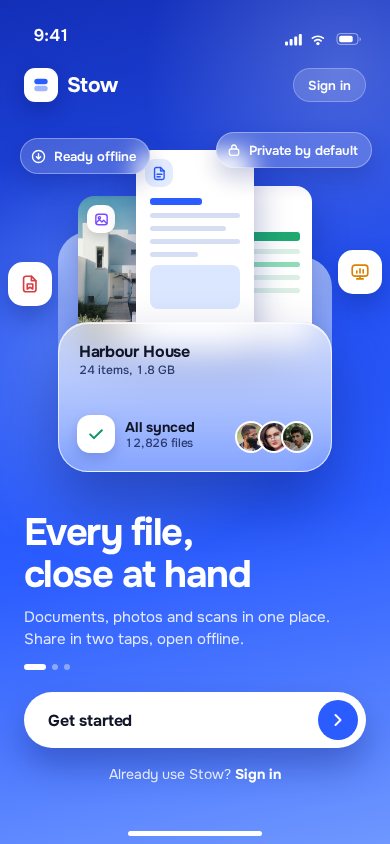 Stow Welcome: Cloud storage, Minimal
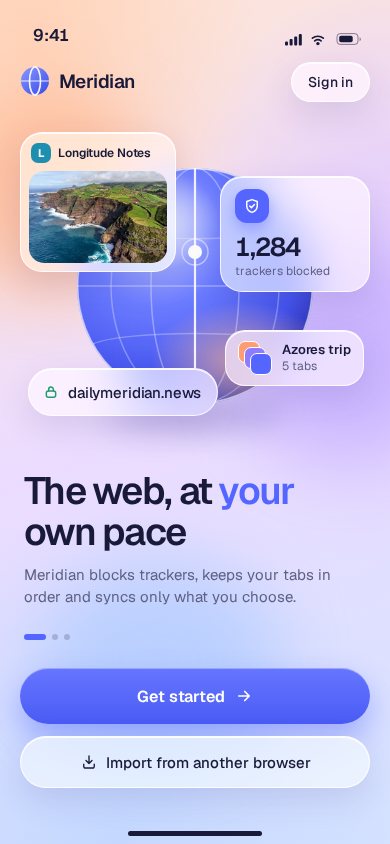 Meridian Welcome: Mobile web browser, Glass
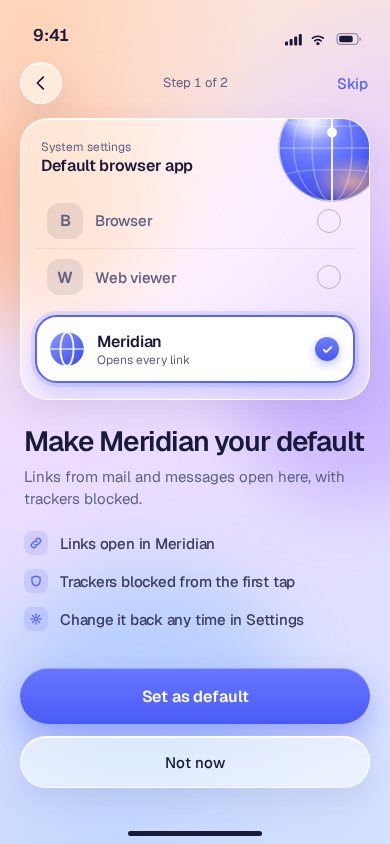 Meridian Default browser: Mobile web browser, Glass
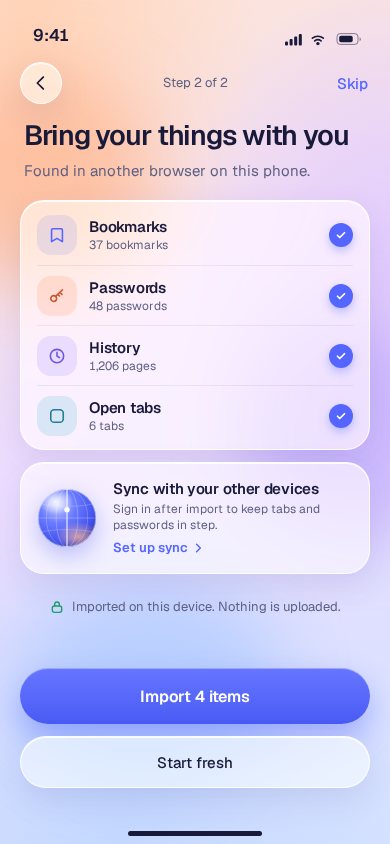 Meridian Import: Mobile web browser, Glass
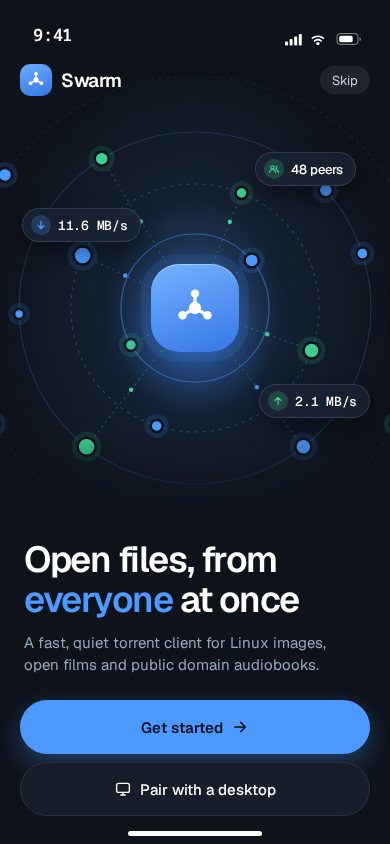 Swarm Welcome: Torrent client, Dark-first, dark
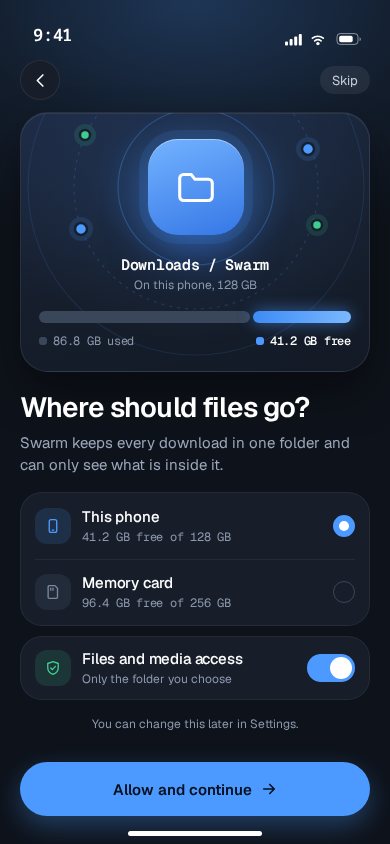 Swarm Storage access: Torrent client, Dark-first, dark
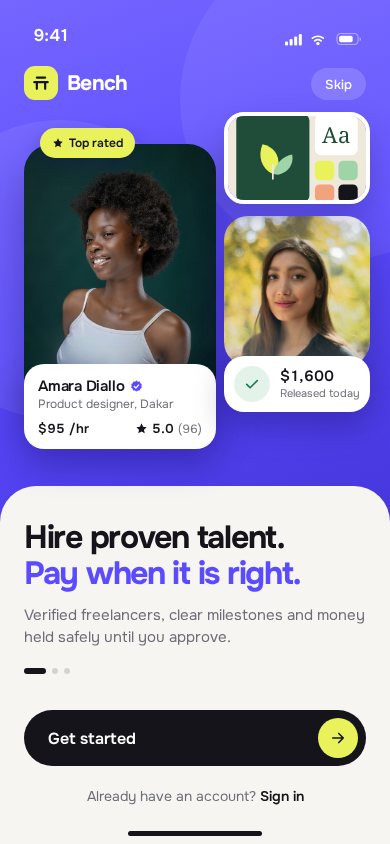 Bench Welcome: Freelance marketplace, Enterprise
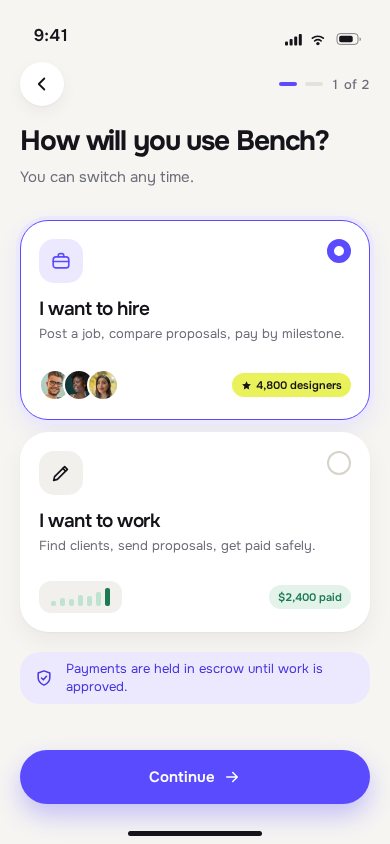 Bench Choose role: Freelance marketplace, Enterprise
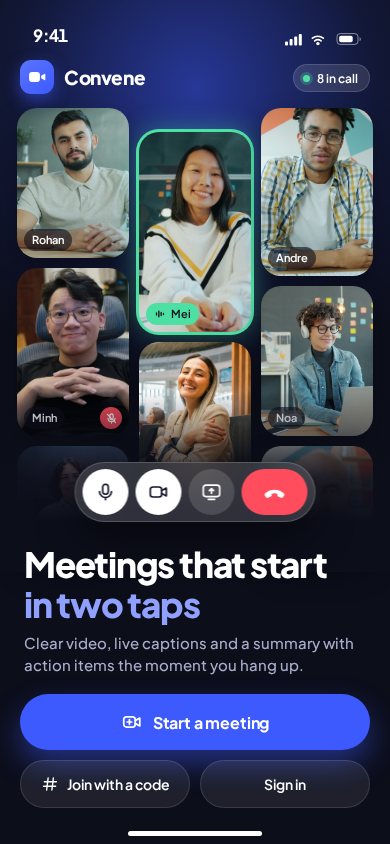 Convene Welcome: Video meetings, Minimal
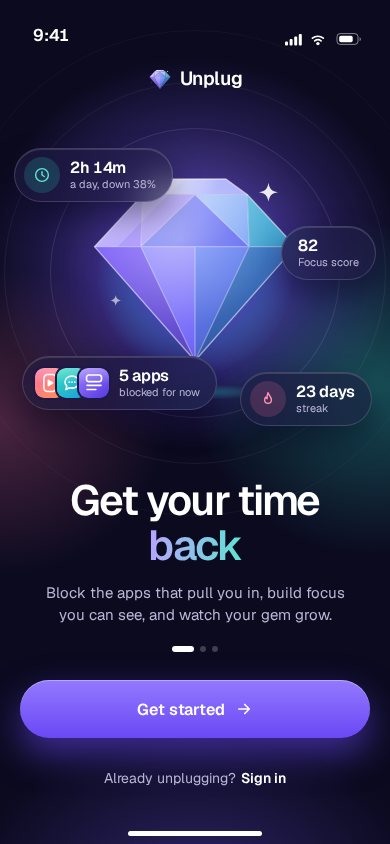 Unplug Welcome: Screen time blocker, Glass, dark
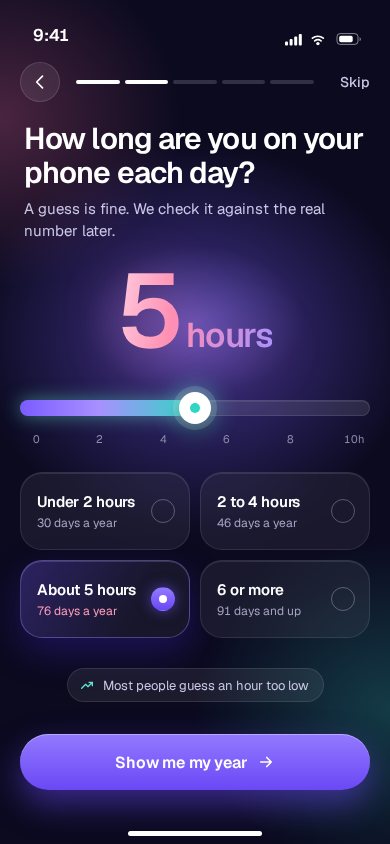 Unplug Daily screen time: Screen time blocker, Glass, dark
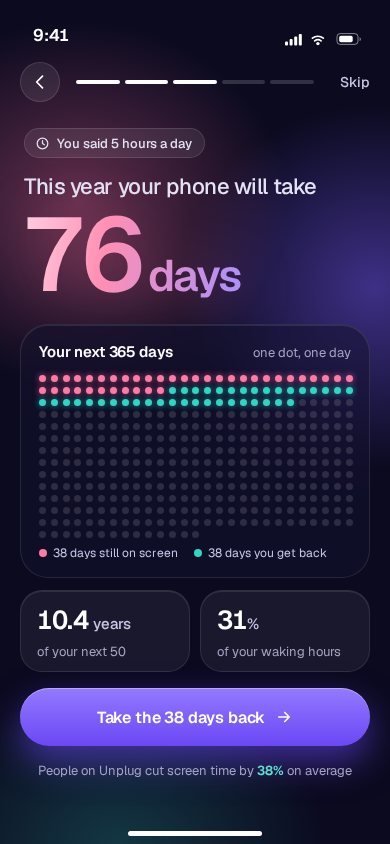 Unplug Projection: Screen time blocker, Glass, dark
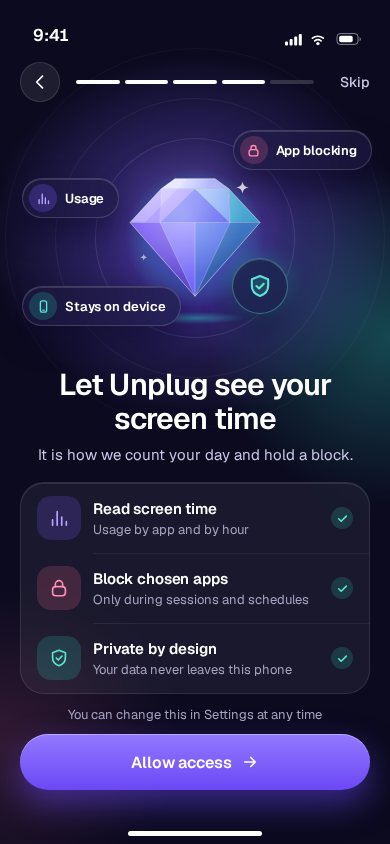 Unplug Screen time access: Screen time blocker, Glass, dark
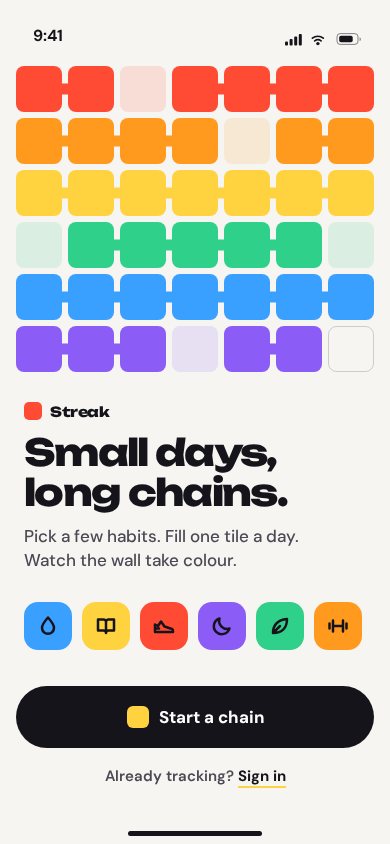 Streak Welcome: Small days, long chains, Playful
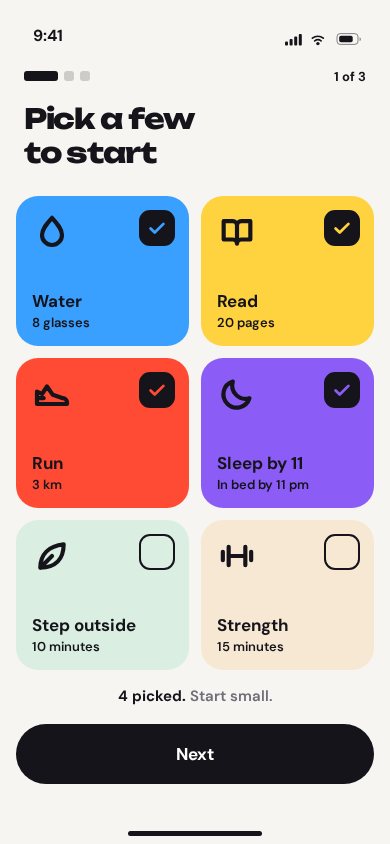 Streak Pick habits: Small days, long chains, Playful
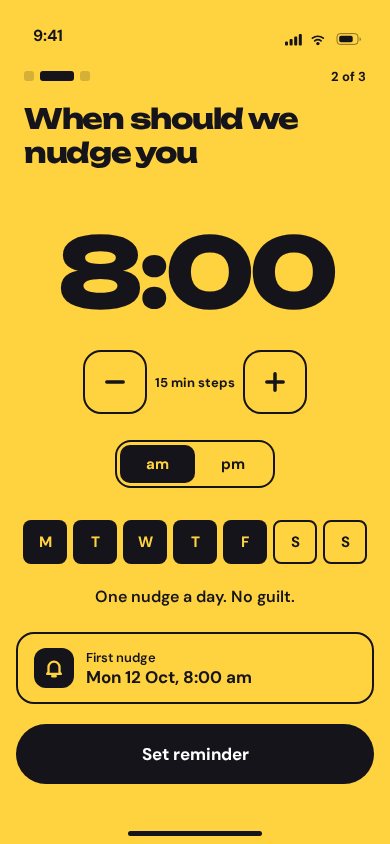 Streak Reminder time: Small days, long chains, Playful
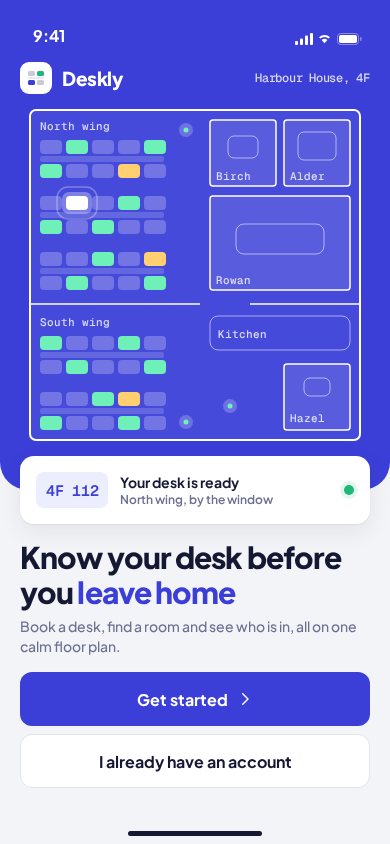 Deskly Welcome: Hybrid office booking, Enterprise
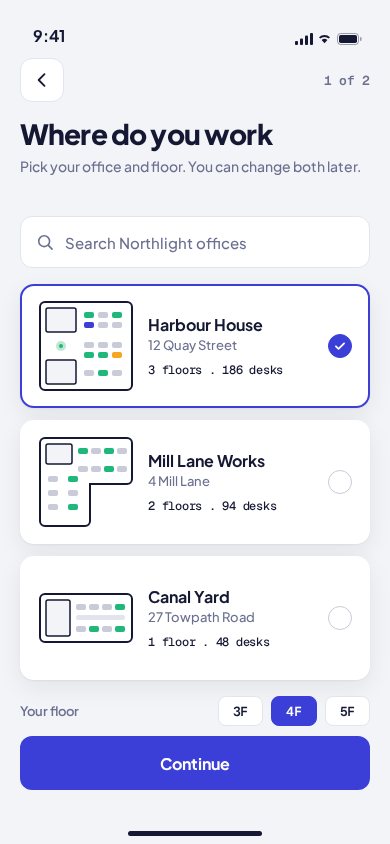 Deskly Pick your office: Hybrid office booking, Enterprise
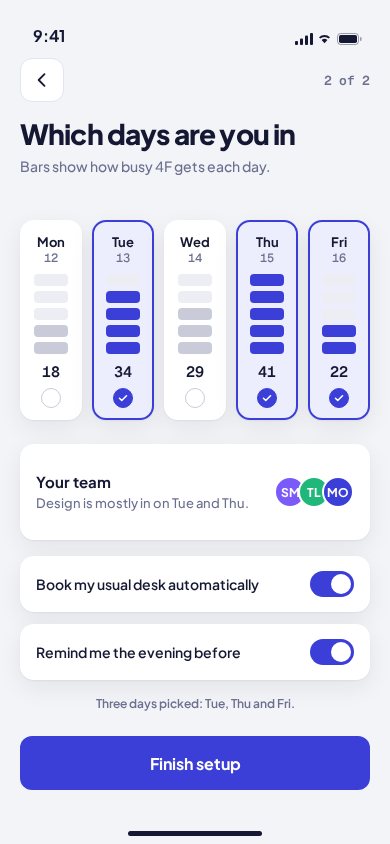 Deskly Office days: Hybrid office booking, Enterprise
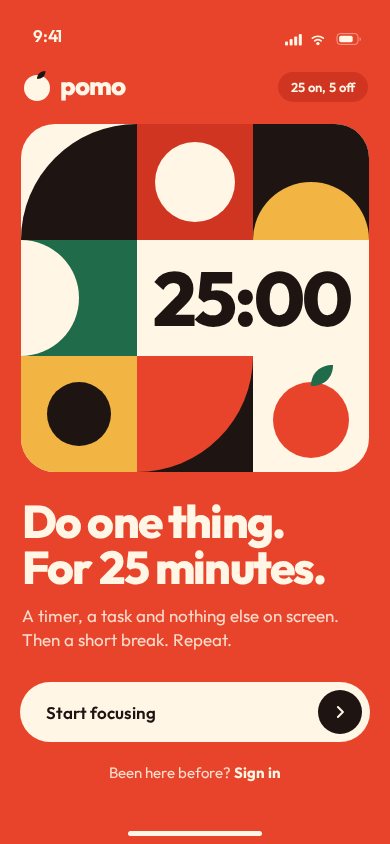 Pomo Welcome: Focus timer, Minimal
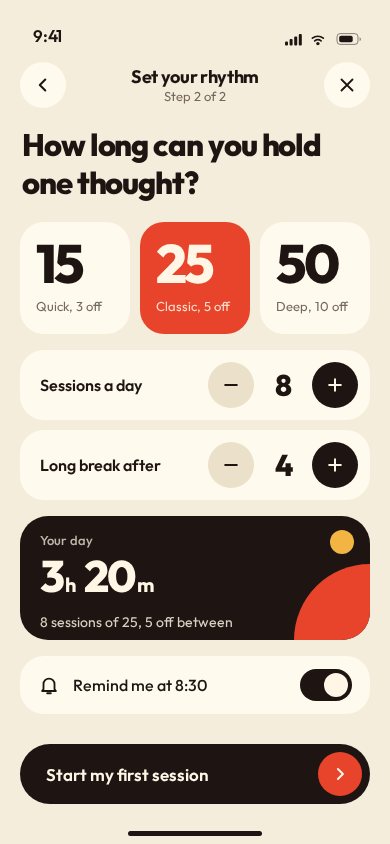 Pomo Set your rhythm: Focus timer, Minimal
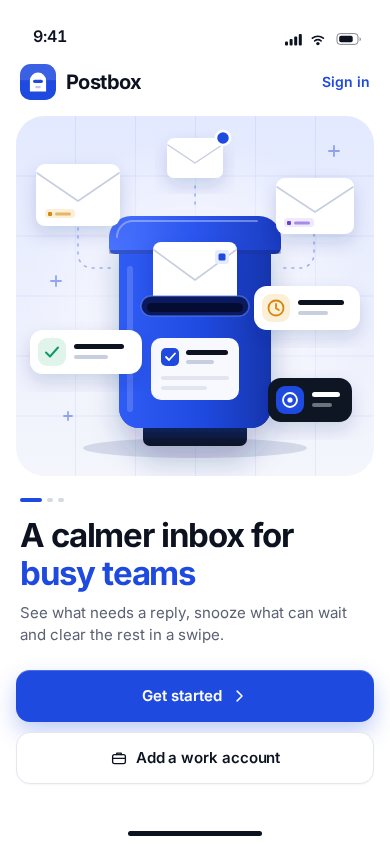 Postbox Welcome: Email for busy teams, Enterprise
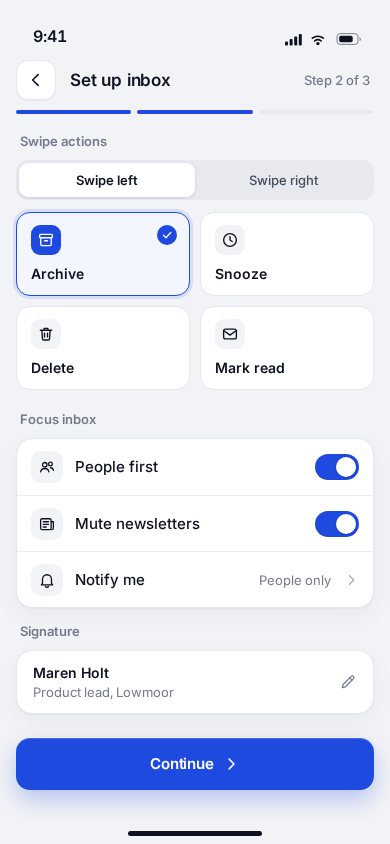 Postbox Set up inbox: Email for busy teams, Enterprise
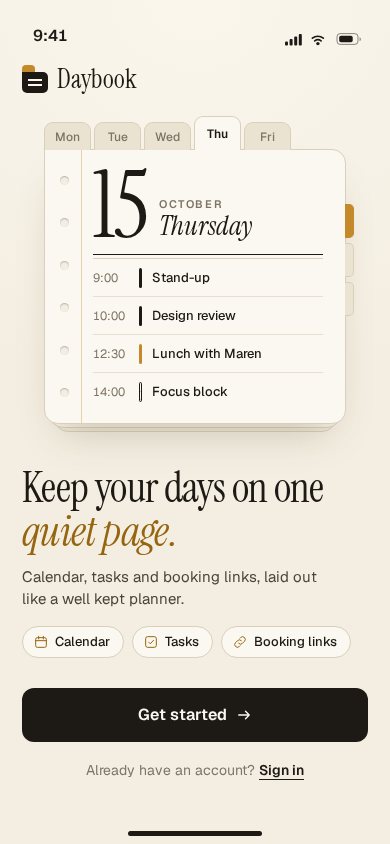 Daybook Welcome: Calendar and planner, Minimal
- Daybook Connect calendars: Calendar and planner, Minimal
- Scanly Welcome: Document scanner, Clinical
- Scanly Camera access: Document scanner, Clinical
- Keyring Welcome: Password manager, Dark-first, dark
- Keyring Recovery kit: Password manager, Dark-first, dark
- Rota Welcome: Shift scheduling for hourly teams, Enterprise
- Inkwell Welcome: Daily journal, Luxury
- Inkwell Daily reminder: Daily journal, Luxury
- Shortlist Welcome: Job search and application tracker, Enterprise
- Shortlist Job preferences: Job search and application tracker, Enterprise
- Parley Welcome: Team messenger, Dark-first, dark
- Docket Welcome: Task and sprint planner, Dark-first, dark
- Docket Workspace: Task and sprint planner, Dark-first, dark
- Kanso Welcome: Tasks, calendar and chat, Dark-first, dark
- Kanso Create a space: Tasks, calendar and chat, Dark-first, dark
- Margin Welcome: AI note taking, Dark-first, dark
- Margin Set up: AI note taking, Dark-first, dark
- Aide Welcome: Executive AI assistant, Dark-first, dark
- Aide Connect: Executive AI assistant, Dark-first, dark
- Juno Welcome: AI chat assistant, Playful
- Juno Personalize: AI chat assistant, Playful
- Opal Welcome: Studio dashboard, Glass
- Opal Setup: Studio dashboard, Glass
- Jot Welcome: Quick notes and checklists, Minimal
- Jot Set up: Quick notes and checklists, Minimal
- Chrono Welcome: World clock, timers and stopwatch, Dark-first, dark
- Chrono Your cities: World clock, timers and stopwatch, Dark-first, dark
- Frontdesk Welcome: Customer support inbox, Enterprise
- Campaign Welcome: Email marketing campaigns, Playful
- Campaign Your business: Email marketing campaigns, Playful
- Outpost Welcome: Schedule social posts, Minimal
- Outpost Connect: Schedule social posts, Minimal
- Pageview Welcome: Website analytics, Enterprise
- Pageview Connect site: Website analytics, Enterprise
- Polish Welcome: Writing assistant and keyboard, Glass
- Polish Goals: Writing assistant and keyboard, Glass
- Polish Keyboard setup: Writing assistant and keyboard, Glass
- Tapline Welcome: Link-in-bio pages and analytics, Gen Z
- Tapline Claim handle: Link-in-bio pages and analytics, Gen Z
- Quill Welcome: Docs, wikis and databases in one workspace, Minimal
- Tandem Welcome: Team chat, channels and huddles, Enterprise
- Tandem Workspaces: Team chat, channels and huddles, Enterprise
- Shipyard Welcome: Issue tracking for product teams, Dark-first, dark
- Shipyard Join workspace: Issue tracking for product teams, Dark-first, dark
- Canvas Welcome: Design files and comments on mobile, Glass
- Merge Welcome: Code, pull requests and reviews, Dark-first, dark
- Query Welcome: AI answers with sources, Minimal
- Query Topics: AI answers with sources, Minimal
- Glossa Welcome: Translate text, voice and camera, Minimal
- Glossa Your languages: Translate text, voice and camera, Minimal
- Layout Welcome: Design anything from templates, Playful
- Layout Get started: Design anything from templates, Playful
- Tick Welcome: To-do lists and reminders, Minimal
- Tick Set up: To-do lists and reminders, Minimal
- Beacon Welcome: Find your devices and people, Glass
- Beacon Location access: Find your devices and people, Glass
- Staffroom Welcome: HR, payslips and time off, Enterprise
- Slot Welcome: Booking links and meeting scheduling, Minimal
- Slot Connect calendar: Booking links and meeting scheduling, Minimal
- Sheet Welcome: Spreadsheets and databases, Enterprise
- Sheet Start a base: Spreadsheets and databases, Enterprise
- Tunnel Welcome: VPN and online privacy, Dark-first, dark
- Tunnel Allow VPN: VPN and online privacy, Dark-first, dark
- Ping Welcome: Internet speed test, Dark-first, dark
- Ping Permissions: Internet speed test, Dark-first, dark
- Glance Welcome: Visual search with the camera, Glass
- Glance Camera access: Visual search with the camera, Glass
- Replay Welcome: Record and share screen videos, Glass
- Replay Permissions: Record and share screen videos, Glass
- Easel Welcome: Collaborative whiteboard, Playful
- Token Welcome: Two-factor codes and sign-in approvals, Minimal
- Beam Welcome: Send big files, Playful
- Parchment Welcome: Documents, edit and share, Minimal
- Lectern Welcome: Slides and presenter remote, Dark-first, dark
- Ringer Welcome: Phone, contacts and voicemail, Minimal
- Ringer Set up: Phone, contacts and voicemail, Minimal
- Pipeline Welcome: Sales CRM on the road, Enterprise
- Aim Welcome: Goals and key results, Minimal
- Aim Set up: Goals and key results, Minimal
- Scribe Welcome: Voice memos to notes, Glass
- Scribe Set up: Voice memos to notes, Glass
- Inkline Welcome: Sign and send contracts, Clinical
- Inkline Your signature: Sign and send contracts, Clinical
- Dispatch Welcome: Field service jobs for technicians, Enterprise
- Stash Welcome: Read-it-later and highlights, Neubrutalism
- Stash Interests: Read-it-later and highlights, Neubrutalism
- Uptime Welcome: Server and site monitoring, Dark-first, dark
- Branch Welcome: Mind maps, Playful
- Branch Pick a start: Mind maps, Playful
What makes a good productivity app onboarding screen
- One idea per screen. Each screen should say one thing in a headline people can read in a second. If a screen needs a paragraph, it is doing too much.
- Personalise with a purpose. Ask a question only if the answer changes what people see next, like a goal, a level or an interest. Then show that the answer mattered.
- Explain permissions before asking. Show your own screen saying why you need notifications, location or the camera before the system prompt. People who understand the reason are more likely to allow it.
- Let people skip. A visible skip or "I'll do this later" respects returning users and the impatient. Make sure skipping still lands them somewhere useful.
- Show progress. Dots or a progress bar tell people how much is left. Three to five steps feel short; anything longer needs a reason.
- End on the product, not on a form. The last step should drop people into the app with something already working: their plan, their feed, their first item.
The full onboarding screen guide: layouts, mistakes and questions
Onboarding screens in other kinds of app
- Lifestyle app onboarding screens (112)
- Fitness app onboarding screens (75)
- Social app onboarding screens (73)
- Finance app onboarding screens (60)
- Education app onboarding screens (59)
- Travel app onboarding screens (58)
- Food app onboarding screens (49)
- Sports app onboarding screens (41)
- Music app onboarding screens (39)
- Smart home app onboarding screens (34)
Other productivity app screens
- Productivity app sign in and sign up screens
- Productivity app home screens
- Productivity app search and explore screens
- Productivity app list and feed screens
- Productivity app detail screens
- Productivity app booking and checkout screens
- Productivity app paywall screens
- Productivity app success and confirmation screens
- Productivity app profile screens
- Productivity app settings screens
- Productivity app dashboard and stats screens
- Productivity app player, camera and editor screens
- Productivity app live tracking screens
- Productivity app form and input screens