Templates · Search and explore screens
Productivity app search and explore screens
76 search screens from 54 productivity app templates, each in its own design language. Productivity apps are about getting through the day: dense but calm layouts, clear priority and nothing that slows the next action.
The examples
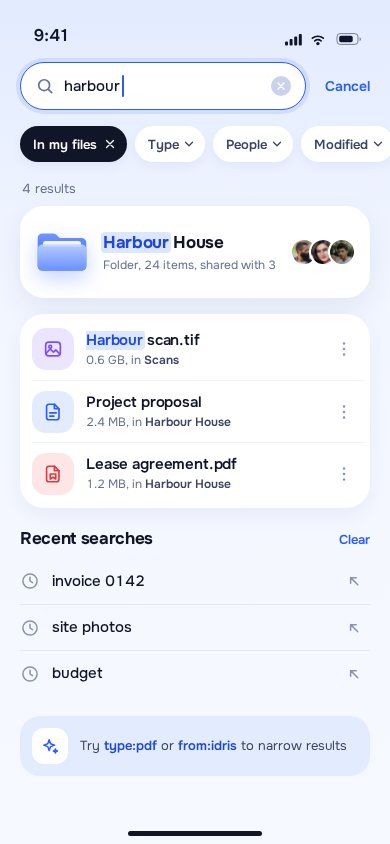 Stow Search: Cloud storage, Minimal
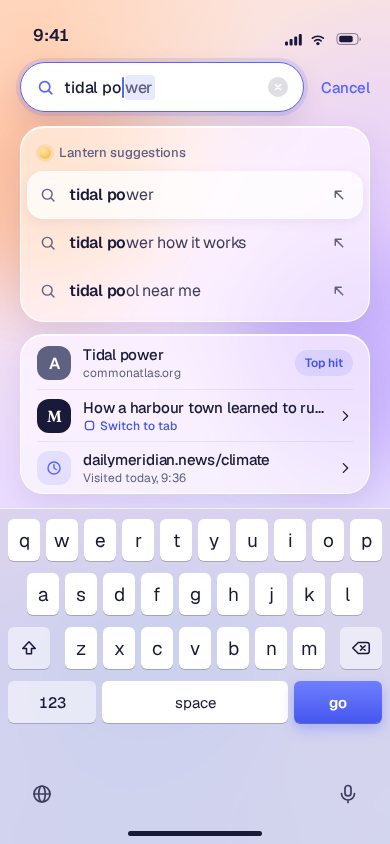 Meridian Address bar: Mobile web browser, Glass
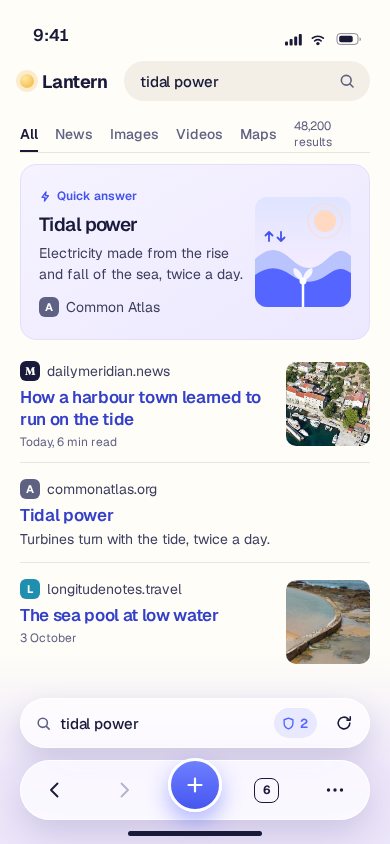 Meridian Search results: Mobile web browser, Glass
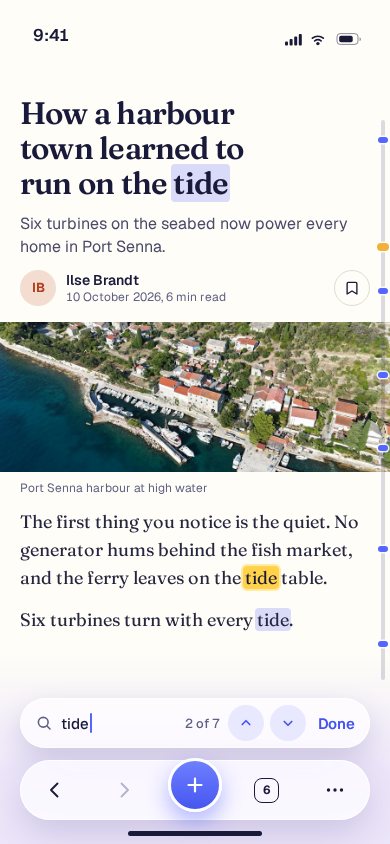 Meridian Find on page: Mobile web browser, Glass
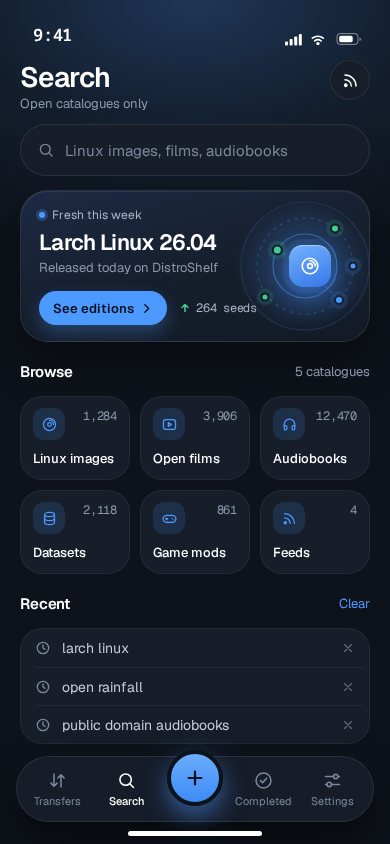 Swarm Search: Torrent client, Dark-first, dark
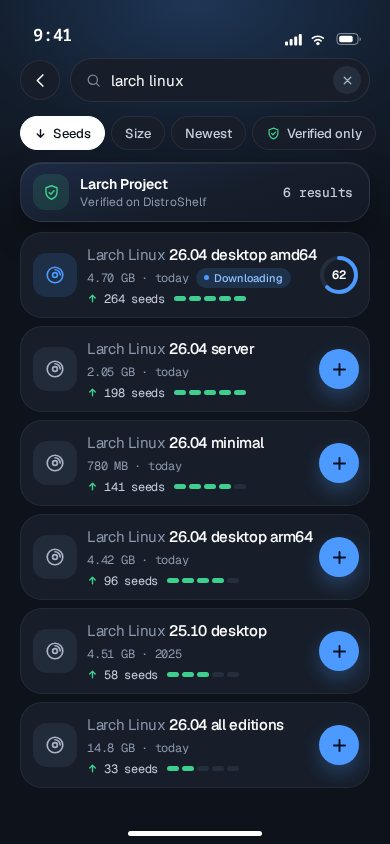 Swarm Results: Torrent client, Dark-first, dark
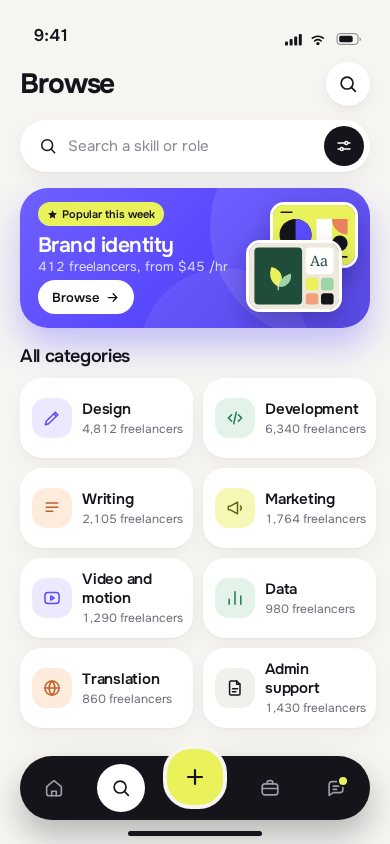 Bench Categories: Freelance marketplace, Enterprise
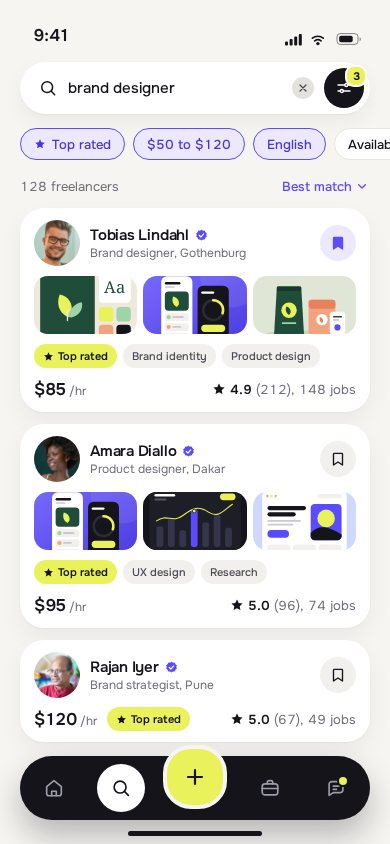 Bench Search talent: Freelance marketplace, Enterprise
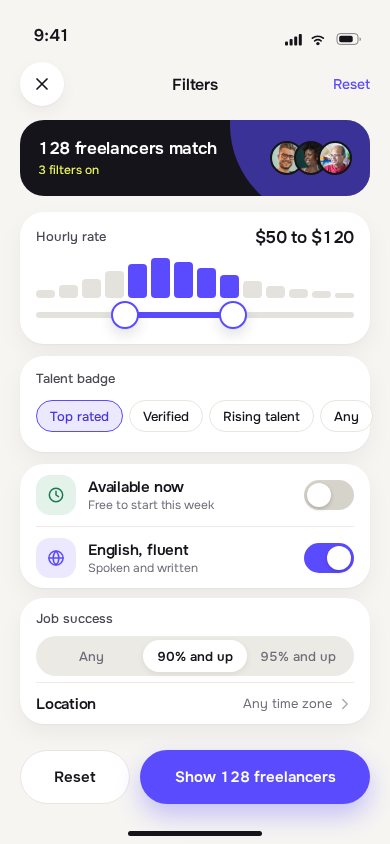 Bench Filters: Freelance marketplace, Enterprise
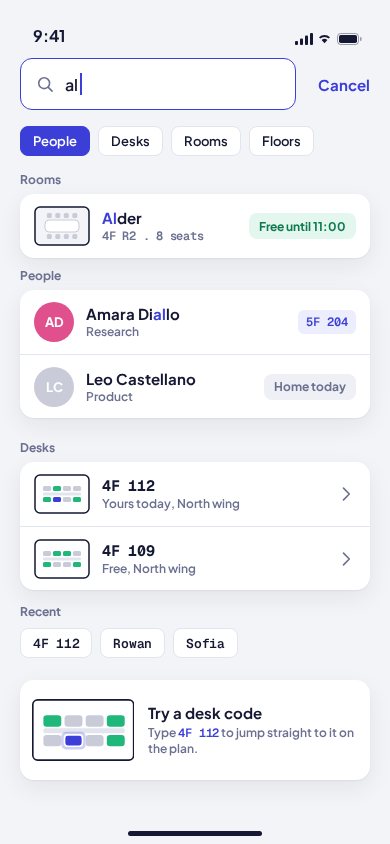 Deskly Search: Hybrid office booking, Enterprise
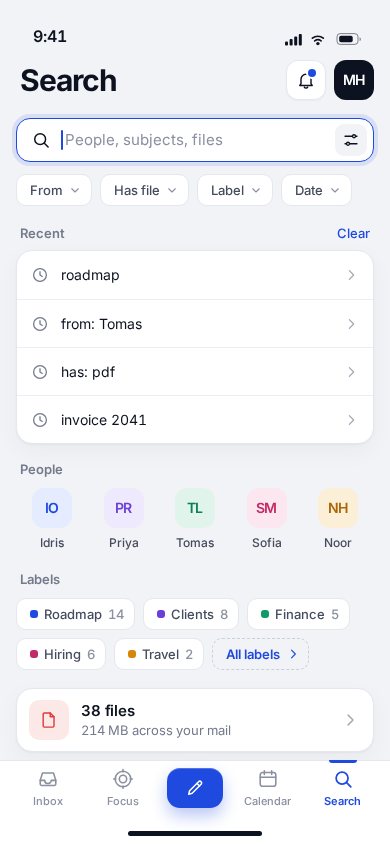 Postbox Search: Email for busy teams, Enterprise
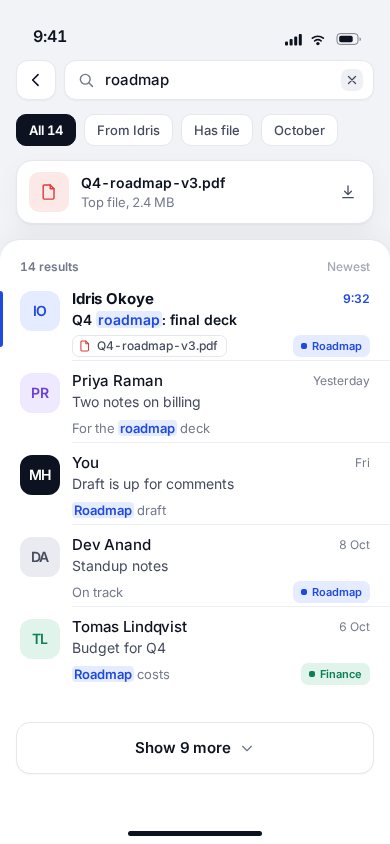 Postbox Search results: Email for busy teams, Enterprise
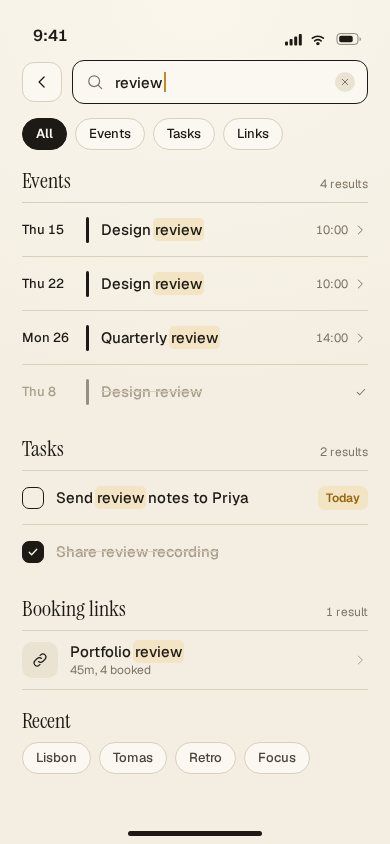 Daybook Search: Calendar and planner, Minimal
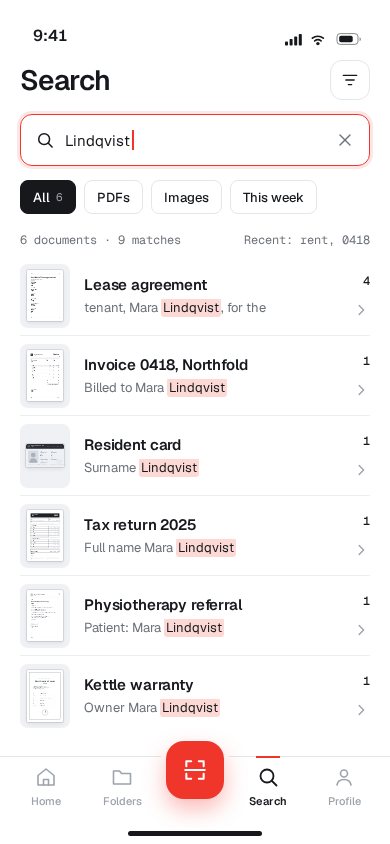 Scanly Search: Document scanner, Clinical
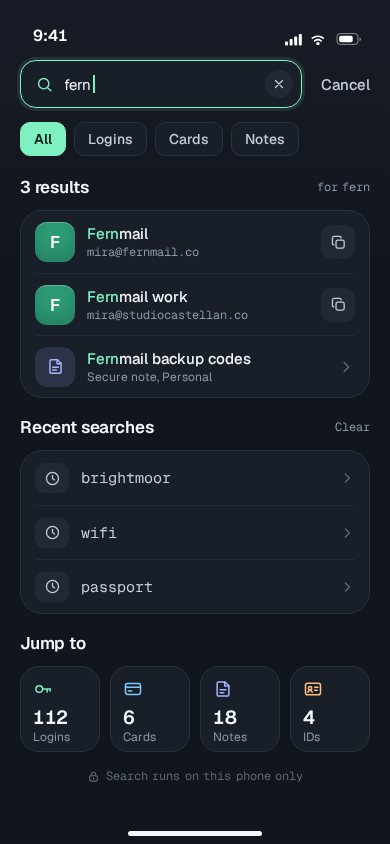 Keyring Search: Password manager, Dark-first, dark
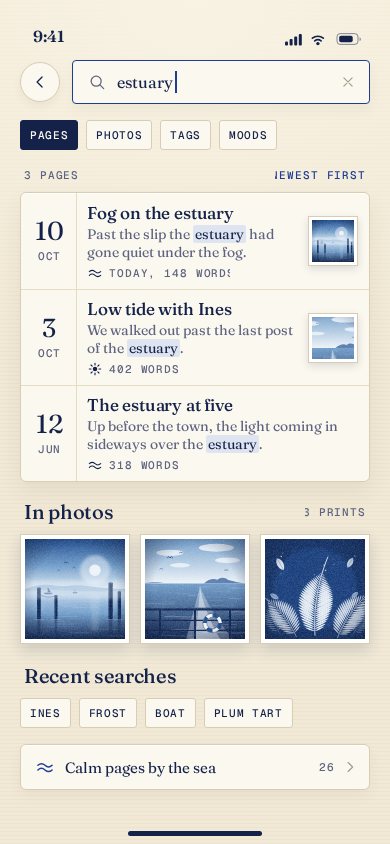 Inkwell Search: Daily journal, Luxury
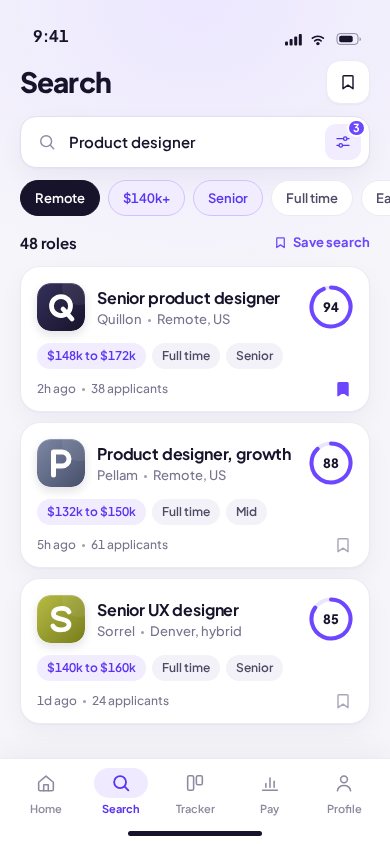 Shortlist Search: Job search and application tracker, Enterprise
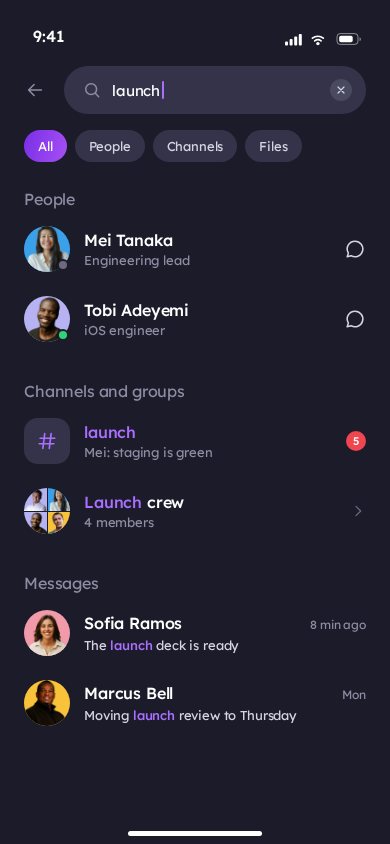 Parley Search: Team messenger, Dark-first, dark
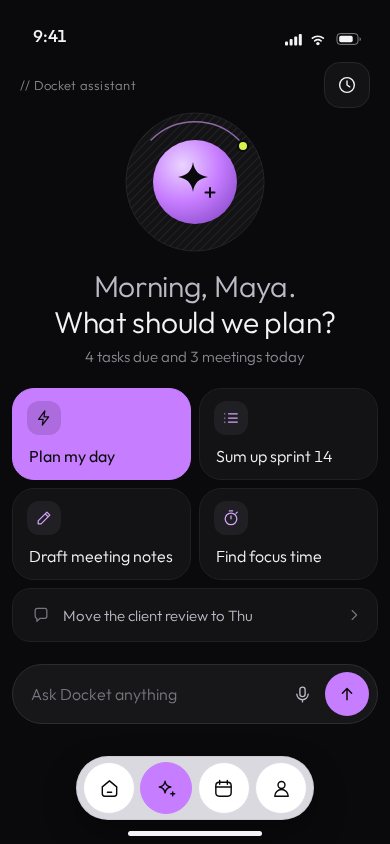 Docket Assistant: Task and sprint planner, Dark-first, dark
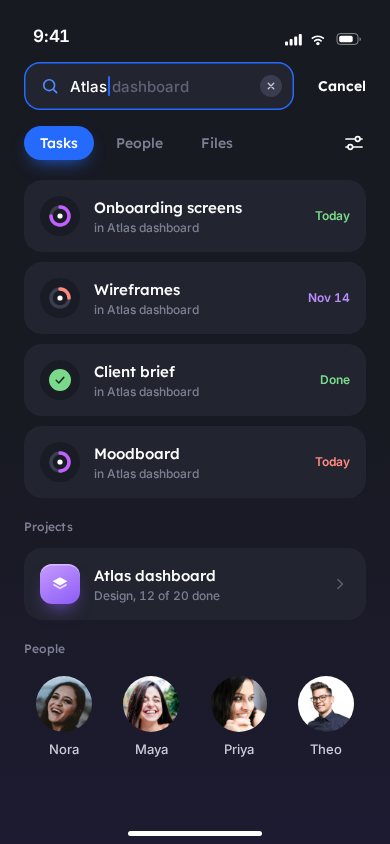 Kanso Search: Tasks, calendar and chat, Dark-first, dark
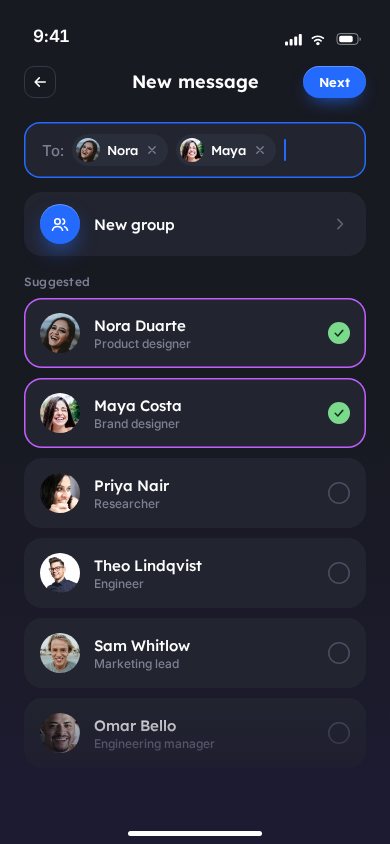 Kanso New message: Tasks, calendar and chat, Dark-first, dark
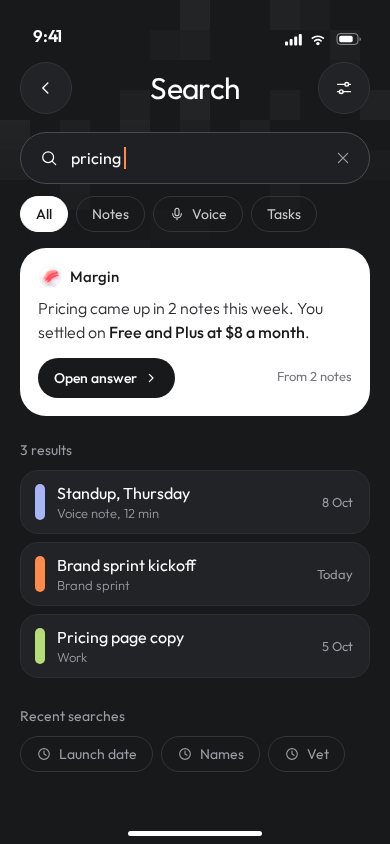 Margin Search: AI note taking, Dark-first, dark
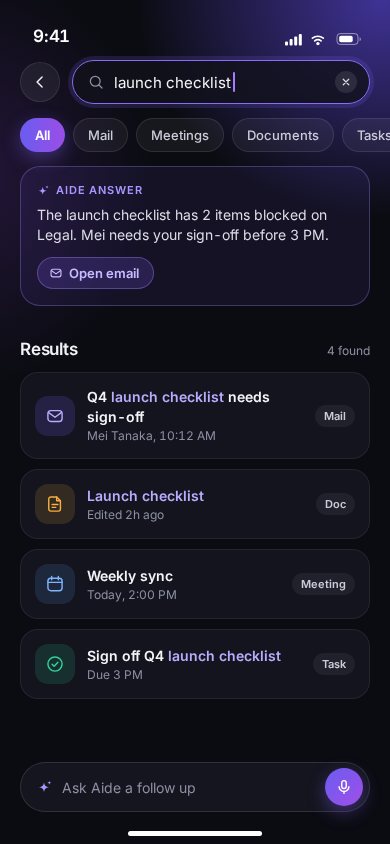 Aide Search: Executive AI assistant, Dark-first, dark
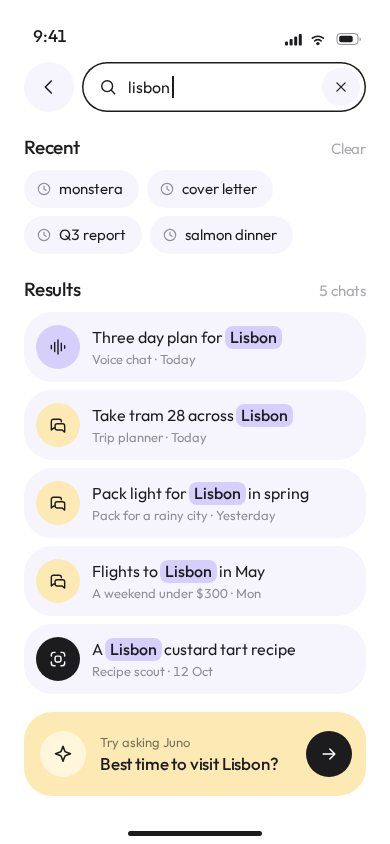 Juno Search: AI chat assistant, Playful
- Opal Search: Studio dashboard, Glass
- Jot Search: Quick notes and checklists, Minimal
- Chrono Add city: World clock, timers and stopwatch, Dark-first, dark
- Frontdesk Macros: Customer support inbox, Enterprise
- Frontdesk Search: Customer support inbox, Enterprise
- Campaign Audience: Email marketing campaigns, Playful
- Outpost Search: Schedule social posts, Minimal
- Pageview Search: Website analytics, Enterprise
- Quill Search: Docs, wikis and databases in one workspace, Minimal
- Quill Templates: Docs, wikis and databases in one workspace, Minimal
- Tandem Search: Team chat, channels and huddles, Enterprise
- Tandem Browse channels: Team chat, channels and huddles, Enterprise
- Shipyard Search: Issue tracking for product teams, Dark-first, dark
- Shipyard Filters: Issue tracking for product teams, Dark-first, dark
- Canvas Search: Design files and comments on mobile, Glass
- Merge Search: Code, pull requests and reviews, Dark-first, dark
- Query Ask: AI answers with sources, Minimal
- Glossa Choose language: Translate text, voice and camera, Minimal
- Layout Templates: Design anything from templates, Playful
- Layout Elements: Design anything from templates, Playful
- Tick Browse: To-do lists and reminders, Minimal
- Tick Search: To-do lists and reminders, Minimal
- Tick Templates: To-do lists and reminders, Minimal
- Beacon Search: Find your devices and people, Glass
- Staffroom Directory: HR, payslips and time off, Enterprise
- Slot Search: Booking links and meeting scheduling, Minimal
- Sheet Filter: Spreadsheets and databases, Enterprise
- Sheet Search: Spreadsheets and databases, Enterprise
- Tunnel Map: VPN and online privacy, Dark-first, dark
- Tunnel Countries: VPN and online privacy, Dark-first, dark
- Ping Servers: Internet speed test, Dark-first, dark
- Ping Coverage map: Internet speed test, Dark-first, dark
- Glance Results: Visual search with the camera, Glass
- Glance Shopping: Visual search with the camera, Glass
- Replay Search: Record and share screen videos, Glass
- Easel Search: Collaborative whiteboard, Playful
- Token Search: Two-factor codes and sign-in approvals, Minimal
- Beam Search: Send big files, Playful
- Parchment Search: Documents, edit and share, Minimal
- Parchment Templates: Documents, edit and share, Minimal
- Lectern Search: Slides and presenter remote, Dark-first, dark
- Ringer Search: Phone, contacts and voicemail, Minimal
- Pipeline Search: Sales CRM on the road, Enterprise
- Pipeline Nearby: Sales CRM on the road, Enterprise
- Aim Search: Goals and key results, Minimal
- Scribe Search: Voice memos to notes, Glass
- Scribe Ask: Voice memos to notes, Glass
- Inkline Search: Sign and send contracts, Clinical
- Dispatch Search: Field service jobs for technicians, Enterprise
- Stash Search: Read-it-later and highlights, Neubrutalism
- Branch Search: Mind maps, Playful
- Branch Templates: Mind maps, Playful
What makes a good productivity app search screen
- Show something before people type. Recent searches, popular items or categories make the empty search screen useful and save typing.
- Suggest as people type. Autocomplete with matching items, not only matching words, lets people jump straight to a result.
- Make filters visible and reversible. Show active filters as chips that can be removed in one tap, and the number of results as filters change.
- Forgive typos. Close matches and "Did you mean" stop a spelling mistake from ending in an empty screen.
- Design the no-results state. Explain what happened and offer a way forward: broaden the filters, check the spelling or browse a category.
- Keep the query and results when people come back. Opening a result and pressing back should return to the same results, scroll position and filters, so comparing several items does not mean searching again.
The full search screen guide: layouts, mistakes and questions
Search and explore screens in other kinds of app
- Lifestyle app search and explore screens (105)
- Travel app search and explore screens (68)
- Social app search and explore screens (62)
- Food app search and explore screens (44)
- Fitness app search and explore screens (42)
- Finance app search and explore screens (39)
- Education app search and explore screens (39)
- Music app search and explore screens (30)
- Sports app search and explore screens (24)
- Smart home app search and explore screens (20)
Other productivity app screens
- Productivity app onboarding screens
- Productivity app sign in and sign up screens
- Productivity app home screens
- Productivity app list and feed screens
- Productivity app detail screens
- Productivity app booking and checkout screens
- Productivity app paywall screens
- Productivity app success and confirmation screens
- Productivity app profile screens
- Productivity app settings screens
- Productivity app dashboard and stats screens
- Productivity app player, camera and editor screens
- Productivity app live tracking screens
- Productivity app form and input screens