Templates · Player, camera and editor screens
Productivity app player, camera and editor screens
84 media player screens from 46 productivity app templates, each in its own design language. Productivity apps are about getting through the day: dense but calm layouts, clear priority and nothing that slows the next action.
The examples
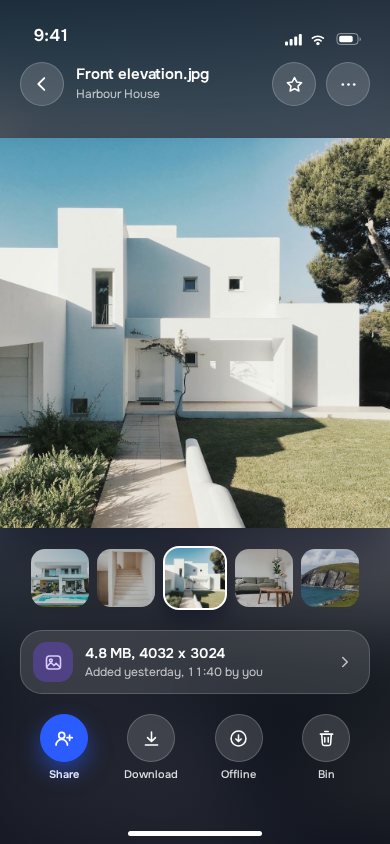 Stow Photo preview: Cloud storage, Minimal
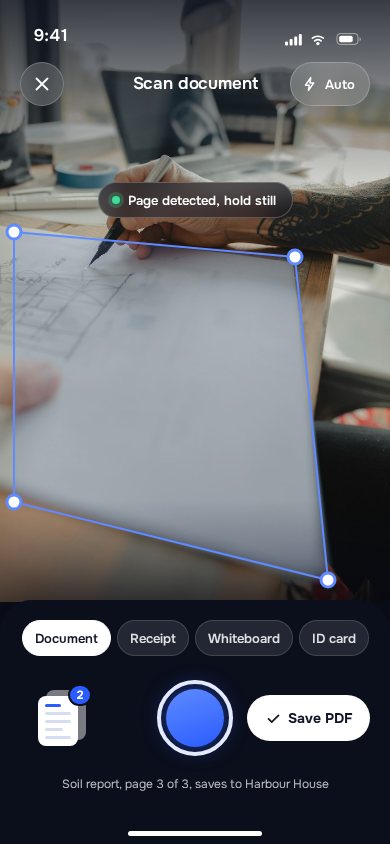 Stow Scan document: Cloud storage, Minimal
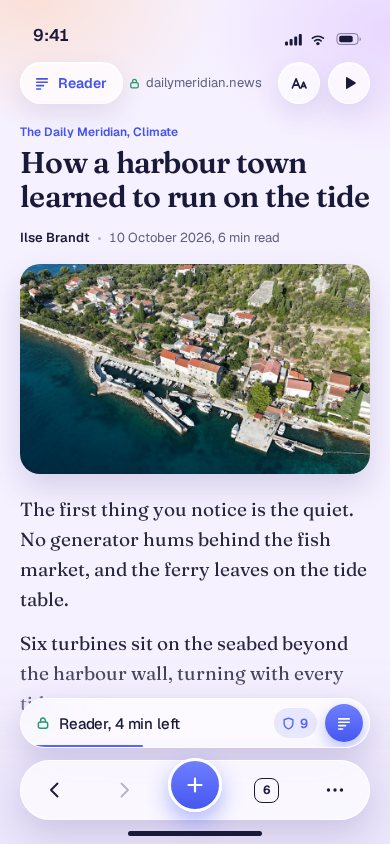 Meridian Reader: Mobile web browser, Glass
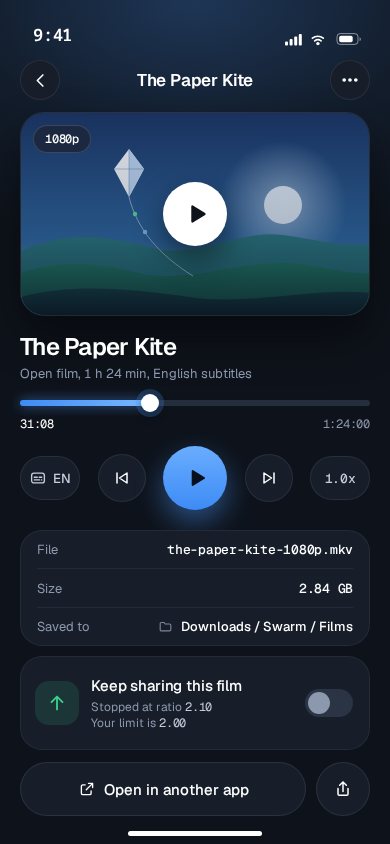 Swarm Media: Torrent client, Dark-first, dark
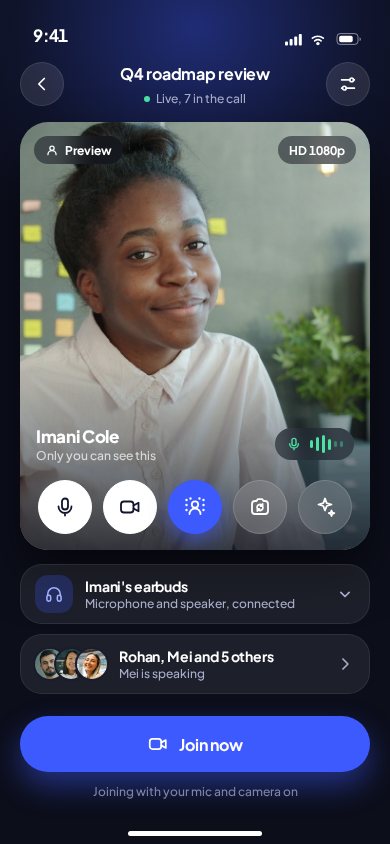 Convene Preview: Video meetings, Minimal
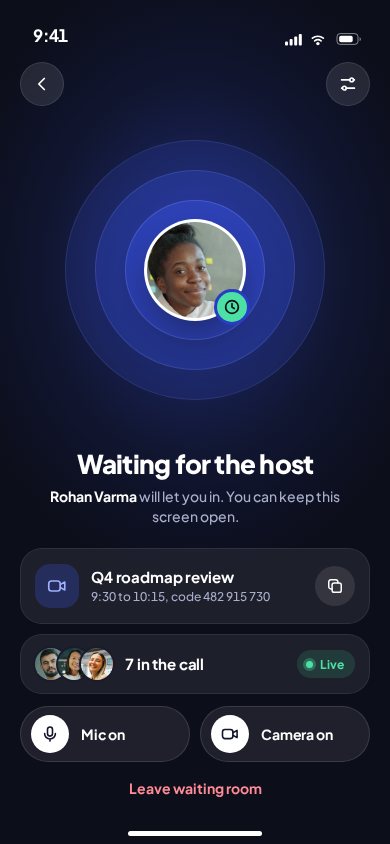 Convene Waiting room: Video meetings, Minimal
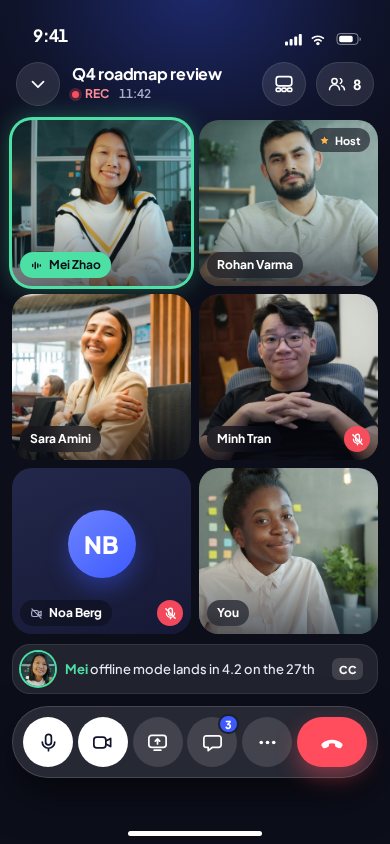 Convene Call: Video meetings, Minimal
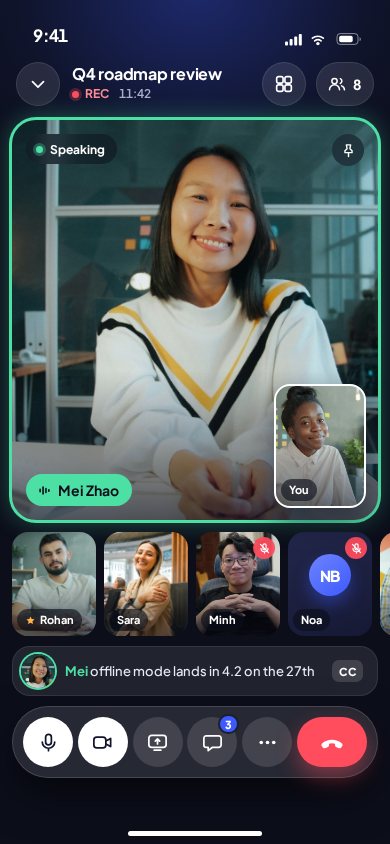 Convene Speaker view: Video meetings, Minimal
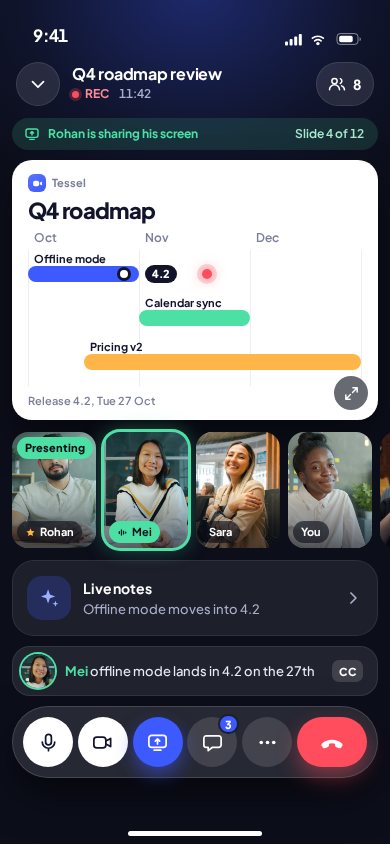 Convene Screen share: Video meetings, Minimal
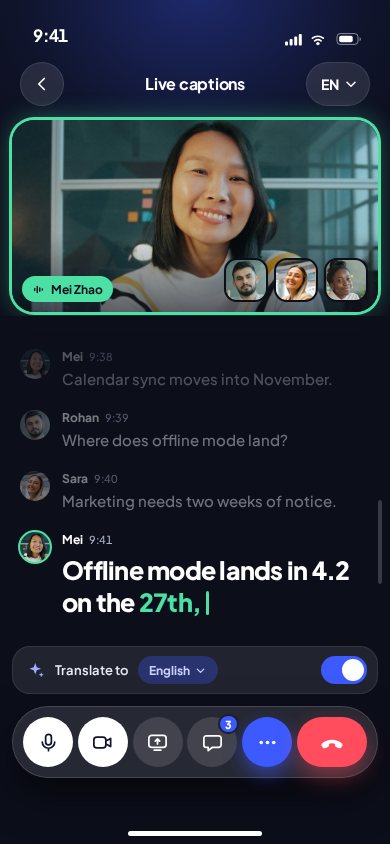 Convene Captions: Video meetings, Minimal
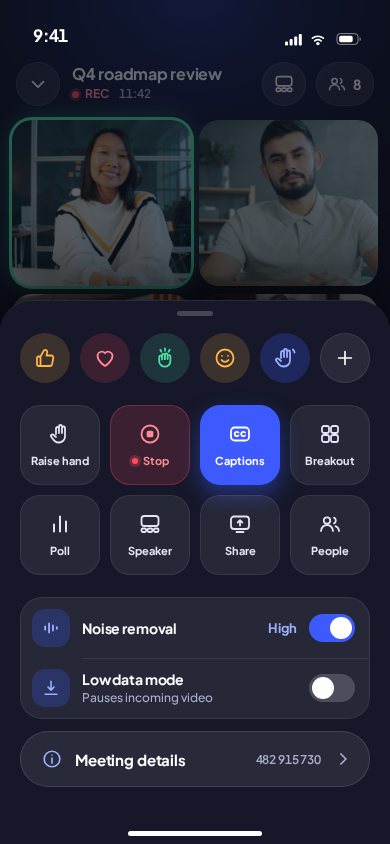 Convene More: Video meetings, Minimal
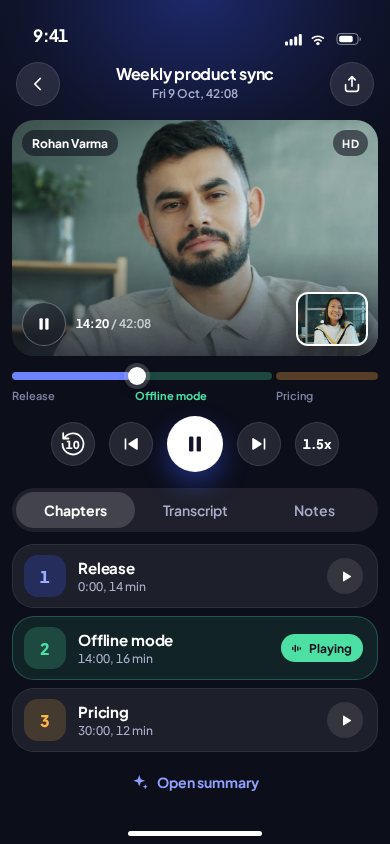 Convene Recording: Video meetings, Minimal
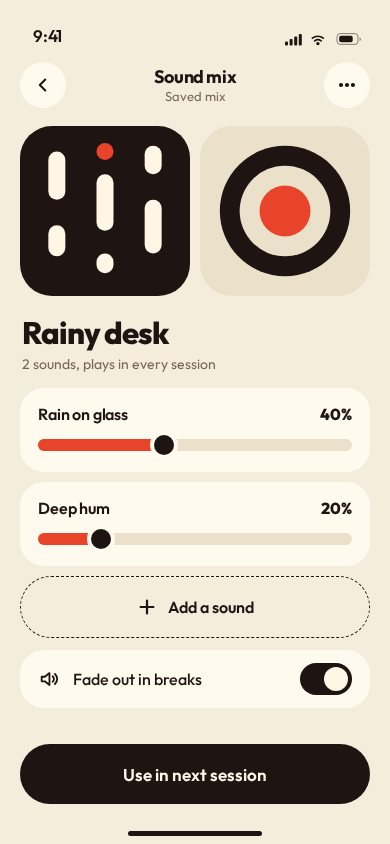 Pomo Sound mix: Focus timer, Minimal
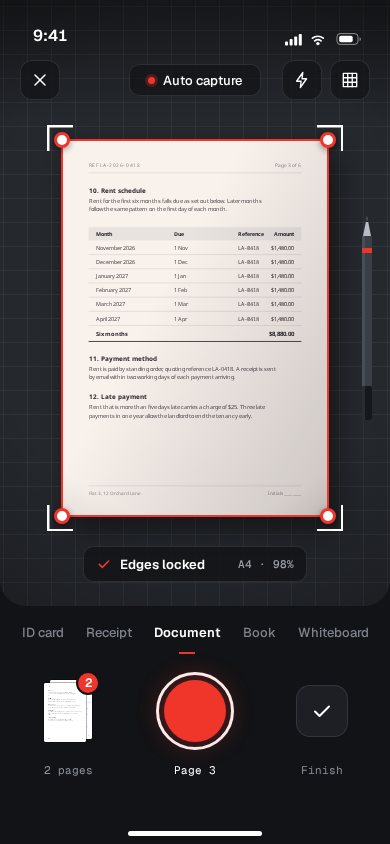 Scanly Scan: Document scanner, Clinical
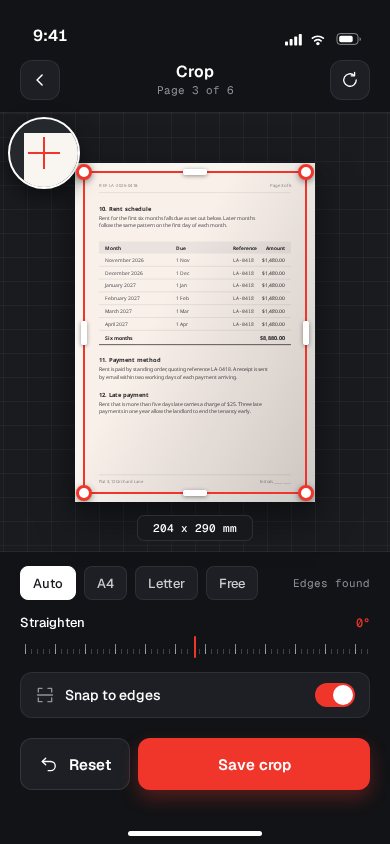 Scanly Crop: Document scanner, Clinical
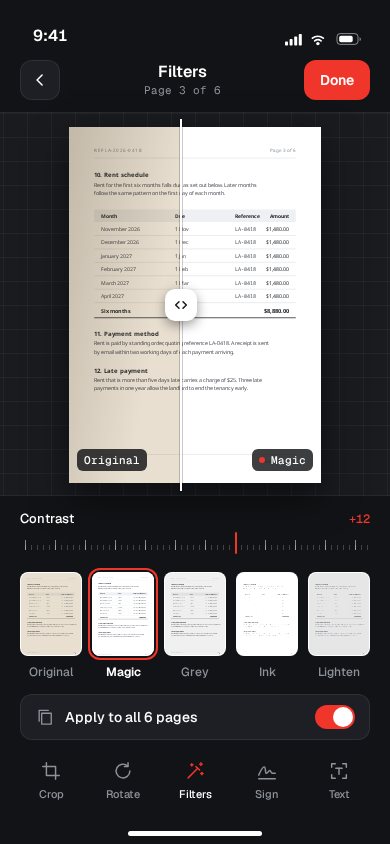 Scanly Filters: Document scanner, Clinical
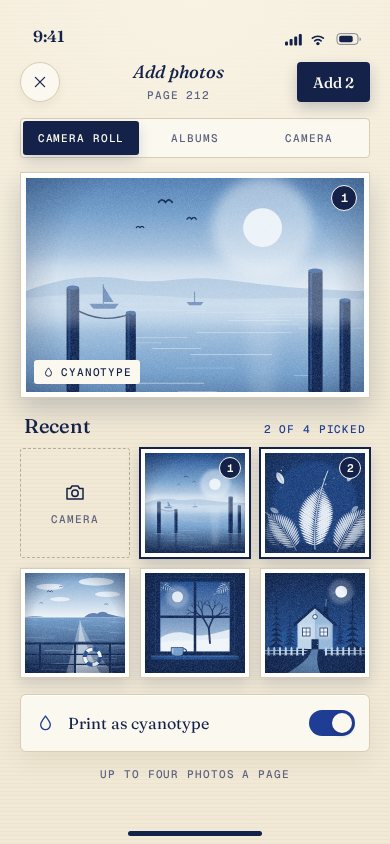 Inkwell Add photos: Daily journal, Luxury
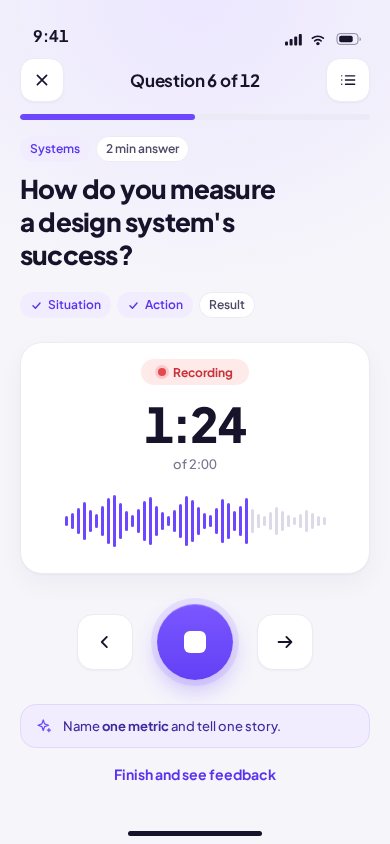 Shortlist Practice question: Job search and application tracker, Enterprise
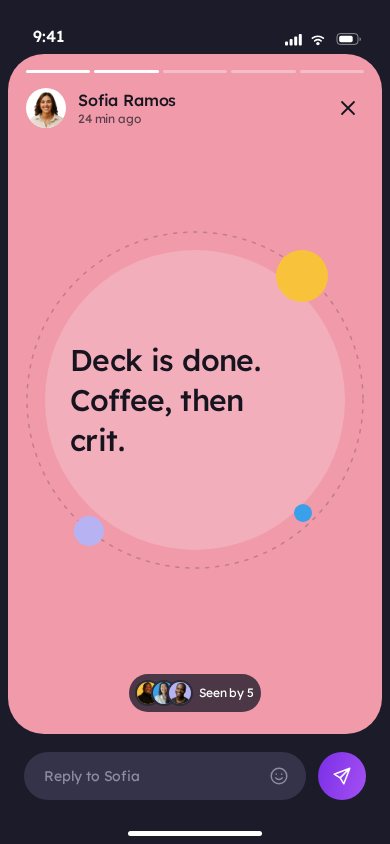 Parley Status: Team messenger, Dark-first, dark
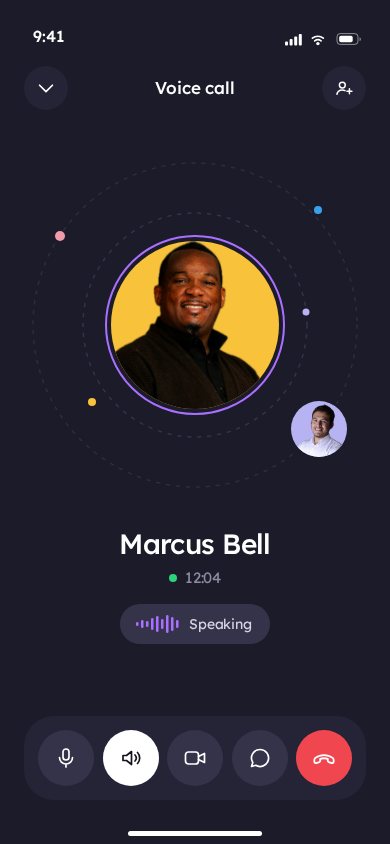 Parley Call: Team messenger, Dark-first, dark
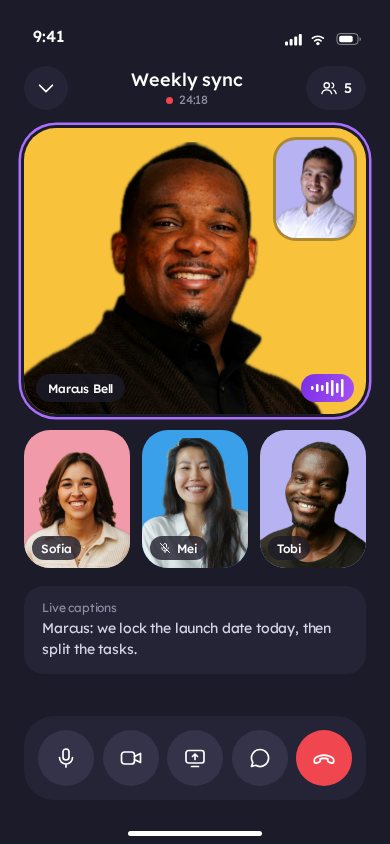 Parley Meeting: Team messenger, Dark-first, dark
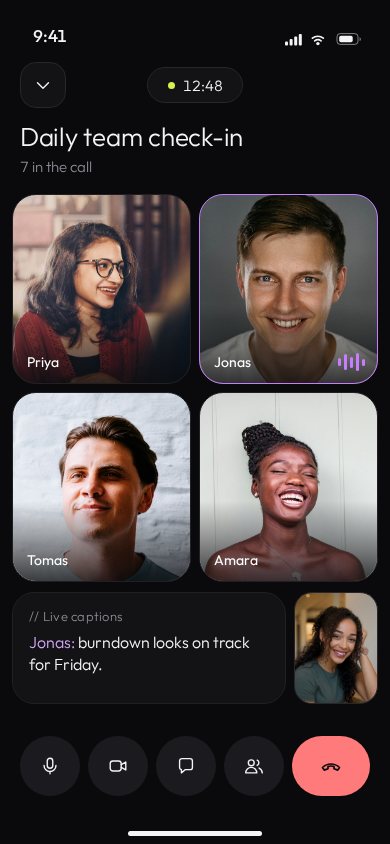 Docket Call: Task and sprint planner, Dark-first, dark
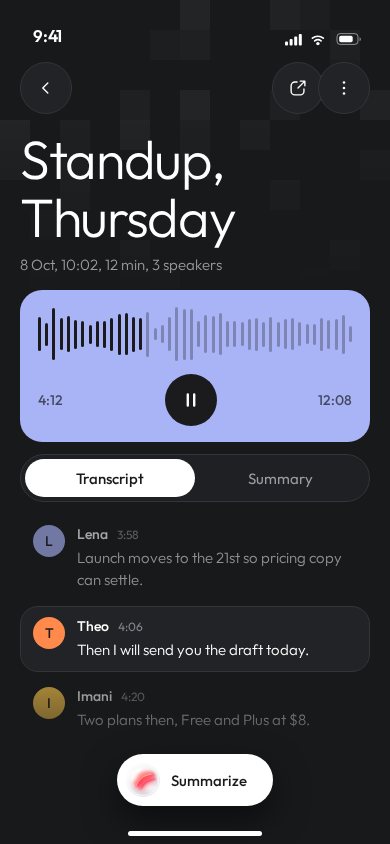 Margin Voice note: AI note taking, Dark-first, dark
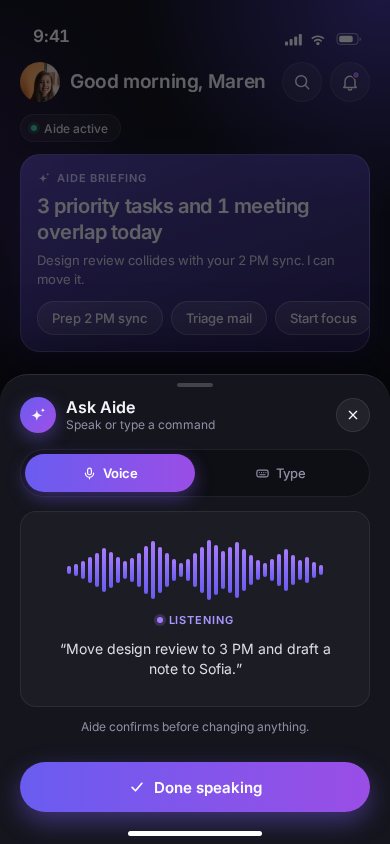 Aide Ask Aide: Executive AI assistant, Dark-first, dark
- Juno Voice: AI chat assistant, Playful
- Juno Search by image: AI chat assistant, Playful
- Juno Create image: AI chat assistant, Playful
- Jot Sketch: Quick notes and checklists, Minimal
- Jot Scan: Quick notes and checklists, Minimal
- Chrono Focus: World clock, timers and stopwatch, Dark-first, dark
- Frontdesk Call: Customer support inbox, Enterprise
- Campaign Email builder: Email marketing campaigns, Playful
- Campaign Preview: Email marketing campaigns, Playful
- Outpost Crop: Schedule social posts, Minimal
- Polish Editor: Writing assistant and keyboard, Glass
- Polish Keyboard: Writing assistant and keyboard, Glass
- Polish Keyboard rewrite: Writing assistant and keyboard, Glass
- Tapline Appearance: Link-in-bio pages and analytics, Gen Z
- Tapline QR code: Link-in-bio pages and analytics, Gen Z
- Quill Meeting notes: Docs, wikis and databases in one workspace, Minimal
- Tandem Huddle: Team chat, channels and huddles, Enterprise
- Shipyard Attachment: Issue tracking for product teams, Dark-first, dark
- Canvas Prototype: Design files and comments on mobile, Glass
- Canvas Board: Design files and comments on mobile, Glass
- Merge Code: Code, pull requests and reviews, Dark-first, dark
- Merge Changes: Code, pull requests and reviews, Dark-first, dark
- Query Images: AI answers with sources, Minimal
- Query Voice: AI answers with sources, Minimal
- Glossa Voice: Translate text, voice and camera, Minimal
- Glossa Conversation: Translate text, voice and camera, Minimal
- Glossa Camera: Translate text, voice and camera, Minimal
- Glossa Practice: Translate text, voice and camera, Minimal
- Layout Editor: Design anything from templates, Playful
- Beacon Play sound: Find your devices and people, Glass
- Staffroom Scan receipt: HR, payslips and time off, Enterprise
- Ping Video test: Internet speed test, Dark-first, dark
- Glance Camera: Visual search with the camera, Glass
- Glance Select area: Visual search with the camera, Glass
- Glance Copy text: Visual search with the camera, Glass
- Glance Translate: Visual search with the camera, Glass
- Replay Recording: Record and share screen videos, Glass
- Replay Trim: Record and share screen videos, Glass
- Easel Board: Collaborative whiteboard, Playful
- Easel Shapes: Collaborative whiteboard, Playful
- Easel Journey map: Collaborative whiteboard, Playful
- Easel Present: Collaborative whiteboard, Playful
- Token Scan code: Two-factor codes and sign-in approvals, Minimal
- Beam Preview: Send big files, Playful
- Parchment Editing: Documents, edit and share, Minimal
- Lectern Editor: Slides and presenter remote, Dark-first, dark
- Lectern Presenter: Slides and presenter remote, Dark-first, dark
- Ringer Incoming call: Phone, contacts and voicemail, Minimal
- Ringer Voicemail message: Phone, contacts and voicemail, Minimal
- Pipeline Voice note: Sales CRM on the road, Enterprise
- Pipeline Scan card: Sales CRM on the road, Enterprise
- Aim Weekly brief: Goals and key results, Minimal
- Scribe Recording: Voice memos to notes, Glass
- Scribe Transcript: Voice memos to notes, Glass
- Inkline Document: Sign and send contracts, Clinical
- Inkline Place fields: Sign and send contracts, Clinical
- Dispatch Photos: Field service jobs for technicians, Enterprise
- Stash Listen: Read-it-later and highlights, Neubrutalism
- Stash Quote card: Read-it-later and highlights, Neubrutalism
- Branch Canvas: Mind maps, Playful
What makes a good productivity app media player screen
- Content takes the space. Artwork, video or the camera view should fill most of the screen.
- Primary controls in the thumb zone. Play and pause, the shutter or the main tool, large and low on the screen.
- Show progress and position. A scrubber with elapsed and remaining time, or the step in a lesson.
- Hide secondary controls until needed. Lyrics, queue, filters and advanced tools can live behind a tap or a swipe.
- Respect system conventions. Media controls on the lock screen, swipe down to minimise and standard gestures people already know.
- Support both one hand and full screen. A compact player for quick control and a full view for watching or editing, with an easy gesture between them.
The full media player screen guide: layouts, mistakes and questions
Player, camera and editor screens in other kinds of app
- Social app player, camera and editor screens (90)
- Lifestyle app player, camera and editor screens (66)
- Education app player, camera and editor screens (60)
- Fitness app player, camera and editor screens (40)
- Music app player, camera and editor screens (36)
- Travel app player, camera and editor screens (24)
- Smart home app player, camera and editor screens (24)
- Finance app player, camera and editor screens (23)
- Food app player, camera and editor screens (20)
- Sports app player, camera and editor screens (12)
Other productivity app screens
- Productivity app onboarding screens
- Productivity app sign in and sign up screens
- Productivity app home screens
- Productivity app search and explore screens
- Productivity app list and feed screens
- Productivity app detail screens
- Productivity app booking and checkout screens
- Productivity app paywall screens
- Productivity app success and confirmation screens
- Productivity app profile screens
- Productivity app settings screens
- Productivity app dashboard and stats screens
- Productivity app live tracking screens
- Productivity app form and input screens