Sports app home screens
22 home screens from 22 sports app templates, each in its own design language. Sports apps are live and dense: scores, times and stats that must read at a glance, often on a dark background for match day.
The examples
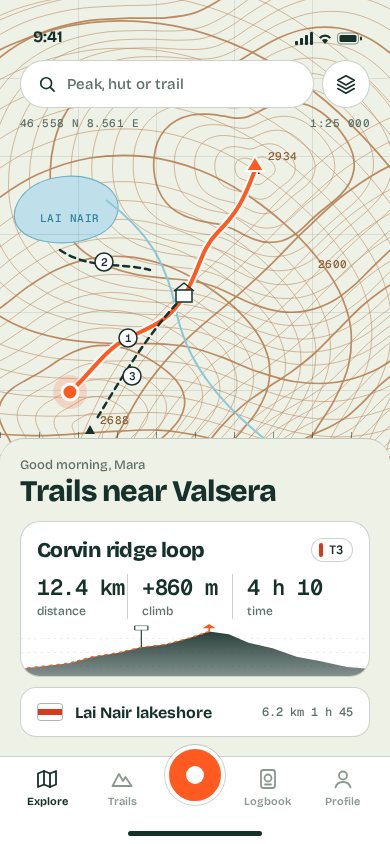 Cairn Explore: Trails, contours and summits on one map sheet, Minimal
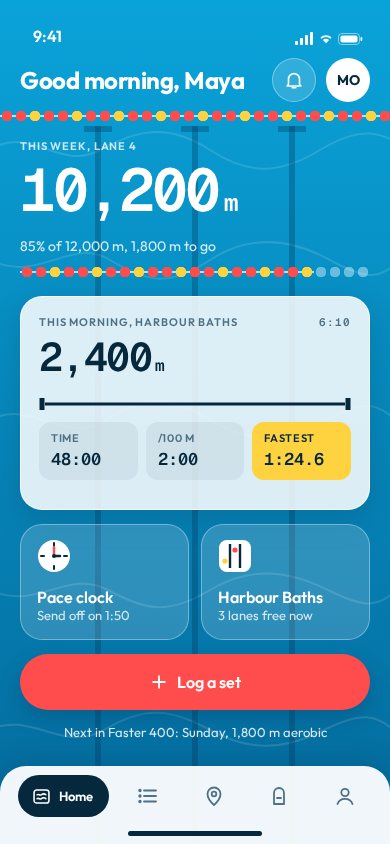 Lapse Home: Swim training, Glass
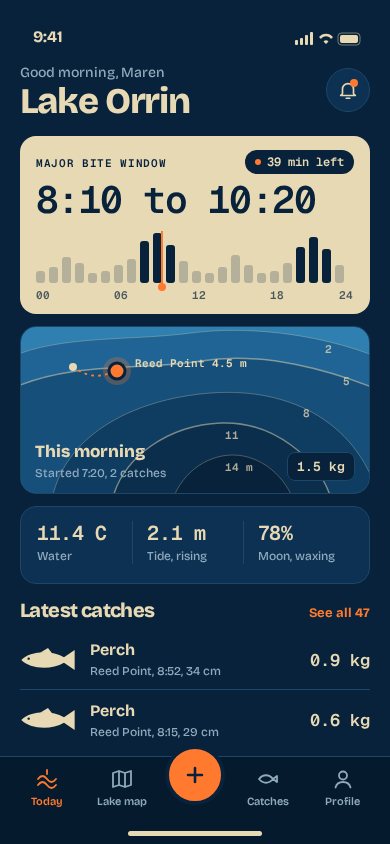 Angler Today: A fishing log drawn on the depth chart, Dark-first, dark
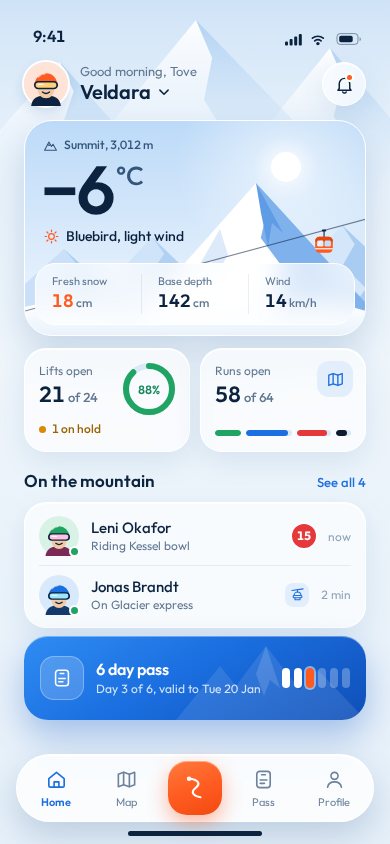 Piste Home: Ski resort companion, Glass
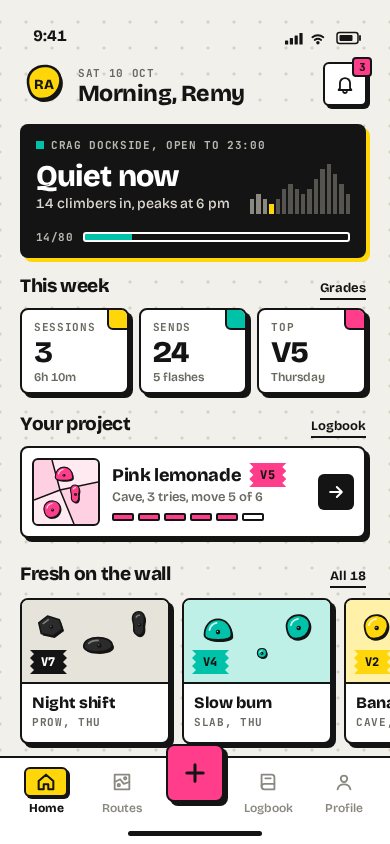 Crag Home: Climbing gym logbook, Neubrutalism
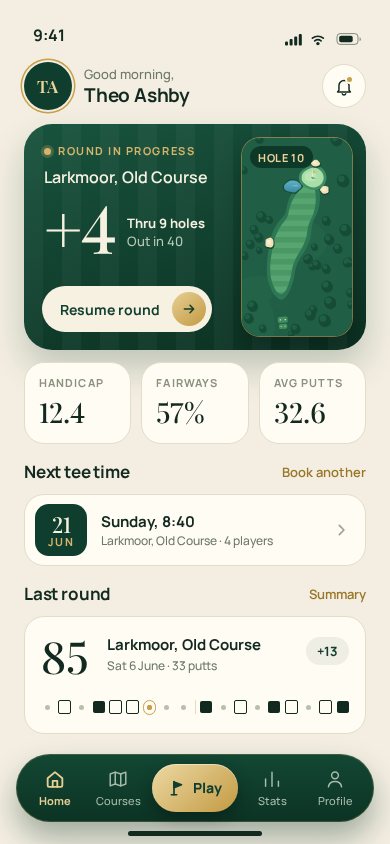 Fairway Home: Golf course guide and scorecard, Luxury
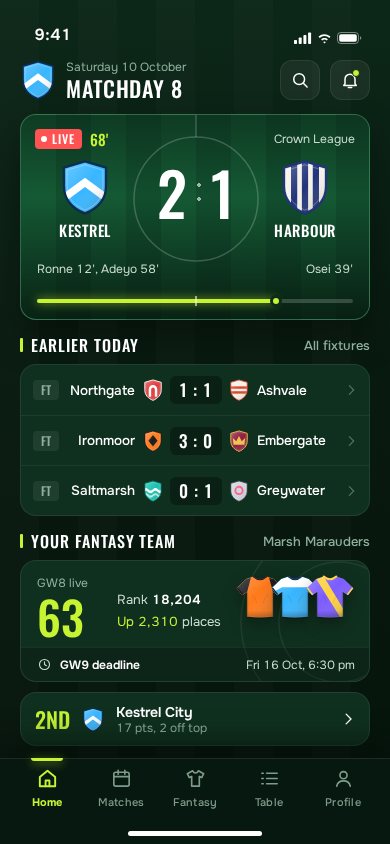 Matchday Home: Football scores and fantasy, Dark-first, dark
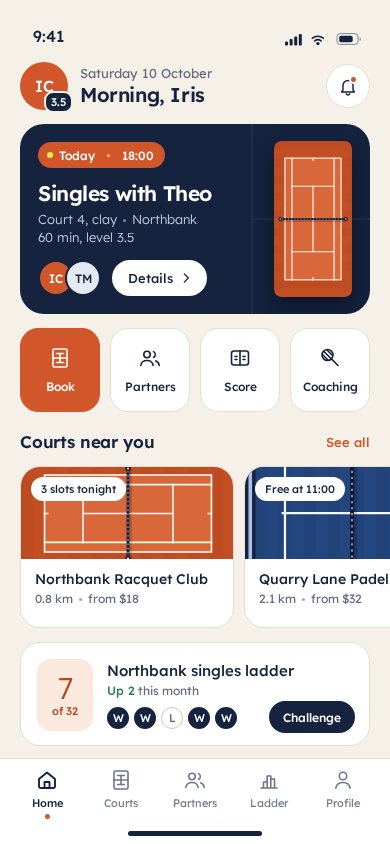 Rally Home: Tennis and padel club, Minimal
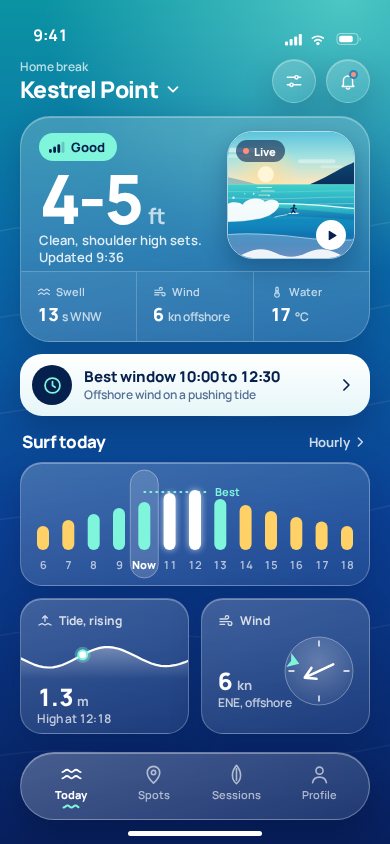 Swell Home: Surf forecast, Glass, dark
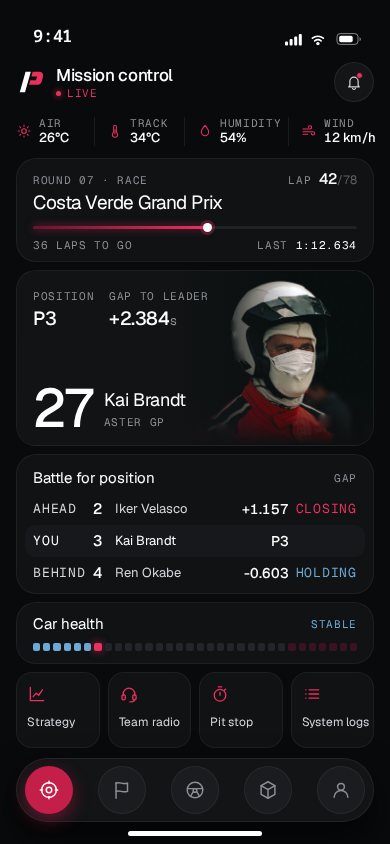 Pitwall Mission control: Race engineering, Dark-first, dark
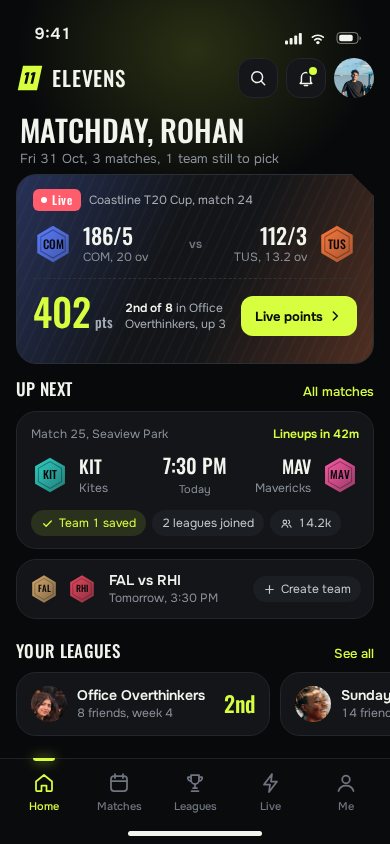 Elevens Home: Fantasy cricket leagues, Dark-first, dark
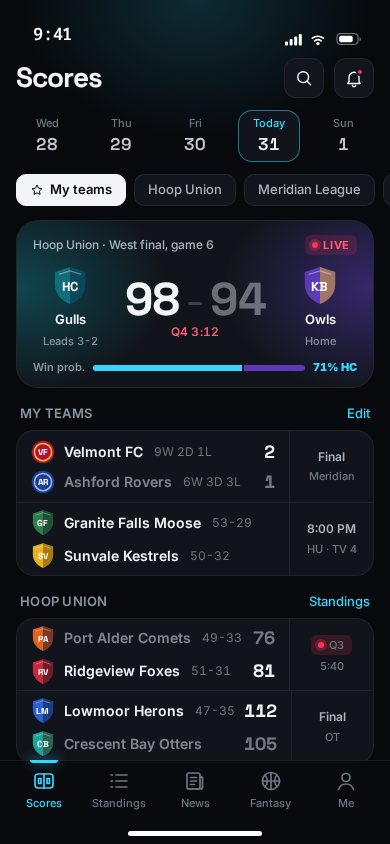 Scoreboard Scores: Scores and news for every sport, Dark-first, dark
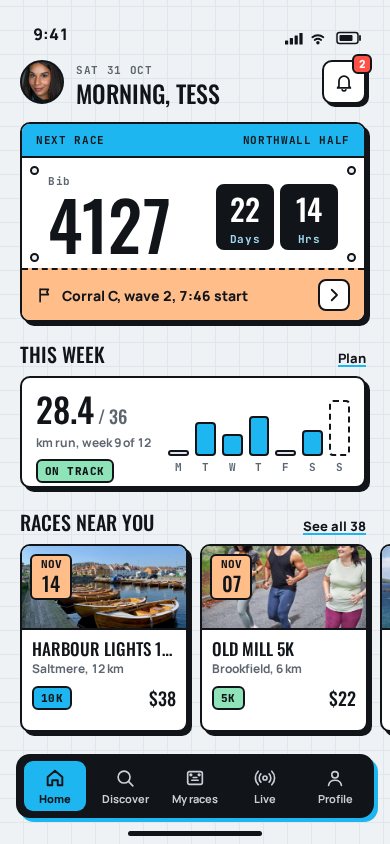 Bib Home: Find and enter races, Neubrutalism
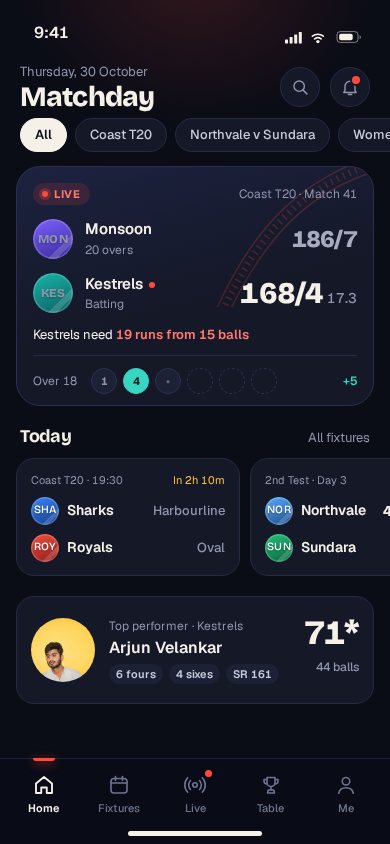 Wicket Home: Live cricket scores, Dark-first, dark
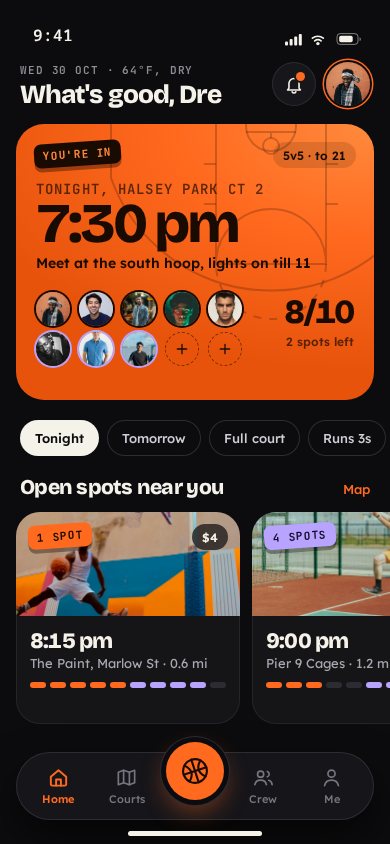 Courtside Home: Pickup basketball games, Gen Z, dark
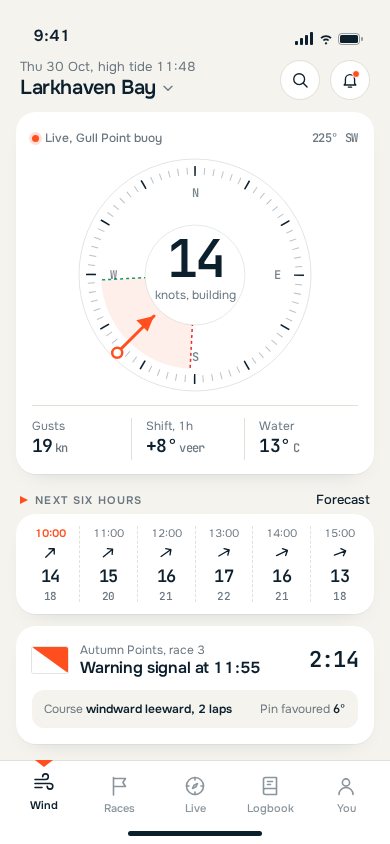 Tack Home: Sailing wind and regatta tracker, Minimal
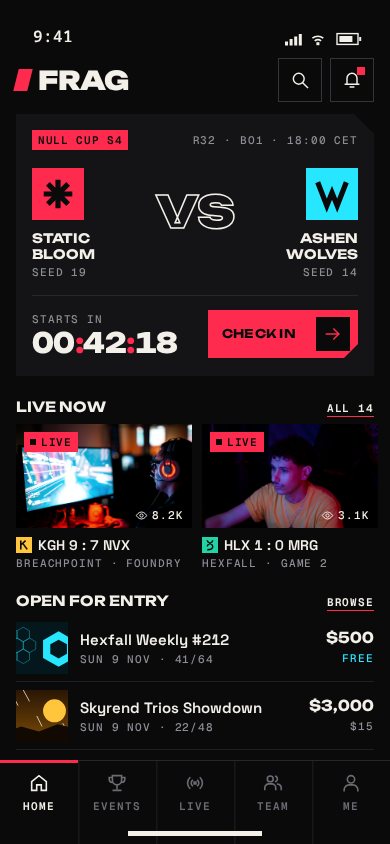 Frag Home: Esports tournaments and teams, Brutalist, dark
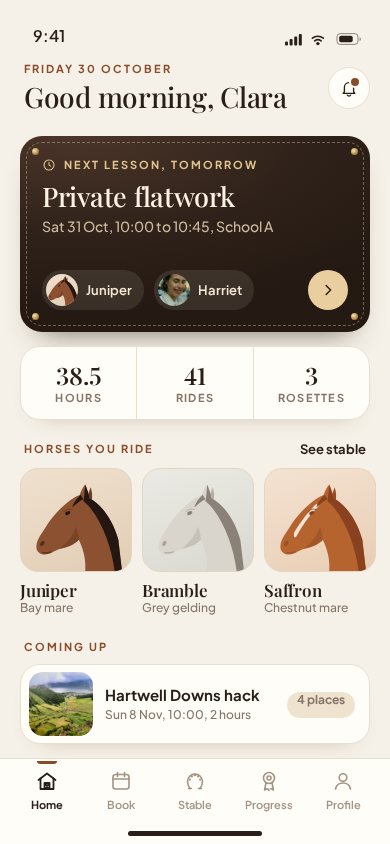 Canter Home: Riding stables and lessons, Luxury
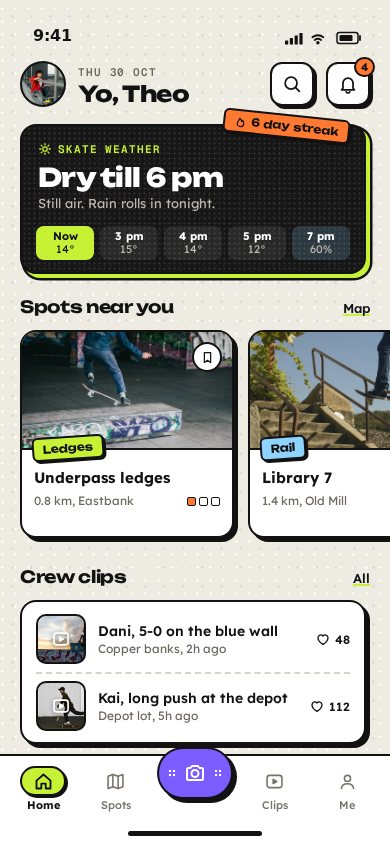 Ollie Home: Skate spots and clips, Neubrutalism
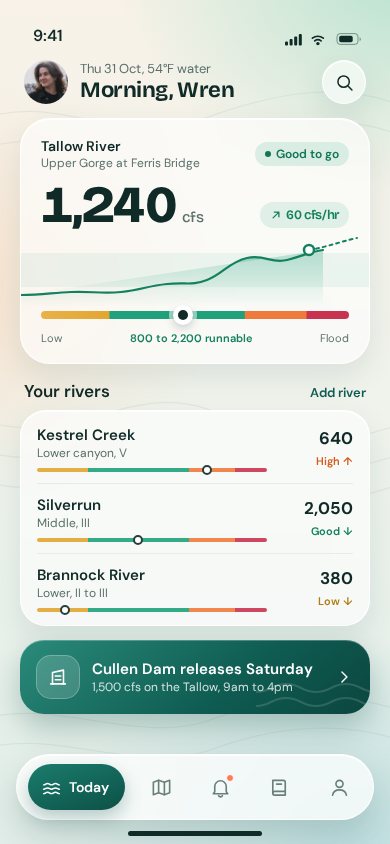 Eddy Today: River levels for paddlers, Glass
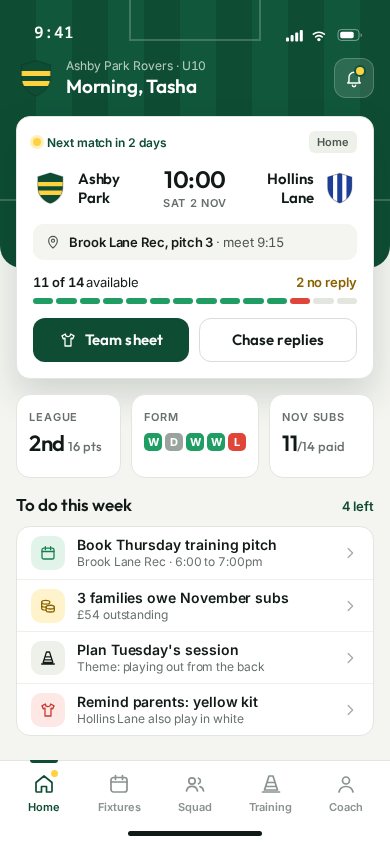 Whistle Home: Grassroots league manager for coaches, Enterprise
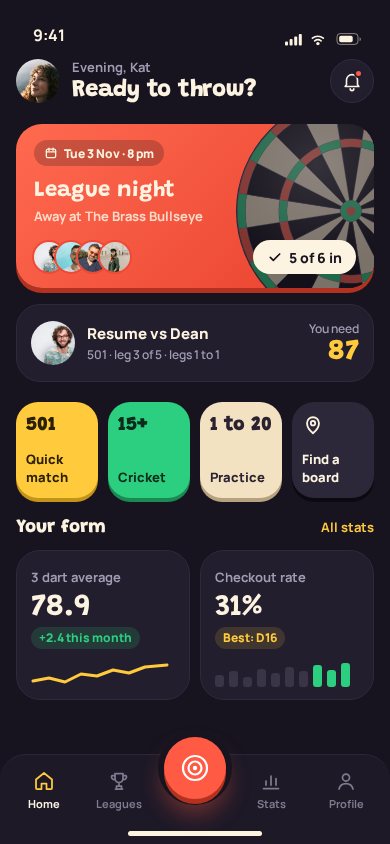 Oche Home: Darts scorer and leagues, Playful, dark
What makes a good sports app home screen
- Put the most important thing first. Decide the one thing most people come for, like today's workout, a balance or the next booking, and give it the top of the screen.
- Make it feel current. Greetings with the time of day, today's date, fresh numbers and recent activity tell people the app is alive and about them.
- Keep quick actions within thumb reach. The two or three things people do most should be one tap away, in the lower part of the screen or a floating button.
- Group related content in clear sections. Use headings and spacing so the screen scans as a few blocks, not a long mixed list.
- Handle the empty state. A new user has no history. Show a helpful first step instead of empty cards and zeros.
The full home screen guide: layouts, mistakes and questions
Home screens in other kinds of app
- Lifestyle app home screens (66)
- Productivity app home screens (61)
- Social app home screens (43)
- Travel app home screens (40)
- Finance app home screens (40)
- Fitness app home screens (35)
- Food app home screens (29)
- Education app home screens (29)
- Smart home app home screens (20)
- Music app home screens (19)
Other sports app screens
- Sports app onboarding screens
- Sports app sign in and sign up screens
- Sports app search and explore screens
- Sports app list and feed screens
- Sports app detail screens
- Sports app booking and checkout screens
- Sports app paywall screens
- Sports app success and confirmation screens
- Sports app profile screens
- Sports app settings screens
- Sports app dashboard and stats screens
- Sports app player, camera and editor screens
- Sports app live tracking screens
- Sports app form and input screens