Food app home screens
29 home screens from 29 food app templates, each in its own design language. Food apps are about appetite and time: photography that makes the dish look real, delivery times up front and the basket one tap away.
The examples
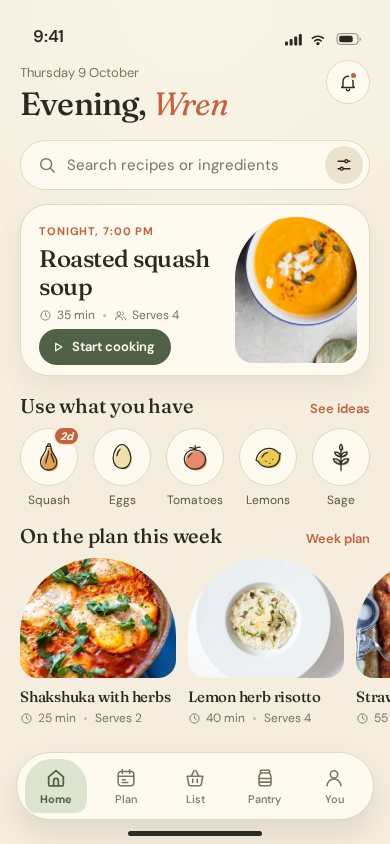 Ladle Home: Recipes and meal planning, Minimal
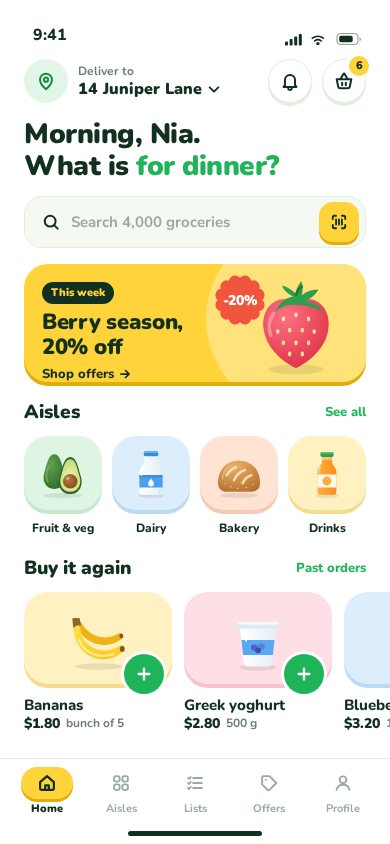 Pantry Home: Grocery delivery, Playful
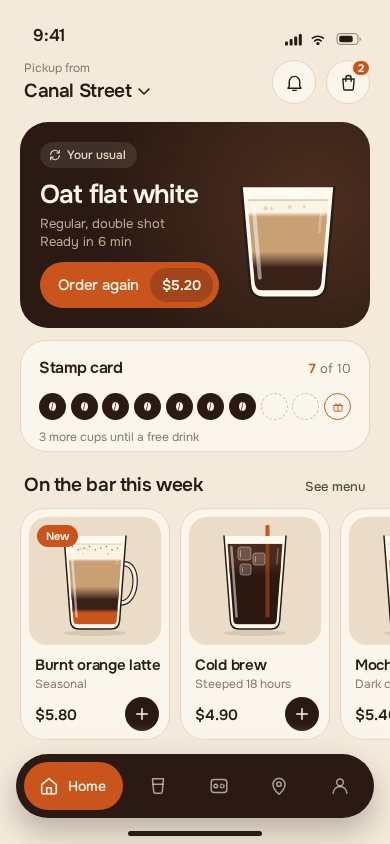 Brewly Home: Coffee ordering and loyalty, Minimal
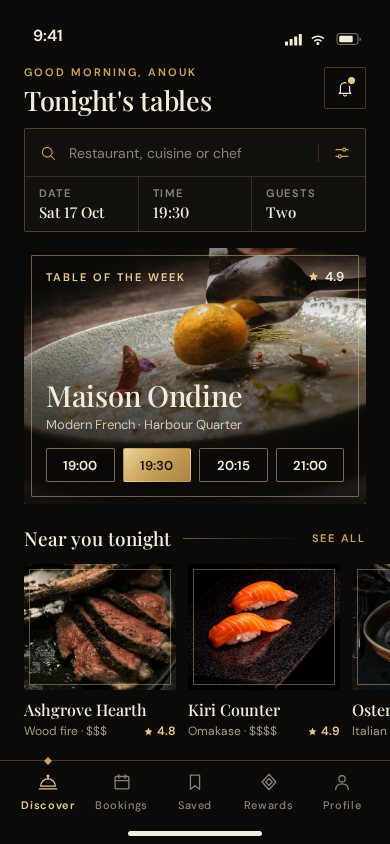 Tabla Home: Tables worth dressing for, Luxury, dark
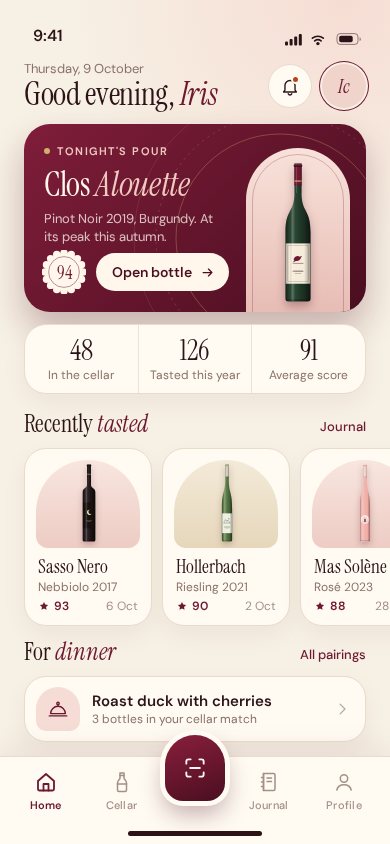 Corked Home: Wine journal and cellar, Luxury
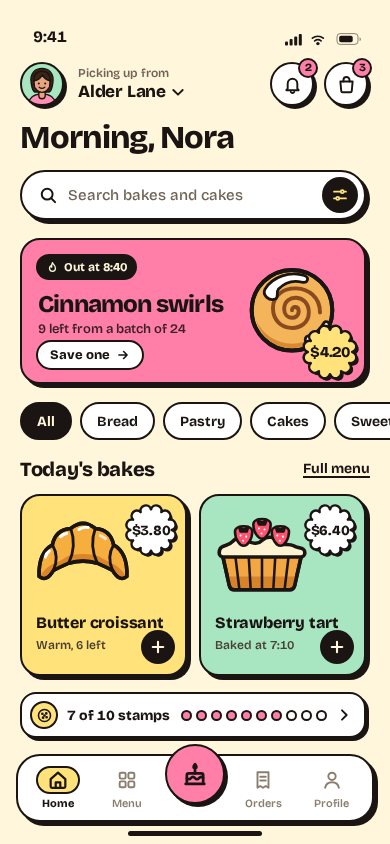 Crumb Home: Neighbourhood bakery, Neubrutalism
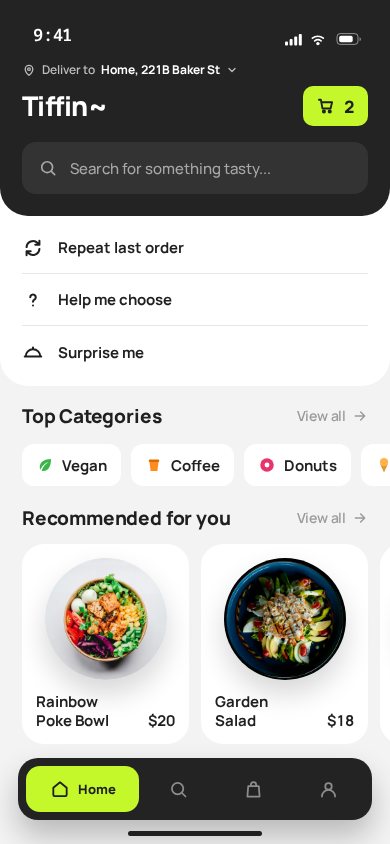 Tiffin Home: Food delivery, Minimal
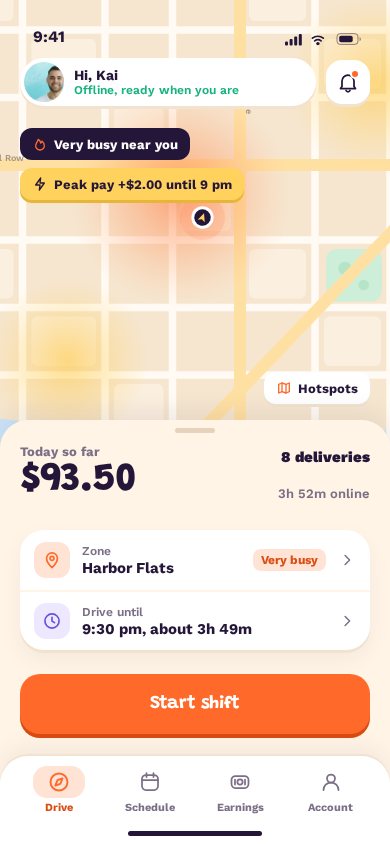 Courier Home: Food delivery driver app, Playful
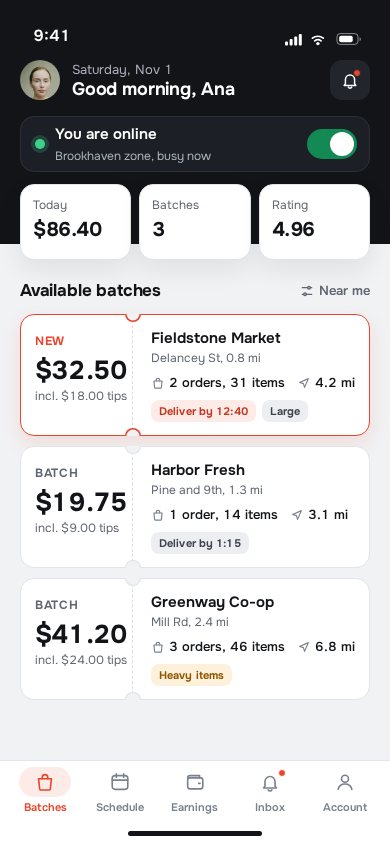 Picker Batches: Grocery shopper app, Enterprise
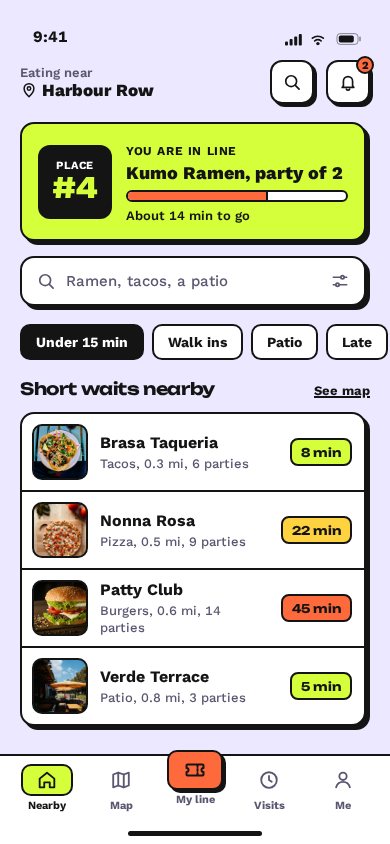 Queue Home: Join the waitlist from anywhere, Neubrutalism
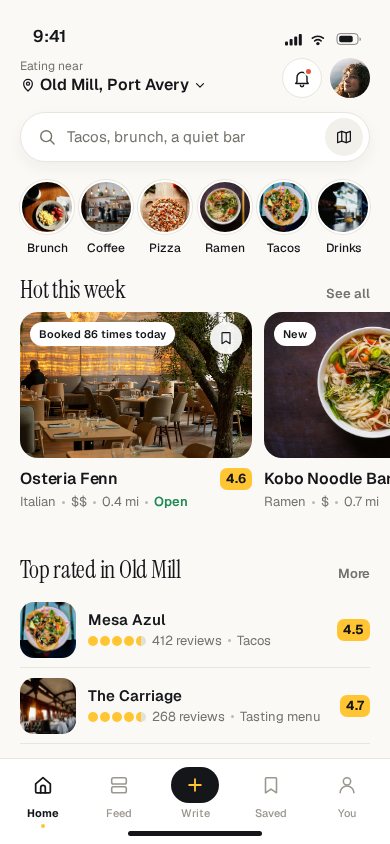 Nosh Home: Local restaurant reviews, Minimal
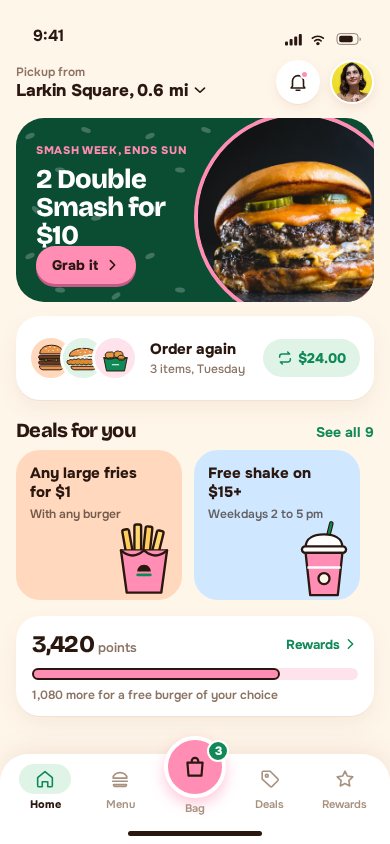 Buns Home: Burger chain ordering and deals, Playful
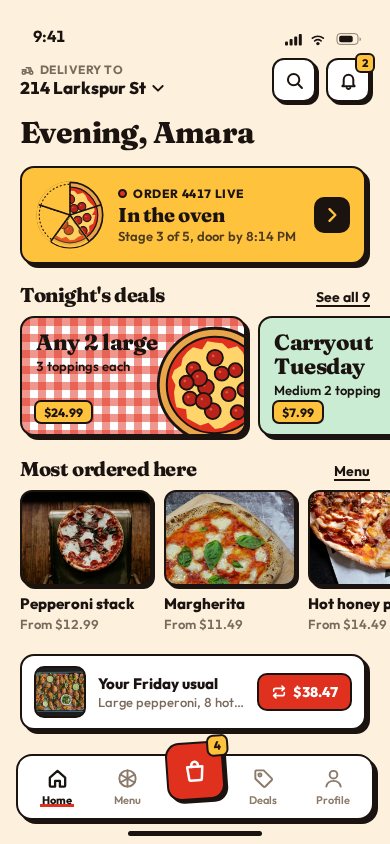 Slice Home: Pizza ordering with a live tracker, Neubrutalism
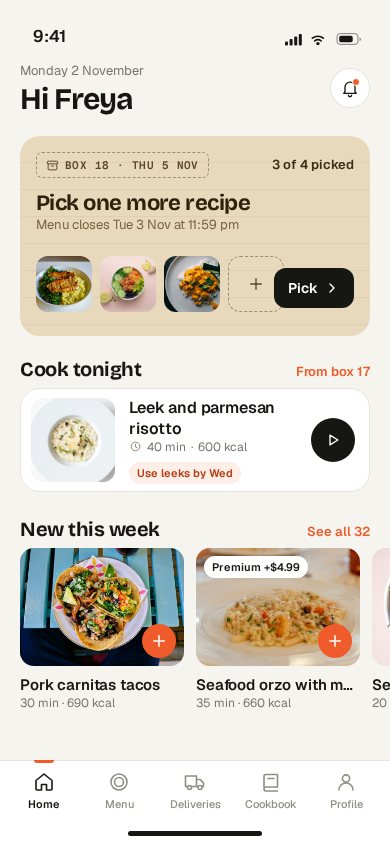 Crate Home: Meal kits delivered weekly, Minimal
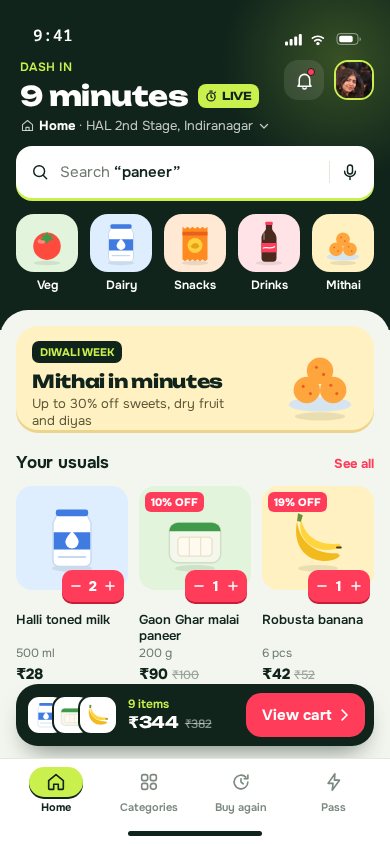 Dash Home: Ten minute grocery delivery, Playful
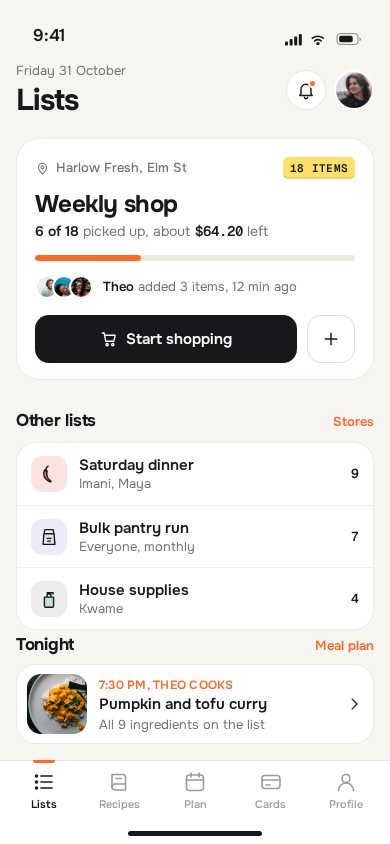 Aisle Lists: Shared grocery lists, Minimal
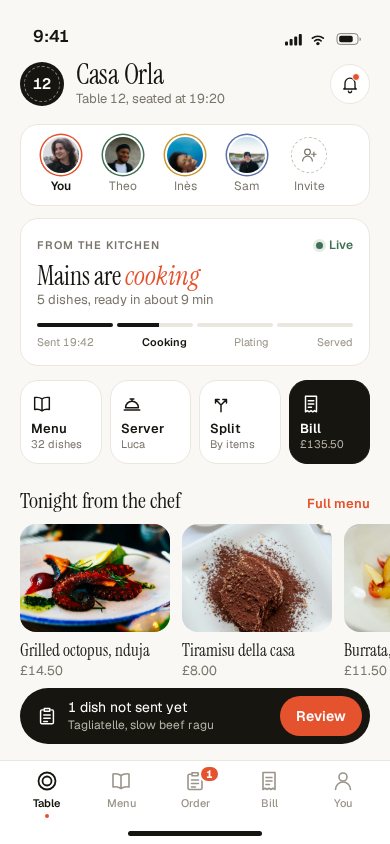 Menu Table: Scan, order and pay at the table, Minimal
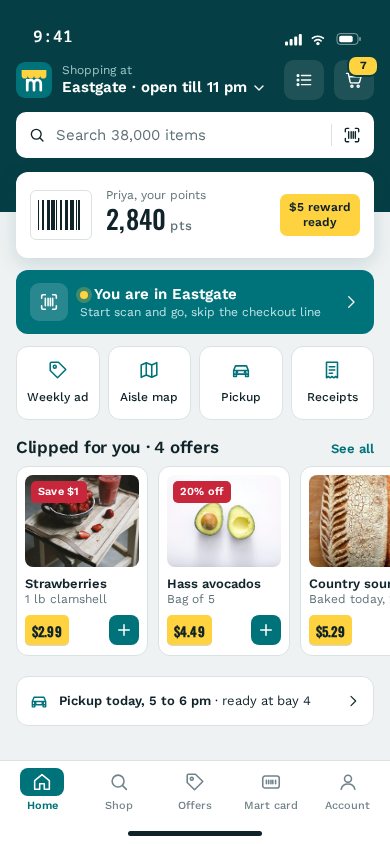 Mart Home: Supermarket app with loyalty and scan and go, Enterprise
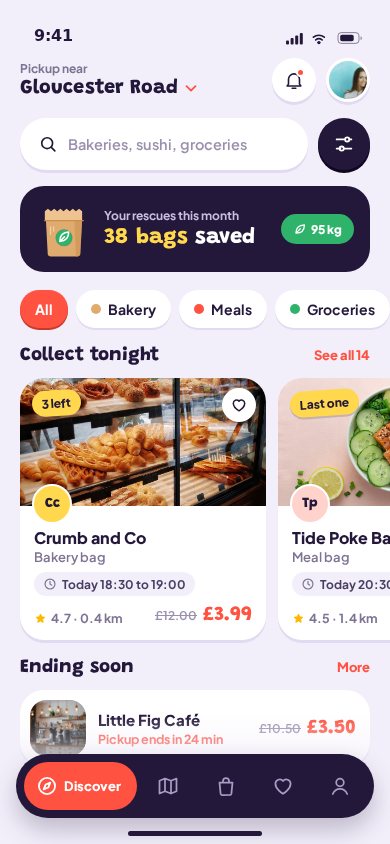 Rescue Discover: Surprise bags of surplus food, Playful
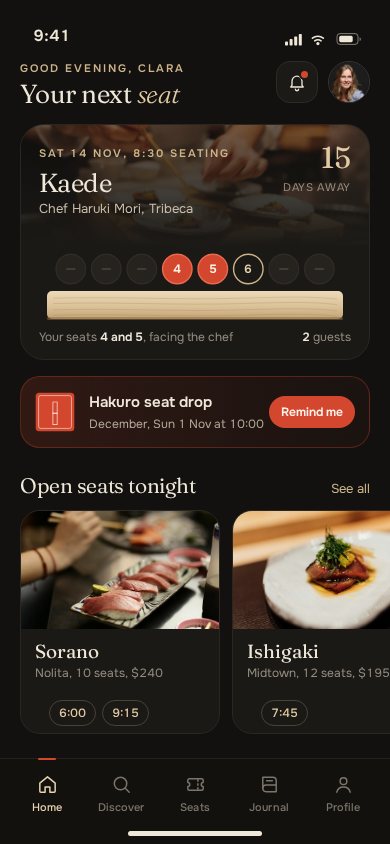 Omakase Home: Chef's counter reservations, Luxury, dark
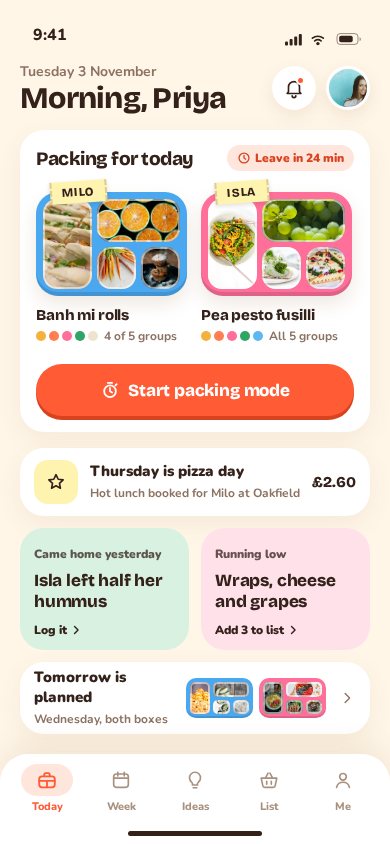 Lunchbox Today: School lunch planner for parents, Playful
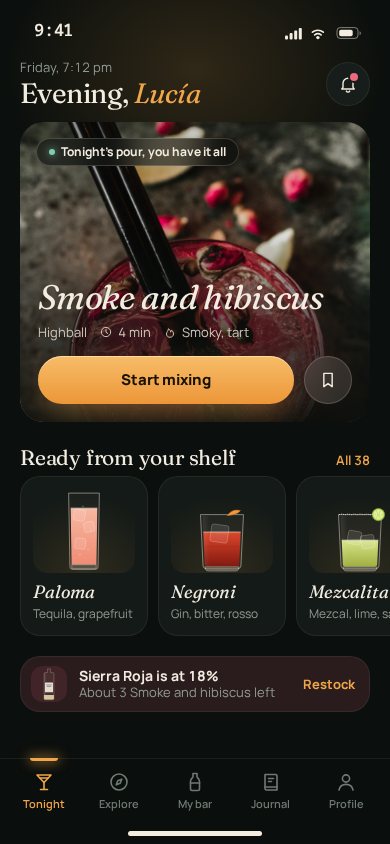 Agave Tonight: Cocktails and home bar, Dark-first, dark
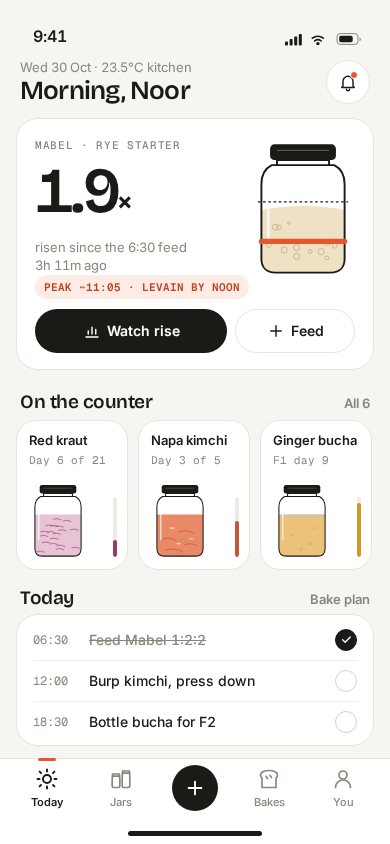 Crock Today: Fermentation and sourdough starter log, Minimal
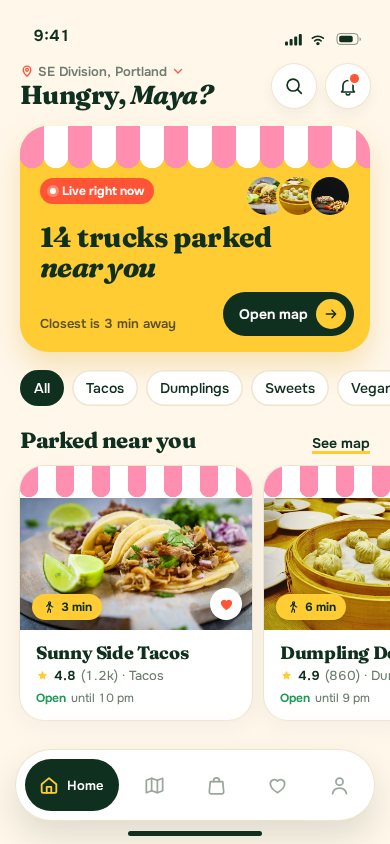 Curbside Home: Street food and food truck finder, Gen Z
- Forage Home: Farmers market and veg box, Neubrutalism
- Ember Home: Smoker and grill thermometer, Dark-first, dark
- Steep Today: Tea brewing and tasting notes, Minimal
- Brigade Service: Restaurant kitchen and line ops, Enterprise
- Nibs Home: Food allergy and label scanner, Clinical
What makes a good food app home screen
- Put the most important thing first. Decide the one thing most people come for, like today's workout, a balance or the next booking, and give it the top of the screen.
- Make it feel current. Greetings with the time of day, today's date, fresh numbers and recent activity tell people the app is alive and about them.
- Keep quick actions within thumb reach. The two or three things people do most should be one tap away, in the lower part of the screen or a floating button.
- Group related content in clear sections. Use headings and spacing so the screen scans as a few blocks, not a long mixed list.
- Handle the empty state. A new user has no history. Show a helpful first step instead of empty cards and zeros.
The full home screen guide: layouts, mistakes and questions
Home screens in other kinds of app
- Lifestyle app home screens (66)
- Productivity app home screens (61)
- Social app home screens (43)
- Travel app home screens (40)
- Finance app home screens (40)
- Fitness app home screens (35)
- Education app home screens (29)
- Sports app home screens (22)
- Smart home app home screens (20)
- Music app home screens (19)
Other food app screens
- Food app onboarding screens
- Food app sign in and sign up screens
- Food app search and explore screens
- Food app list and feed screens
- Food app detail screens
- Food app booking and checkout screens
- Food app paywall screens
- Food app success and confirmation screens
- Food app profile screens
- Food app settings screens
- Food app dashboard and stats screens
- Food app player, camera and editor screens
- Food app live tracking screens
- Food app form and input screens