Templates · Onboarding screens
Sports app onboarding screens
41 onboarding screens from 22 sports app templates, each in its own design language. Sports apps are live and dense: scores, times and stats that must read at a glance, often on a dark background for match day.
The examples
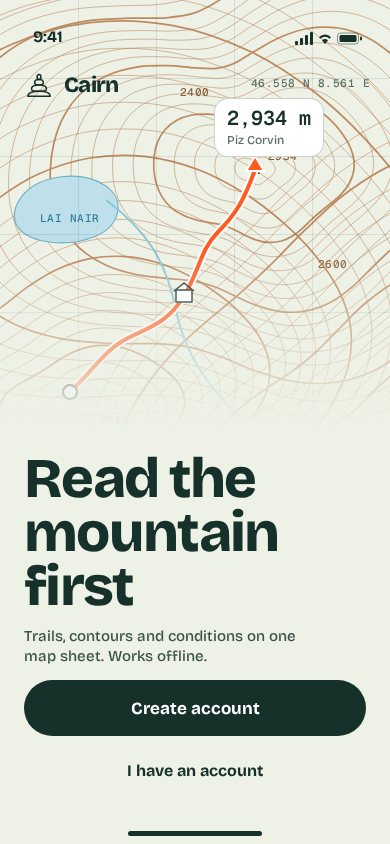 Cairn Welcome: Trails, contours and summits on one map sheet, Minimal
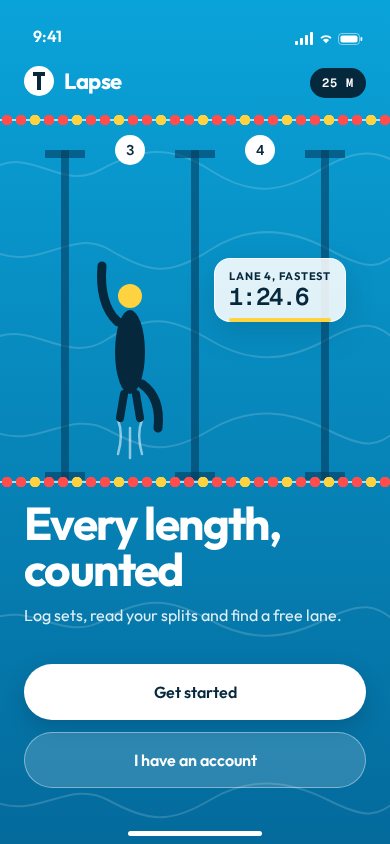 Lapse Welcome: Swim training, Glass
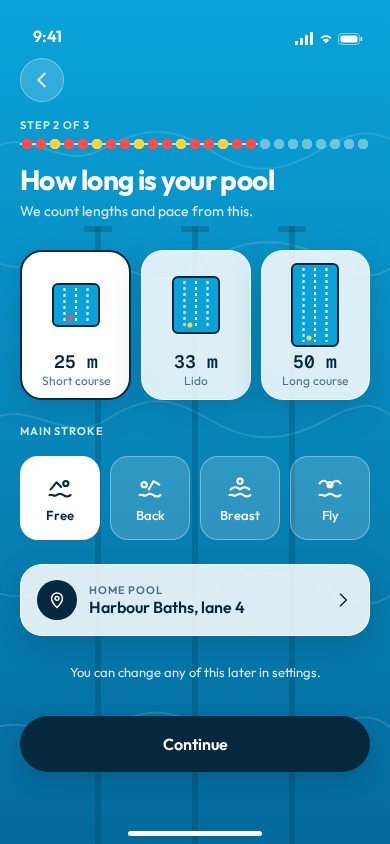 Lapse Your pool: Swim training, Glass
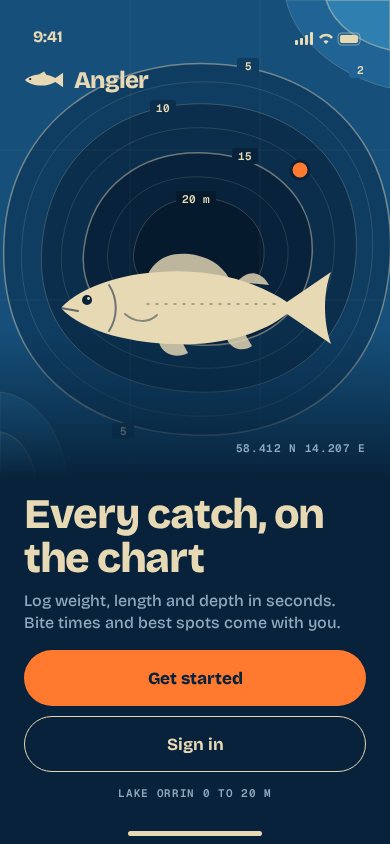 Angler Welcome: A fishing log drawn on the depth chart, Dark-first, dark
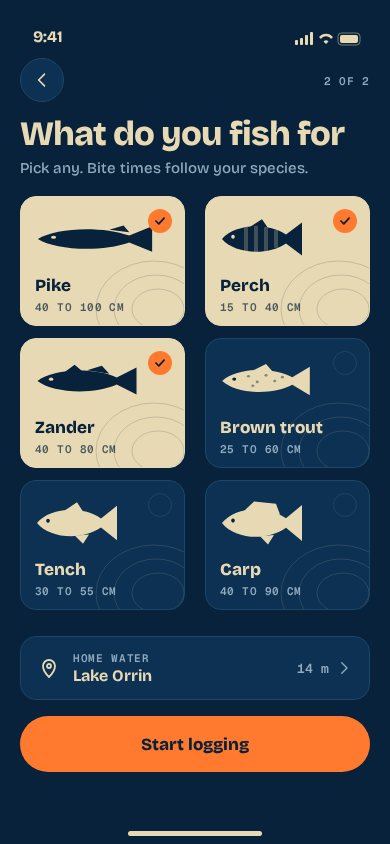 Angler Pick your species: A fishing log drawn on the depth chart, Dark-first, dark
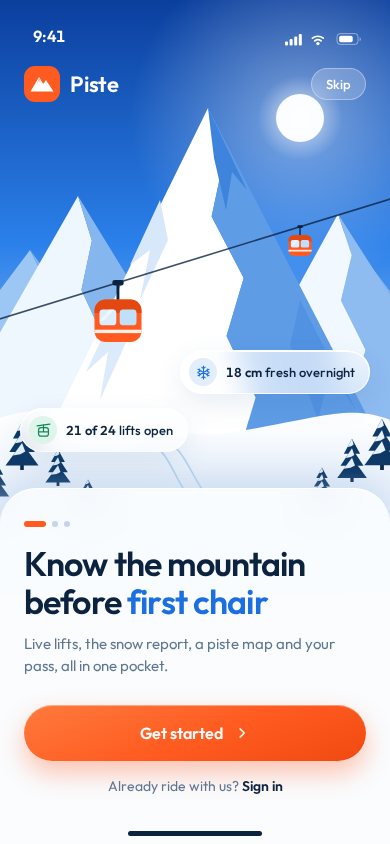 Piste Welcome: Ski resort companion, Glass
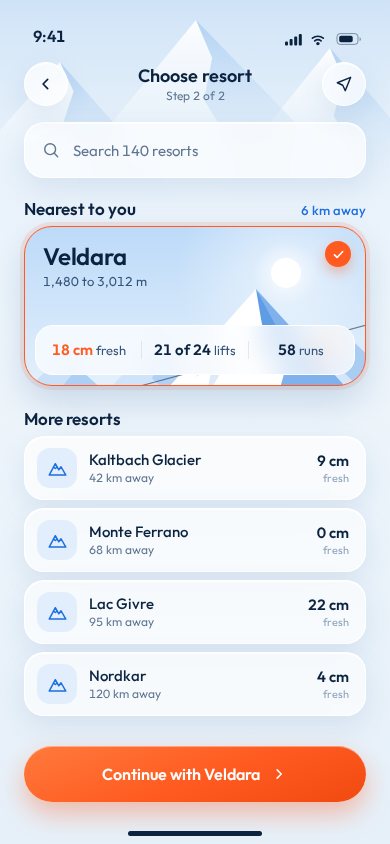 Piste Choose resort: Ski resort companion, Glass
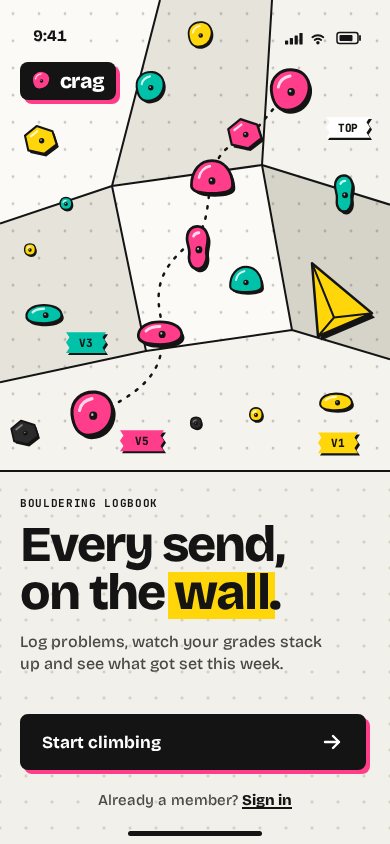 Crag Welcome: Climbing gym logbook, Neubrutalism
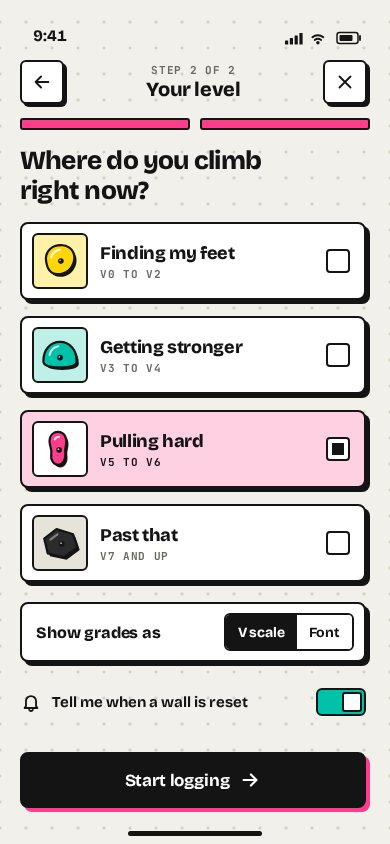 Crag Your level: Climbing gym logbook, Neubrutalism
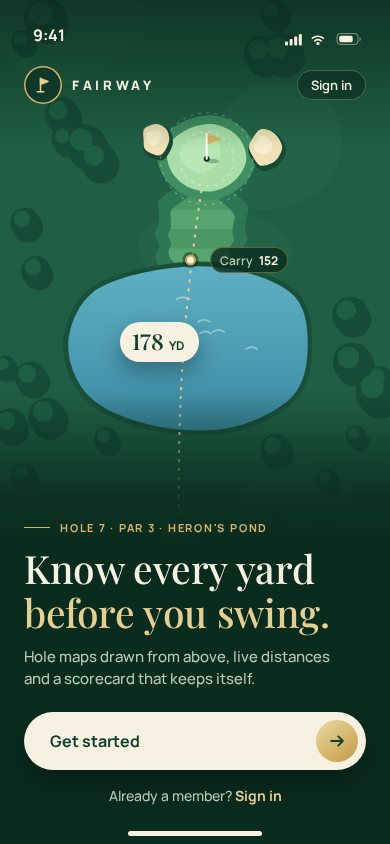 Fairway Welcome: Golf course guide and scorecard, Luxury
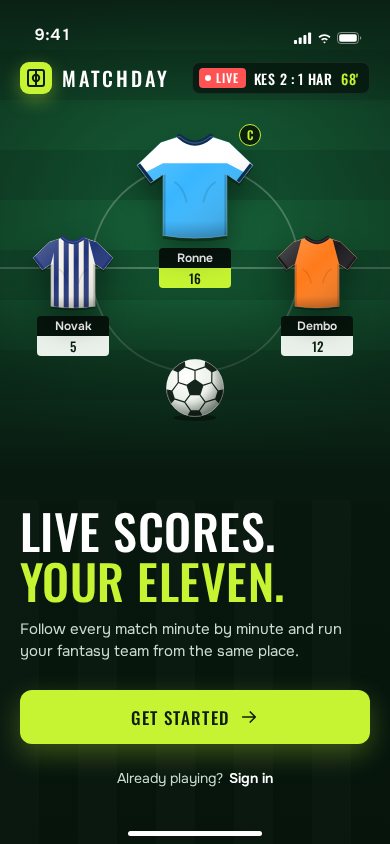 Matchday Welcome: Football scores and fantasy, Dark-first, dark
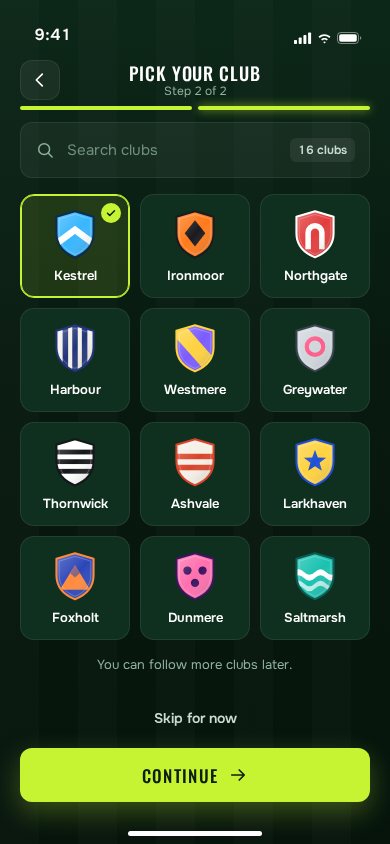 Matchday Pick your club: Football scores and fantasy, Dark-first, dark
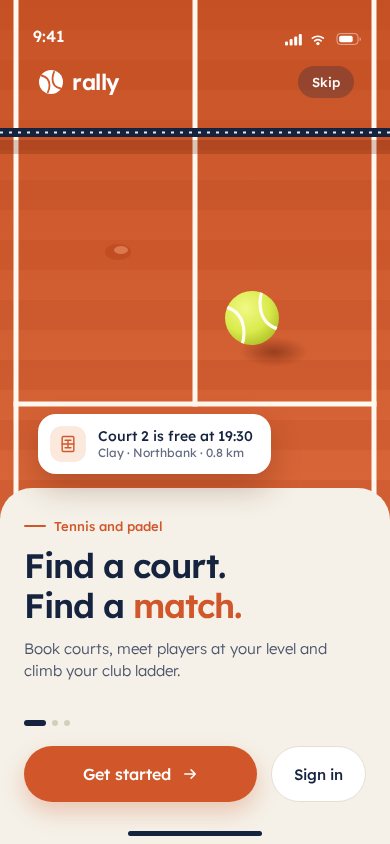 Rally Welcome: Tennis and padel club, Minimal
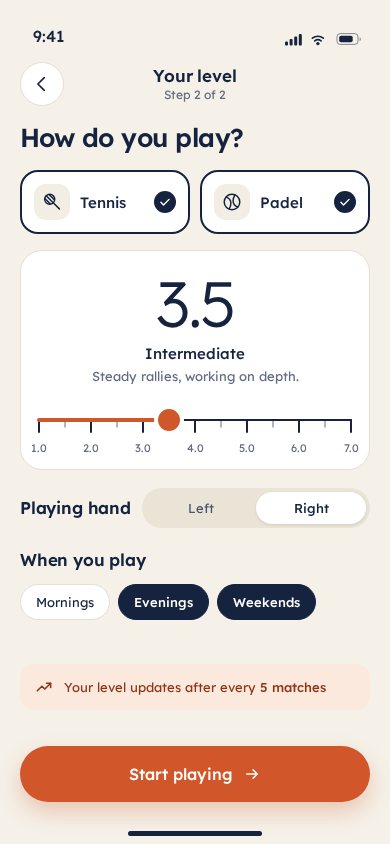 Rally Your level: Tennis and padel club, Minimal
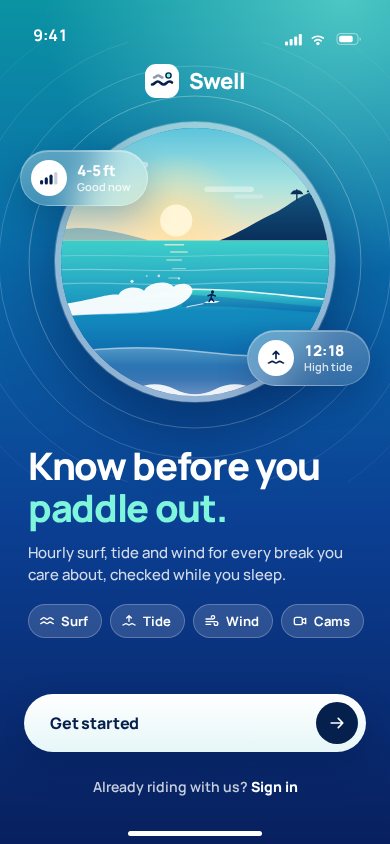 Swell Welcome: Surf forecast, Glass, dark
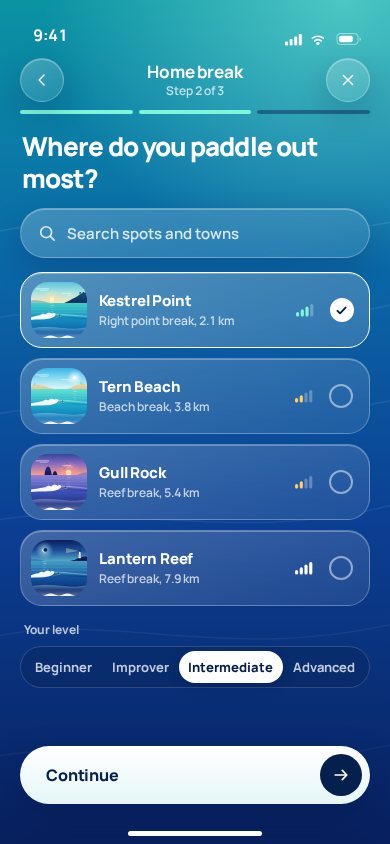 Swell Home break: Surf forecast, Glass, dark
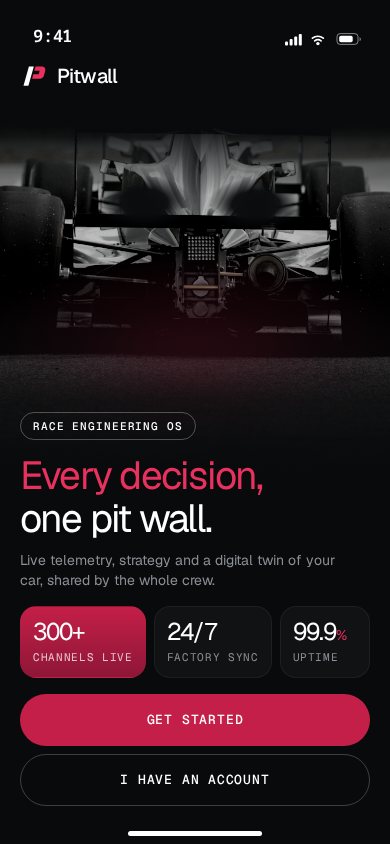 Pitwall Welcome: Race engineering, Dark-first, dark
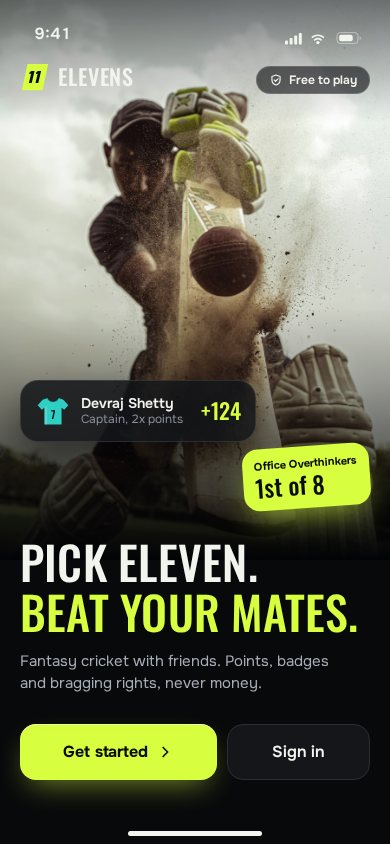 Elevens Welcome: Fantasy cricket leagues, Dark-first, dark
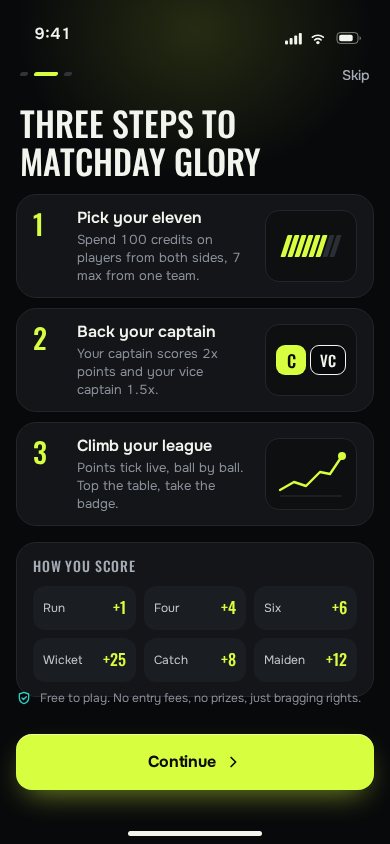 Elevens How it works: Fantasy cricket leagues, Dark-first, dark
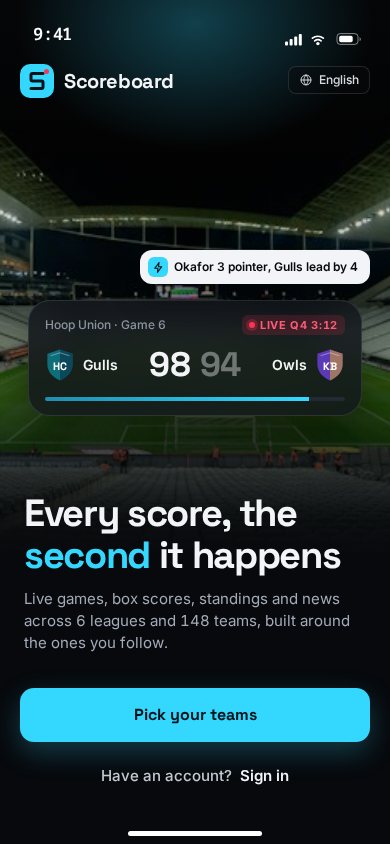 Scoreboard Welcome: Scores and news for every sport, Dark-first, dark
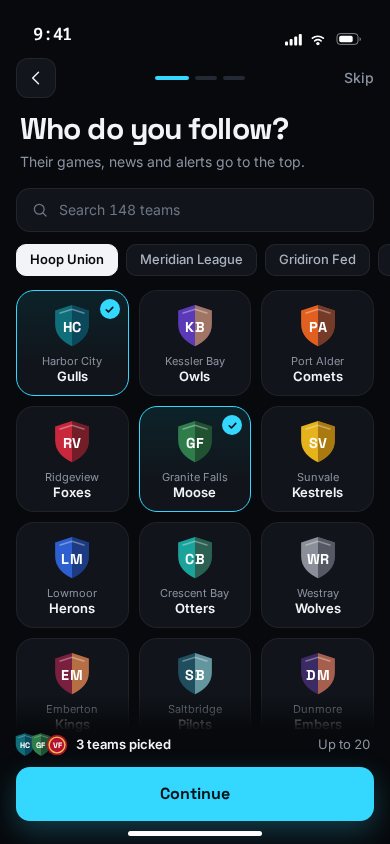 Scoreboard Pick teams: Scores and news for every sport, Dark-first, dark
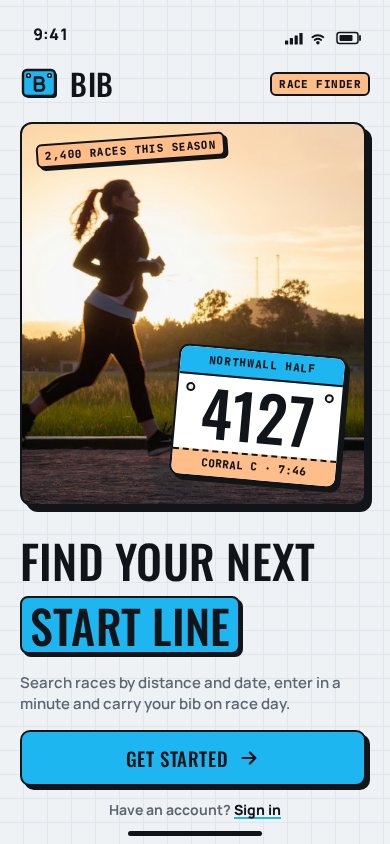 Bib Welcome: Find and enter races, Neubrutalism
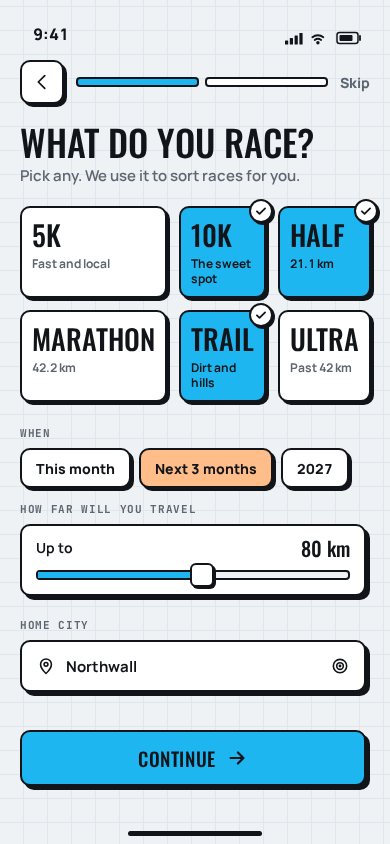 Bib Goals: Find and enter races, Neubrutalism
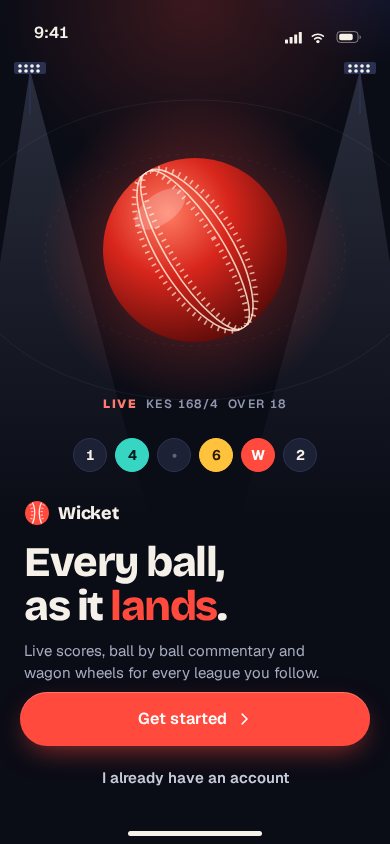 Wicket Welcome: Live cricket scores, Dark-first, dark
- Wicket Your teams: Live cricket scores, Dark-first, dark
- Courtside Welcome: Pickup basketball games, Gen Z, dark
- Courtside Your game: Pickup basketball games, Gen Z, dark
- Tack Welcome: Sailing wind and regatta tracker, Minimal
- Tack Your boat: Sailing wind and regatta tracker, Minimal
- Frag Welcome: Esports tournaments and teams, Brutalist, dark
- Frag Your games: Esports tournaments and teams, Brutalist, dark
- Canter Welcome: Riding stables and lessons, Luxury
- Canter Your riding: Riding stables and lessons, Luxury
- Ollie Welcome: Skate spots and clips, Neubrutalism
- Ollie Your stance: Skate spots and clips, Neubrutalism
- Eddy Welcome: River levels for paddlers, Glass
- Eddy Pick your rivers: River levels for paddlers, Glass
- Whistle Welcome: Grassroots league manager for coaches, Enterprise
- Whistle Team setup: Grassroots league manager for coaches, Enterprise
- Oche Welcome: Darts scorer and leagues, Playful, dark
- Oche Your throw: Darts scorer and leagues, Playful, dark
What makes a good sports app onboarding screen
- One idea per screen. Each screen should say one thing in a headline people can read in a second. If a screen needs a paragraph, it is doing too much.
- Personalise with a purpose. Ask a question only if the answer changes what people see next, like a goal, a level or an interest. Then show that the answer mattered.
- Explain permissions before asking. Show your own screen saying why you need notifications, location or the camera before the system prompt. People who understand the reason are more likely to allow it.
- Let people skip. A visible skip or "I'll do this later" respects returning users and the impatient. Make sure skipping still lands them somewhere useful.
- Show progress. Dots or a progress bar tell people how much is left. Three to five steps feel short; anything longer needs a reason.
- End on the product, not on a form. The last step should drop people into the app with something already working: their plan, their feed, their first item.
The full onboarding screen guide: layouts, mistakes and questions
Onboarding screens in other kinds of app
- Productivity app onboarding screens (113)
- Lifestyle app onboarding screens (112)
- Fitness app onboarding screens (75)
- Social app onboarding screens (73)
- Finance app onboarding screens (60)
- Education app onboarding screens (59)
- Travel app onboarding screens (58)
- Food app onboarding screens (49)
- Music app onboarding screens (39)
- Smart home app onboarding screens (34)
Other sports app screens
- Sports app sign in and sign up screens
- Sports app home screens
- Sports app search and explore screens
- Sports app list and feed screens
- Sports app detail screens
- Sports app booking and checkout screens
- Sports app paywall screens
- Sports app success and confirmation screens
- Sports app profile screens
- Sports app settings screens
- Sports app dashboard and stats screens
- Sports app player, camera and editor screens
- Sports app live tracking screens
- Sports app form and input screens