Templates · Onboarding screens
Music app onboarding screens
39 onboarding screens from 19 music app templates, each in its own design language. Music apps are led by artwork: covers, waveforms and a player that stays in reach while you browse.
The examples
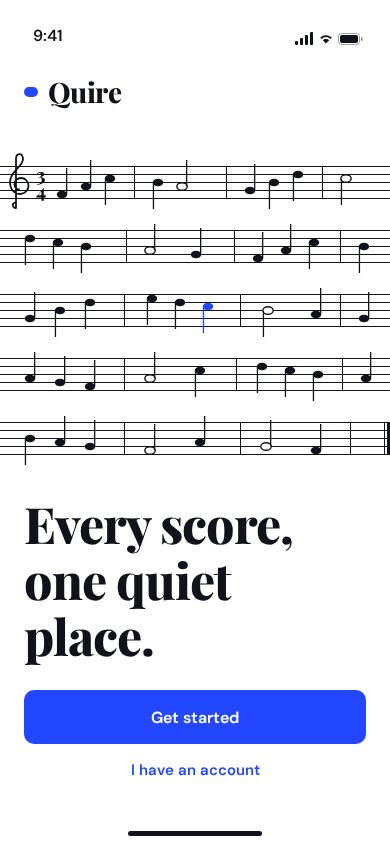 Quire Welcome: Sheet music and practice, Minimal
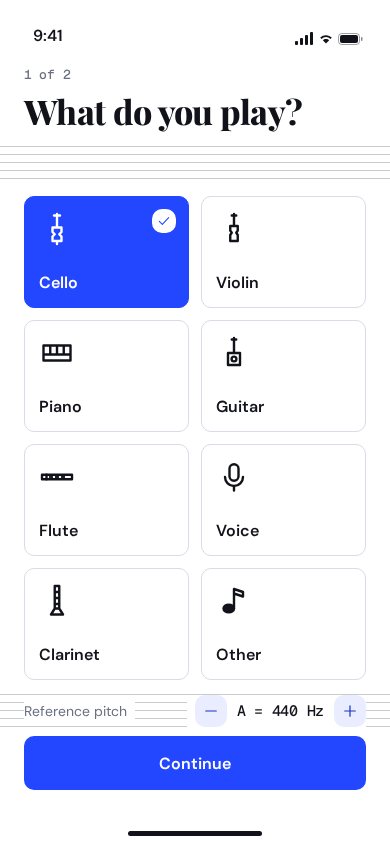 Quire Pick your instrument: Sheet music and practice, Minimal
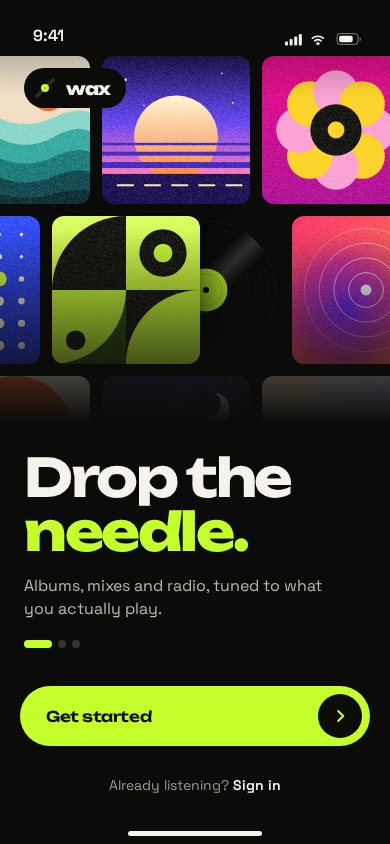 Wax Welcome: Music streaming, Dark-first, dark
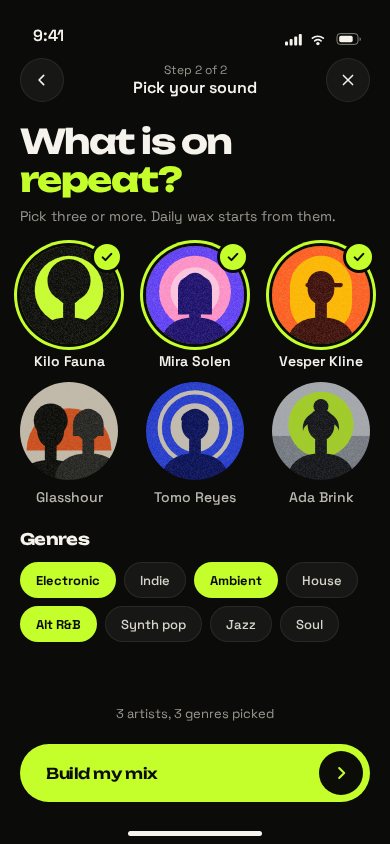 Wax Pick your sound: Music streaming, Dark-first, dark
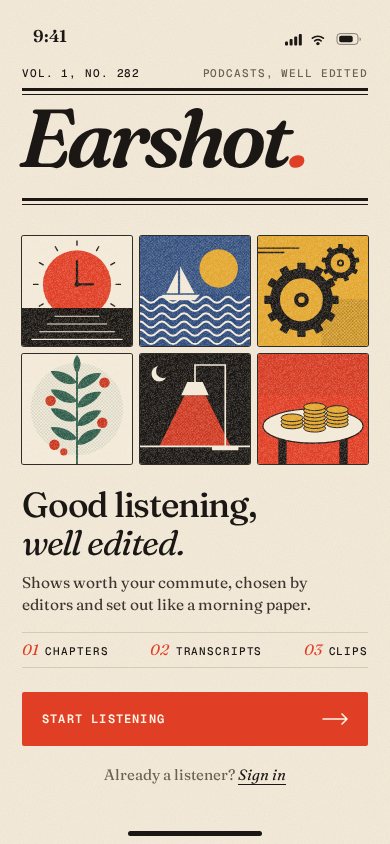 Earshot Welcome: Podcast player, Minimal
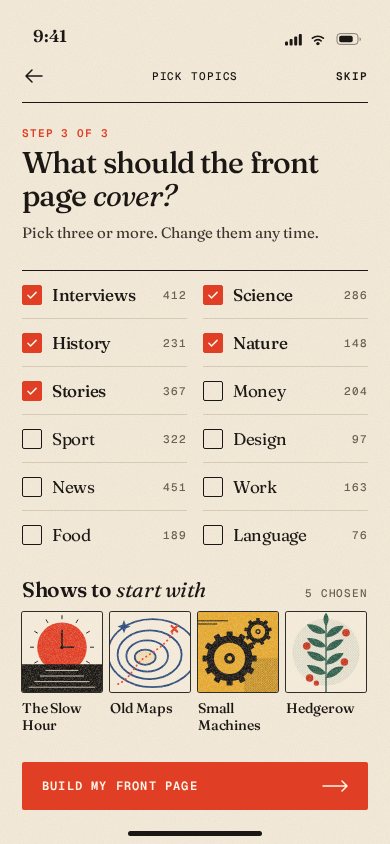 Earshot Pick topics: Podcast player, Minimal
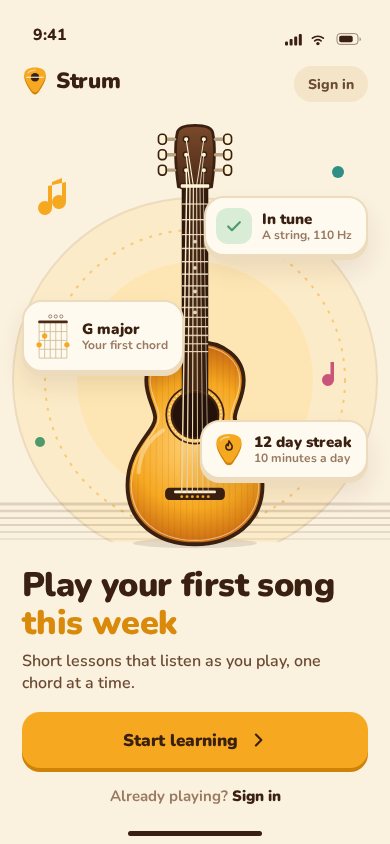 Strum Welcome: Learn guitar, one chord at a time, Playful
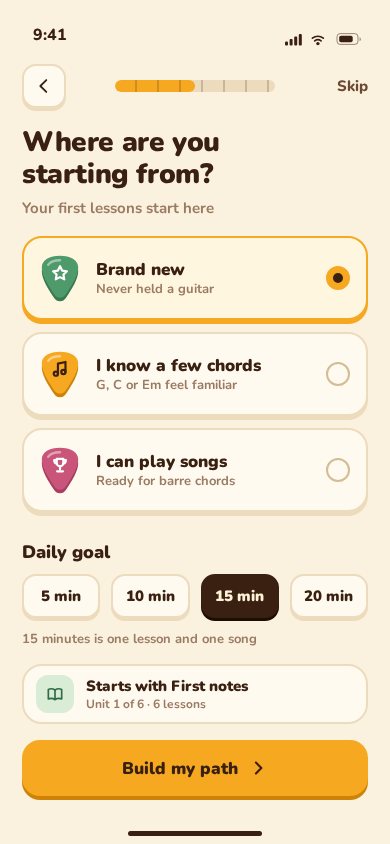 Strum Your level: Learn guitar, one chord at a time, Playful
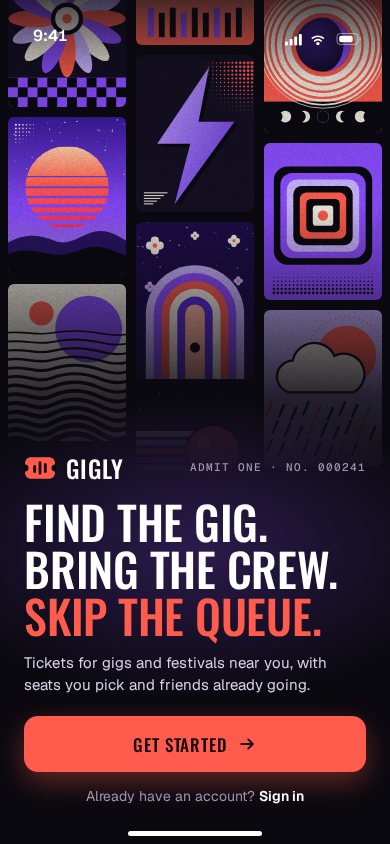 Gigly Welcome: Gig and festival tickets, Gen Z, dark
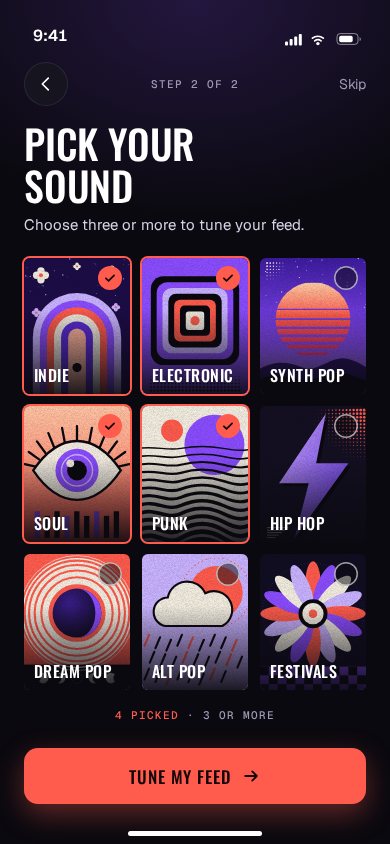 Gigly Pick your sound: Gig and festival tickets, Gen Z, dark
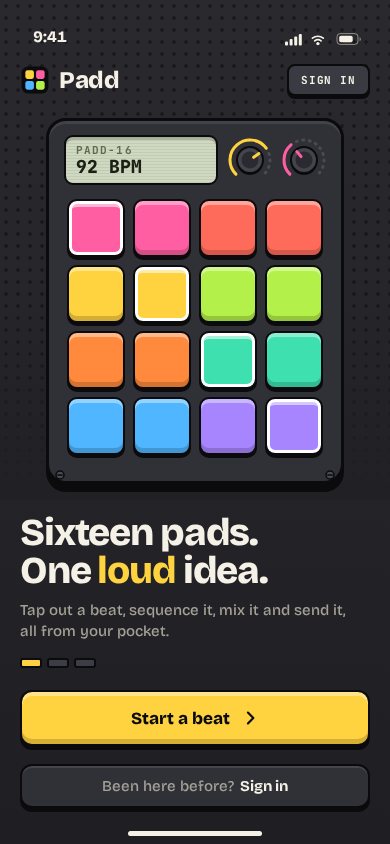 Padd Welcome: Beat maker, Neubrutalism, dark
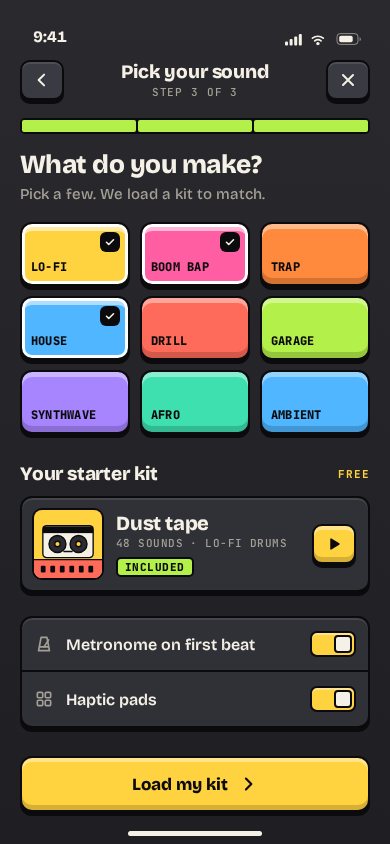 Padd Pick your sound: Beat maker, Neubrutalism, dark
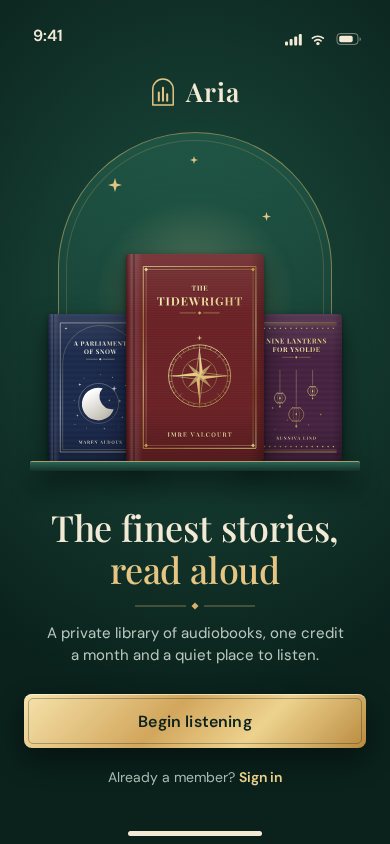 Aria Welcome: Audiobook library, Luxury, dark
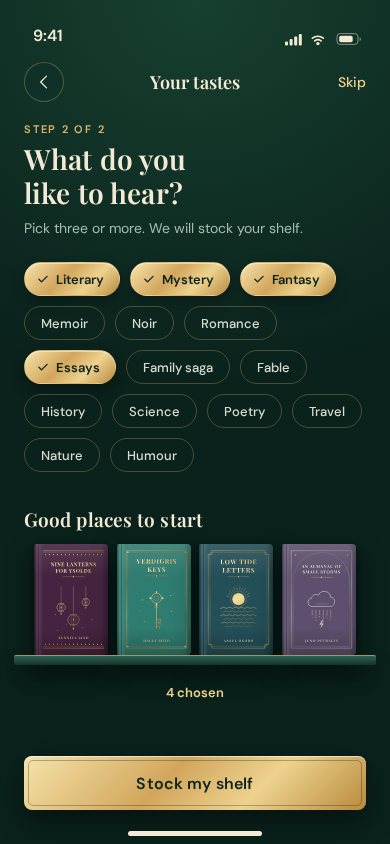 Aria Your tastes: Audiobook library, Luxury, dark
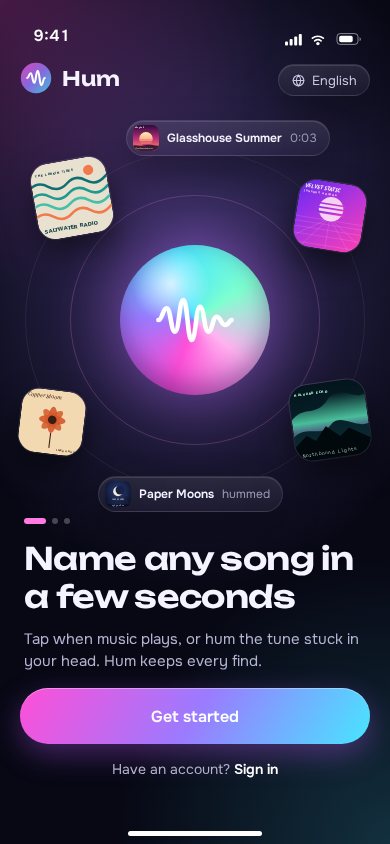 Hum Welcome: Song recognition, Glass, dark
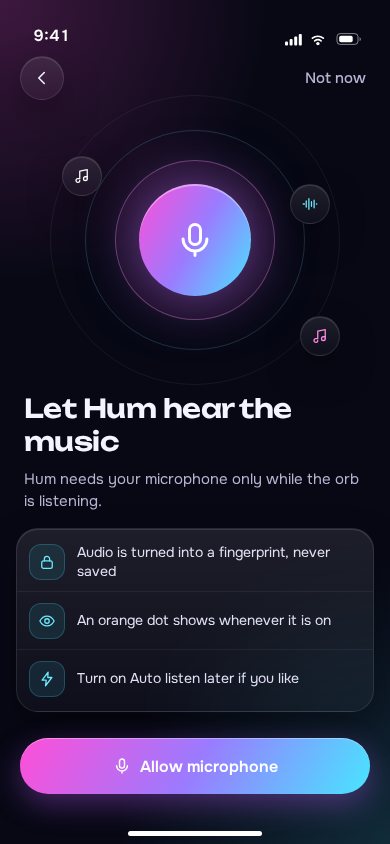 Hum Microphone: Song recognition, Glass, dark
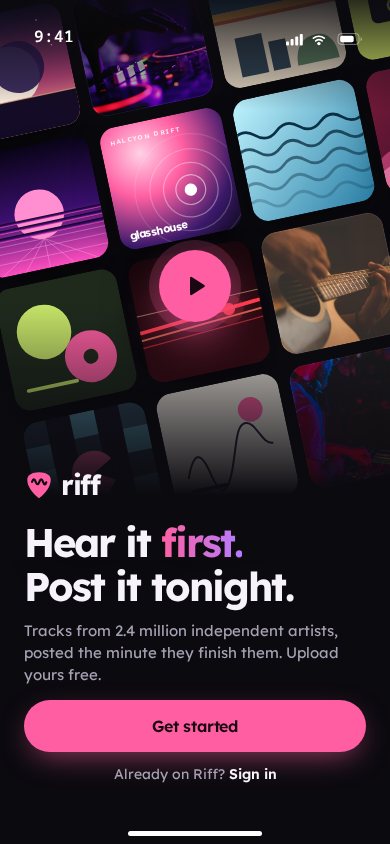 Riff Welcome: Upload and discover new tracks, Dark-first, dark
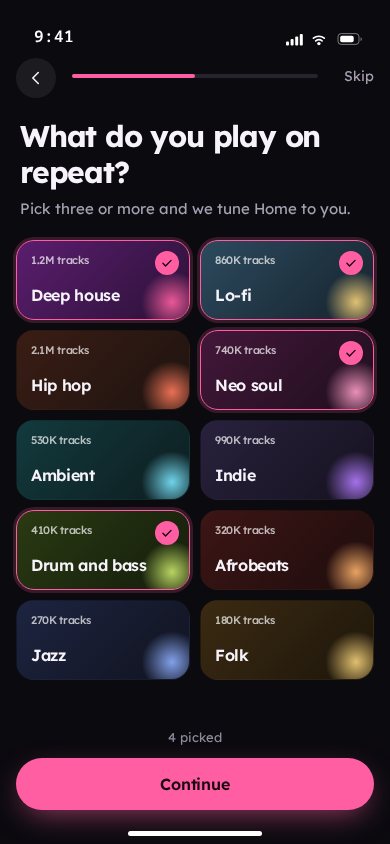 Riff Pick genres: Upload and discover new tracks, Dark-first, dark
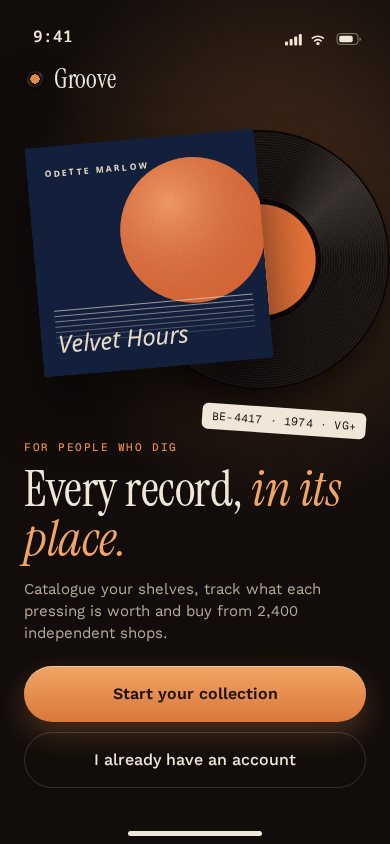 Groove Welcome: Vinyl collection and crate digging, Luxury, dark
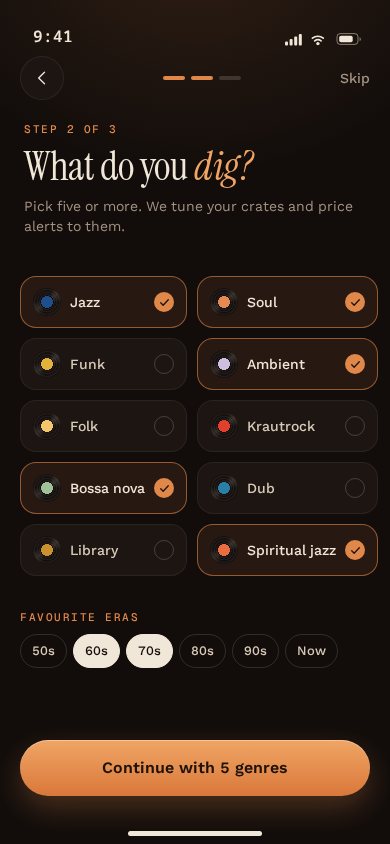 Groove Your tastes: Vinyl collection and crate digging, Luxury, dark
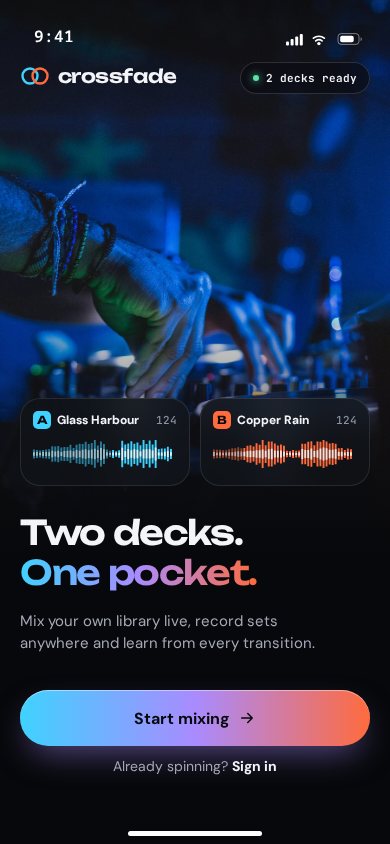 Crossfade Welcome: DJ mixing on the go, Dark-first, dark
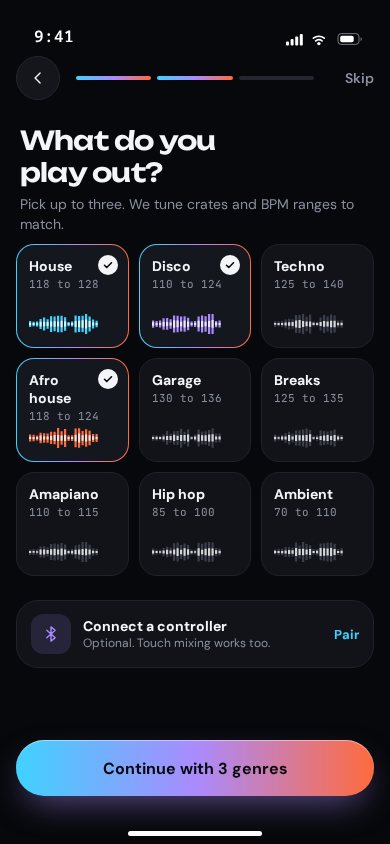 Crossfade Your sound: DJ mixing on the go, Dark-first, dark
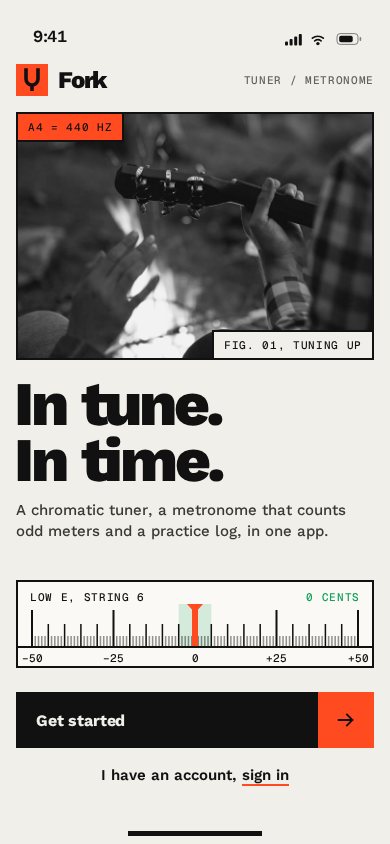 Fork Welcome: Tuner and metronome, Brutalist
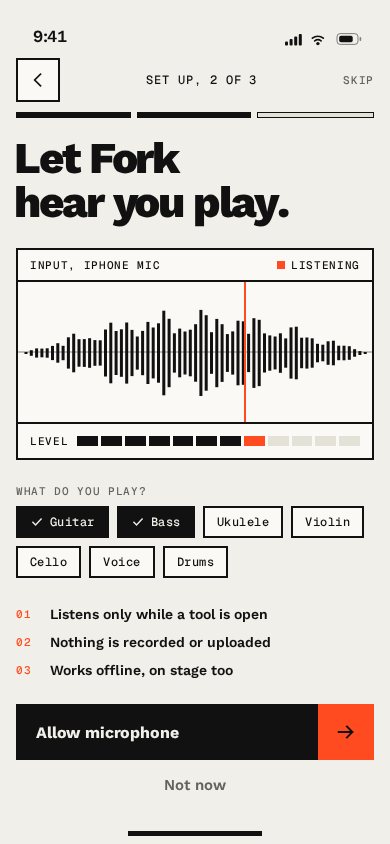 Fork Microphone: Tuner and metronome, Brutalist
- Belt Welcome: Karaoke nights, Gen Z, dark
- Belt Your voice: Karaoke nights, Gen Z, dark
- Crowd Welcome: Concert diary and setlists, Neubrutalism
- Crowd Pick artists: Concert diary and setlists, Neubrutalism
- Dial Welcome: Internet radio from everywhere, Glass, dark
- Dial Your sound: Internet radio from everywhere, Glass, dark
- Chorus Welcome: Singing lessons and pitch training, Playful
- Chorus Range test: Singing lessons and pitch training, Playful
- Chorus Your voice: Singing lessons and pitch training, Playful
- Verse Welcome: Songwriting notebook, Minimal
- Verse Set up: Songwriting notebook, Minimal
- Masters Welcome: Royalties and streams for artists, Enterprise
- Masters Connect distributor: Royalties and streams for artists, Enterprise
- Sonata Welcome: Concert hall season and tickets, Clinical
- Sonata Your ear: Concert hall season and tickets, Clinical
What makes a good music app onboarding screen
- One idea per screen. Each screen should say one thing in a headline people can read in a second. If a screen needs a paragraph, it is doing too much.
- Personalise with a purpose. Ask a question only if the answer changes what people see next, like a goal, a level or an interest. Then show that the answer mattered.
- Explain permissions before asking. Show your own screen saying why you need notifications, location or the camera before the system prompt. People who understand the reason are more likely to allow it.
- Let people skip. A visible skip or "I'll do this later" respects returning users and the impatient. Make sure skipping still lands them somewhere useful.
- Show progress. Dots or a progress bar tell people how much is left. Three to five steps feel short; anything longer needs a reason.
- End on the product, not on a form. The last step should drop people into the app with something already working: their plan, their feed, their first item.
The full onboarding screen guide: layouts, mistakes and questions
Onboarding screens in other kinds of app
- Productivity app onboarding screens (113)
- Lifestyle app onboarding screens (112)
- Fitness app onboarding screens (75)
- Social app onboarding screens (73)
- Finance app onboarding screens (60)
- Education app onboarding screens (59)
- Travel app onboarding screens (58)
- Food app onboarding screens (49)
- Sports app onboarding screens (41)
- Smart home app onboarding screens (34)
Other music app screens
- Music app sign in and sign up screens
- Music app home screens
- Music app search and explore screens
- Music app list and feed screens
- Music app detail screens
- Music app booking and checkout screens
- Music app paywall screens
- Music app success and confirmation screens
- Music app profile screens
- Music app settings screens
- Music app dashboard and stats screens
- Music app player, camera and editor screens
- Music app live tracking screens
- Music app form and input screens