Templates · Onboarding screens
Smart home app onboarding screens
34 onboarding screens from 20 smart home app templates, each in its own design language. Smart home apps control real things: rooms, devices and their state need to be obvious, with the common actions one tap away.
The examples
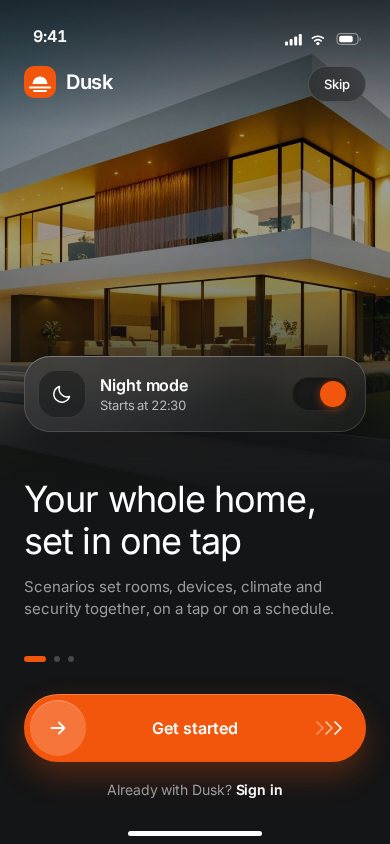 Dusk Welcome: Smart home scenarios, Glass, dark
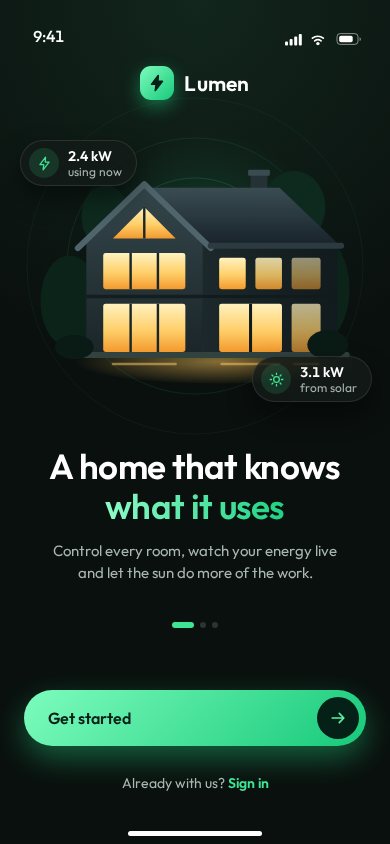 Lumen Welcome: Smart home energy, Dark-first, dark
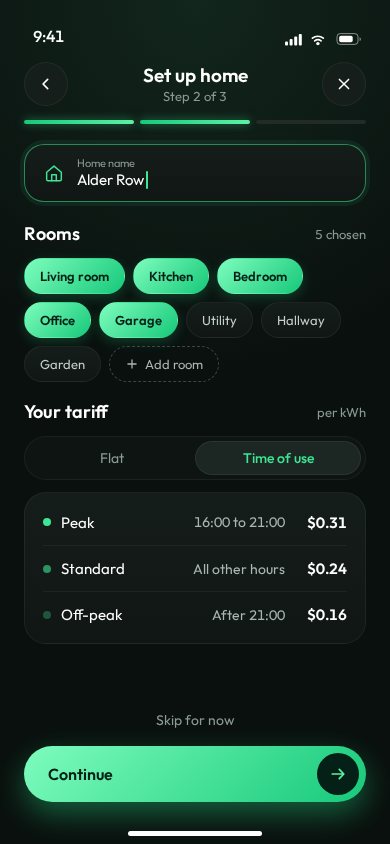 Lumen Set up home: Smart home energy, Dark-first, dark
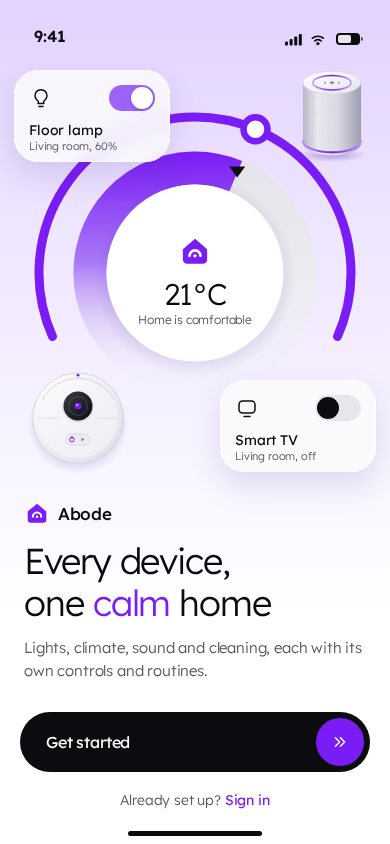 Abode Welcome: Smart home devices, Minimal
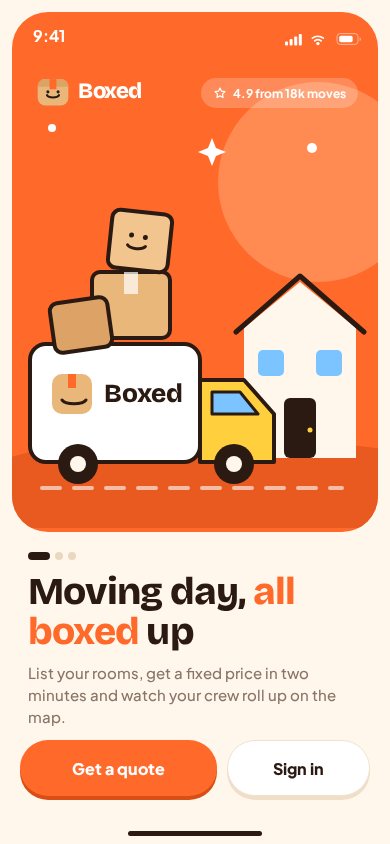 Boxed Welcome: Book movers and plan moving day, Playful
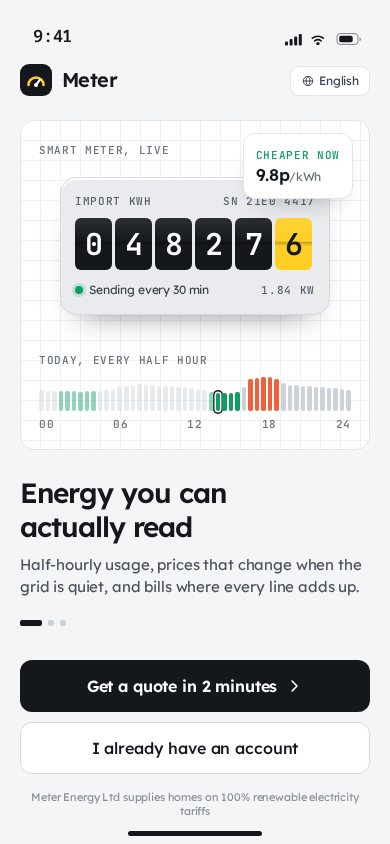 Meter Welcome: Your energy supplier account, Clinical
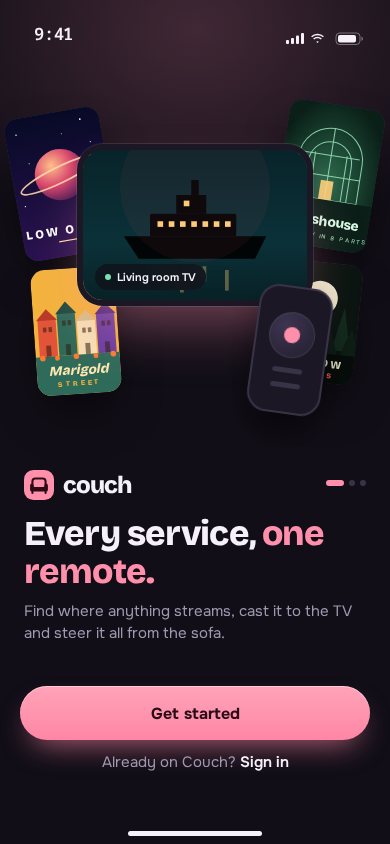 Couch Welcome: TV remote, casting and watchlist, Dark-first, dark
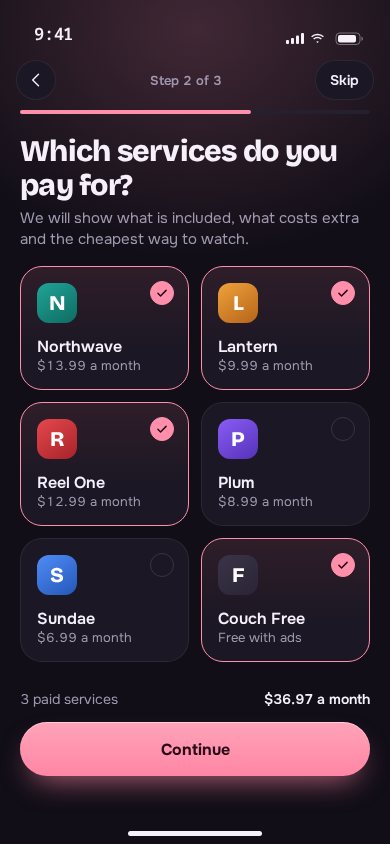 Couch Your services: TV remote, casting and watchlist, Dark-first, dark
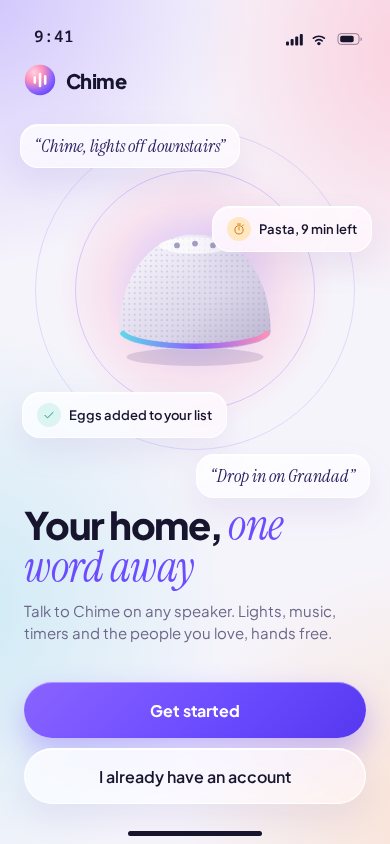 Chime Welcome: Voice assistant and smart speaker, Glass
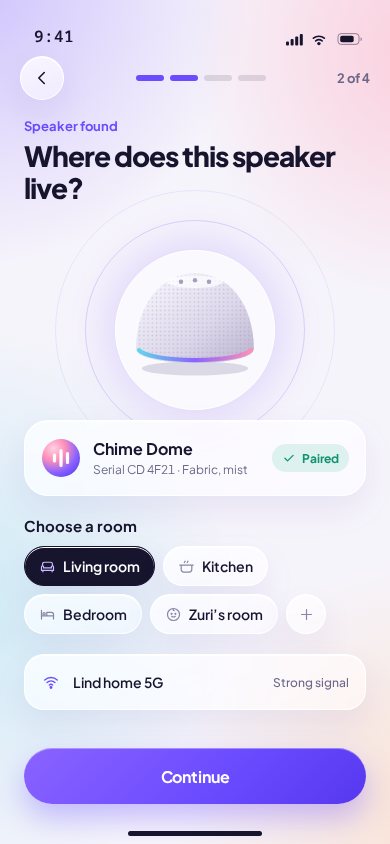 Chime Set up speaker: Voice assistant and smart speaker, Glass
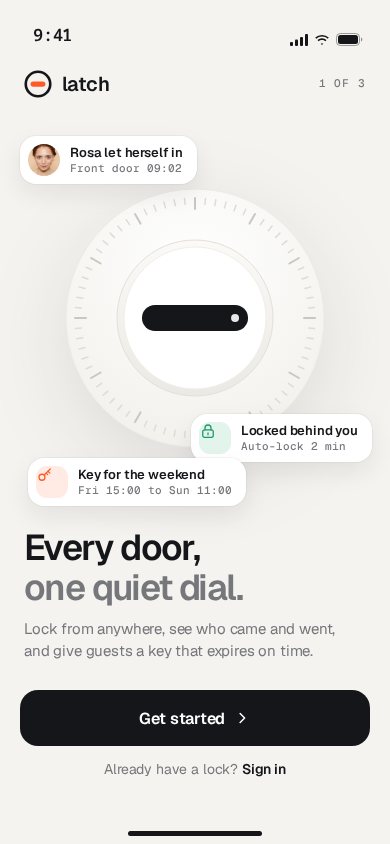 Latch Welcome: Smart locks and guest access, Minimal
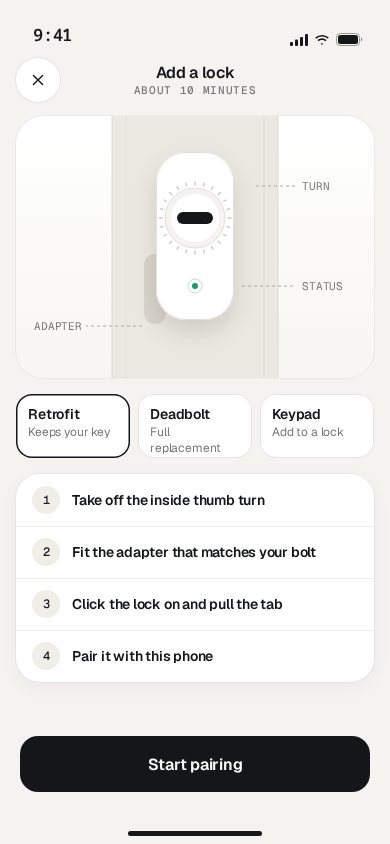 Latch Add a lock: Smart locks and guest access, Minimal
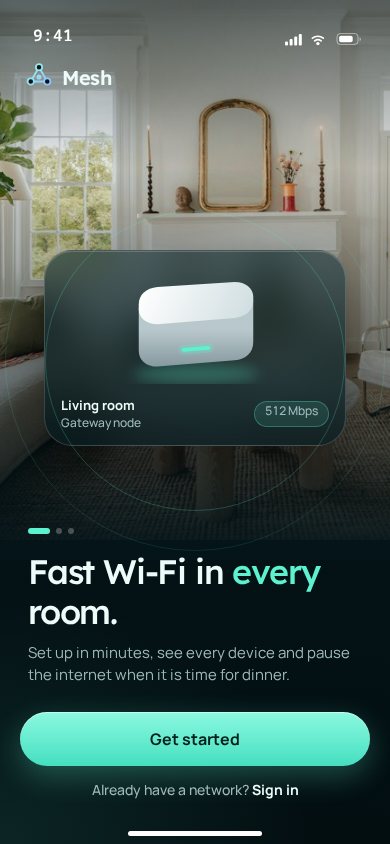 Mesh Welcome: Home Wi-Fi network, Glass, dark
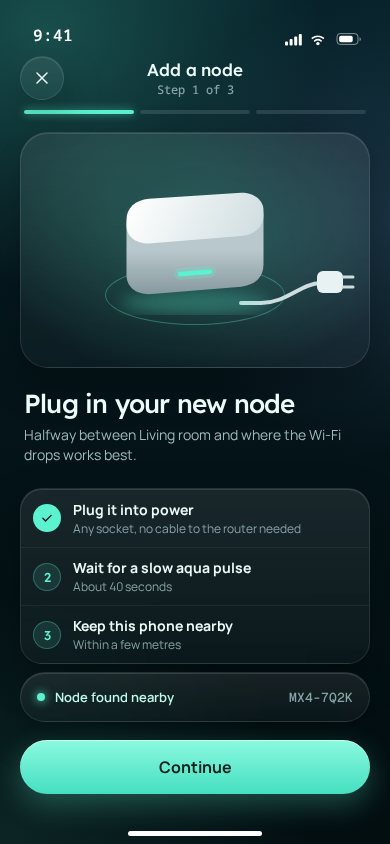 Mesh Add node: Home Wi-Fi network, Glass, dark
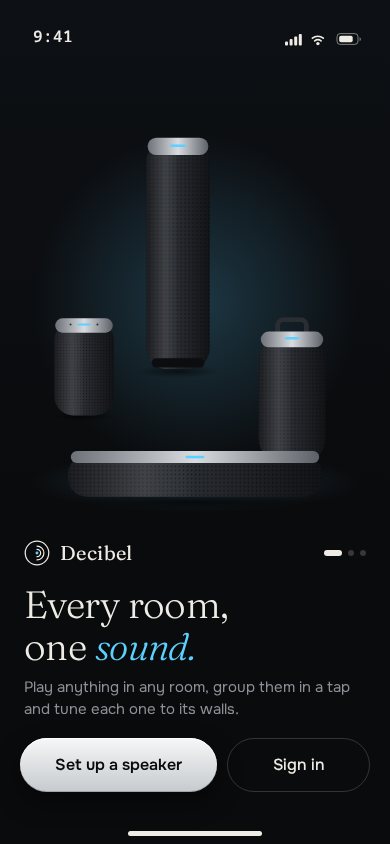 Decibel Welcome: Multi-room speakers, Luxury, dark
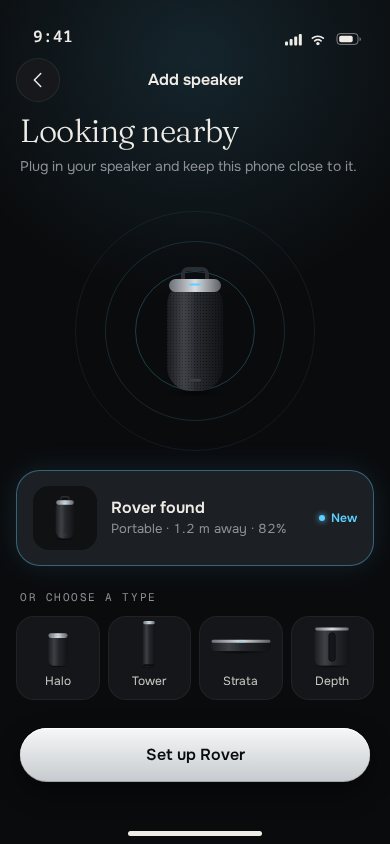 Decibel Add speaker: Multi-room speakers, Luxury, dark
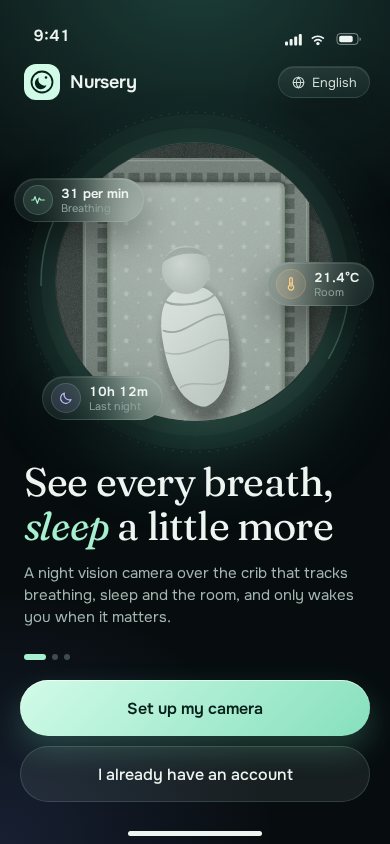 Nursery Welcome: Baby monitor camera and sleep, Glass, dark
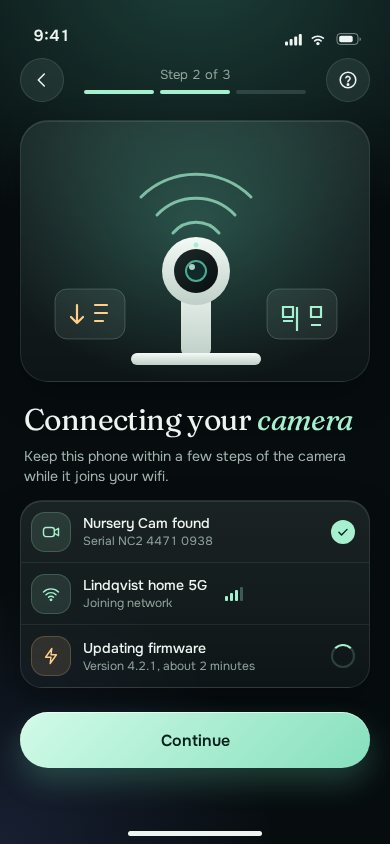 Nursery Pair camera: Baby monitor camera and sleep, Glass, dark
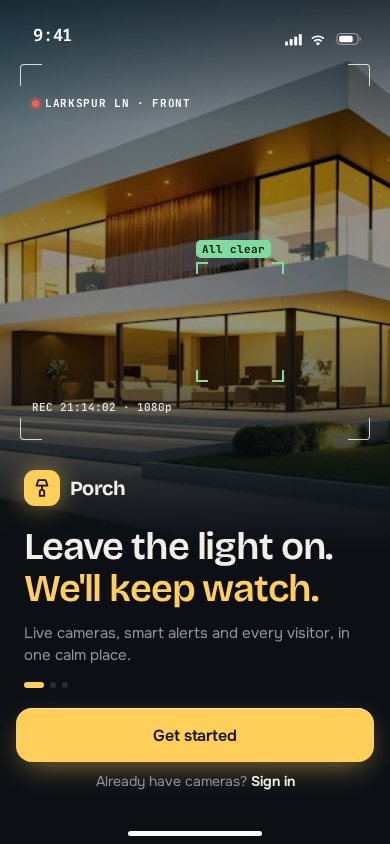 Porch Welcome: Home security cameras, Dark-first, dark
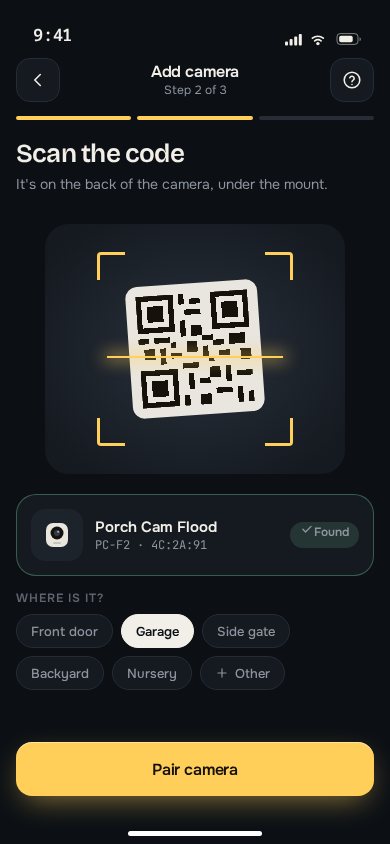 Porch Add camera: Home security cameras, Dark-first, dark
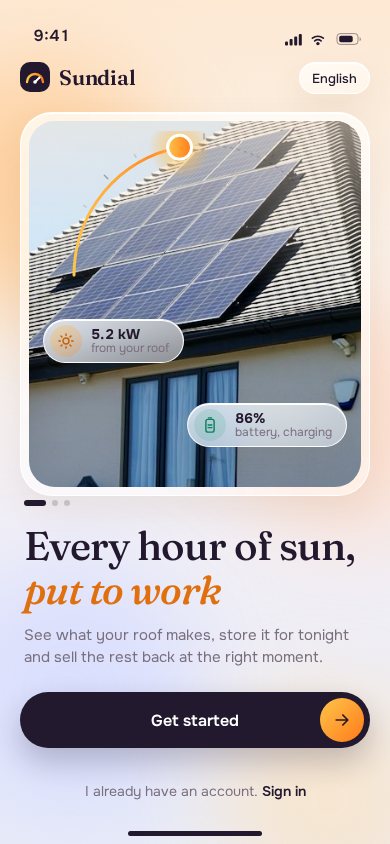 Sundial Welcome: Solar panels and home battery, Glass
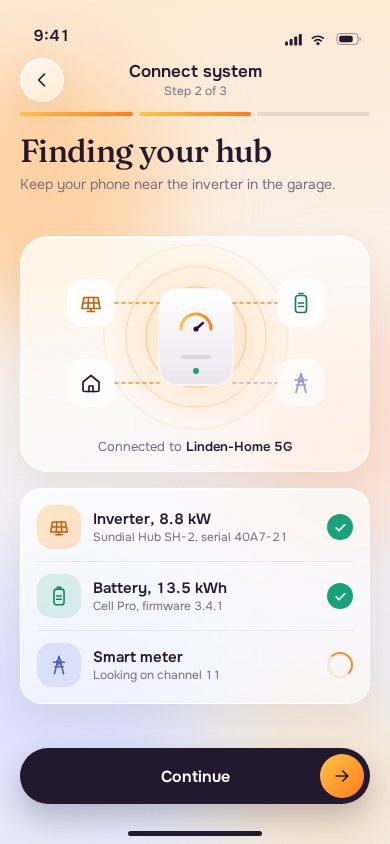 Sundial Connect system: Solar panels and home battery, Glass
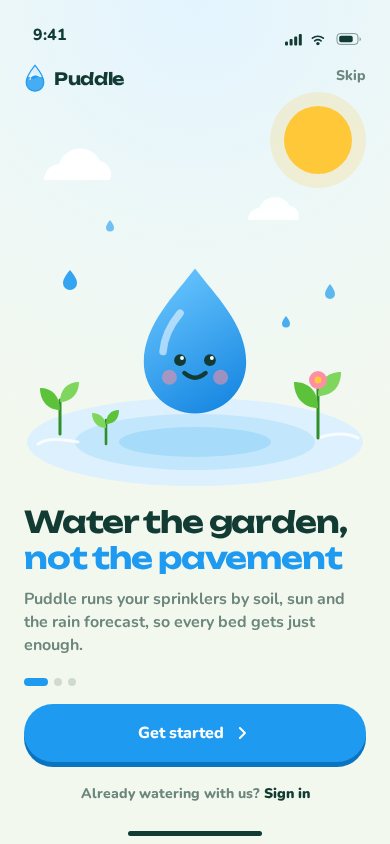 Puddle Welcome: Garden watering and sprinklers, Playful
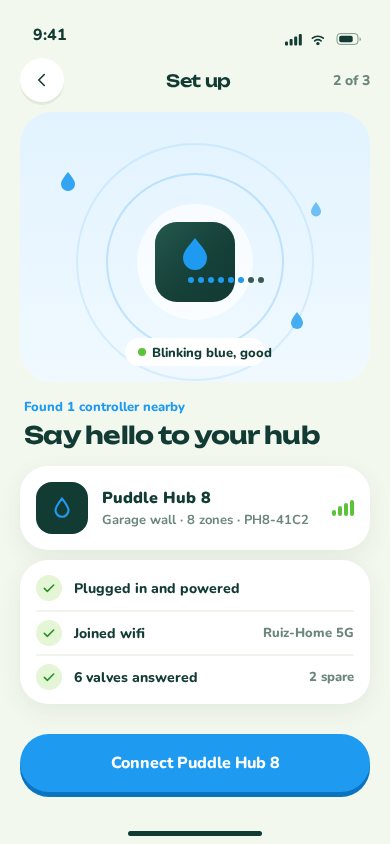 Puddle Connect controller: Garden watering and sprinklers, Playful
- Upkeep Welcome: Home maintenance calendar, Minimal
- Upkeep Your home: Home maintenance calendar, Minimal
- Kelvin Welcome: Climate and thermostat, Luxury, dark
- Kelvin Pair a dial: Climate and thermostat, Luxury, dark
- Glow Welcome: Light scenes and colour, Gen Z, dark
- Glow Pick your vibes: Light scenes and colour, Gen Z, dark
- Tagged Welcome: Home inventory for insurance, Clinical
- Lobby Welcome: Apartment building app, Enterprise
- Sweep Welcome: Robot vacuum and mop, Brutalist
- Sweep Pair robot: Robot vacuum and mop, Brutalist
What makes a good smart home app onboarding screen
- One idea per screen. Each screen should say one thing in a headline people can read in a second. If a screen needs a paragraph, it is doing too much.
- Personalise with a purpose. Ask a question only if the answer changes what people see next, like a goal, a level or an interest. Then show that the answer mattered.
- Explain permissions before asking. Show your own screen saying why you need notifications, location or the camera before the system prompt. People who understand the reason are more likely to allow it.
- Let people skip. A visible skip or "I'll do this later" respects returning users and the impatient. Make sure skipping still lands them somewhere useful.
- Show progress. Dots or a progress bar tell people how much is left. Three to five steps feel short; anything longer needs a reason.
- End on the product, not on a form. The last step should drop people into the app with something already working: their plan, their feed, their first item.
The full onboarding screen guide: layouts, mistakes and questions
Onboarding screens in other kinds of app
- Productivity app onboarding screens (113)
- Lifestyle app onboarding screens (112)
- Fitness app onboarding screens (75)
- Social app onboarding screens (73)
- Finance app onboarding screens (60)
- Education app onboarding screens (59)
- Travel app onboarding screens (58)
- Food app onboarding screens (49)
- Sports app onboarding screens (41)
- Music app onboarding screens (39)
Other smart home app screens
- Smart home app sign in and sign up screens
- Smart home app home screens
- Smart home app search and explore screens
- Smart home app list and feed screens
- Smart home app detail screens
- Smart home app booking and checkout screens
- Smart home app paywall screens
- Smart home app success and confirmation screens
- Smart home app profile screens
- Smart home app settings screens
- Smart home app dashboard and stats screens
- Smart home app player, camera and editor screens
- Smart home app live tracking screens
- Smart home app form and input screens