Templates · Onboarding screens
Food app onboarding screens
49 onboarding screens from 29 food app templates, each in its own design language. Food apps are about appetite and time: photography that makes the dish look real, delivery times up front and the basket one tap away.
The examples
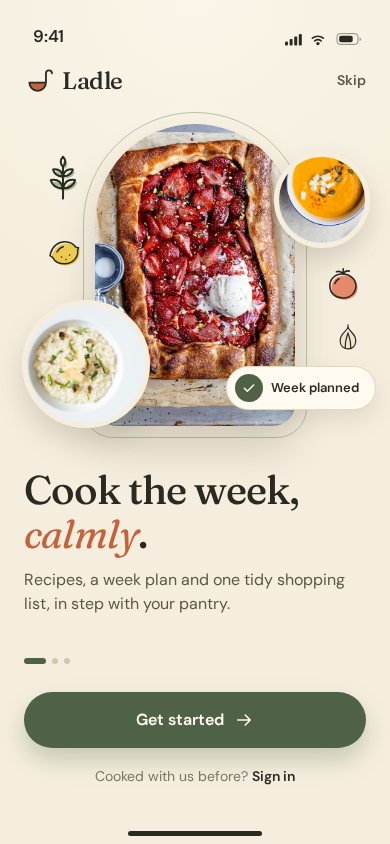 Ladle Welcome: Recipes and meal planning, Minimal
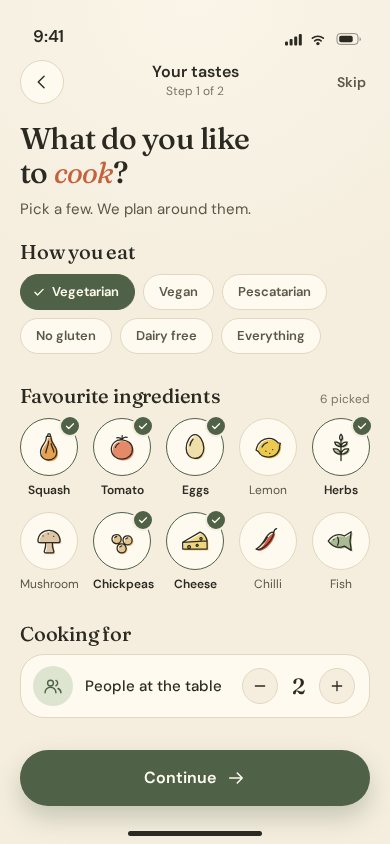 Ladle Your tastes: Recipes and meal planning, Minimal
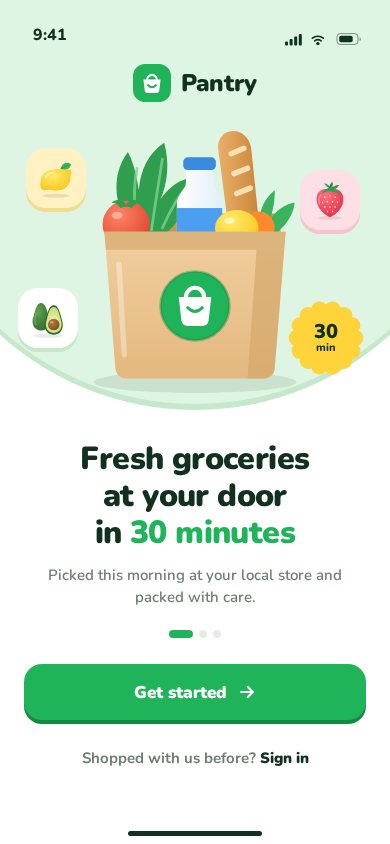 Pantry Welcome: Grocery delivery, Playful
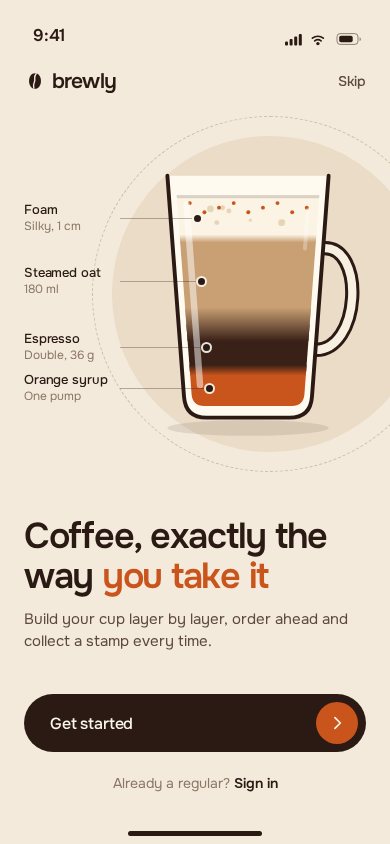 Brewly Welcome: Coffee ordering and loyalty, Minimal
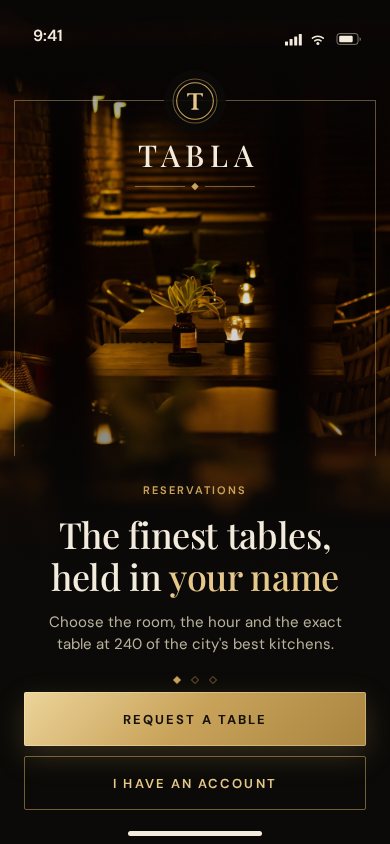 Tabla Welcome: Tables worth dressing for, Luxury, dark
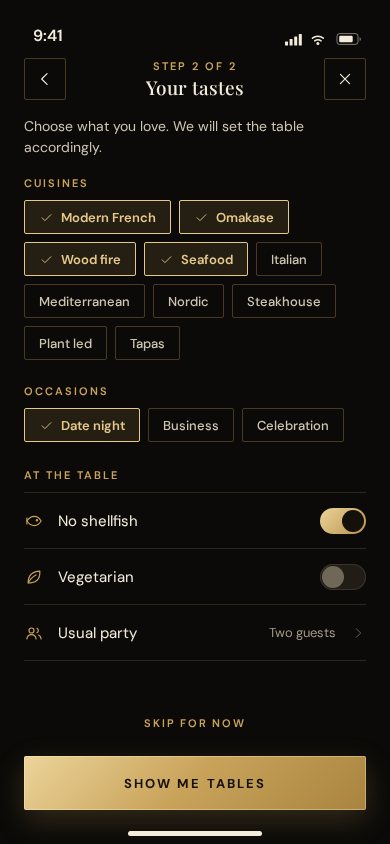 Tabla Your tastes: Tables worth dressing for, Luxury, dark
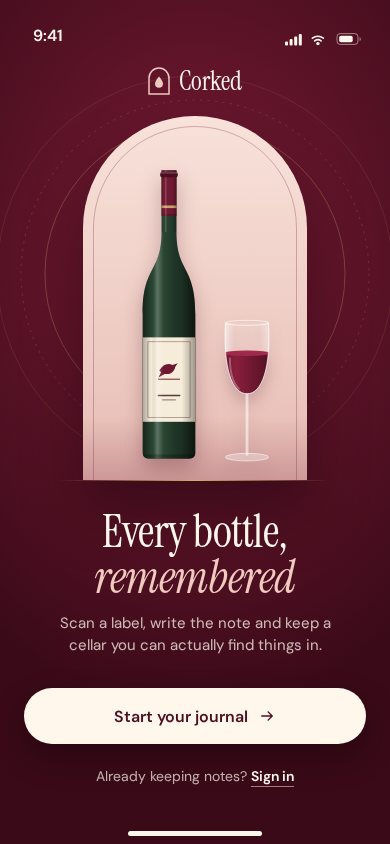 Corked Welcome: Wine journal and cellar, Luxury
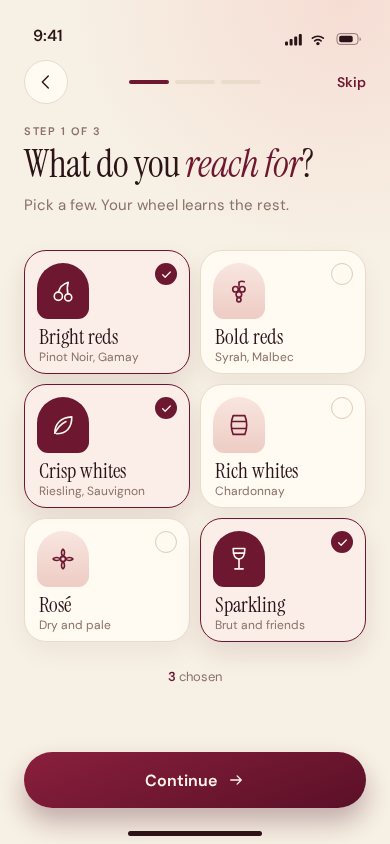 Corked Your palate: Wine journal and cellar, Luxury
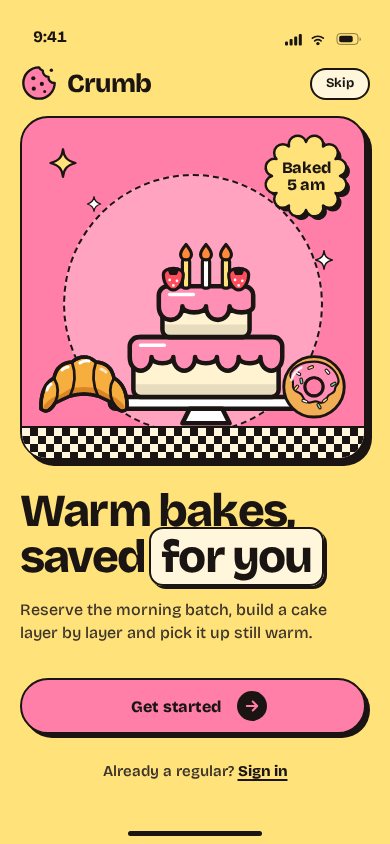 Crumb Welcome: Neighbourhood bakery, Neubrutalism
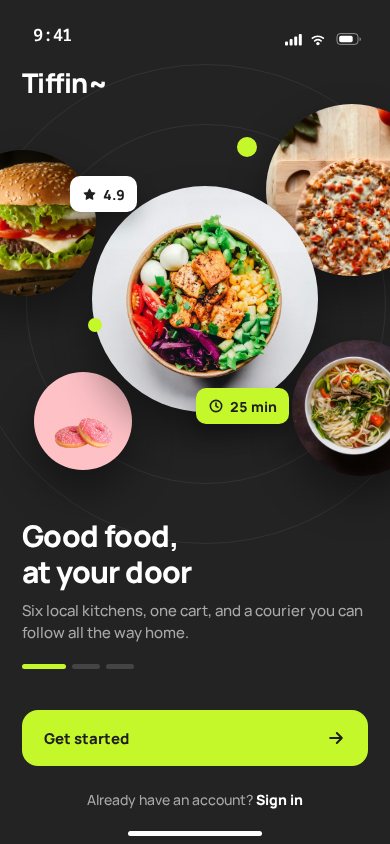 Tiffin Welcome: Food delivery, Minimal
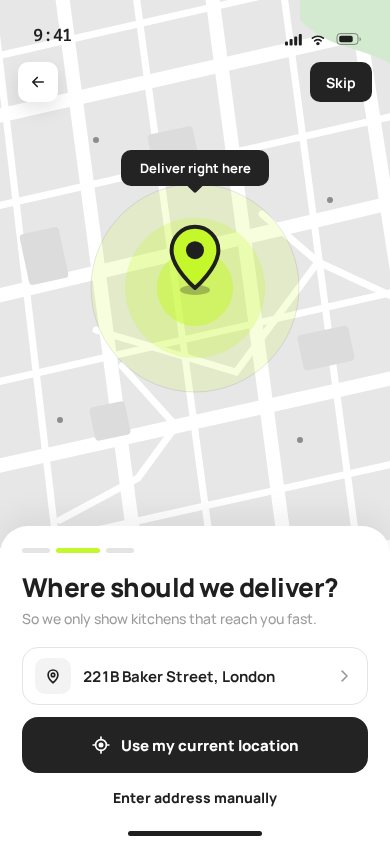 Tiffin Location: Food delivery, Minimal
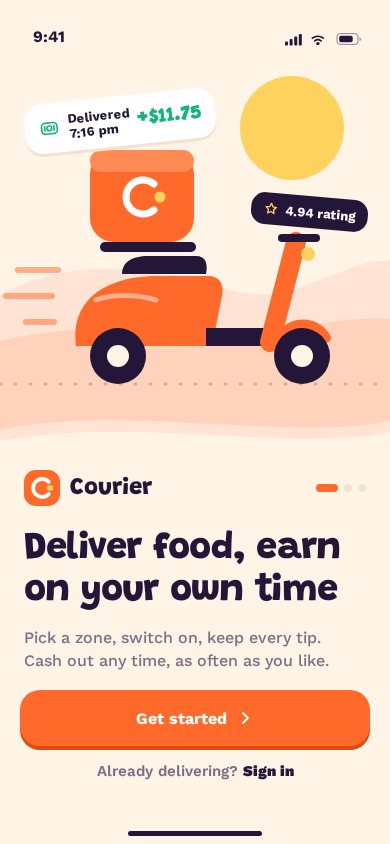 Courier Welcome: Food delivery driver app, Playful
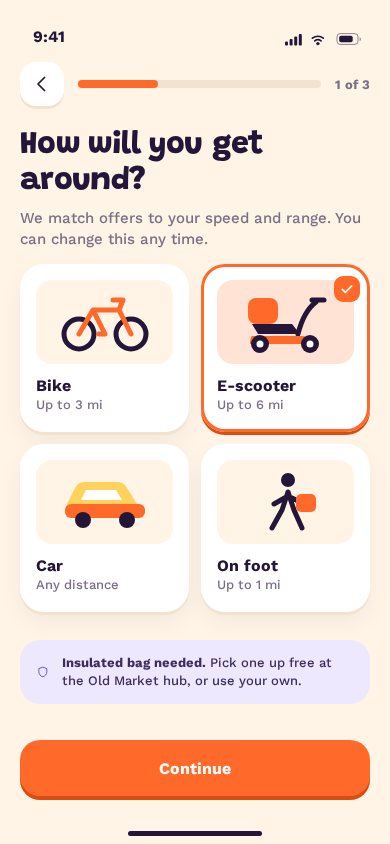 Courier Vehicle: Food delivery driver app, Playful
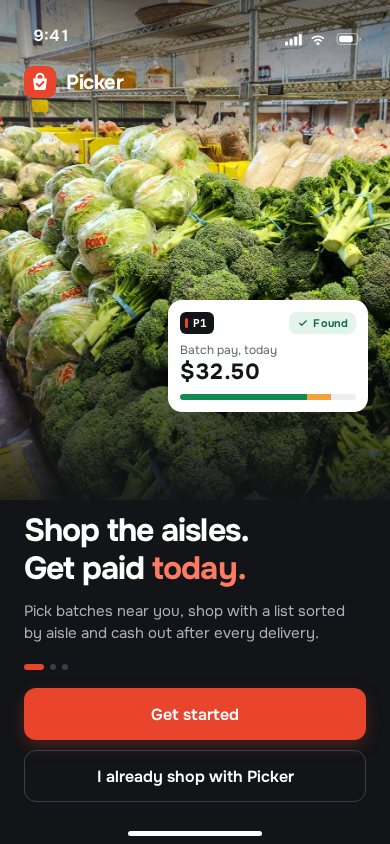 Picker Welcome: Grocery shopper app, Enterprise
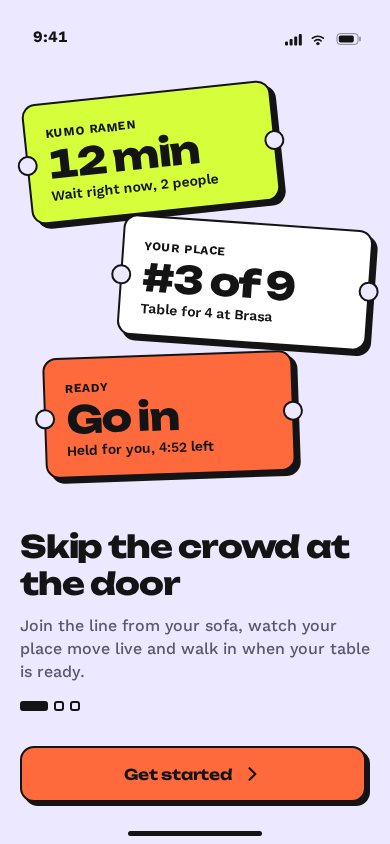 Queue Welcome: Join the waitlist from anywhere, Neubrutalism
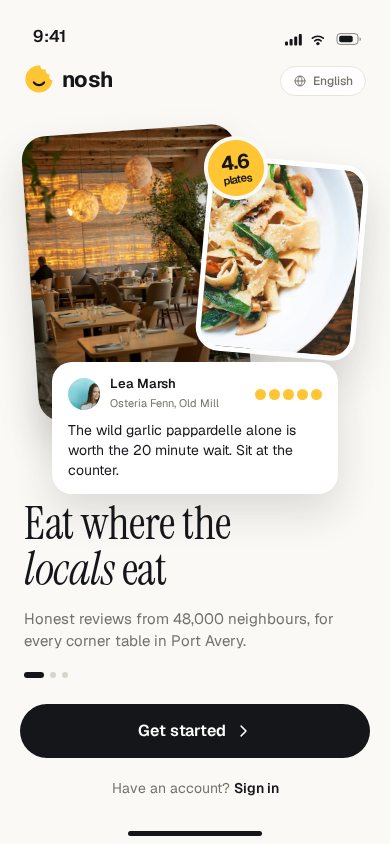 Nosh Welcome: Local restaurant reviews, Minimal
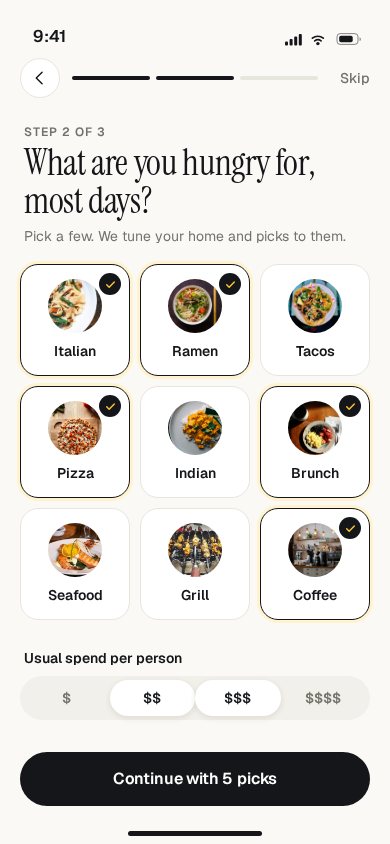 Nosh Your tastes: Local restaurant reviews, Minimal
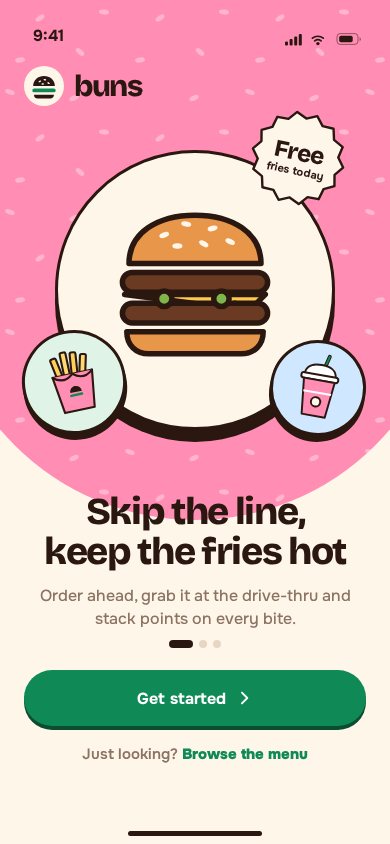 Buns Welcome: Burger chain ordering and deals, Playful
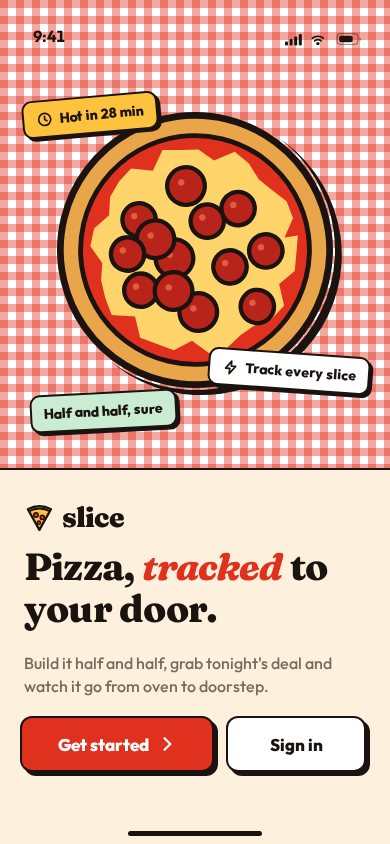 Slice Welcome: Pizza ordering with a live tracker, Neubrutalism
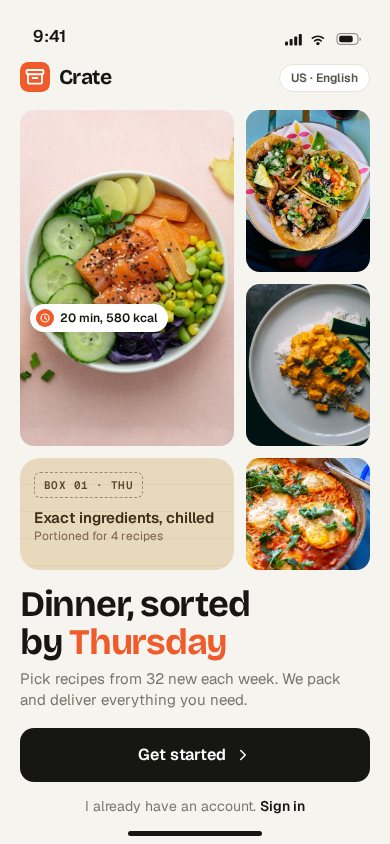 Crate Welcome: Meal kits delivered weekly, Minimal
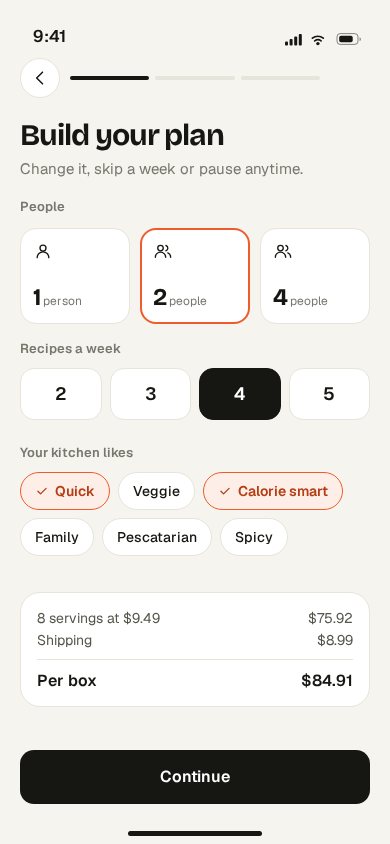 Crate Your plan: Meal kits delivered weekly, Minimal
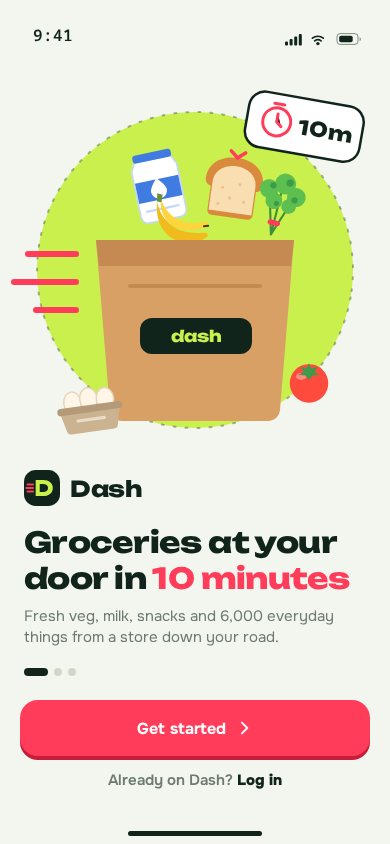 Dash Welcome: Ten minute grocery delivery, Playful
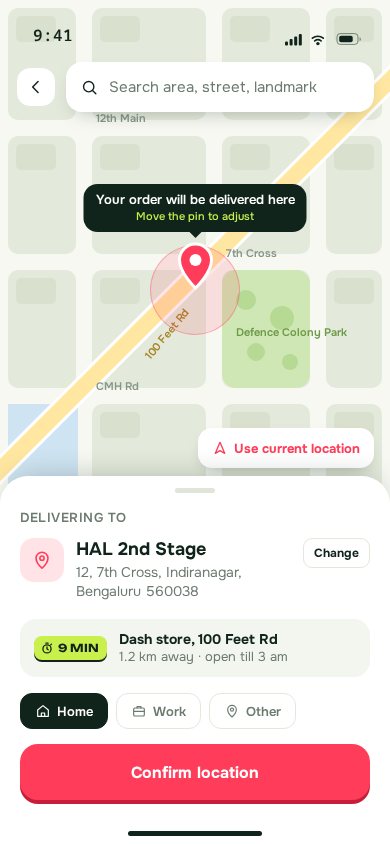 Dash Location: Ten minute grocery delivery, Playful
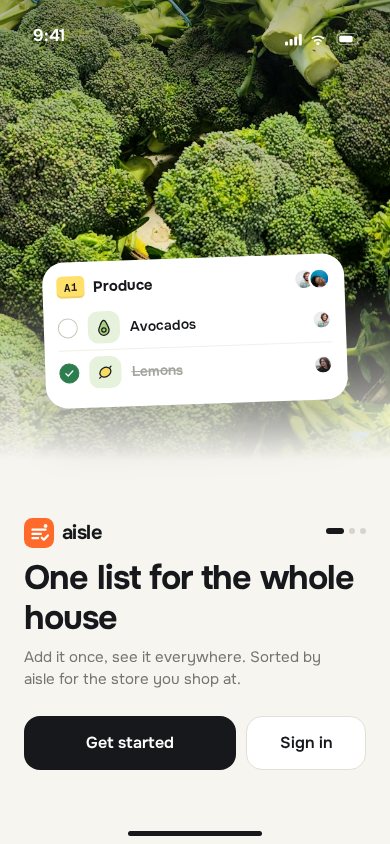 Aisle Welcome: Shared grocery lists, Minimal
- Aisle Household: Shared grocery lists, Minimal
- Menu Welcome: Scan, order and pay at the table, Minimal
- Mart Welcome: Supermarket app with loyalty and scan and go, Enterprise
- Mart Your store: Supermarket app with loyalty and scan and go, Enterprise
- Rescue Welcome: Surprise bags of surplus food, Playful
- Rescue How it works: Surprise bags of surplus food, Playful
- Omakase Welcome: Chef's counter reservations, Luxury, dark
- Omakase Your palate: Chef's counter reservations, Luxury, dark
- Lunchbox Welcome: School lunch planner for parents, Playful
- Lunchbox Add your kids: School lunch planner for parents, Playful
- Agave Welcome: Cocktails and home bar, Dark-first, dark
- Agave Your palate: Cocktails and home bar, Dark-first, dark
- Crock Welcome: Fermentation and sourdough starter log, Minimal
- Crock Your cultures: Fermentation and sourdough starter log, Minimal
- Curbside Welcome: Street food and food truck finder, Gen Z
- Curbside Cravings: Street food and food truck finder, Gen Z
- Forage Welcome: Farmers market and veg box, Neubrutalism
- Forage Your kitchen: Farmers market and veg box, Neubrutalism
- Ember Welcome: Smoker and grill thermometer, Dark-first, dark
- Ember Pair probes: Smoker and grill thermometer, Dark-first, dark
- Steep Welcome: Tea brewing and tasting notes, Minimal
- Steep Brewing style: Tea brewing and tasting notes, Minimal
- Brigade Welcome: Restaurant kitchen and line ops, Enterprise
- Nibs Welcome: Food allergy and label scanner, Clinical
- Nibs Allergens: Food allergy and label scanner, Clinical
What makes a good food app onboarding screen
- One idea per screen. Each screen should say one thing in a headline people can read in a second. If a screen needs a paragraph, it is doing too much.
- Personalise with a purpose. Ask a question only if the answer changes what people see next, like a goal, a level or an interest. Then show that the answer mattered.
- Explain permissions before asking. Show your own screen saying why you need notifications, location or the camera before the system prompt. People who understand the reason are more likely to allow it.
- Let people skip. A visible skip or "I'll do this later" respects returning users and the impatient. Make sure skipping still lands them somewhere useful.
- Show progress. Dots or a progress bar tell people how much is left. Three to five steps feel short; anything longer needs a reason.
- End on the product, not on a form. The last step should drop people into the app with something already working: their plan, their feed, their first item.
The full onboarding screen guide: layouts, mistakes and questions
Onboarding screens in other kinds of app
- Productivity app onboarding screens (113)
- Lifestyle app onboarding screens (112)
- Fitness app onboarding screens (75)
- Social app onboarding screens (73)
- Finance app onboarding screens (60)
- Education app onboarding screens (59)
- Travel app onboarding screens (58)
- Sports app onboarding screens (41)
- Music app onboarding screens (39)
- Smart home app onboarding screens (34)
Other food app screens
- Food app sign in and sign up screens
- Food app home screens
- Food app search and explore screens
- Food app list and feed screens
- Food app detail screens
- Food app booking and checkout screens
- Food app paywall screens
- Food app success and confirmation screens
- Food app profile screens
- Food app settings screens
- Food app dashboard and stats screens
- Food app player, camera and editor screens
- Food app live tracking screens
- Food app form and input screens