Lifestyle app settings screens
72 settings screens from 65 lifestyle app templates, each in its own design language. Lifestyle apps sell a feeling as much as a feature: considered type, generous space and photography with a point of view.
The examples
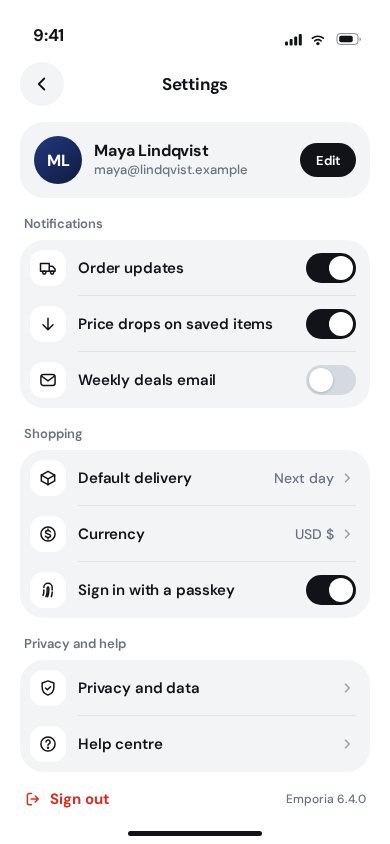 Emporia Settings: Everything store, Minimal
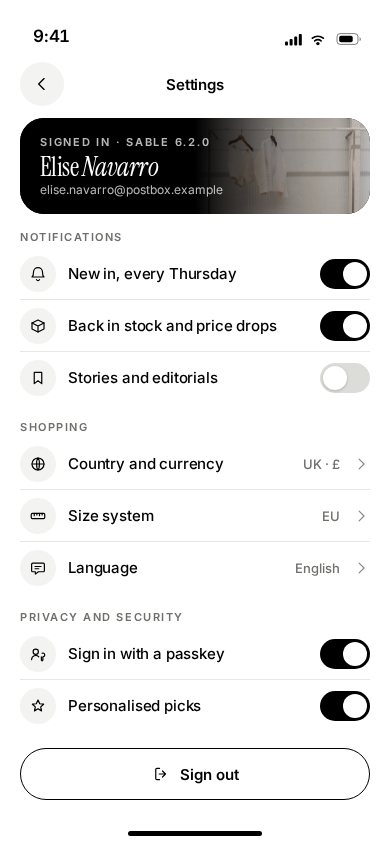 Sable Settings: Fashion store, Luxury
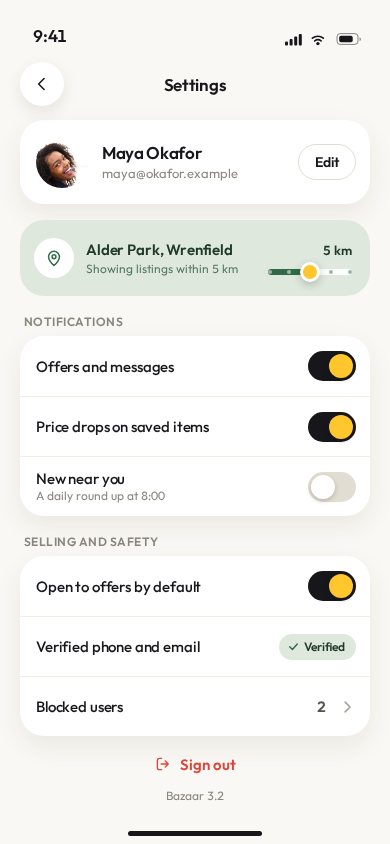 Bazaar Settings: Local buy and sell, Minimal
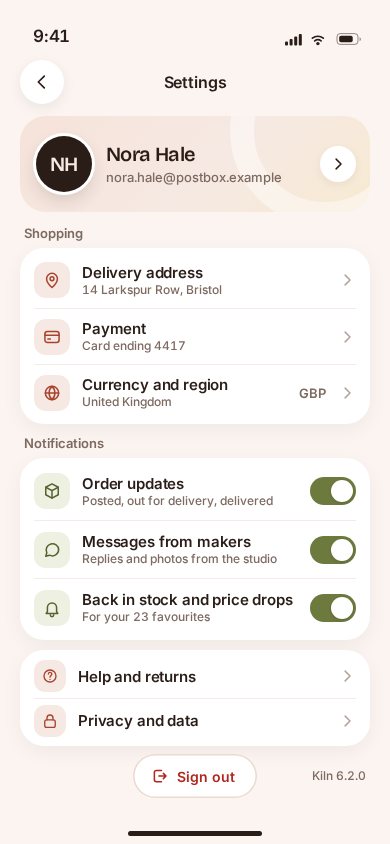 Kiln Settings: Handmade marketplace, Minimal
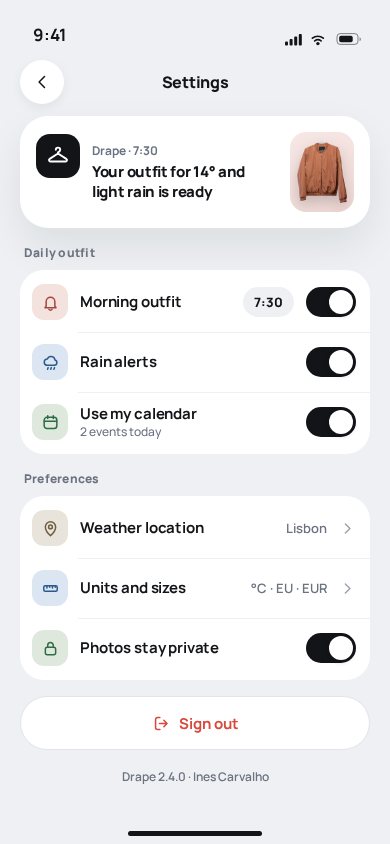 Drape Settings: AI wardrobe and daily outfits, Minimal
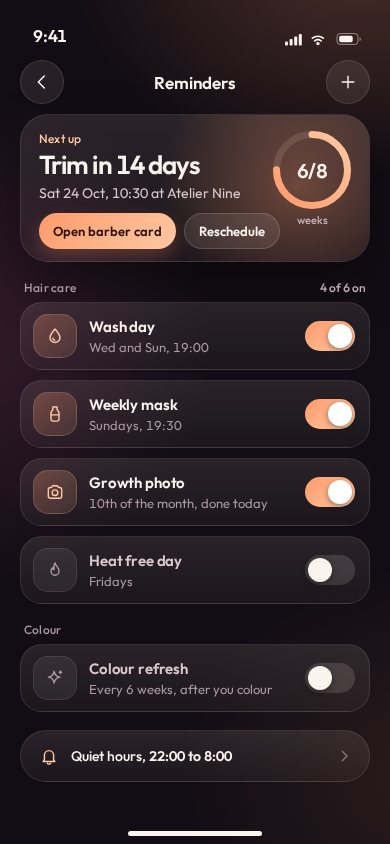 Mane Reminders: AI hairstyle try-on, Glass, dark
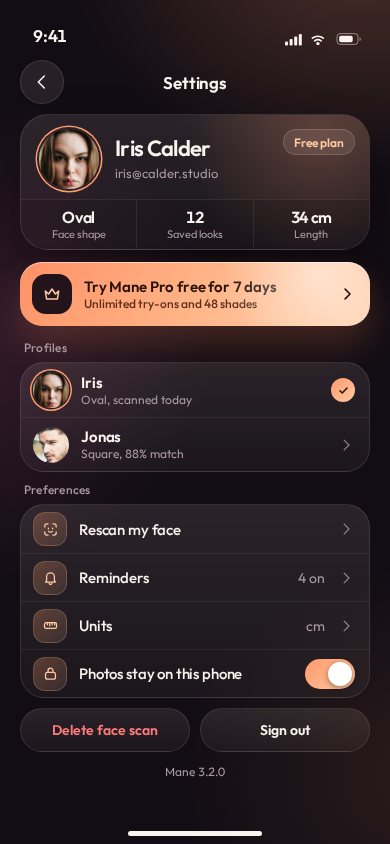 Mane Settings: AI hairstyle try-on, Glass, dark
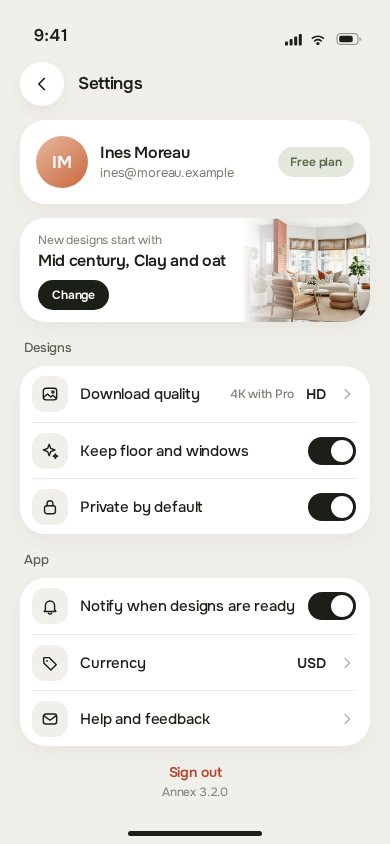 Annex Settings: AI interior redesign, Minimal
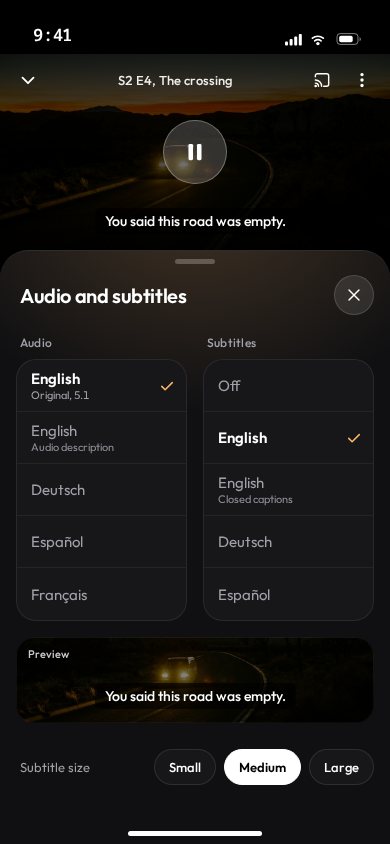 Kino Audio and subtitles: Film and series streaming, Dark-first, dark
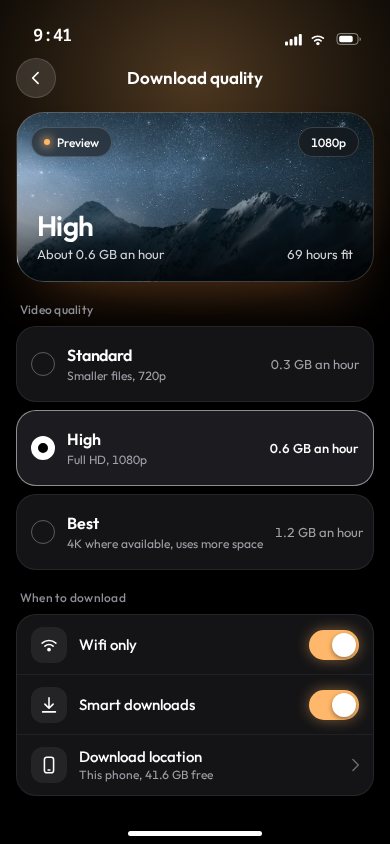 Kino Download quality: Film and series streaming, Dark-first, dark
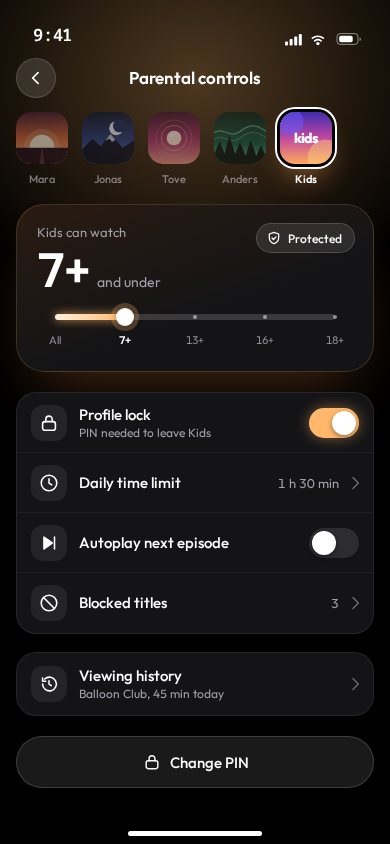 Kino Parental controls: Film and series streaming, Dark-first, dark
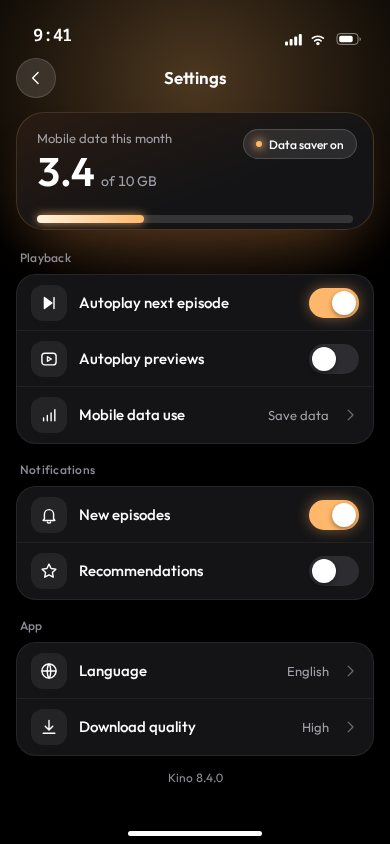 Kino Settings: Film and series streaming, Dark-first, dark
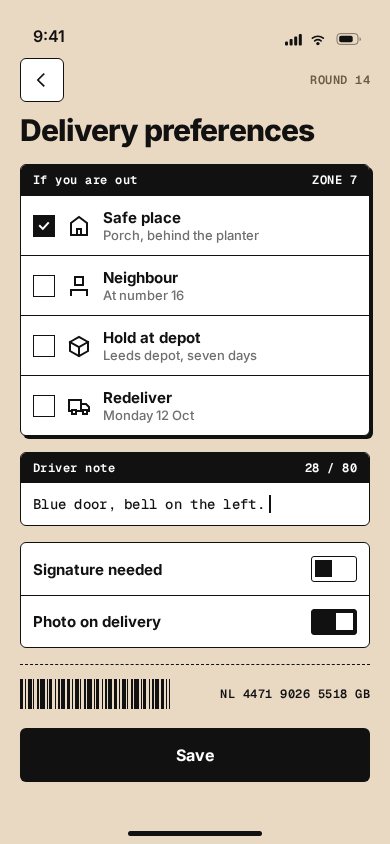 Waybill Delivery preferences: Every parcel, read like its label, Clinical
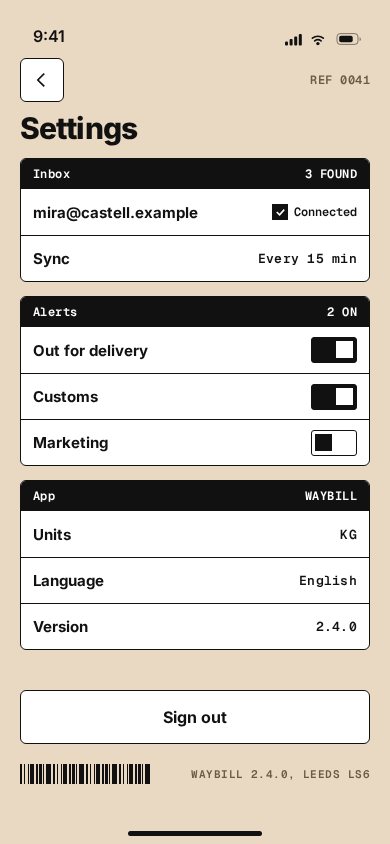 Waybill Settings: Every parcel, read like its label, Clinical
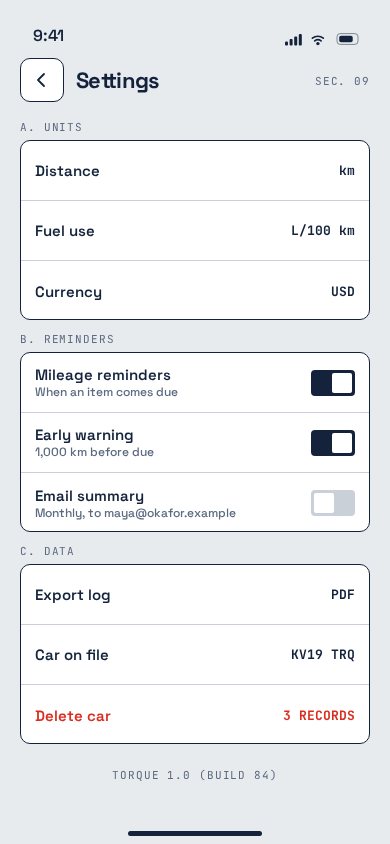 Torque Settings: The workshop manual for your own car, Enterprise
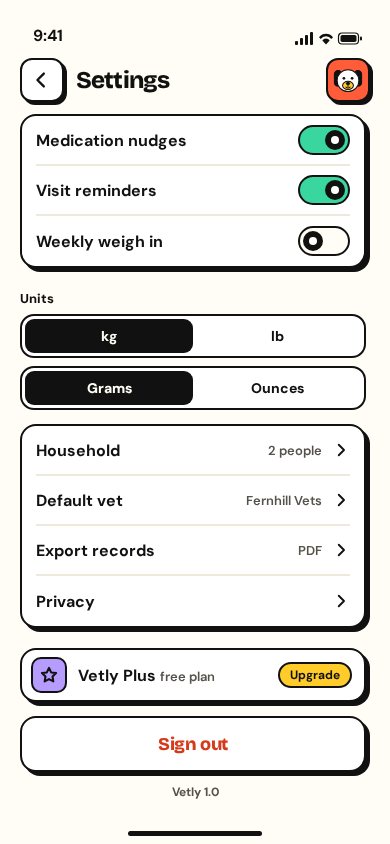 Vetly Settings: Pet health record, Neubrutalism
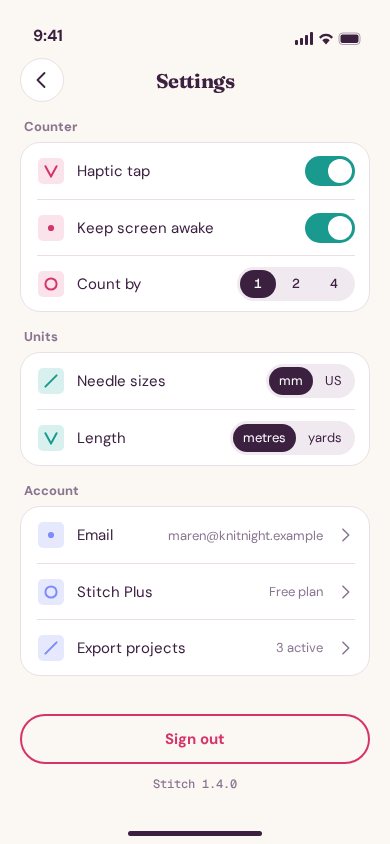 Stitch Settings: A knitting companion drawn as one big knitting chart, Playful
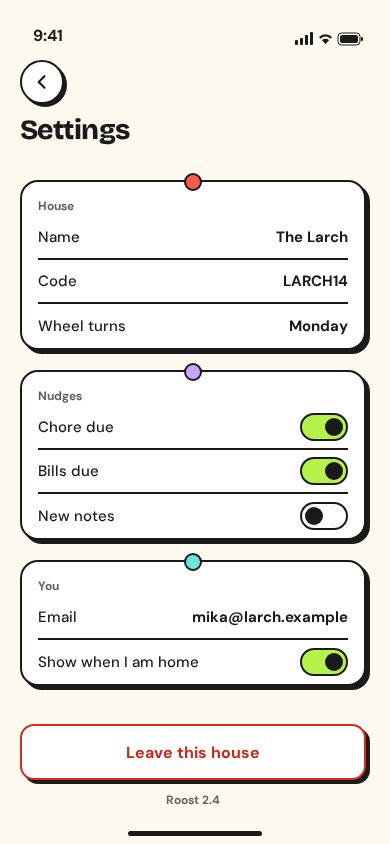 Roost Settings: Your shared house, stuck to the fridge door, Gen Z
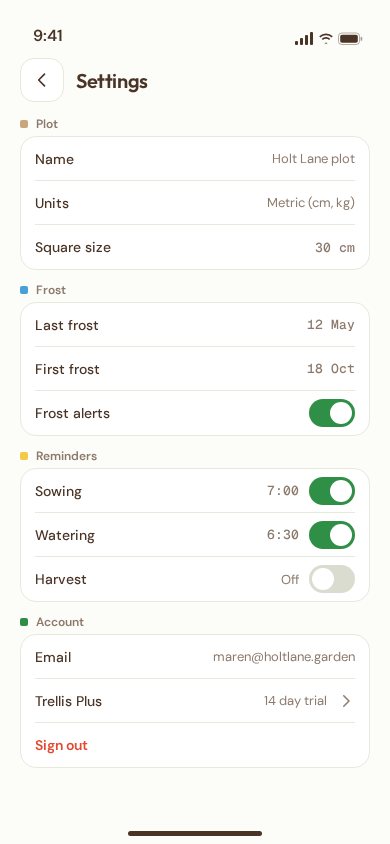 Trellis Settings: Vegetable garden planner, Minimal
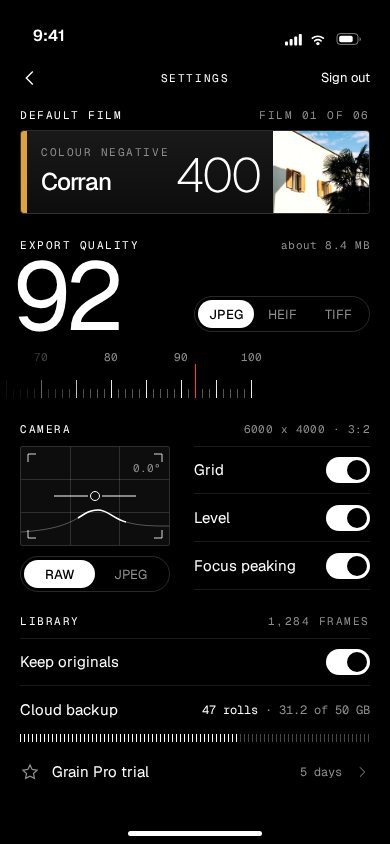 Grain Settings: Camera and photo editor, Dark-first, dark
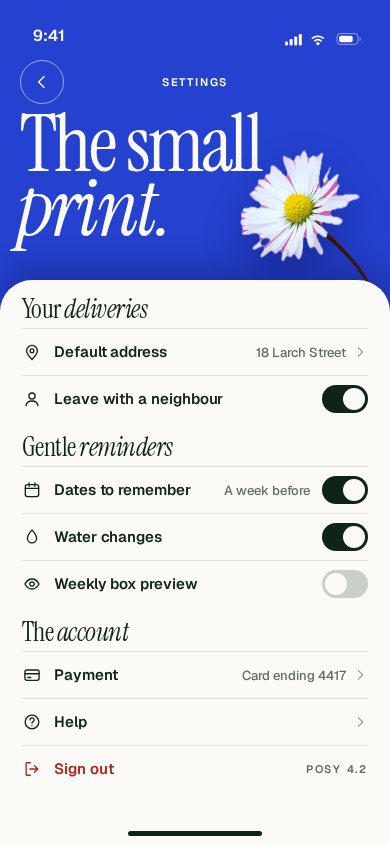 Posy Settings: Flower delivery and weekly stems, Luxury
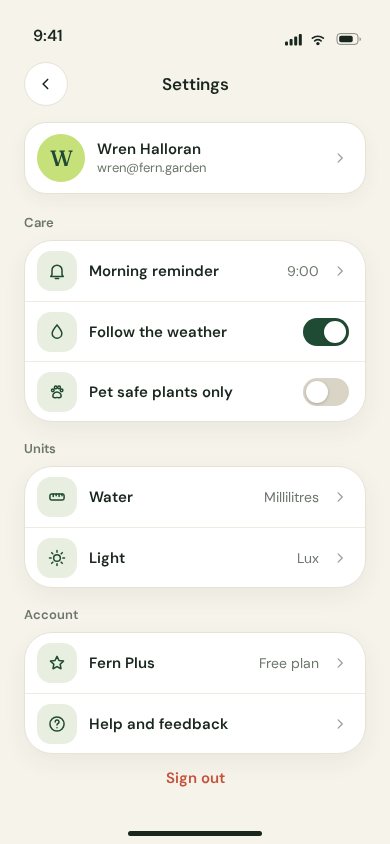 Fern Settings: Plant care, Minimal
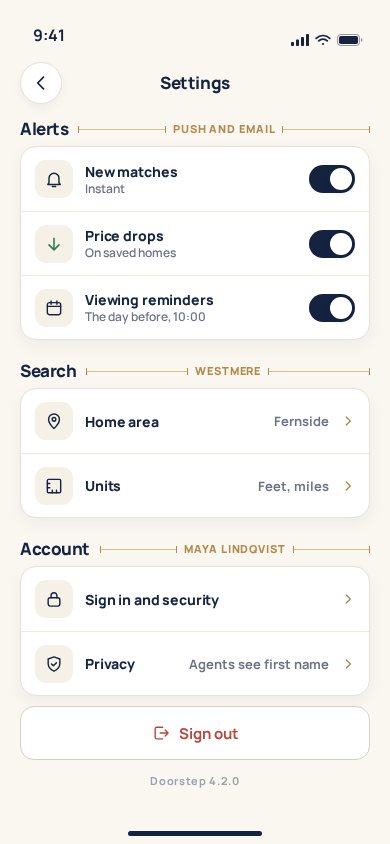 Doorstep Settings: Homes for sale and rent, Enterprise
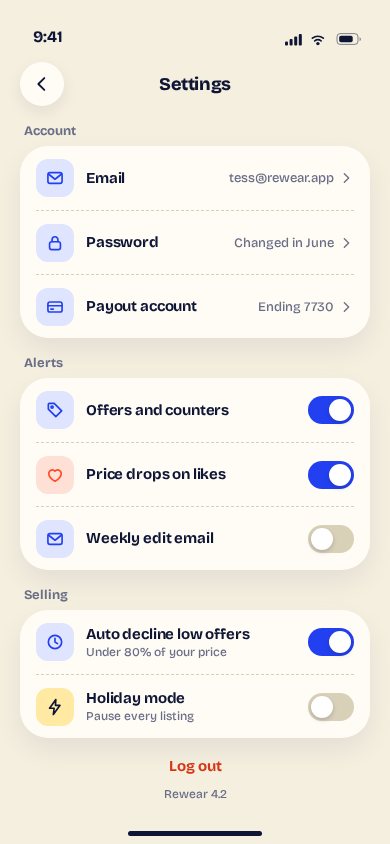 Rewear Settings: Secondhand fashion marketplace, Gen Z
- Laced Settings: Sneaker drops and raffles, Brutalist
- Gloss Settings: Salon and spa booking, Luxury
- Vow Settings: Wedding planner, Luxury
- Drizzle Settings: Weather with living skies, Glass, dark
- Byline Settings: Daily news reader, Minimal
- Shelf Settings: Reading tracker and book club, Minimal
- Marquee Settings: Cinema tickets and watchlist, Dark-first, dark
- Handy Settings: Home services, Minimal
- Tasker Settings: Book and do local odd jobs, Minimal
- Toolbox Settings: Hardware store and project lists, Enterprise
- Brief Settings: News in sixty words, Minimal
- Kibble Settings: Pet supplies and autoship, Playful
- Filmlog Settings: Film diary and reviews, Minimal
- Guardrail Content filters: Parental controls and screen time, Minimal
- Guardrail Settings: Parental controls and screen time, Minimal
- Collar Settings: GPS pet tracker, Glass, dark
- Postage Settings: Send parcels and find drop-off points, Enterprise
- Specs Settings: Glasses with virtual try-on, Luxury
- Circuit Settings: Electronics store with trade-in and repairs, Dark-first, dark
- Provenance Settings: Authenticated luxury resale, Luxury
- Gavel Settings: Live online auctions, Brutalist
- Tidy Settings: Book home cleaners, Playful
- Dorm Settings: Find student housing, Gen Z
- Hem Settings: Tailoring and alterations, collected, Minimal, dark
- Lendly Settings: Borrow things from neighbours, Playful
- Stub Settings: Fan to fan ticket resale, Dark-first, dark
- Trove Settings: Visual ideas and boards, Minimal
- Vidi Settings: Video platform for creators, Minimal
- Roll Settings: Photo library and backups, Minimal
- Splice Settings: Video editor for short clips, Dark-first, dark
- Blush Settings: Beauty and makeup shopping, Luxury
- Flatpack Settings: Furniture store with room previews, Minimal
- Column Settings: Newsletters and independent writers, Minimal
- Fetch Settings: Dog walkers and pet sitters, Playful
- Forecourt Settings: Buy and sell used cars, Minimal
- Tower Line: Mobile plan, data and bills, Playful
- Tower Settings: Mobile plan, data and bills, Playful
- Haul Settings: Bargain fashion and finds, Gen Z
- Muse Settings: AI image studio, Dark-first, dark
- Admit Settings: Events and tickets near you, Playful
- Arcade Settings: Game store, library and friends, Dark-first, dark
- Natal Settings: Birth charts and daily astrology, Luxury, dark
- Sillage Settings: Fragrance wardrobe, Minimal
- Hamper Settings: Wishlists and gift registry, Playful
- Fade Settings: Barber booking, Neubrutalism, dark
- Inked Settings: Tattoo artists and bookings, Dark-first, dark
- Scrapbook Settings: Digital scrapbook journal, Gen Z
- Rinse Settings: Laundry pickup and delivery, Glass
What makes a good lifestyle app settings screen
- Group options into clear sections. Account, notifications, privacy, appearance and help, with headings, so people scan to the right group.
- Label settings by their effect. "Daily reminder at 8:00" is clearer than "Reminders". Add a short description under options that need one.
- Use the right control. Toggles for on and off, a row that opens a list for choices, and sliders only for ranges.
- Apply changes immediately. Most mobile settings take effect when changed, with no Save button to forget.
- Make dangerous actions hard to hit by accident. Delete account and sign out at the bottom, with confirmation. Apple asks apps that let people create an account to also let them delete it from inside the app.
- Show the current value in the row. A row like "Units: Metric" or "Reminder: 8:00" shows the setting without opening it, and saves a tap for people who only want to check.
The full settings screen guide: layouts, mistakes and questions
Settings screens in other kinds of app
- Productivity app settings screens (76)
- Social app settings screens (48)
- Finance app settings screens (44)
- Travel app settings screens (42)
- Fitness app settings screens (38)
- Education app settings screens (31)
- Food app settings screens (29)
- Sports app settings screens (23)
- Smart home app settings screens (23)
- Music app settings screens (20)
Other lifestyle app screens
- Lifestyle app onboarding screens
- Lifestyle app sign in and sign up screens
- Lifestyle app home screens
- Lifestyle app search and explore screens
- Lifestyle app list and feed screens
- Lifestyle app detail screens
- Lifestyle app booking and checkout screens
- Lifestyle app paywall screens
- Lifestyle app success and confirmation screens
- Lifestyle app profile screens
- Lifestyle app dashboard and stats screens
- Lifestyle app player, camera and editor screens
- Lifestyle app live tracking screens
- Lifestyle app form and input screens