Templates · Player, camera and editor screens
Lifestyle app player, camera and editor screens
66 media player screens from 37 lifestyle app templates, each in its own design language. Lifestyle apps sell a feeling as much as a feature: considered type, generous space and photography with a point of view.
The examples
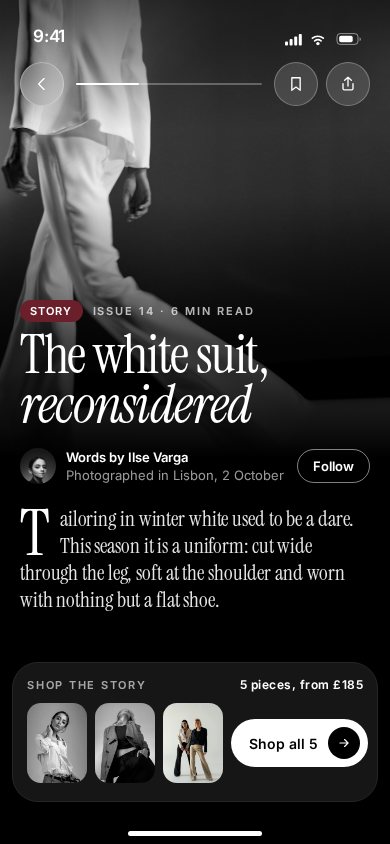 Sable Story: Fashion store, Luxury
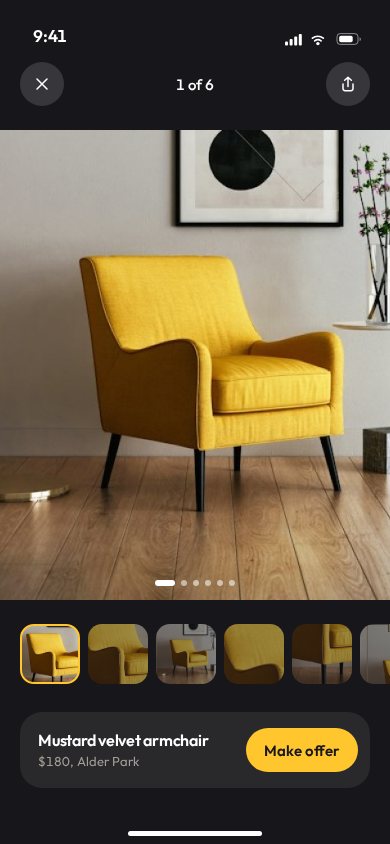 Bazaar Photos: Local buy and sell, Minimal
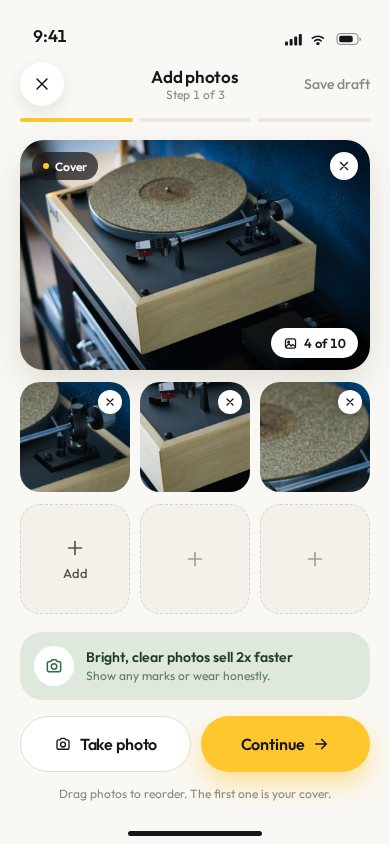 Bazaar Sell: Local buy and sell, Minimal
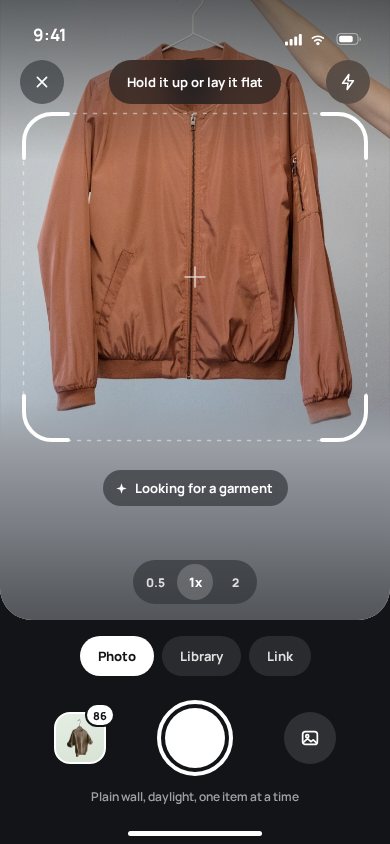 Drape Add item: AI wardrobe and daily outfits, Minimal
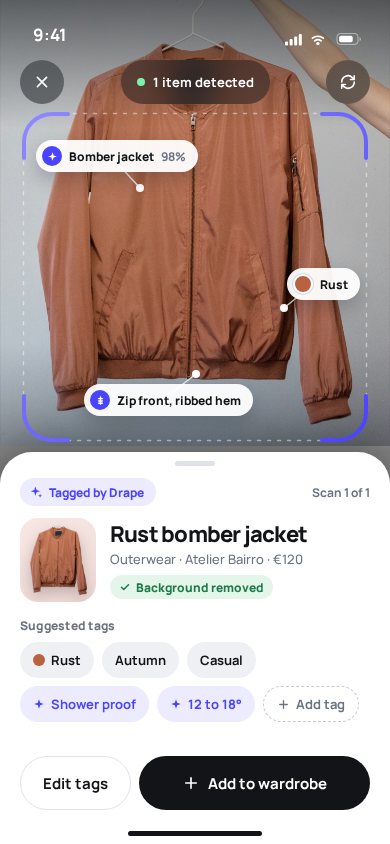 Drape Detected: AI wardrobe and daily outfits, Minimal
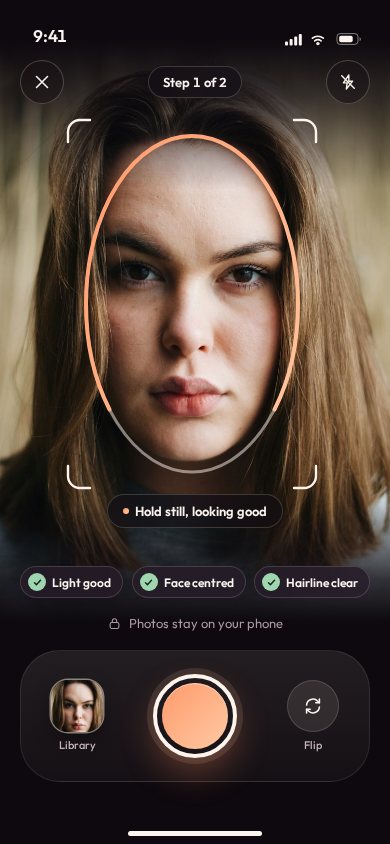 Mane Camera: AI hairstyle try-on, Glass, dark
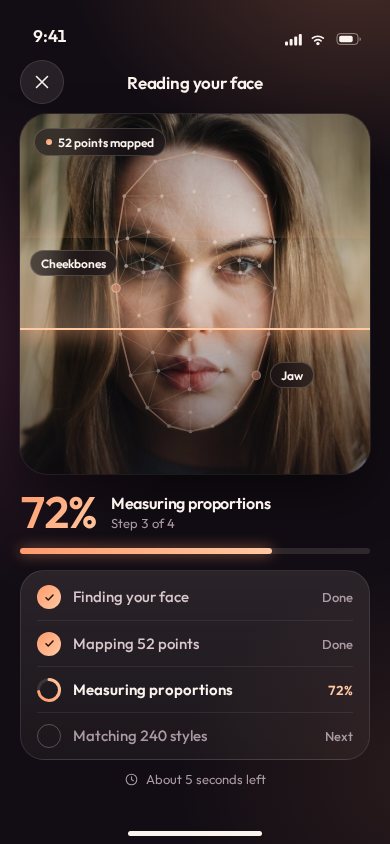 Mane Analysing: AI hairstyle try-on, Glass, dark
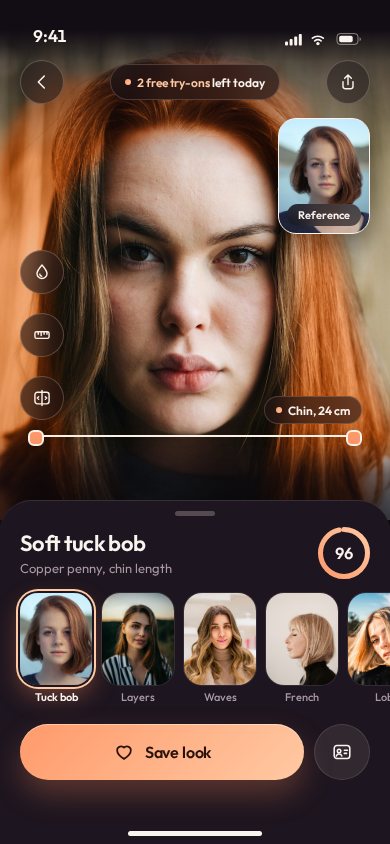 Mane Try on: AI hairstyle try-on, Glass, dark
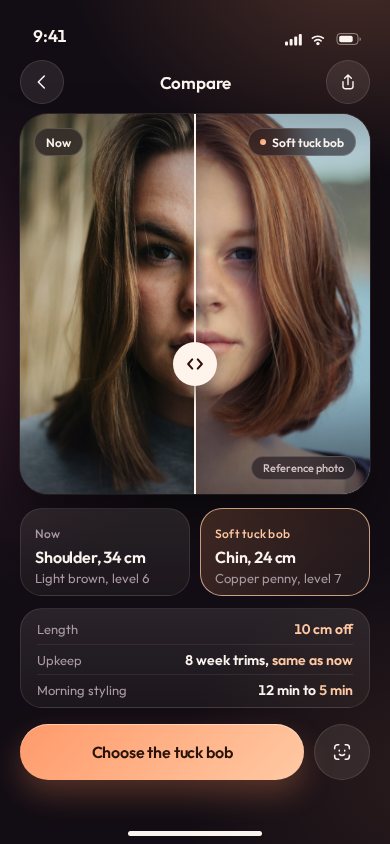 Mane Compare: AI hairstyle try-on, Glass, dark
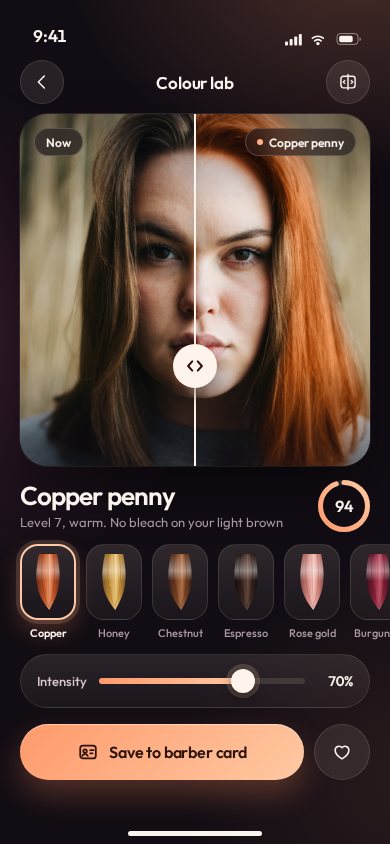 Mane Colour lab: AI hairstyle try-on, Glass, dark
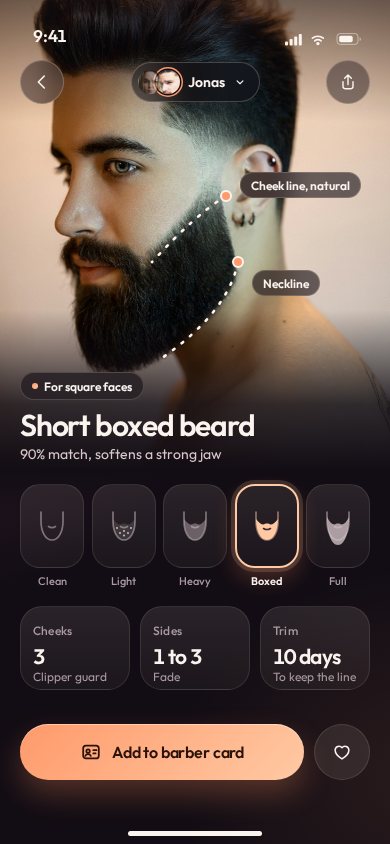 Mane Beard: AI hairstyle try-on, Glass, dark
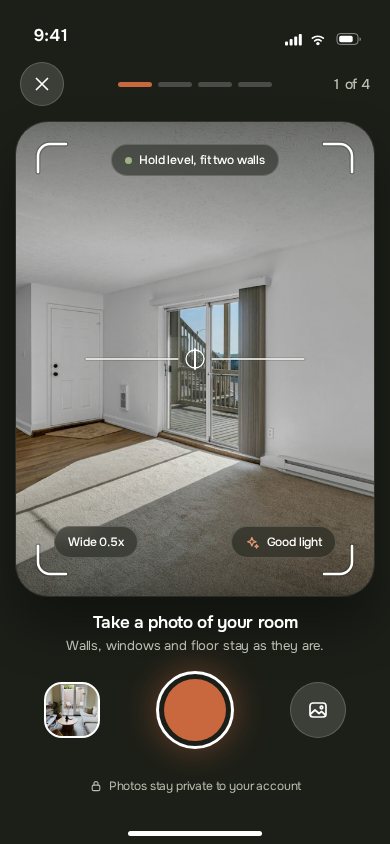 Annex New project: AI interior redesign, Minimal
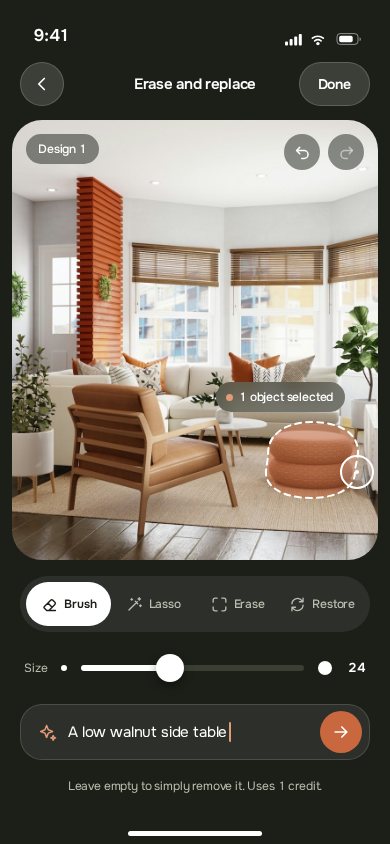 Annex Erase and replace: AI interior redesign, Minimal
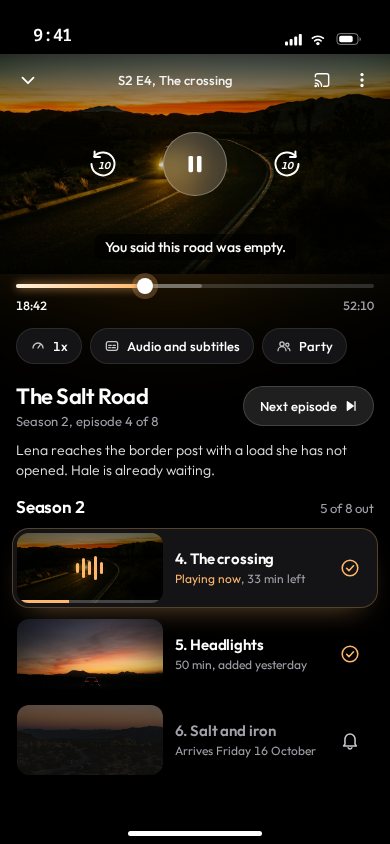 Kino Player: Film and series streaming, Dark-first, dark
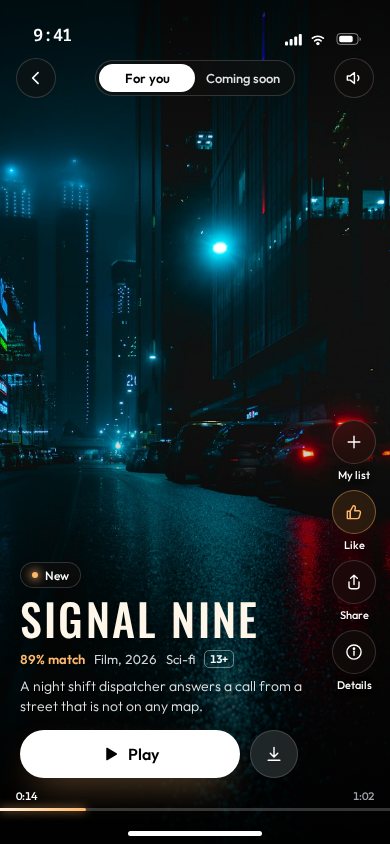 Kino Trailers: Film and series streaming, Dark-first, dark
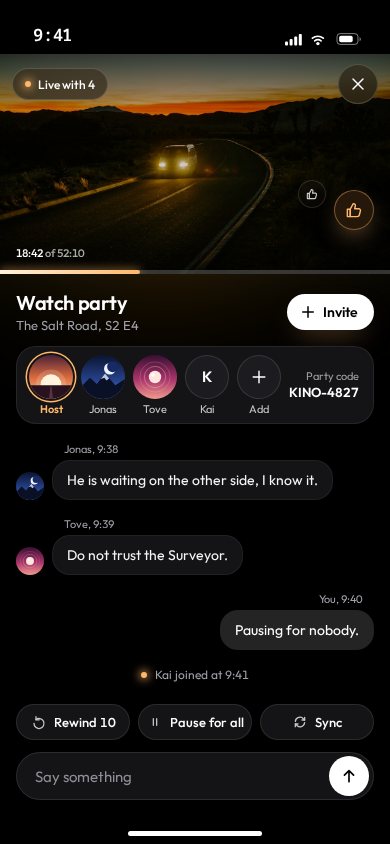 Kino Watch party: Film and series streaming, Dark-first, dark
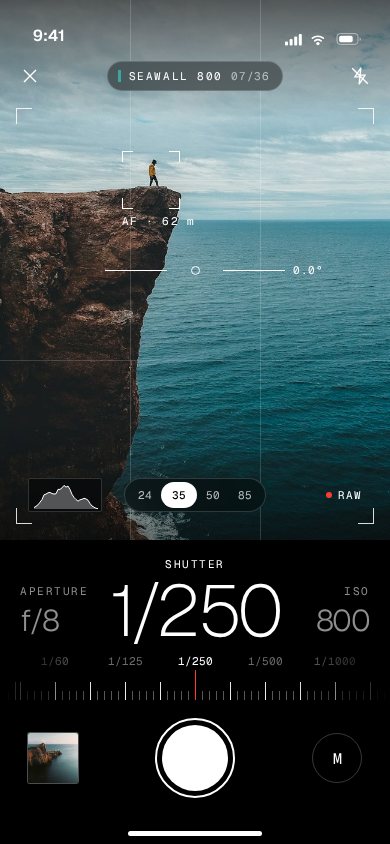 Grain Camera: Camera and photo editor, Dark-first, dark
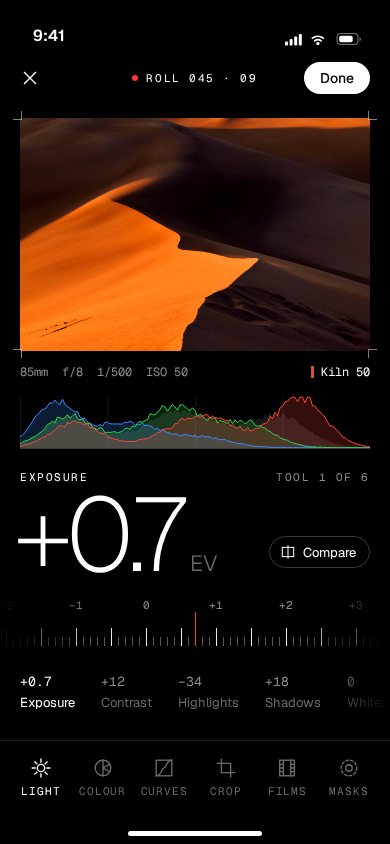 Grain Edit: Camera and photo editor, Dark-first, dark
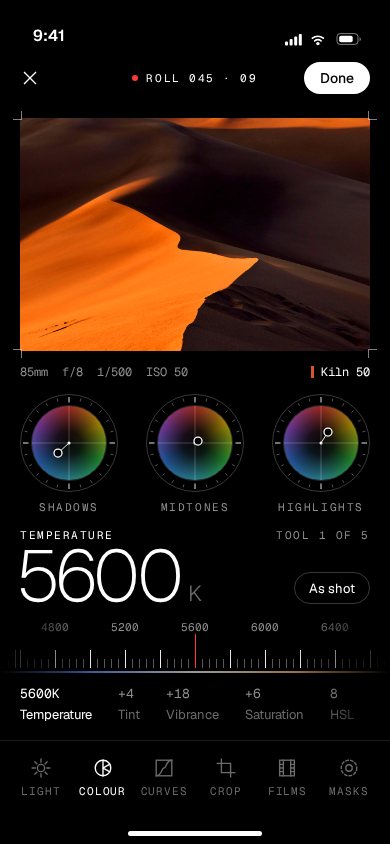 Grain Colour: Camera and photo editor, Dark-first, dark
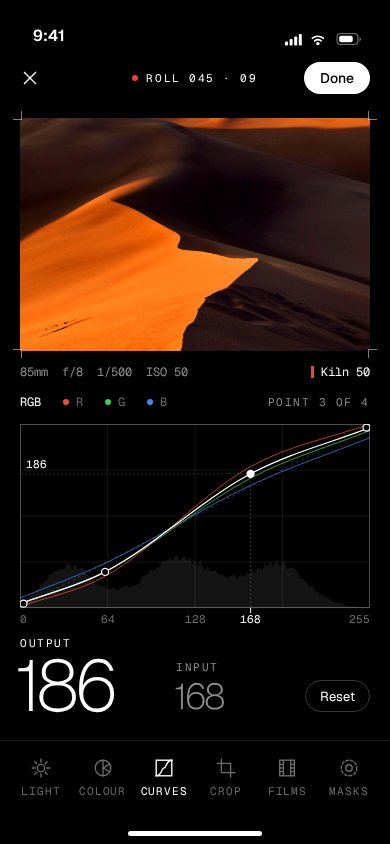 Grain Curves: Camera and photo editor, Dark-first, dark
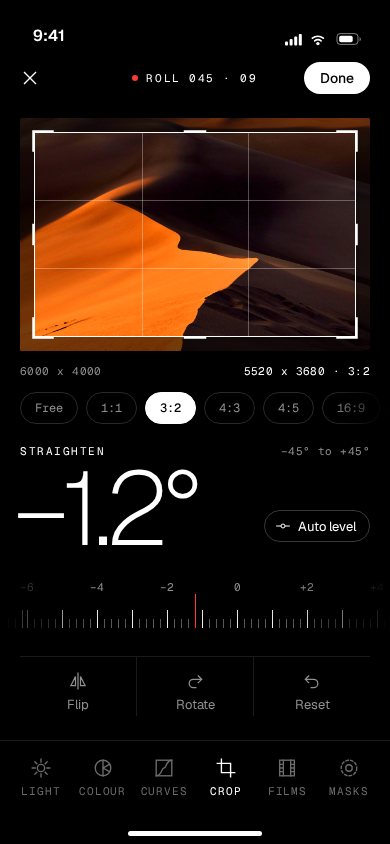 Grain Crop: Camera and photo editor, Dark-first, dark
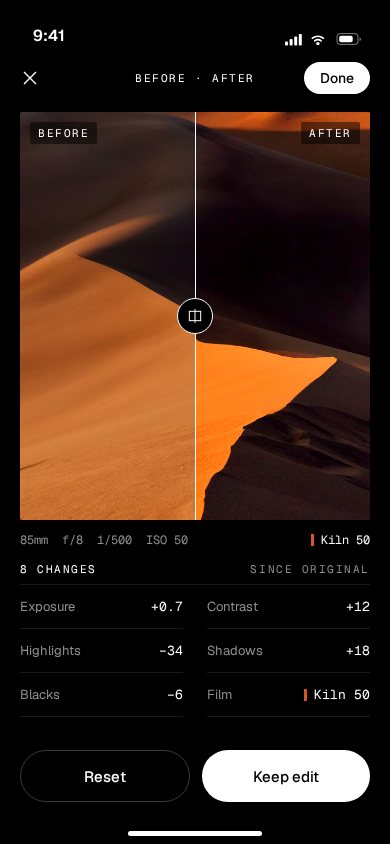 Grain Compare: Camera and photo editor, Dark-first, dark
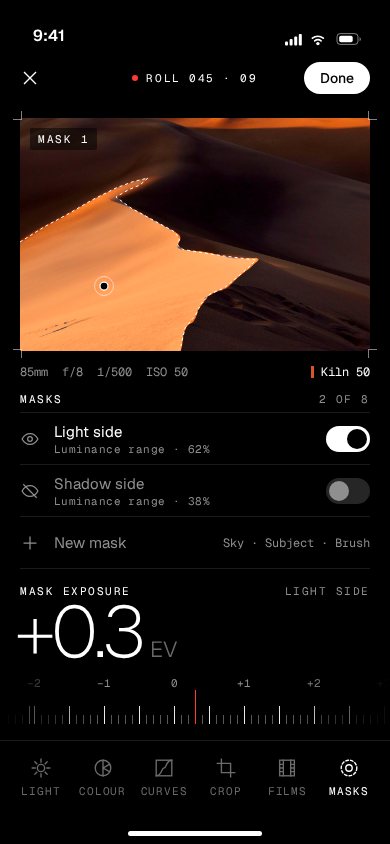 Grain Masks: Camera and photo editor, Dark-first, dark
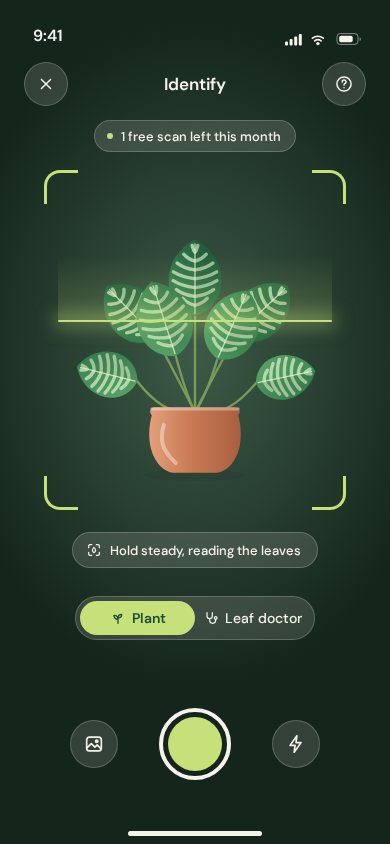 Fern Identify: Plant care, Minimal
- Fern Diagnose: Plant care, Minimal
- Doorstep Gallery: Homes for sale and rent, Enterprise
- Rewear Sell an item: Secondhand fashion marketplace, Gen Z
- Byline Now playing: Daily news reader, Minimal
- Byline Mini crossword: Daily news reader, Minimal
- Toolbox Scan: Hardware store and project lists, Enterprise
- Brief Watch: News in sixty words, Minimal
- Brief Listen: News in sixty words, Minimal
- Kibble Vet chat: Pet supplies and autoship, Playful
- Filmlog Trailer: Film diary and reviews, Minimal
- Postage Scan: Send parcels and find drop-off points, Enterprise
- Specs Try on: Glasses with virtual try-on, Luxury
- Dorm Virtual tour: Find student housing, Gen Z
- Hem Fit photo: Tailoring and alterations, collected, Minimal, dark
- Stub Ticket: Fan to fan ticket resale, Dark-first, dark
- Trove Lens: Visual ideas and boards, Minimal
- Vidi Watch: Video platform for creators, Minimal
- Vidi Clips: Video platform for creators, Minimal
- Vidi Live: Video platform for creators, Minimal
- Vidi Upload: Video platform for creators, Minimal
- Roll Photo: Photo library and backups, Minimal
- Roll Edit: Photo library and backups, Minimal
- Roll Memory: Photo library and backups, Minimal
- Splice Record: Video editor for short clips, Dark-first, dark
- Splice Editor: Video editor for short clips, Dark-first, dark
- Splice Trim: Video editor for short clips, Dark-first, dark
- Blush Try on: Beauty and makeup shopping, Luxury
- Flatpack Room preview: Furniture store with room previews, Minimal
- Flatpack Room planner: Furniture store with room previews, Minimal
- Column Listen: Newsletters and independent writers, Minimal
- Fetch Photos: Dog walkers and pet sitters, Playful
- Forecourt Gallery: Buy and sell used cars, Minimal
- Haul Spin: Bargain fashion and finds, Gen Z
- Muse Grid: AI image studio, Dark-first, dark
- Muse Edit region: AI image studio, Dark-first, dark
- Admit Scanner: Events and tickets near you, Playful
- Natal Live reading: Birth charts and daily astrology, Luxury, dark
- Sillage Scan bottle: Fragrance wardrobe, Minimal
- Inked Try on: Tattoo artists and bookings, Dark-first, dark
- Scrapbook Editor: Digital scrapbook journal, Gen Z
- Scrapbook Add photos: Digital scrapbook journal, Gen Z
- Rinse Scan label: Laundry pickup and delivery, Glass
What makes a good lifestyle app media player screen
- Content takes the space. Artwork, video or the camera view should fill most of the screen.
- Primary controls in the thumb zone. Play and pause, the shutter or the main tool, large and low on the screen.
- Show progress and position. A scrubber with elapsed and remaining time, or the step in a lesson.
- Hide secondary controls until needed. Lyrics, queue, filters and advanced tools can live behind a tap or a swipe.
- Respect system conventions. Media controls on the lock screen, swipe down to minimise and standard gestures people already know.
- Support both one hand and full screen. A compact player for quick control and a full view for watching or editing, with an easy gesture between them.
The full media player screen guide: layouts, mistakes and questions
Player, camera and editor screens in other kinds of app
- Social app player, camera and editor screens (90)
- Productivity app player, camera and editor screens (84)
- Education app player, camera and editor screens (60)
- Fitness app player, camera and editor screens (40)
- Music app player, camera and editor screens (36)
- Travel app player, camera and editor screens (24)
- Smart home app player, camera and editor screens (24)
- Finance app player, camera and editor screens (23)
- Food app player, camera and editor screens (20)
- Sports app player, camera and editor screens (12)
Other lifestyle app screens
- Lifestyle app onboarding screens
- Lifestyle app sign in and sign up screens
- Lifestyle app home screens
- Lifestyle app search and explore screens
- Lifestyle app list and feed screens
- Lifestyle app detail screens
- Lifestyle app booking and checkout screens
- Lifestyle app paywall screens
- Lifestyle app success and confirmation screens
- Lifestyle app profile screens
- Lifestyle app settings screens
- Lifestyle app dashboard and stats screens
- Lifestyle app live tracking screens
- Lifestyle app form and input screens