Templates · Live tracking screens
Lifestyle app live tracking screens
55 live tracking screens from 45 lifestyle app templates, each in its own design language. Lifestyle apps sell a feeling as much as a feature: considered type, generous space and photography with a point of view.
The examples
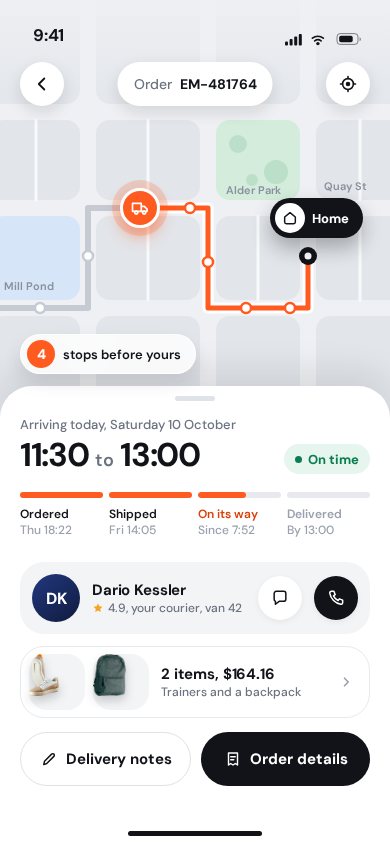 Emporia Track order: Everything store, Minimal
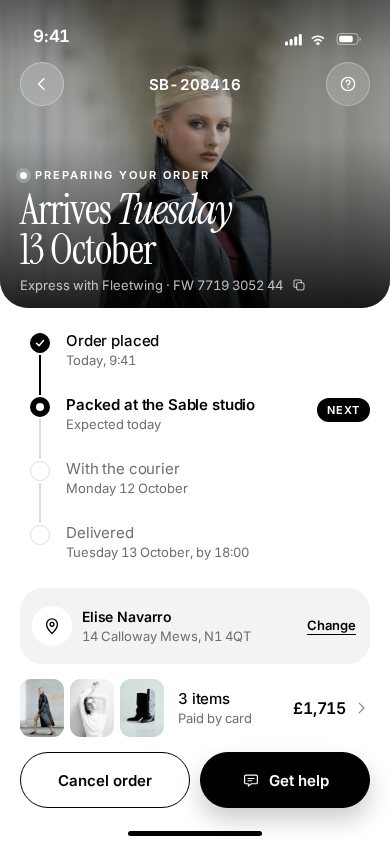 Sable Order: Fashion store, Luxury
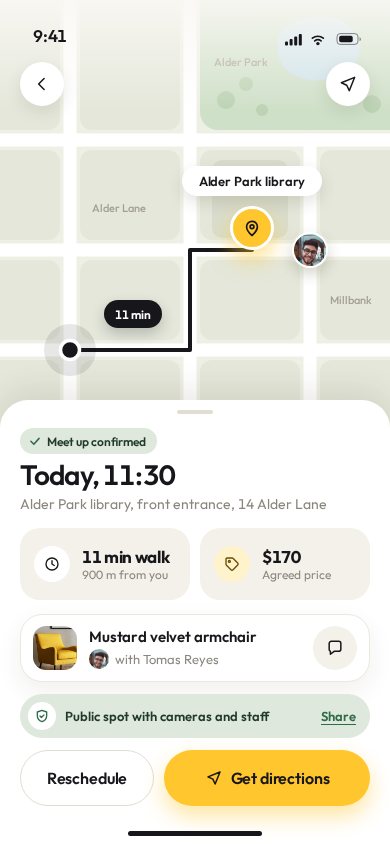 Bazaar Meet up: Local buy and sell, Minimal
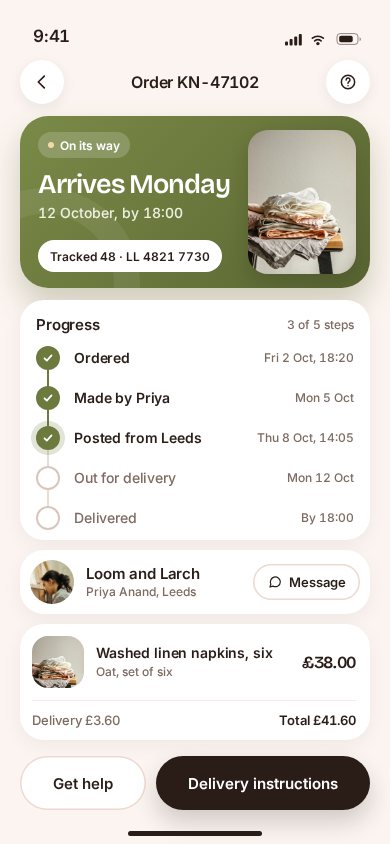 Kiln Order: Handmade marketplace, Minimal
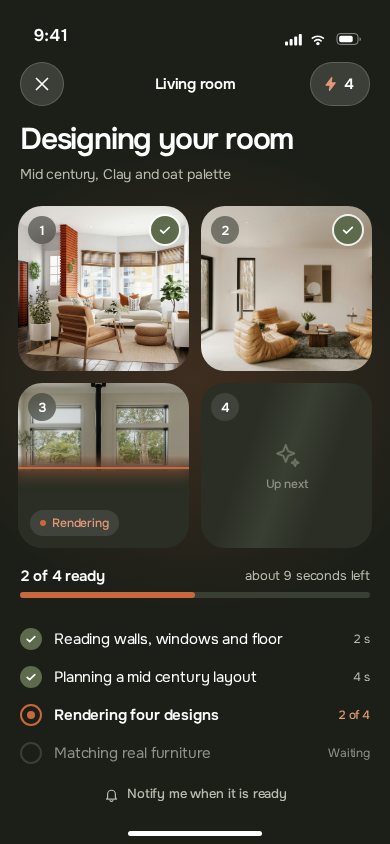 Annex Generating: AI interior redesign, Minimal
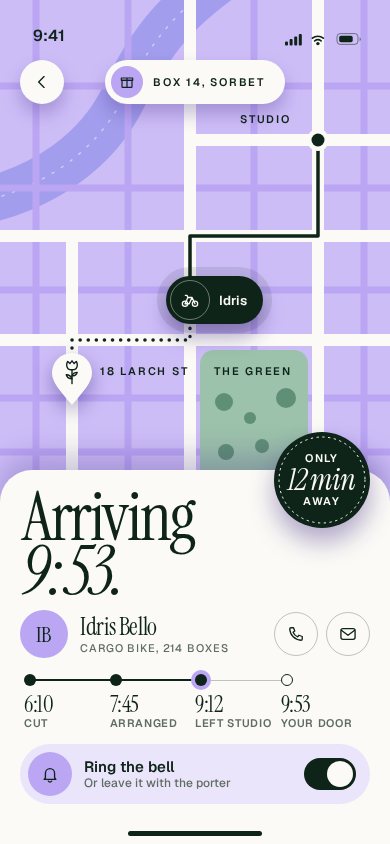 Posy Tracking: Flower delivery and weekly stems, Luxury
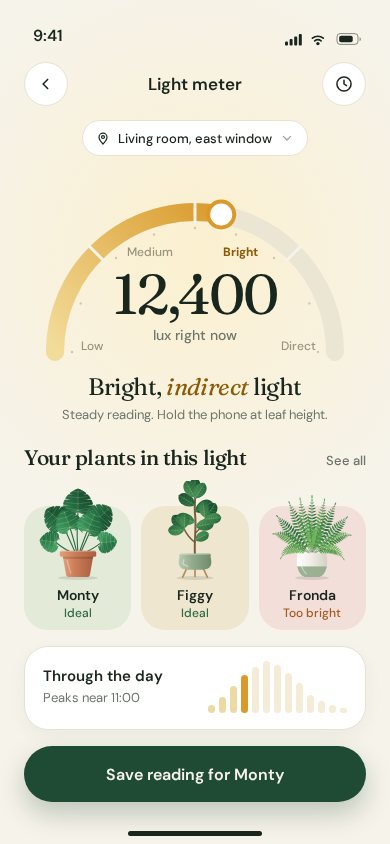 Fern Light meter: Plant care, Minimal
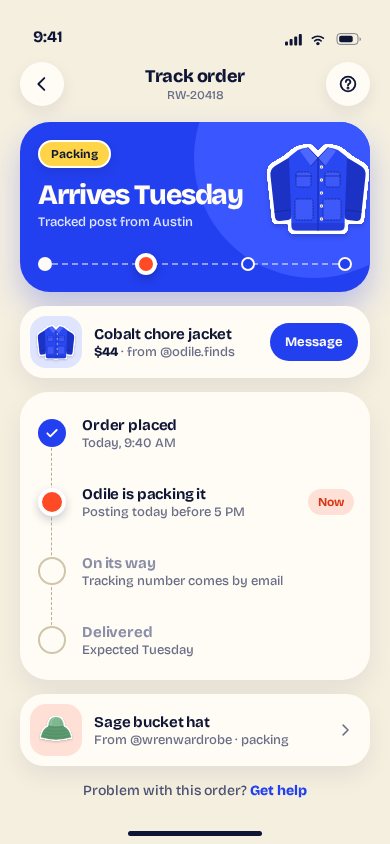 Rewear Track order: Secondhand fashion marketplace, Gen Z
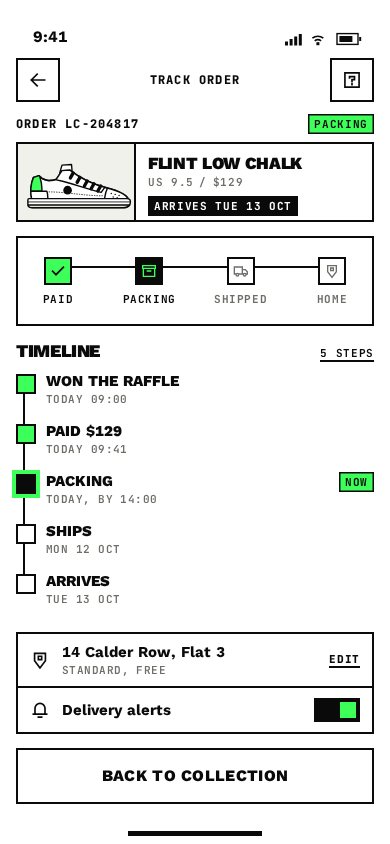 Laced Track order: Sneaker drops and raffles, Brutalist
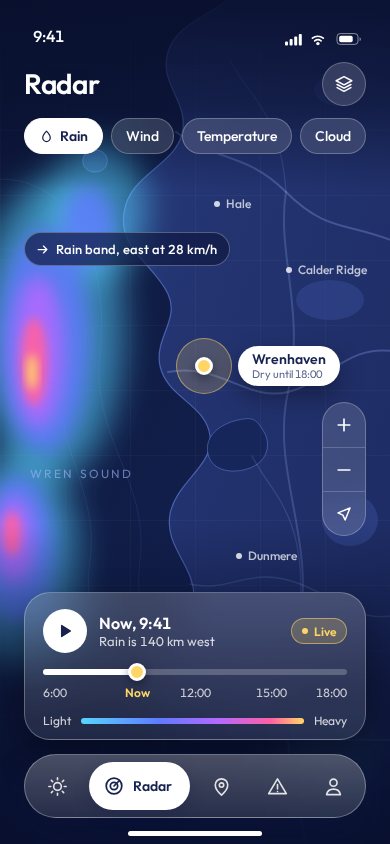 Drizzle Radar: Weather with living skies, Glass, dark
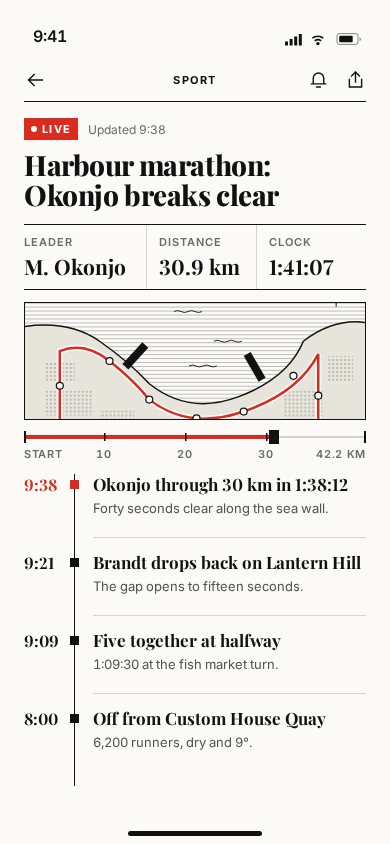 Byline Live updates: Daily news reader, Minimal
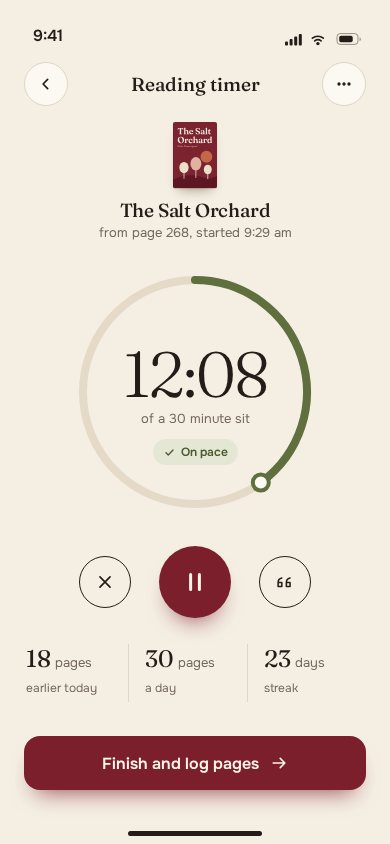 Shelf Reading timer: Reading tracker and book club, Minimal
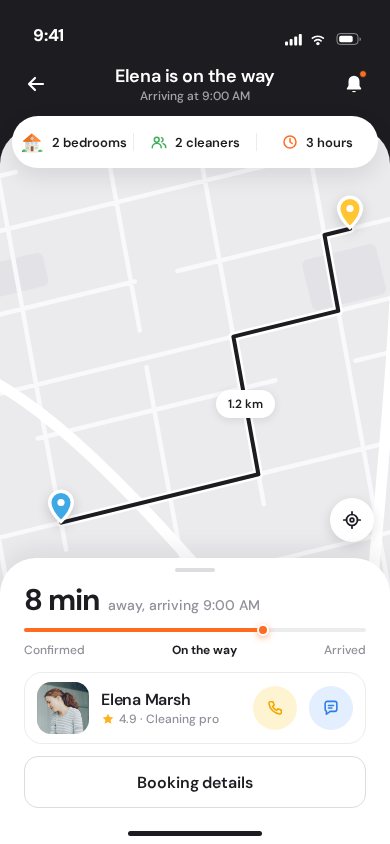 Handy Track pro: Home services, Minimal
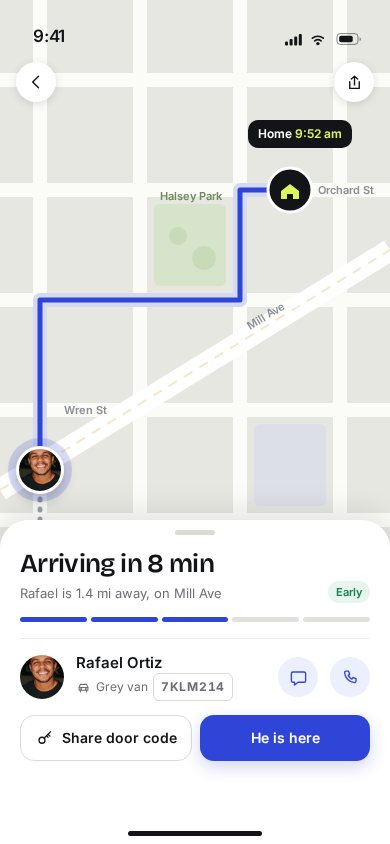 Tasker On the way: Book and do local odd jobs, Minimal
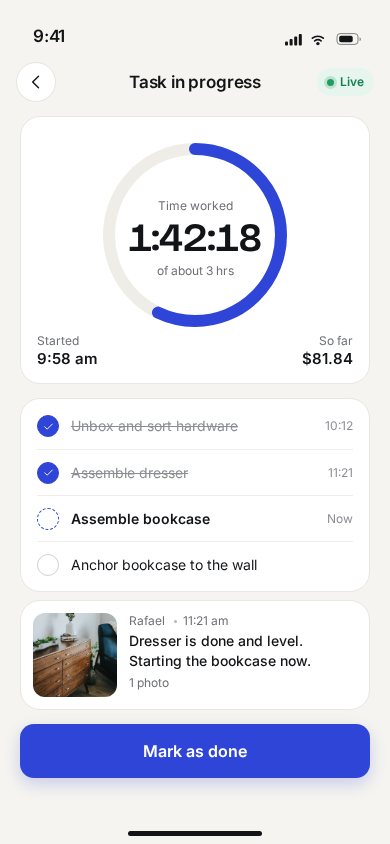 Tasker In progress: Book and do local odd jobs, Minimal
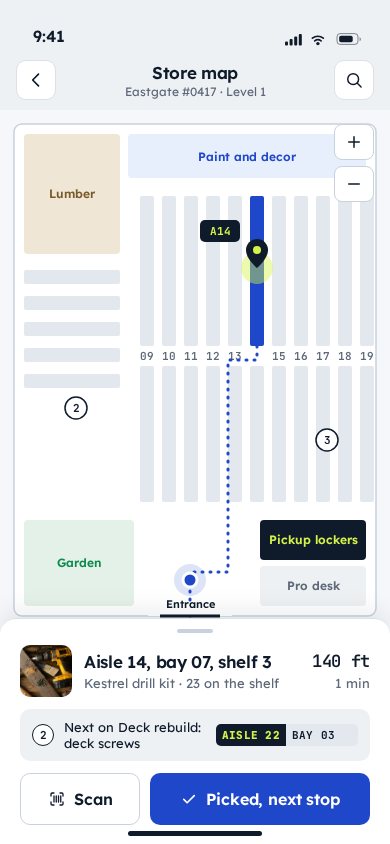 Toolbox Store map: Hardware store and project lists, Enterprise
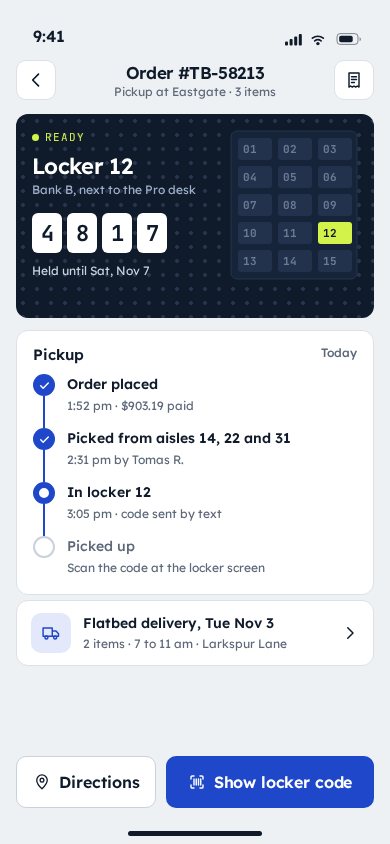 Toolbox Order status: Hardware store and project lists, Enterprise
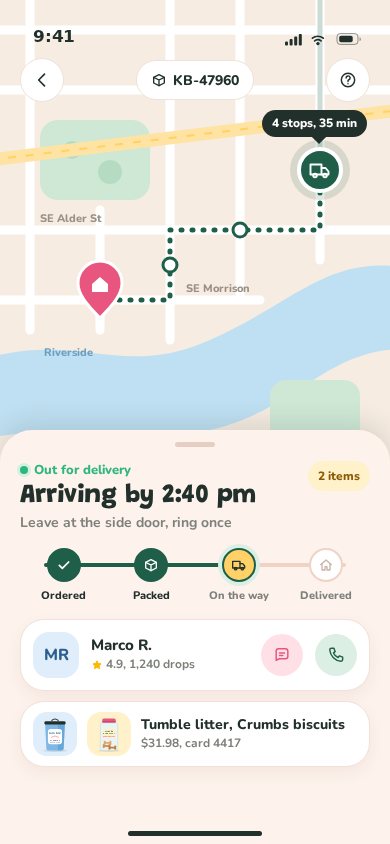 Kibble Track order: Pet supplies and autoship, Playful
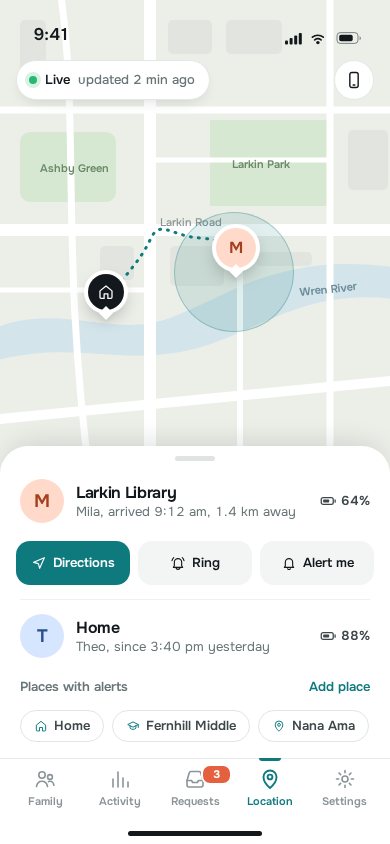 Guardrail Location: Parental controls and screen time, Minimal
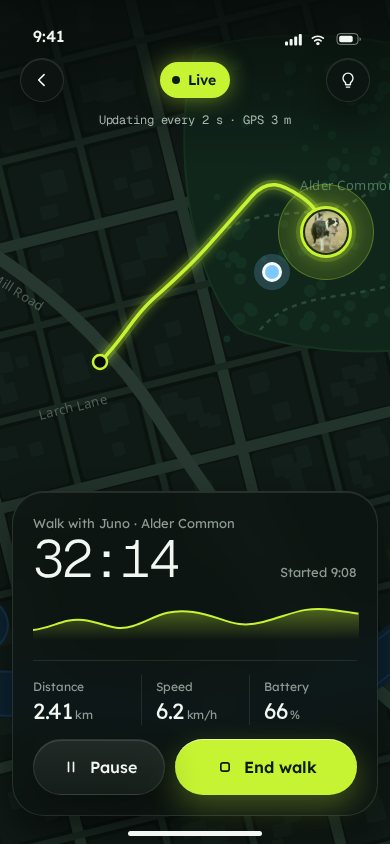 Collar Live: GPS pet tracker, Glass, dark
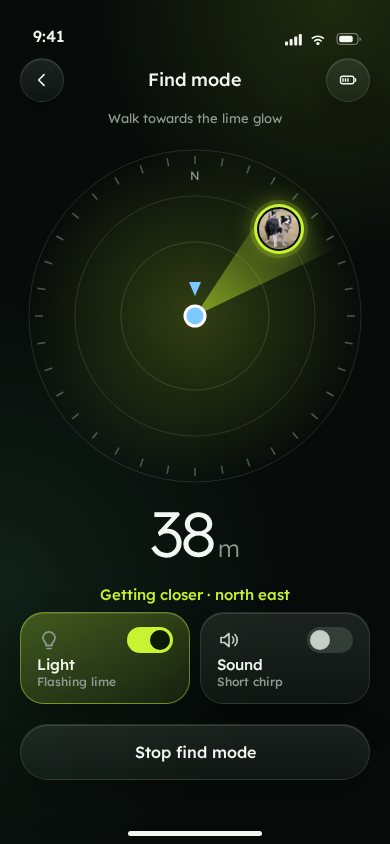 Collar Find mode: GPS pet tracker, Glass, dark
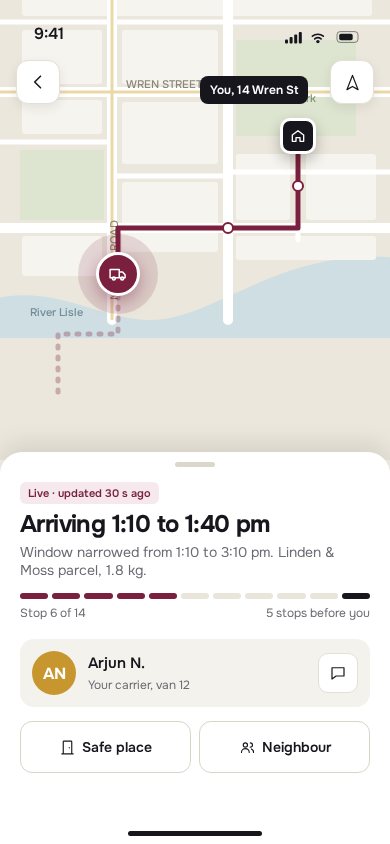 Postage Live: Send parcels and find drop-off points, Enterprise
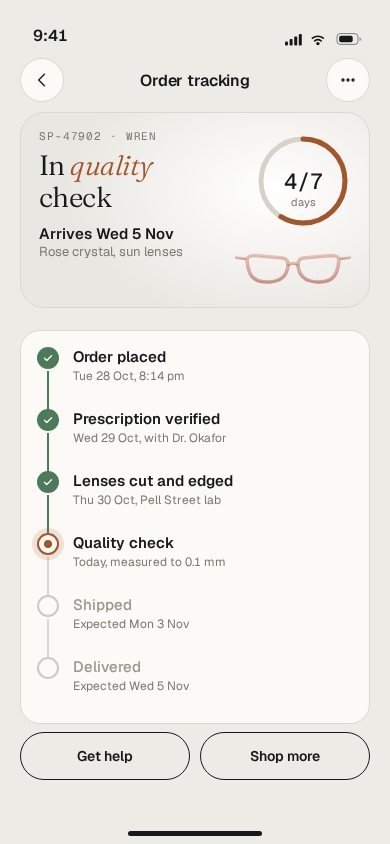 Specs Order tracking: Glasses with virtual try-on, Luxury
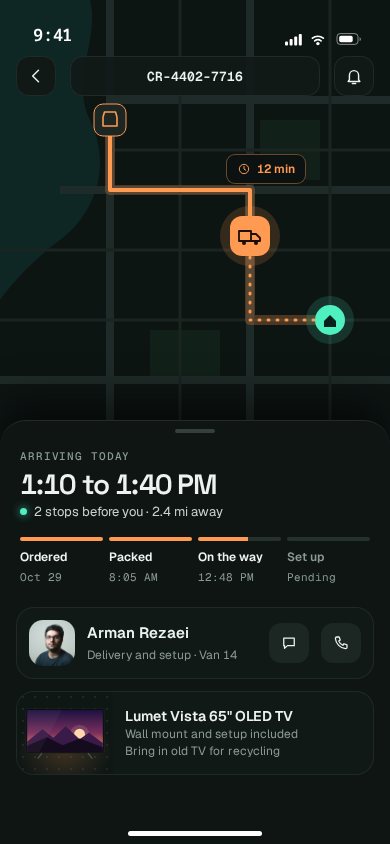 Circuit Order tracking: Electronics store with trade-in and repairs, Dark-first, dark
- Circuit Repair status: Electronics store with trade-in and repairs, Dark-first, dark
- Provenance Order tracking: Authenticated luxury resale, Luxury
- Gavel Live bidding: Live online auctions, Brutalist
- Gavel Shipment: Live online auctions, Brutalist
- Tidy On the way: Book home cleaners, Playful
- Tidy In progress: Book home cleaners, Playful
- Dorm Commute: Find student housing, Gen Z
- Hem Courier: Tailoring and alterations, collected, Minimal, dark
- Hem In progress: Tailoring and alterations, collected, Minimal, dark
- Hem Delivery: Tailoring and alterations, collected, Minimal, dark
- Lendly Pickup: Borrow things from neighbours, Playful
- Stub Drop alert: Fan to fan ticket resale, Dark-first, dark
- Roll Backup: Photo library and backups, Minimal
- Splice Exporting: Video editor for short clips, Dark-first, dark
- Blush Track order: Beauty and makeup shopping, Luxury
- Flatpack Store map: Furniture store with room previews, Minimal
- Flatpack Track delivery: Furniture store with room previews, Minimal
- Fetch Live walk: Dog walkers and pet sitters, Playful
- Forecourt Delivery: Buy and sell used cars, Minimal
- Tower Network: Mobile plan, data and bills, Playful
- Haul Track order: Bargain fashion and finds, Gen Z
- Muse Generating: AI image studio, Dark-first, dark
- Arcade Downloads: Game store, library and friends, Dark-first, dark
- Natal Moon: Birth charts and daily astrology, Luxury, dark
- Sillage Wearing now: Fragrance wardrobe, Minimal
- Hamper Delivery: Wishlists and gift registry, Playful
- Fade Queue: Barber booking, Neubrutalism, dark
- Inked Aftercare: Tattoo artists and bookings, Dark-first, dark
- Scrapbook Track order: Digital scrapbook journal, Gen Z
- Rinse Pickup: Laundry pickup and delivery, Glass
- Rinse In the wash: Laundry pickup and delivery, Glass
What makes a good lifestyle app live tracking screen
- The live number is the hero. Arrival time, pace, distance or time left, in large type at the top or centre.
- Show status in words. "Driver is 3 minutes away" or "Halfway there" alongside the map or chart.
- Make it readable while moving. Large numbers, high contrast and big buttons for pause, stop or call.
- Keep updates calm. Smooth movement on the map and steady numbers; jumpy updates feel broken.
- Extend beyond the app. Lock screen and notification updates, like iOS Live Activities, so people need not keep the app open.
- Plan for lost signal. Show when data was last updated and keep recording offline where possible, so a tunnel or a weak connection does not lose a run or confuse a customer.
The full live tracking screen guide: layouts, mistakes and questions
Live tracking screens in other kinds of app
- Travel app live tracking screens (51)
- Fitness app live tracking screens (47)
- Productivity app live tracking screens (44)
- Food app live tracking screens (37)
- Sports app live tracking screens (23)
- Smart home app live tracking screens (22)
- Social app live tracking screens (18)
- Finance app live tracking screens (17)
- Education app live tracking screens (16)
- Music app live tracking screens (10)
Other lifestyle app screens
- Lifestyle app onboarding screens
- Lifestyle app sign in and sign up screens
- Lifestyle app home screens
- Lifestyle app search and explore screens
- Lifestyle app list and feed screens
- Lifestyle app detail screens
- Lifestyle app booking and checkout screens
- Lifestyle app paywall screens
- Lifestyle app success and confirmation screens
- Lifestyle app profile screens
- Lifestyle app settings screens
- Lifestyle app dashboard and stats screens
- Lifestyle app player, camera and editor screens
- Lifestyle app form and input screens