Smart home app settings screens
23 settings screens from 20 smart home app templates, each in its own design language. Smart home apps control real things: rooms, devices and their state need to be obvious, with the common actions one tap away.
The examples
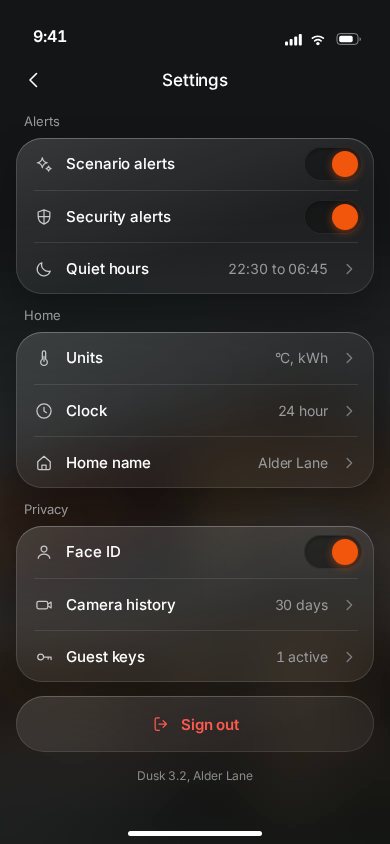 Dusk Settings: Smart home scenarios, Glass, dark
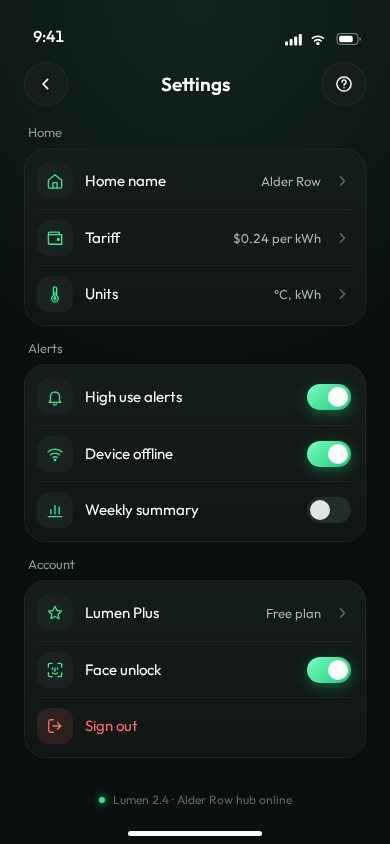 Lumen Settings: Smart home energy, Dark-first, dark
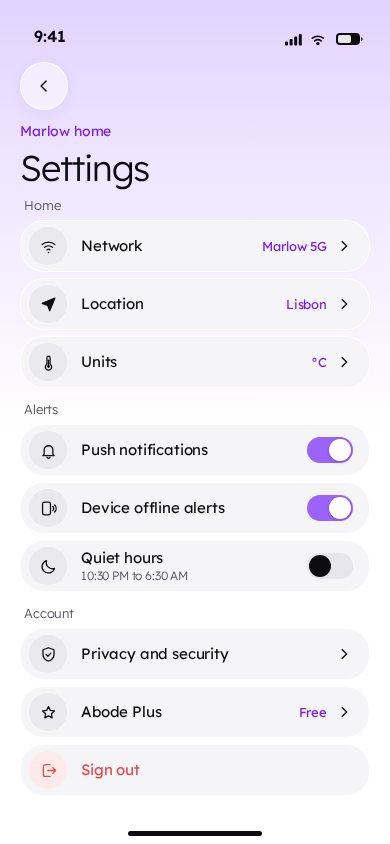 Abode Settings: Smart home devices, Minimal
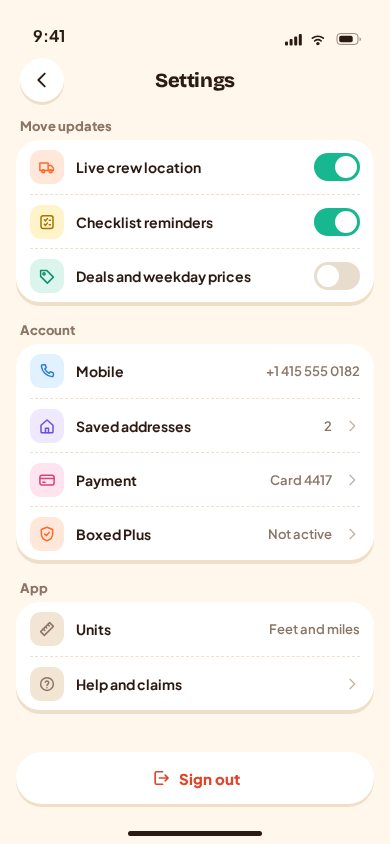 Boxed Settings: Book movers and plan moving day, Playful
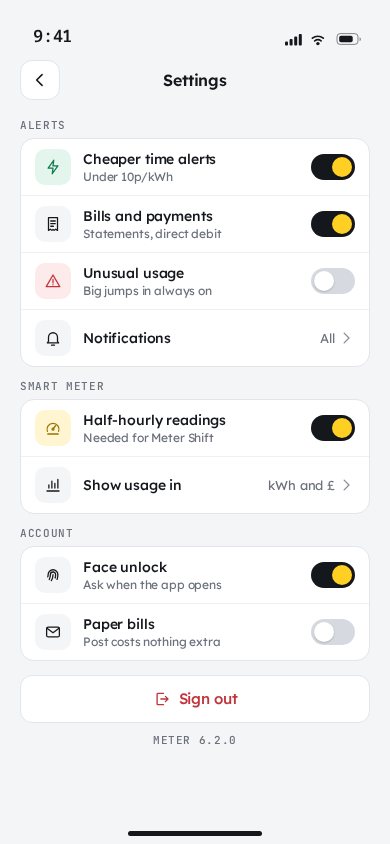 Meter Settings: Your energy supplier account, Clinical
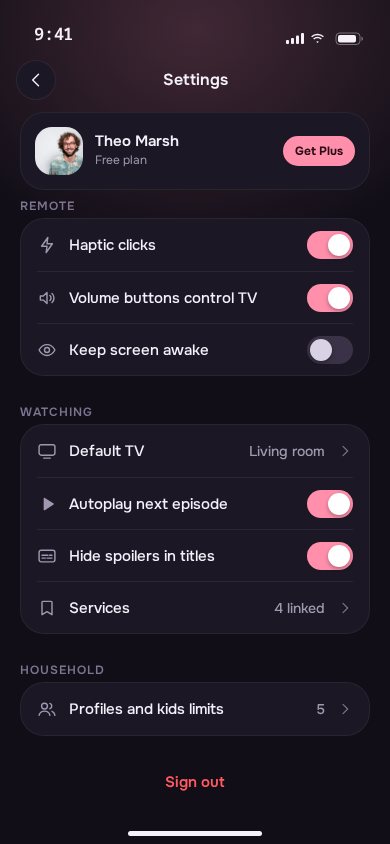 Couch Settings: TV remote, casting and watchlist, Dark-first, dark
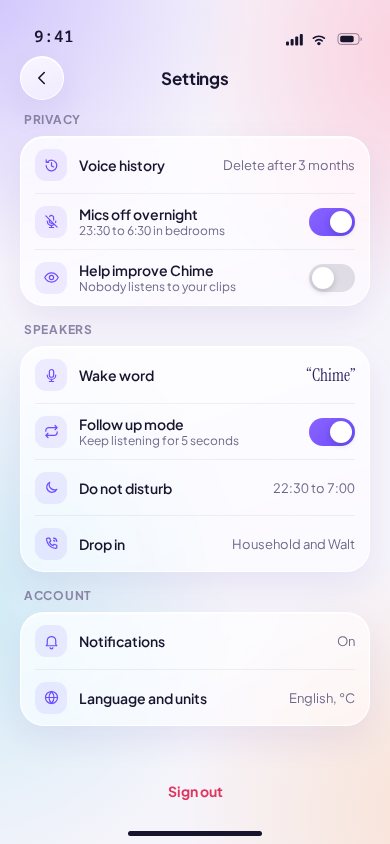 Chime Settings: Voice assistant and smart speaker, Glass
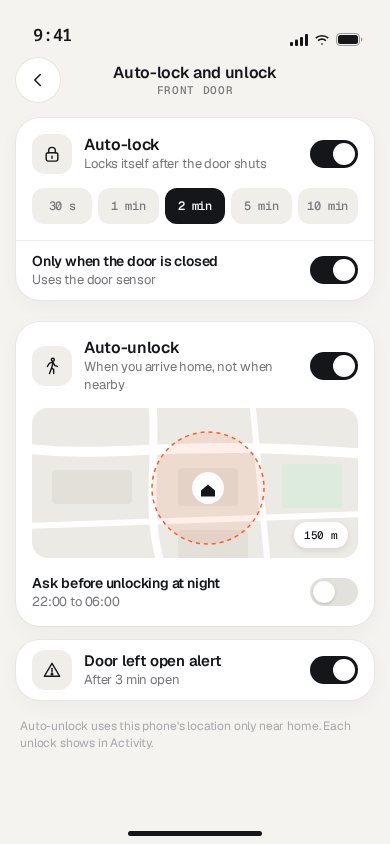 Latch Auto-lock: Smart locks and guest access, Minimal
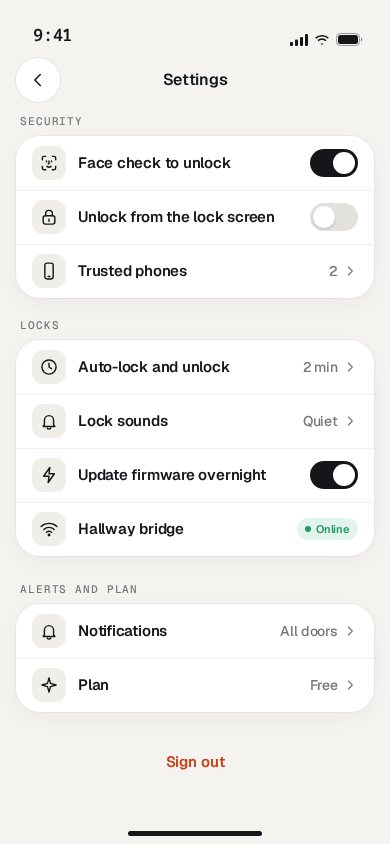 Latch Settings: Smart locks and guest access, Minimal
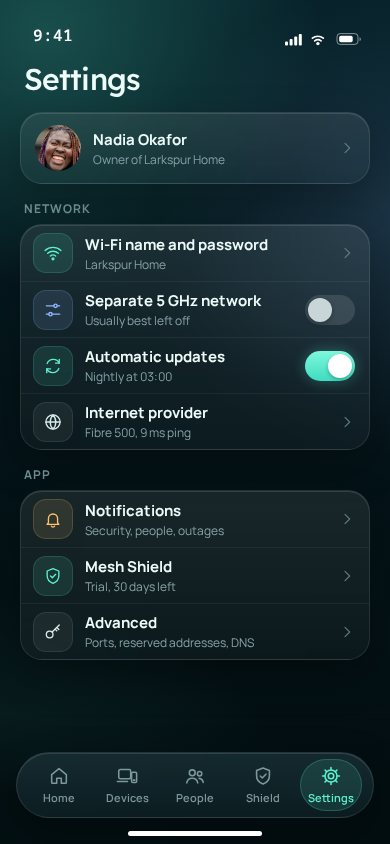 Mesh Settings: Home Wi-Fi network, Glass, dark
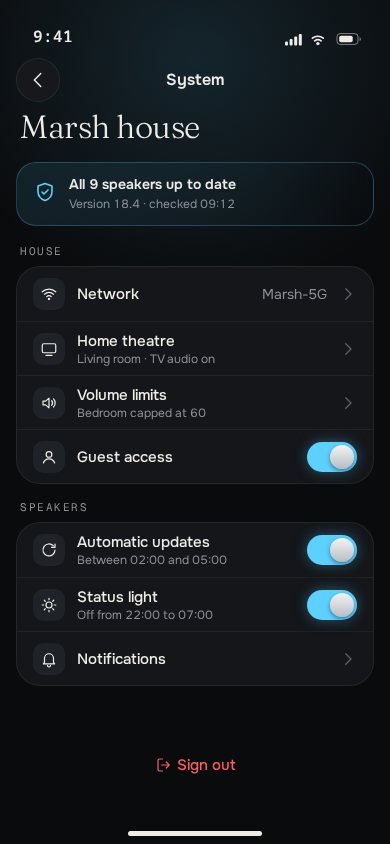 Decibel System: Multi-room speakers, Luxury, dark
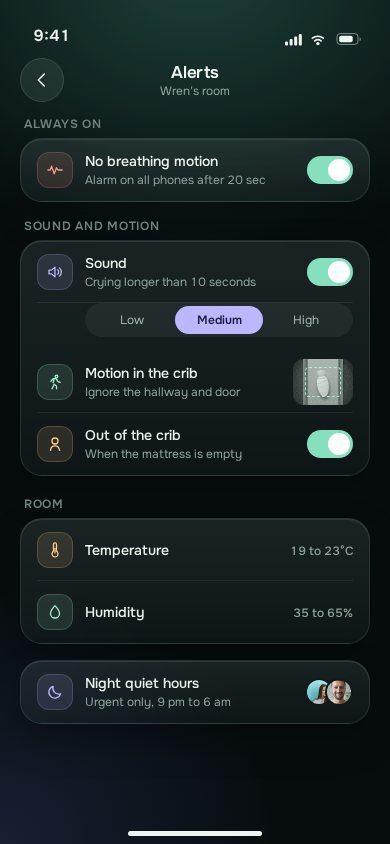 Nursery Alerts: Baby monitor camera and sleep, Glass, dark
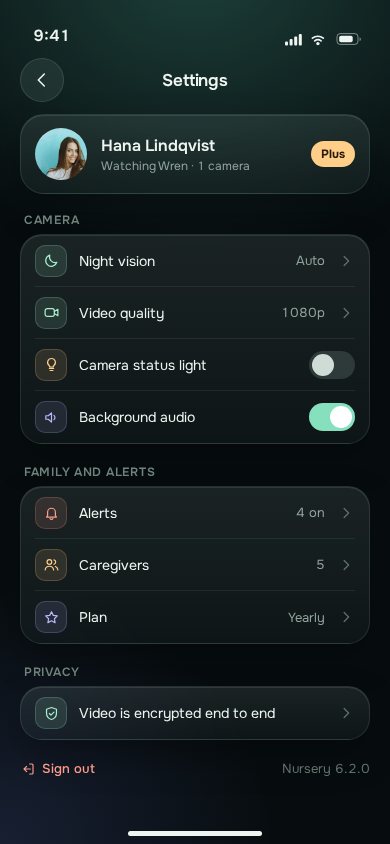 Nursery Settings: Baby monitor camera and sleep, Glass, dark
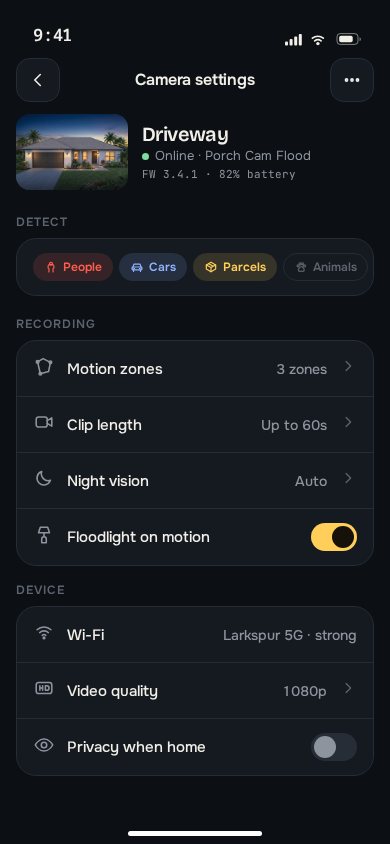 Porch Camera settings: Home security cameras, Dark-first, dark
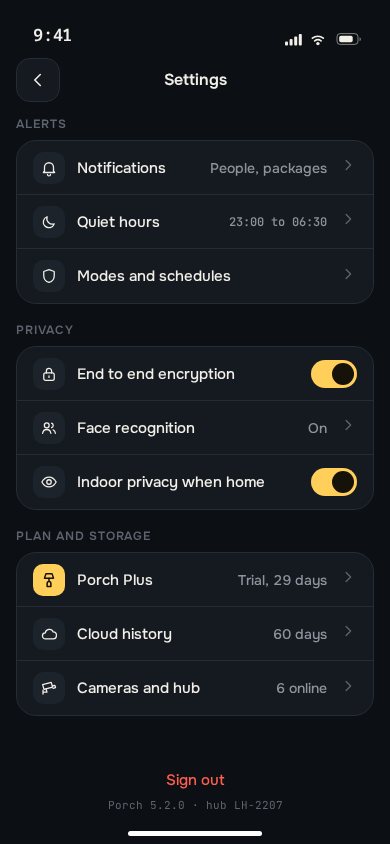 Porch Settings: Home security cameras, Dark-first, dark
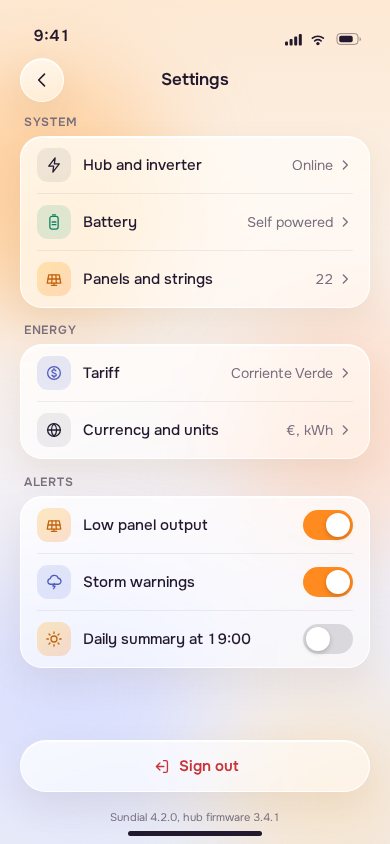 Sundial Settings: Solar panels and home battery, Glass
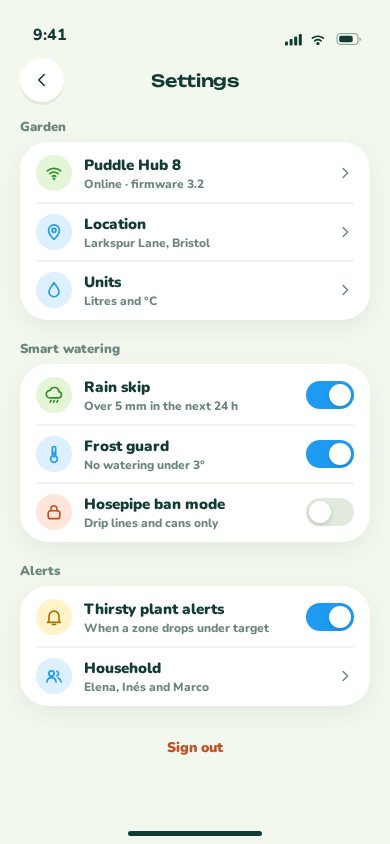 Puddle Settings: Garden watering and sprinklers, Playful
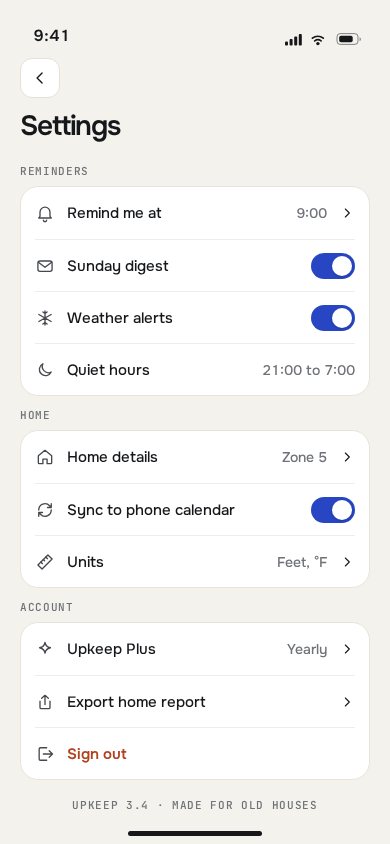 Upkeep Settings: Home maintenance calendar, Minimal
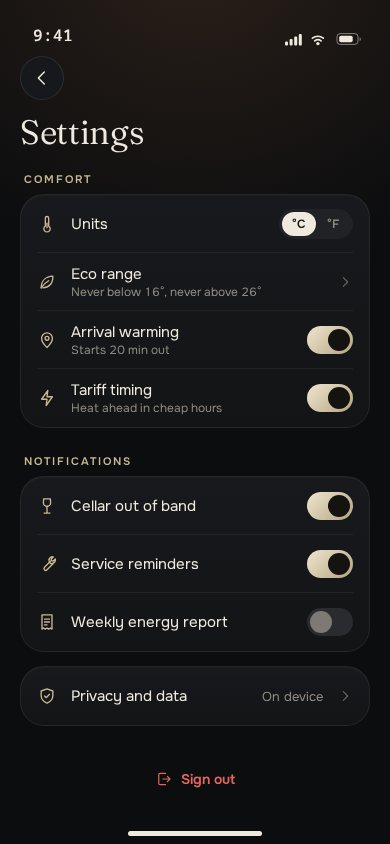 Kelvin Settings: Climate and thermostat, Luxury, dark
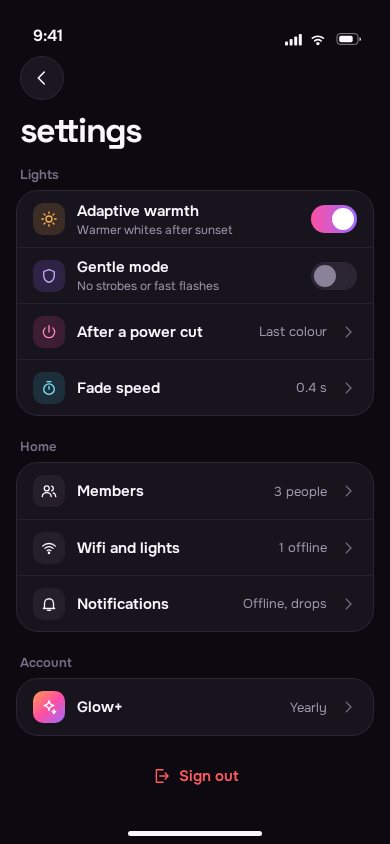 Glow Settings: Light scenes and colour, Gen Z, dark
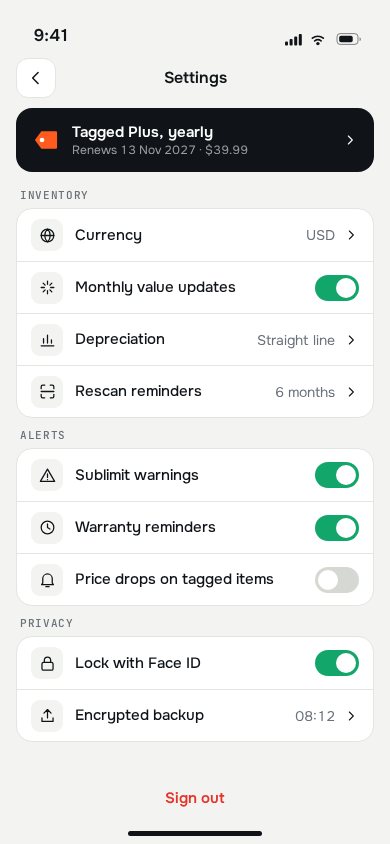 Tagged Settings: Home inventory for insurance, Clinical
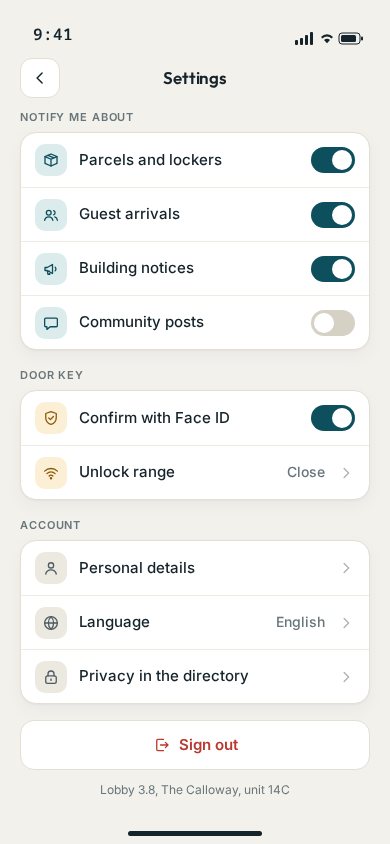 Lobby Settings: Apartment building app, Enterprise
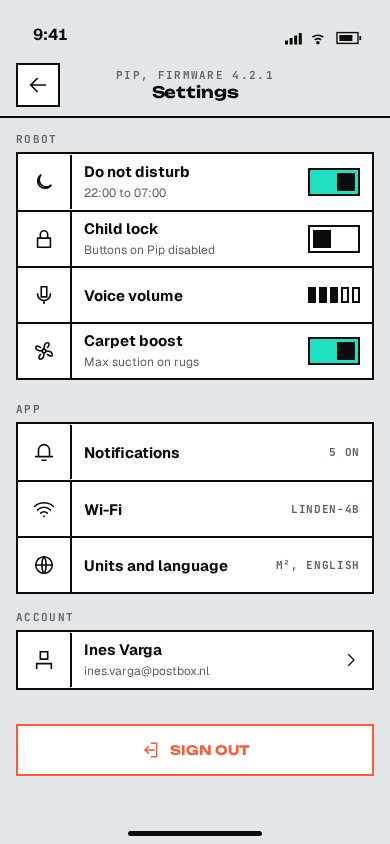 Sweep Settings: Robot vacuum and mop, Brutalist
What makes a good smart home app settings screen
- Group options into clear sections. Account, notifications, privacy, appearance and help, with headings, so people scan to the right group.
- Label settings by their effect. "Daily reminder at 8:00" is clearer than "Reminders". Add a short description under options that need one.
- Use the right control. Toggles for on and off, a row that opens a list for choices, and sliders only for ranges.
- Apply changes immediately. Most mobile settings take effect when changed, with no Save button to forget.
- Make dangerous actions hard to hit by accident. Delete account and sign out at the bottom, with confirmation. Apple asks apps that let people create an account to also let them delete it from inside the app.
- Show the current value in the row. A row like "Units: Metric" or "Reminder: 8:00" shows the setting without opening it, and saves a tap for people who only want to check.
The full settings screen guide: layouts, mistakes and questions
Settings screens in other kinds of app
- Productivity app settings screens (76)
- Lifestyle app settings screens (72)
- Social app settings screens (48)
- Finance app settings screens (44)
- Travel app settings screens (42)
- Fitness app settings screens (38)
- Education app settings screens (31)
- Food app settings screens (29)
- Sports app settings screens (23)
- Music app settings screens (20)
Other smart home app screens
- Smart home app onboarding screens
- Smart home app sign in and sign up screens
- Smart home app home screens
- Smart home app search and explore screens
- Smart home app list and feed screens
- Smart home app detail screens
- Smart home app booking and checkout screens
- Smart home app paywall screens
- Smart home app success and confirmation screens
- Smart home app profile screens
- Smart home app dashboard and stats screens
- Smart home app player, camera and editor screens
- Smart home app live tracking screens
- Smart home app form and input screens