Templates · Search and explore screens
Social app search and explore screens
62 search screens from 41 social app templates, each in its own design language. Social apps are about people: faces, names and conversations first, with the tools to post or reply never far away.
The examples
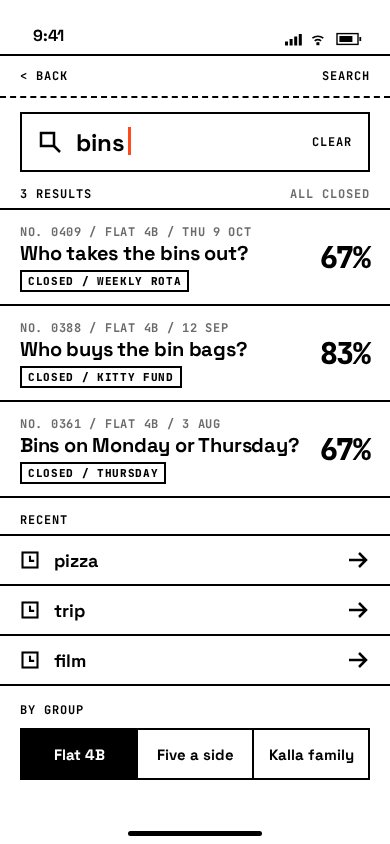 Ballot Search: Settle it on paper, Brutalist
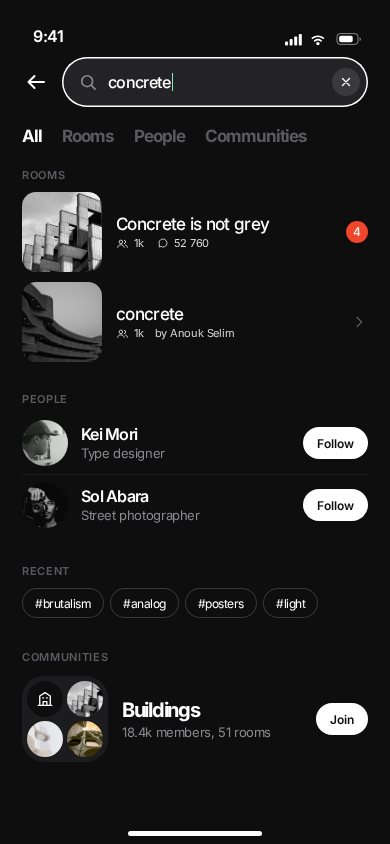 Murmur Search: Chat rooms for art lovers, Dark-first, dark
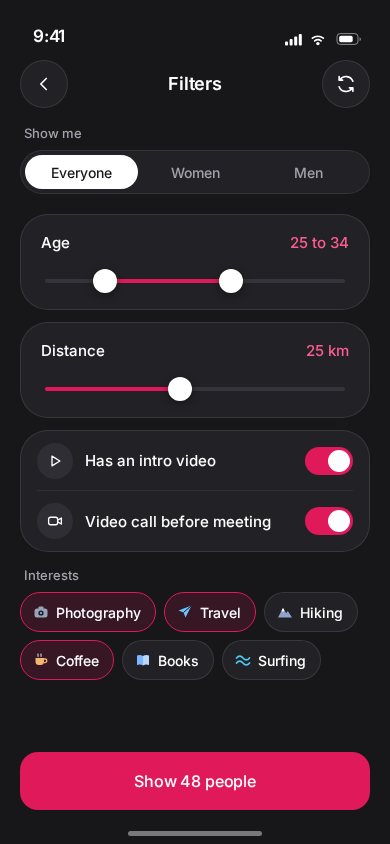 Wink Filters: Video first dating, Dark-first, dark
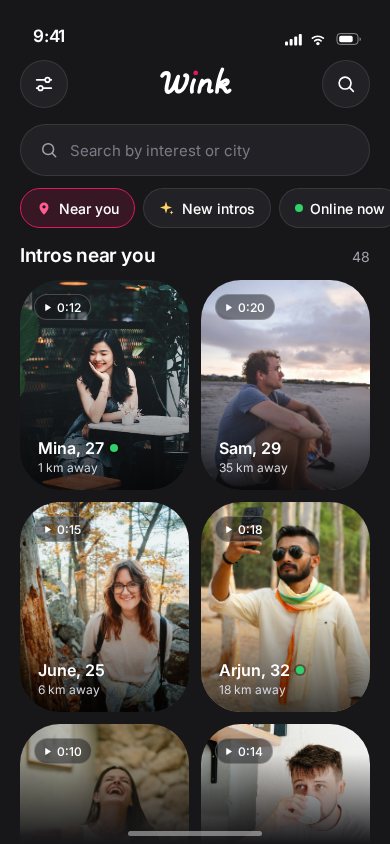 Wink Discover: Video first dating, Dark-first, dark
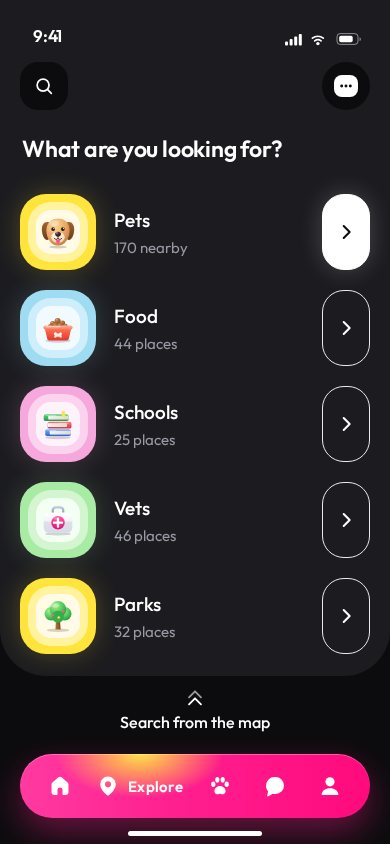 Snoot Explore: Social app for pets, Dark-first, dark
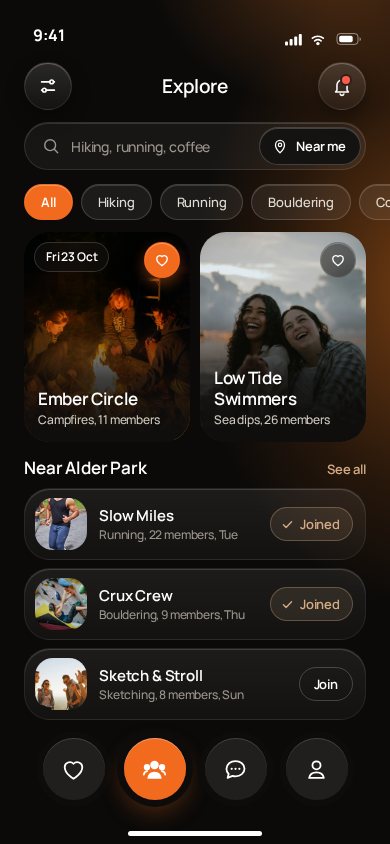 Huddle Explore: Interest groups and meetups, Dark-first, dark
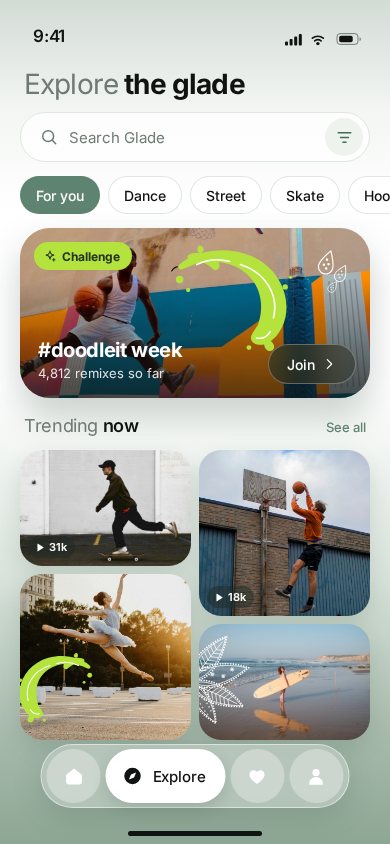 Glade Explore: Photo and clip social network, Glass
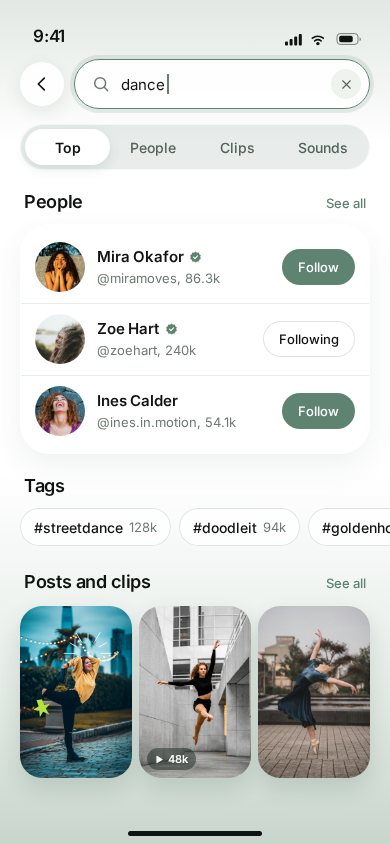 Glade Search: Photo and clip social network, Glass
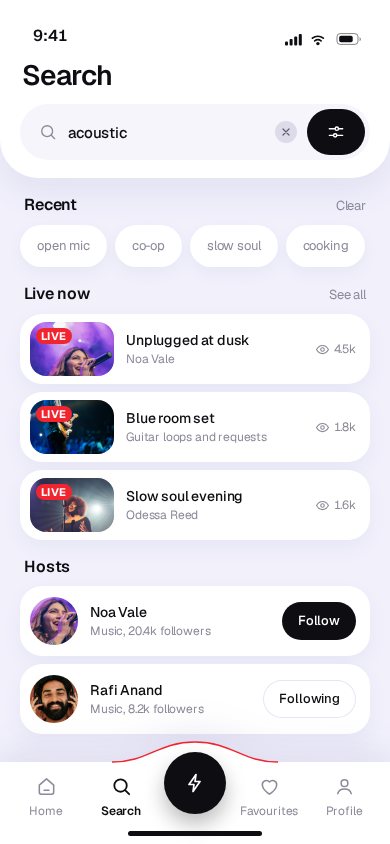 Onair Search: Live streaming, Glass
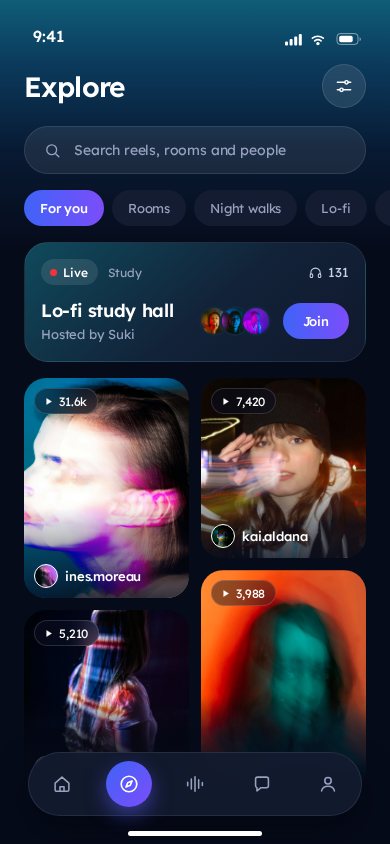 Drift Explore: Reels and voice rooms, Dark-first, dark
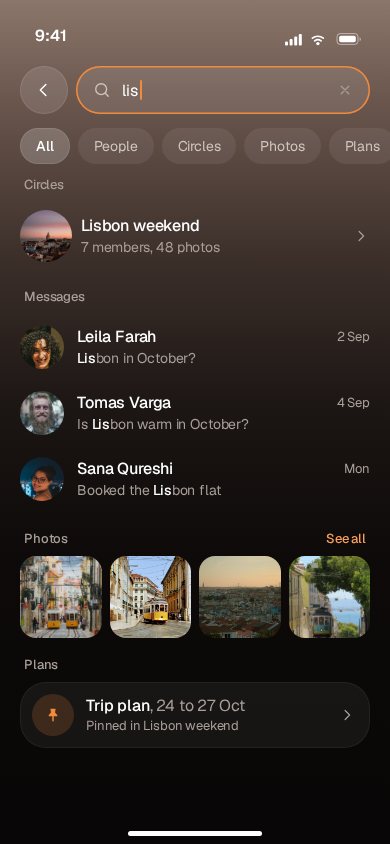 Hearth Search: Messenger for trips and circles, Glass, dark
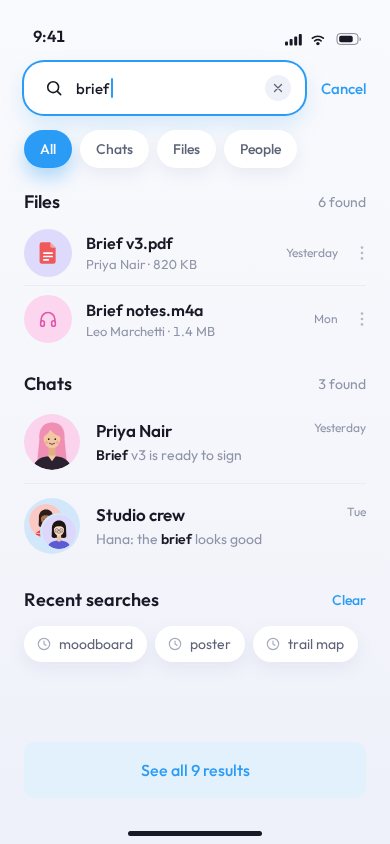 Chirp Search: Messenger with file sharing, Playful
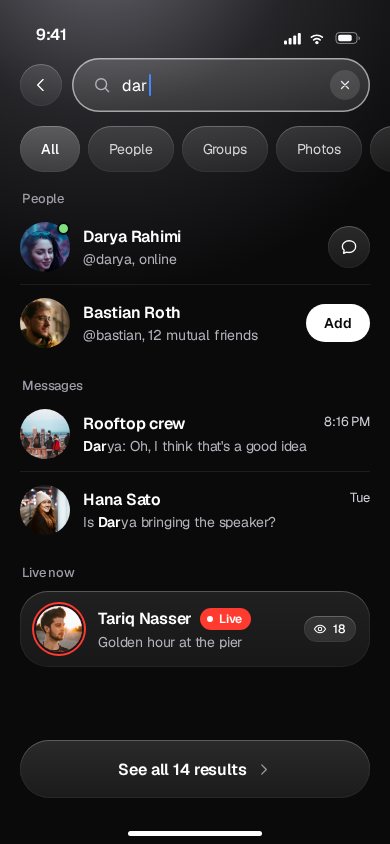 Banter Search: Live messenger, Dark-first, dark
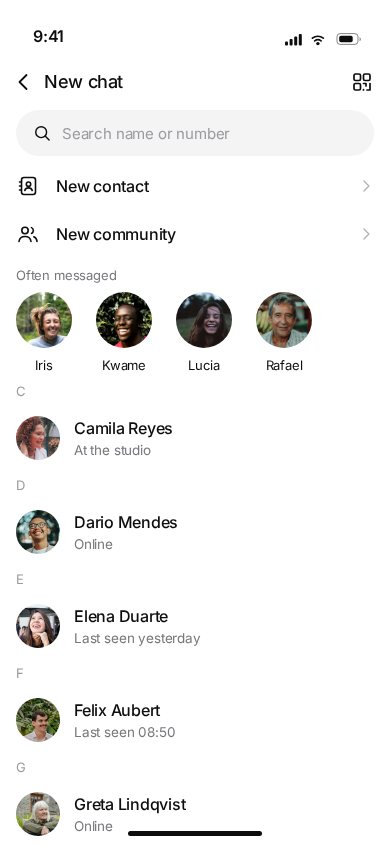 Natter New chat: Minimal messenger, Minimal
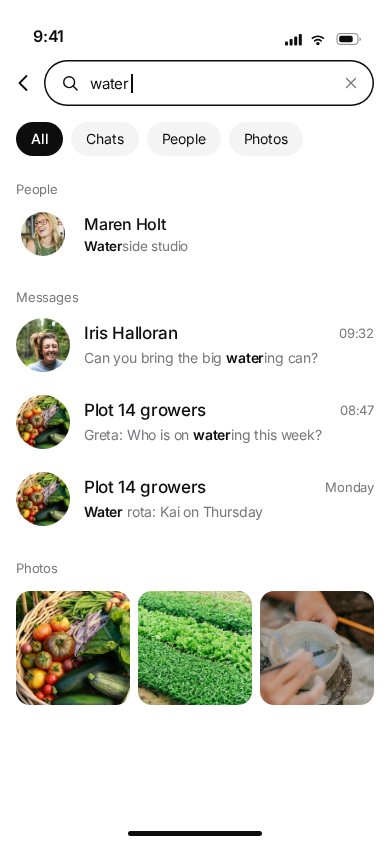 Natter Search: Minimal messenger, Minimal
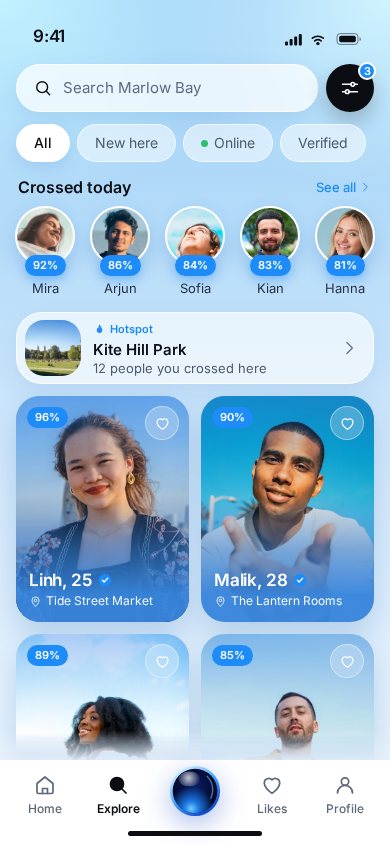 Nearly Explore: Dating by crossed paths, Glass
 Linkup Search: Professional network and jobs, Enterprise
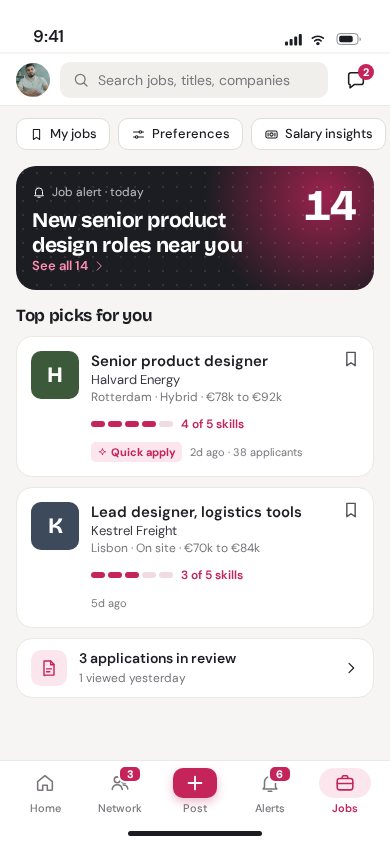 Linkup Jobs: Professional network and jobs, Enterprise
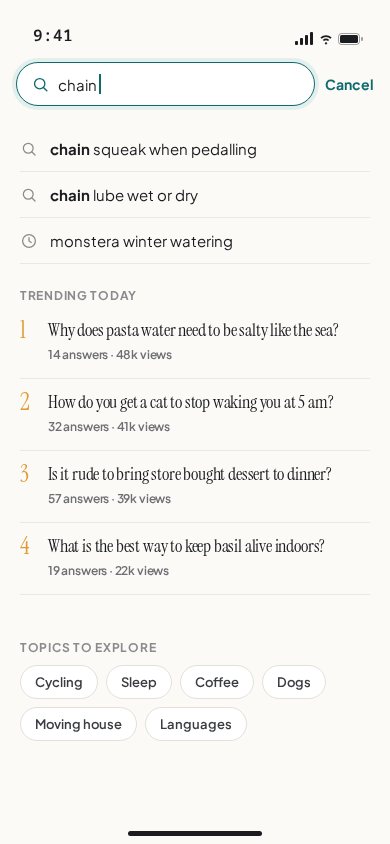 Quorum Search: Questions and expert answers, Minimal
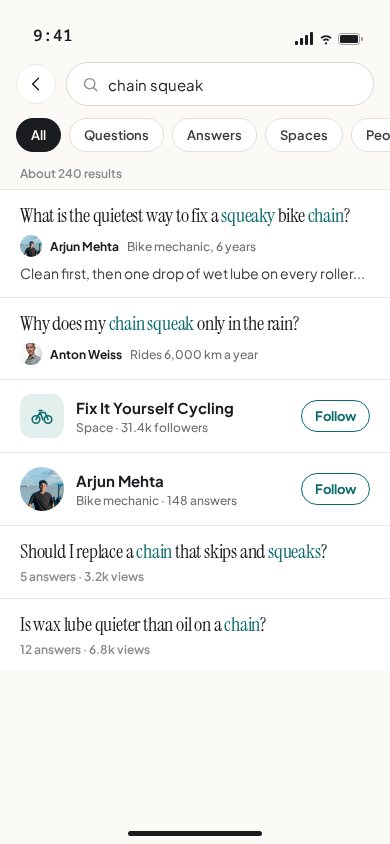 Quorum Results: Questions and expert answers, Minimal
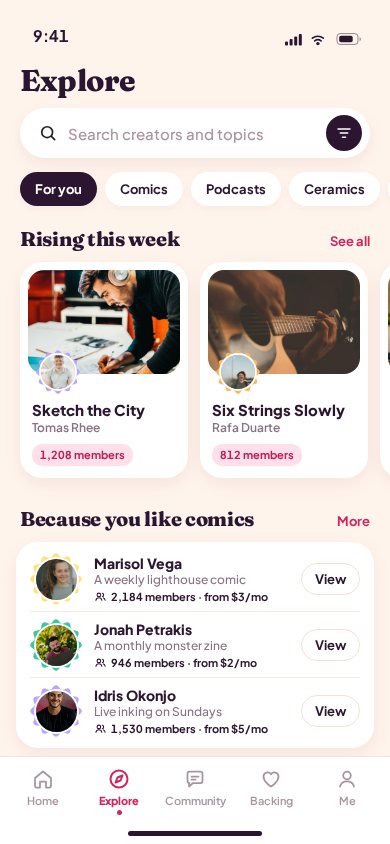 Backer Explore: Support creators with memberships, Playful
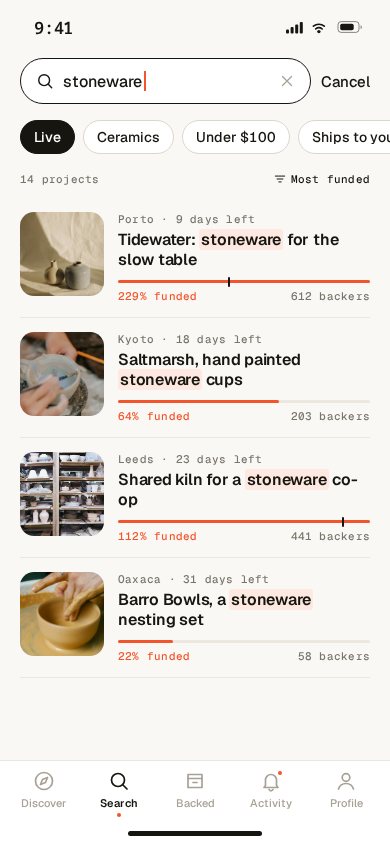 Pledge Search: Back creative projects, Minimal
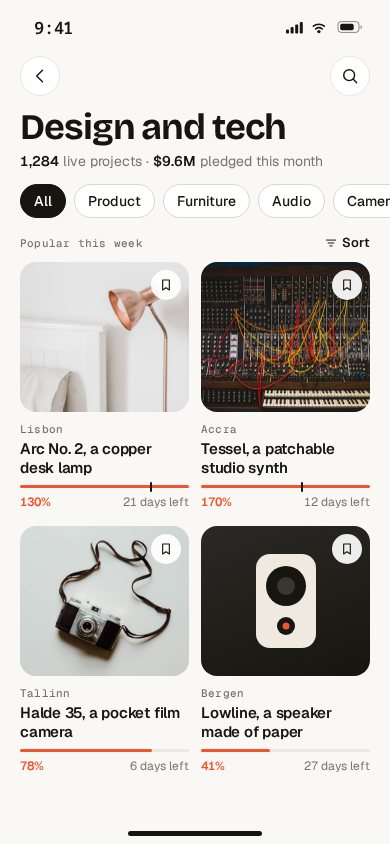 Pledge Category: Back creative projects, Minimal
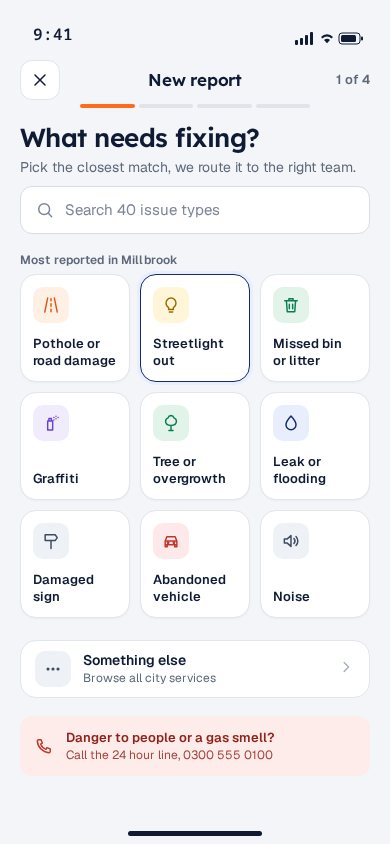 Civic New report: Report issues and city services, Enterprise
- Civic Nearby: Report issues and city services, Enterprise
- Civic Services: Report issues and city services, Enterprise
- Guild Discover: Community servers with voice and text chat, Dark-first, dark
- Guild Search: Community servers with voice and text chat, Dark-first, dark
- Parrot New chat: Private messaging, groups and calls, Minimal
- Parrot Search: Private messaging, groups and calls, Minimal
- Carrier Discover: Cloud messaging with channels, Glass
- Carrier Search: Cloud messaging with channels, Glass
- Vista Explore: Photos, stories and reels, Minimal
- Vista Search: Photos, stories and reels, Minimal
- Flick Discover: Short video feed, Dark-first, dark
- Flick Results: Short video feed, Dark-first, dark
- Squawk Explore: Short posts and live conversation, Minimal
- Squawk Search results: Short posts and live conversation, Minimal
- Agora Explore: Communities, threads and votes, Playful
- Agora Search: Communities, threads and votes, Playful
- Spark Filters: Swipe dating, Playful
- Spark Explore: Swipe dating, Playful
- Candid Discover: One real photo a day, Gen Z, dark
- Blink Lenses: Camera chat and stories, Gen Z
- Blink Add friends: Camera chat and stories, Gen Z
- Cipher Search: Encrypted private messenger, Dark-first, dark
- Commons Search: Friends, groups and events, Minimal
- Commons Marketplace: Friends, groups and events, Minimal
- Tether Add place: Family location and safety, Minimal
- Facet New call: Video calls with family and friends, Glass, dark
- Stoop Search: Neighbourhood noticeboard, Neubrutalism
- Stoop Map: Neighbourhood noticeboard, Neubrutalism
- Aura Find friends: Moods with close friends, Gen Z, dark
- Kindly Explore: Volunteering near you, Playful
- Kindly Map: Volunteering near you, Playful
- Cohort Directory: Alumni and mentor network, Enterprise
- Kin Search: Private family circle, Minimal
- Confetti Card designs: Party invites and RSVPs, Glass
- Ripple Explore: Voice notes social, Dark-first, dark
- Ripple Search: Voice notes social, Dark-first, dark
- Duo Date ideas: An app for two, Luxury
- Soapbox Explore: Weekly debates and polls, Brutalist
What makes a good social app search screen
- Show something before people type. Recent searches, popular items or categories make the empty search screen useful and save typing.
- Suggest as people type. Autocomplete with matching items, not only matching words, lets people jump straight to a result.
- Make filters visible and reversible. Show active filters as chips that can be removed in one tap, and the number of results as filters change.
- Forgive typos. Close matches and "Did you mean" stop a spelling mistake from ending in an empty screen.
- Design the no-results state. Explain what happened and offer a way forward: broaden the filters, check the spelling or browse a category.
- Keep the query and results when people come back. Opening a result and pressing back should return to the same results, scroll position and filters, so comparing several items does not mean searching again.
The full search screen guide: layouts, mistakes and questions
Search and explore screens in other kinds of app
- Lifestyle app search and explore screens (105)
- Productivity app search and explore screens (76)
- Travel app search and explore screens (68)
- Food app search and explore screens (44)
- Fitness app search and explore screens (42)
- Finance app search and explore screens (39)
- Education app search and explore screens (39)
- Music app search and explore screens (30)
- Sports app search and explore screens (24)
- Smart home app search and explore screens (20)
Other social app screens
- Social app onboarding screens
- Social app sign in and sign up screens
- Social app home screens
- Social app list and feed screens
- Social app detail screens
- Social app booking and checkout screens
- Social app paywall screens
- Social app success and confirmation screens
- Social app profile screens
- Social app settings screens
- Social app dashboard and stats screens
- Social app player, camera and editor screens
- Social app live tracking screens
- Social app form and input screens