Templates · Search and explore screens
Food app search and explore screens
44 search screens from 28 food app templates, each in its own design language. Food apps are about appetite and time: photography that makes the dish look real, delivery times up front and the basket one tap away.
The examples
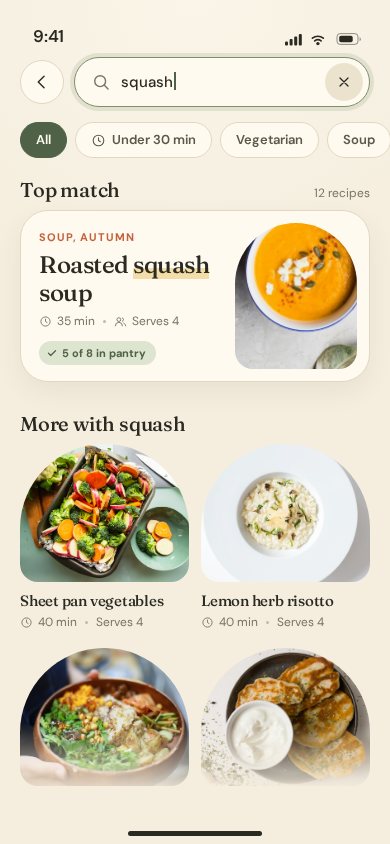 Ladle Search: Recipes and meal planning, Minimal
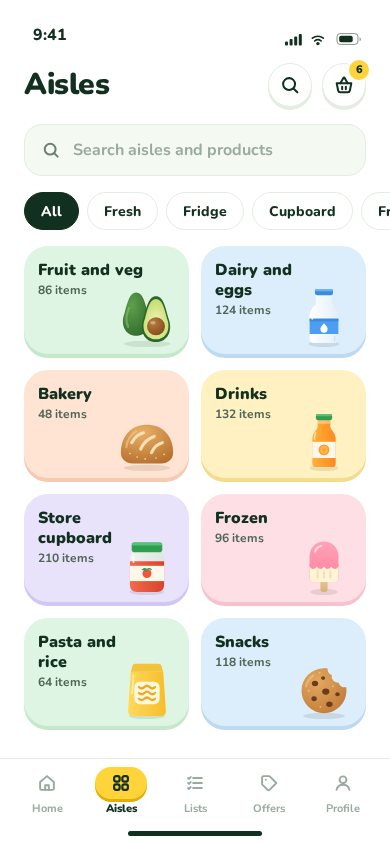 Pantry Aisles: Grocery delivery, Playful
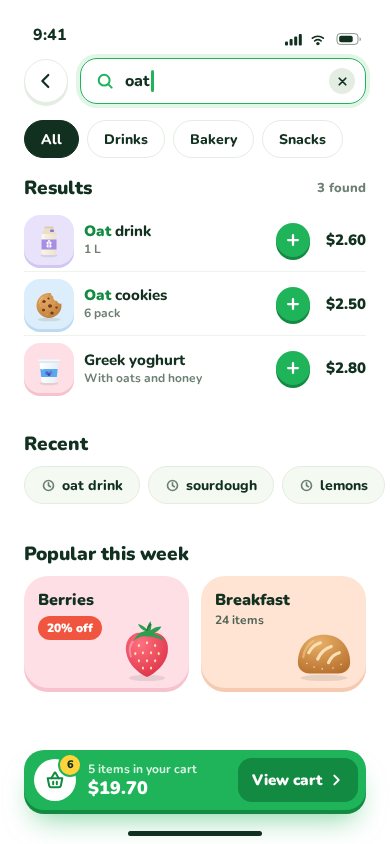 Pantry Search: Grocery delivery, Playful
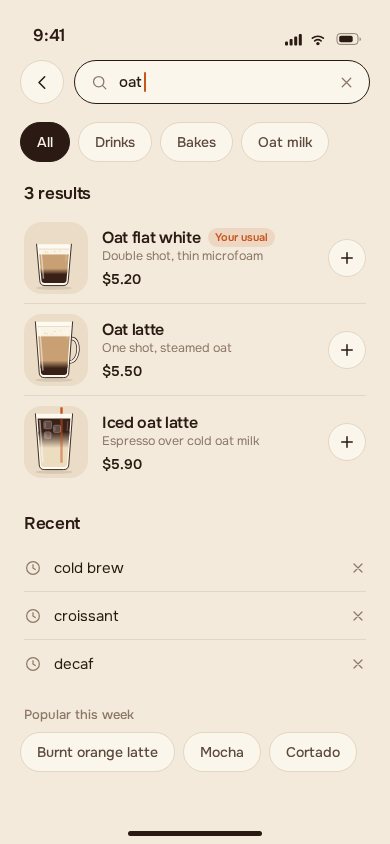 Brewly Search: Coffee ordering and loyalty, Minimal
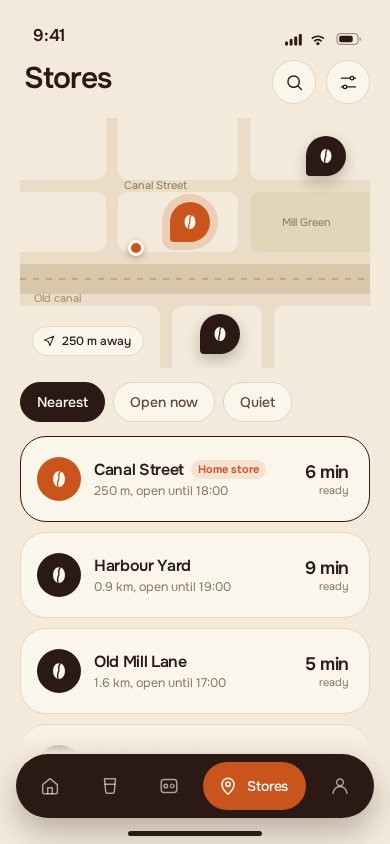 Brewly Stores: Coffee ordering and loyalty, Minimal
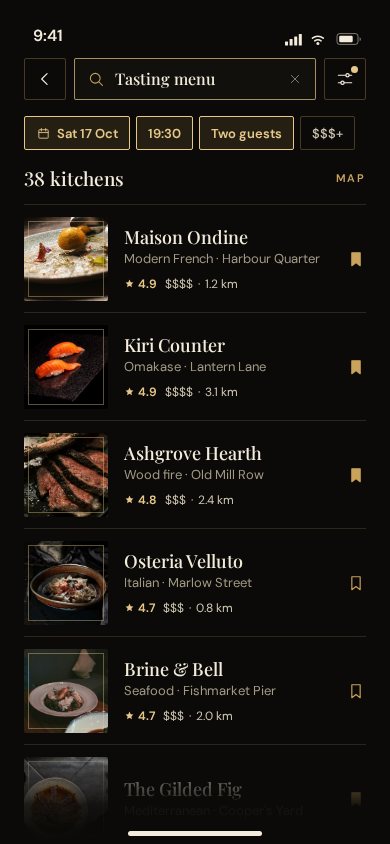 Tabla Search: Tables worth dressing for, Luxury, dark
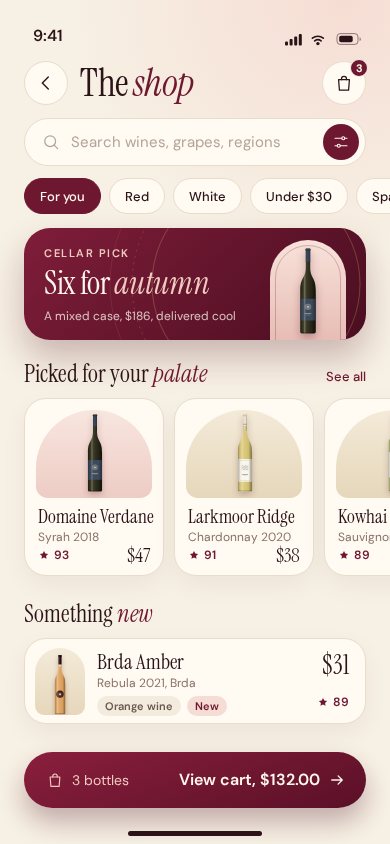 Corked Shop: Wine journal and cellar, Luxury
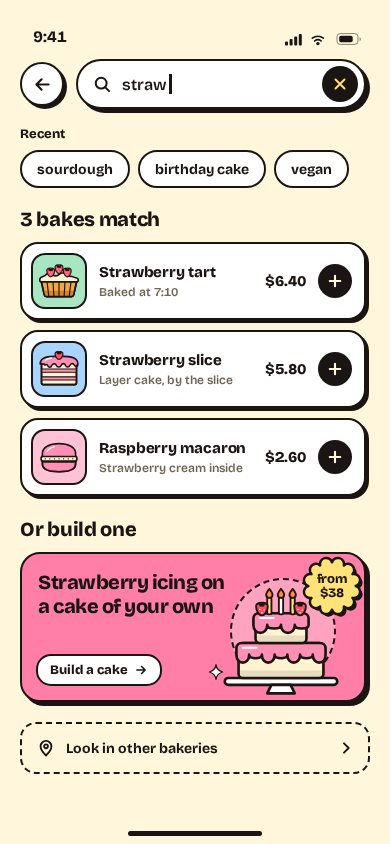 Crumb Search: Neighbourhood bakery, Neubrutalism
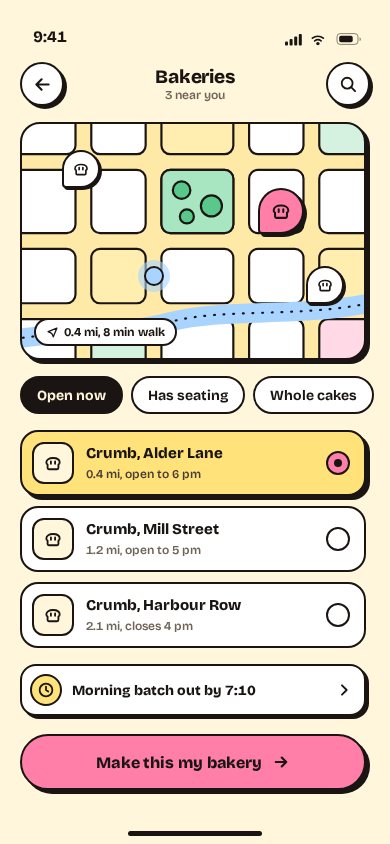 Crumb Bakeries: Neighbourhood bakery, Neubrutalism
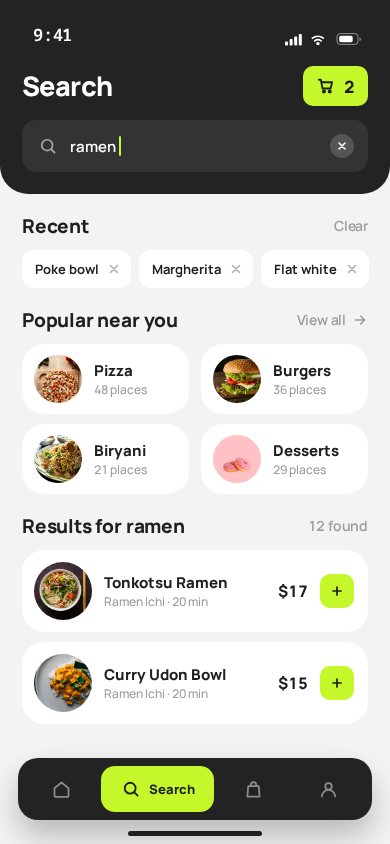 Tiffin Search: Food delivery, Minimal
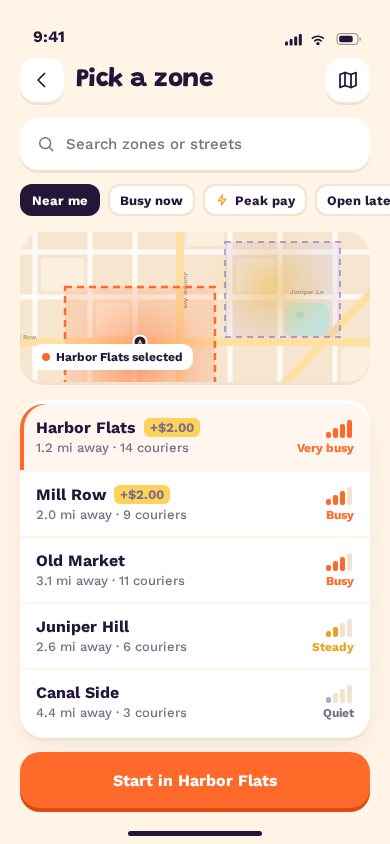 Courier Zones: Food delivery driver app, Playful
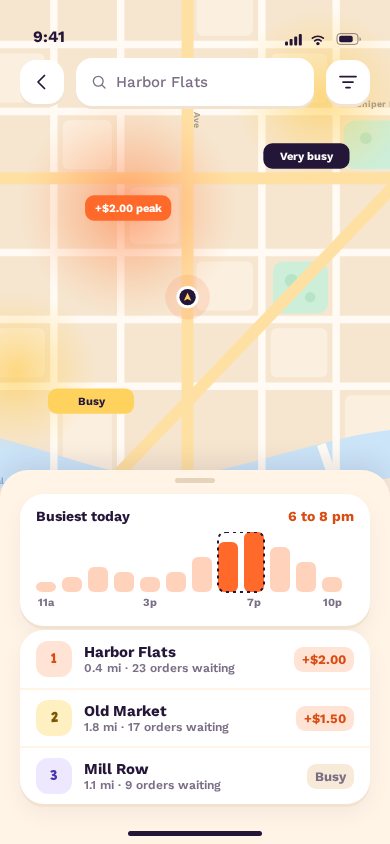 Courier Hotspots: Food delivery driver app, Playful
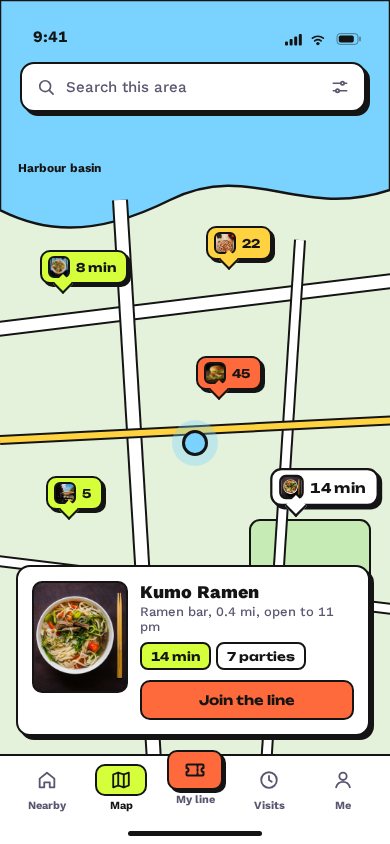 Queue Map: Join the waitlist from anywhere, Neubrutalism
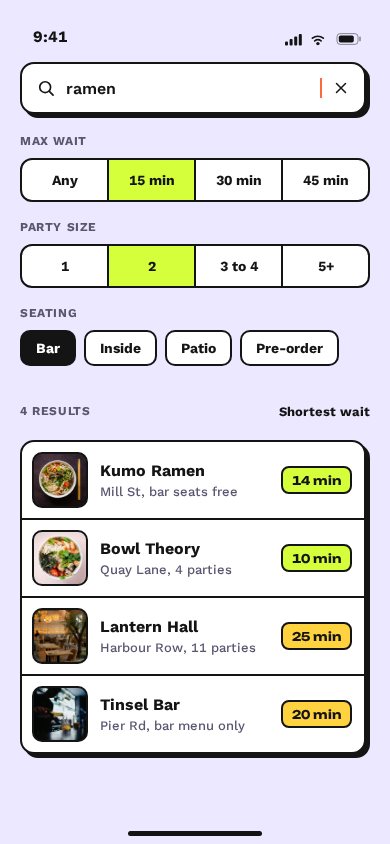 Queue Search: Join the waitlist from anywhere, Neubrutalism
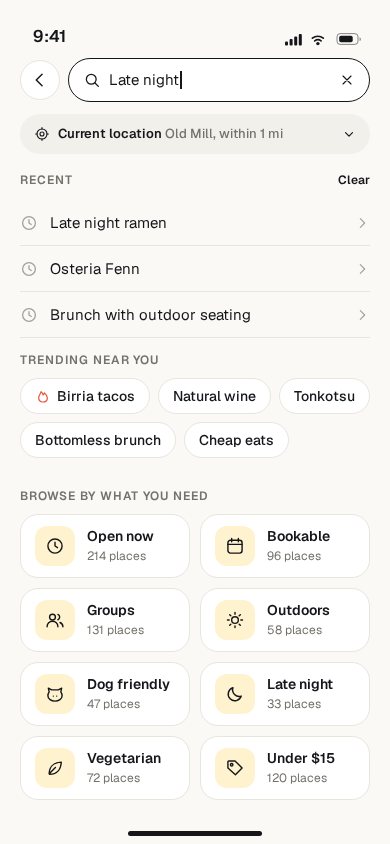 Nosh Search: Local restaurant reviews, Minimal
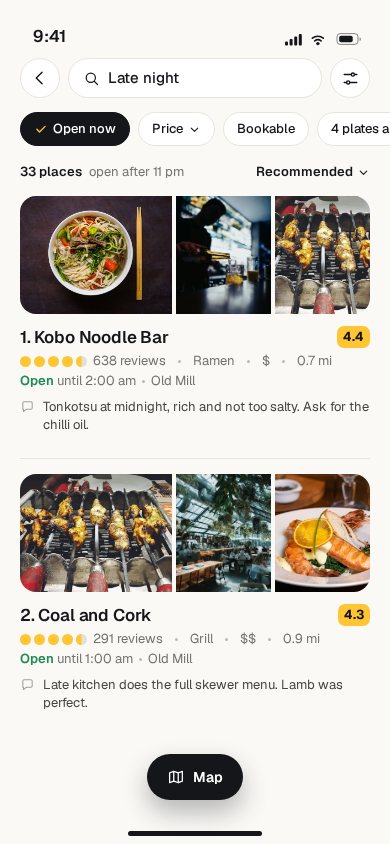 Nosh Results: Local restaurant reviews, Minimal
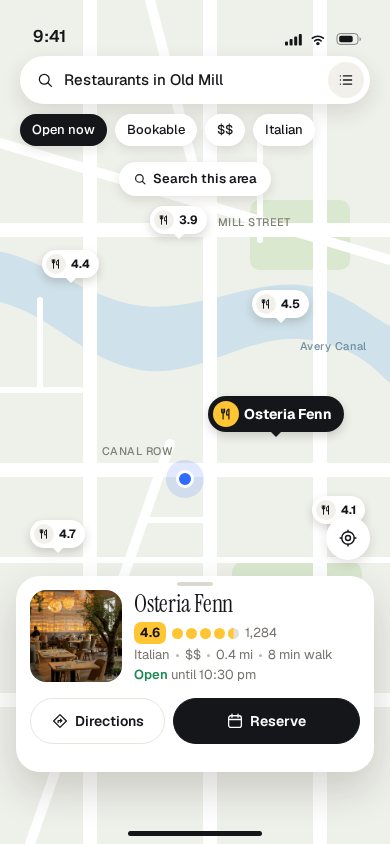 Nosh Map: Local restaurant reviews, Minimal
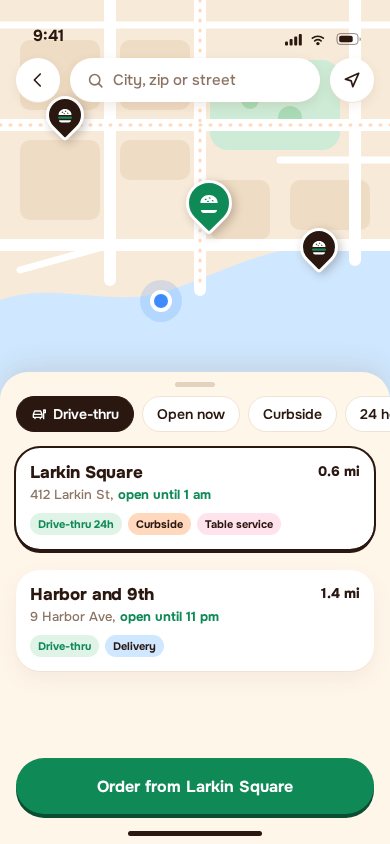 Buns Restaurants: Burger chain ordering and deals, Playful
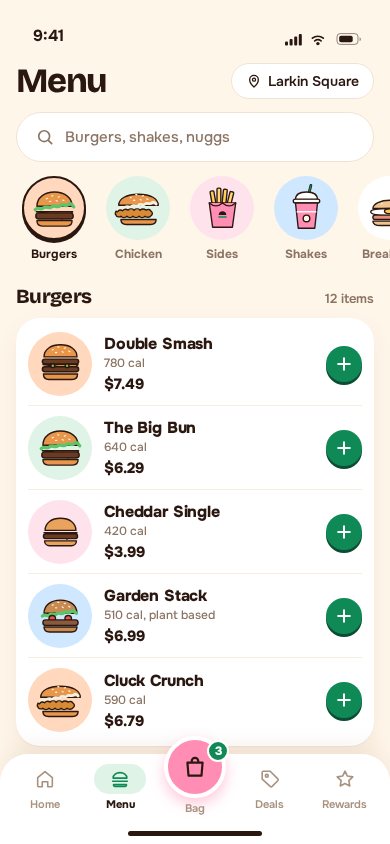 Buns Menu: Burger chain ordering and deals, Playful
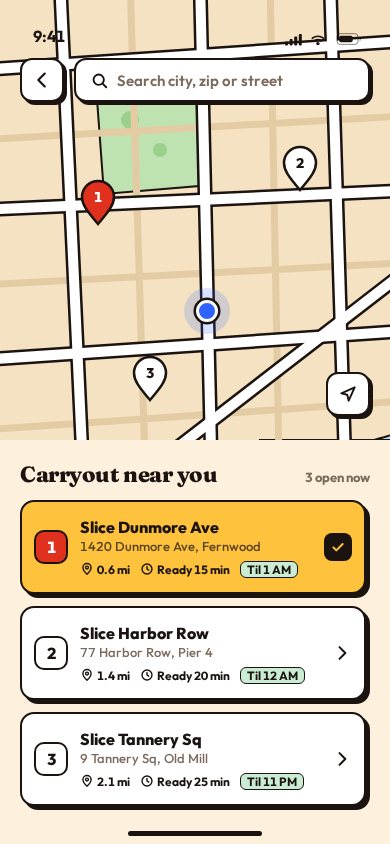 Slice Stores: Pizza ordering with a live tracker, Neubrutalism
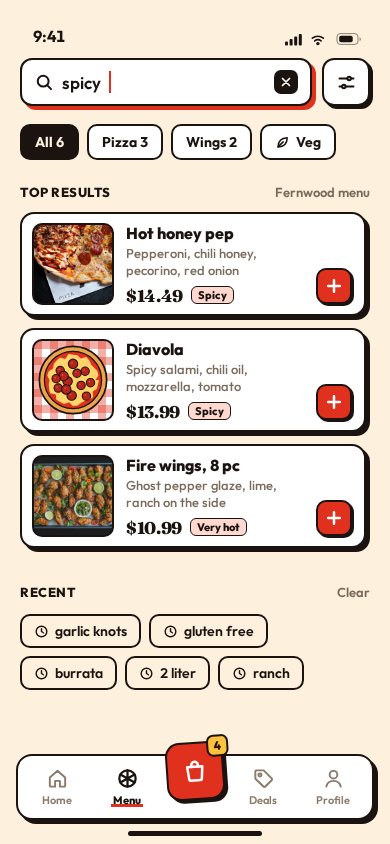 Slice Search: Pizza ordering with a live tracker, Neubrutalism
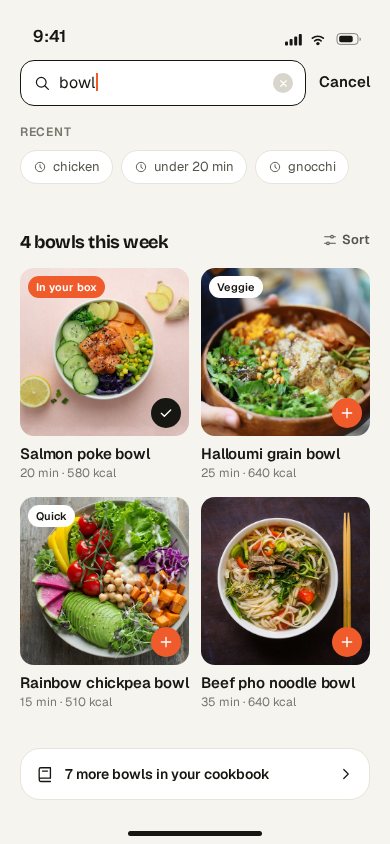 Crate Search: Meal kits delivered weekly, Minimal
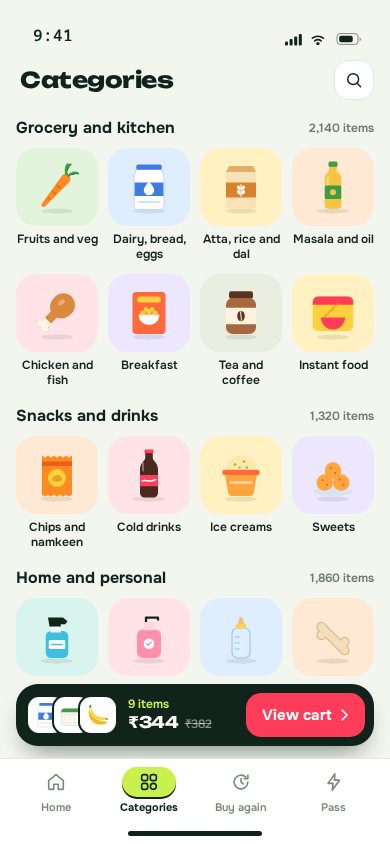 Dash Categories: Ten minute grocery delivery, Playful
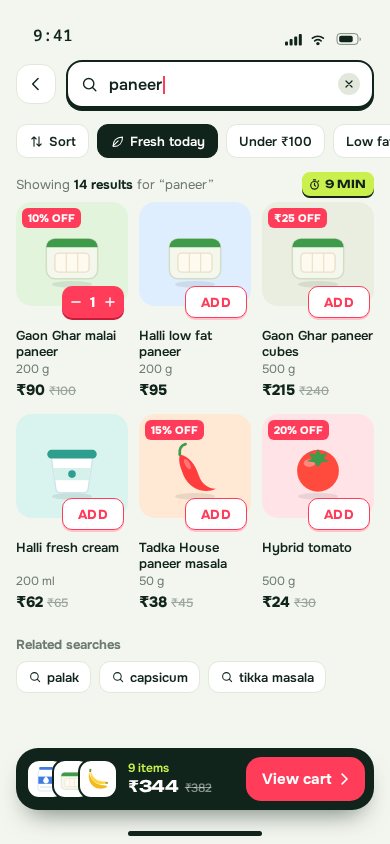 Dash Search: Ten minute grocery delivery, Playful
- Aisle Add items: Shared grocery lists, Minimal
- Menu Search: Scan, order and pay at the table, Minimal
- Mart Search: Supermarket app with loyalty and scan and go, Enterprise
- Rescue Map: Surprise bags of surplus food, Playful
- Rescue Search: Surprise bags of surplus food, Playful
- Omakase Search: Chef's counter reservations, Luxury, dark
- Lunchbox Ideas: School lunch planner for parents, Playful
- Lunchbox Search: School lunch planner for parents, Playful
- Agave Explore: Cocktails and home bar, Dark-first, dark
- Crock Discover: Fermentation and sourdough starter log, Minimal
- Curbside Map: Street food and food truck finder, Gen Z
- Curbside Search: Street food and food truck finder, Gen Z
- Forage Market: Farmers market and veg box, Neubrutalism
- Forage Search: Farmers market and veg box, Neubrutalism
- Forage Market map: Farmers market and veg box, Neubrutalism
- Ember Cuts: Smoker and grill thermometer, Dark-first, dark
- Steep Discover: Tea brewing and tasting notes, Minimal
- Steep Search: Tea brewing and tasting notes, Minimal
- Brigade Inventory: Restaurant kitchen and line ops, Enterprise
- Nibs Search: Food allergy and label scanner, Clinical
What makes a good food app search screen
- Show something before people type. Recent searches, popular items or categories make the empty search screen useful and save typing.
- Suggest as people type. Autocomplete with matching items, not only matching words, lets people jump straight to a result.
- Make filters visible and reversible. Show active filters as chips that can be removed in one tap, and the number of results as filters change.
- Forgive typos. Close matches and "Did you mean" stop a spelling mistake from ending in an empty screen.
- Design the no-results state. Explain what happened and offer a way forward: broaden the filters, check the spelling or browse a category.
- Keep the query and results when people come back. Opening a result and pressing back should return to the same results, scroll position and filters, so comparing several items does not mean searching again.
The full search screen guide: layouts, mistakes and questions
Search and explore screens in other kinds of app
- Lifestyle app search and explore screens (105)
- Productivity app search and explore screens (76)
- Travel app search and explore screens (68)
- Social app search and explore screens (62)
- Fitness app search and explore screens (42)
- Finance app search and explore screens (39)
- Education app search and explore screens (39)
- Music app search and explore screens (30)
- Sports app search and explore screens (24)
- Smart home app search and explore screens (20)
Other food app screens
- Food app onboarding screens
- Food app sign in and sign up screens
- Food app home screens
- Food app list and feed screens
- Food app detail screens
- Food app booking and checkout screens
- Food app paywall screens
- Food app success and confirmation screens
- Food app profile screens
- Food app settings screens
- Food app dashboard and stats screens
- Food app player, camera and editor screens
- Food app live tracking screens
- Food app form and input screens