Templates · Search and explore screens
Education app search and explore screens
39 search screens from 27 education app templates, each in its own design language. Education apps are about the next step: what to learn today, how far you have come, and a tone that encourages rather than lectures.
The examples
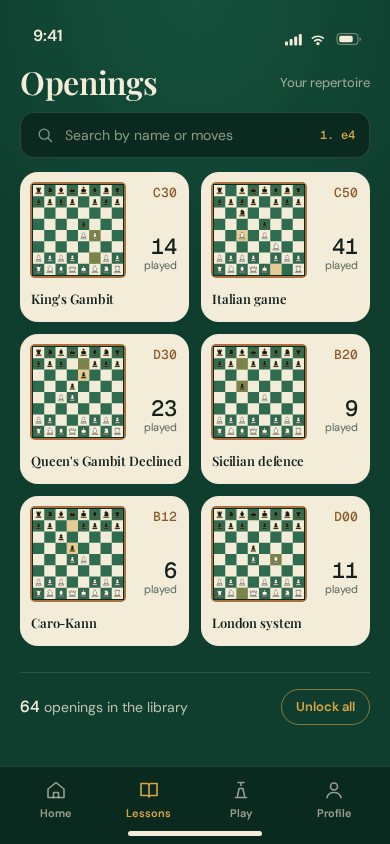 Gambit Openings: Chess training, Luxury, dark
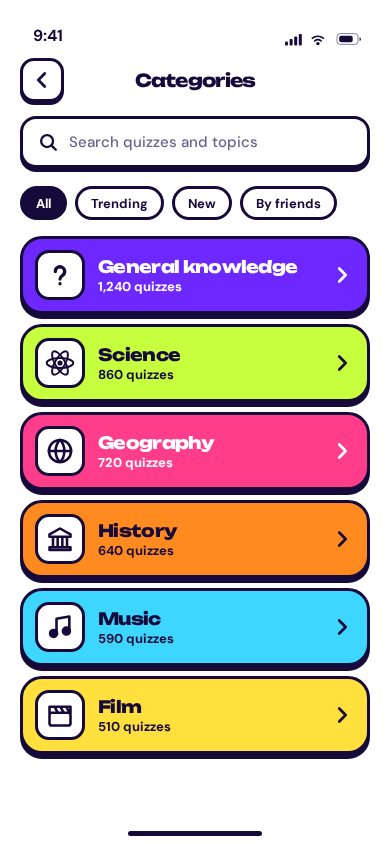 Buzzer Categories: Live trivia, Gen Z
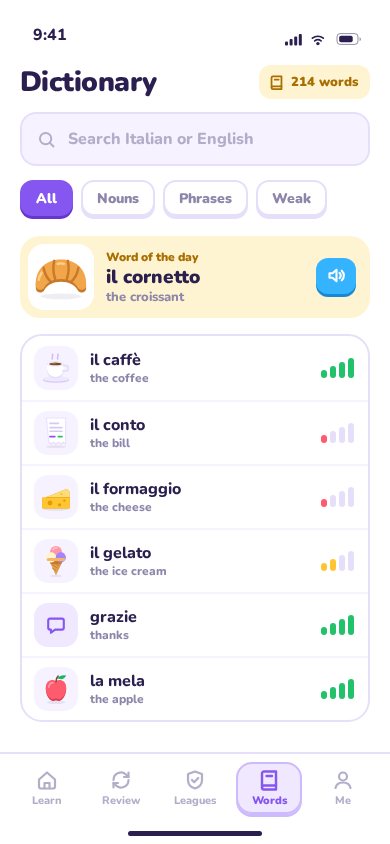 Parla Dictionary: Language learning, Playful
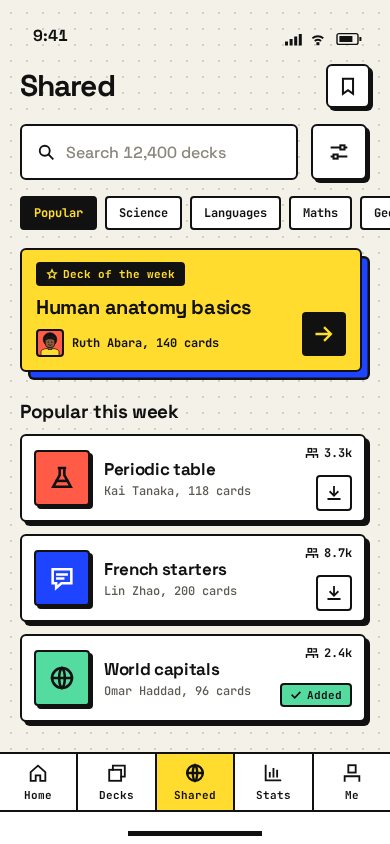 Recall Shared decks: Flashcards and spaced repetition, Neubrutalism
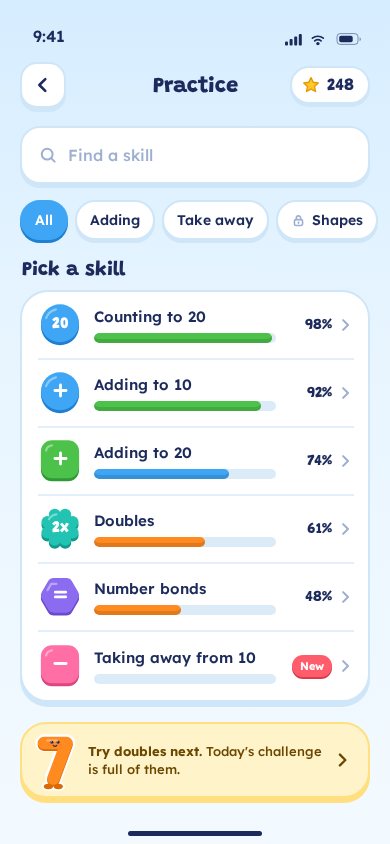 Numo Practice: Kids maths game, Playful
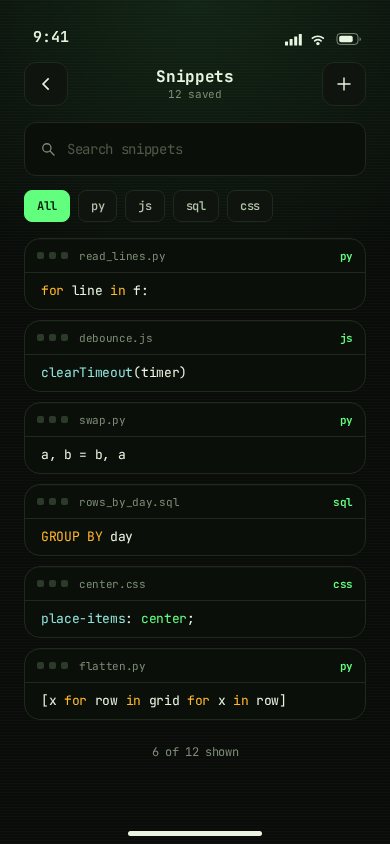 Syntax Snippets: Learn to code, Dark-first, dark
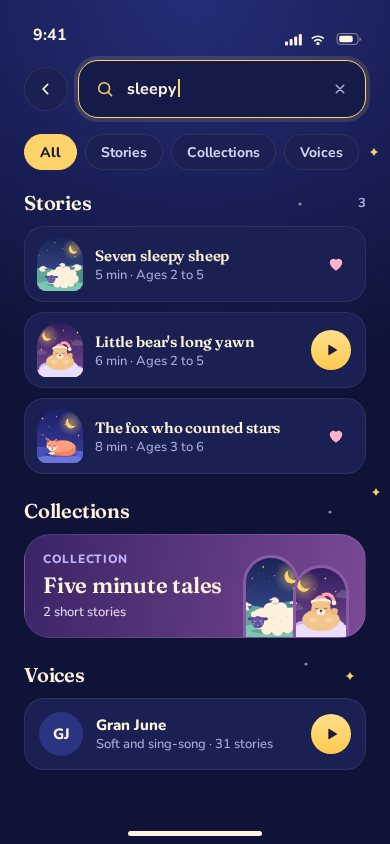 Tuckin Search: Bedtime stories for kids, Playful, dark
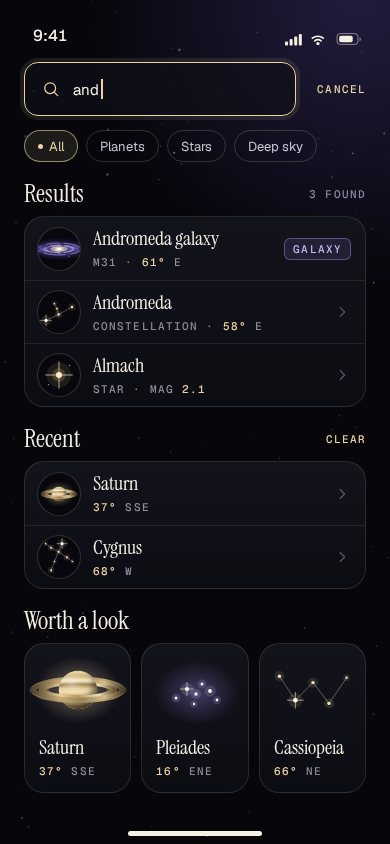 Zenith Search: Night sky guide, Dark-first, dark
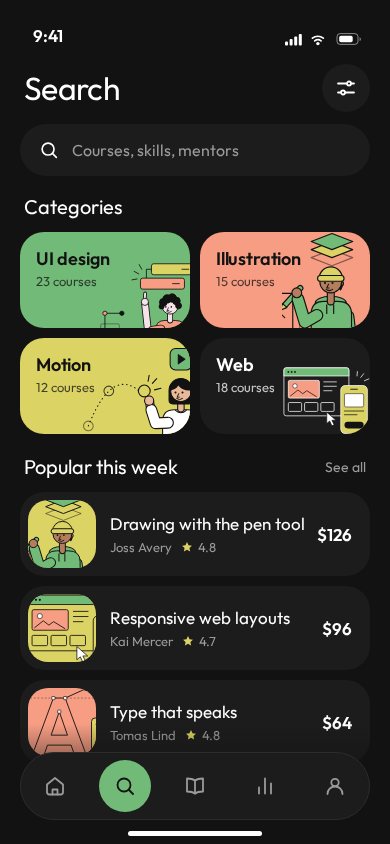 Chalk Search: Design courses, Playful, dark
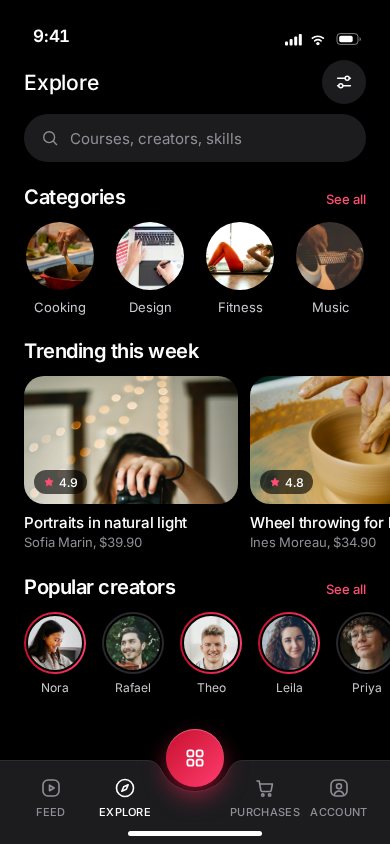 Encore Explore: Creator courses, Dark-first, dark
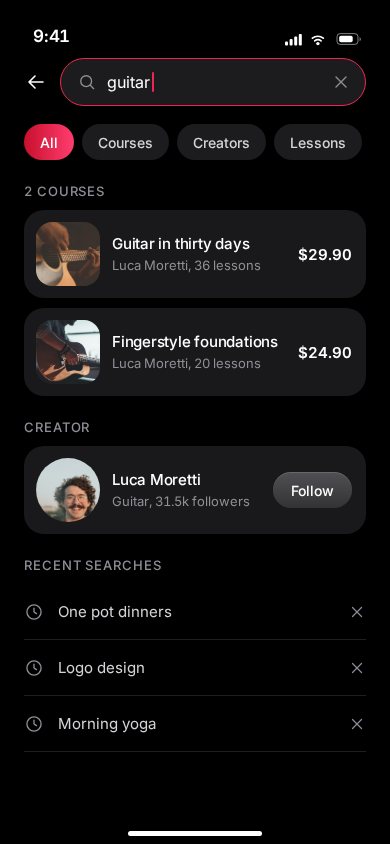 Encore Search: Creator courses, Dark-first, dark
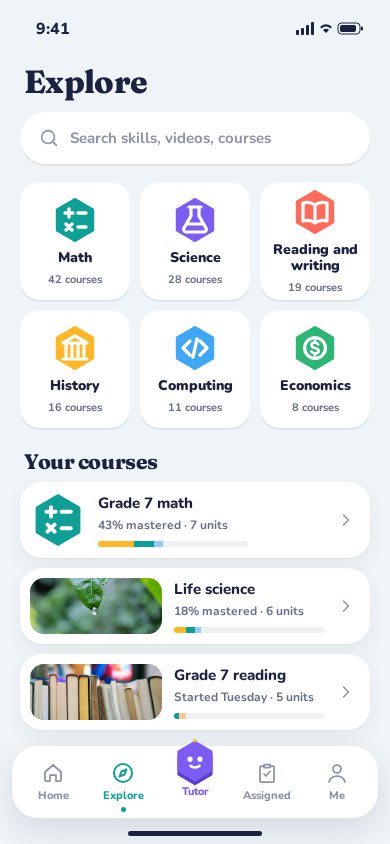 Studyhall Explore: Free lessons and practice for school, Playful
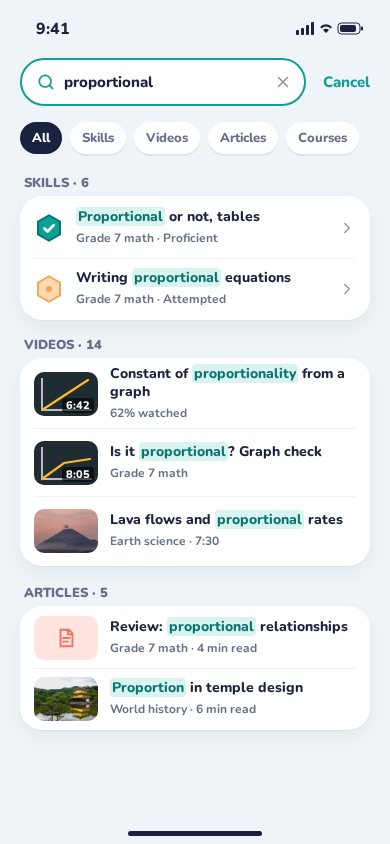 Studyhall Search: Free lessons and practice for school, Playful
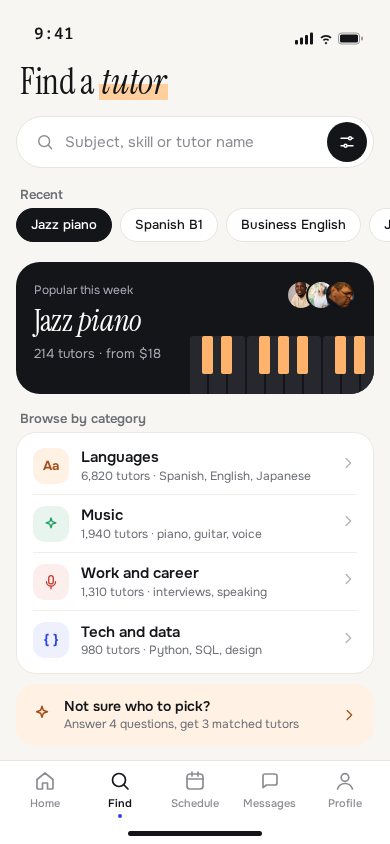 Tutor Find a tutor: Book online tutors for any skill, Minimal
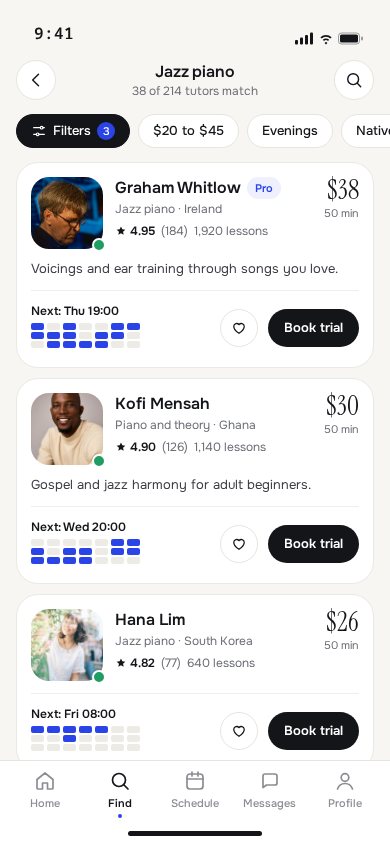 Tutors: Book online tutors for any skill, Minimal
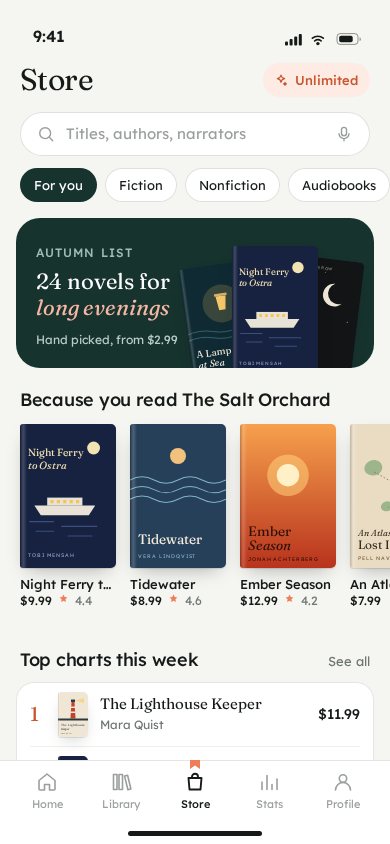 Leaf Store: E-books and reading, Minimal
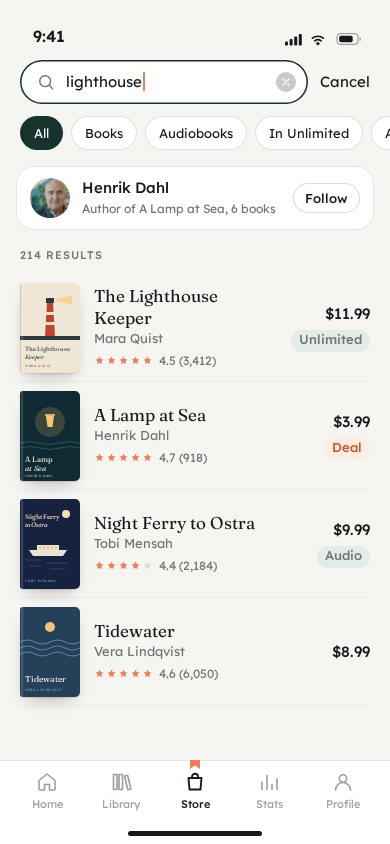 Leaf Search: E-books and reading, Minimal
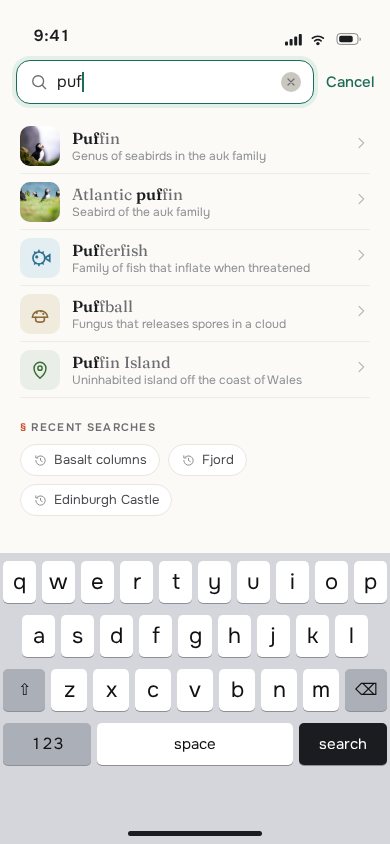 Almanac Search: The free encyclopedia reader, Minimal
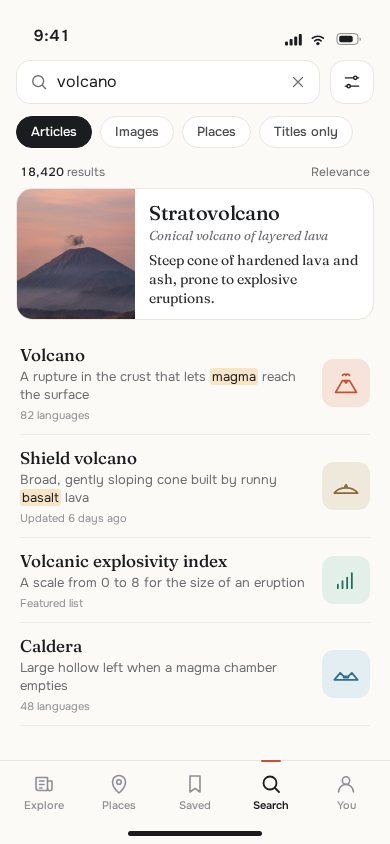 Almanac Results: The free encyclopedia reader, Minimal
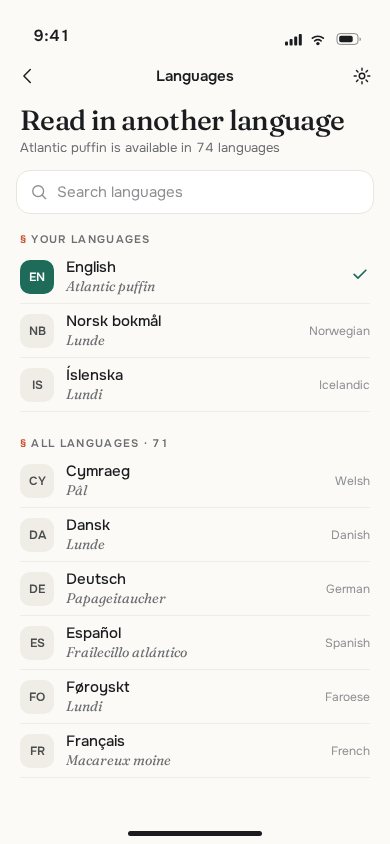 Almanac Languages: The free encyclopedia reader, Minimal
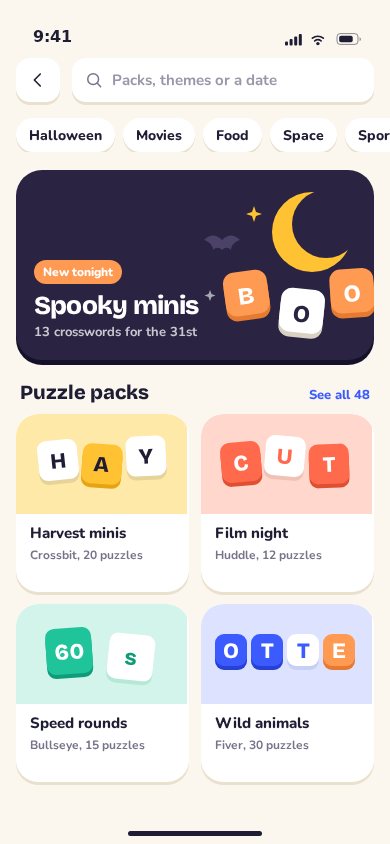 Tiles Explore: Daily word and number puzzles, Playful
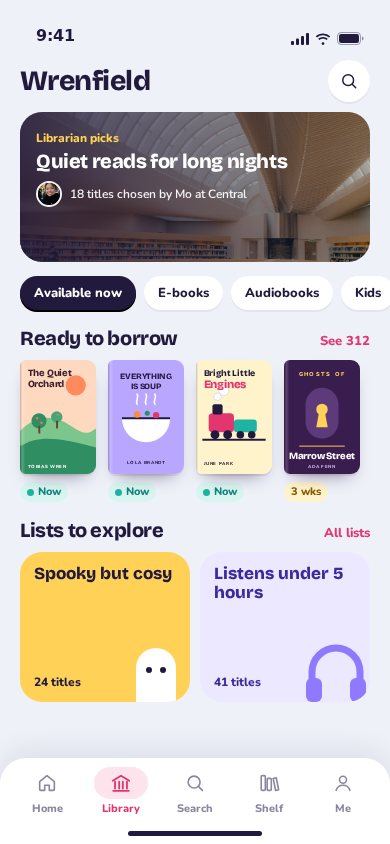 Stacks Browse: Borrow e-books and audiobooks from your library, Playful
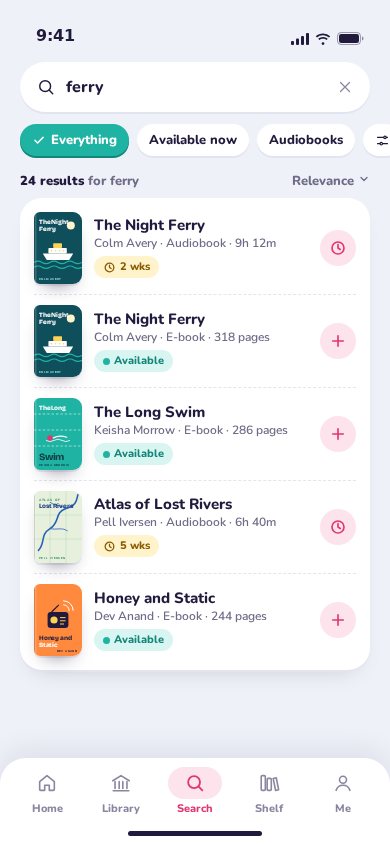 Stacks Search: Borrow e-books and audiobooks from your library, Playful
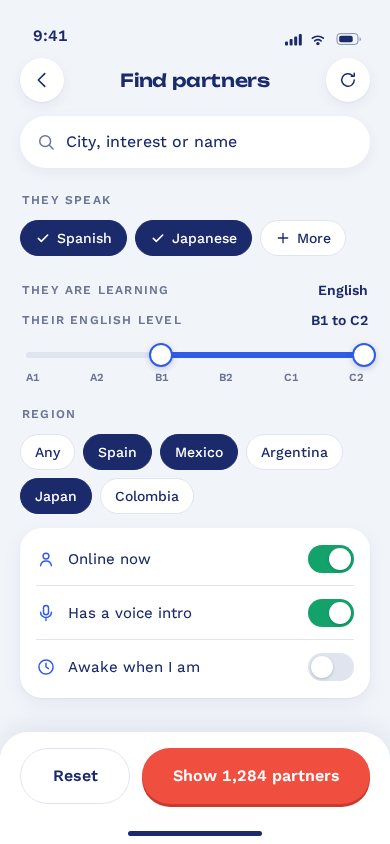 Penpal Search: Language exchange chat, Playful
- Lexis Search: A word a day, Luxury
- Lexis Collections: A word a day, Luxury
- Quanta Explore: Interactive physics lessons, Dark-first, dark
- Cram Search: Exam prep and mock tests, Gen Z
- Quad Course search: University campus app, Enterprise
- Quad Campus: University campus app, Enterprise
- Palm Dictionary: Learn sign language, Playful
- Epoch Timeline: History on a timeline, Brutalist
- Epoch Search: History on a timeline, Brutalist
- Wren Library: Early reading for kids, Neubrutalism
- Proof Topics: Maths tutor that shows its working, Clinical
- Proof Search: Maths tutor that shows its working, Clinical
- Skim Discover: Speed reading trainer, Minimal
- Terra Explore: Geography and flags quiz, Glass
- Terra Search: Geography and flags quiz, Glass
What makes a good education app search screen
- Show something before people type. Recent searches, popular items or categories make the empty search screen useful and save typing.
- Suggest as people type. Autocomplete with matching items, not only matching words, lets people jump straight to a result.
- Make filters visible and reversible. Show active filters as chips that can be removed in one tap, and the number of results as filters change.
- Forgive typos. Close matches and "Did you mean" stop a spelling mistake from ending in an empty screen.
- Design the no-results state. Explain what happened and offer a way forward: broaden the filters, check the spelling or browse a category.
- Keep the query and results when people come back. Opening a result and pressing back should return to the same results, scroll position and filters, so comparing several items does not mean searching again.
The full search screen guide: layouts, mistakes and questions
Search and explore screens in other kinds of app
- Lifestyle app search and explore screens (105)
- Productivity app search and explore screens (76)
- Travel app search and explore screens (68)
- Social app search and explore screens (62)
- Food app search and explore screens (44)
- Fitness app search and explore screens (42)
- Finance app search and explore screens (39)
- Music app search and explore screens (30)
- Sports app search and explore screens (24)
- Smart home app search and explore screens (20)
Other education app screens
- Education app onboarding screens
- Education app sign in and sign up screens
- Education app home screens
- Education app list and feed screens
- Education app detail screens
- Education app booking and checkout screens
- Education app paywall screens
- Education app success and confirmation screens
- Education app profile screens
- Education app settings screens
- Education app dashboard and stats screens
- Education app player, camera and editor screens
- Education app live tracking screens
- Education app form and input screens