Templates · Search and explore screens
Smart home app search and explore screens
20 search screens from 15 smart home app templates, each in its own design language. Smart home apps control real things: rooms, devices and their state need to be obvious, with the common actions one tap away.
The examples
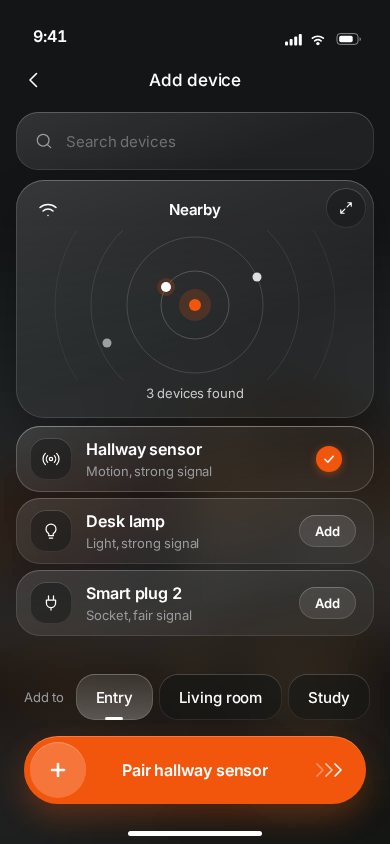 Dusk Add device: Smart home scenarios, Glass, dark
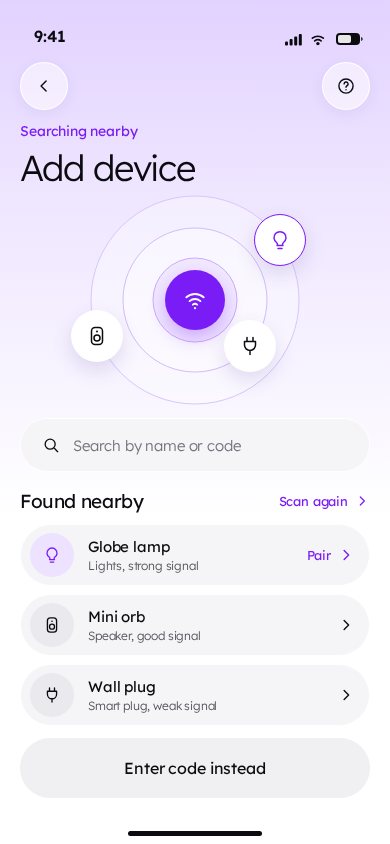 Abode Add device: Smart home devices, Minimal
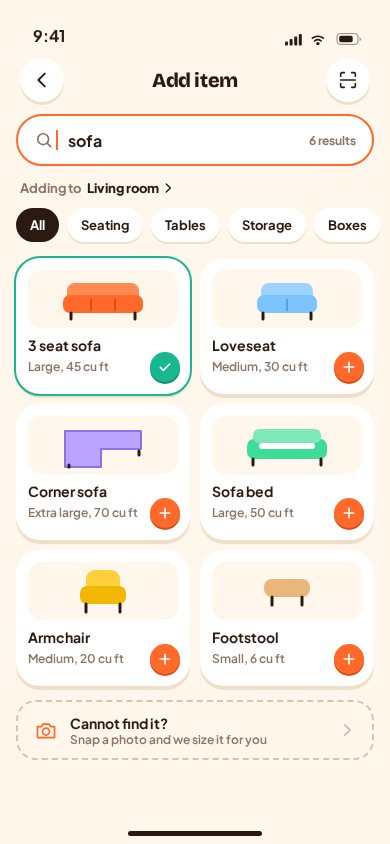 Boxed Add item: Book movers and plan moving day, Playful
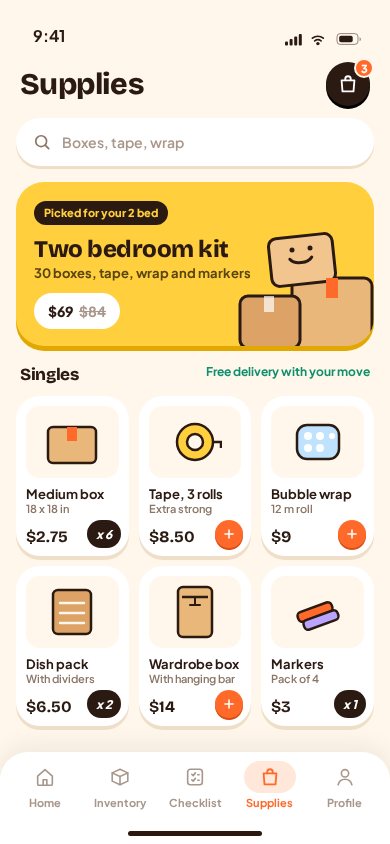 Boxed Supplies: Book movers and plan moving day, Playful
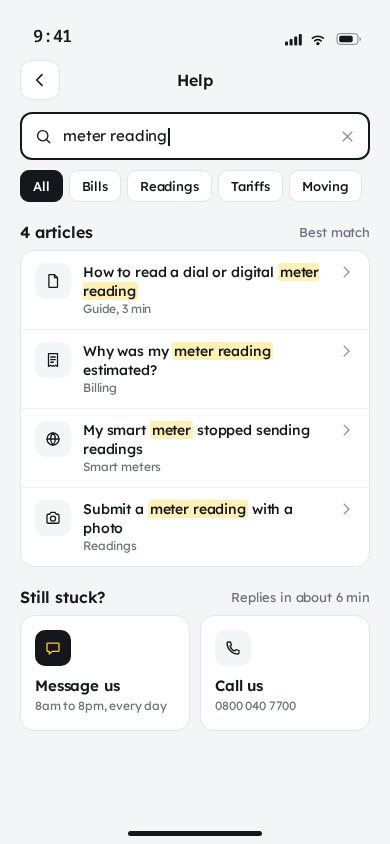 Meter Help: Your energy supplier account, Clinical
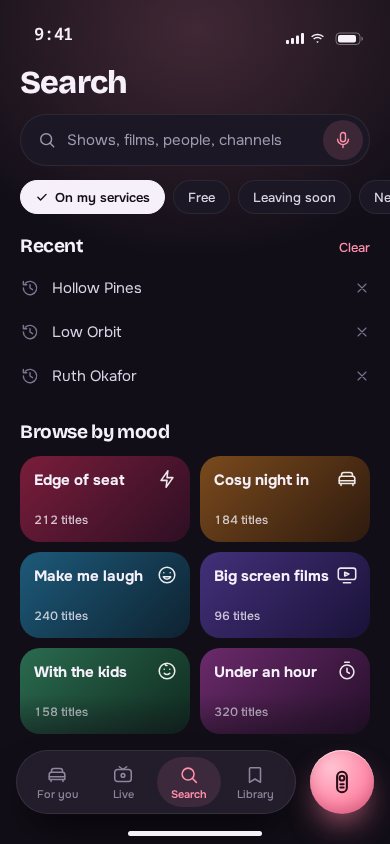 Couch Search: TV remote, casting and watchlist, Dark-first, dark
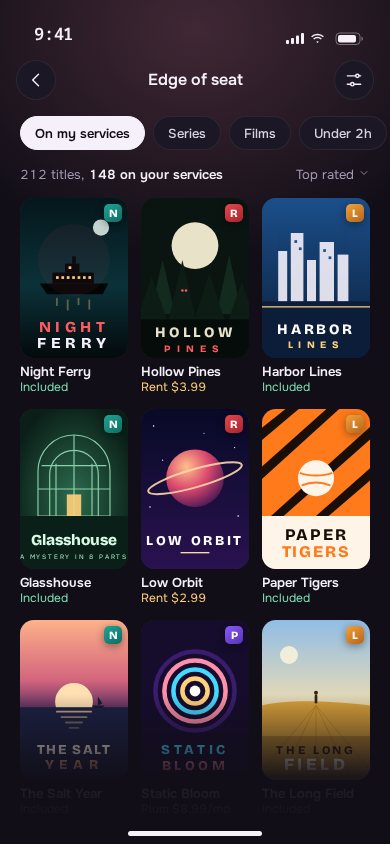 Couch Browse: TV remote, casting and watchlist, Dark-first, dark
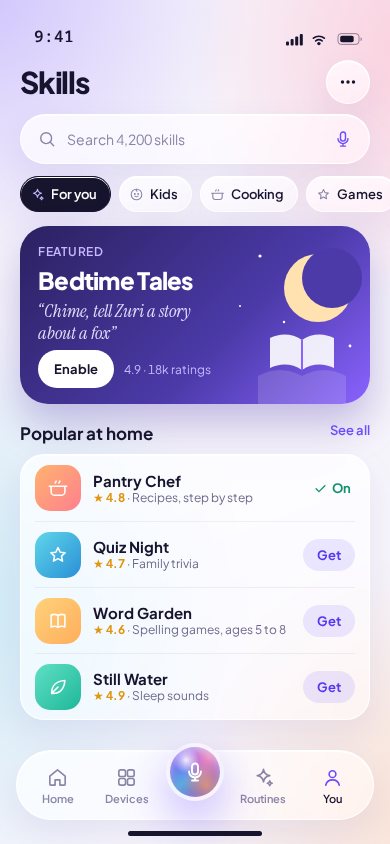 Chime Skills: Voice assistant and smart speaker, Glass
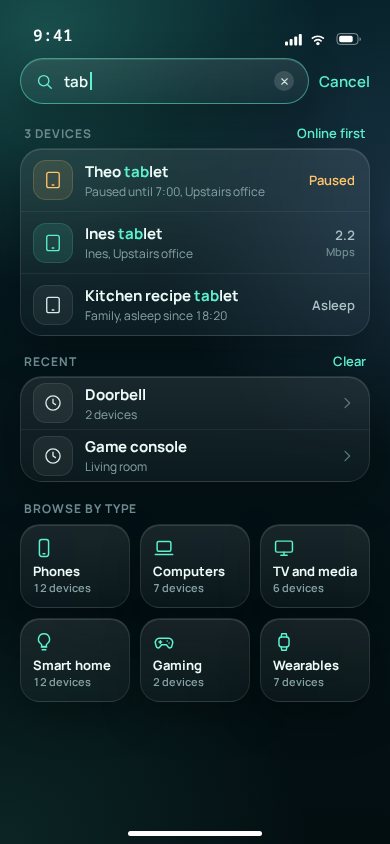 Mesh Search: Home Wi-Fi network, Glass, dark
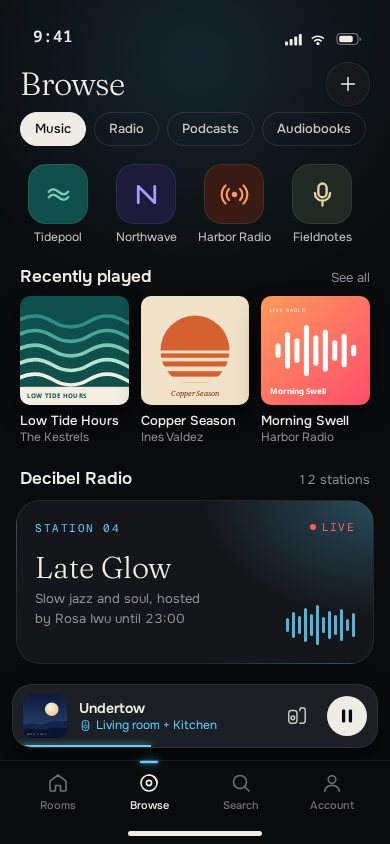 Decibel Browse: Multi-room speakers, Luxury, dark
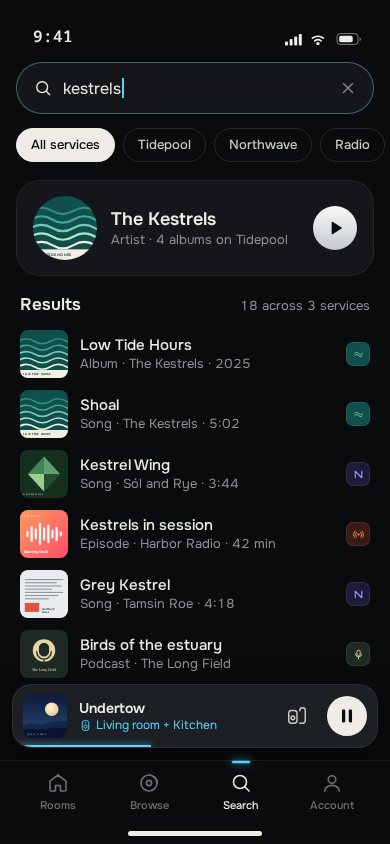 Decibel Search: Multi-room speakers, Luxury, dark
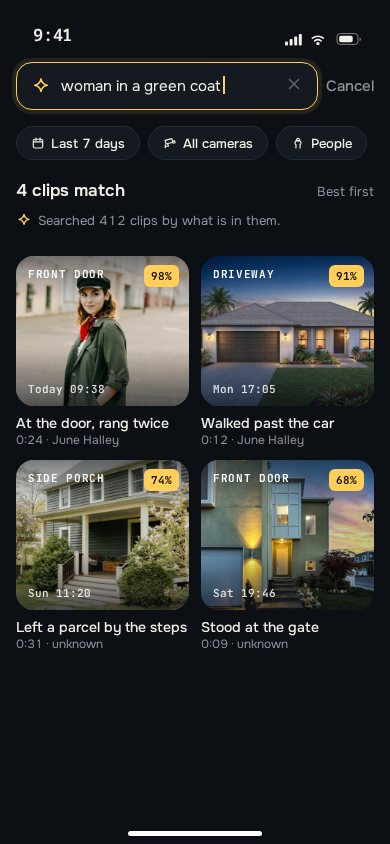 Porch Search: Home security cameras, Dark-first, dark
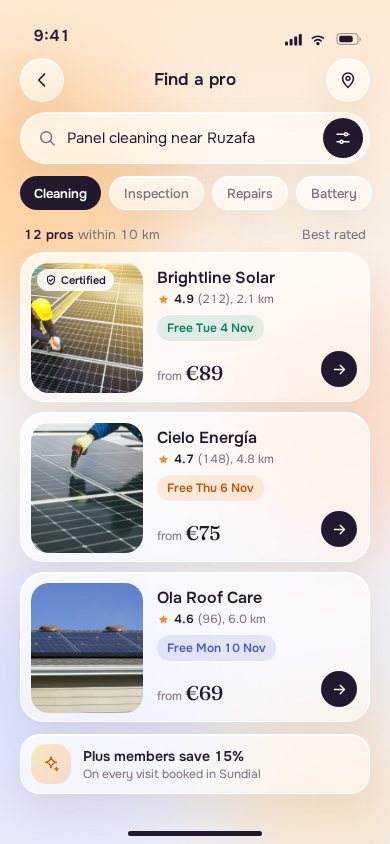 Sundial Find a pro: Solar panels and home battery, Glass
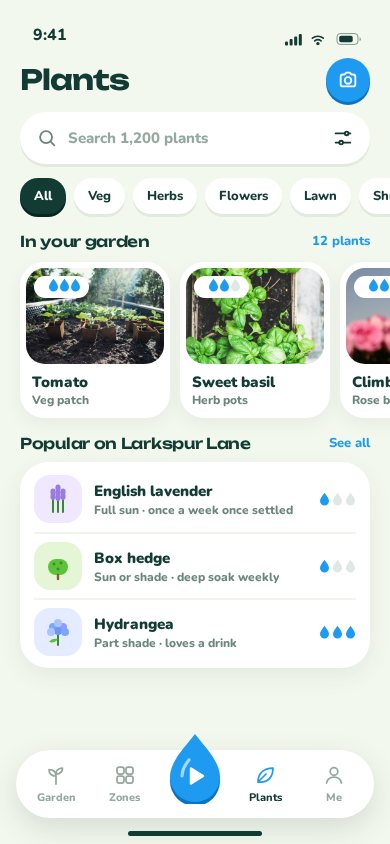 Puddle Plant library: Garden watering and sprinklers, Playful
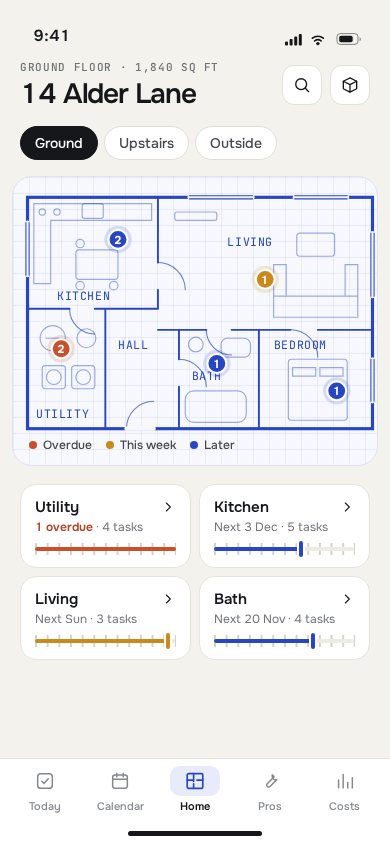 Upkeep Home plan: Home maintenance calendar, Minimal
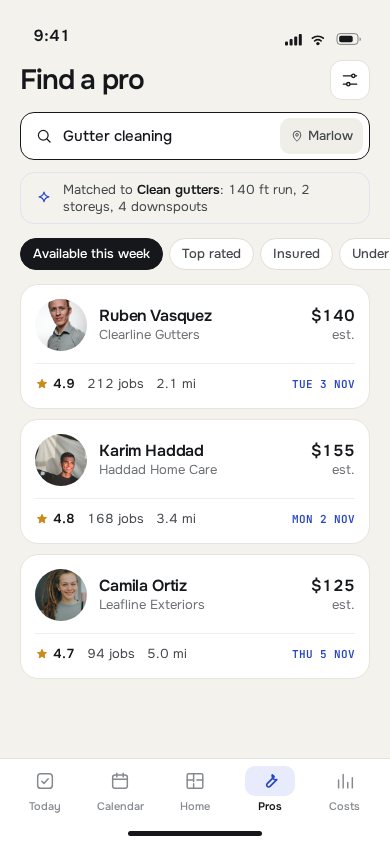 Upkeep Find a pro: Home maintenance calendar, Minimal
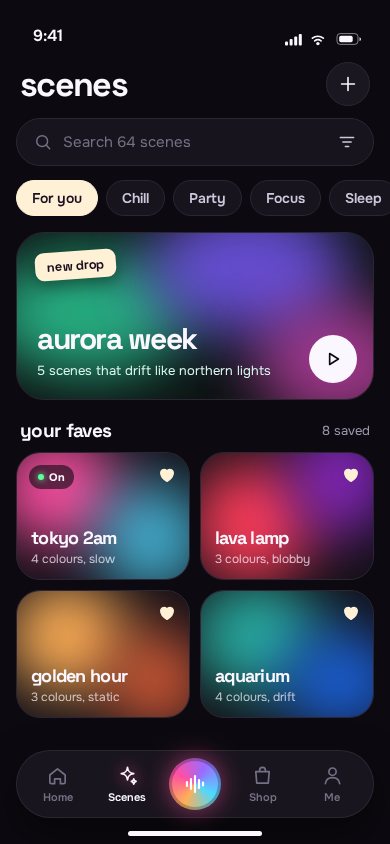 Glow Scenes: Light scenes and colour, Gen Z, dark
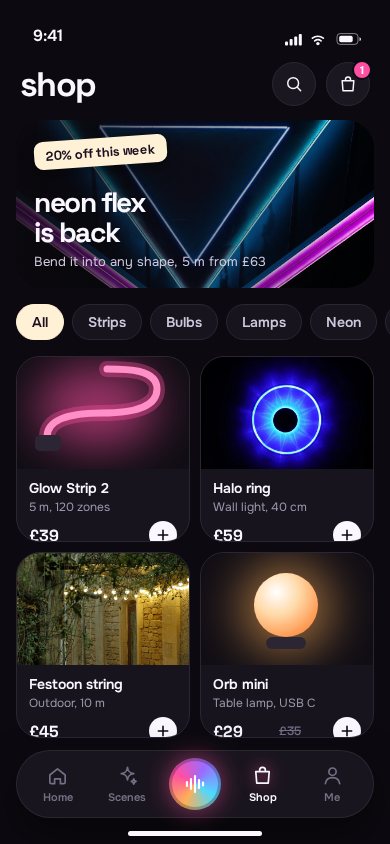 Glow Shop: Light scenes and colour, Gen Z, dark
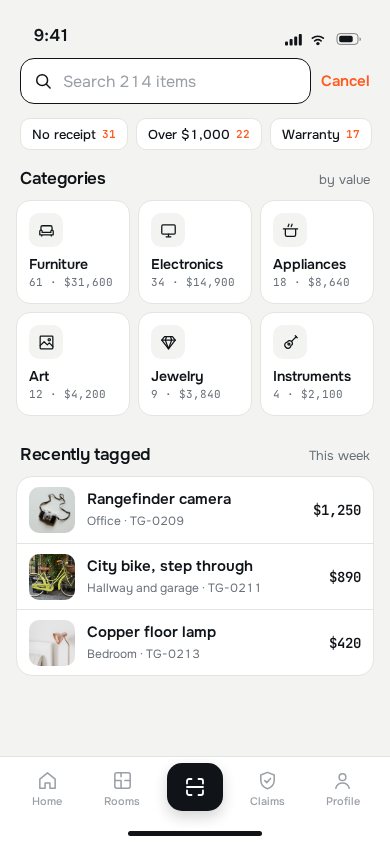 Tagged Search: Home inventory for insurance, Clinical
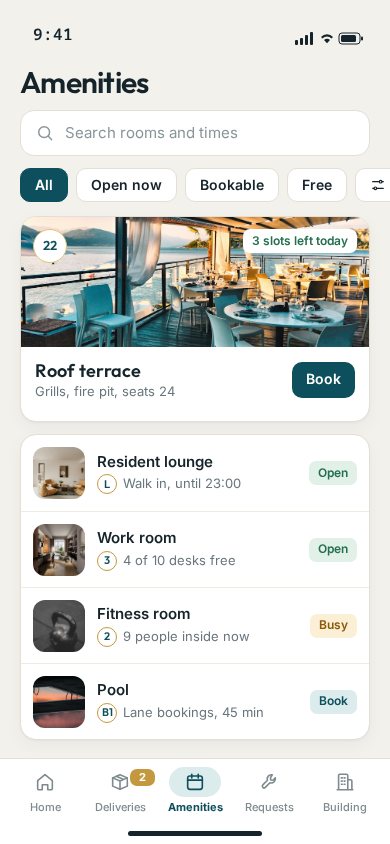 Lobby Amenities: Apartment building app, Enterprise
What makes a good smart home app search screen
- Show something before people type. Recent searches, popular items or categories make the empty search screen useful and save typing.
- Suggest as people type. Autocomplete with matching items, not only matching words, lets people jump straight to a result.
- Make filters visible and reversible. Show active filters as chips that can be removed in one tap, and the number of results as filters change.
- Forgive typos. Close matches and "Did you mean" stop a spelling mistake from ending in an empty screen.
- Design the no-results state. Explain what happened and offer a way forward: broaden the filters, check the spelling or browse a category.
- Keep the query and results when people come back. Opening a result and pressing back should return to the same results, scroll position and filters, so comparing several items does not mean searching again.
The full search screen guide: layouts, mistakes and questions
Search and explore screens in other kinds of app
- Lifestyle app search and explore screens (105)
- Productivity app search and explore screens (76)
- Travel app search and explore screens (68)
- Social app search and explore screens (62)
- Food app search and explore screens (44)
- Fitness app search and explore screens (42)
- Finance app search and explore screens (39)
- Education app search and explore screens (39)
- Music app search and explore screens (30)
- Sports app search and explore screens (24)
Other smart home app screens
- Smart home app onboarding screens
- Smart home app sign in and sign up screens
- Smart home app home screens
- Smart home app list and feed screens
- Smart home app detail screens
- Smart home app booking and checkout screens
- Smart home app paywall screens
- Smart home app success and confirmation screens
- Smart home app profile screens
- Smart home app settings screens
- Smart home app dashboard and stats screens
- Smart home app player, camera and editor screens
- Smart home app live tracking screens
- Smart home app form and input screens