Templates · Search and explore screens
Music app search and explore screens
30 search screens from 19 music app templates, each in its own design language. Music apps are led by artwork: covers, waveforms and a player that stays in reach while you browse.
The examples
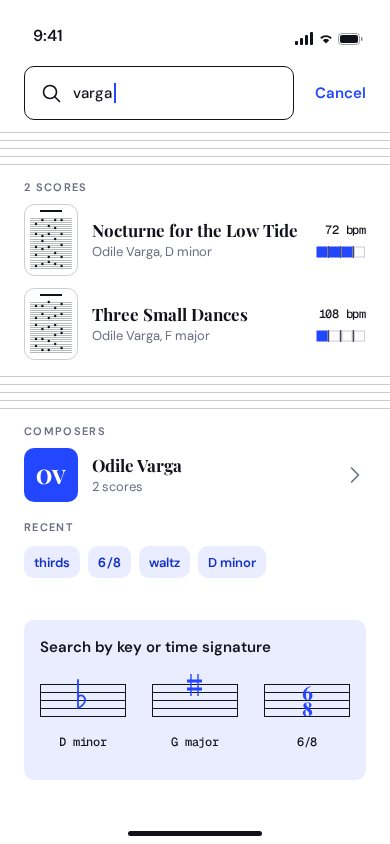 Quire Search: Sheet music and practice, Minimal
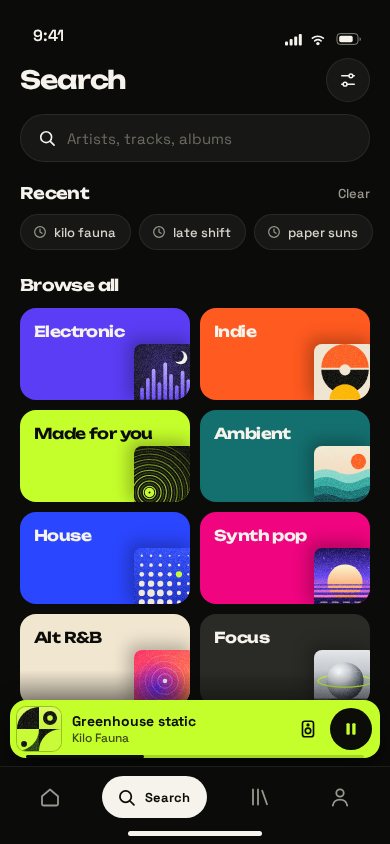 Wax Search: Music streaming, Dark-first, dark
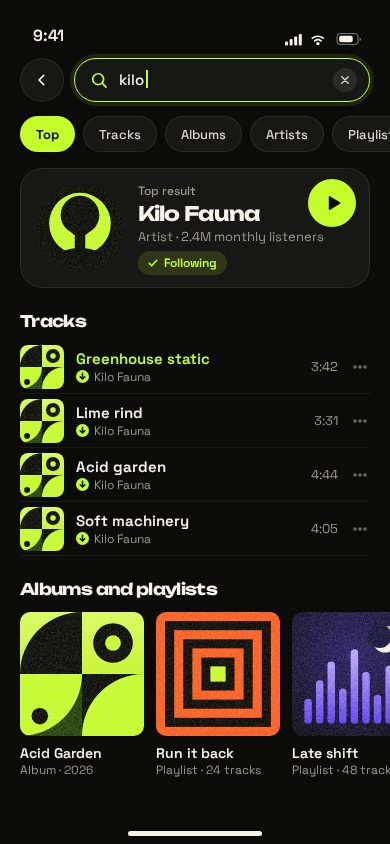 Wax Search results: Music streaming, Dark-first, dark
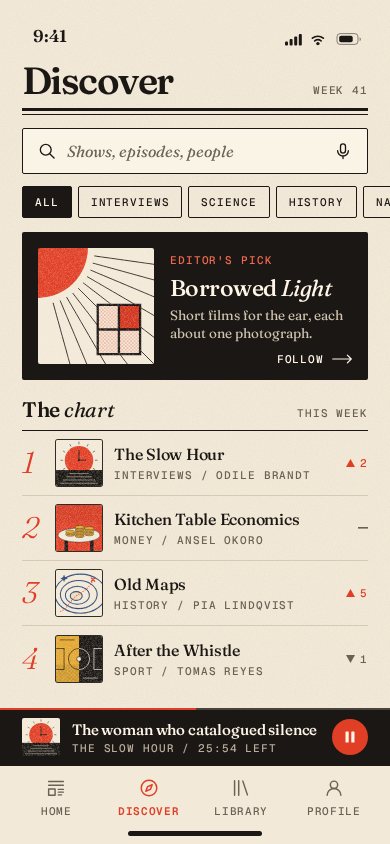 Earshot Discover: Podcast player, Minimal
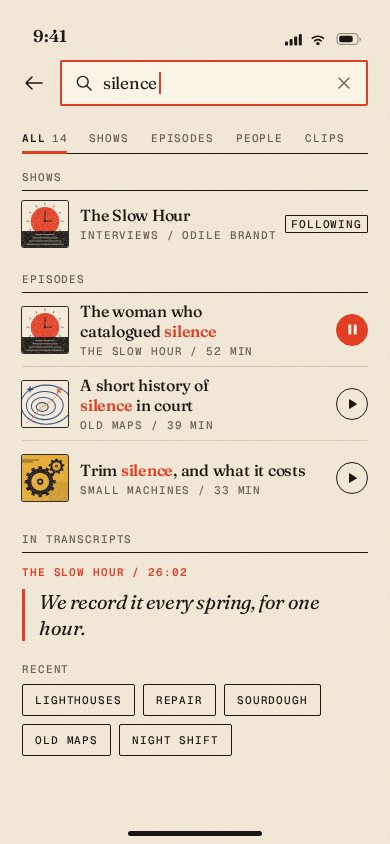 Earshot Search: Podcast player, Minimal
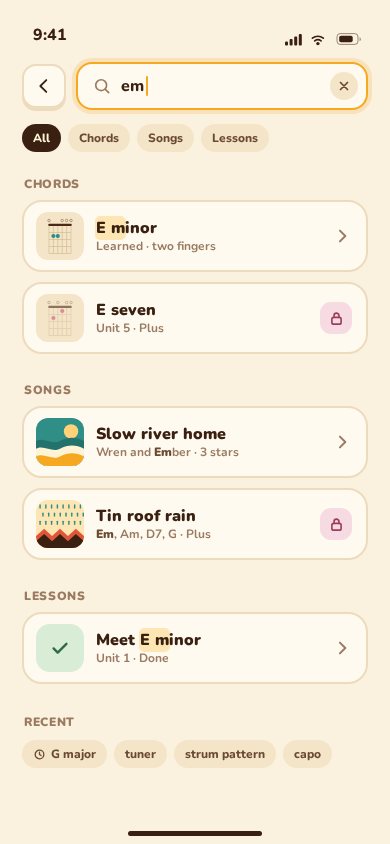 Strum Search: Learn guitar, one chord at a time, Playful
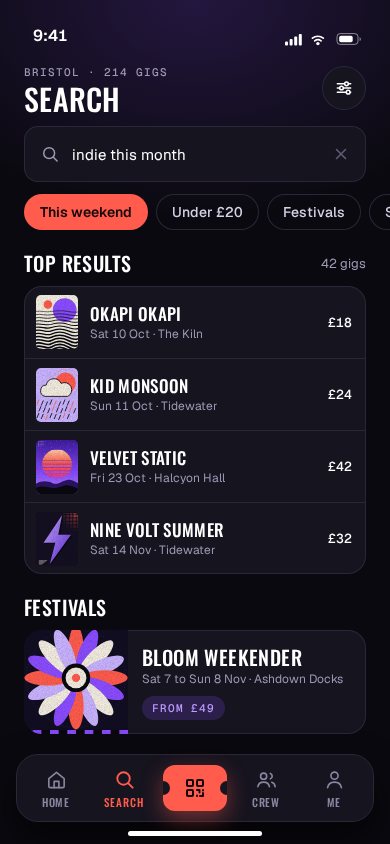 Gigly Search: Gig and festival tickets, Gen Z, dark
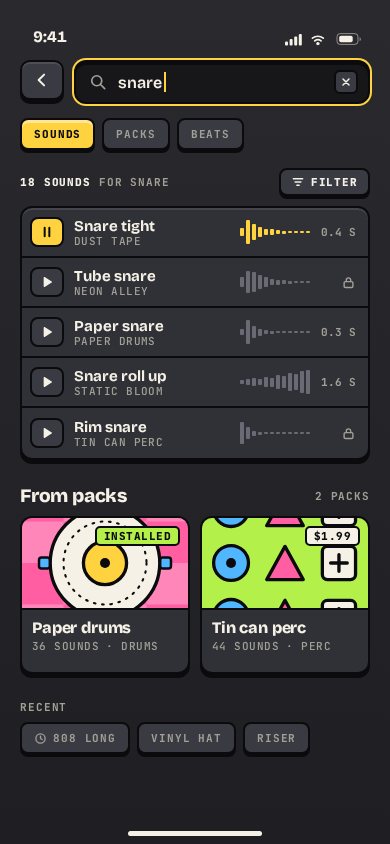 Padd Search: Beat maker, Neubrutalism, dark
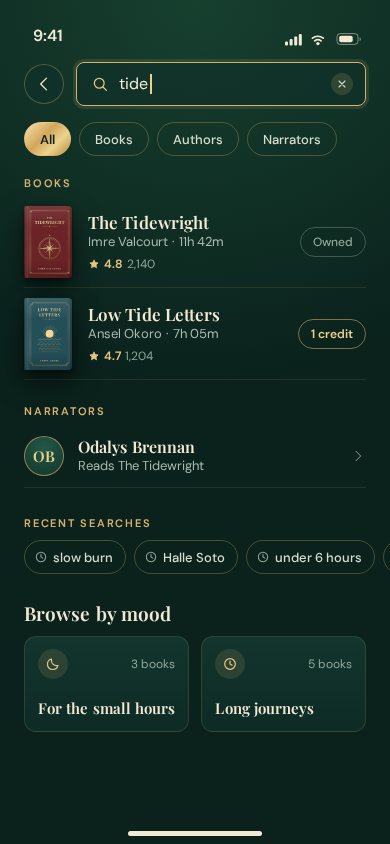 Aria Search: Audiobook library, Luxury, dark
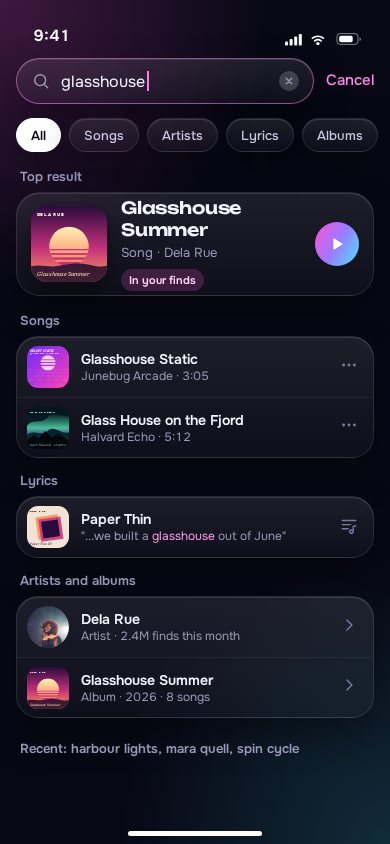 Hum Search: Song recognition, Glass, dark
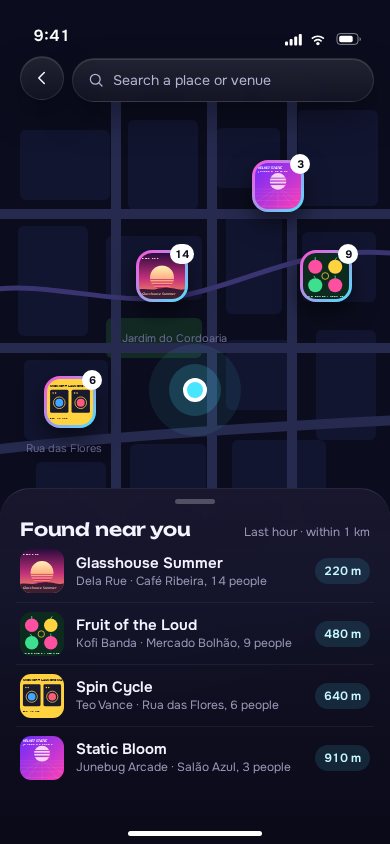 Hum Nearby: Song recognition, Glass, dark
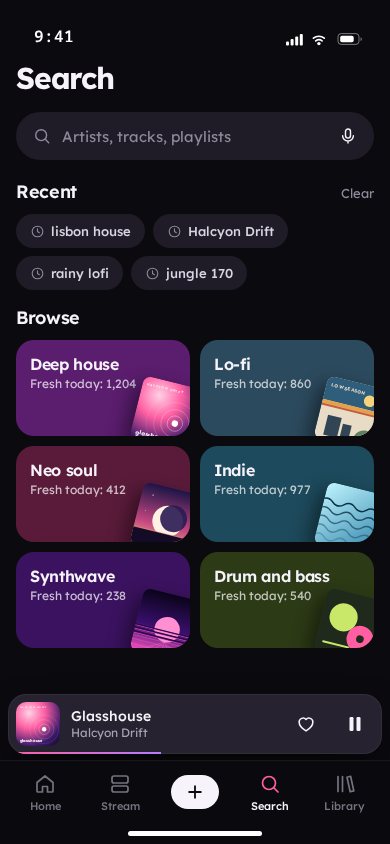 Riff Search: Upload and discover new tracks, Dark-first, dark
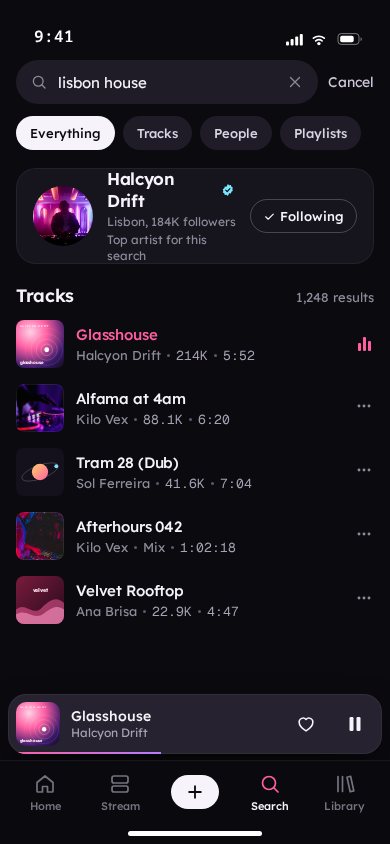 Riff Results: Upload and discover new tracks, Dark-first, dark
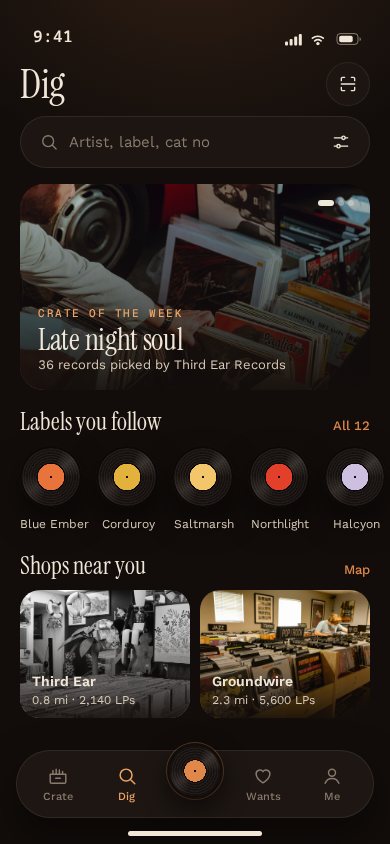 Groove Dig: Vinyl collection and crate digging, Luxury, dark
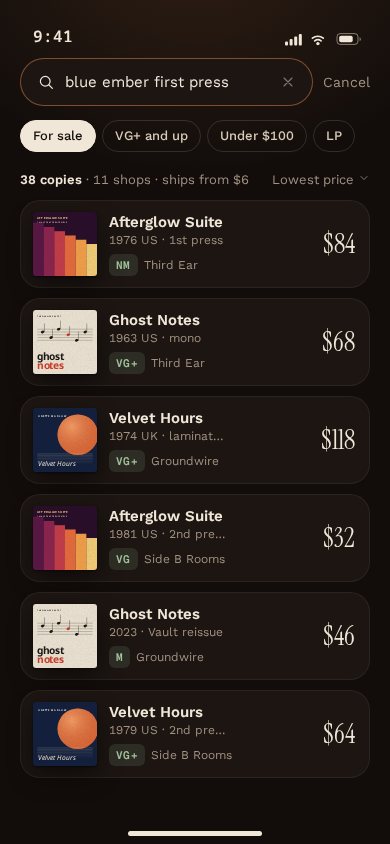 Groove Search: Vinyl collection and crate digging, Luxury, dark
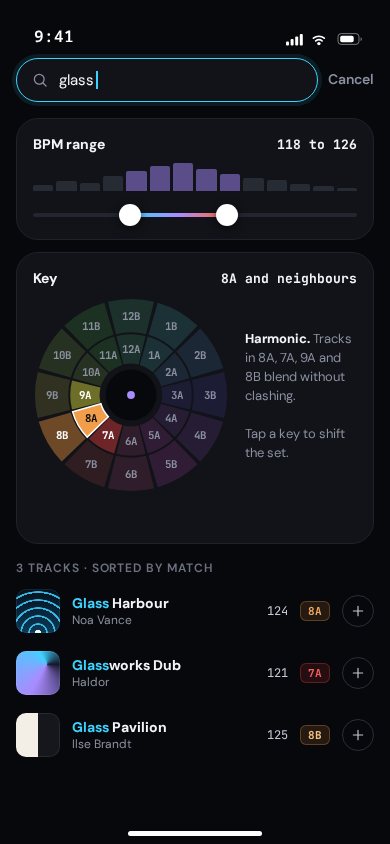 Crossfade Search: DJ mixing on the go, Dark-first, dark
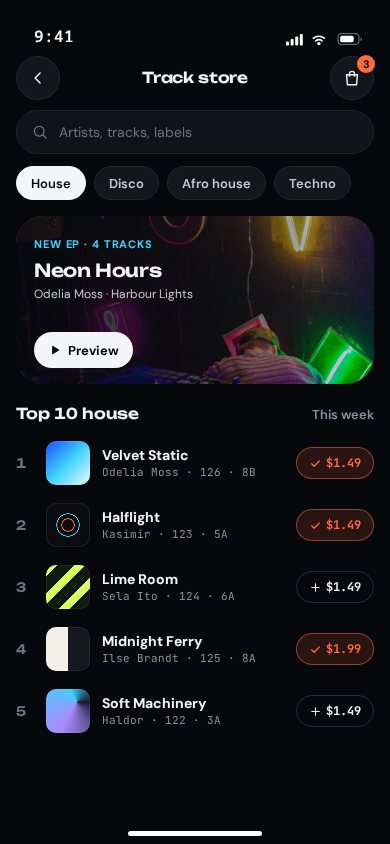 Crossfade Store: DJ mixing on the go, Dark-first, dark
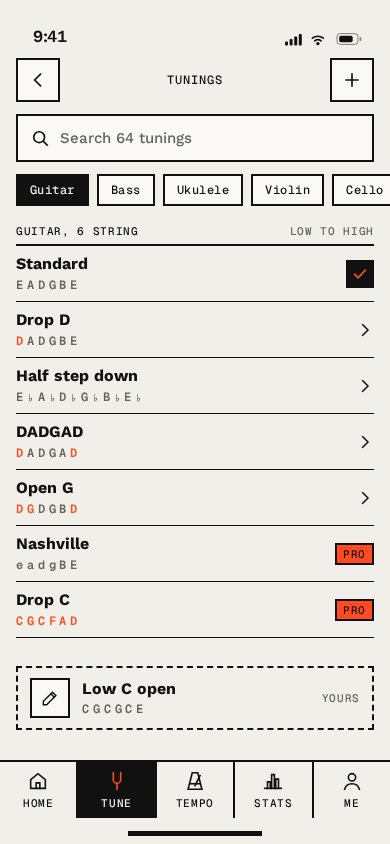 Fork Tunings: Tuner and metronome, Brutalist
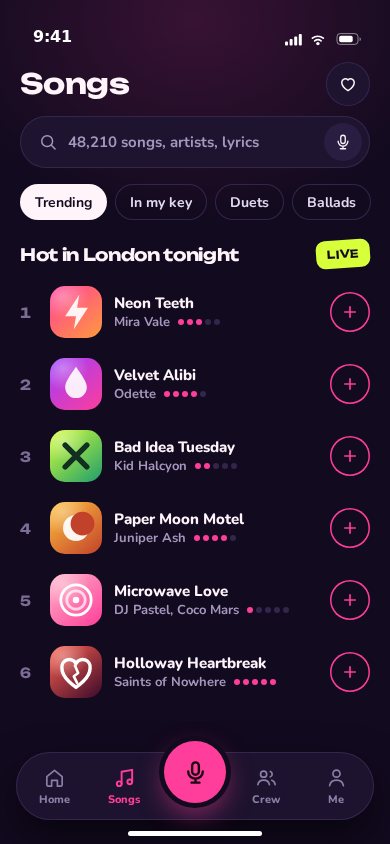 Belt Songs: Karaoke nights, Gen Z, dark
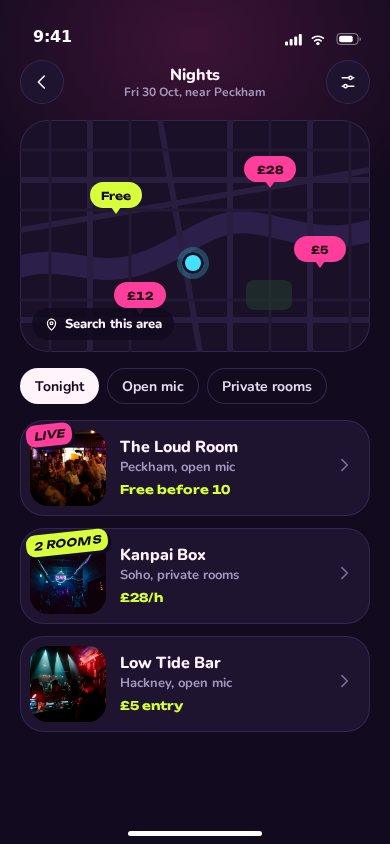 Belt Nights: Karaoke nights, Gen Z, dark
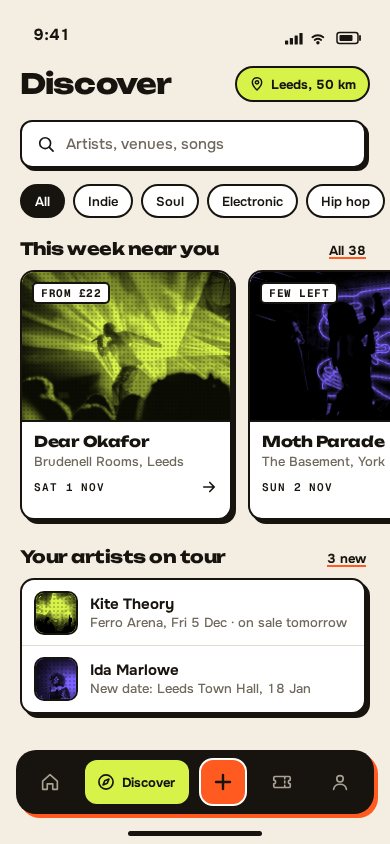 Crowd Discover: Concert diary and setlists, Neubrutalism
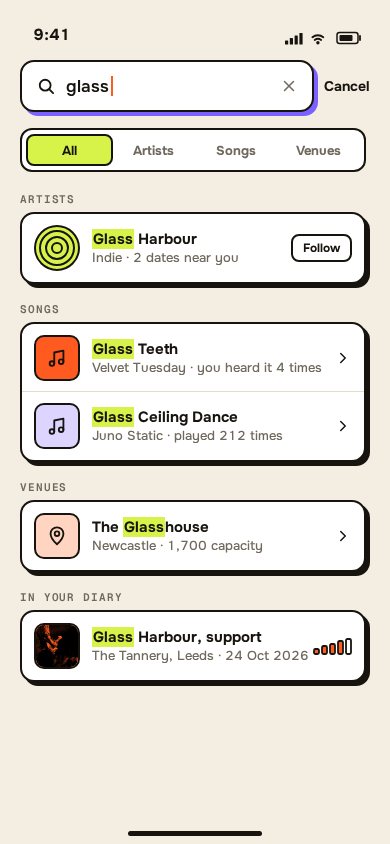 Crowd Search: Concert diary and setlists, Neubrutalism
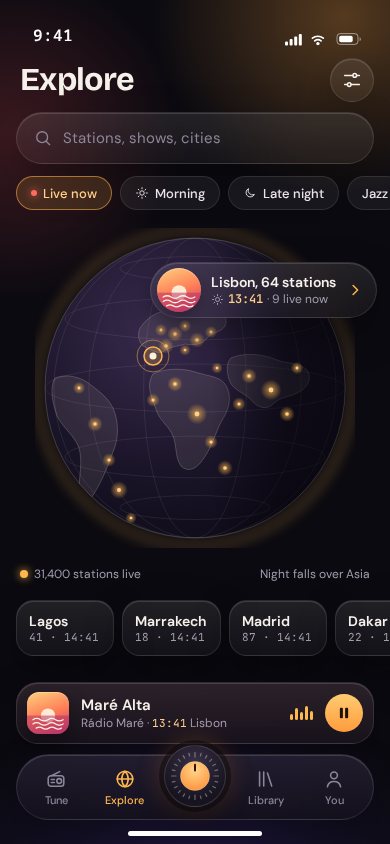 Dial Explore: Internet radio from everywhere, Glass, dark
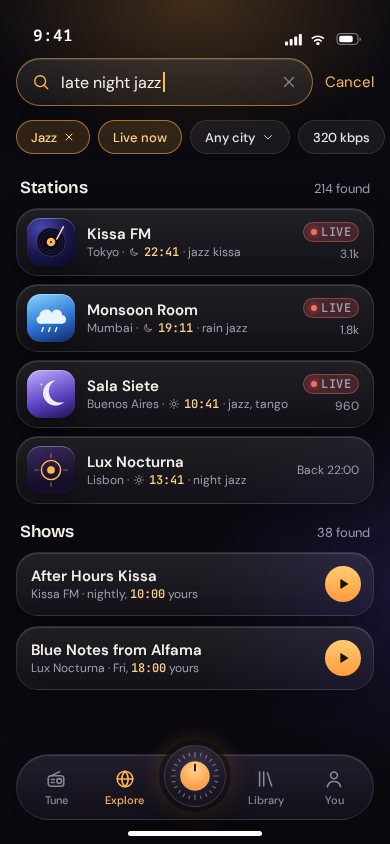 Dial Search: Internet radio from everywhere, Glass, dark
- Chorus Songs: Singing lessons and pitch training, Playful
- Chorus Coaches: Singing lessons and pitch training, Playful
- Verse Rhymes: Songwriting notebook, Minimal
- Verse Search: Songwriting notebook, Minimal
- Masters Search: Royalties and streams for artists, Enterprise
- Sonata Search: Concert hall season and tickets, Clinical
What makes a good music app search screen
- Show something before people type. Recent searches, popular items or categories make the empty search screen useful and save typing.
- Suggest as people type. Autocomplete with matching items, not only matching words, lets people jump straight to a result.
- Make filters visible and reversible. Show active filters as chips that can be removed in one tap, and the number of results as filters change.
- Forgive typos. Close matches and "Did you mean" stop a spelling mistake from ending in an empty screen.
- Design the no-results state. Explain what happened and offer a way forward: broaden the filters, check the spelling or browse a category.
- Keep the query and results when people come back. Opening a result and pressing back should return to the same results, scroll position and filters, so comparing several items does not mean searching again.
The full search screen guide: layouts, mistakes and questions
Search and explore screens in other kinds of app
- Lifestyle app search and explore screens (105)
- Productivity app search and explore screens (76)
- Travel app search and explore screens (68)
- Social app search and explore screens (62)
- Food app search and explore screens (44)
- Fitness app search and explore screens (42)
- Finance app search and explore screens (39)
- Education app search and explore screens (39)
- Sports app search and explore screens (24)
- Smart home app search and explore screens (20)
Other music app screens
- Music app onboarding screens
- Music app sign in and sign up screens
- Music app home screens
- Music app list and feed screens
- Music app detail screens
- Music app booking and checkout screens
- Music app paywall screens
- Music app success and confirmation screens
- Music app profile screens
- Music app settings screens
- Music app dashboard and stats screens
- Music app player, camera and editor screens
- Music app live tracking screens
- Music app form and input screens