Templates · Search and explore screens
Sports app search and explore screens
24 search screens from 20 sports app templates, each in its own design language. Sports apps are live and dense: scores, times and stats that must read at a glance, often on a dark background for match day.
The examples
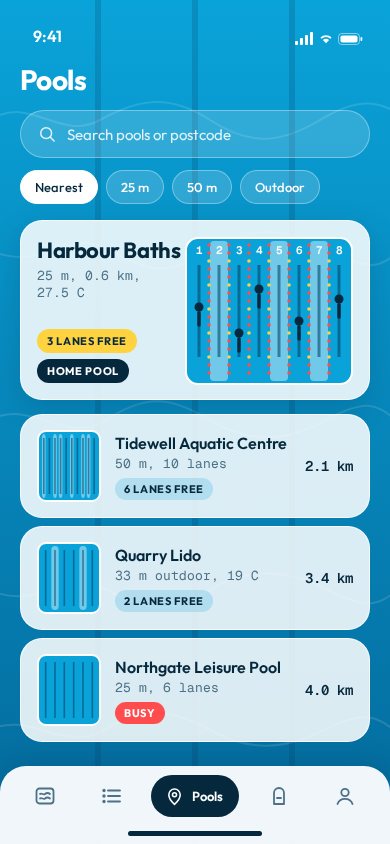 Lapse Pools: Swim training, Glass
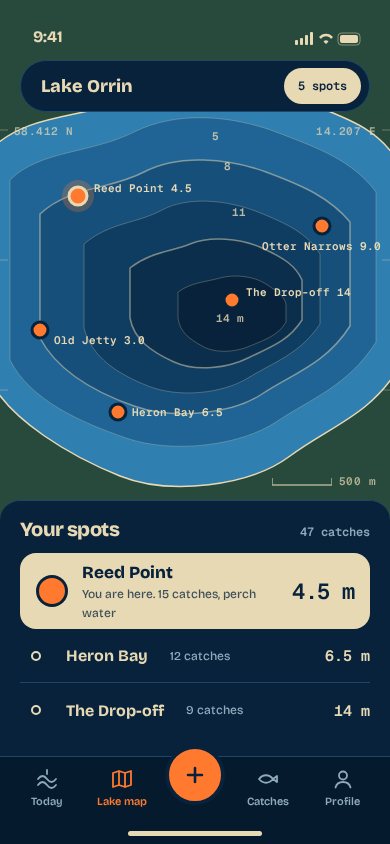 Angler Lake map: A fishing log drawn on the depth chart, Dark-first, dark
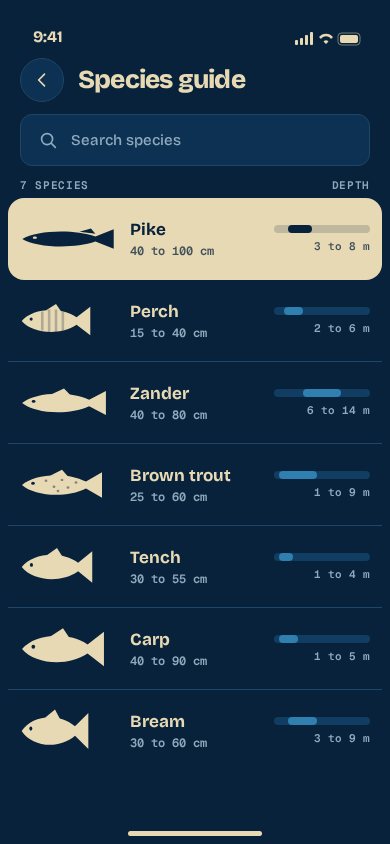 Angler Species guide: A fishing log drawn on the depth chart, Dark-first, dark
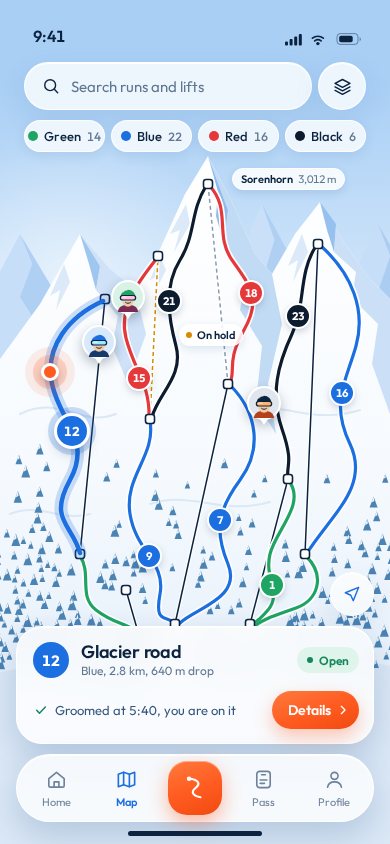 Piste Trail map: Ski resort companion, Glass
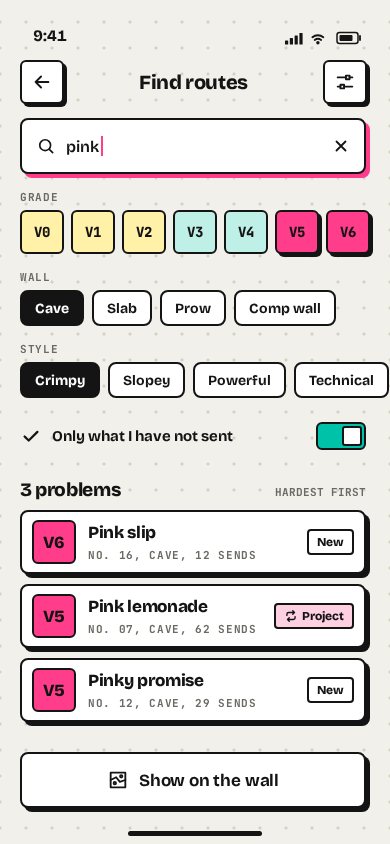 Crag Find routes: Climbing gym logbook, Neubrutalism
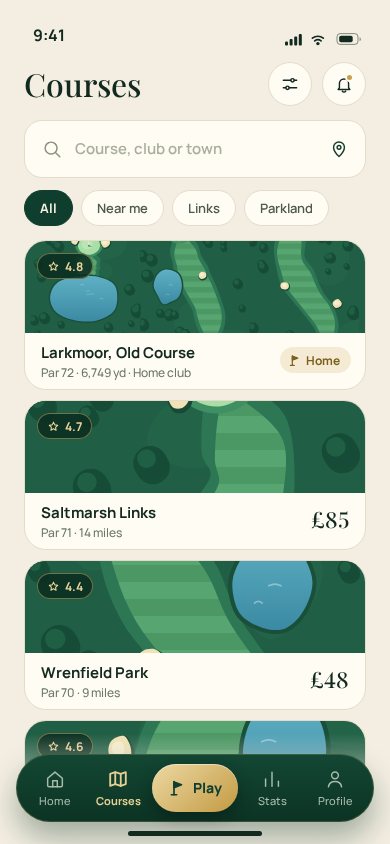 Fairway Courses: Golf course guide and scorecard, Luxury
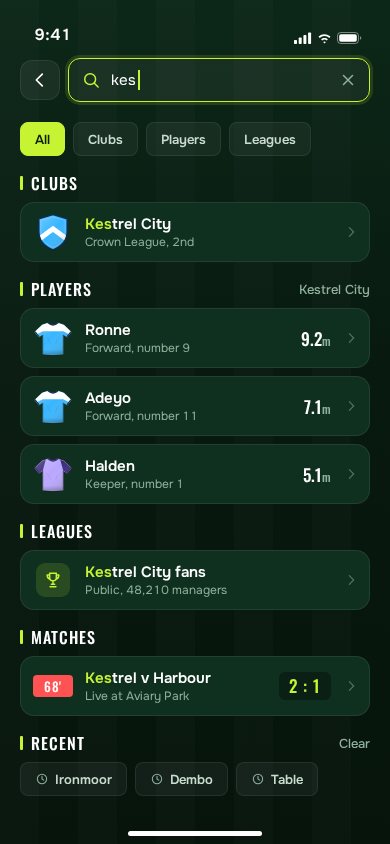 Matchday Search: Football scores and fantasy, Dark-first, dark
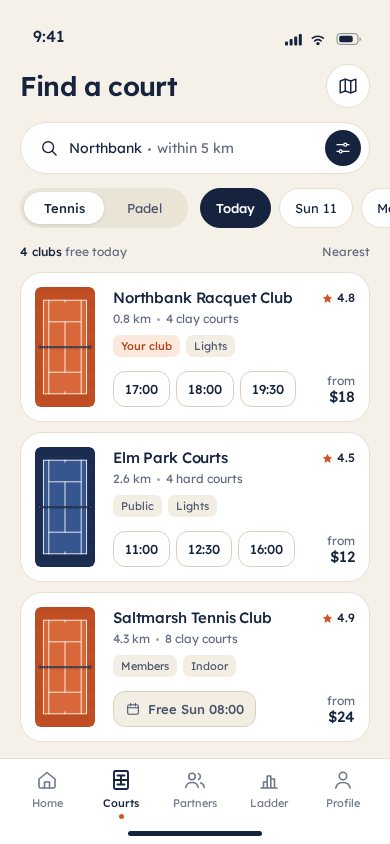 Rally Courts: Tennis and padel club, Minimal
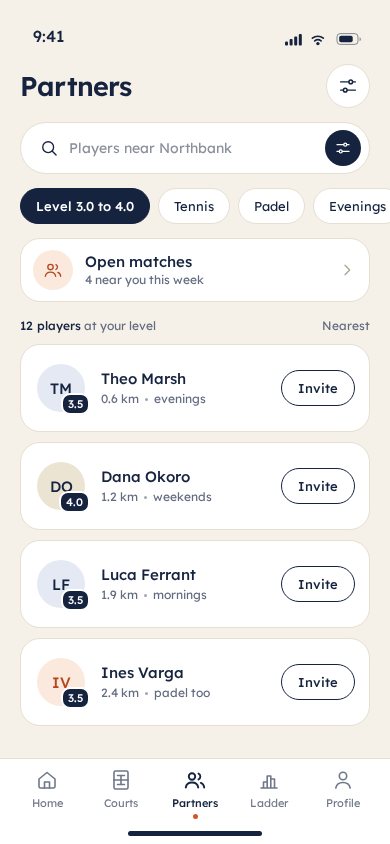 Rally Partners: Tennis and padel club, Minimal
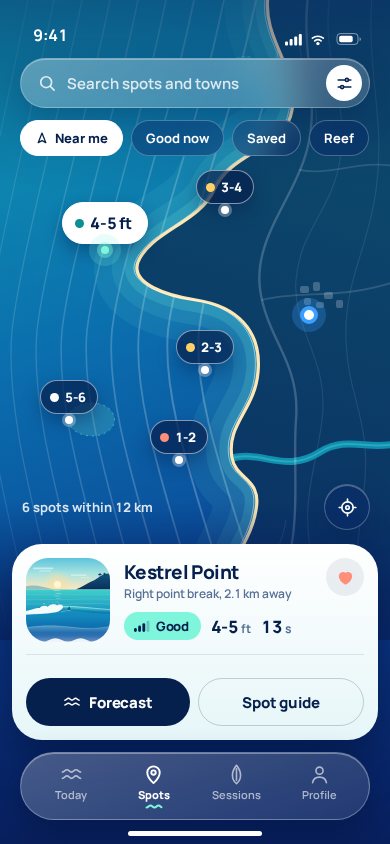 Swell Spots: Surf forecast, Glass, dark
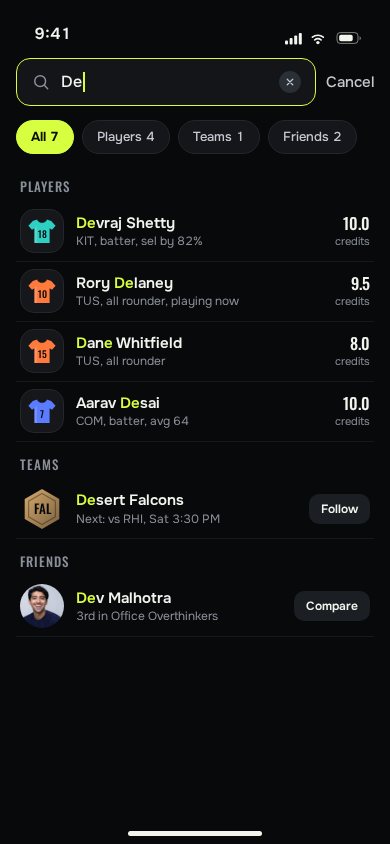 Elevens Search: Fantasy cricket leagues, Dark-first, dark
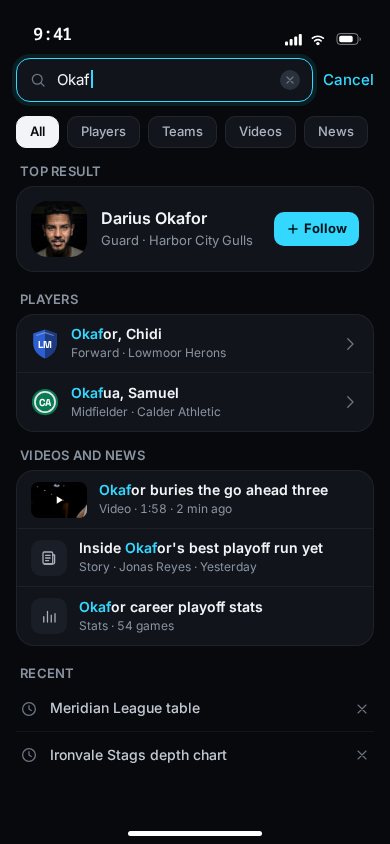 Scoreboard Search: Scores and news for every sport, Dark-first, dark
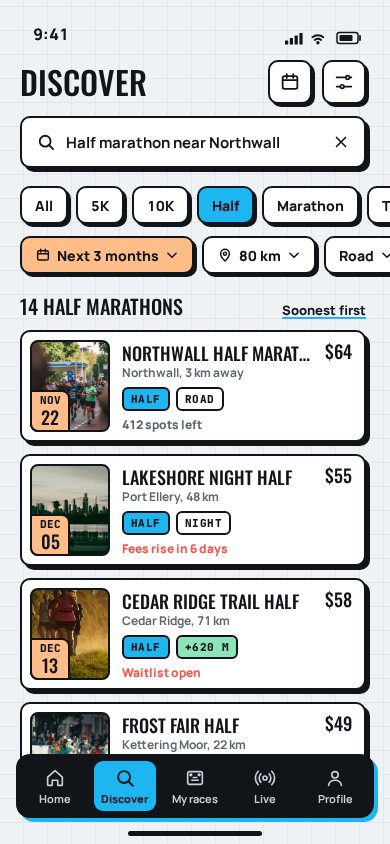 Bib Discover: Find and enter races, Neubrutalism
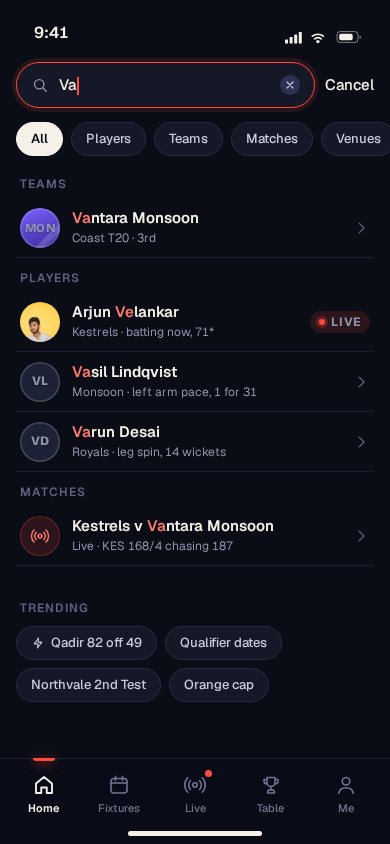 Wicket Search: Live cricket scores, Dark-first, dark
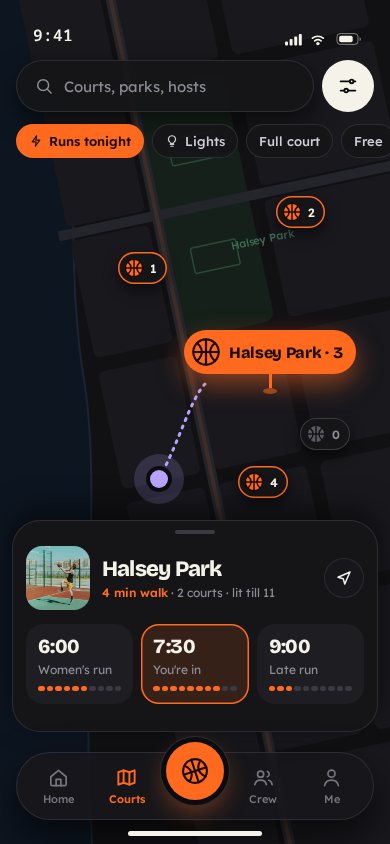 Courtside Courts map: Pickup basketball games, Gen Z, dark
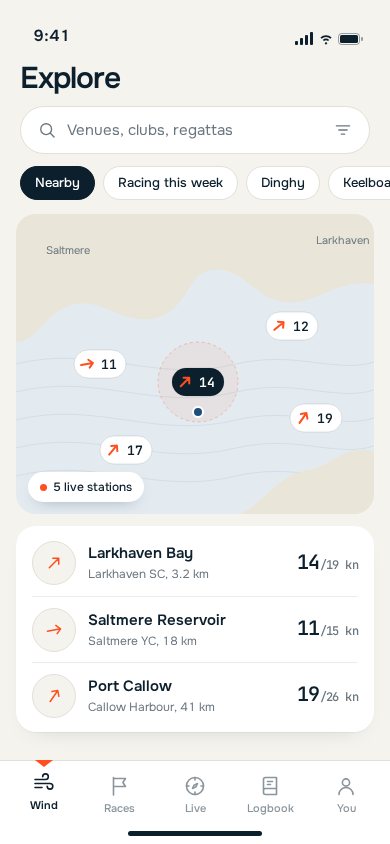 Tack Explore: Sailing wind and regatta tracker, Minimal
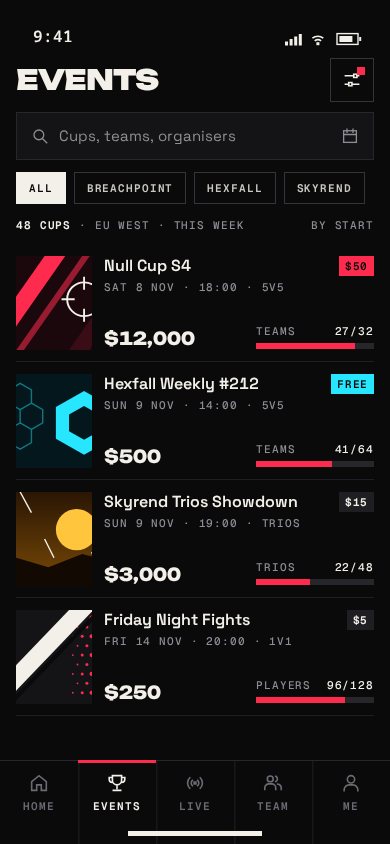 Frag Tournaments: Esports tournaments and teams, Brutalist, dark
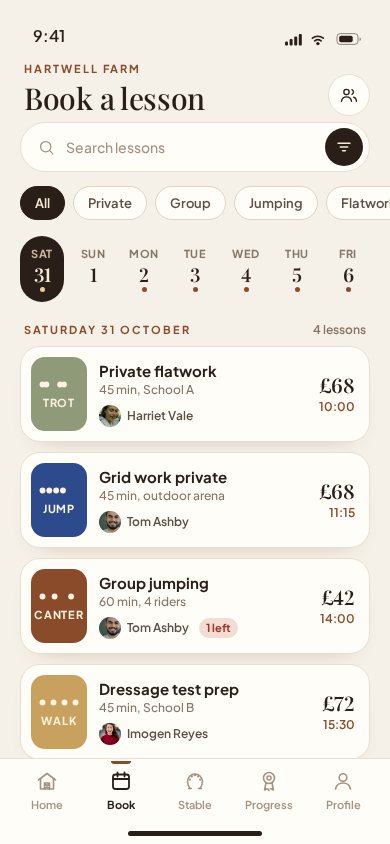 Canter Book a lesson: Riding stables and lessons, Luxury
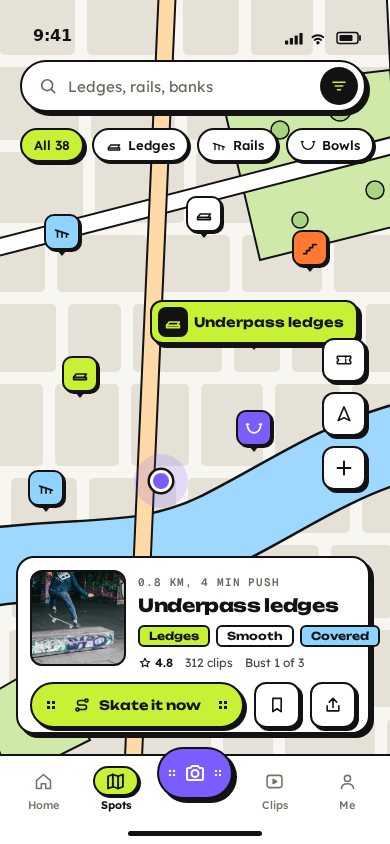 Ollie Spot map: Skate spots and clips, Neubrutalism
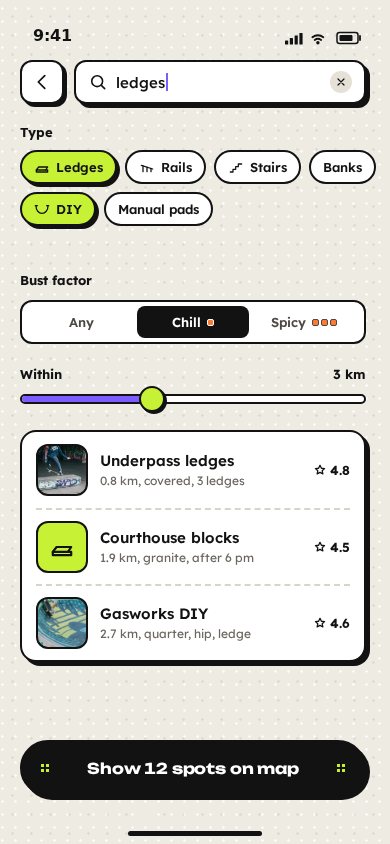 Ollie Search: Skate spots and clips, Neubrutalism
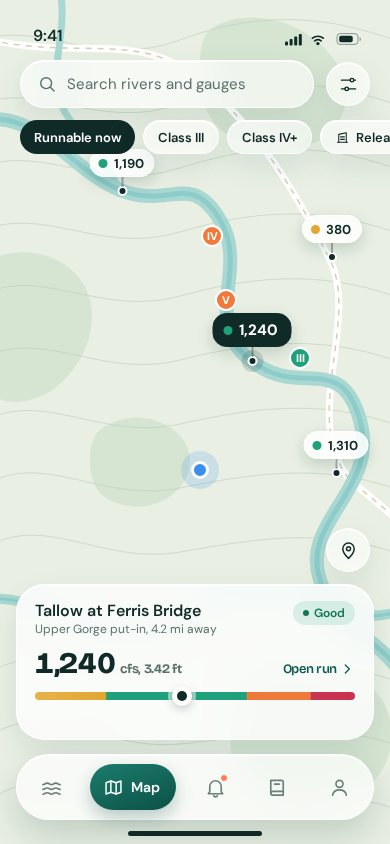 Eddy Map: River levels for paddlers, Glass
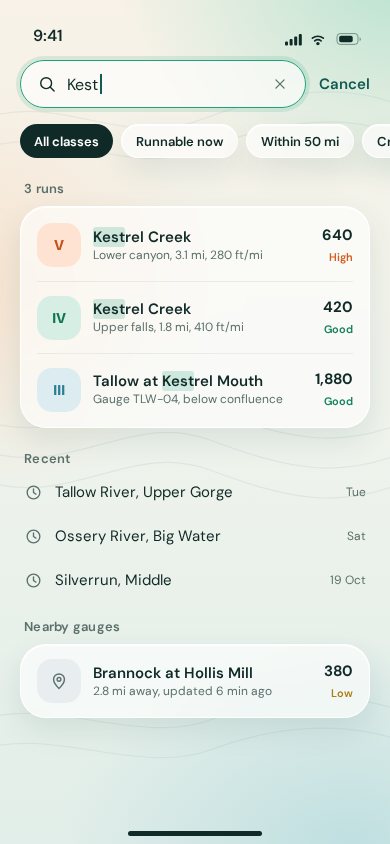 Eddy Search: River levels for paddlers, Glass
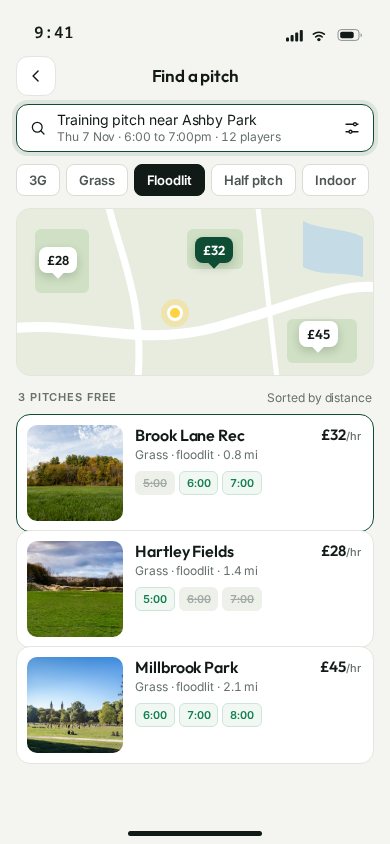 Whistle Pitches: Grassroots league manager for coaches, Enterprise
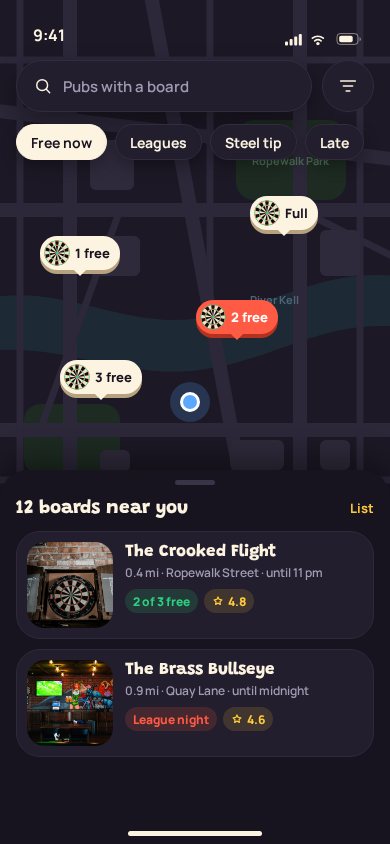 Oche Find a board: Darts scorer and leagues, Playful, dark
What makes a good sports app search screen
- Show something before people type. Recent searches, popular items or categories make the empty search screen useful and save typing.
- Suggest as people type. Autocomplete with matching items, not only matching words, lets people jump straight to a result.
- Make filters visible and reversible. Show active filters as chips that can be removed in one tap, and the number of results as filters change.
- Forgive typos. Close matches and "Did you mean" stop a spelling mistake from ending in an empty screen.
- Design the no-results state. Explain what happened and offer a way forward: broaden the filters, check the spelling or browse a category.
- Keep the query and results when people come back. Opening a result and pressing back should return to the same results, scroll position and filters, so comparing several items does not mean searching again.
The full search screen guide: layouts, mistakes and questions
Search and explore screens in other kinds of app
- Lifestyle app search and explore screens (105)
- Productivity app search and explore screens (76)
- Travel app search and explore screens (68)
- Social app search and explore screens (62)
- Food app search and explore screens (44)
- Fitness app search and explore screens (42)
- Finance app search and explore screens (39)
- Education app search and explore screens (39)
- Music app search and explore screens (30)
- Smart home app search and explore screens (20)
Other sports app screens
- Sports app onboarding screens
- Sports app sign in and sign up screens
- Sports app home screens
- Sports app list and feed screens
- Sports app detail screens
- Sports app booking and checkout screens
- Sports app paywall screens
- Sports app success and confirmation screens
- Sports app profile screens
- Sports app settings screens
- Sports app dashboard and stats screens
- Sports app player, camera and editor screens
- Sports app live tracking screens
- Sports app form and input screens