Finance app profile screens
44 profile screens from 40 finance app templates, each in its own design language. Finance apps live on trust: exact numbers, calm colour, plain words about fees, and nothing that looks like it is rushing you.
The examples
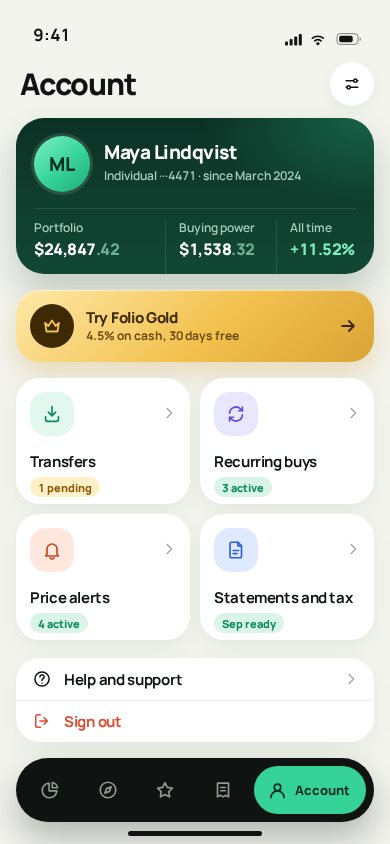 Folio Account: Stocks and ETF investing, Minimal
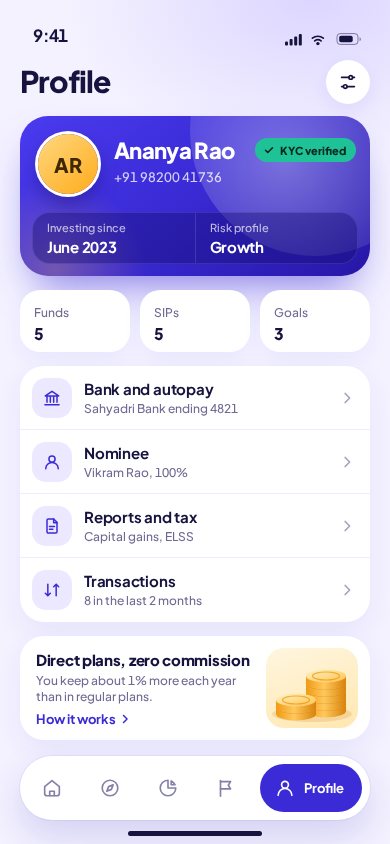 Compound Profile: Mutual funds and SIPs, Minimal
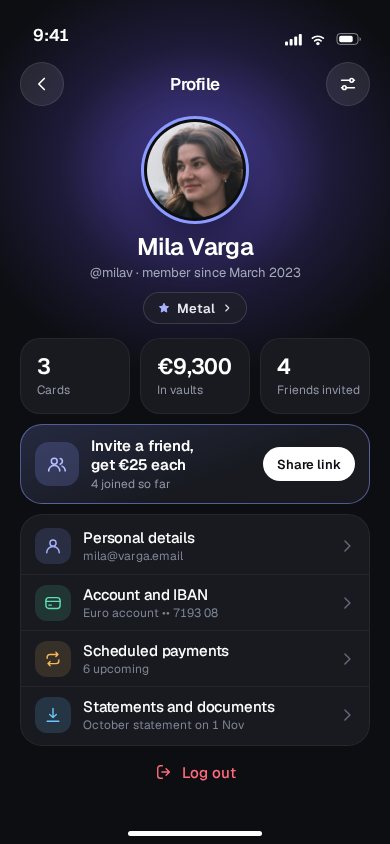 Halden Profile: Premium neobank, Dark-first, dark
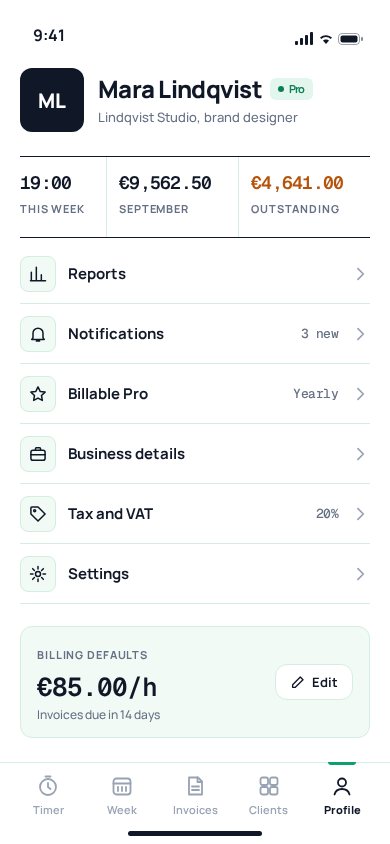 Billable Profile: Time tracking and invoices, kept like a ledger, Minimal
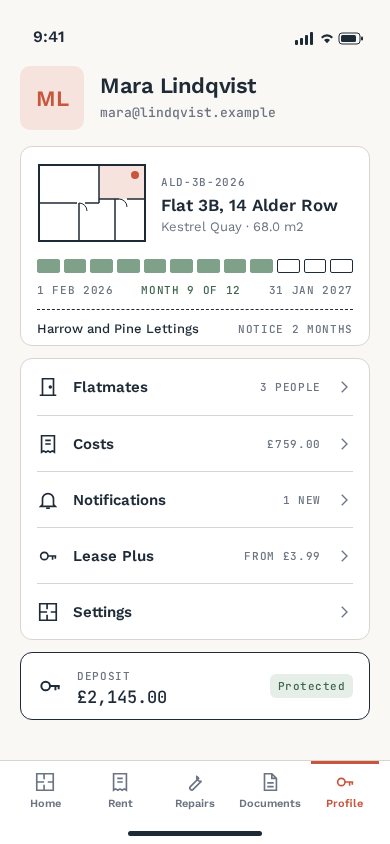 Lease Profile: Your tenancy, drawn to plan, Enterprise
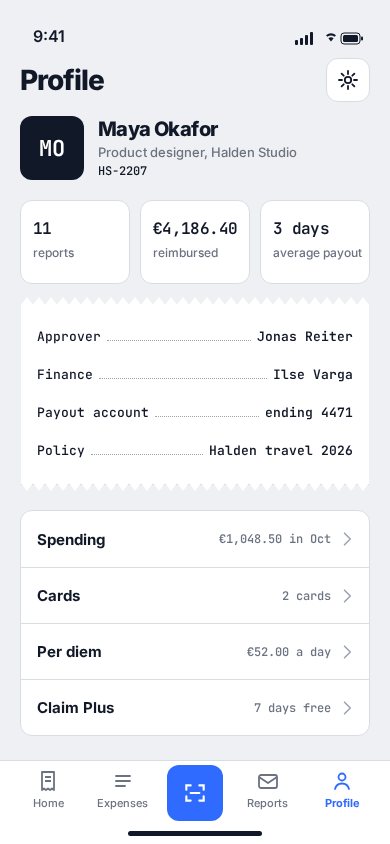 Claim Profile: Expenses, filed like a till receipt, Minimal
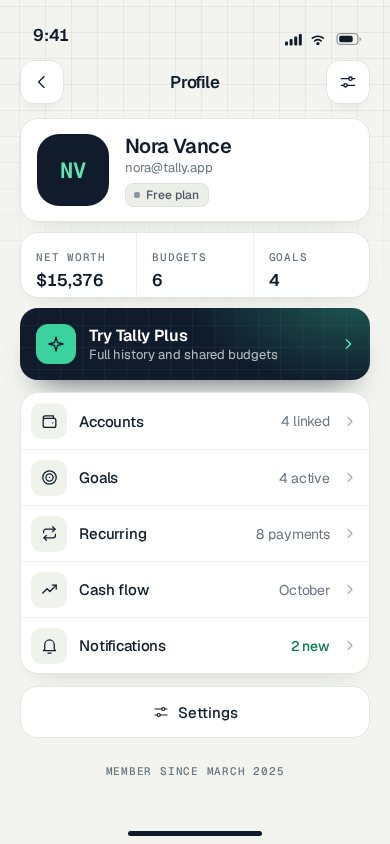 Tally Profile: Monthly budgeting, Clinical
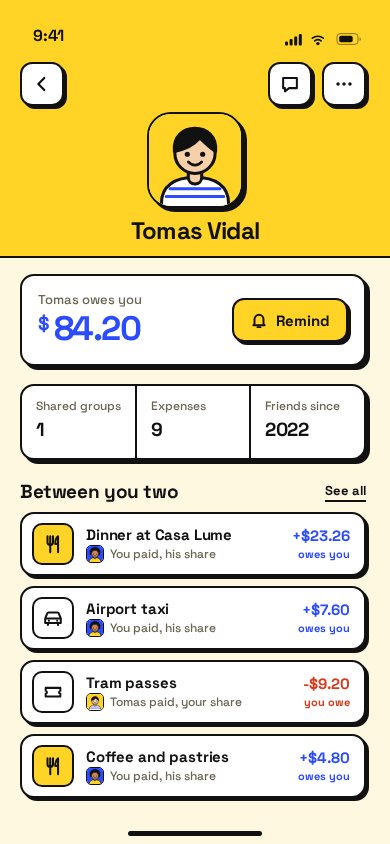 Divvy Friend: Split bills with friends, Neubrutalism
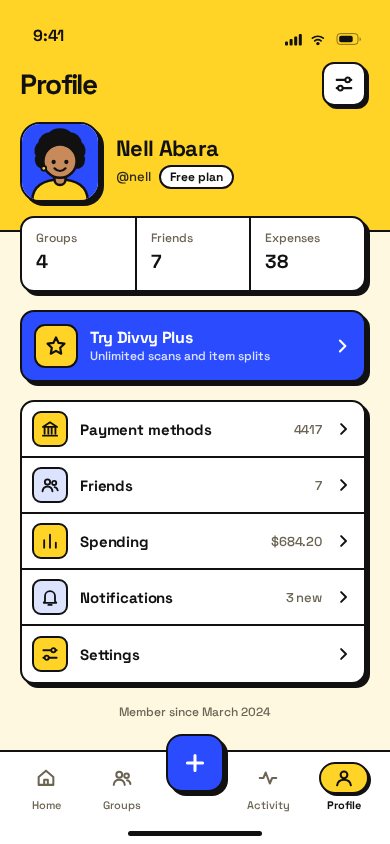 Divvy Profile: Split bills with friends, Neubrutalism
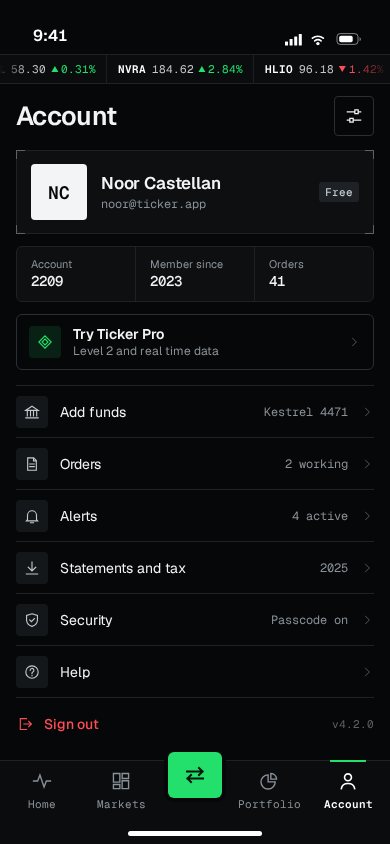 Ticker Account: Stock investing, Dark-first, dark
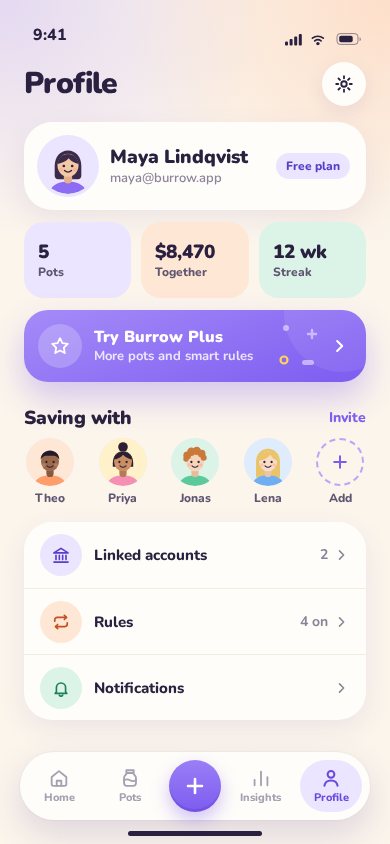 Burrow Profile: Shared savings pots, Playful
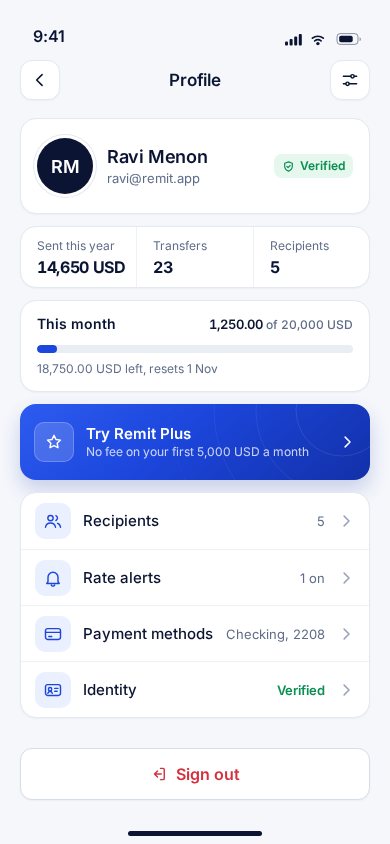 Remit Profile: International money transfer, Enterprise
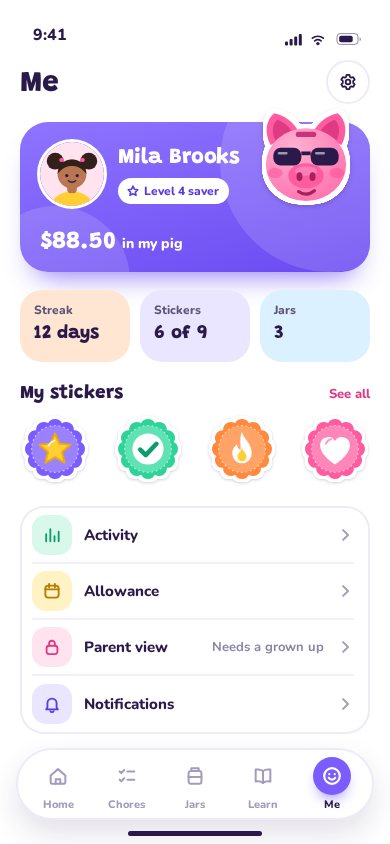 Piggy Profile: Pocket money for kids, Playful
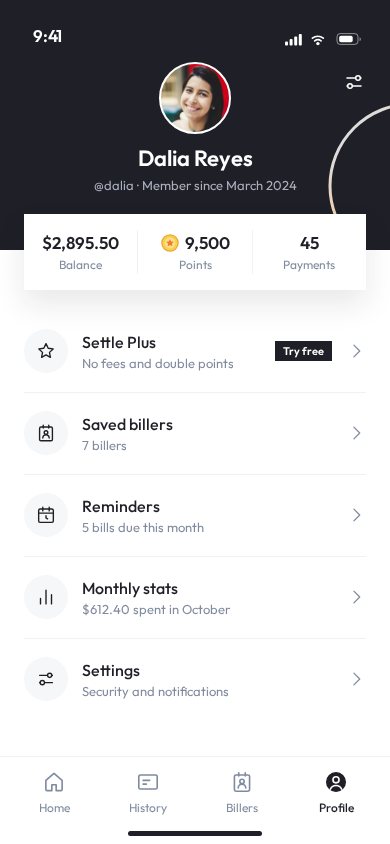 Settle Profile: Bill payments and banking, Minimal
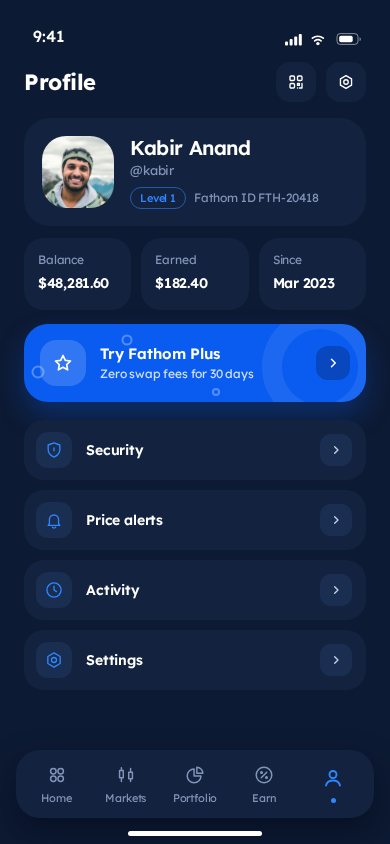 Fathom Profile: Crypto wallet, Dark-first, dark
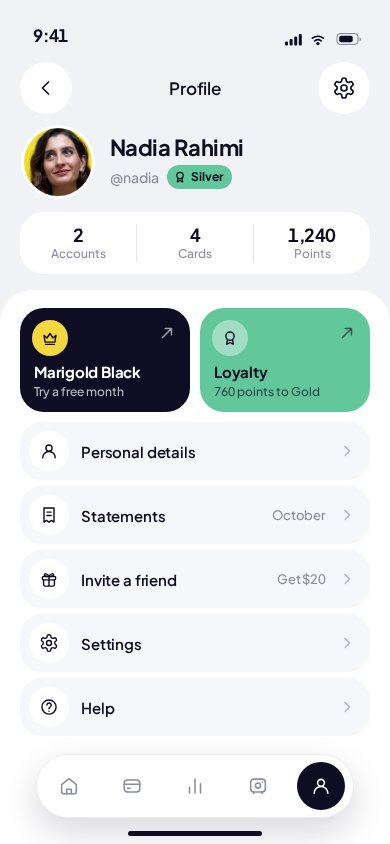 Marigold Profile: Mobile banking, Minimal
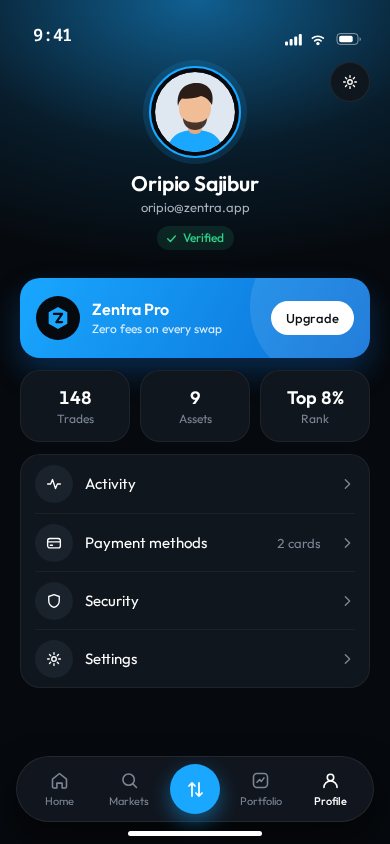 Zentra Profile: Crypto trading, Dark-first, dark
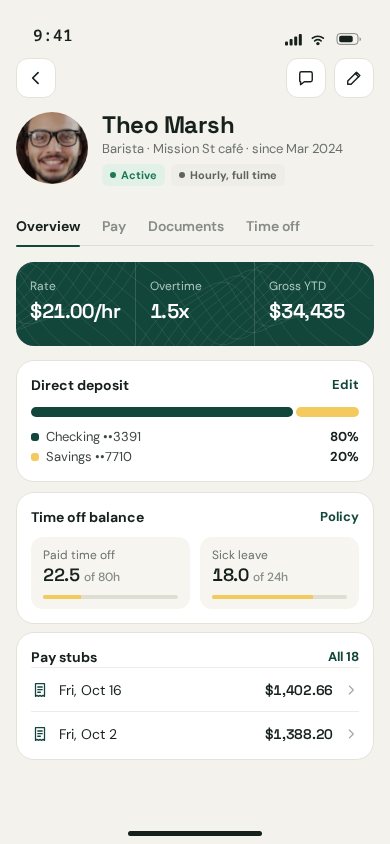 Payday Employee: Payroll for small teams, Enterprise
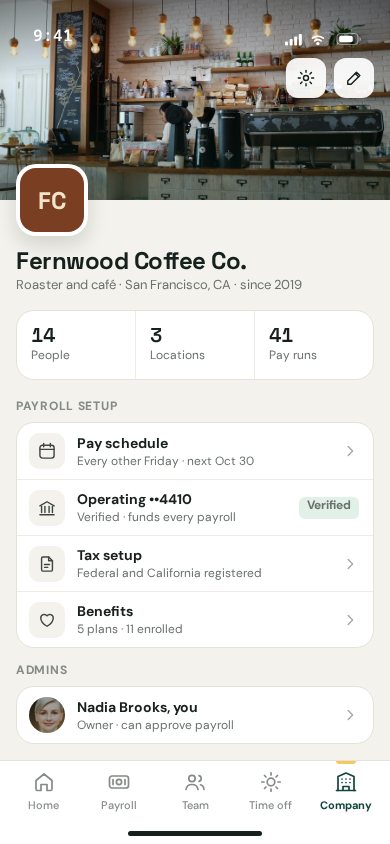 Payday Company: Payroll for small teams, Enterprise
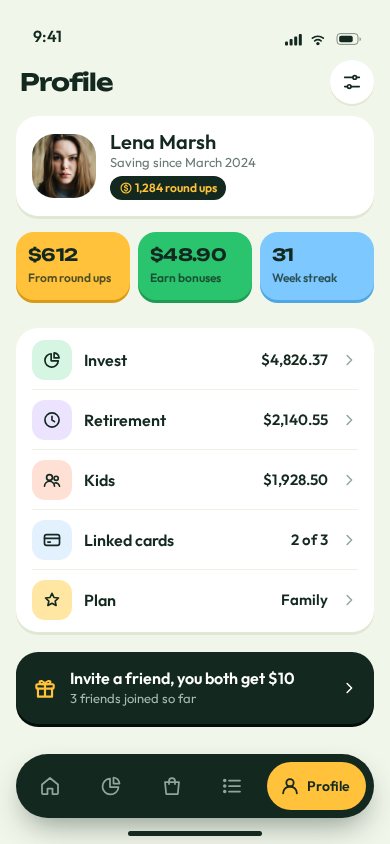 Roundup Profile: Invest your spare change, Playful
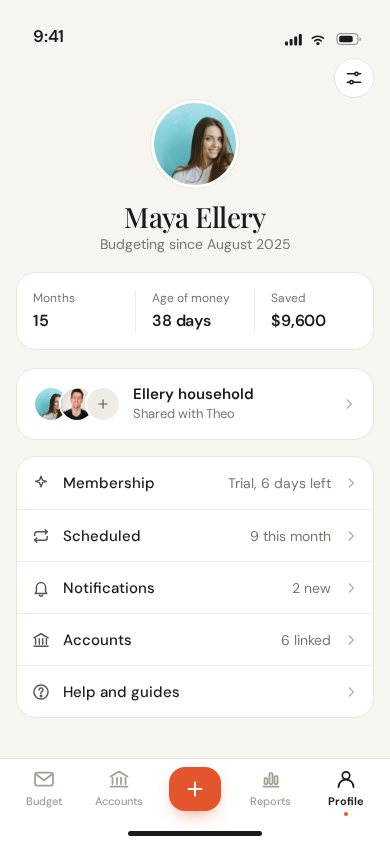 Envelope Profile: Give every dollar a job, Minimal
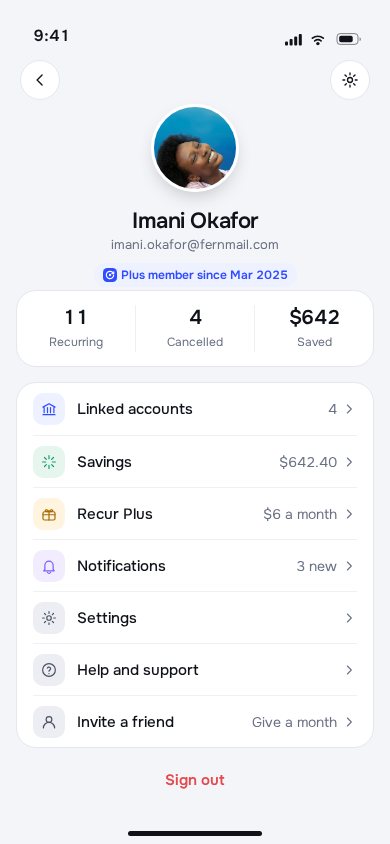 Recur Profile: Track and cancel subscriptions, Minimal
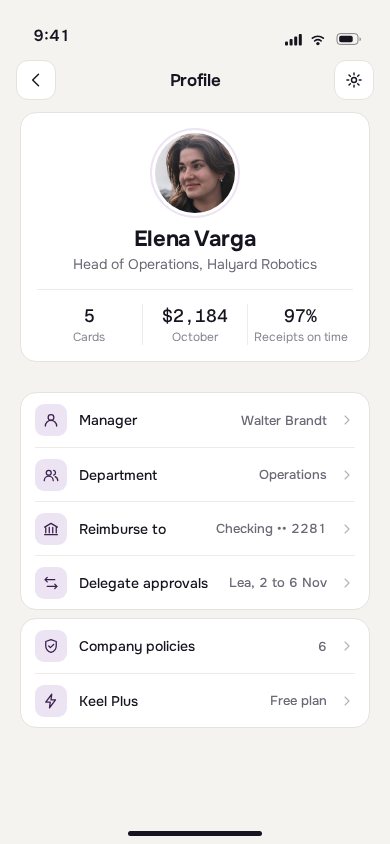 Keel Profile: Corporate cards and spend controls, Enterprise
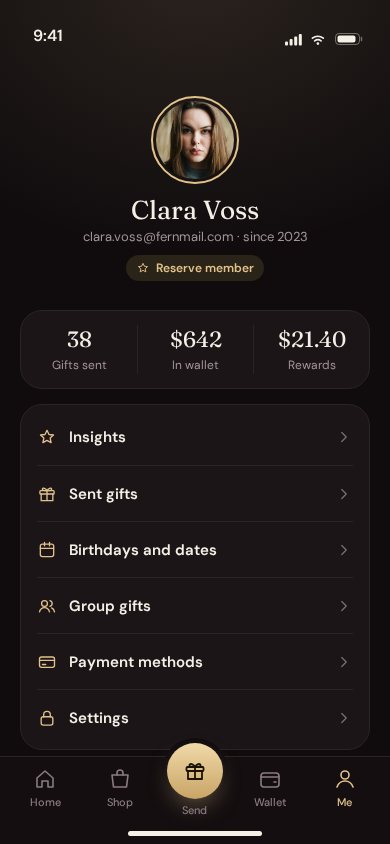 Giftly Profile: Gift cards, sent and stored, Luxury, dark
- Zap Friend: Pay friends with a note, Playful
- Zap Profile: Pay friends with a note, Playful
- Billfold Profile: Cards, passes and tickets wallet, Glass, dark
- Payly Profile: UPI payments, recharges and bills, Playful
- Crest Profile: Credit card bills and rewards, Luxury, dark
- Storefront Customer: Run your online store, Enterprise
- Storefront Profile: Run your online store, Enterprise
- Bastion Profile: Everyday banking from a big bank, Enterprise
- Later You: Buy now, pay in four, Playful
- Standing Profile: Credit score and reports, Minimal
- Accrue Profile: Retirement and pension planner, Minimal
- Levy Profile: Taxes for freelancers, Brutalist
- Bullion Profile: Gold and silver savings, Luxury, dark
- Wage Profile: Get paid as you work, Playful
- Keystone Profile: Mortgage and home loan tracker, Enterprise
- Rebate Profile: Cashback card and rewards, Gen Z
- Aegis Profile: Insurance policies and claims, Clinical
- Till Shop: Card reader and sales for small shops, Neubrutalism
- Strike Profile: Options trading, Dark-first, dark
- Prism Profile: Net worth across every account, Glass, dark
What makes a good finance app profile screen
- Lead with identity. Photo, name and one line about the person at the top. It confirms whose profile this is.
- Show meaningful stats. Two to four numbers that matter in this app, like workouts, followers, books read or streak.
- Make editing obvious for the owner. An Edit profile button near the top, shown only on your own profile.
- Organise content with tabs. Posts, activity, saved or achievements as tabs keep a long profile tidy.
- Keep settings separate. A gear icon leading to settings is clearer than mixing account options into the profile.
- Respect privacy on public profiles. Let people choose what others can see, like stats, activity or location, and make it clear on the screen which parts are public.
The full profile screen guide: layouts, mistakes and questions
Profile screens in other kinds of app
- Lifestyle app profile screens (88)
- Productivity app profile screens (67)
- Social app profile screens (64)
- Travel app profile screens (43)
- Fitness app profile screens (40)
- Education app profile screens (36)
- Food app profile screens (32)
- Sports app profile screens (28)
- Music app profile screens (27)
- Smart home app profile screens (23)
Other finance app screens
- Finance app onboarding screens
- Finance app sign in and sign up screens
- Finance app home screens
- Finance app search and explore screens
- Finance app list and feed screens
- Finance app detail screens
- Finance app booking and checkout screens
- Finance app paywall screens
- Finance app success and confirmation screens
- Finance app settings screens
- Finance app dashboard and stats screens
- Finance app player, camera and editor screens
- Finance app live tracking screens
- Finance app form and input screens