Templates · Success and confirmation screens
Finance app success and confirmation screens
50 confirmation screens from 40 finance app templates, each in its own design language. Finance apps live on trust: exact numbers, calm colour, plain words about fees, and nothing that looks like it is rushing you.
The examples
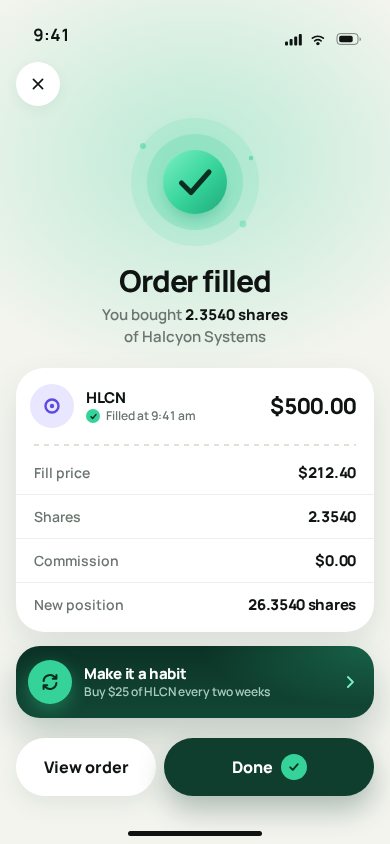 Folio Order placed: Stocks and ETF investing, Minimal
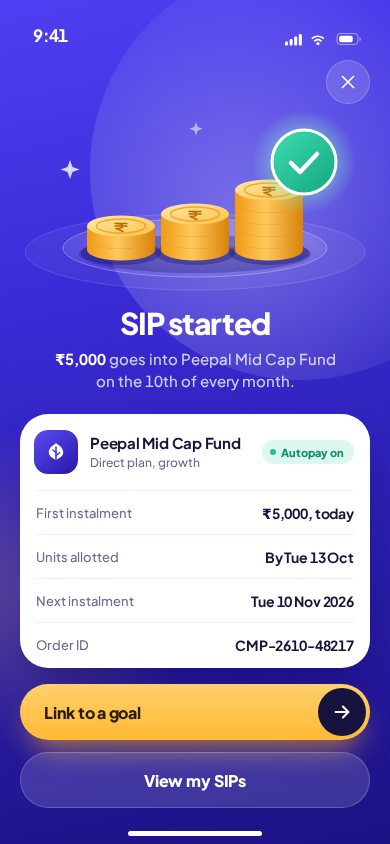 Compound Order confirmed: Mutual funds and SIPs, Minimal
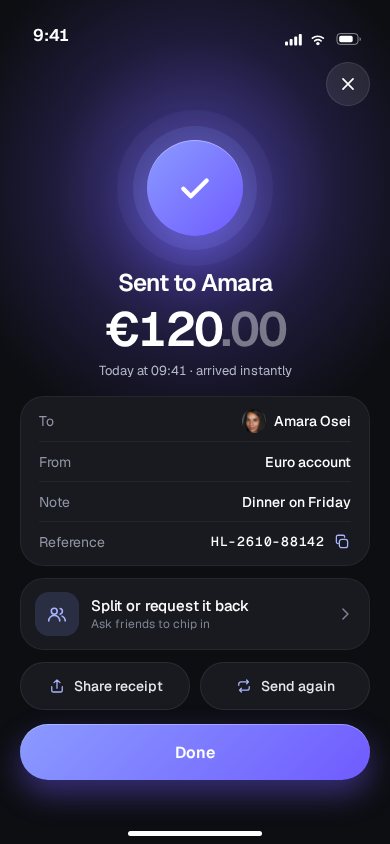 Halden Sent: Premium neobank, Dark-first, dark
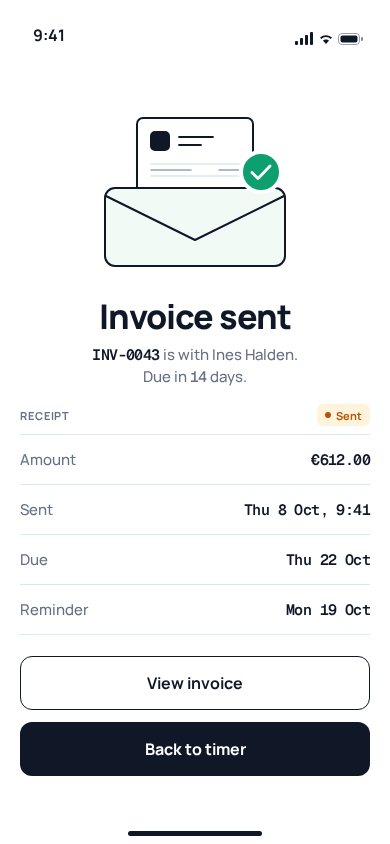 Billable Invoice sent: Time tracking and invoices, kept like a ledger, Minimal
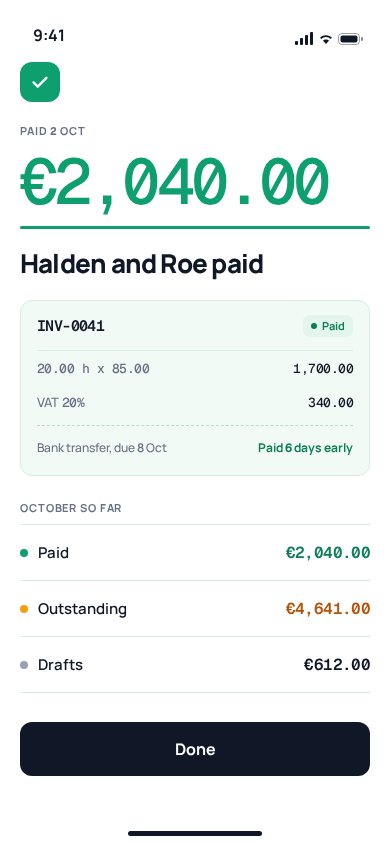 Billable Payment received: Time tracking and invoices, kept like a ledger, Minimal
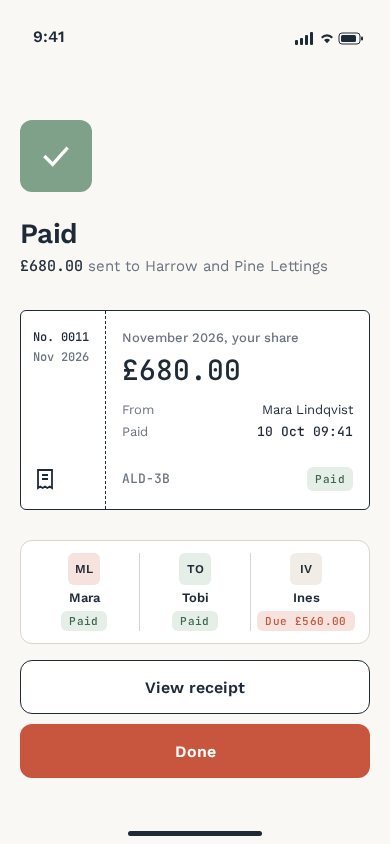 Lease Rent paid: Your tenancy, drawn to plan, Enterprise
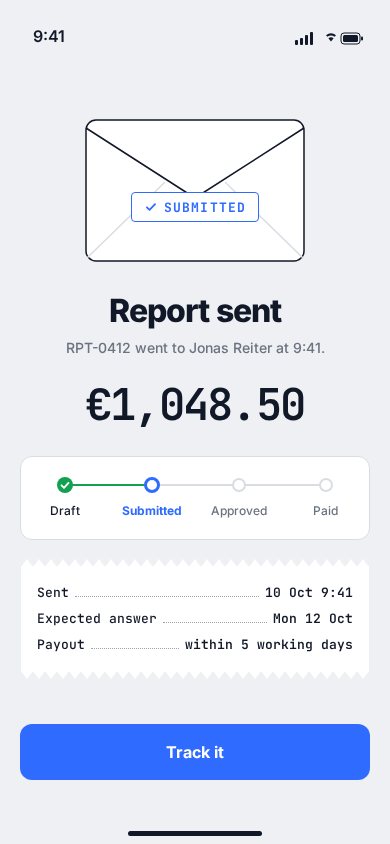 Claim Submitted: Expenses, filed like a till receipt, Minimal
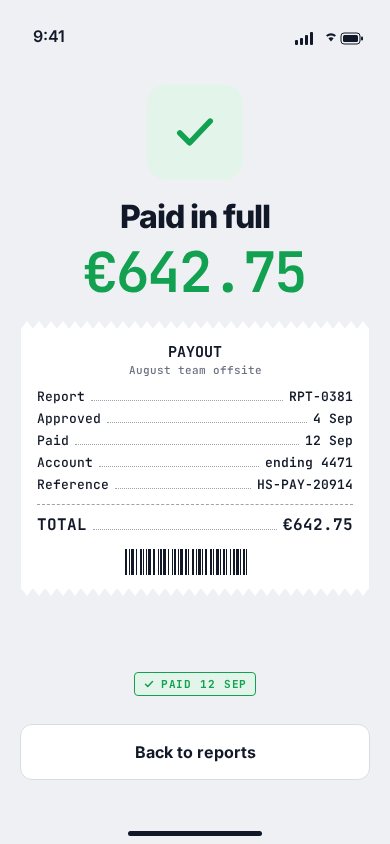 Claim Paid: Expenses, filed like a till receipt, Minimal
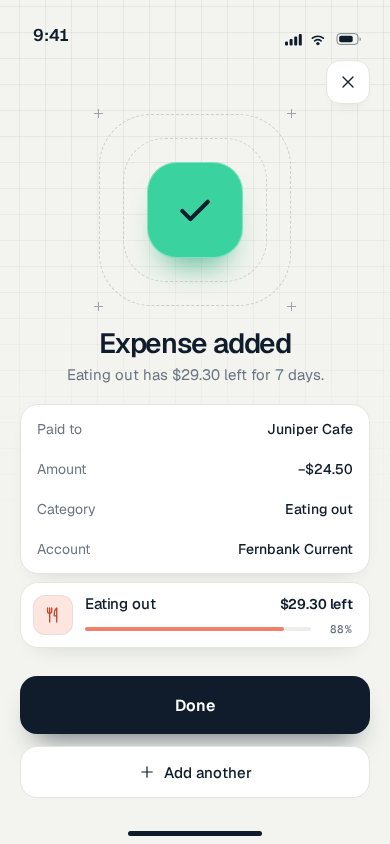 Tally Expense added: Monthly budgeting, Clinical
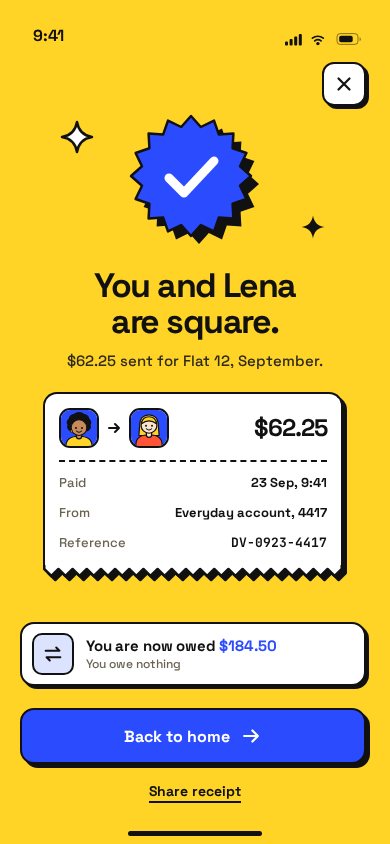 Divvy Settled: Split bills with friends, Neubrutalism
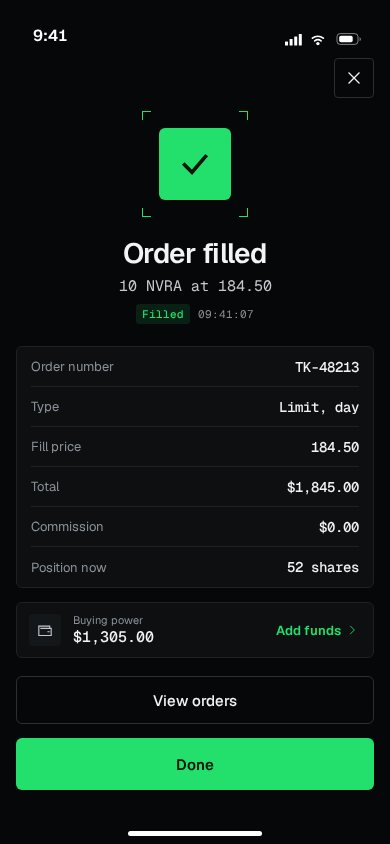 Ticker Order placed: Stock investing, Dark-first, dark
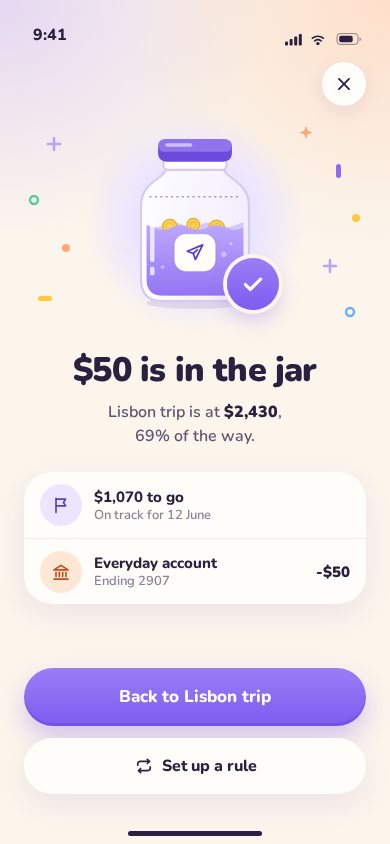 Burrow Money added: Shared savings pots, Playful
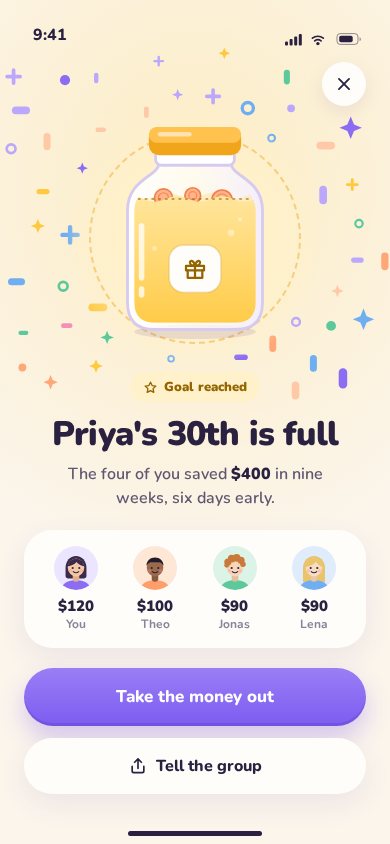 Burrow Goal reached: Shared savings pots, Playful
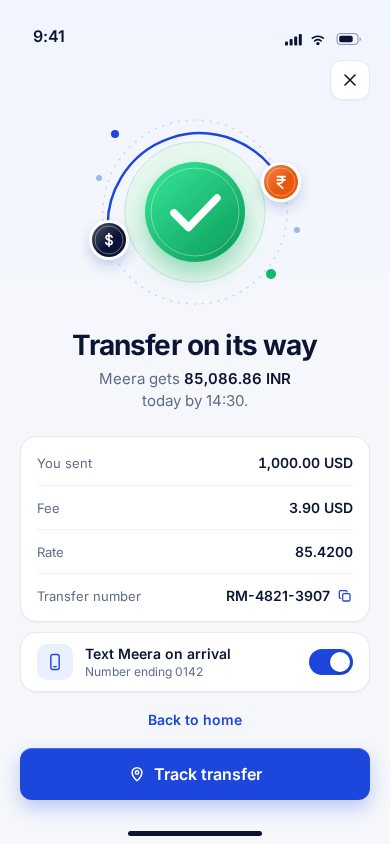 Remit Transfer sent: International money transfer, Enterprise
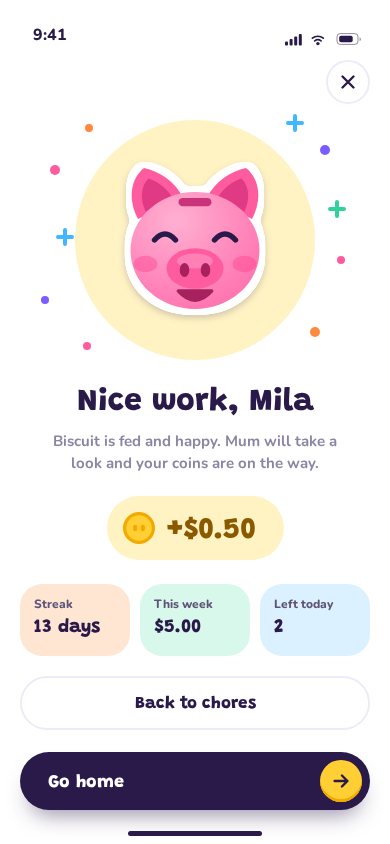 Piggy Nice work: Pocket money for kids, Playful
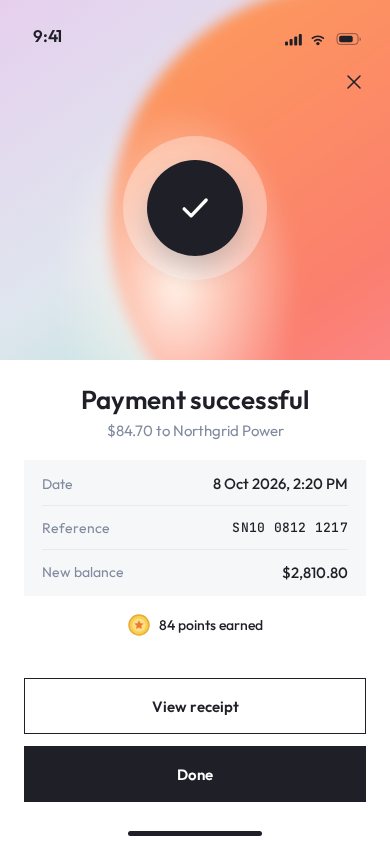 Settle Paid: Bill payments and banking, Minimal
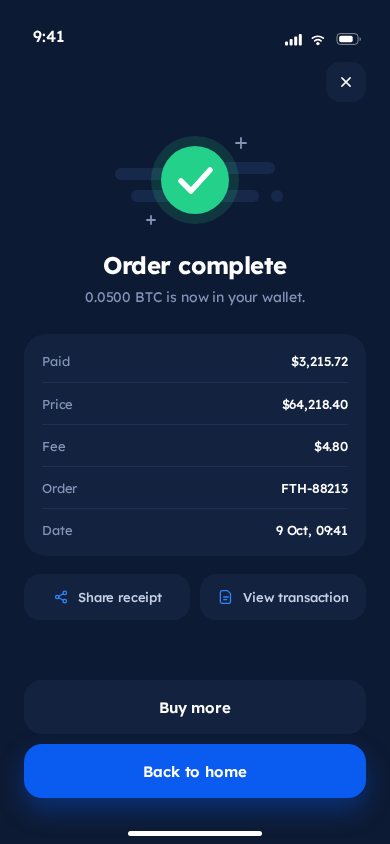 Fathom Order complete: Crypto wallet, Dark-first, dark
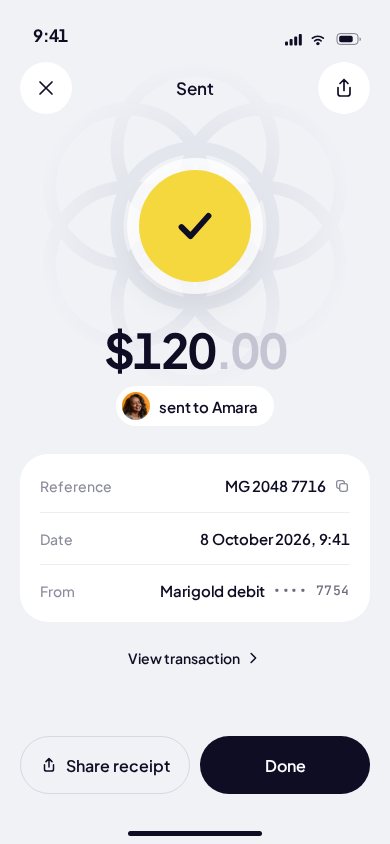 Marigold Sent: Mobile banking, Minimal
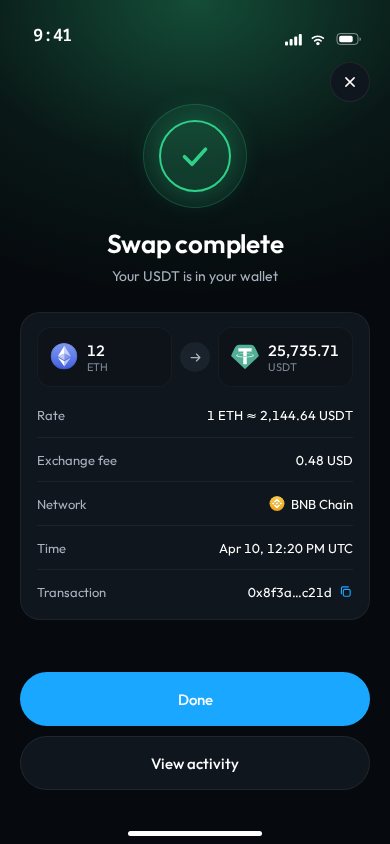 Zentra Swap complete: Crypto trading, Dark-first, dark
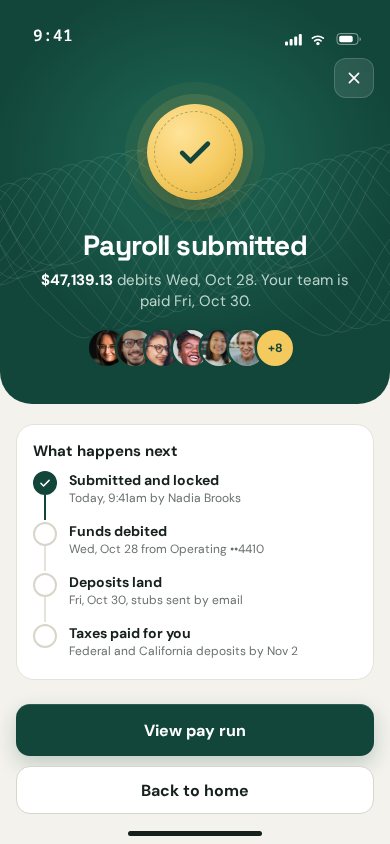 Payday Payroll submitted: Payroll for small teams, Enterprise
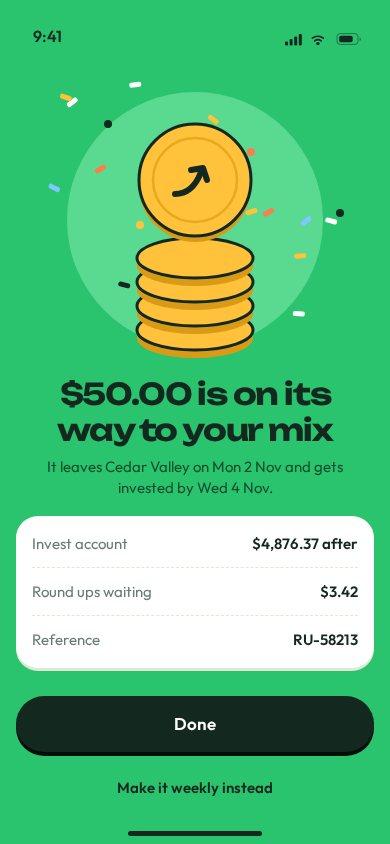 Roundup Invested: Invest your spare change, Playful
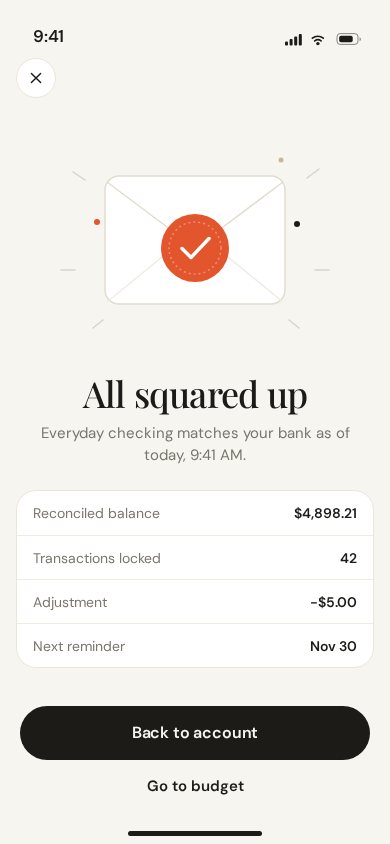 Envelope Reconciled: Give every dollar a job, Minimal
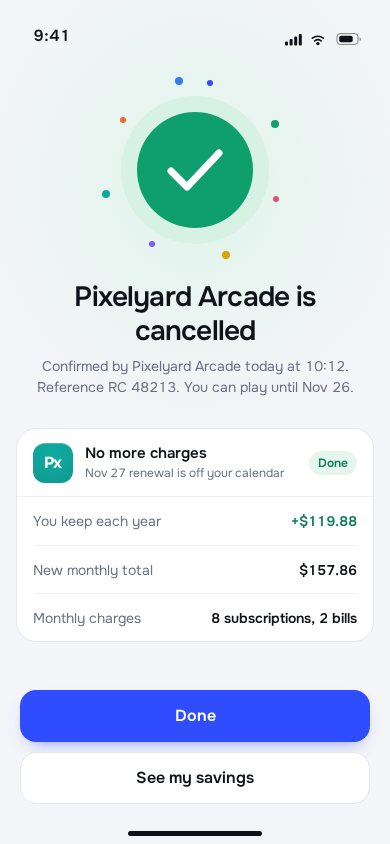 Recur Cancelled: Track and cancel subscriptions, Minimal
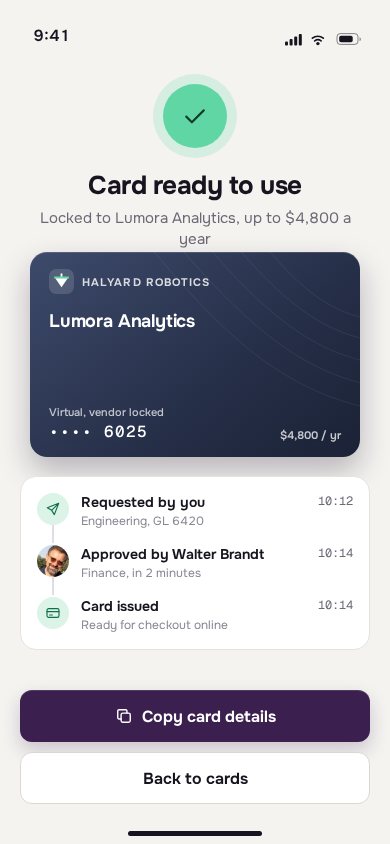 Keel Card ready: Corporate cards and spend controls, Enterprise
- Keel Receipt matched: Corporate cards and spend controls, Enterprise
- Keel Payment scheduled: Corporate cards and spend controls, Enterprise
- Giftly Sent: Gift cards, sent and stored, Luxury, dark
- Giftly Card added: Gift cards, sent and stored, Luxury, dark
- Zap Sent: Pay friends with a note, Playful
- Billfold Card added: Cards, passes and tickets wallet, Glass, dark
- Billfold Paid: Cards, passes and tickets wallet, Glass, dark
- Payly Payment done: UPI payments, recharges and bills, Playful
- Crest Bill paid: Credit card bills and rewards, Luxury, dark
- Crest Booked: Credit card bills and rewards, Luxury, dark
- Storefront Label ready: Run your online store, Enterprise
- Bastion Transfer sent: Everyday banking from a big bank, Enterprise
- Later Approved: Buy now, pay in four, Playful
- Later Payment made: Buy now, pay in four, Playful
- Standing Dispute sent: Credit score and reports, Minimal
- Standing Application sent: Credit score and reports, Minimal
- Accrue Transfer started: Retirement and pension planner, Minimal
- Levy Paid: Taxes for freelancers, Brutalist
- Bullion Purchased: Gold and silver savings, Luxury, dark
- Wage Cash sent: Get paid as you work, Playful
- Keystone Payment scheduled: Mortgage and home loan tracker, Enterprise
- Rebate Cashed out: Cashback card and rewards, Gen Z
- Aegis Claim filed: Insurance policies and claims, Clinical
- Till Approved: Card reader and sales for small shops, Neubrutalism
- Strike Order filled: Options trading, Dark-first, dark
- Prism Linked: Net worth across every account, Glass, dark
What makes a good finance app confirmation screen
- Confirm in the headline. "Payment sent", "Table booked for Friday at 8" or "Lesson complete" in plain words, with a clear success colour or icon.
- Repeat the key details. Amount, date, reference number or score, so people do not need to check elsewhere that the right thing happened.
- Say what happens next. When the order arrives, when the money lands, when the next lesson unlocks.
- Offer the next step. Track the order, add to calendar, share, or start the next lesson. One primary action and a way back home.
- Match the emotion to the moment. A streak or a finished course can celebrate; a bank transfer should feel calm and certain.
- Make the receipt easy to keep. Offer share, save as image or email receipt for payments and bookings, and keep the same details findable later in the app's history.
The full confirmation screen guide: layouts, mistakes and questions
Success and confirmation screens in other kinds of app
- Lifestyle app success and confirmation screens (77)
- Productivity app success and confirmation screens (66)
- Social app success and confirmation screens (52)
- Travel app success and confirmation screens (50)
- Education app success and confirmation screens (44)
- Fitness app success and confirmation screens (41)
- Food app success and confirmation screens (39)
- Smart home app success and confirmation screens (28)
- Music app success and confirmation screens (24)
- Sports app success and confirmation screens (23)
Other finance app screens
- Finance app onboarding screens
- Finance app sign in and sign up screens
- Finance app home screens
- Finance app search and explore screens
- Finance app list and feed screens
- Finance app detail screens
- Finance app booking and checkout screens
- Finance app paywall screens
- Finance app profile screens
- Finance app settings screens
- Finance app dashboard and stats screens
- Finance app player, camera and editor screens
- Finance app live tracking screens
- Finance app form and input screens