Templates · Player, camera and editor screens
Finance app player, camera and editor screens
23 media player screens from 20 finance app templates, each in its own design language. Finance apps live on trust: exact numbers, calm colour, plain words about fees, and nothing that looks like it is rushing you.
The examples
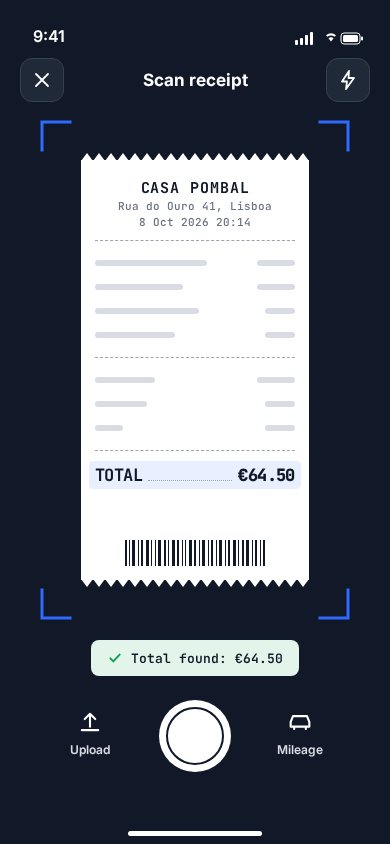 Claim Scan receipt: Expenses, filed like a till receipt, Minimal
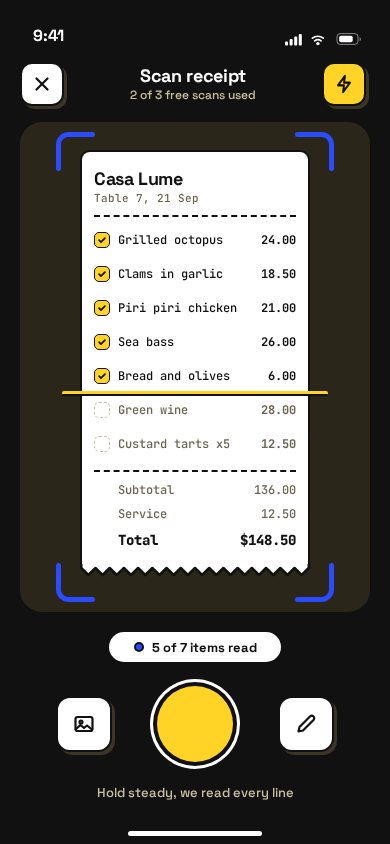 Divvy Scan receipt: Split bills with friends, Neubrutalism
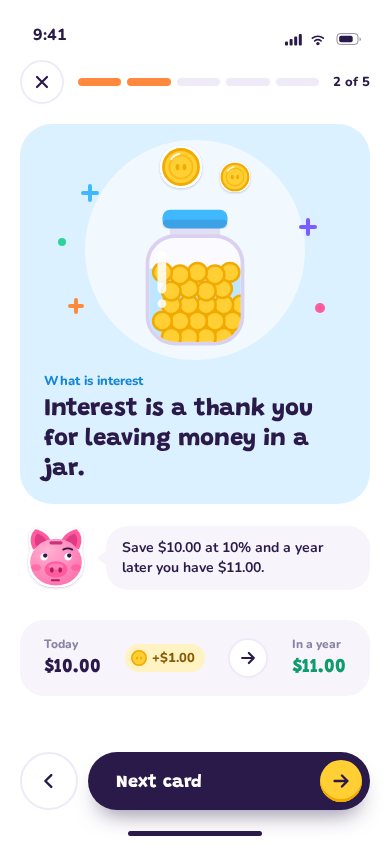 Piggy Lesson: Pocket money for kids, Playful
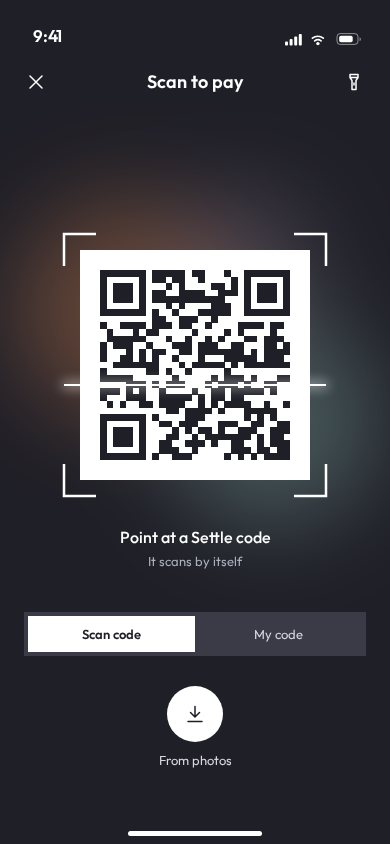 Settle Scan: Bill payments and banking, Minimal
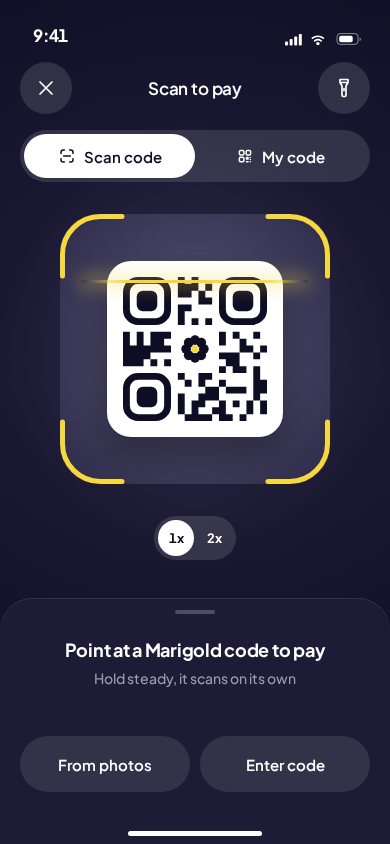 Marigold Scan: Mobile banking, Minimal
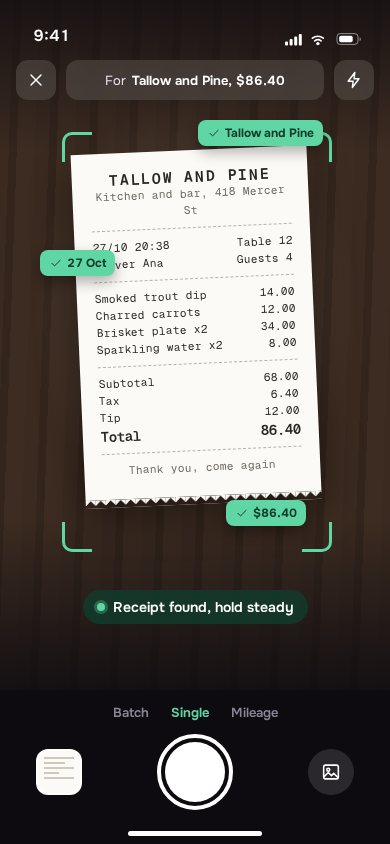 Keel Snap receipt: Corporate cards and spend controls, Enterprise
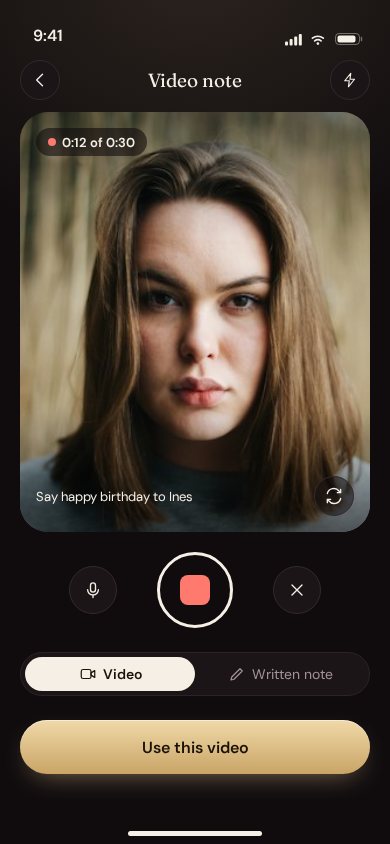 Giftly Message: Gift cards, sent and stored, Luxury, dark
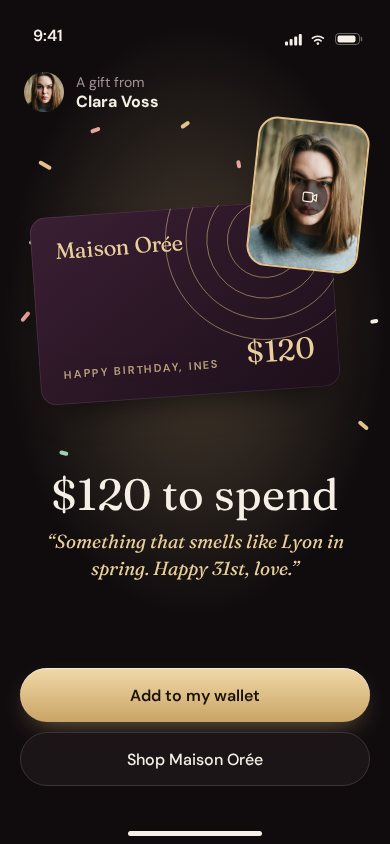 Giftly Unwrap: Gift cards, sent and stored, Luxury, dark
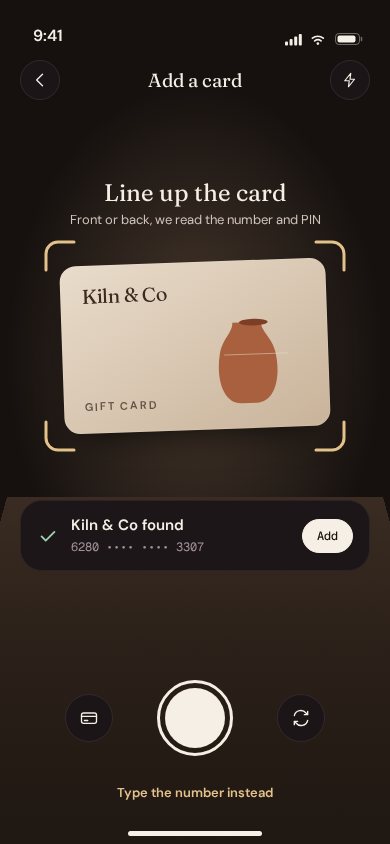 Giftly Scan card: Gift cards, sent and stored, Luxury, dark
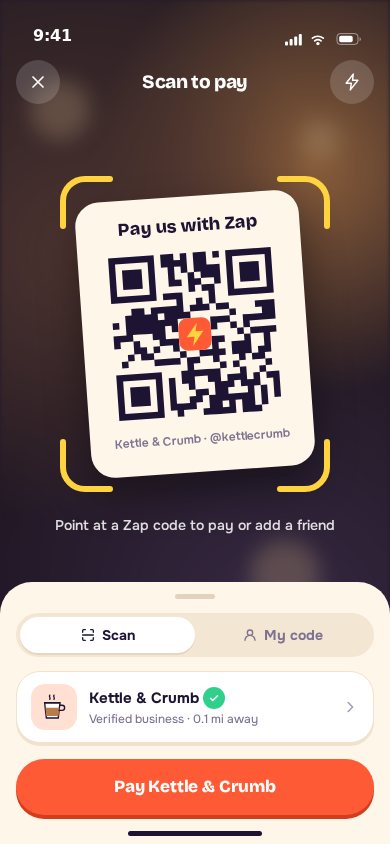 Zap Scan: Pay friends with a note, Playful
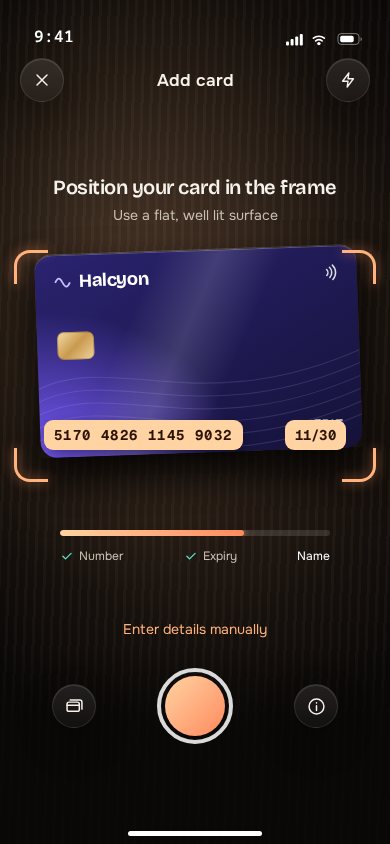 Billfold Scan card: Cards, passes and tickets wallet, Glass, dark
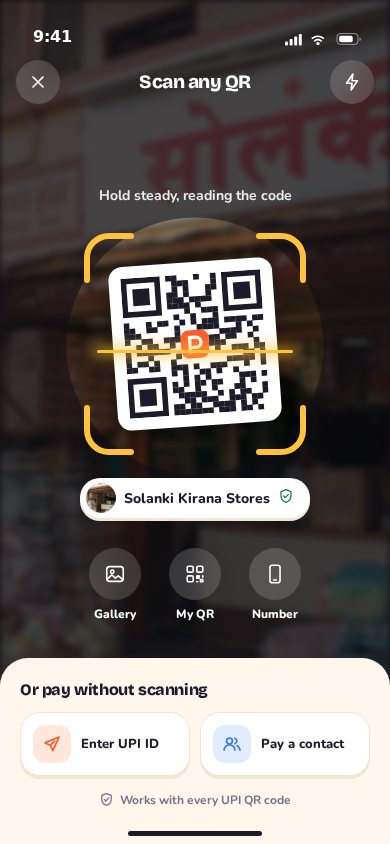 Payly Scan QR: UPI payments, recharges and bills, Playful
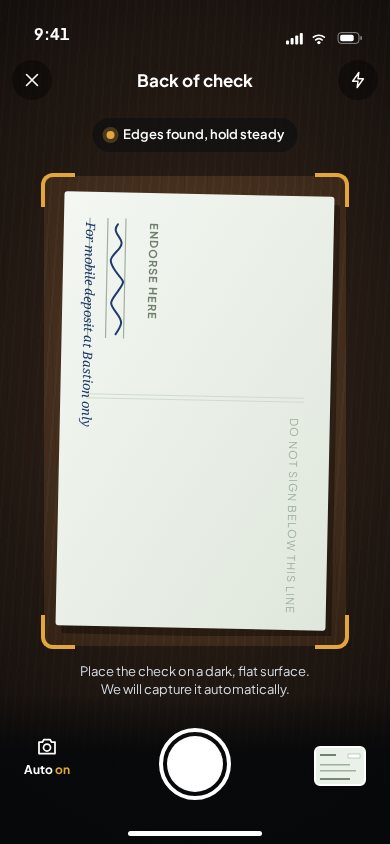 Bastion Capture check: Everyday banking from a big bank, Enterprise
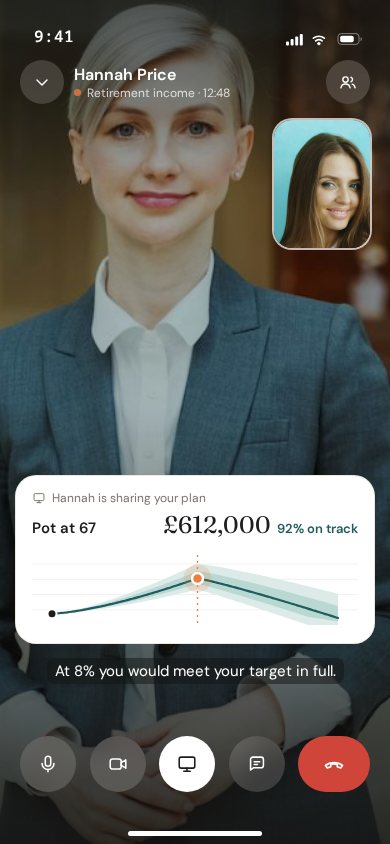 Accrue Adviser call: Retirement and pension planner, Minimal
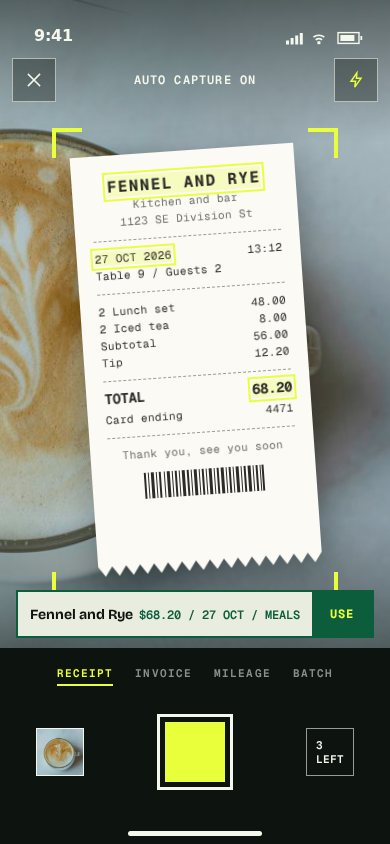 Levy Scan receipt: Taxes for freelancers, Brutalist
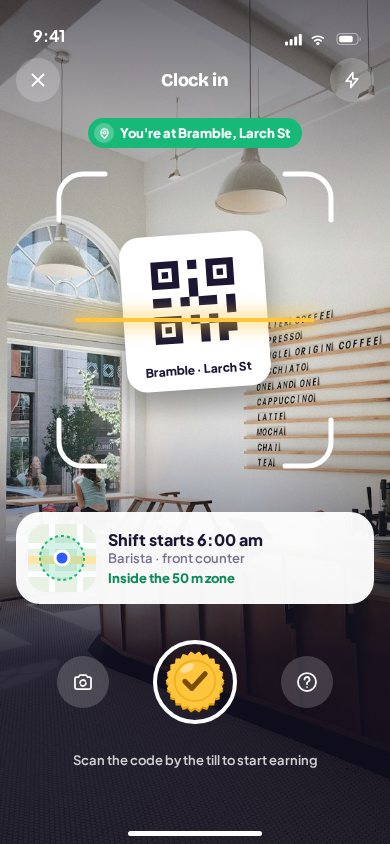 Wage Clock in: Get paid as you work, Playful
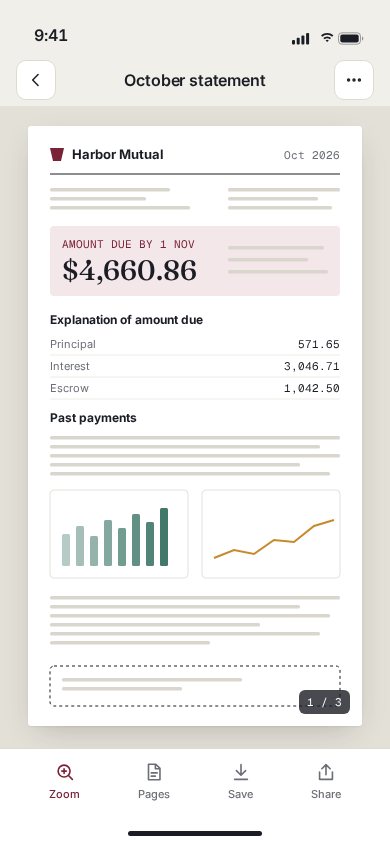 Keystone Statement: Mortgage and home loan tracker, Enterprise
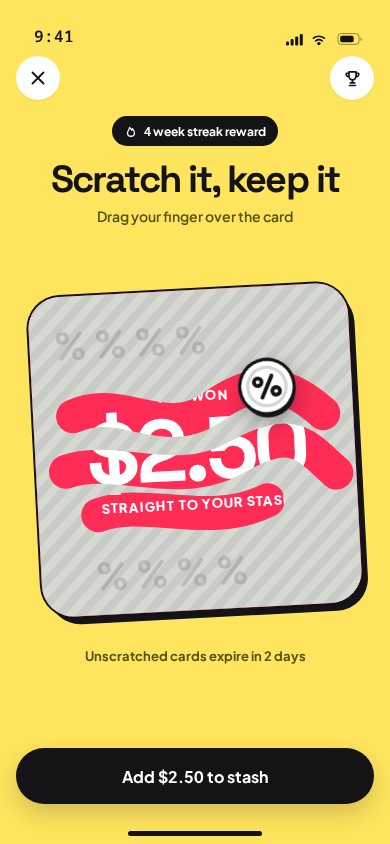 Rebate Scratch card: Cashback card and rewards, Gen Z
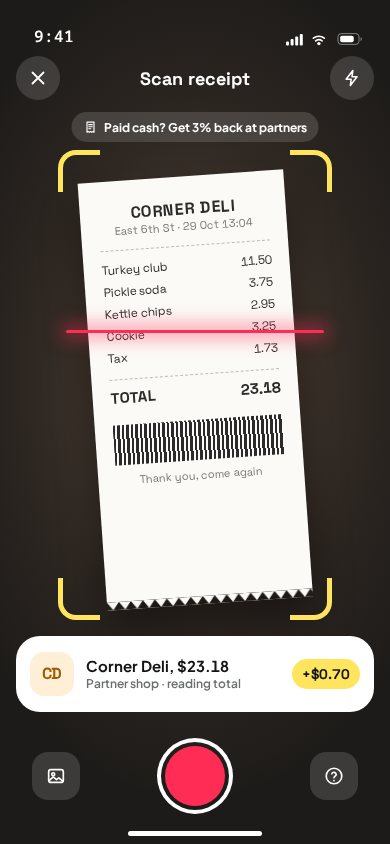 Rebate Scan receipt: Cashback card and rewards, Gen Z
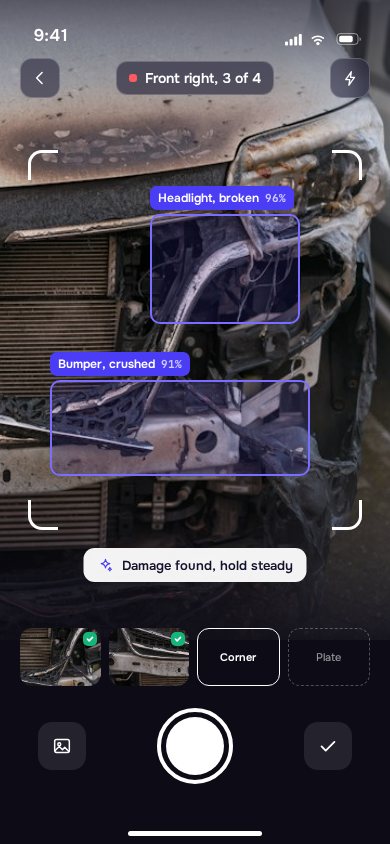 Aegis Damage photos: Insurance policies and claims, Clinical
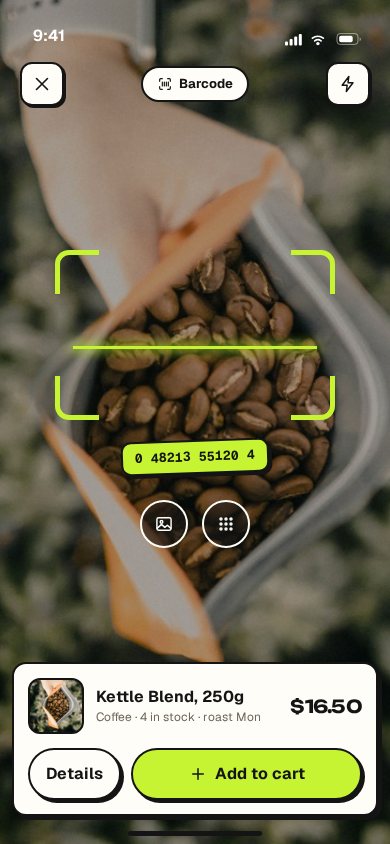 Till Scan: Card reader and sales for small shops, Neubrutalism
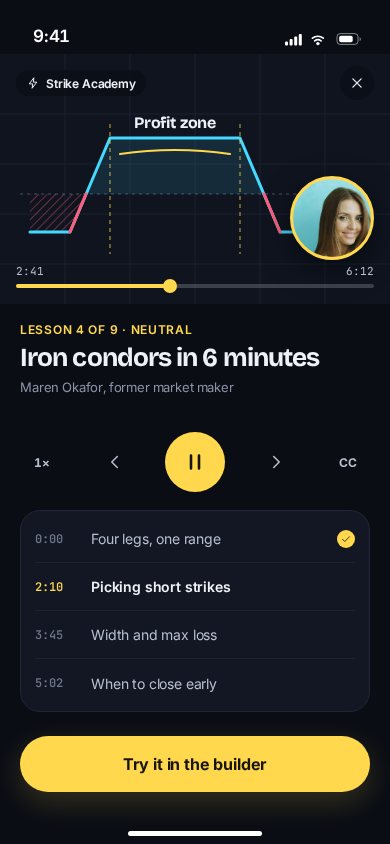 Strike Lesson: Options trading, Dark-first, dark
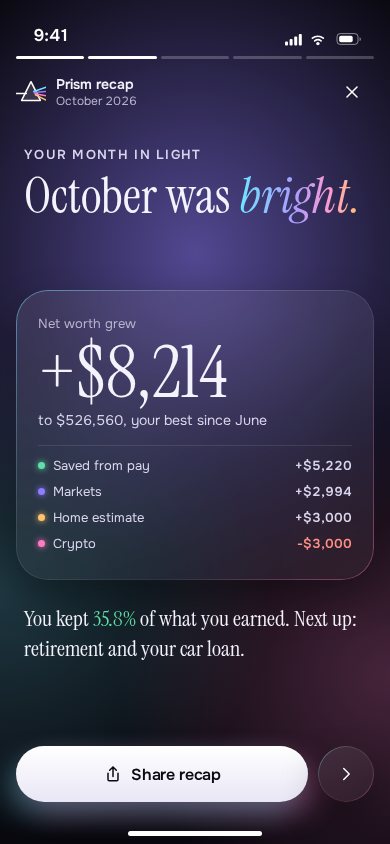 Prism October recap: Net worth across every account, Glass, dark
What makes a good finance app media player screen
- Content takes the space. Artwork, video or the camera view should fill most of the screen.
- Primary controls in the thumb zone. Play and pause, the shutter or the main tool, large and low on the screen.
- Show progress and position. A scrubber with elapsed and remaining time, or the step in a lesson.
- Hide secondary controls until needed. Lyrics, queue, filters and advanced tools can live behind a tap or a swipe.
- Respect system conventions. Media controls on the lock screen, swipe down to minimise and standard gestures people already know.
- Support both one hand and full screen. A compact player for quick control and a full view for watching or editing, with an easy gesture between them.
The full media player screen guide: layouts, mistakes and questions
Player, camera and editor screens in other kinds of app
- Social app player, camera and editor screens (90)
- Productivity app player, camera and editor screens (84)
- Lifestyle app player, camera and editor screens (66)
- Education app player, camera and editor screens (60)
- Fitness app player, camera and editor screens (40)
- Music app player, camera and editor screens (36)
- Travel app player, camera and editor screens (24)
- Smart home app player, camera and editor screens (24)
- Food app player, camera and editor screens (20)
- Sports app player, camera and editor screens (12)
Other finance app screens
- Finance app onboarding screens
- Finance app sign in and sign up screens
- Finance app home screens
- Finance app search and explore screens
- Finance app list and feed screens
- Finance app detail screens
- Finance app booking and checkout screens
- Finance app paywall screens
- Finance app success and confirmation screens
- Finance app profile screens
- Finance app settings screens
- Finance app dashboard and stats screens
- Finance app live tracking screens
- Finance app form and input screens