Templates · Player, camera and editor screens
Sports app player, camera and editor screens
12 media player screens from 11 sports app templates, each in its own design language. Sports apps are live and dense: scores, times and stats that must read at a glance, often on a dark background for match day.
The examples
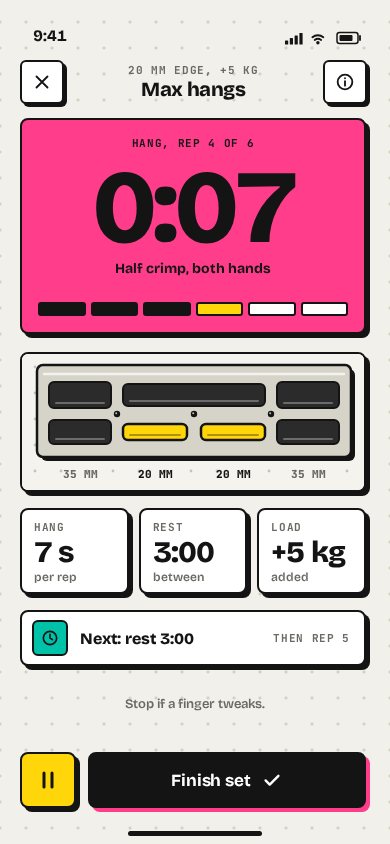 Crag Hangboard: Climbing gym logbook, Neubrutalism
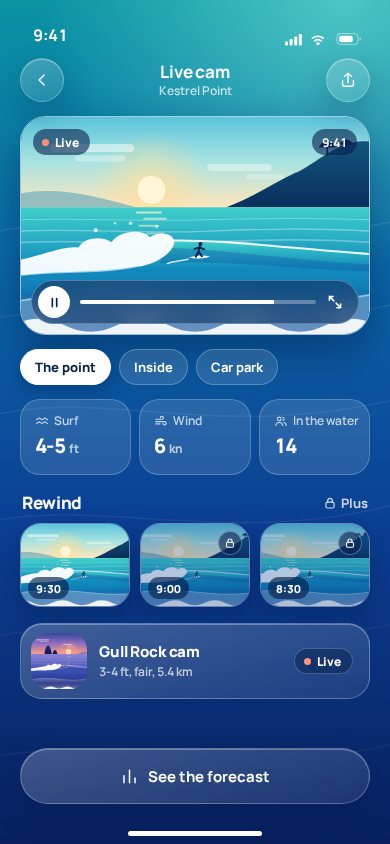 Swell Live cam: Surf forecast, Glass, dark
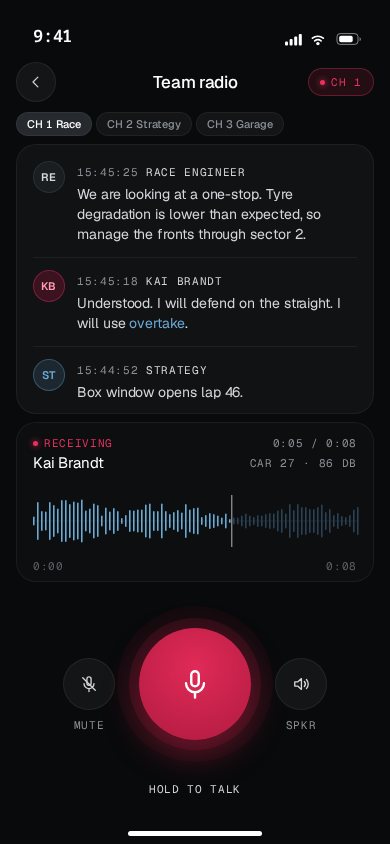 Pitwall Team radio: Race engineering, Dark-first, dark
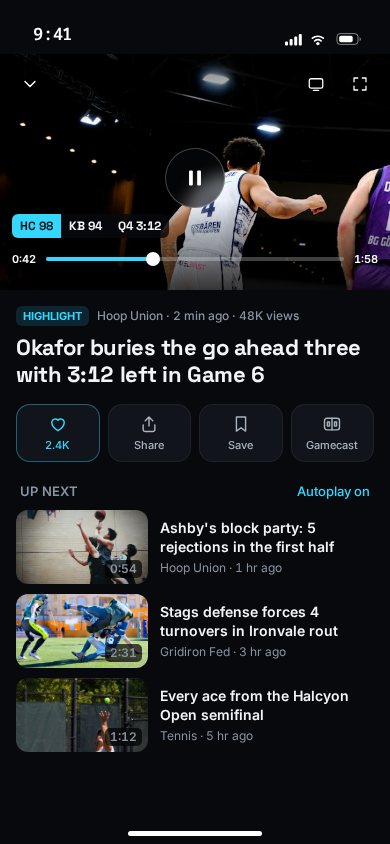 Scoreboard Highlight: Scores and news for every sport, Dark-first, dark
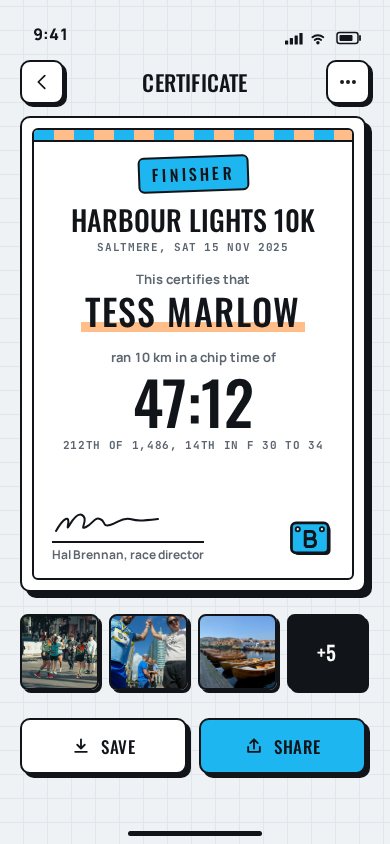 Bib Certificate: Find and enter races, Neubrutalism
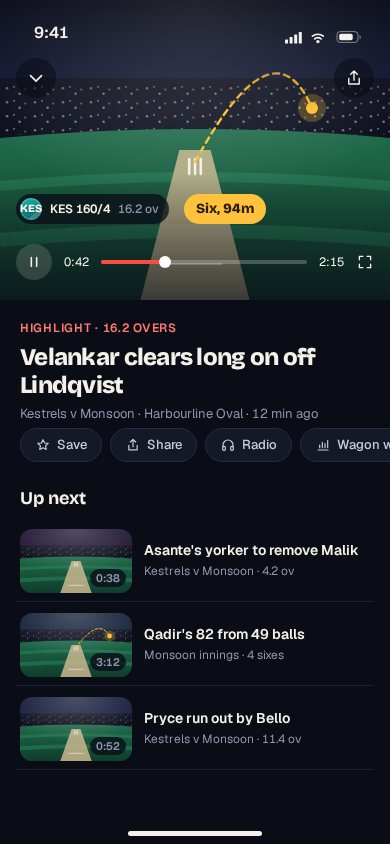 Wicket Highlights: Live cricket scores, Dark-first, dark
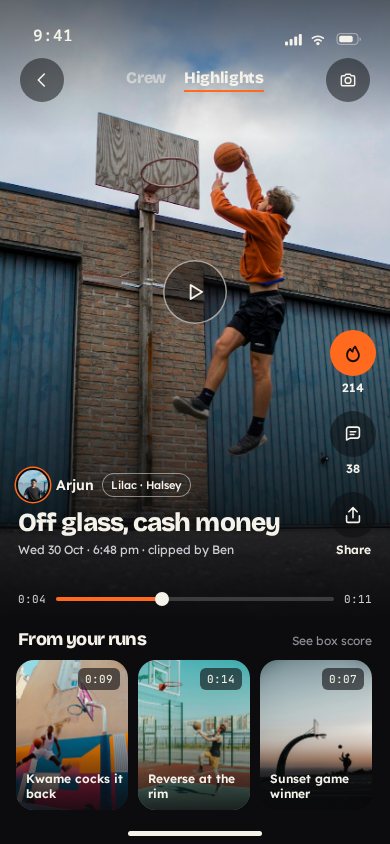 Courtside Highlights: Pickup basketball games, Gen Z, dark
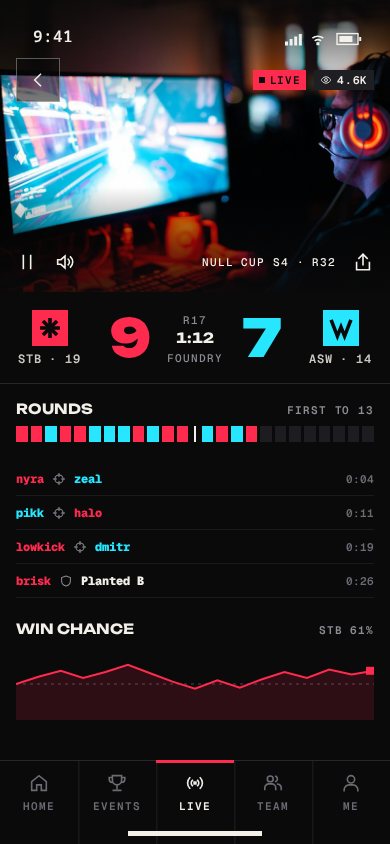 Frag Live match: Esports tournaments and teams, Brutalist, dark
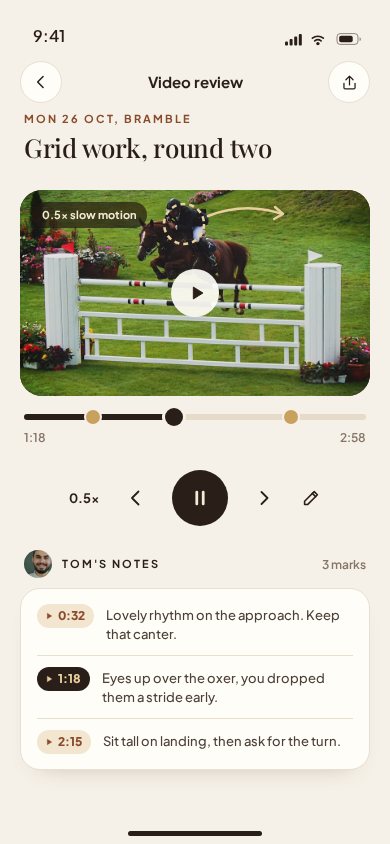 Canter Video review: Riding stables and lessons, Luxury
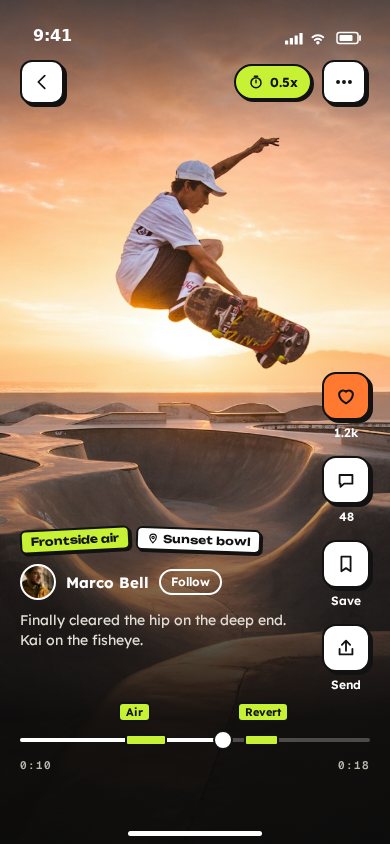 Ollie Clip: Skate spots and clips, Neubrutalism
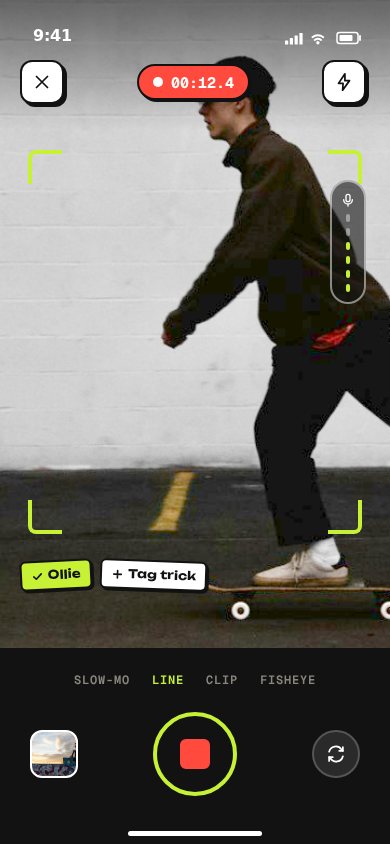 Ollie Record: Skate spots and clips, Neubrutalism
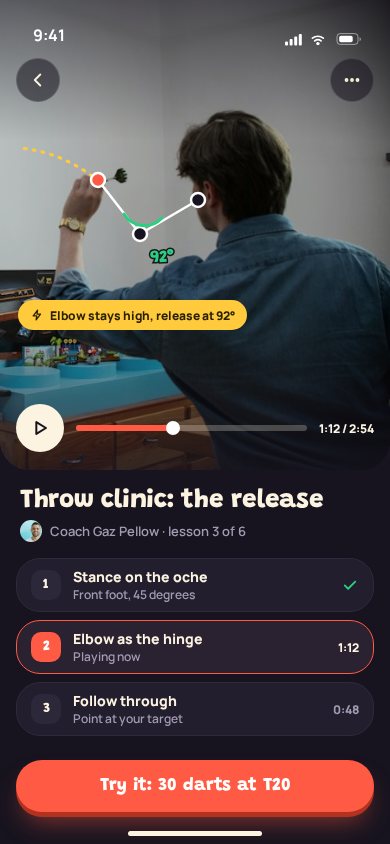 Oche Throw clinic: Darts scorer and leagues, Playful, dark
What makes a good sports app media player screen
- Content takes the space. Artwork, video or the camera view should fill most of the screen.
- Primary controls in the thumb zone. Play and pause, the shutter or the main tool, large and low on the screen.
- Show progress and position. A scrubber with elapsed and remaining time, or the step in a lesson.
- Hide secondary controls until needed. Lyrics, queue, filters and advanced tools can live behind a tap or a swipe.
- Respect system conventions. Media controls on the lock screen, swipe down to minimise and standard gestures people already know.
- Support both one hand and full screen. A compact player for quick control and a full view for watching or editing, with an easy gesture between them.
The full media player screen guide: layouts, mistakes and questions
Player, camera and editor screens in other kinds of app
- Social app player, camera and editor screens (90)
- Productivity app player, camera and editor screens (84)
- Lifestyle app player, camera and editor screens (66)
- Education app player, camera and editor screens (60)
- Fitness app player, camera and editor screens (40)
- Music app player, camera and editor screens (36)
- Travel app player, camera and editor screens (24)
- Smart home app player, camera and editor screens (24)
- Finance app player, camera and editor screens (23)
- Food app player, camera and editor screens (20)
Other sports app screens
- Sports app onboarding screens
- Sports app sign in and sign up screens
- Sports app home screens
- Sports app search and explore screens
- Sports app list and feed screens
- Sports app detail screens
- Sports app booking and checkout screens
- Sports app paywall screens
- Sports app success and confirmation screens
- Sports app profile screens
- Sports app settings screens
- Sports app dashboard and stats screens
- Sports app live tracking screens
- Sports app form and input screens