Templates · Player, camera and editor screens
Education app player, camera and editor screens
60 media player screens from 26 education app templates, each in its own design language. Education apps are about the next step: what to learn today, how far you have come, and a tone that encourages rather than lectures.
The examples
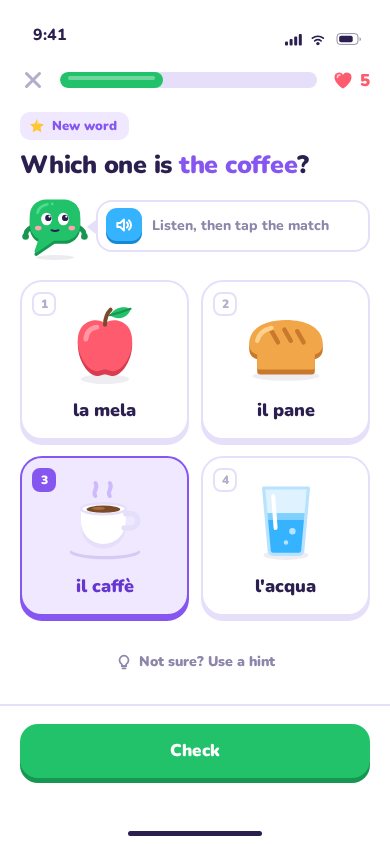 Parla Pick the word: Language learning, Playful
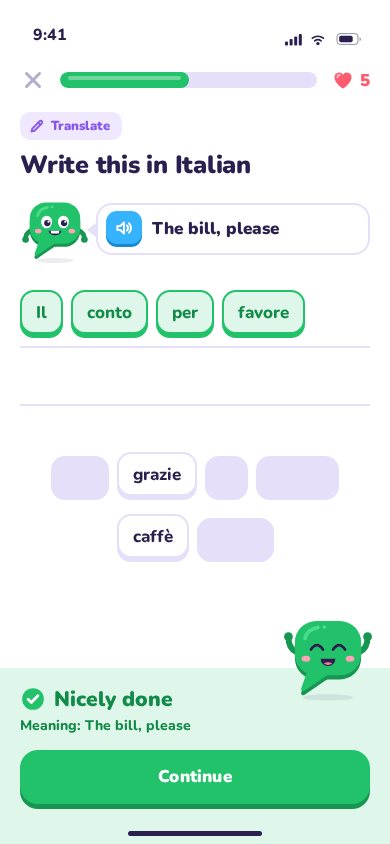 Parla Build the sentence: Language learning, Playful
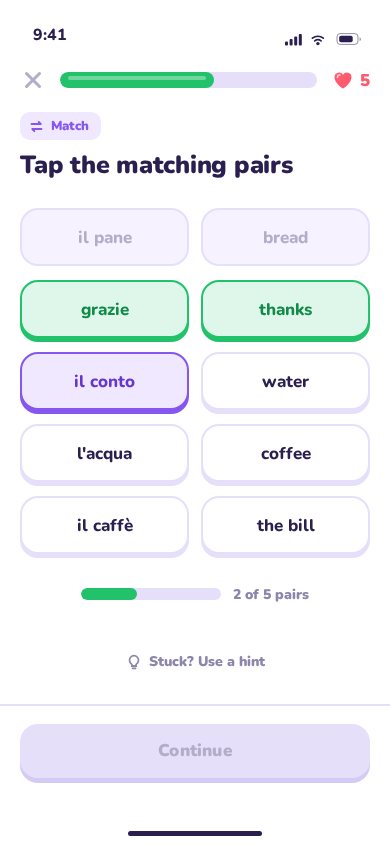 Parla Match pairs: Language learning, Playful
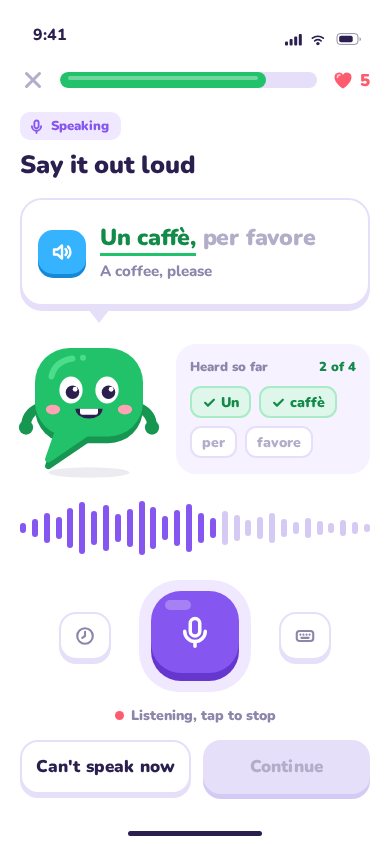 Parla Speak: Language learning, Playful
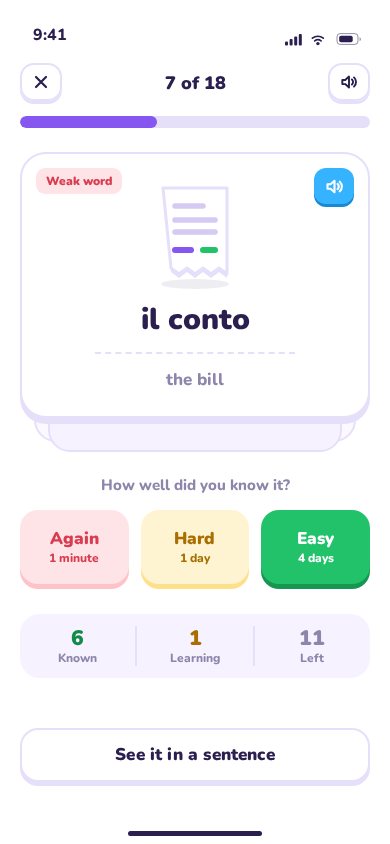 Parla Flashcards: Language learning, Playful
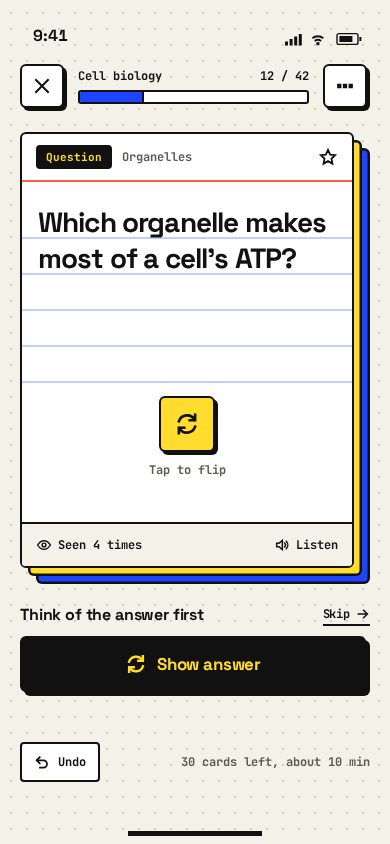 Recall Study: Flashcards and spaced repetition, Neubrutalism
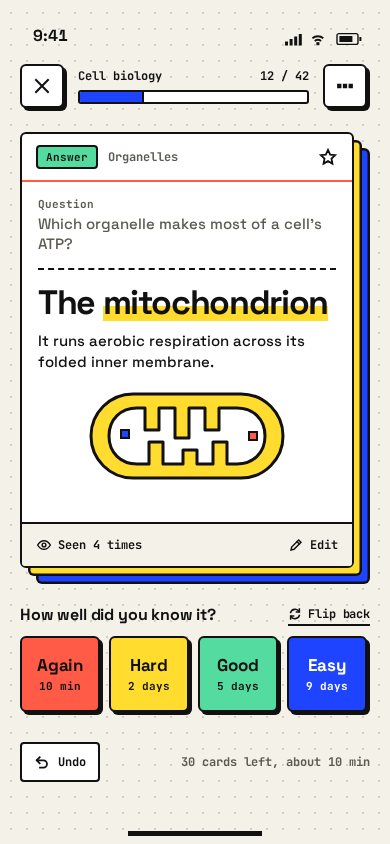 Recall Answer: Flashcards and spaced repetition, Neubrutalism
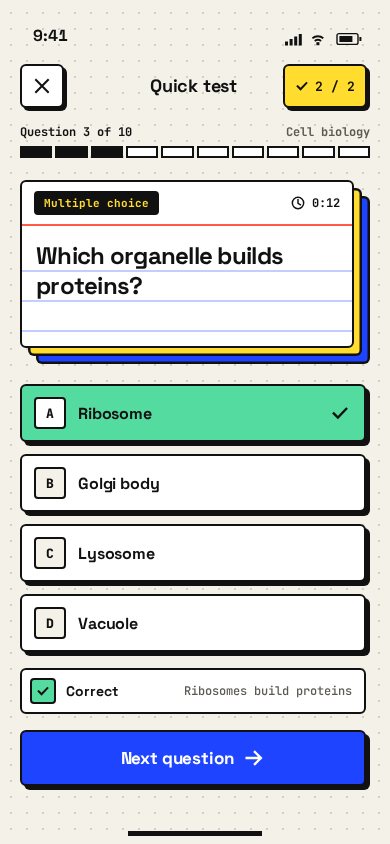 Recall Quick test: Flashcards and spaced repetition, Neubrutalism
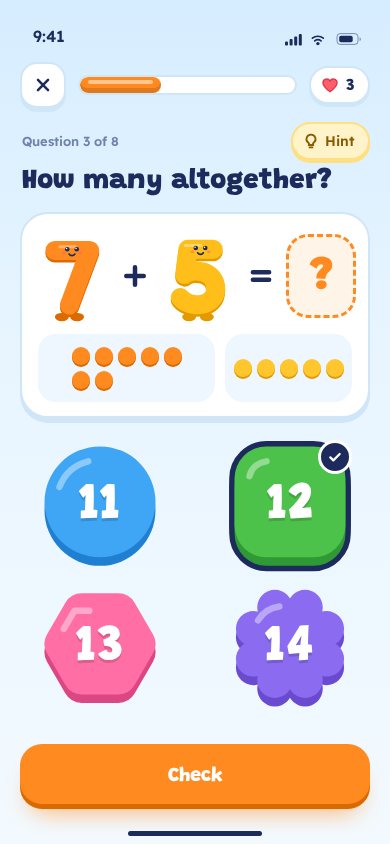 Numo Question: Kids maths game, Playful
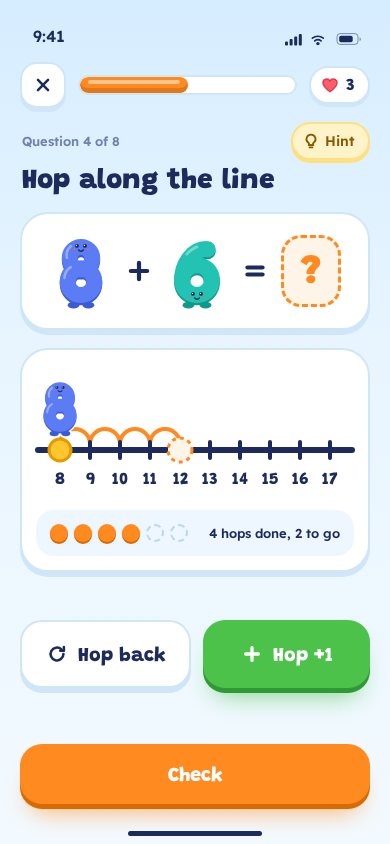 Numo Number line: Kids maths game, Playful
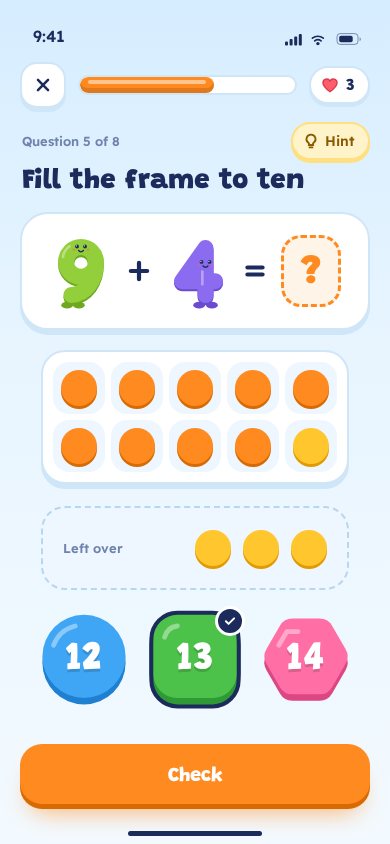 Numo Ten frame: Kids maths game, Playful
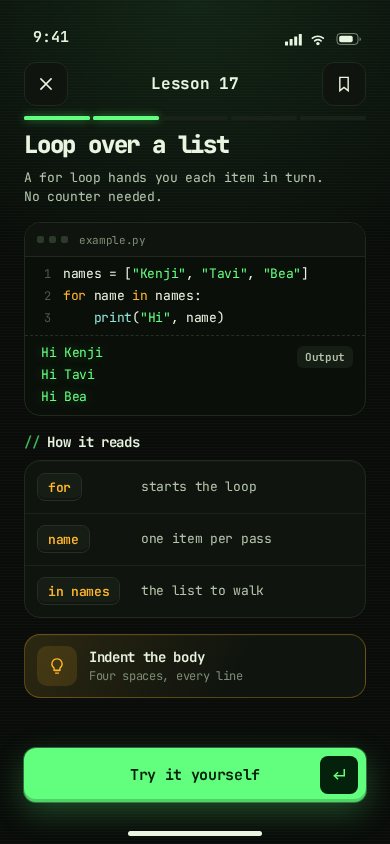 Syntax Lesson: Learn to code, Dark-first, dark
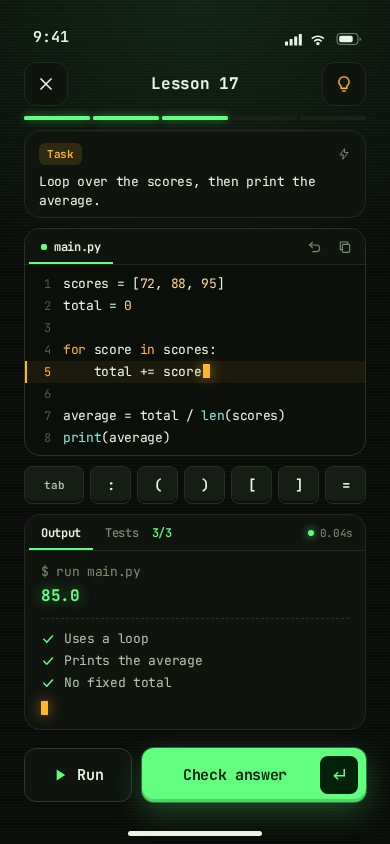 Syntax Code editor: Learn to code, Dark-first, dark
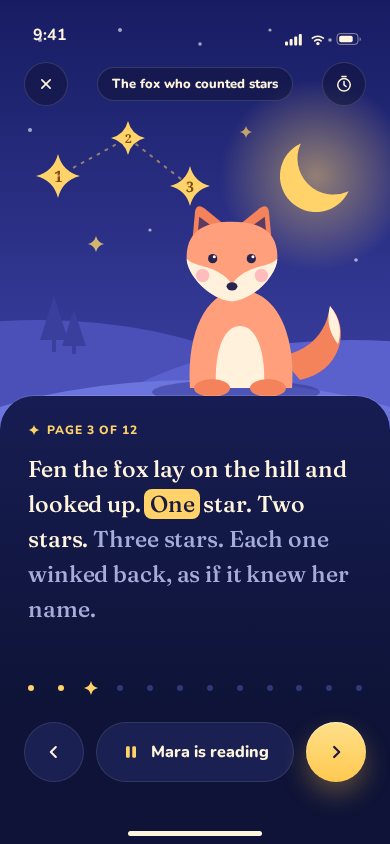 Tuckin Reader: Bedtime stories for kids, Playful, dark
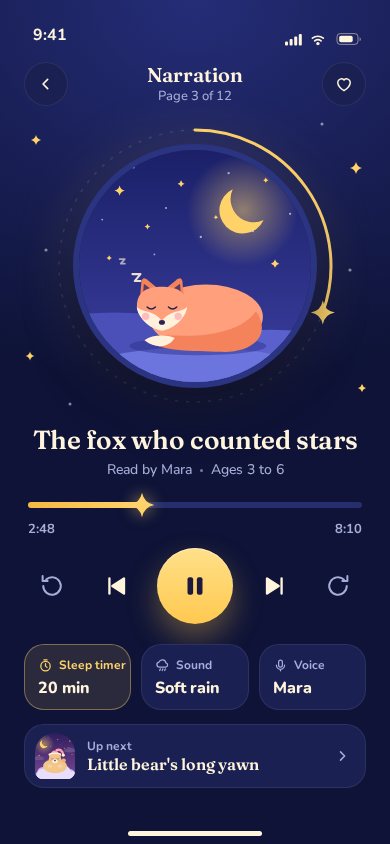 Tuckin Narration: Bedtime stories for kids, Playful, dark
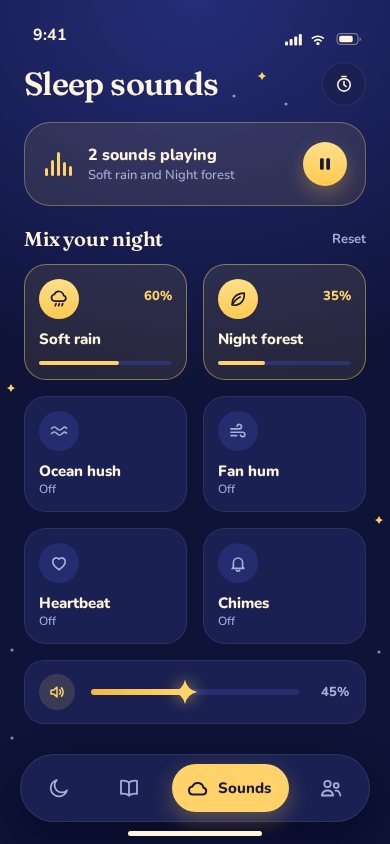 Tuckin Sleep sounds: Bedtime stories for kids, Playful, dark
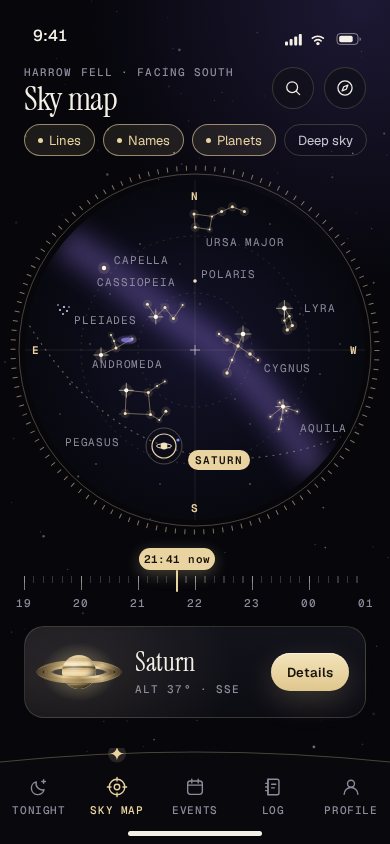 Zenith Sky map: Night sky guide, Dark-first, dark
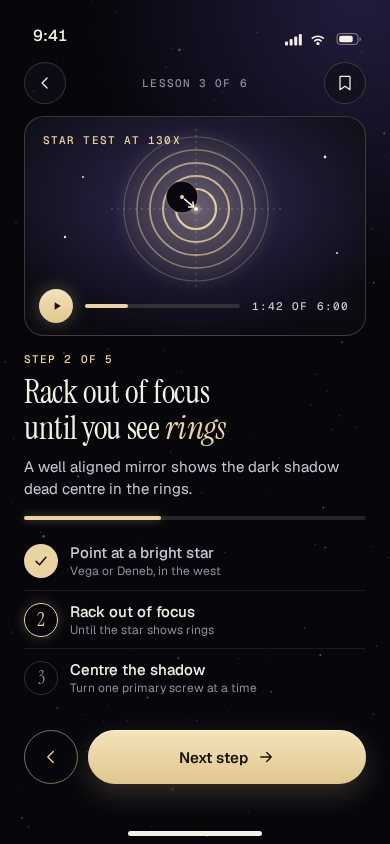 Zenith Collimation: Night sky guide, Dark-first, dark
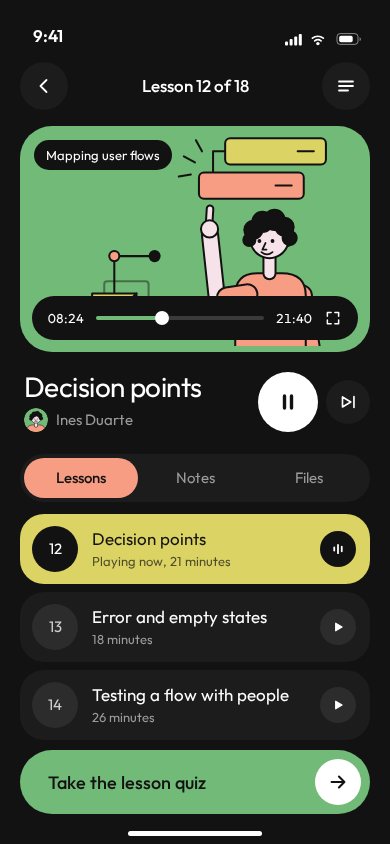 Chalk Lesson: Design courses, Playful, dark
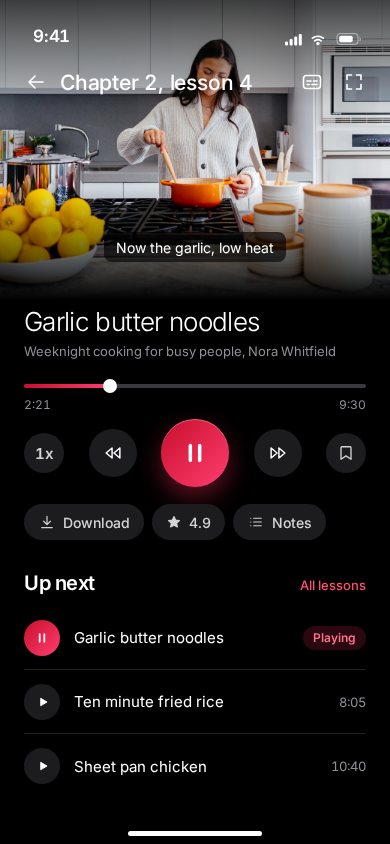 Encore Lesson: Creator courses, Dark-first, dark
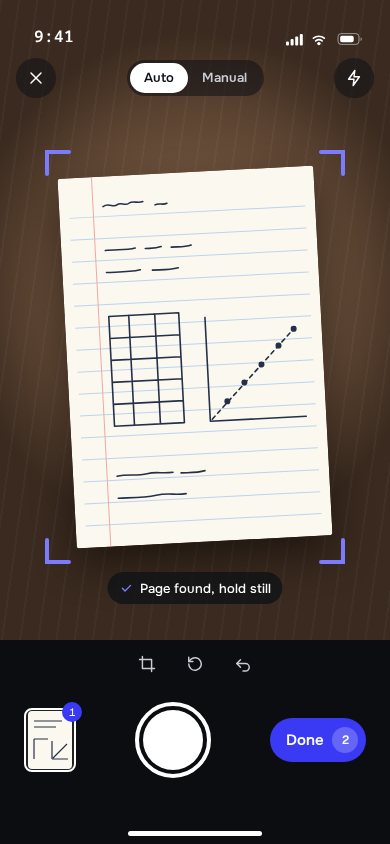 Classroom Scan pages: Class stream and assignments, Minimal
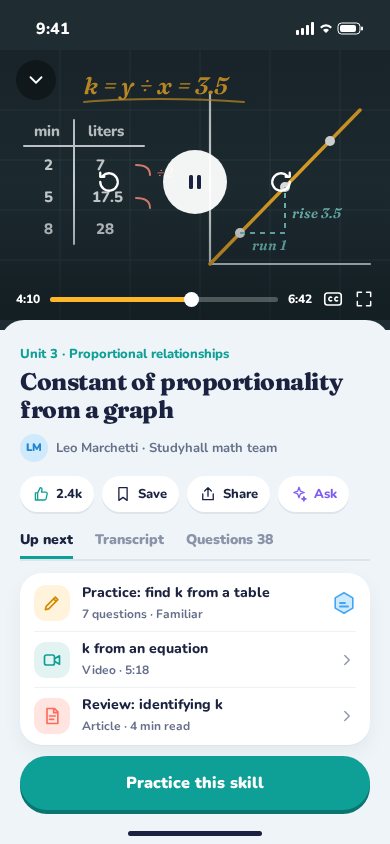 Studyhall Video lesson: Free lessons and practice for school, Playful
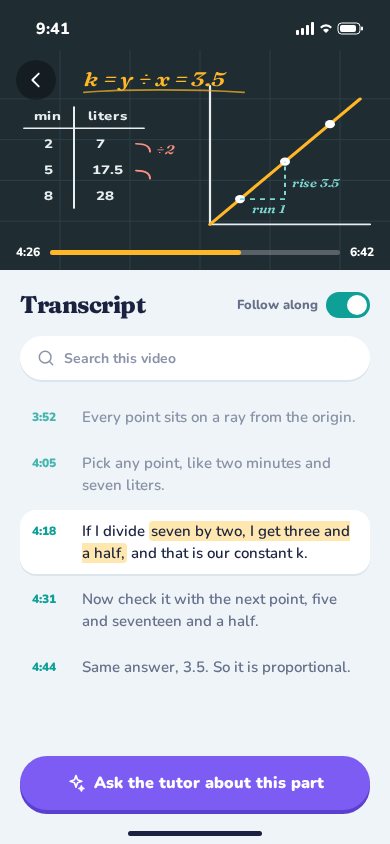 Studyhall Transcript: Free lessons and practice for school, Playful
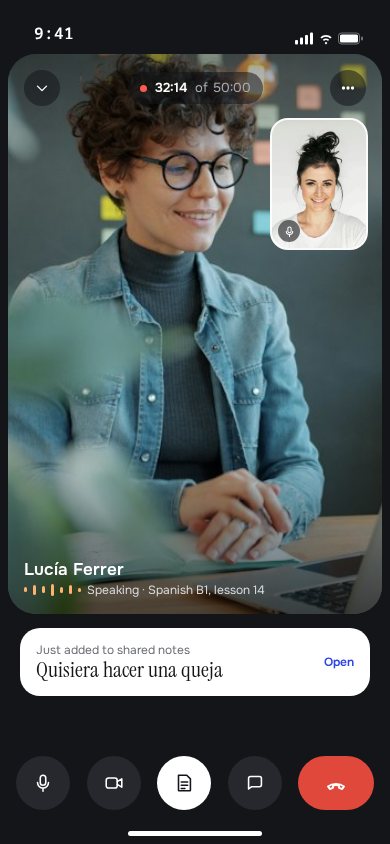 Tutor Lesson room: Book online tutors for any skill, Minimal
- Tutor Shared notes: Book online tutors for any skill, Minimal
- Leaf Reader: E-books and reading, Minimal
- Leaf Reader menu: E-books and reading, Minimal
- Leaf Highlight: E-books and reading, Minimal
- Leaf Listen: E-books and reading, Minimal
- Almanac Picture of the day: The free encyclopedia reader, Minimal
- Tiles Fiver: Daily word and number puzzles, Playful
- Tiles Huddle: Daily word and number puzzles, Playful
- Tiles Crossbit: Daily word and number puzzles, Playful
- Tiles Bullseye: Daily word and number puzzles, Playful
- Stacks Reader: Borrow e-books and audiobooks from your library, Playful
- Stacks Audiobook: Borrow e-books and audiobooks from your library, Playful
- Penpal Voice message: Language exchange chat, Playful
- Penpal Call: Language exchange chat, Playful
- Lexis Pronounce: A word a day, Luxury
- Lexis Flashcard: A word a day, Luxury
- Quanta Simulation: Interactive physics lessons, Dark-first, dark
- Quanta Explainer: Interactive physics lessons, Dark-first, dark
- Cram Flashcards: Exam prep and mock tests, Gen Z
- Quad Lecture: University campus app, Enterprise
- Palm Lesson: Learn sign language, Playful
- Palm Practice: Learn sign language, Playful
- Palm Fingerspelling: Learn sign language, Playful
- Epoch Lesson: History on a timeline, Brutalist
- Epoch Listen: History on a timeline, Brutalist
- Epoch Atlas: History on a timeline, Brutalist
- Wren Read along: Early reading for kids, Neubrutalism
- Wren Sound lesson: Early reading for kids, Neubrutalism
- Proof Scan: Maths tutor that shows its working, Clinical
- Proof Graph: Maths tutor that shows its working, Clinical
- Skim Reader: Speed reading trainer, Minimal
- Skim Pacer: Speed reading trainer, Minimal
- Skim Lesson: Speed reading trainer, Minimal
- Terra Flag quiz: Geography and flags quiz, Glass
- Terra Answer: Geography and flags quiz, Glass
- Terra Flashcards: Geography and flags quiz, Glass
What makes a good education app media player screen
- Content takes the space. Artwork, video or the camera view should fill most of the screen.
- Primary controls in the thumb zone. Play and pause, the shutter or the main tool, large and low on the screen.
- Show progress and position. A scrubber with elapsed and remaining time, or the step in a lesson.
- Hide secondary controls until needed. Lyrics, queue, filters and advanced tools can live behind a tap or a swipe.
- Respect system conventions. Media controls on the lock screen, swipe down to minimise and standard gestures people already know.
- Support both one hand and full screen. A compact player for quick control and a full view for watching or editing, with an easy gesture between them.
The full media player screen guide: layouts, mistakes and questions
Player, camera and editor screens in other kinds of app
- Social app player, camera and editor screens (90)
- Productivity app player, camera and editor screens (84)
- Lifestyle app player, camera and editor screens (66)
- Fitness app player, camera and editor screens (40)
- Music app player, camera and editor screens (36)
- Travel app player, camera and editor screens (24)
- Smart home app player, camera and editor screens (24)
- Finance app player, camera and editor screens (23)
- Food app player, camera and editor screens (20)
- Sports app player, camera and editor screens (12)
Other education app screens
- Education app onboarding screens
- Education app sign in and sign up screens
- Education app home screens
- Education app search and explore screens
- Education app list and feed screens
- Education app detail screens
- Education app booking and checkout screens
- Education app paywall screens
- Education app success and confirmation screens
- Education app profile screens
- Education app settings screens
- Education app dashboard and stats screens
- Education app live tracking screens
- Education app form and input screens