Templates · Player, camera and editor screens
Food app player, camera and editor screens
20 media player screens from 17 food app templates, each in its own design language. Food apps are about appetite and time: photography that makes the dish look real, delivery times up front and the basket one tap away.
The examples
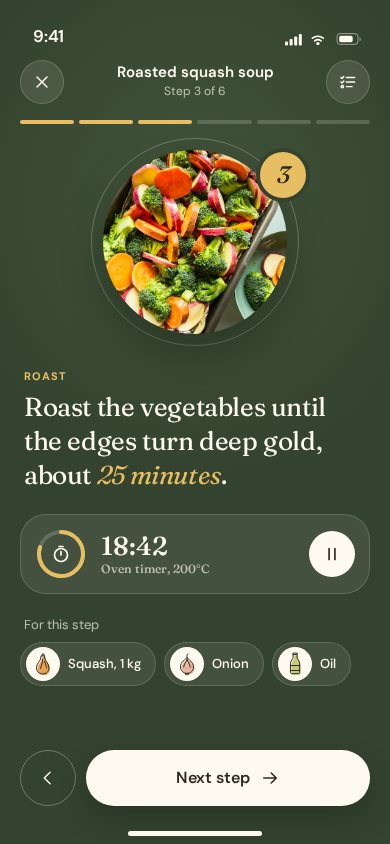 Ladle Cook mode: Recipes and meal planning, Minimal
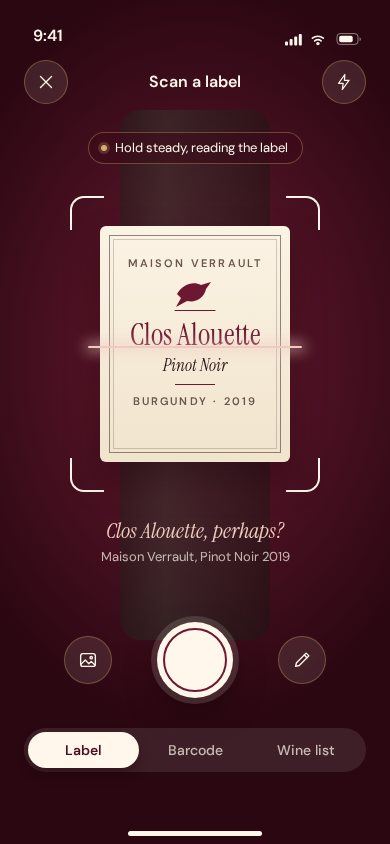 Corked Scan a label: Wine journal and cellar, Luxury
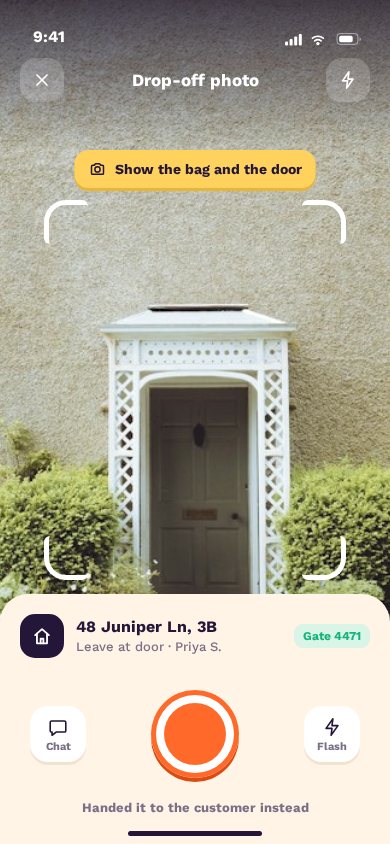 Courier Drop off: Food delivery driver app, Playful
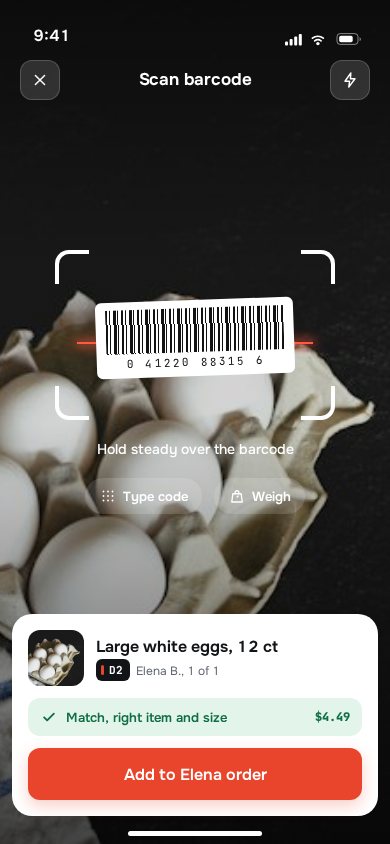 Picker Scan: Grocery shopper app, Enterprise
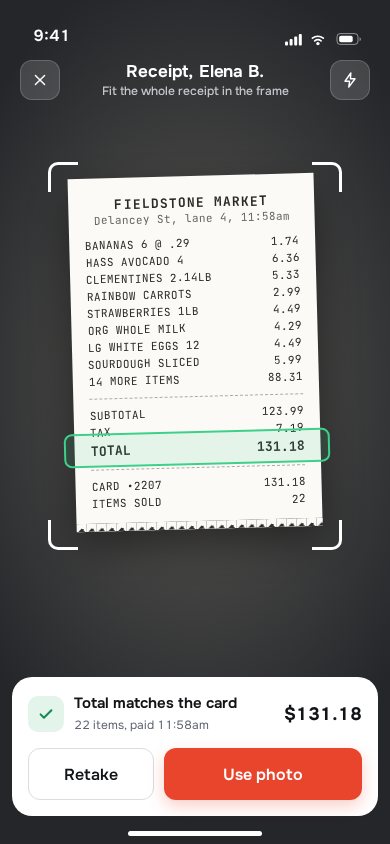 Picker Receipt: Grocery shopper app, Enterprise
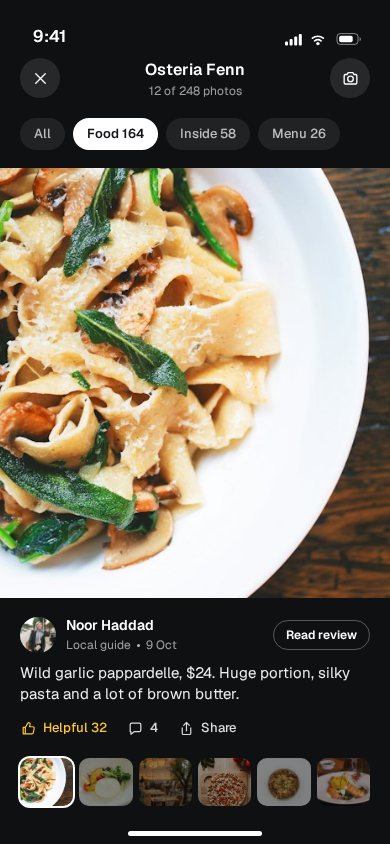 Nosh Photos: Local restaurant reviews, Minimal
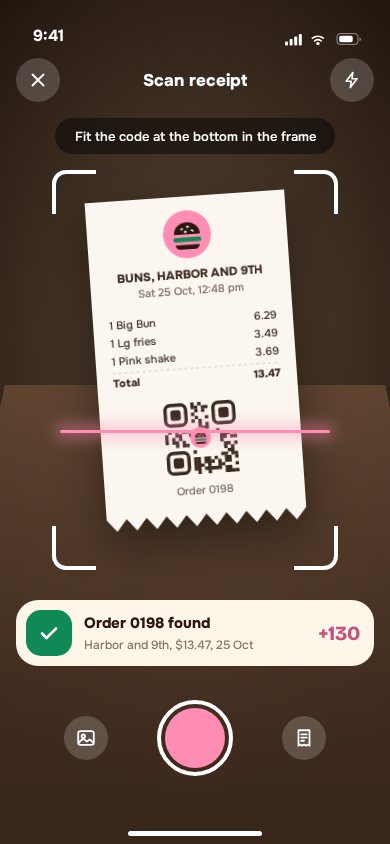 Buns Scan receipt: Burger chain ordering and deals, Playful
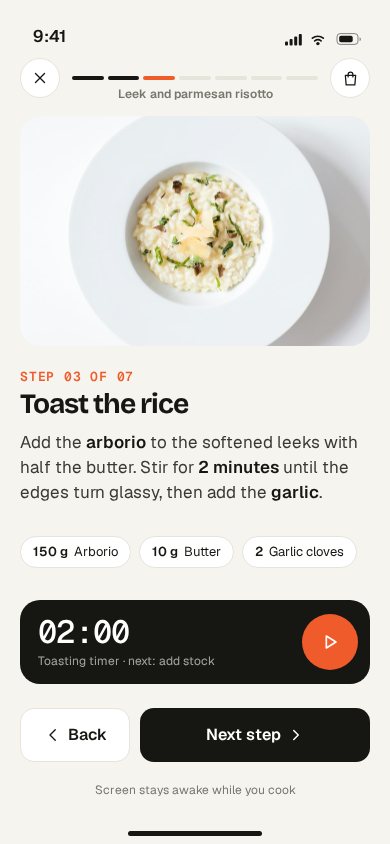 Crate Cook mode: Meal kits delivered weekly, Minimal
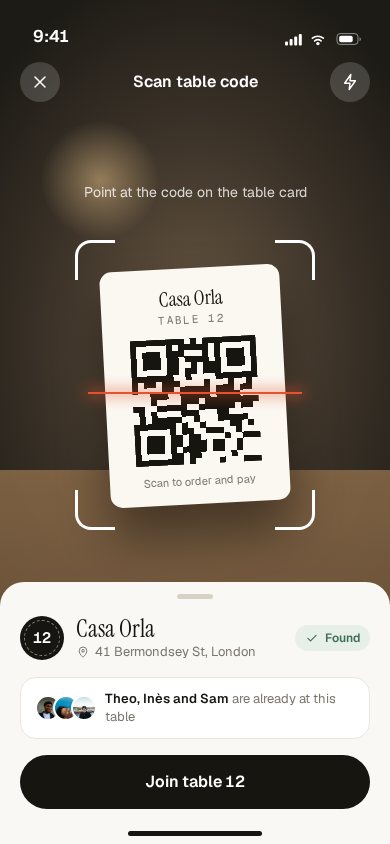 Menu Scan table: Scan, order and pay at the table, Minimal
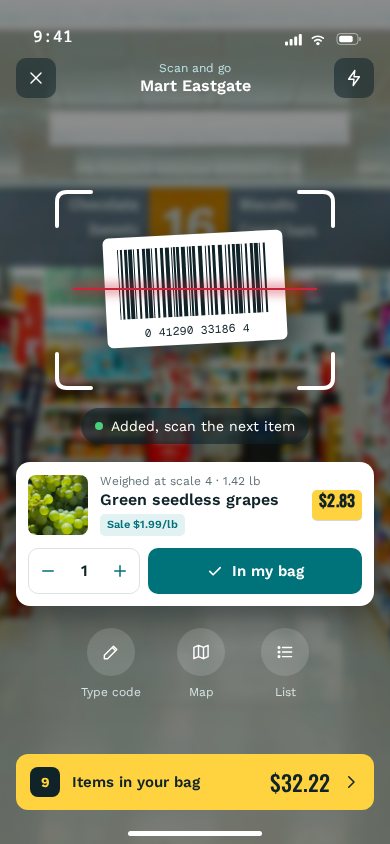 Mart Scan and go: Supermarket app with loyalty and scan and go, Enterprise
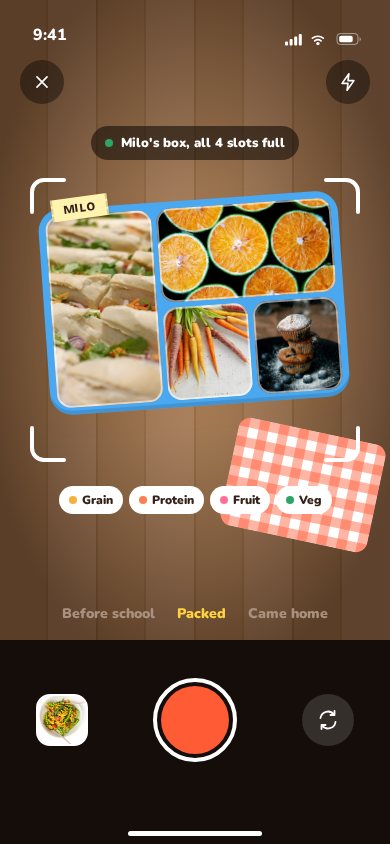 Lunchbox Snap the box: School lunch planner for parents, Playful
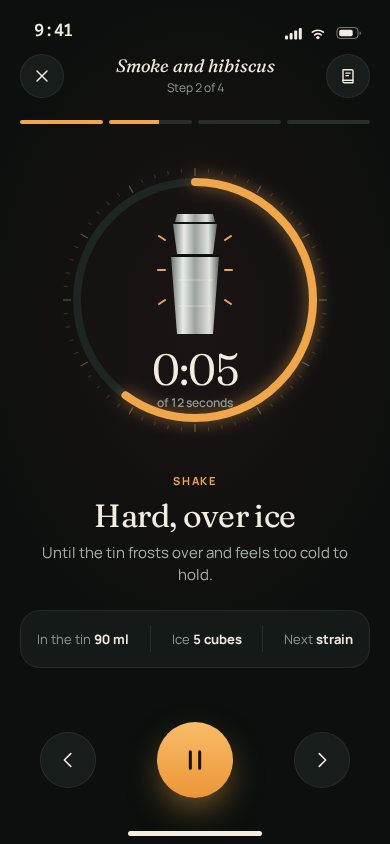 Agave Mix: Cocktails and home bar, Dark-first, dark
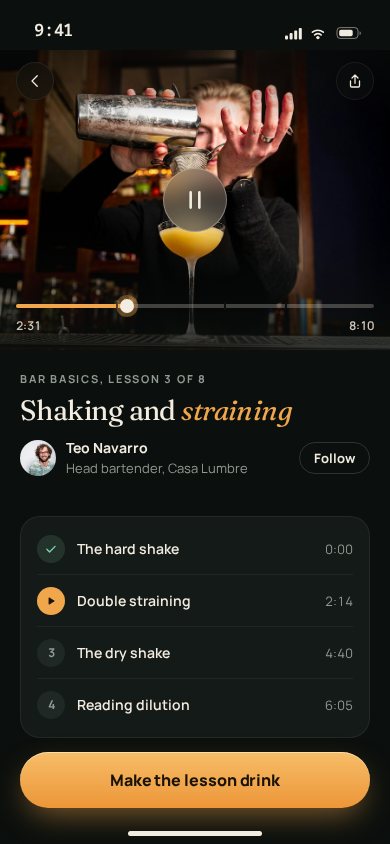 Agave Masterclass: Cocktails and home bar, Dark-first, dark
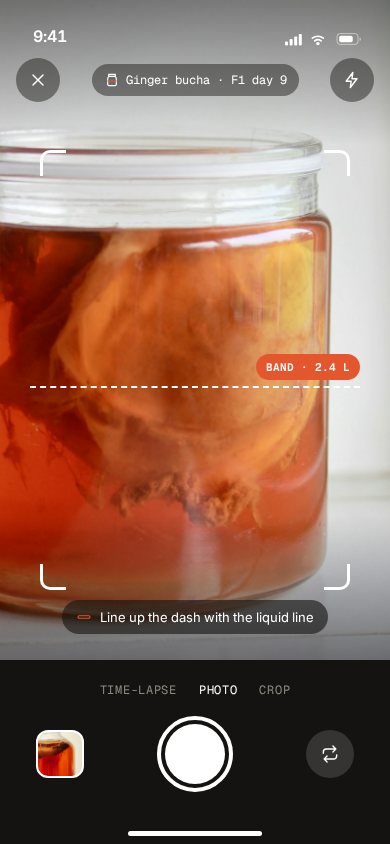 Crock Jar photo: Fermentation and sourdough starter log, Minimal
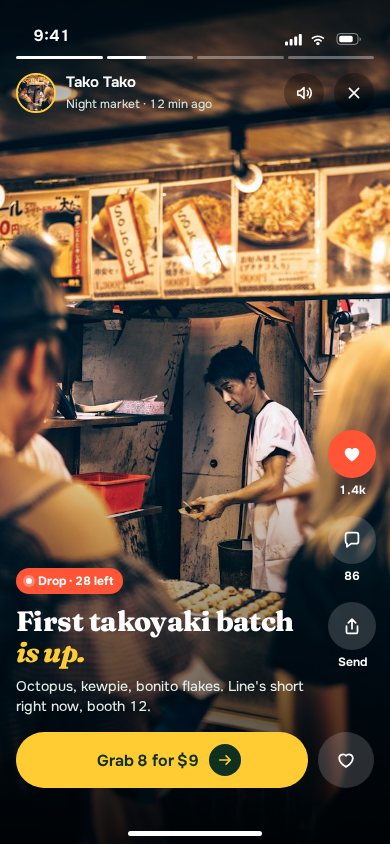 Curbside Drops: Street food and food truck finder, Gen Z
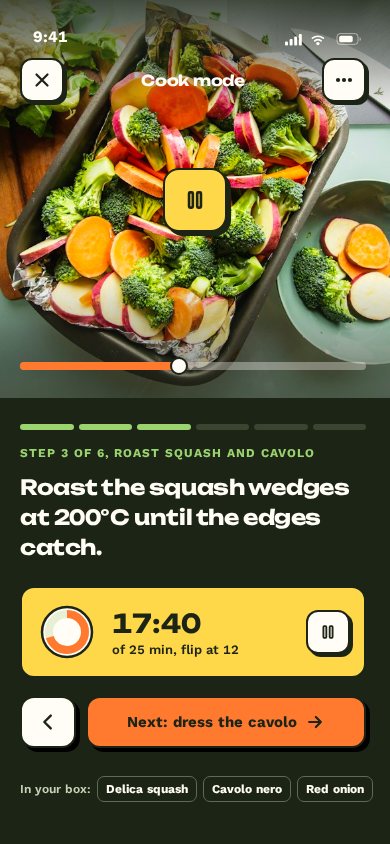 Forage Cook mode: Farmers market and veg box, Neubrutalism
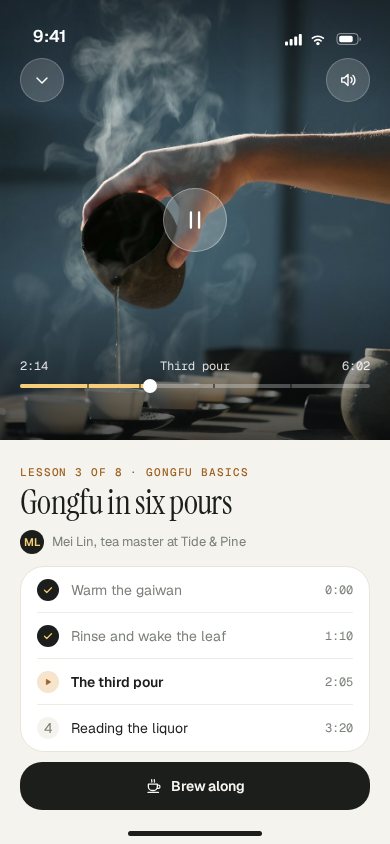 Steep Lesson: Tea brewing and tasting notes, Minimal
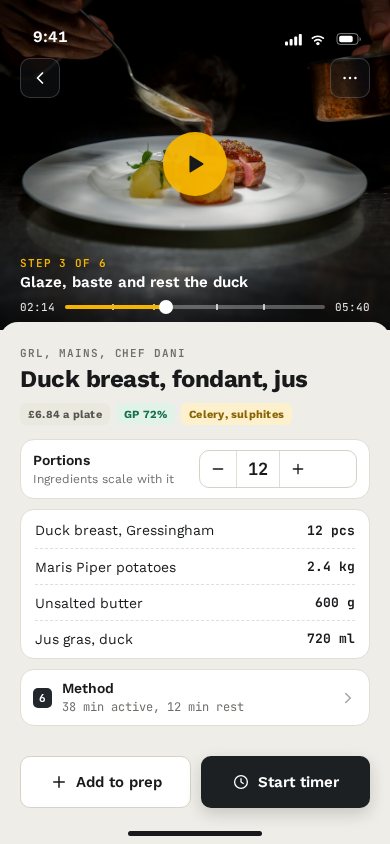 Brigade Recipe: Restaurant kitchen and line ops, Enterprise
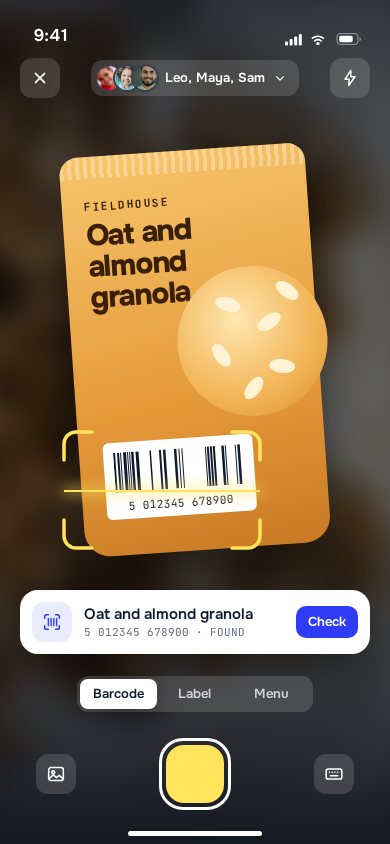 Nibs Scanner: Food allergy and label scanner, Clinical
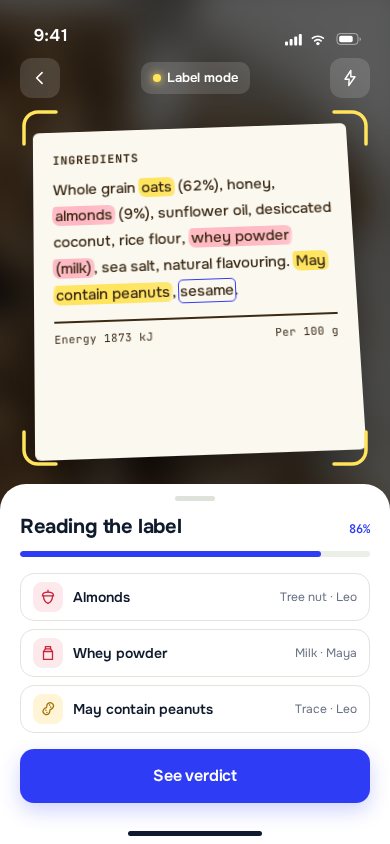 Nibs Reading label: Food allergy and label scanner, Clinical
What makes a good food app media player screen
- Content takes the space. Artwork, video or the camera view should fill most of the screen.
- Primary controls in the thumb zone. Play and pause, the shutter or the main tool, large and low on the screen.
- Show progress and position. A scrubber with elapsed and remaining time, or the step in a lesson.
- Hide secondary controls until needed. Lyrics, queue, filters and advanced tools can live behind a tap or a swipe.
- Respect system conventions. Media controls on the lock screen, swipe down to minimise and standard gestures people already know.
- Support both one hand and full screen. A compact player for quick control and a full view for watching or editing, with an easy gesture between them.
The full media player screen guide: layouts, mistakes and questions
Player, camera and editor screens in other kinds of app
- Social app player, camera and editor screens (90)
- Productivity app player, camera and editor screens (84)
- Lifestyle app player, camera and editor screens (66)
- Education app player, camera and editor screens (60)
- Fitness app player, camera and editor screens (40)
- Music app player, camera and editor screens (36)
- Travel app player, camera and editor screens (24)
- Smart home app player, camera and editor screens (24)
- Finance app player, camera and editor screens (23)
- Sports app player, camera and editor screens (12)
Other food app screens
- Food app onboarding screens
- Food app sign in and sign up screens
- Food app home screens
- Food app search and explore screens
- Food app list and feed screens
- Food app detail screens
- Food app booking and checkout screens
- Food app paywall screens
- Food app success and confirmation screens
- Food app profile screens
- Food app settings screens
- Food app dashboard and stats screens
- Food app live tracking screens
- Food app form and input screens