Templates · Player, camera and editor screens
Social app player, camera and editor screens
90 media player screens from 36 social app templates, each in its own design language. Social apps are about people: faces, names and conversations first, with the tools to post or reply never far away.
The examples
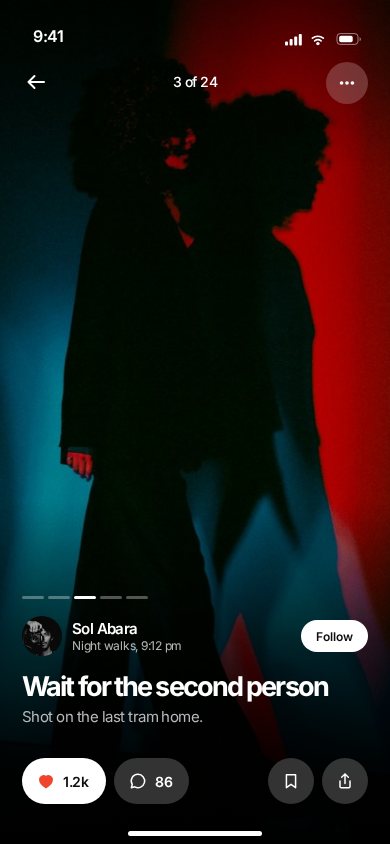 Murmur Photo: Chat rooms for art lovers, Dark-first, dark
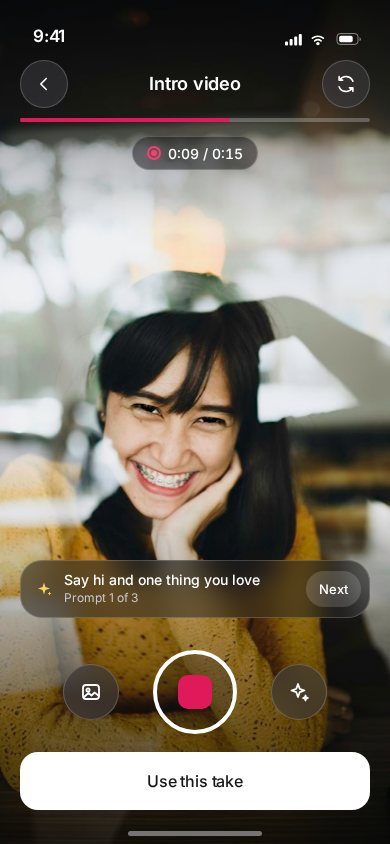 Wink Intro video: Video first dating, Dark-first, dark
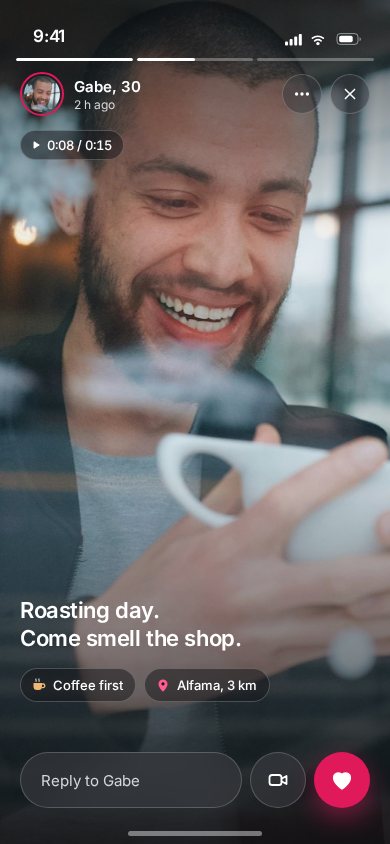 Wink Story: Video first dating, Dark-first, dark
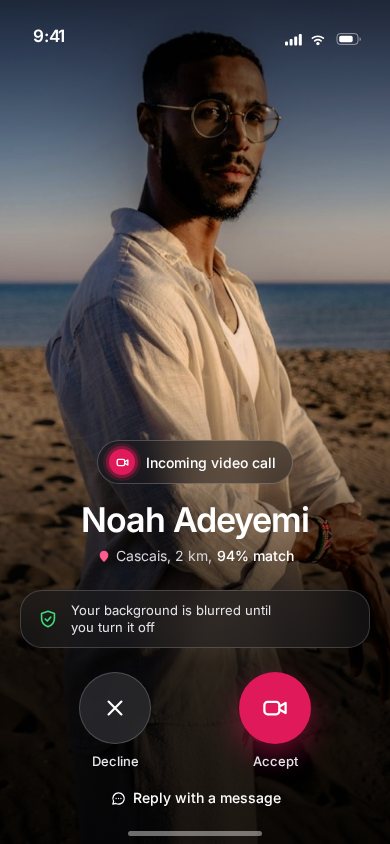 Wink Incoming call: Video first dating, Dark-first, dark
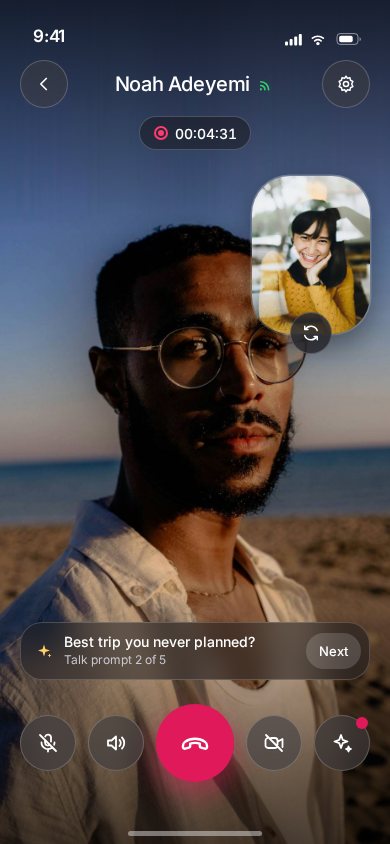 Wink Video call: Video first dating, Dark-first, dark
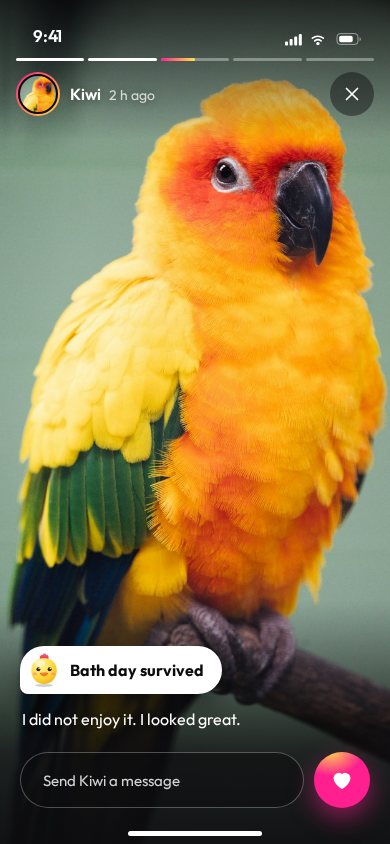 Snoot Story: Social app for pets, Dark-first, dark
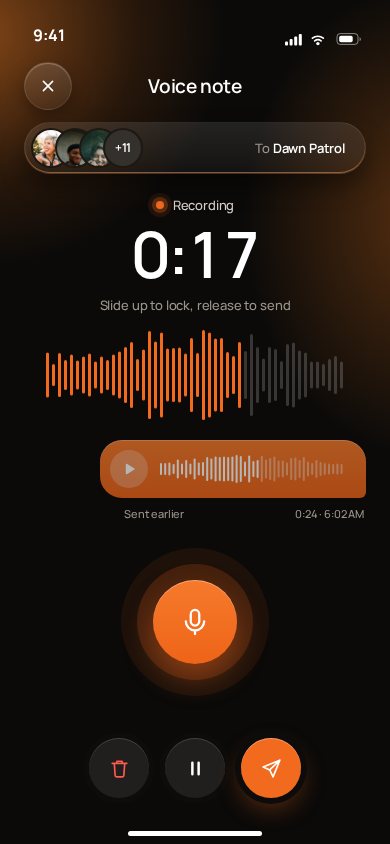 Huddle Voice note: Interest groups and meetups, Dark-first, dark
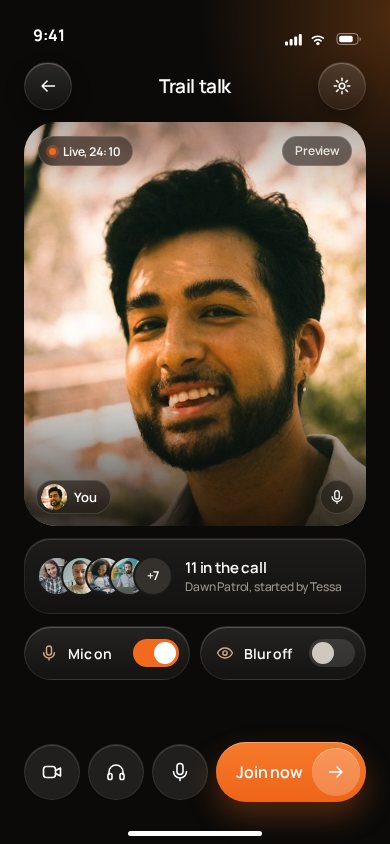 Huddle Join hangout: Interest groups and meetups, Dark-first, dark
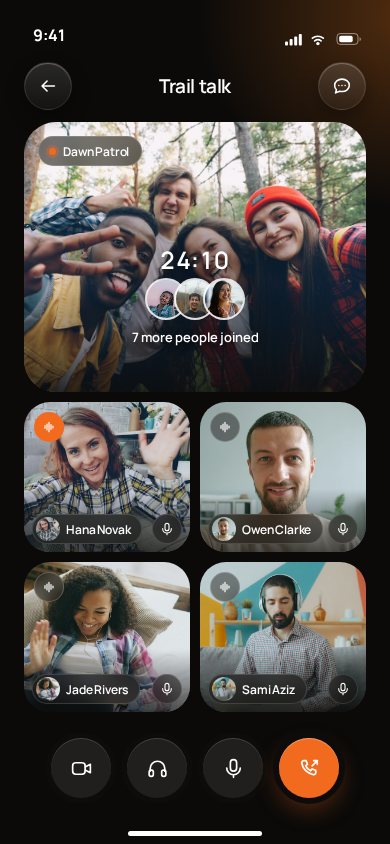 Huddle Hangout: Interest groups and meetups, Dark-first, dark
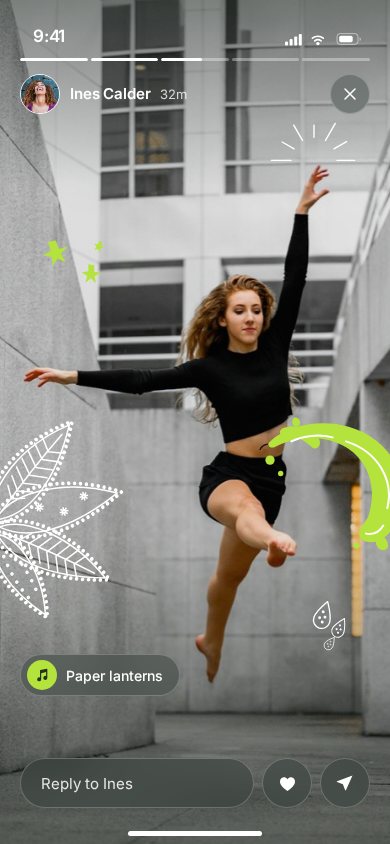 Glade Story: Photo and clip social network, Glass
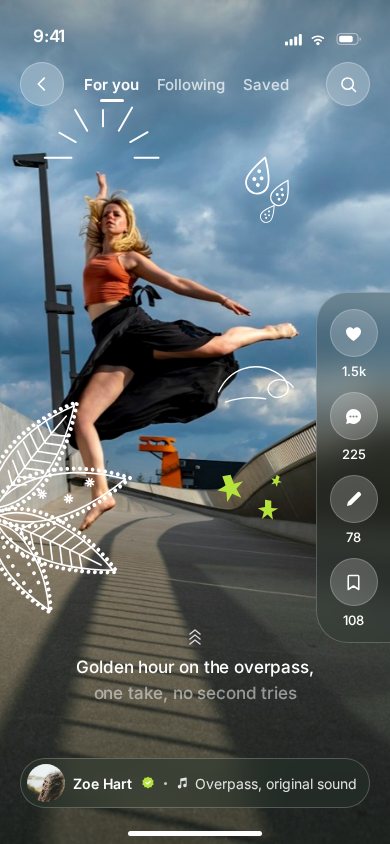 Glade Clips: Photo and clip social network, Glass
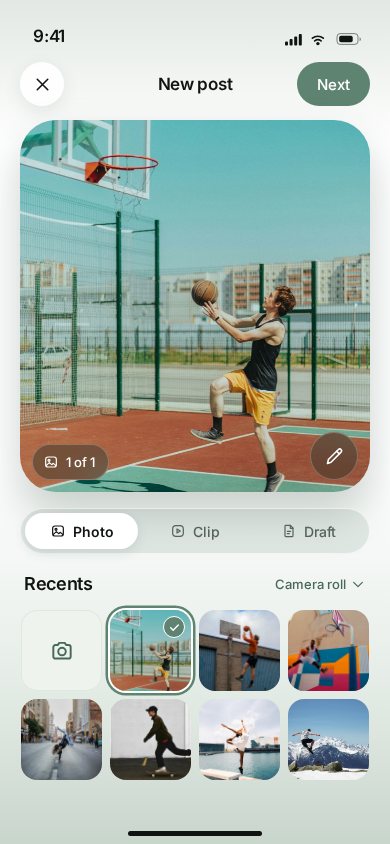 Glade New post: Photo and clip social network, Glass
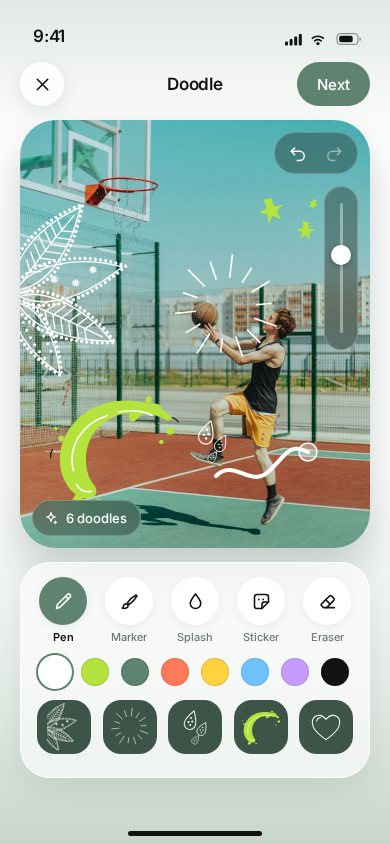 Glade Doodle: Photo and clip social network, Glass
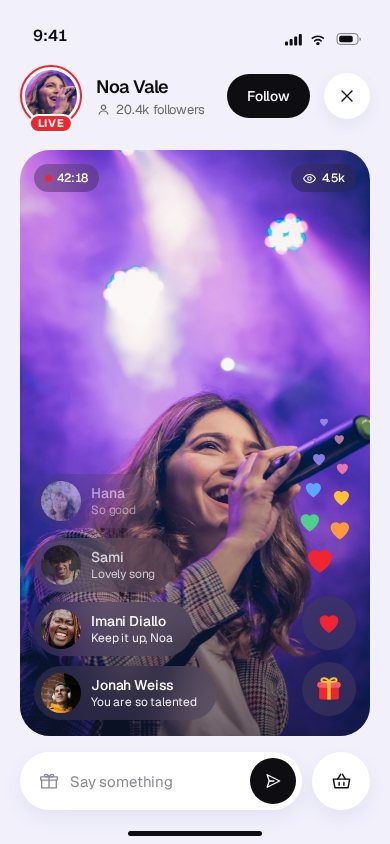 Onair Live room: Live streaming, Glass
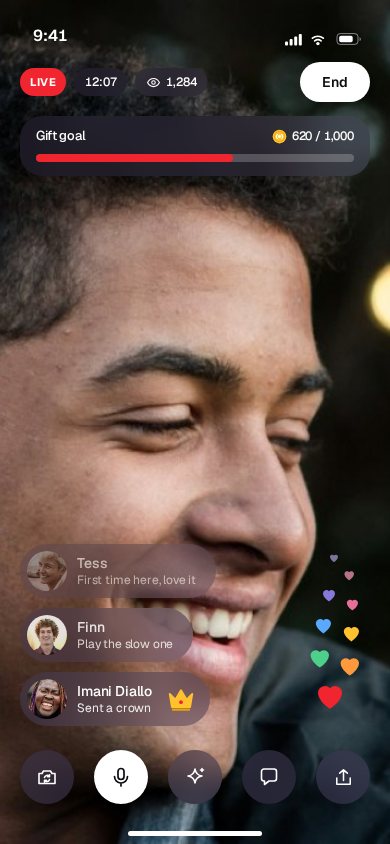 Onair On air: Live streaming, Glass
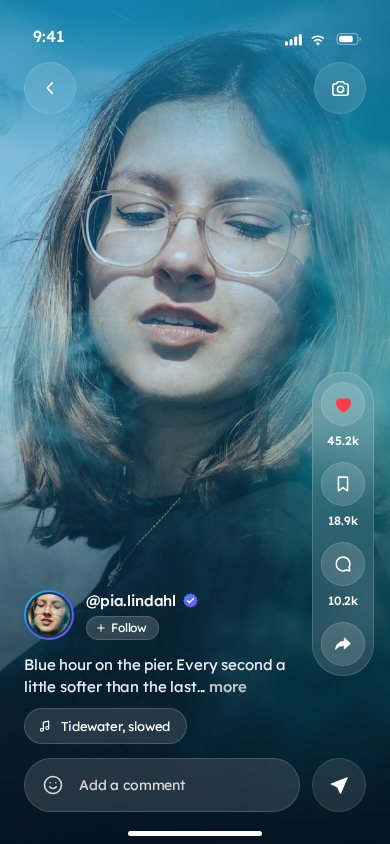 Drift Reel: Reels and voice rooms, Dark-first, dark
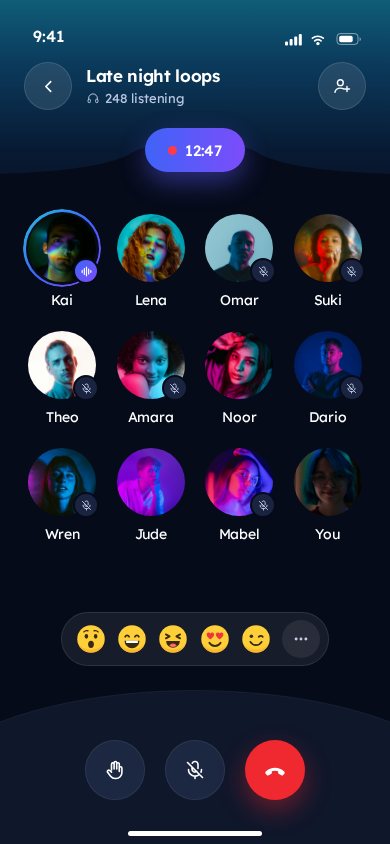 Drift Voice room: Reels and voice rooms, Dark-first, dark
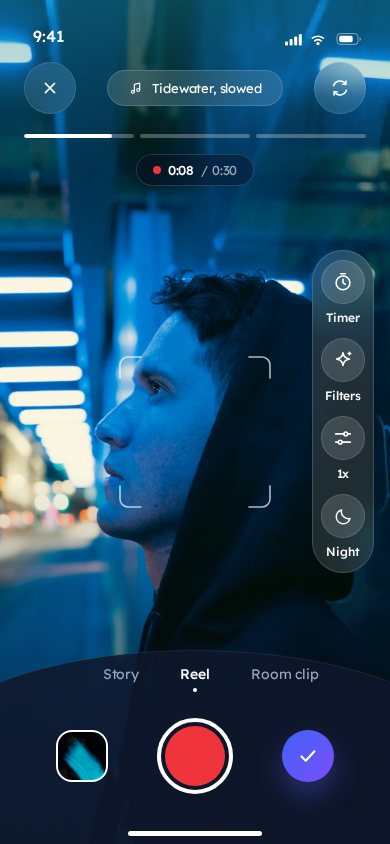 Drift New reel: Reels and voice rooms, Dark-first, dark
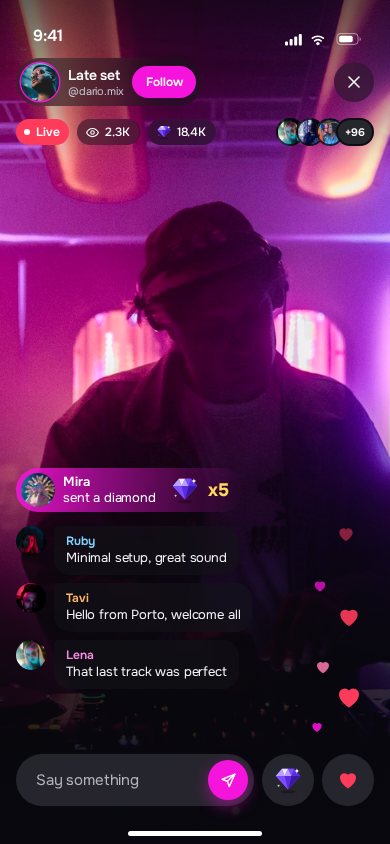 Glitz Party room: Party live streaming, Dark-first, dark
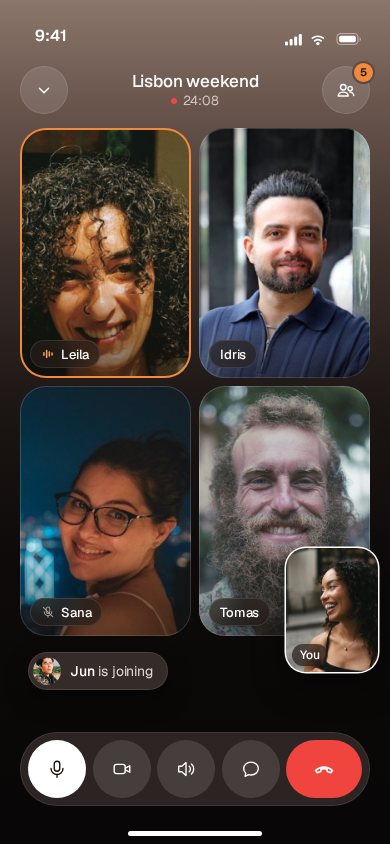 Hearth Video call: Messenger for trips and circles, Glass, dark
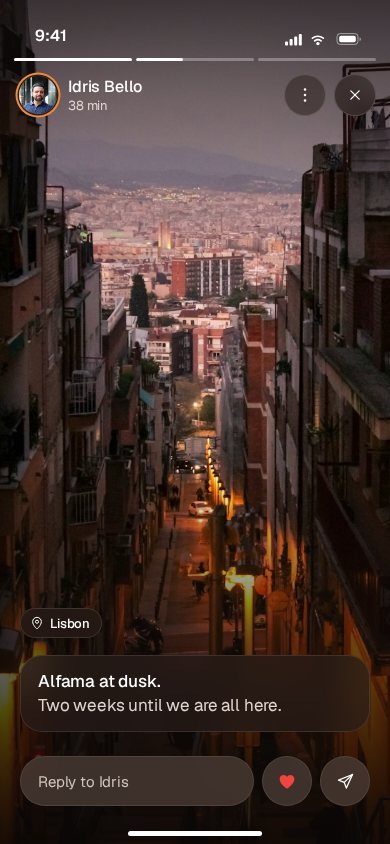 Hearth Story: Messenger for trips and circles, Glass, dark
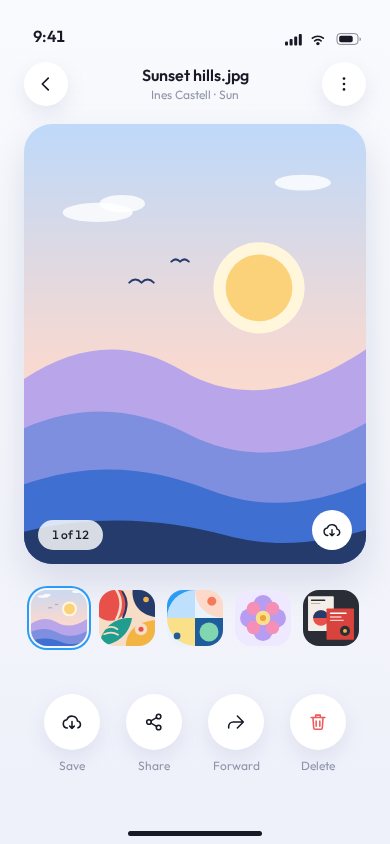 Chirp Photo: Messenger with file sharing, Playful
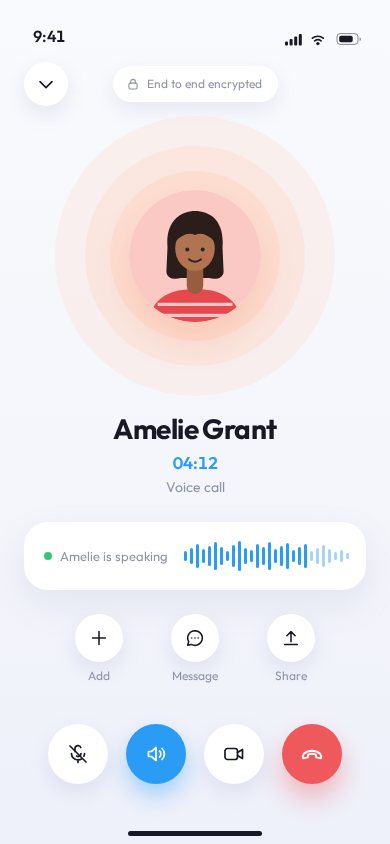 Chirp Voice call: Messenger with file sharing, Playful
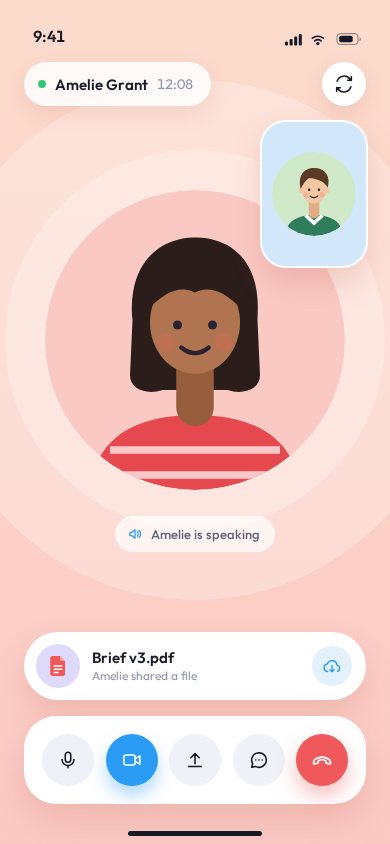 Chirp Video call: Messenger with file sharing, Playful
- Banter Disappearing photo: Live messenger, Dark-first, dark
- Banter Camera: Live messenger, Dark-first, dark
- Banter Story: Live messenger, Dark-first, dark
- Banter Voice call: Live messenger, Dark-first, dark
- Banter Video call: Live messenger, Dark-first, dark
- Natter Story: Minimal messenger, Minimal
- Natter Call: Minimal messenger, Minimal
- Quorum Photo: Questions and expert answers, Minimal
- Backer Video: Support creators with memberships, Playful
- Backer Episode: Support creators with memberships, Playful
- Pledge Campaign video: Back creative projects, Minimal
- Guild Voice room: Community servers with voice and text chat, Dark-first, dark
- Guild Stage: Community servers with voice and text chat, Dark-first, dark
- Parrot Shared media: Private messaging, groups and calls, Minimal
- Parrot Camera: Private messaging, groups and calls, Minimal
- Parrot Voice call: Private messaging, groups and calls, Minimal
- Parrot Video call: Private messaging, groups and calls, Minimal
- Parrot Story: Private messaging, groups and calls, Minimal
- Carrier Photo: Cloud messaging with channels, Glass
- Carrier Voice call: Cloud messaging with channels, Glass
- Carrier Video call: Cloud messaging with channels, Glass
- Vista Story: Photos, stories and reels, Minimal
- Vista Reels: Photos, stories and reels, Minimal
- Vista Camera: Photos, stories and reels, Minimal
- Vista Edit: Photos, stories and reels, Minimal
- Flick Camera: Short video feed, Dark-first, dark
- Flick Edit: Short video feed, Dark-first, dark
- Flick Live: Short video feed, Dark-first, dark
- Squawk Photo: Short posts and live conversation, Minimal
- Squawk Live room: Short posts and live conversation, Minimal
- Agora Viewer: Communities, threads and votes, Playful
- Spark Video date: Swipe dating, Playful
- Candid Camera: One real photo a day, Gen Z, dark
- Candid Selfie reaction: One real photo a day, Gen Z, dark
- Blink Edit snap: Camera chat and stories, Gen Z
- Blink Snap: Camera chat and stories, Gen Z
- Blink Video call: Camera chat and stories, Gen Z
- Blink Story: Camera chat and stories, Gen Z
- Cipher Voice call: Encrypted private messenger, Dark-first, dark
- Cipher Video call: Encrypted private messenger, Dark-first, dark
- Cipher Story: Encrypted private messenger, Dark-first, dark
- Cipher Link device: Encrypted private messenger, Dark-first, dark
- Commons Memories: Friends, groups and events, Minimal
- Facet Calling: Video calls with family and friends, Glass, dark
- Facet Incoming: Video calls with family and friends, Glass, dark
- Facet Video call: Video calls with family and friends, Glass, dark
- Facet Group call: Video calls with family and friends, Glass, dark
- Facet Effects: Video calls with family and friends, Glass, dark
- Facet Share screen: Video calls with family and friends, Glass, dark
- Facet Watch together: Video calls with family and friends, Glass, dark
- Facet Video message: Video calls with family and friends, Glass, dark
- Facet Record message: Video calls with family and friends, Glass, dark
- Aura Story: Moods with close friends, Gen Z, dark
- Aura Snap: Moods with close friends, Gen Z, dark
- Aura Recap: Moods with close friends, Gen Z, dark
- Kindly Story: Volunteering near you, Playful
- Cohort Session: Alumni and mentor network, Enterprise
- Kin Album: Private family circle, Minimal
- Kin Photo: Private family circle, Minimal
- Confetti Design invite: Party invites and RSVPs, Glass
- Confetti Photo wall: Party invites and RSVPs, Glass
- Ripple Now playing: Voice notes social, Dark-first, dark
- Ripple Record: Voice notes social, Dark-first, dark
- Ripple Live room: Voice notes social, Dark-first, dark
- Duo Our year: An app for two, Luxury
- Soapbox Live round: Weekly debates and polls, Brutalist
What makes a good social app media player screen
- Content takes the space. Artwork, video or the camera view should fill most of the screen.
- Primary controls in the thumb zone. Play and pause, the shutter or the main tool, large and low on the screen.
- Show progress and position. A scrubber with elapsed and remaining time, or the step in a lesson.
- Hide secondary controls until needed. Lyrics, queue, filters and advanced tools can live behind a tap or a swipe.
- Respect system conventions. Media controls on the lock screen, swipe down to minimise and standard gestures people already know.
- Support both one hand and full screen. A compact player for quick control and a full view for watching or editing, with an easy gesture between them.
The full media player screen guide: layouts, mistakes and questions
Player, camera and editor screens in other kinds of app
- Productivity app player, camera and editor screens (84)
- Lifestyle app player, camera and editor screens (66)
- Education app player, camera and editor screens (60)
- Fitness app player, camera and editor screens (40)
- Music app player, camera and editor screens (36)
- Travel app player, camera and editor screens (24)
- Smart home app player, camera and editor screens (24)
- Finance app player, camera and editor screens (23)
- Food app player, camera and editor screens (20)
- Sports app player, camera and editor screens (12)
Other social app screens
- Social app onboarding screens
- Social app sign in and sign up screens
- Social app home screens
- Social app search and explore screens
- Social app list and feed screens
- Social app detail screens
- Social app booking and checkout screens
- Social app paywall screens
- Social app success and confirmation screens
- Social app profile screens
- Social app settings screens
- Social app dashboard and stats screens
- Social app live tracking screens
- Social app form and input screens