Templates · Player, camera and editor screens
Smart home app player, camera and editor screens
24 media player screens from 15 smart home app templates, each in its own design language. Smart home apps control real things: rooms, devices and their state need to be obvious, with the common actions one tap away.
The examples
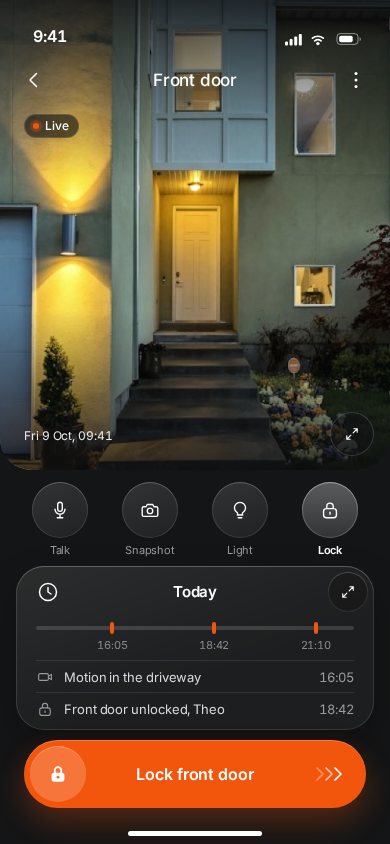 Dusk Camera: Smart home scenarios, Glass, dark
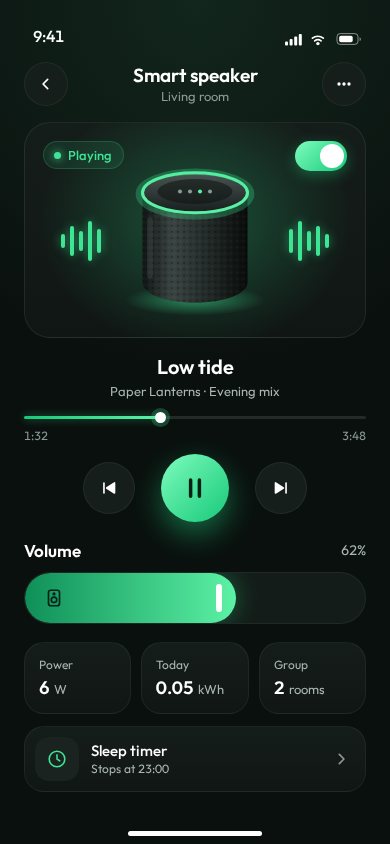 Lumen Speaker: Smart home energy, Dark-first, dark
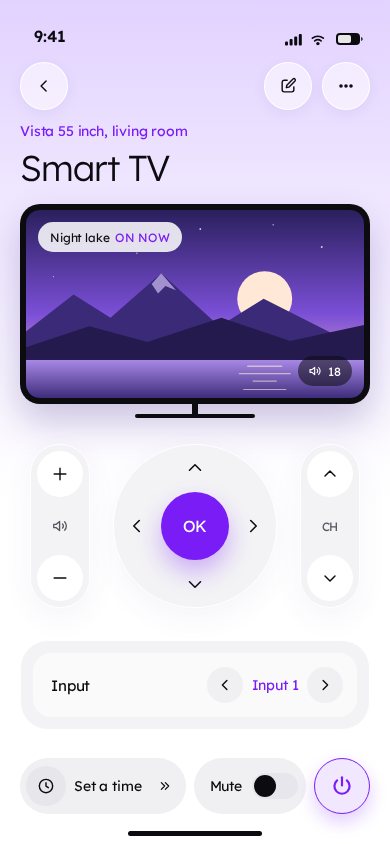 Abode Smart TV: Smart home devices, Minimal
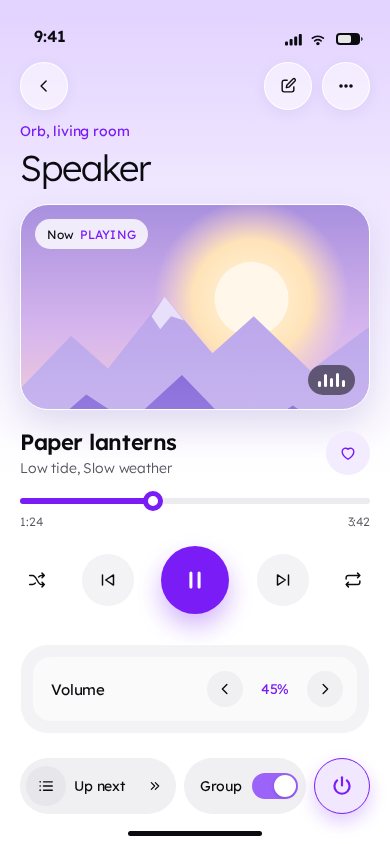 Abode Speaker: Smart home devices, Minimal
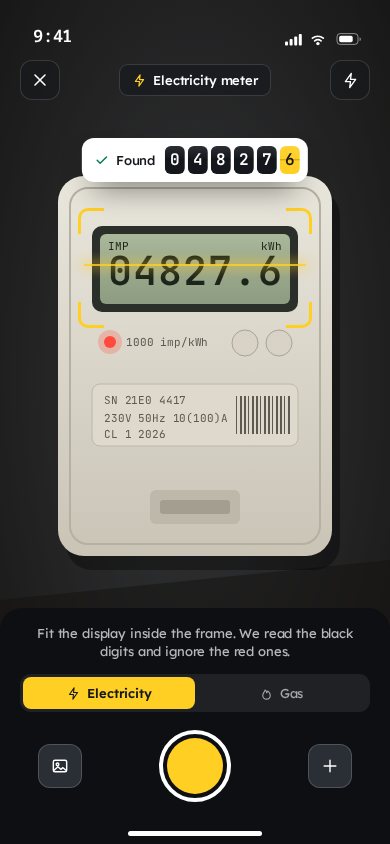 Meter Scan meter: Your energy supplier account, Clinical
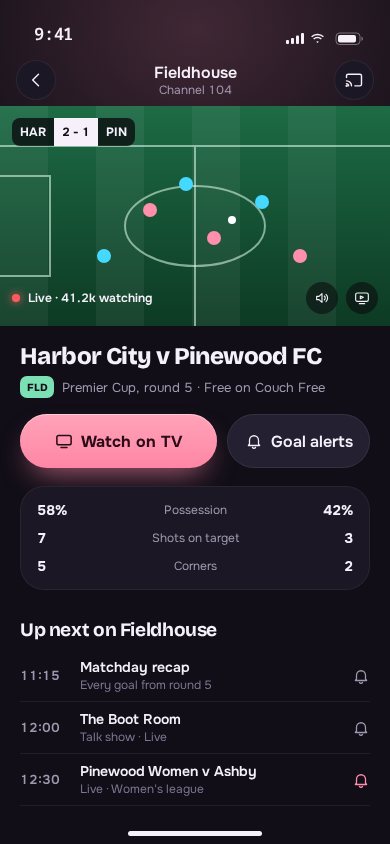 Couch Channel: TV remote, casting and watchlist, Dark-first, dark
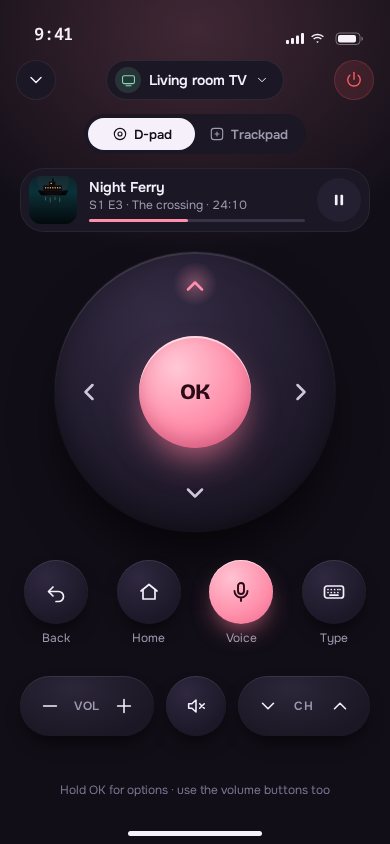 Couch Remote: TV remote, casting and watchlist, Dark-first, dark
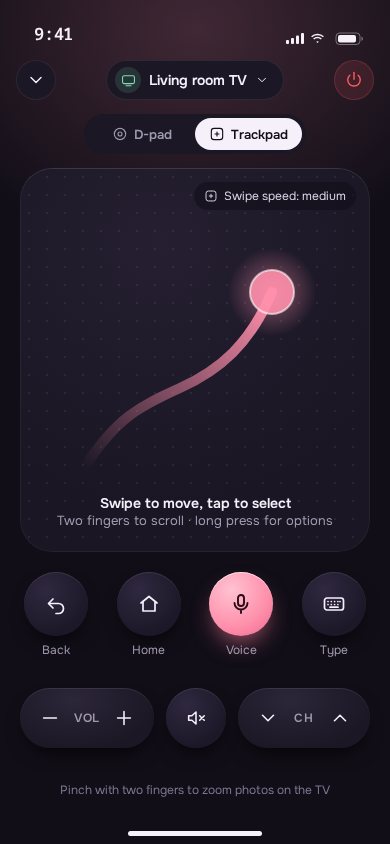 Couch Trackpad: TV remote, casting and watchlist, Dark-first, dark
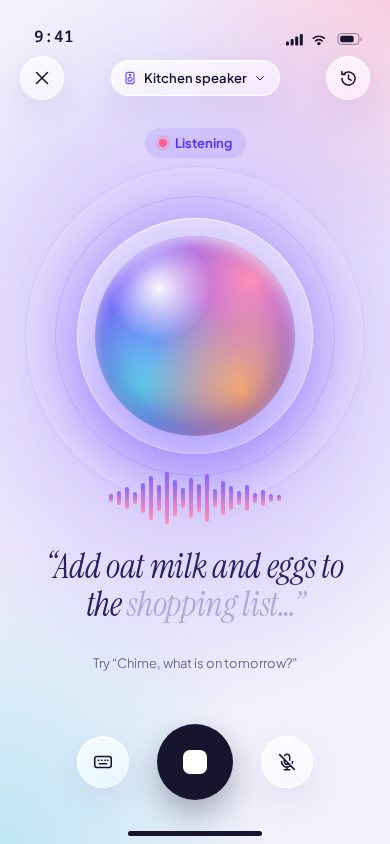 Chime Listening: Voice assistant and smart speaker, Glass
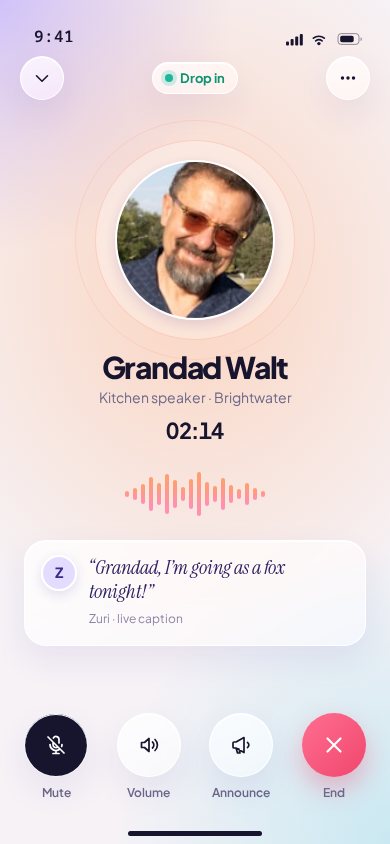 Chime Drop in: Voice assistant and smart speaker, Glass
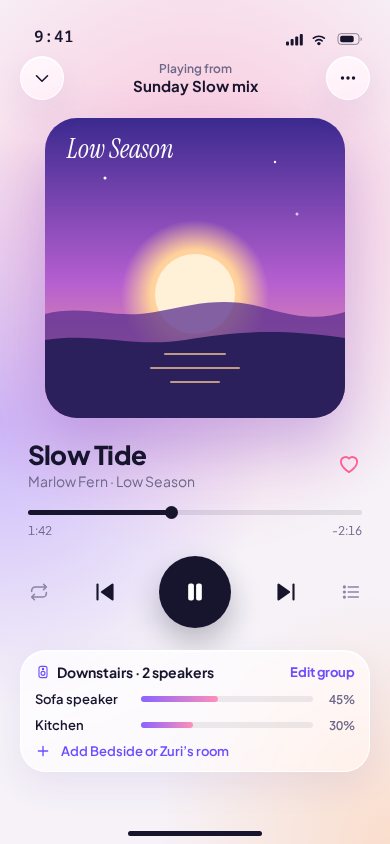 Chime Now playing: Voice assistant and smart speaker, Glass
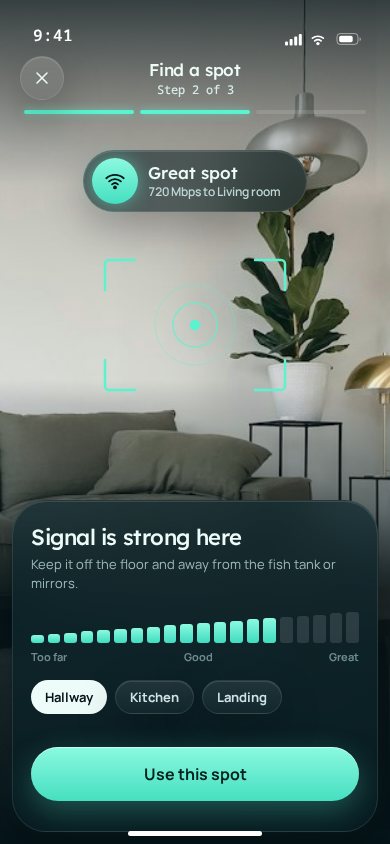 Mesh Placement: Home Wi-Fi network, Glass, dark
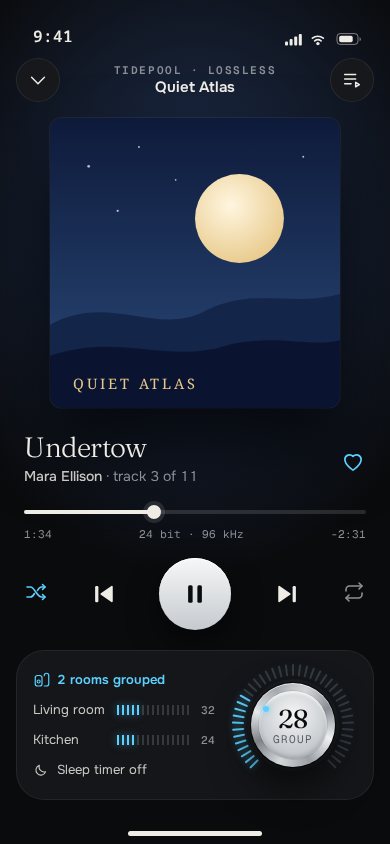 Decibel Now playing: Multi-room speakers, Luxury, dark
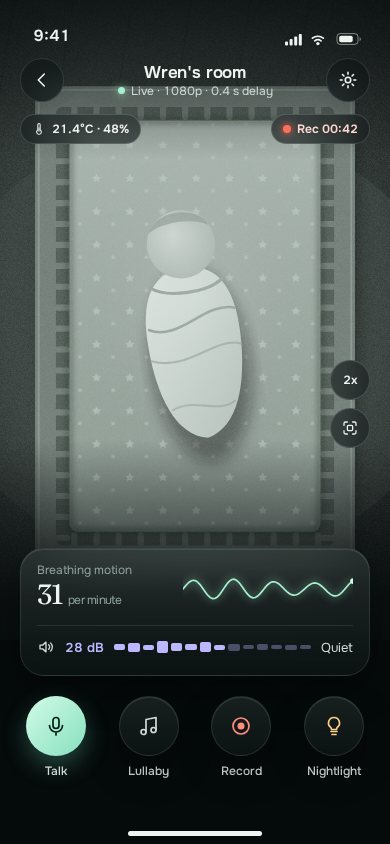 Nursery Live: Baby monitor camera and sleep, Glass, dark
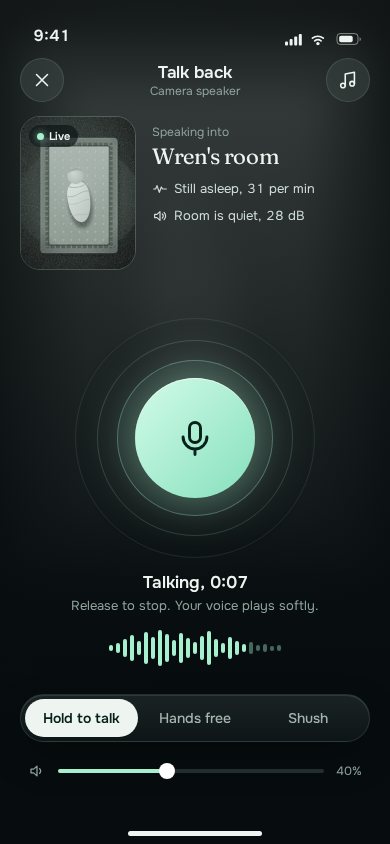 Nursery Talk back: Baby monitor camera and sleep, Glass, dark
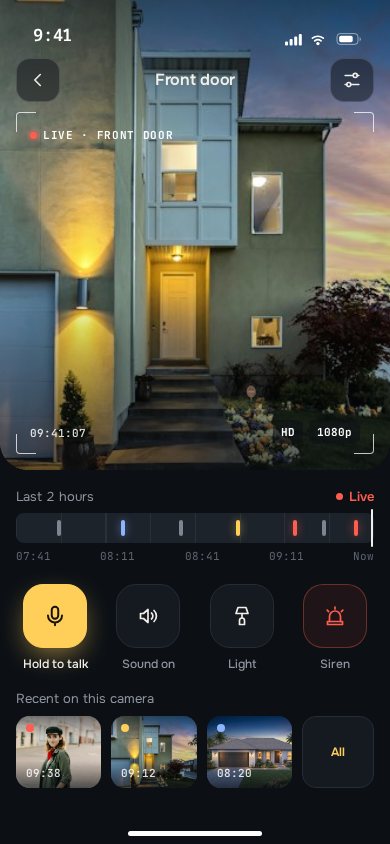 Porch Live view: Home security cameras, Dark-first, dark
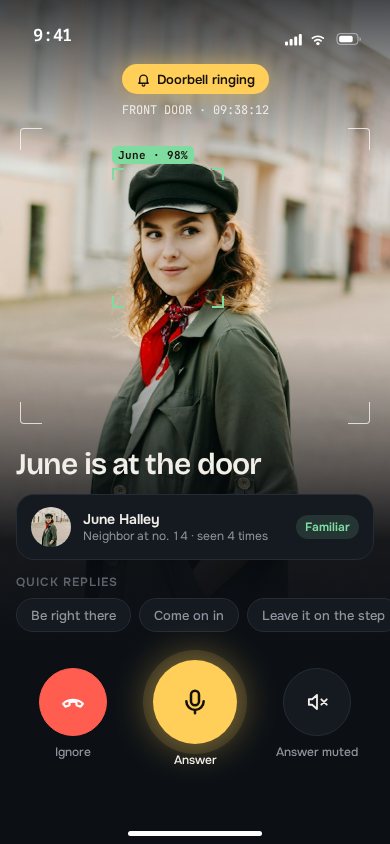 Porch Doorbell: Home security cameras, Dark-first, dark
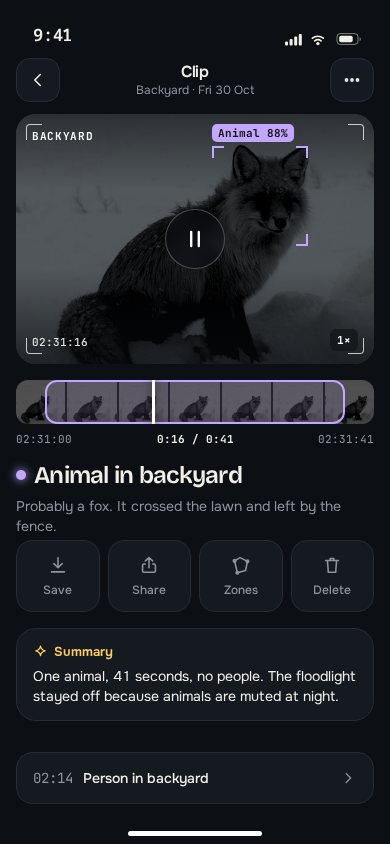 Porch Clip: Home security cameras, Dark-first, dark
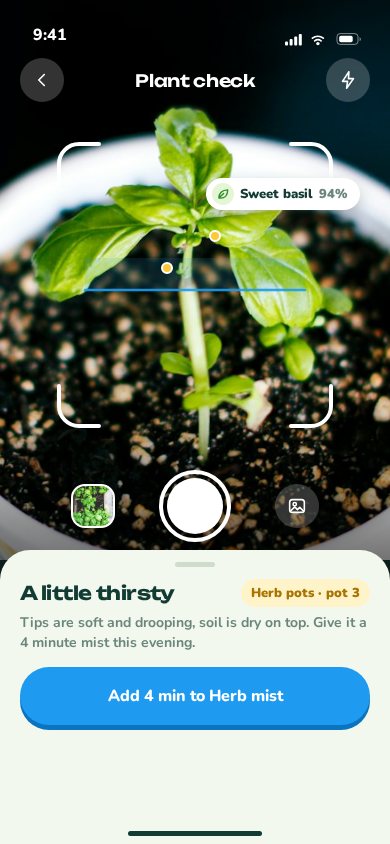 Puddle Plant check: Garden watering and sprinklers, Playful
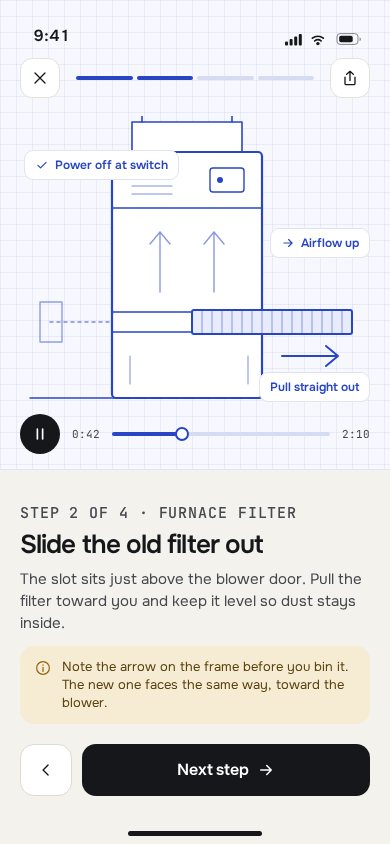 Upkeep Guide: Home maintenance calendar, Minimal
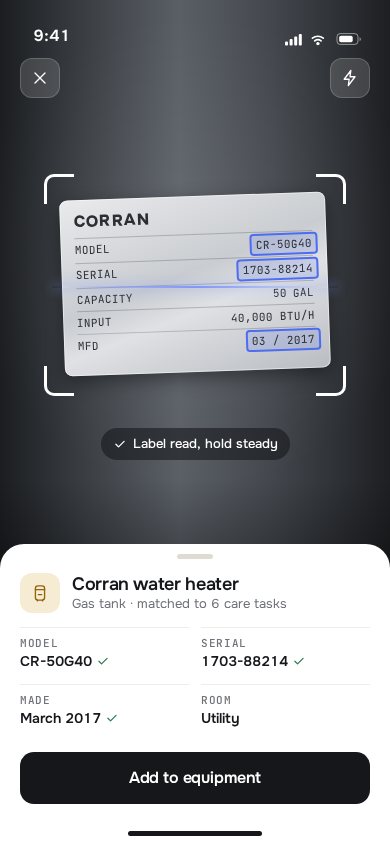 Upkeep Scan label: Home maintenance calendar, Minimal
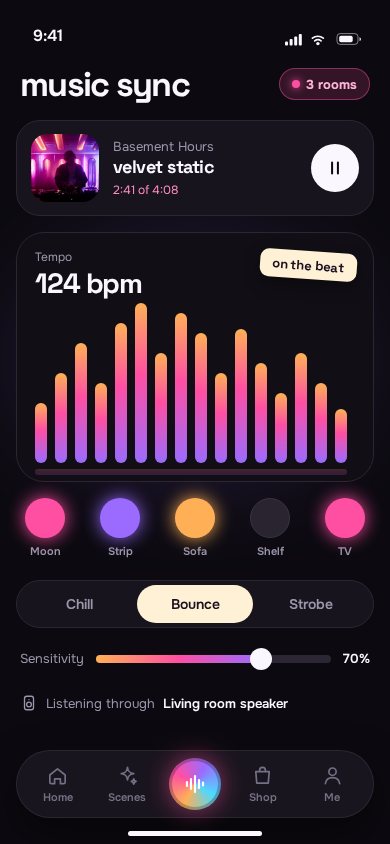 Glow Music sync: Light scenes and colour, Gen Z, dark
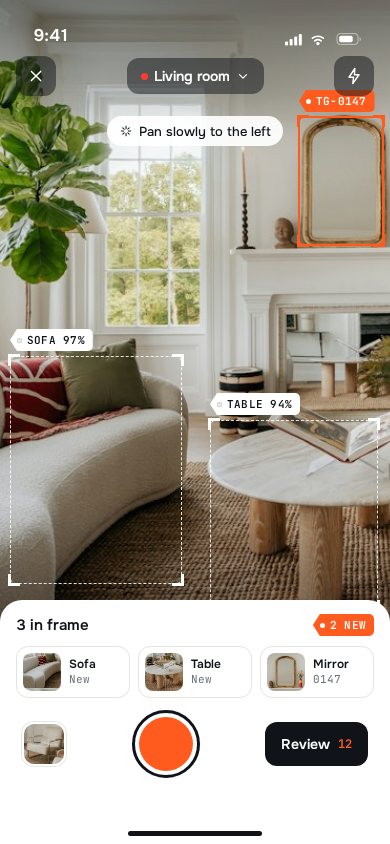 Tagged Scan: Home inventory for insurance, Clinical
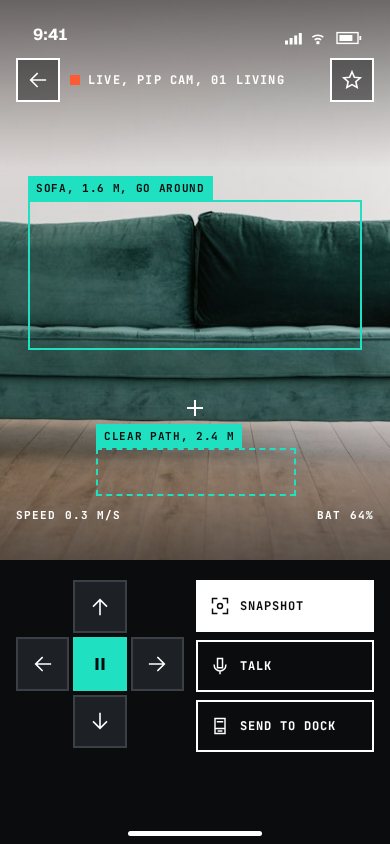 Sweep Camera: Robot vacuum and mop, Brutalist
What makes a good smart home app media player screen
- Content takes the space. Artwork, video or the camera view should fill most of the screen.
- Primary controls in the thumb zone. Play and pause, the shutter or the main tool, large and low on the screen.
- Show progress and position. A scrubber with elapsed and remaining time, or the step in a lesson.
- Hide secondary controls until needed. Lyrics, queue, filters and advanced tools can live behind a tap or a swipe.
- Respect system conventions. Media controls on the lock screen, swipe down to minimise and standard gestures people already know.
- Support both one hand and full screen. A compact player for quick control and a full view for watching or editing, with an easy gesture between them.
The full media player screen guide: layouts, mistakes and questions
Player, camera and editor screens in other kinds of app
- Social app player, camera and editor screens (90)
- Productivity app player, camera and editor screens (84)
- Lifestyle app player, camera and editor screens (66)
- Education app player, camera and editor screens (60)
- Fitness app player, camera and editor screens (40)
- Music app player, camera and editor screens (36)
- Travel app player, camera and editor screens (24)
- Finance app player, camera and editor screens (23)
- Food app player, camera and editor screens (20)
- Sports app player, camera and editor screens (12)
Other smart home app screens
- Smart home app onboarding screens
- Smart home app sign in and sign up screens
- Smart home app home screens
- Smart home app search and explore screens
- Smart home app list and feed screens
- Smart home app detail screens
- Smart home app booking and checkout screens
- Smart home app paywall screens
- Smart home app success and confirmation screens
- Smart home app profile screens
- Smart home app settings screens
- Smart home app dashboard and stats screens
- Smart home app live tracking screens
- Smart home app form and input screens