Templates · Player, camera and editor screens
Music app player, camera and editor screens
36 media player screens from 15 music app templates, each in its own design language. Music apps are led by artwork: covers, waveforms and a player that stays in reach while you browse.
The examples
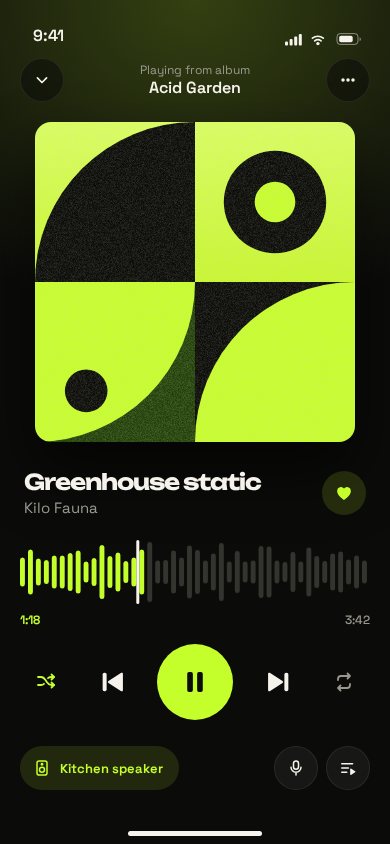 Wax Now playing: Music streaming, Dark-first, dark
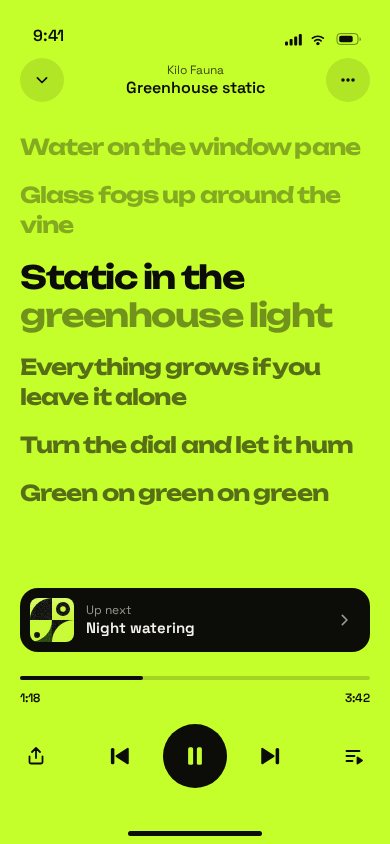 Wax Lyrics: Music streaming, Dark-first, dark
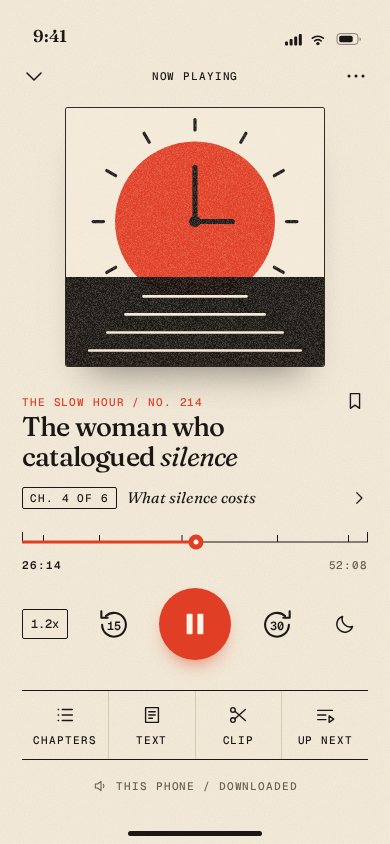 Earshot Now playing: Podcast player, Minimal
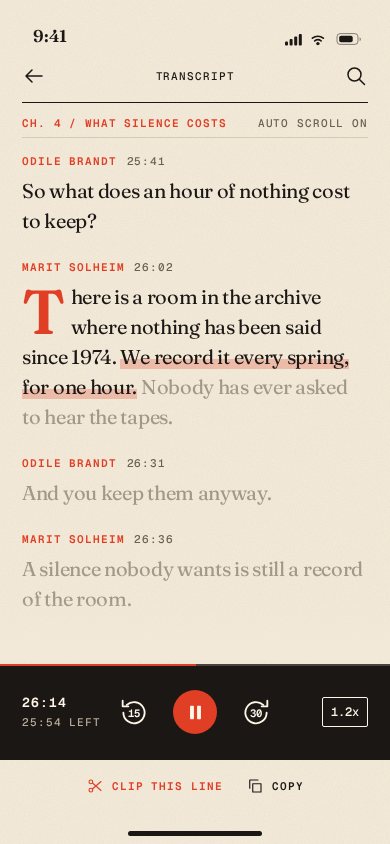 Earshot Transcript: Podcast player, Minimal
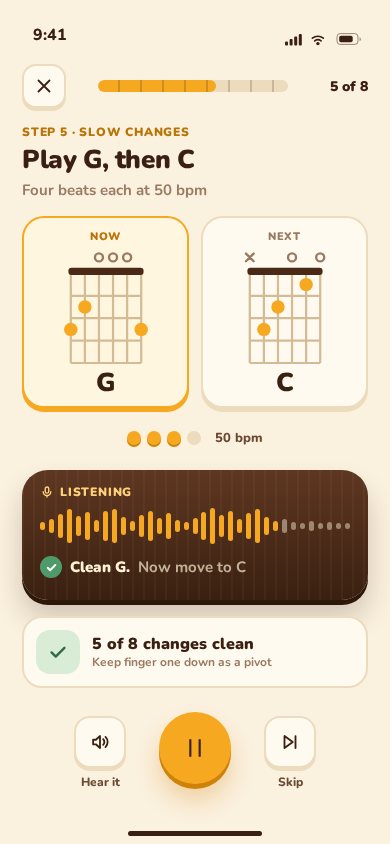 Strum Exercise: Learn guitar, one chord at a time, Playful
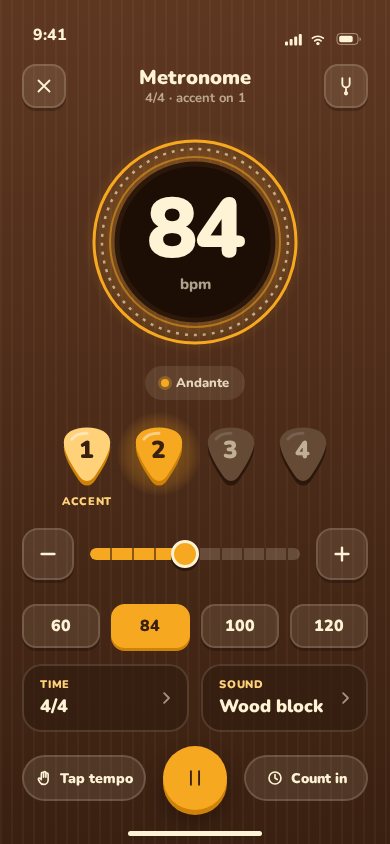 Strum Metronome: Learn guitar, one chord at a time, Playful
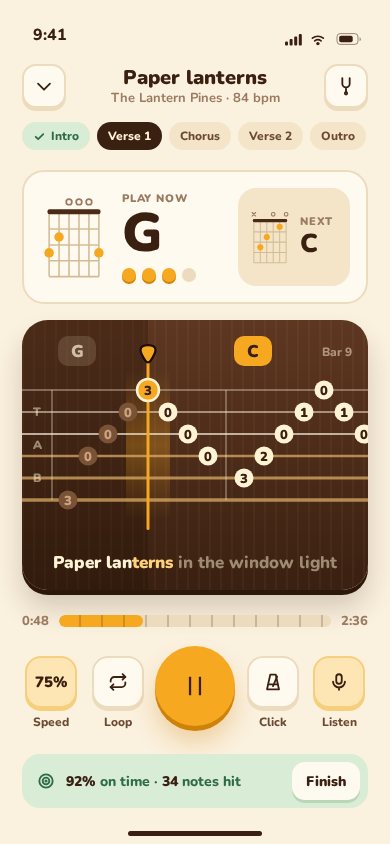 Strum Play along: Learn guitar, one chord at a time, Playful
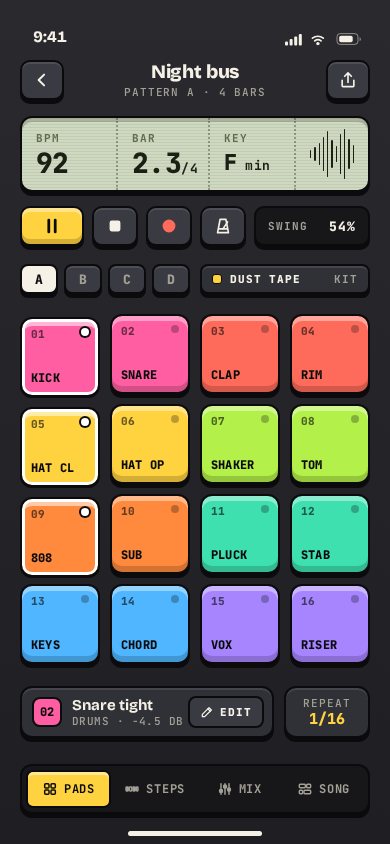 Padd Pads: Beat maker, Neubrutalism, dark
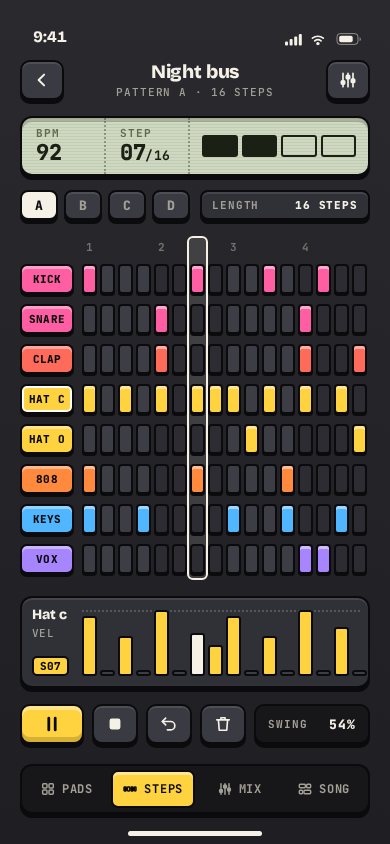 Padd Sequencer: Beat maker, Neubrutalism, dark
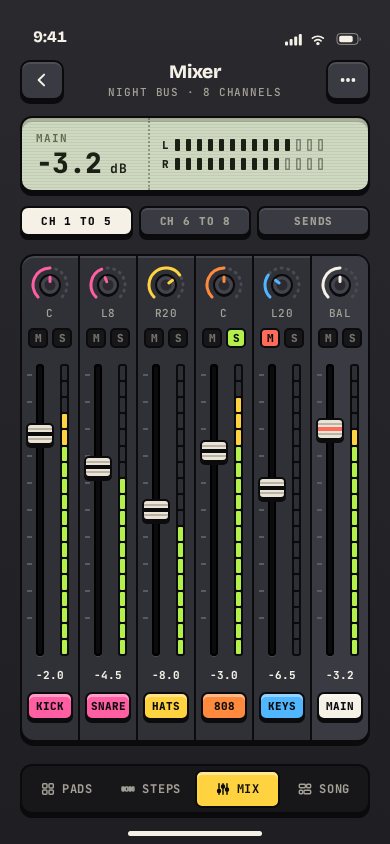 Padd Mixer: Beat maker, Neubrutalism, dark
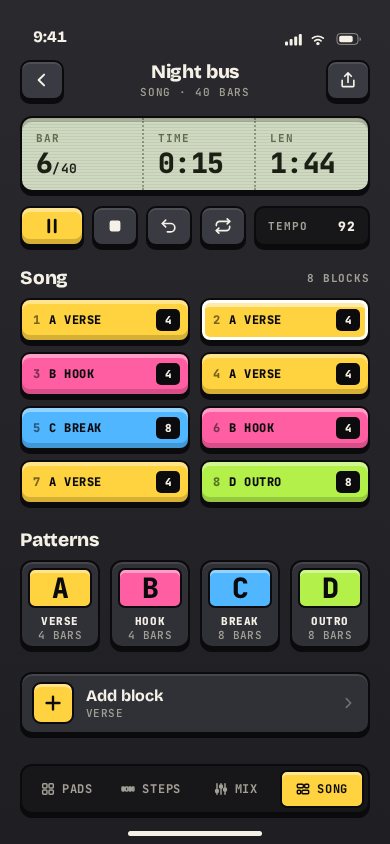 Padd Arrange: Beat maker, Neubrutalism, dark
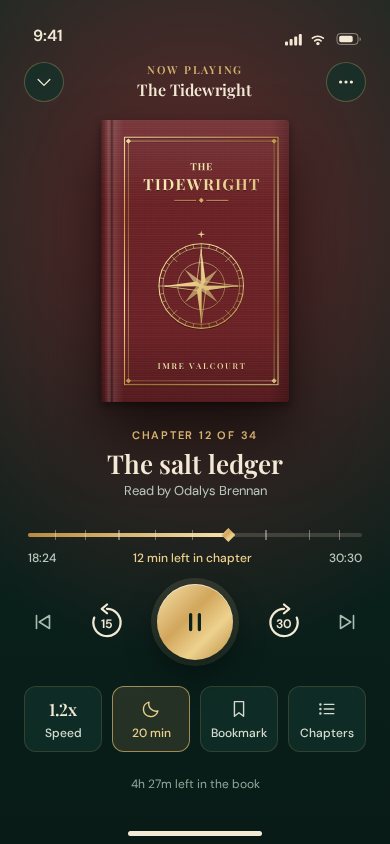 Aria Now playing: Audiobook library, Luxury, dark
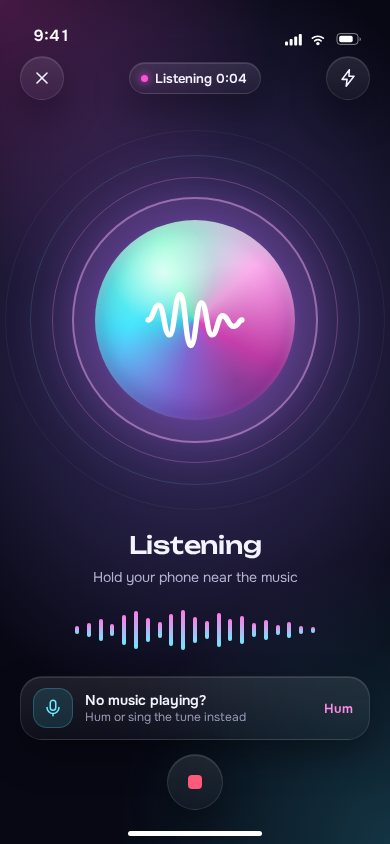 Hum Listening: Song recognition, Glass, dark
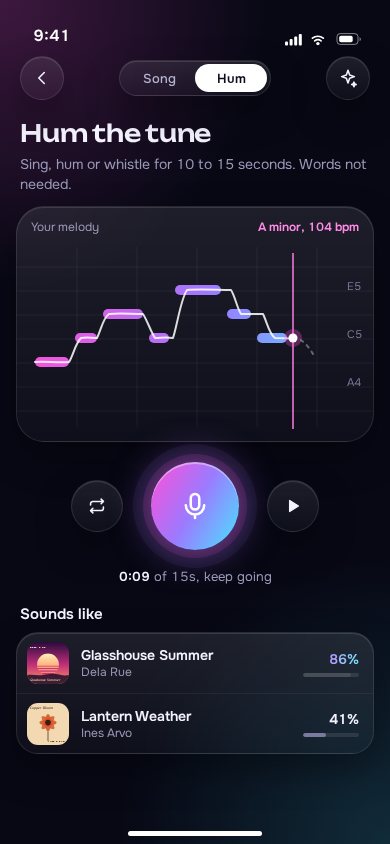 Hum mode: Song recognition, Glass, dark
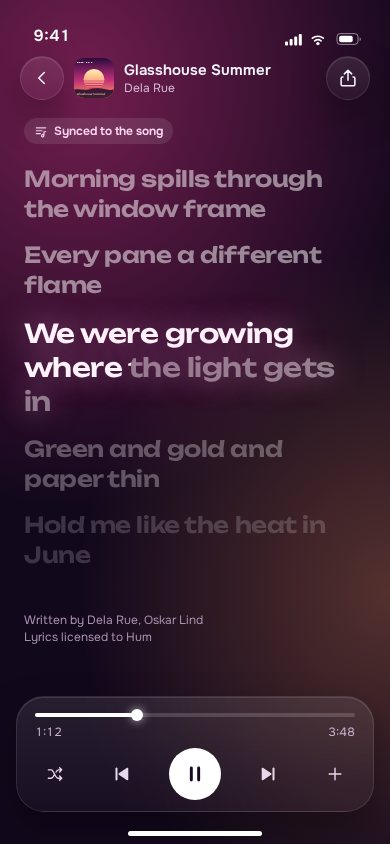 Hum Lyrics: Song recognition, Glass, dark
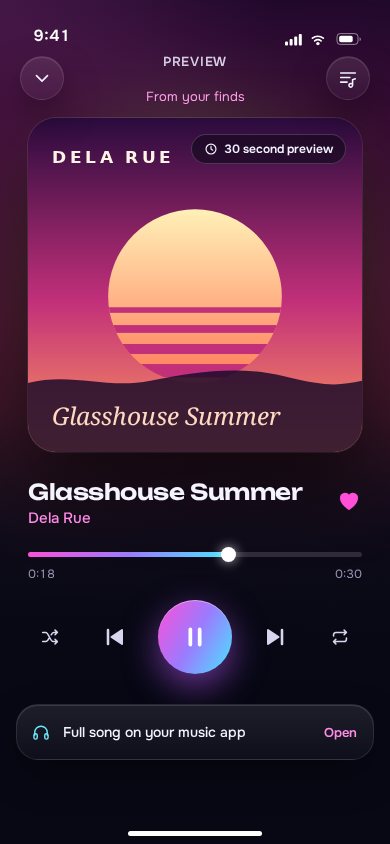 Hum Player: Song recognition, Glass, dark
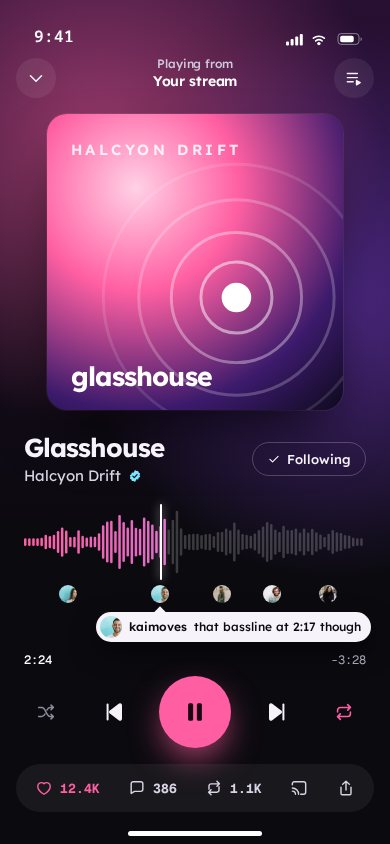 Riff Player: Upload and discover new tracks, Dark-first, dark
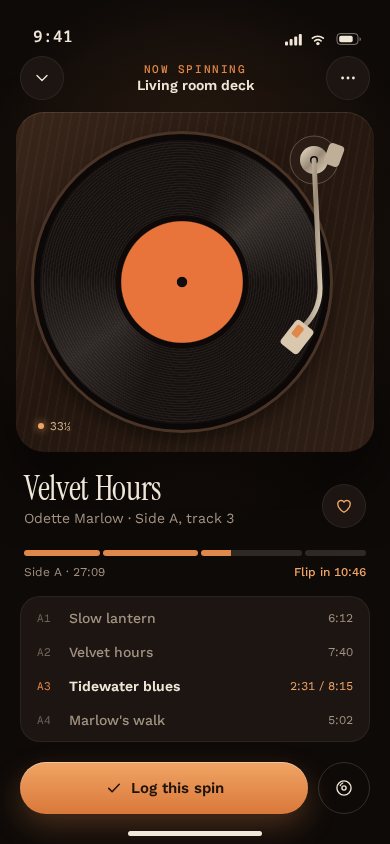 Groove Now spinning: Vinyl collection and crate digging, Luxury, dark
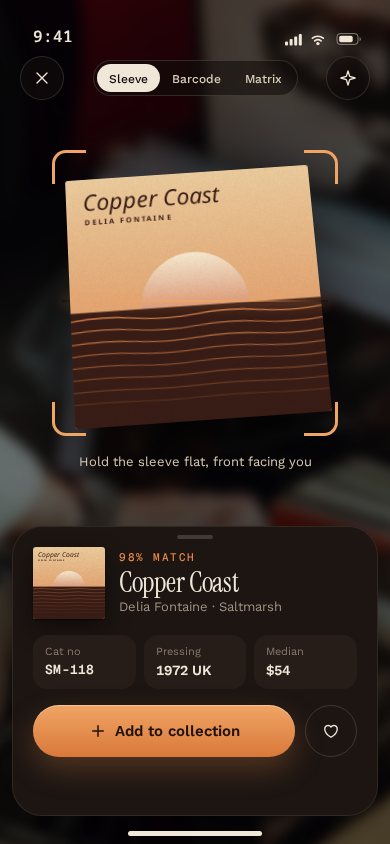 Groove Scan a sleeve: Vinyl collection and crate digging, Luxury, dark
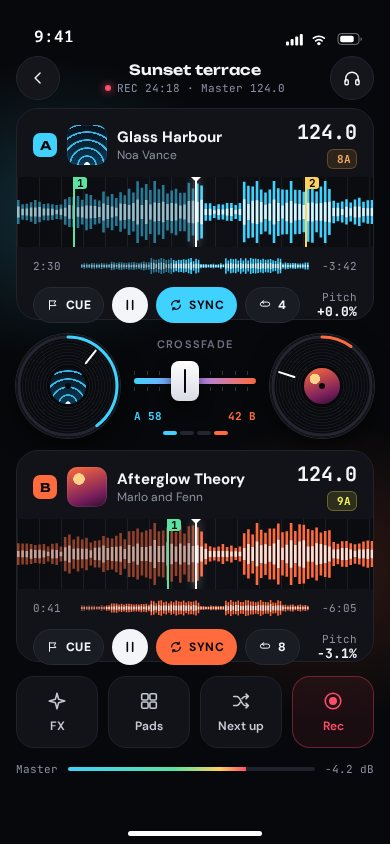 Crossfade Decks: DJ mixing on the go, Dark-first, dark
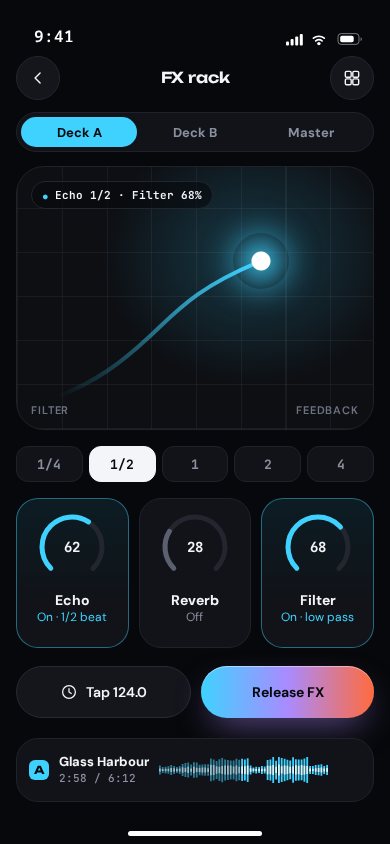 Crossfade FX: DJ mixing on the go, Dark-first, dark
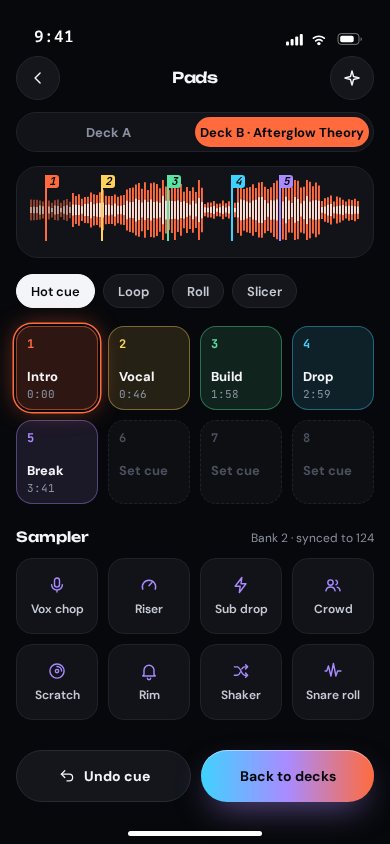 Crossfade Pads: DJ mixing on the go, Dark-first, dark
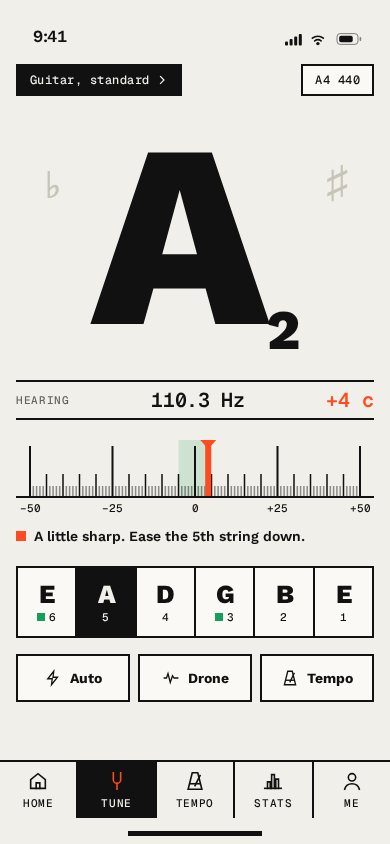 Fork Tuner: Tuner and metronome, Brutalist
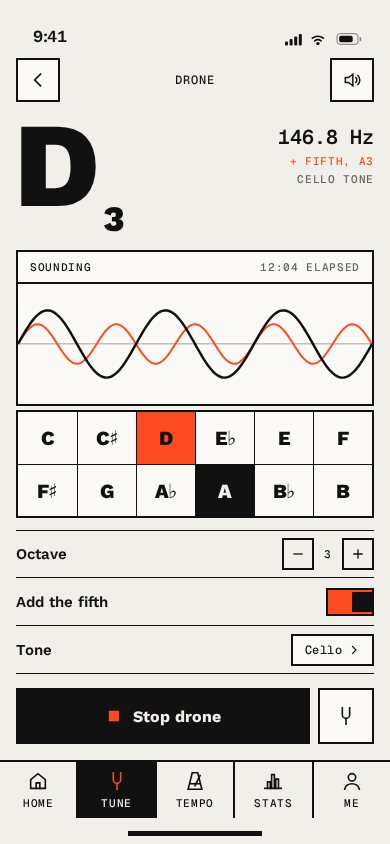 Fork Drone: Tuner and metronome, Brutalist
- Fork Metronome: Tuner and metronome, Brutalist
- Belt Now singing: Karaoke nights, Gen Z, dark
- Belt Clip: Karaoke nights, Gen Z, dark
- Dial Now playing: Internet radio from everywhere, Glass, dark
- Chorus Warm-up: Singing lessons and pitch training, Playful
- Chorus Pitch match: Singing lessons and pitch training, Playful
- Chorus Sing along: Singing lessons and pitch training, Playful
- Chorus Ear quiz: Singing lessons and pitch training, Playful
- Verse Record: Songwriting notebook, Minimal
- Verse Memo: Songwriting notebook, Minimal
- Sonata Seat view: Concert hall season and tickets, Clinical
- Sonata Listen: Concert hall season and tickets, Clinical
What makes a good music app media player screen
- Content takes the space. Artwork, video or the camera view should fill most of the screen.
- Primary controls in the thumb zone. Play and pause, the shutter or the main tool, large and low on the screen.
- Show progress and position. A scrubber with elapsed and remaining time, or the step in a lesson.
- Hide secondary controls until needed. Lyrics, queue, filters and advanced tools can live behind a tap or a swipe.
- Respect system conventions. Media controls on the lock screen, swipe down to minimise and standard gestures people already know.
- Support both one hand and full screen. A compact player for quick control and a full view for watching or editing, with an easy gesture between them.
The full media player screen guide: layouts, mistakes and questions
Player, camera and editor screens in other kinds of app
- Social app player, camera and editor screens (90)
- Productivity app player, camera and editor screens (84)
- Lifestyle app player, camera and editor screens (66)
- Education app player, camera and editor screens (60)
- Fitness app player, camera and editor screens (40)
- Travel app player, camera and editor screens (24)
- Smart home app player, camera and editor screens (24)
- Finance app player, camera and editor screens (23)
- Food app player, camera and editor screens (20)
- Sports app player, camera and editor screens (12)
Other music app screens
- Music app onboarding screens
- Music app sign in and sign up screens
- Music app home screens
- Music app search and explore screens
- Music app list and feed screens
- Music app detail screens
- Music app booking and checkout screens
- Music app paywall screens
- Music app success and confirmation screens
- Music app profile screens
- Music app settings screens
- Music app dashboard and stats screens
- Music app live tracking screens
- Music app form and input screens