Templates · Player, camera and editor screens
Travel app player, camera and editor screens
24 media player screens from 20 travel app templates, each in its own design language. Travel apps sell a place before they sell a booking: big photography, dates and prices that never hide, and a clear way back to the trip you were planning.
The examples
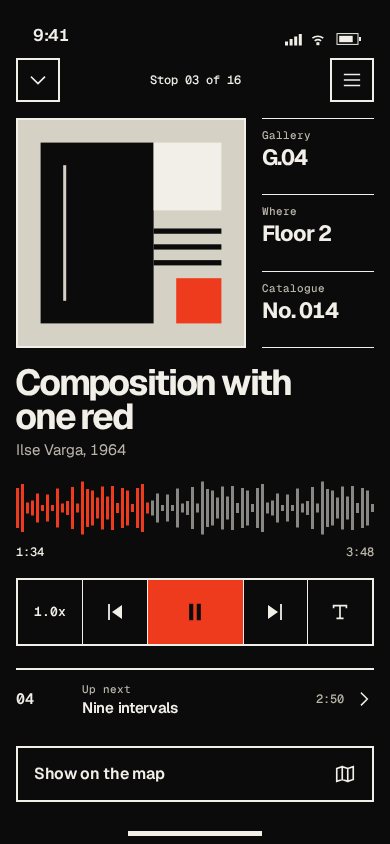 Museo Audio guide: Museum guide, Brutalist
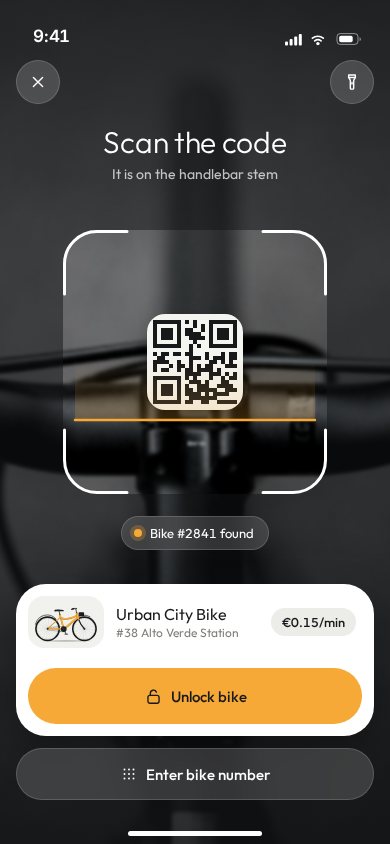 Spoke Scan: Bike sharing, Minimal
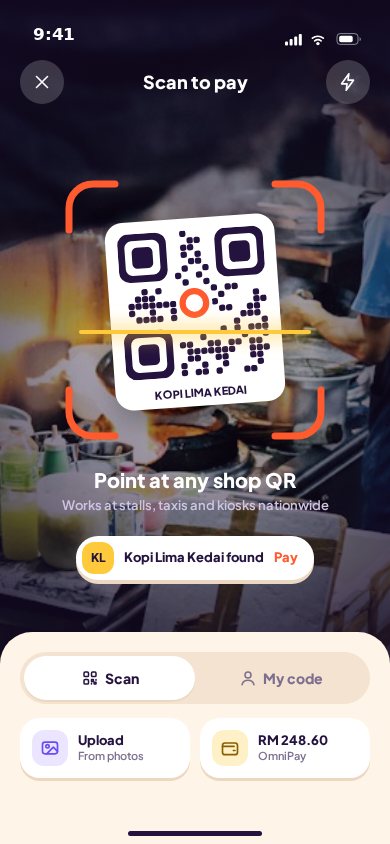 Omnia Scan to pay: Super app for rides, food and payments, Playful
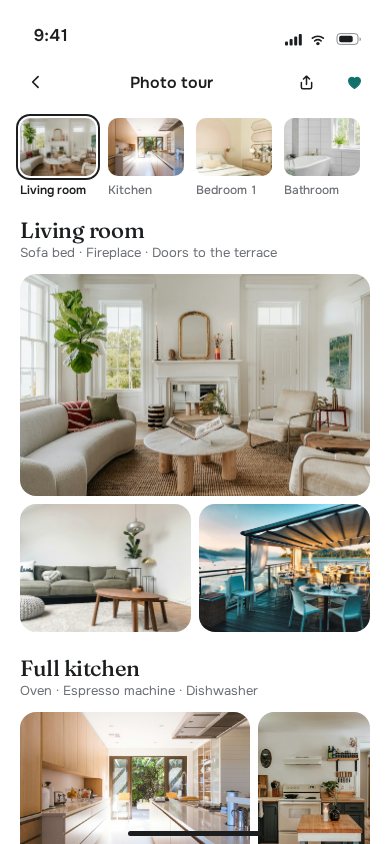 Staya Photo tour: Homes and stays from local hosts, Minimal
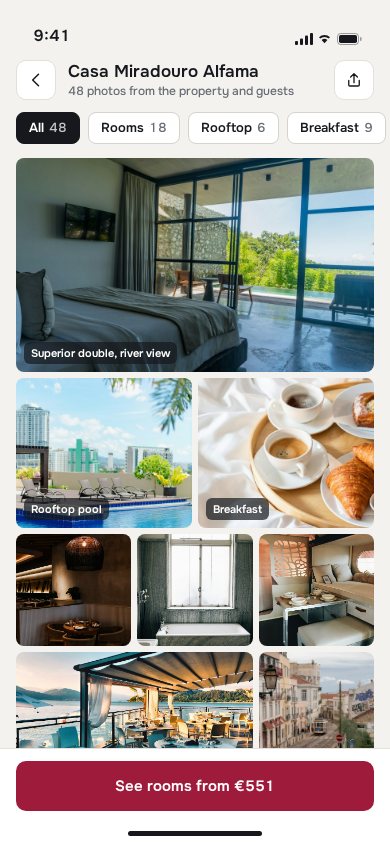 Lodge Photos: Hotels, deals and reservations, Enterprise
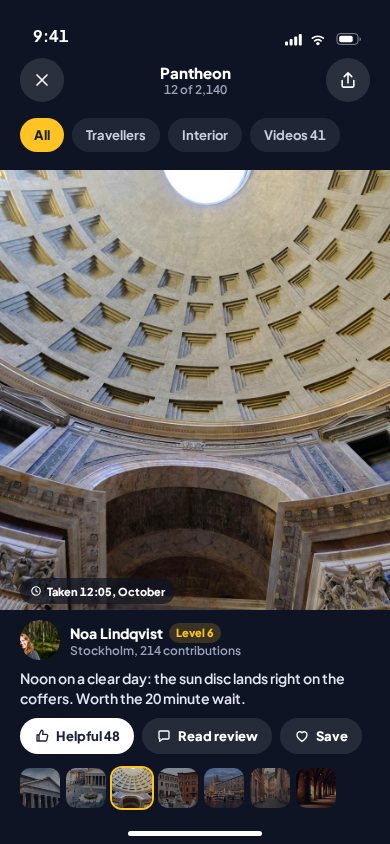 Rove Photos: Reviews and things to do, Playful
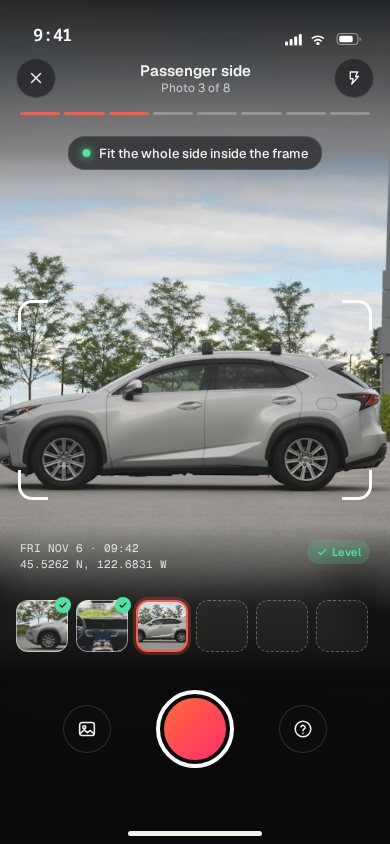 Ignition Check in: Car rental from local hosts, Dark-first, dark
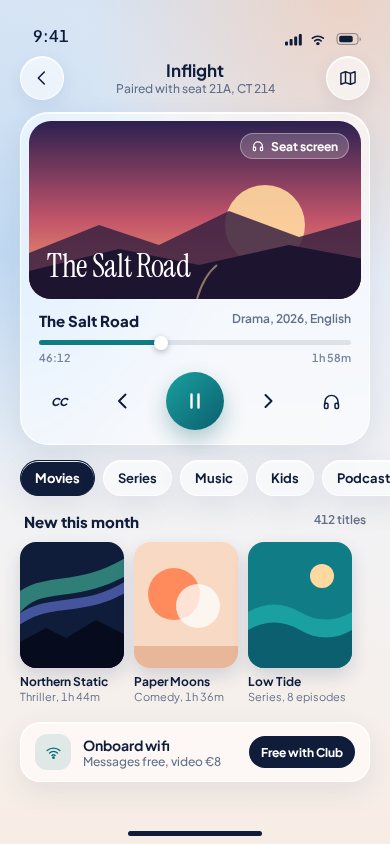 Contrail Entertainment: Airline booking, check-in and boarding, Glass
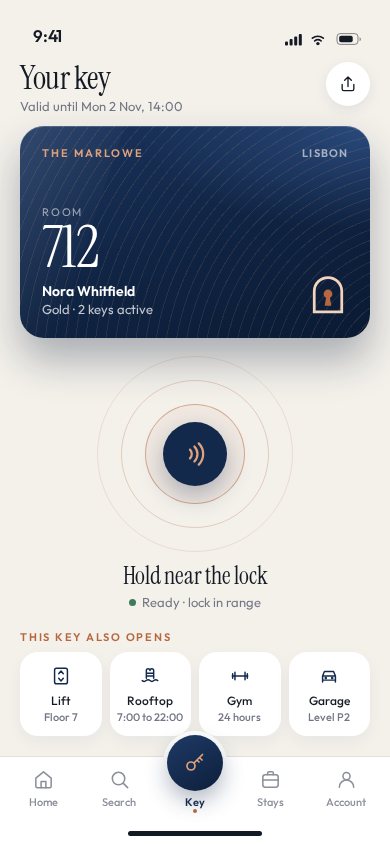 Keycard Digital key: Hotel stays, digital key and room service, Luxury
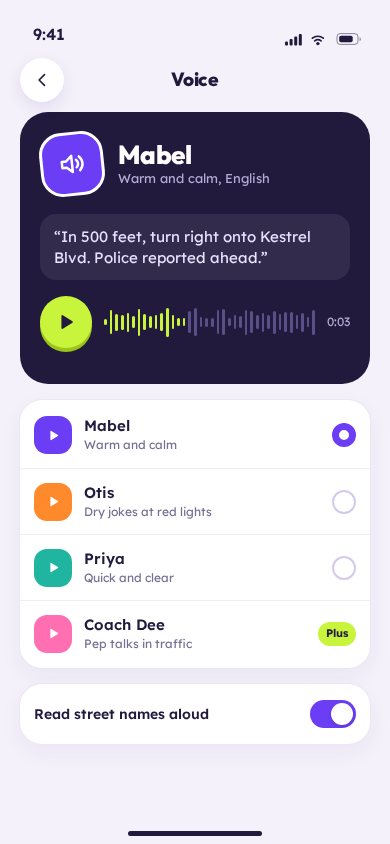 Detour Voice: Community driving navigation, Playful
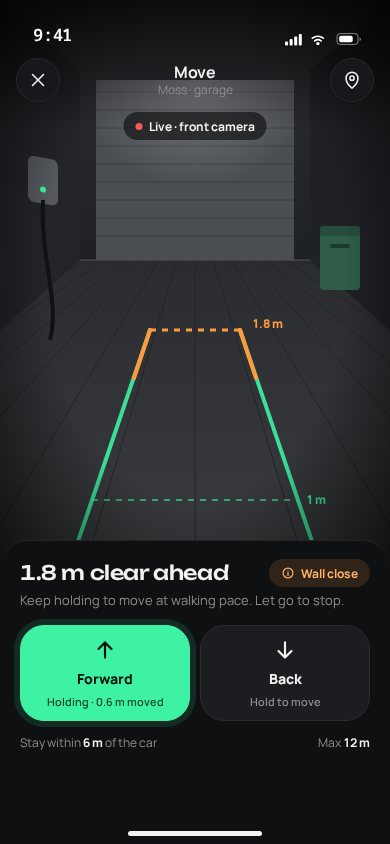 Roadster Move: Your electric car, from your phone, Dark-first, dark
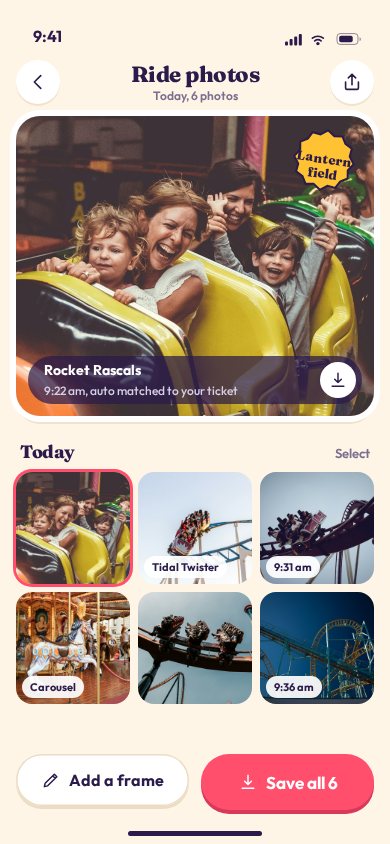 Fairground Photos: Theme park tickets, wait times and map, Playful
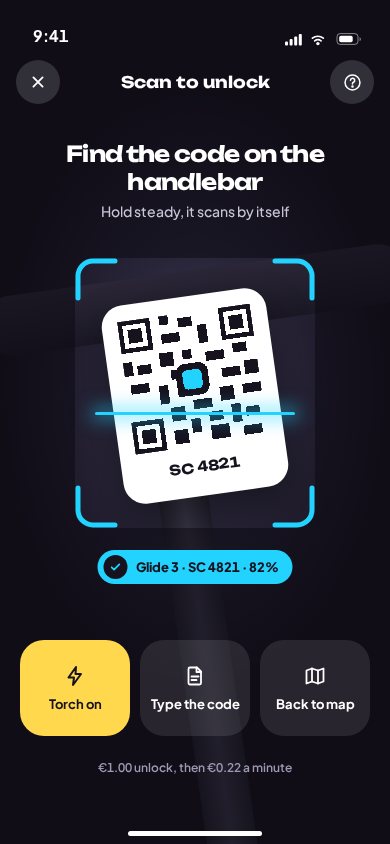 Scoot Scan: E-scooter and e-bike rental, Gen Z
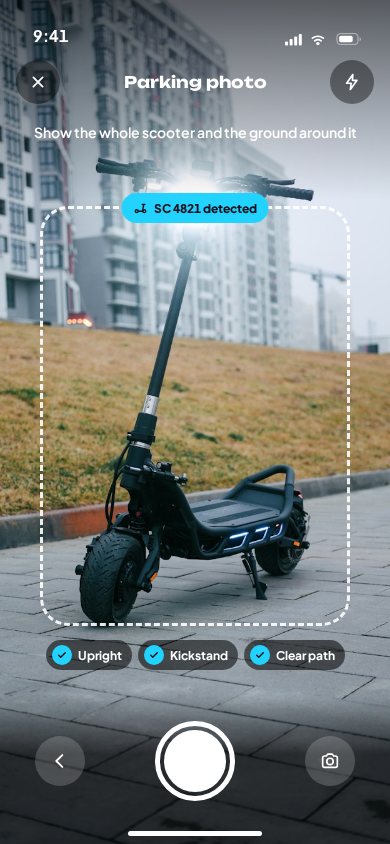 Scoot Parking photo: E-scooter and e-bike rental, Gen Z
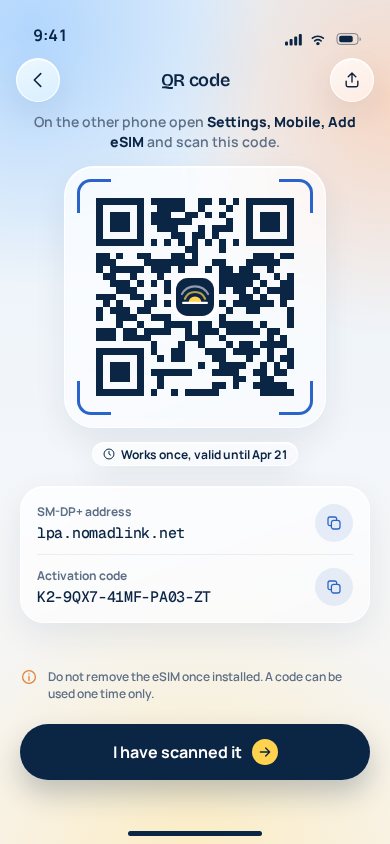 Nomad QR code: Travel eSIM data plans, Glass
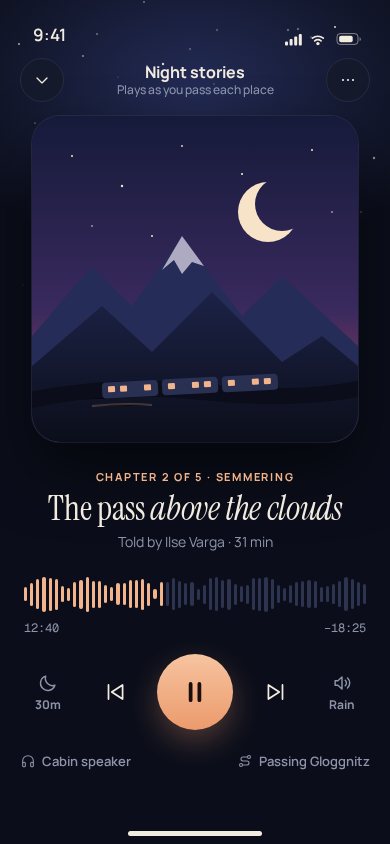 Berth Night stories: Night trains and sleeper cabins, Luxury, dark
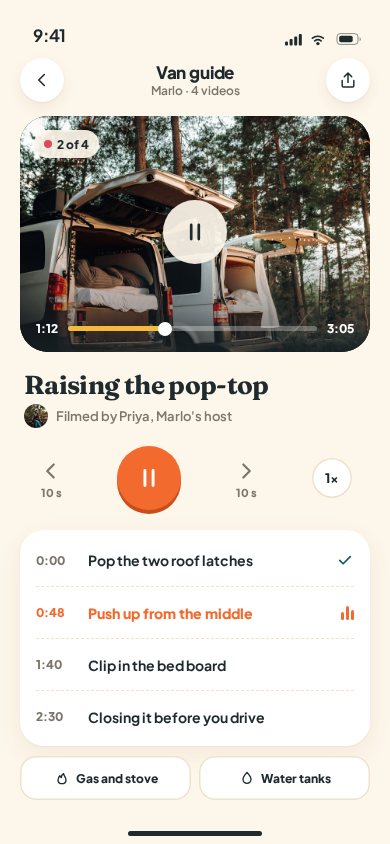 Caravan Van guide: Campervan rental and road trips, Playful
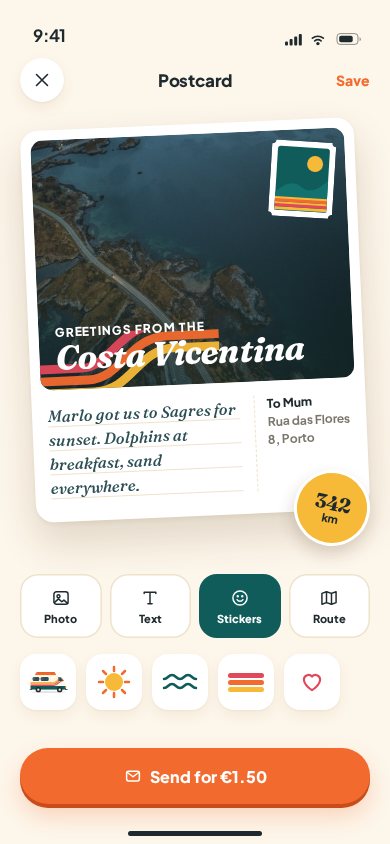 Caravan Postcard: Campervan rental and road trips, Playful
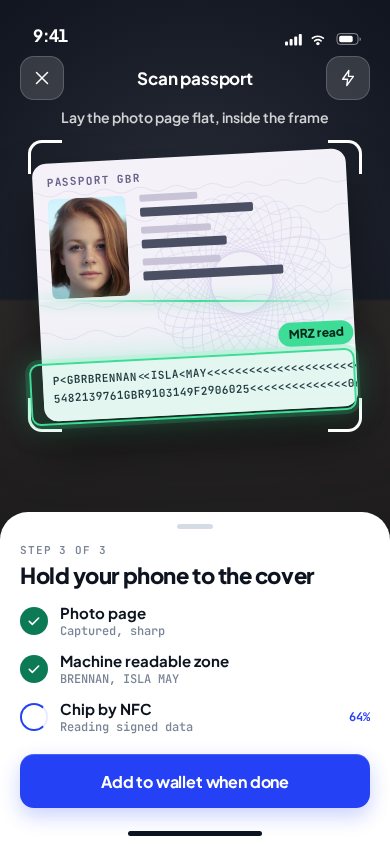 Permit Scan passport: Visas and travel documents wallet, Clinical
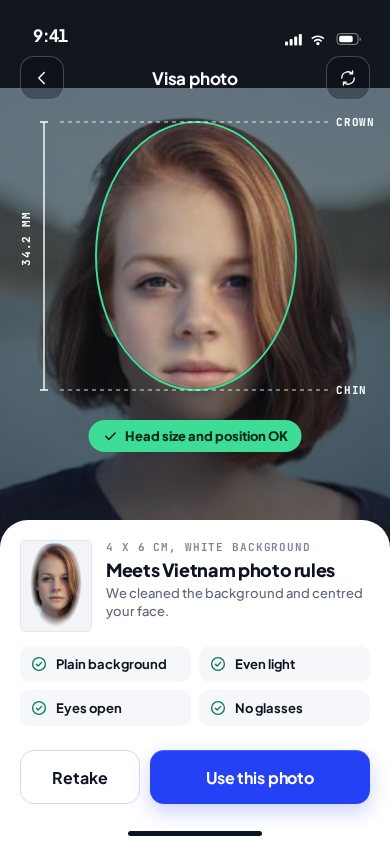 Permit Visa photo: Visas and travel documents wallet, Clinical
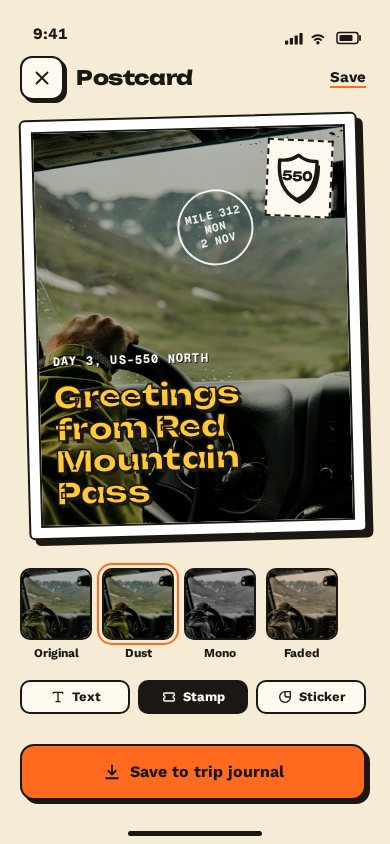 Backroad Postcard: Road trip planner with stops, Neubrutalism
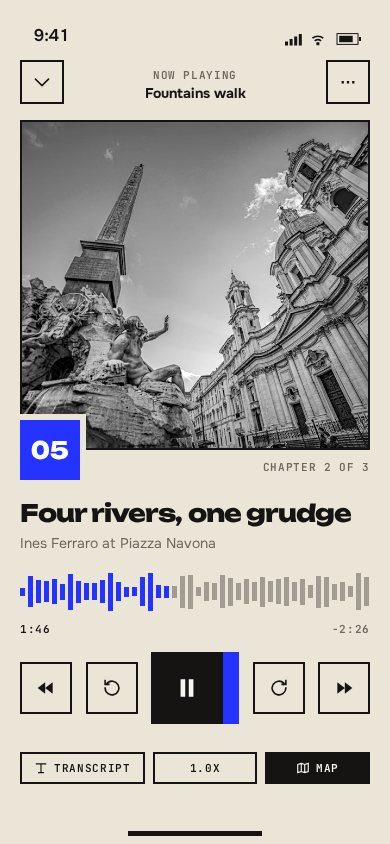 Piazza Audio guide: Self-guided city walking tours, Brutalist
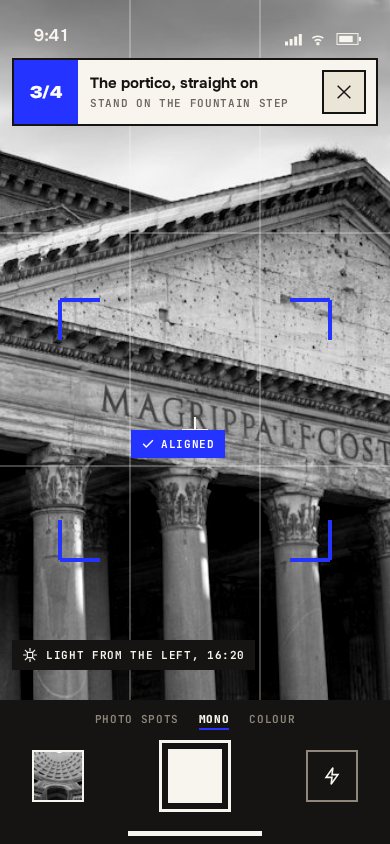 Piazza Photo spot: Self-guided city walking tours, Brutalist
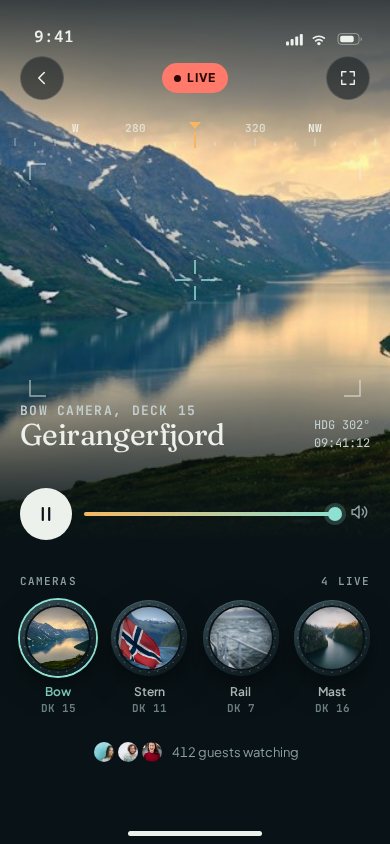 Fjord Bow camera: Cruise companion on board, Dark-first, dark
What makes a good travel app media player screen
- Content takes the space. Artwork, video or the camera view should fill most of the screen.
- Primary controls in the thumb zone. Play and pause, the shutter or the main tool, large and low on the screen.
- Show progress and position. A scrubber with elapsed and remaining time, or the step in a lesson.
- Hide secondary controls until needed. Lyrics, queue, filters and advanced tools can live behind a tap or a swipe.
- Respect system conventions. Media controls on the lock screen, swipe down to minimise and standard gestures people already know.
- Support both one hand and full screen. A compact player for quick control and a full view for watching or editing, with an easy gesture between them.
The full media player screen guide: layouts, mistakes and questions
Player, camera and editor screens in other kinds of app
- Social app player, camera and editor screens (90)
- Productivity app player, camera and editor screens (84)
- Lifestyle app player, camera and editor screens (66)
- Education app player, camera and editor screens (60)
- Fitness app player, camera and editor screens (40)
- Music app player, camera and editor screens (36)
- Smart home app player, camera and editor screens (24)
- Finance app player, camera and editor screens (23)
- Food app player, camera and editor screens (20)
- Sports app player, camera and editor screens (12)
Other travel app screens
- Travel app onboarding screens
- Travel app sign in and sign up screens
- Travel app home screens
- Travel app search and explore screens
- Travel app list and feed screens
- Travel app detail screens
- Travel app booking and checkout screens
- Travel app paywall screens
- Travel app success and confirmation screens
- Travel app profile screens
- Travel app settings screens
- Travel app dashboard and stats screens
- Travel app live tracking screens
- Travel app form and input screens