Templates · Success and confirmation screens
Smart home app success and confirmation screens
28 confirmation screens from 20 smart home app templates, each in its own design language. Smart home apps control real things: rooms, devices and their state need to be obvious, with the common actions one tap away.
The examples
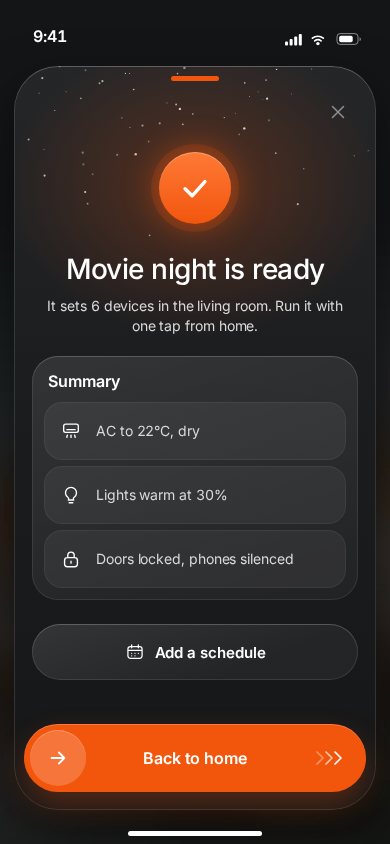 Dusk Scenario saved: Smart home scenarios, Glass, dark
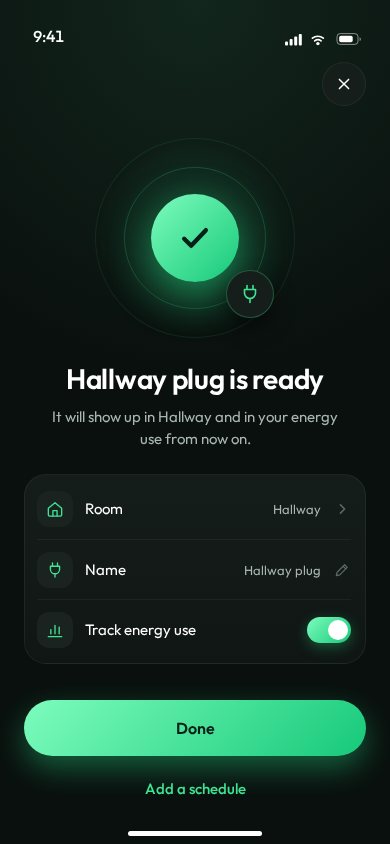 Lumen Device added: Smart home energy, Dark-first, dark
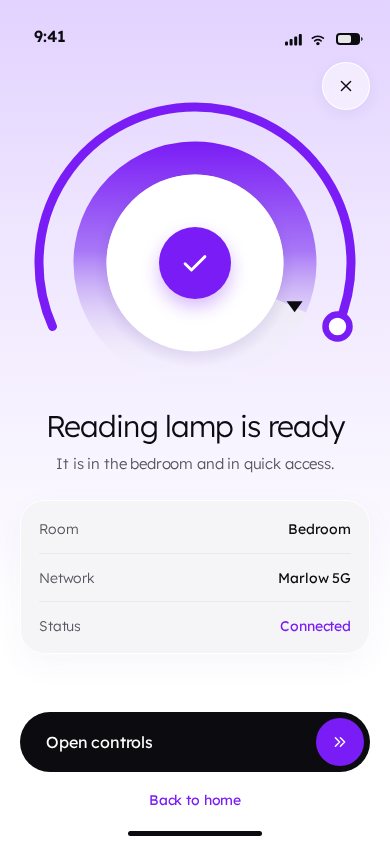 Abode Device added: Smart home devices, Minimal
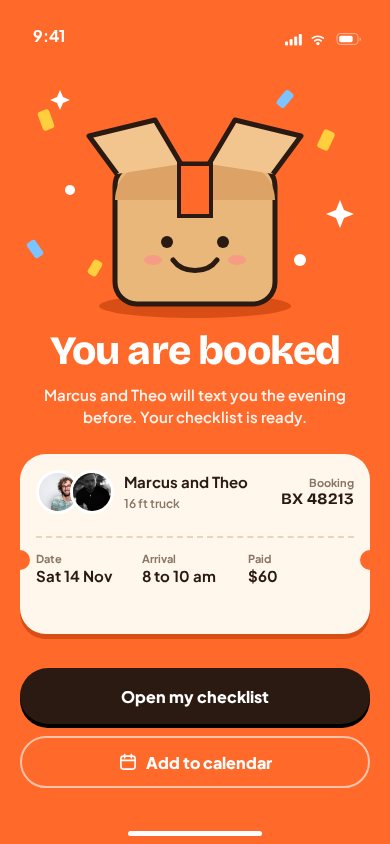 Boxed Booked: Book movers and plan moving day, Playful
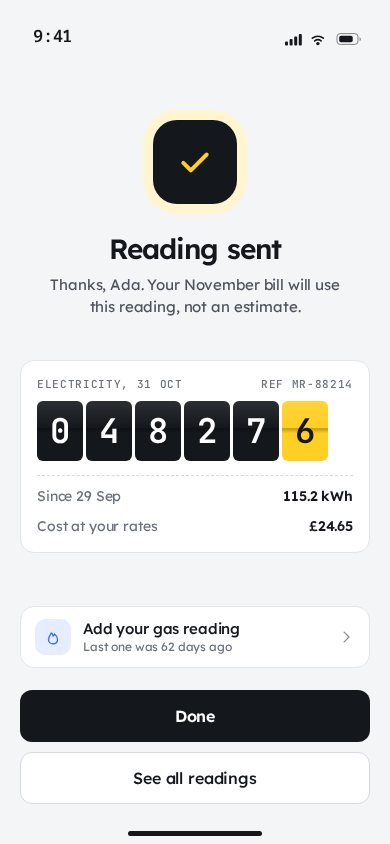 Meter Reading sent: Your energy supplier account, Clinical
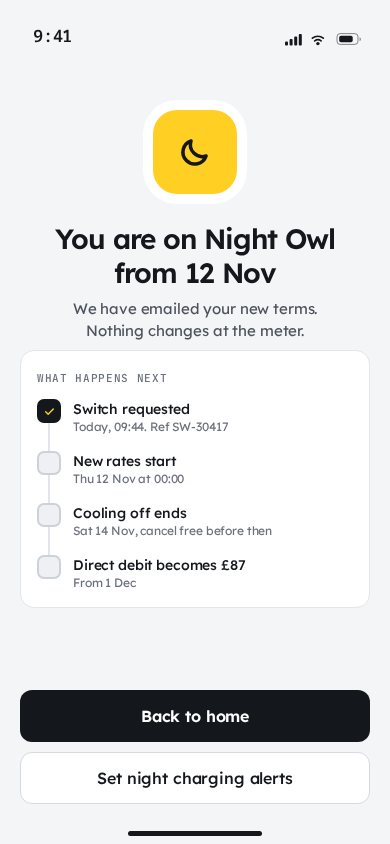 Meter Switch confirmed: Your energy supplier account, Clinical
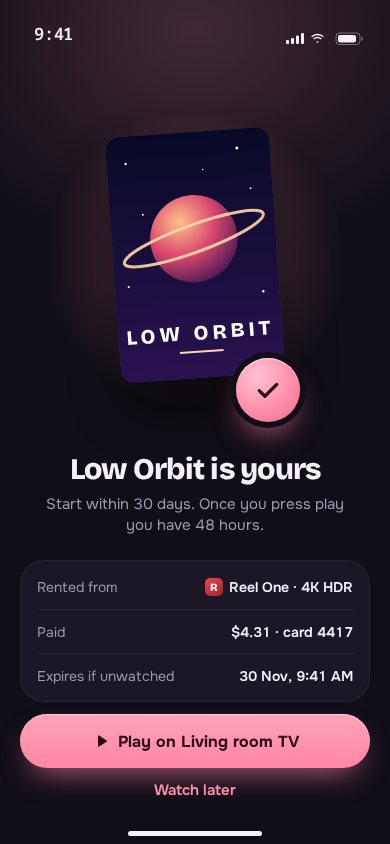 Couch Rented: TV remote, casting and watchlist, Dark-first, dark
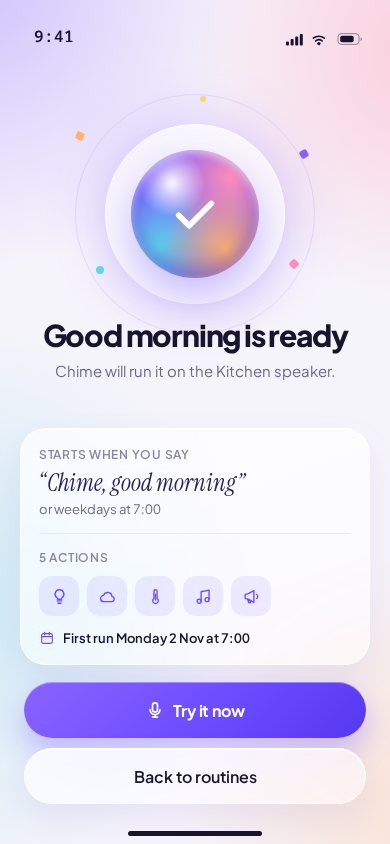 Chime Routine saved: Voice assistant and smart speaker, Glass
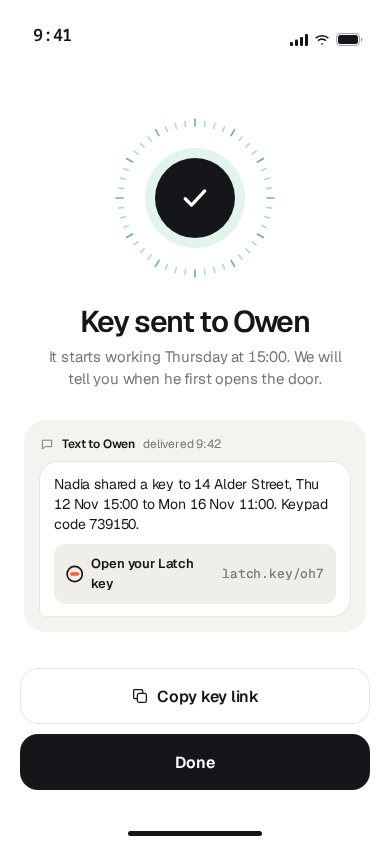 Latch Key sent: Smart locks and guest access, Minimal
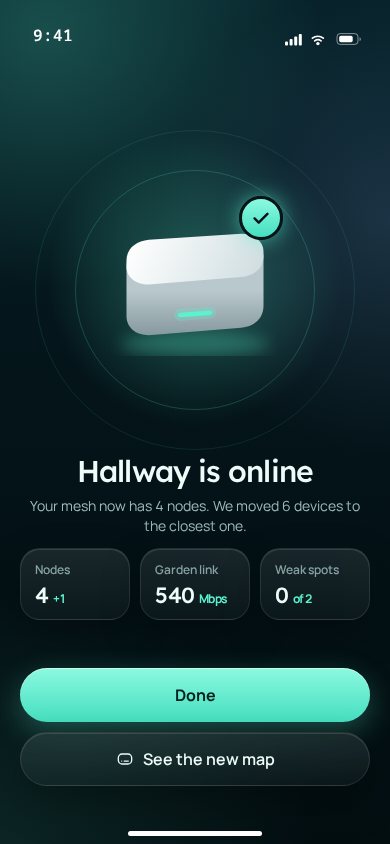 Mesh Node added: Home Wi-Fi network, Glass, dark
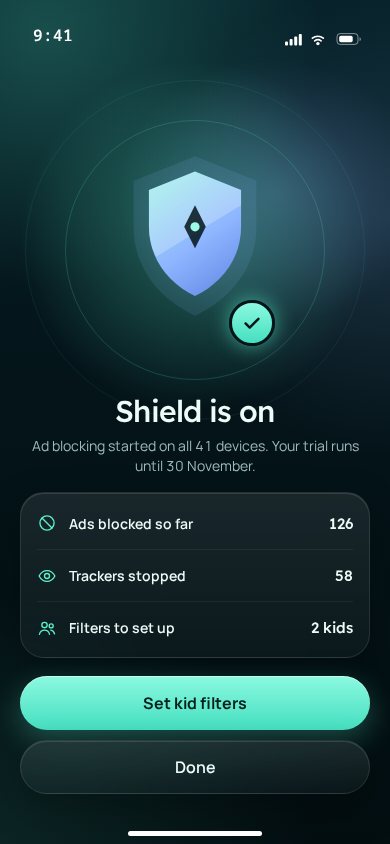 Mesh Shield active: Home Wi-Fi network, Glass, dark
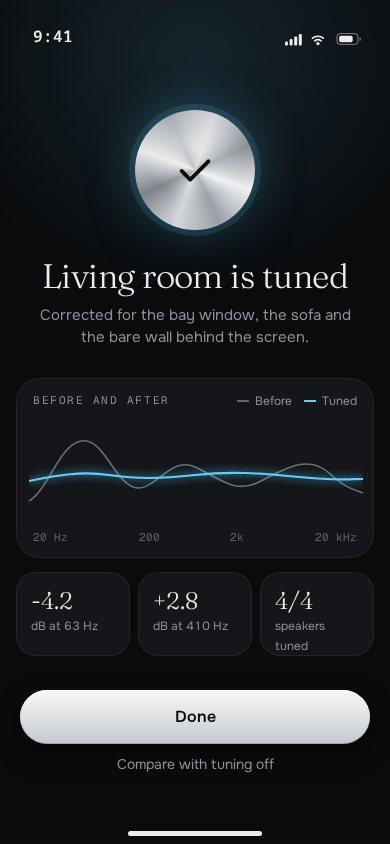 Decibel Tuning done: Multi-room speakers, Luxury, dark
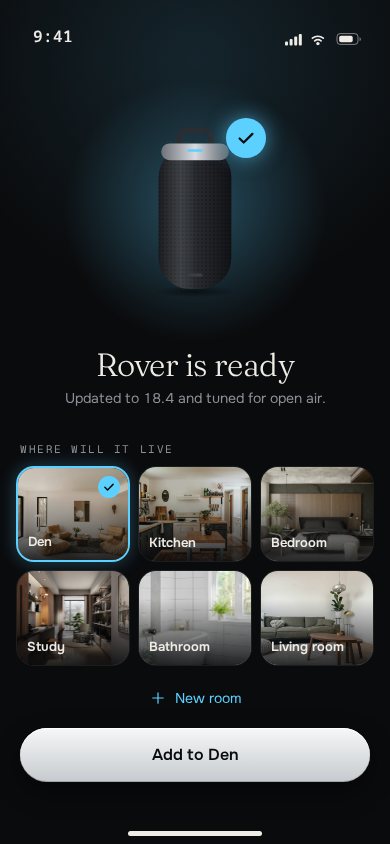 Decibel Speaker ready: Multi-room speakers, Luxury, dark
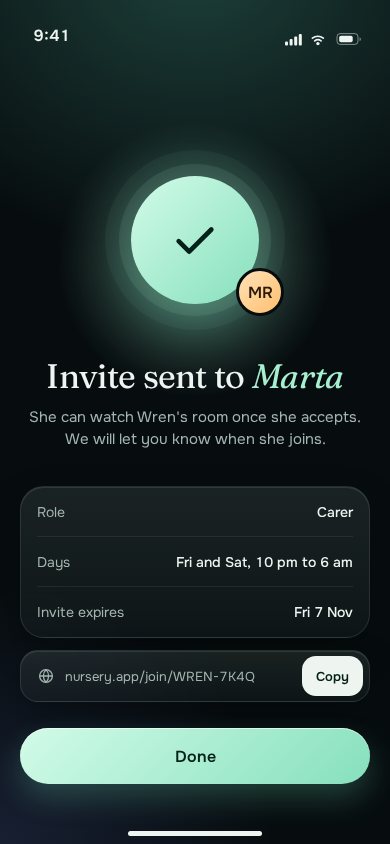 Nursery Invite sent: Baby monitor camera and sleep, Glass, dark
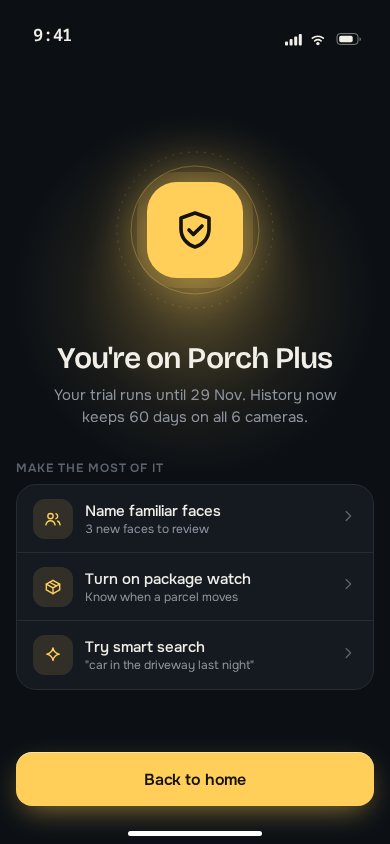 Porch Plan active: Home security cameras, Dark-first, dark
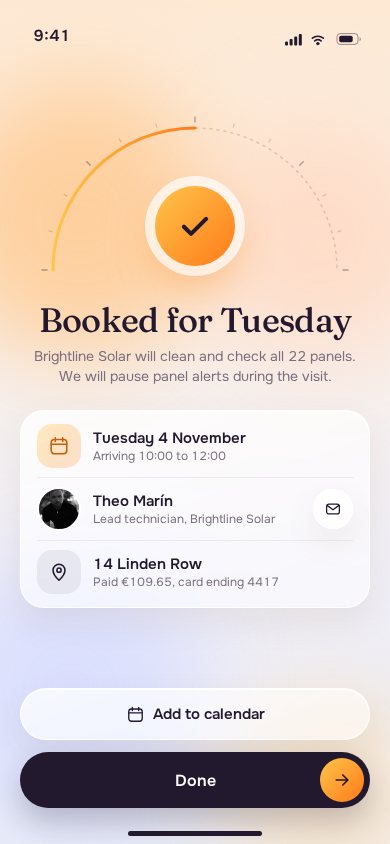 Sundial Booked: Solar panels and home battery, Glass
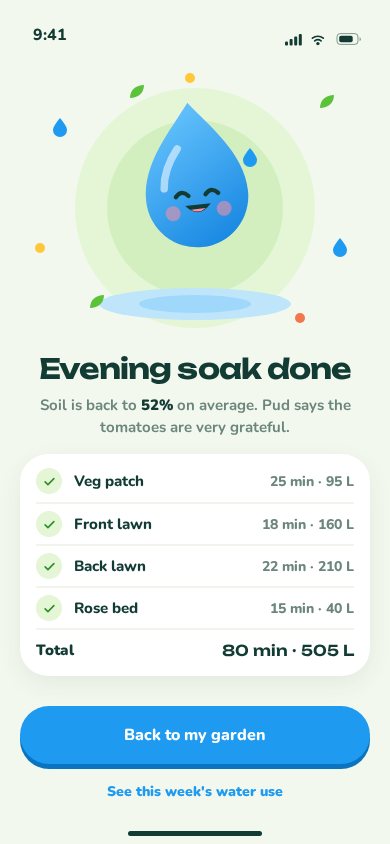 Puddle All watered: Garden watering and sprinklers, Playful
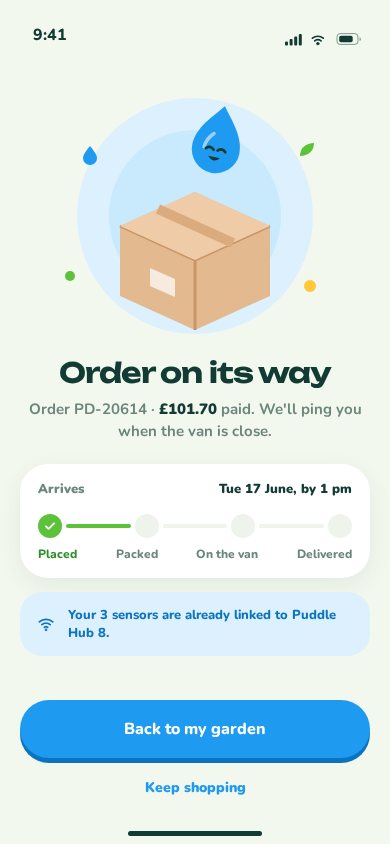 Puddle Order placed: Garden watering and sprinklers, Playful
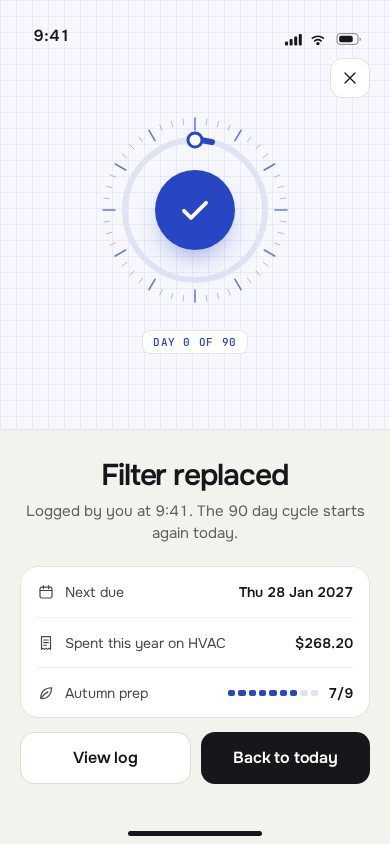 Upkeep Logged: Home maintenance calendar, Minimal
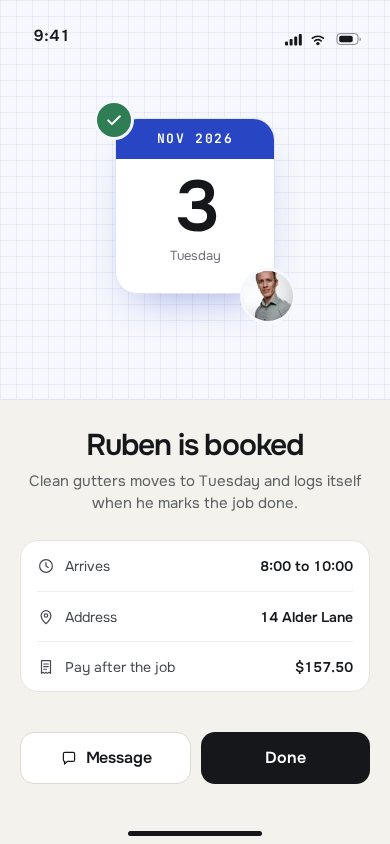 Upkeep Booked: Home maintenance calendar, Minimal
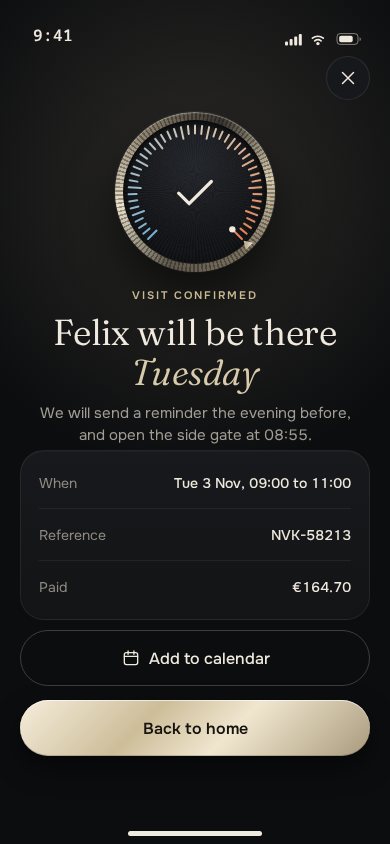 Kelvin Service booked: Climate and thermostat, Luxury, dark
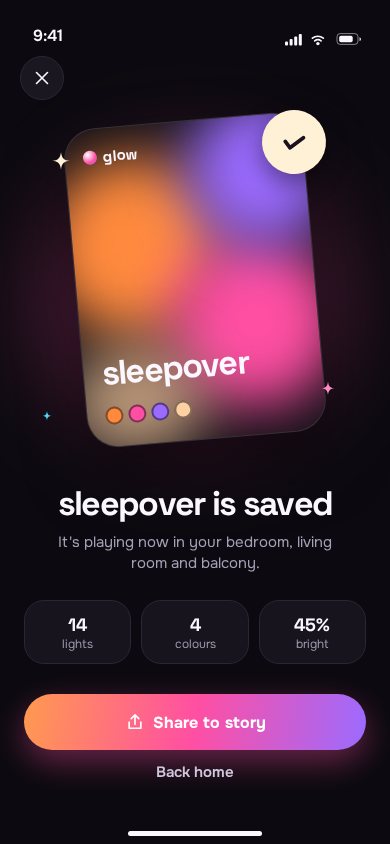 Glow Scene saved: Light scenes and colour, Gen Z, dark
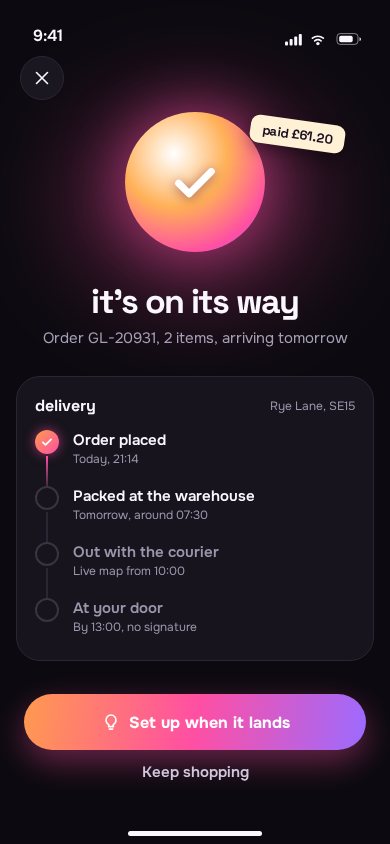 Glow Order placed: Light scenes and colour, Gen Z, dark
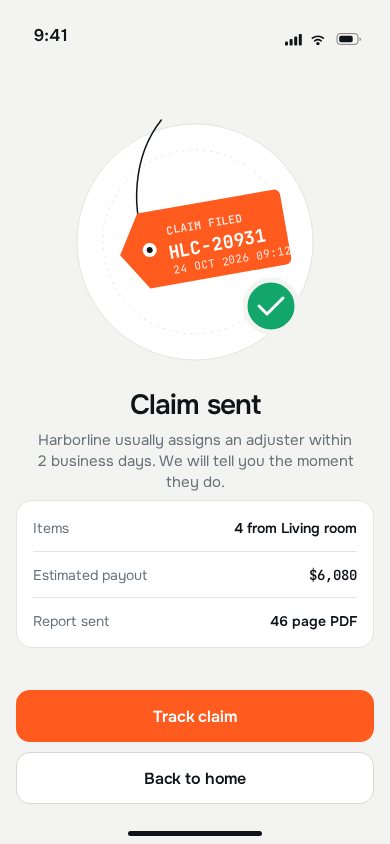 Tagged Claim sent: Home inventory for insurance, Clinical
- Lobby Pass sent: Apartment building app, Enterprise
- Lobby Booked: Apartment building app, Enterprise
- Sweep Clean complete: Robot vacuum and mop, Brutalist
- Sweep Order placed: Robot vacuum and mop, Brutalist
What makes a good smart home app confirmation screen
- Confirm in the headline. "Payment sent", "Table booked for Friday at 8" or "Lesson complete" in plain words, with a clear success colour or icon.
- Repeat the key details. Amount, date, reference number or score, so people do not need to check elsewhere that the right thing happened.
- Say what happens next. When the order arrives, when the money lands, when the next lesson unlocks.
- Offer the next step. Track the order, add to calendar, share, or start the next lesson. One primary action and a way back home.
- Match the emotion to the moment. A streak or a finished course can celebrate; a bank transfer should feel calm and certain.
- Make the receipt easy to keep. Offer share, save as image or email receipt for payments and bookings, and keep the same details findable later in the app's history.
The full confirmation screen guide: layouts, mistakes and questions
Success and confirmation screens in other kinds of app
- Lifestyle app success and confirmation screens (77)
- Productivity app success and confirmation screens (66)
- Social app success and confirmation screens (52)
- Travel app success and confirmation screens (50)
- Finance app success and confirmation screens (50)
- Education app success and confirmation screens (44)
- Fitness app success and confirmation screens (41)
- Food app success and confirmation screens (39)
- Music app success and confirmation screens (24)
- Sports app success and confirmation screens (23)
Other smart home app screens
- Smart home app onboarding screens
- Smart home app sign in and sign up screens
- Smart home app home screens
- Smart home app search and explore screens
- Smart home app list and feed screens
- Smart home app detail screens
- Smart home app booking and checkout screens
- Smart home app paywall screens
- Smart home app profile screens
- Smart home app settings screens
- Smart home app dashboard and stats screens
- Smart home app player, camera and editor screens
- Smart home app live tracking screens
- Smart home app form and input screens