Smart home app detail screens
66 detail screens from 20 smart home app templates, each in its own design language. Smart home apps control real things: rooms, devices and their state need to be obvious, with the common actions one tap away.
The examples
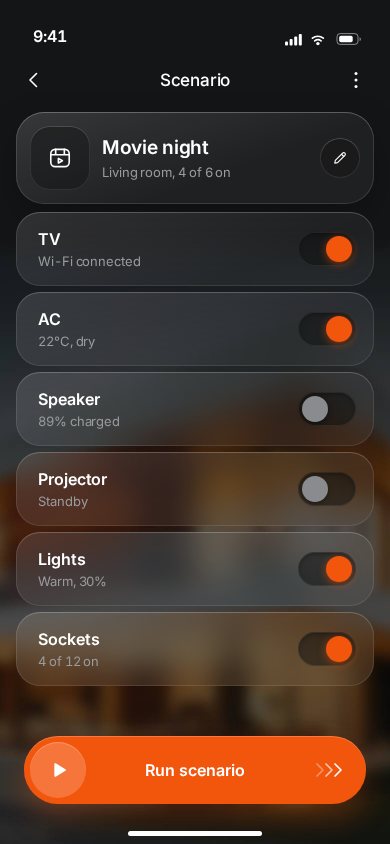 Dusk Scenario: Smart home scenarios, Glass, dark
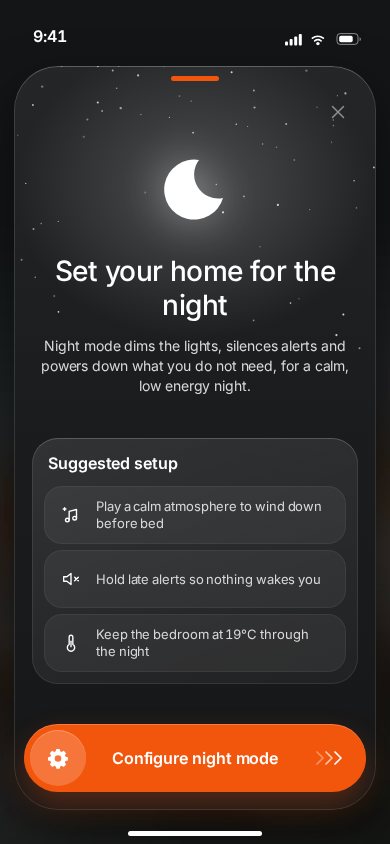 Dusk Night mode: Smart home scenarios, Glass, dark
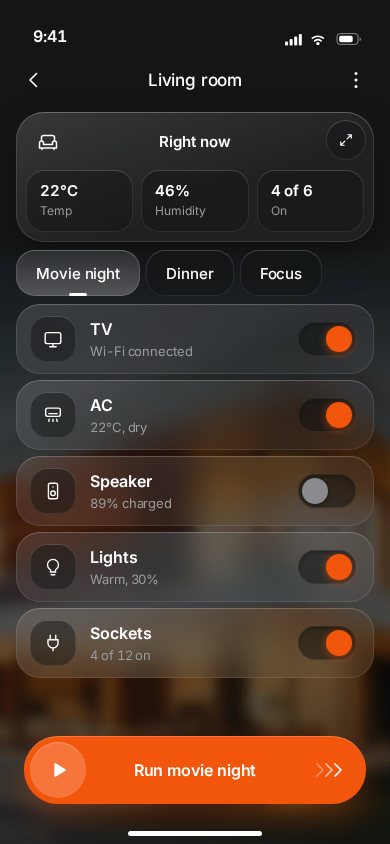 Dusk Room: Smart home scenarios, Glass, dark
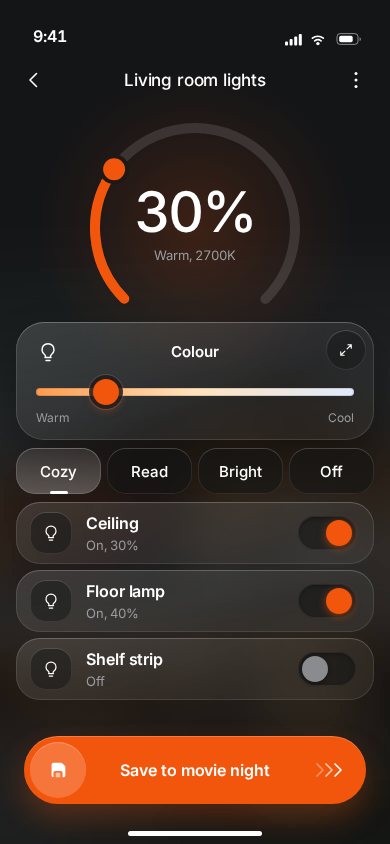 Dusk Light: Smart home scenarios, Glass, dark
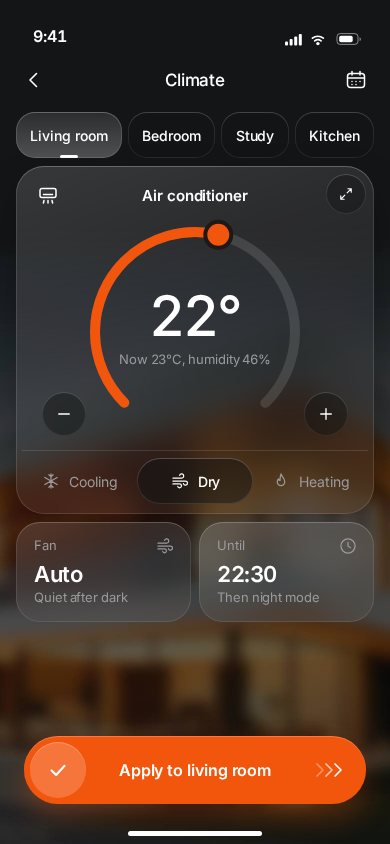 Dusk Climate: Smart home scenarios, Glass, dark
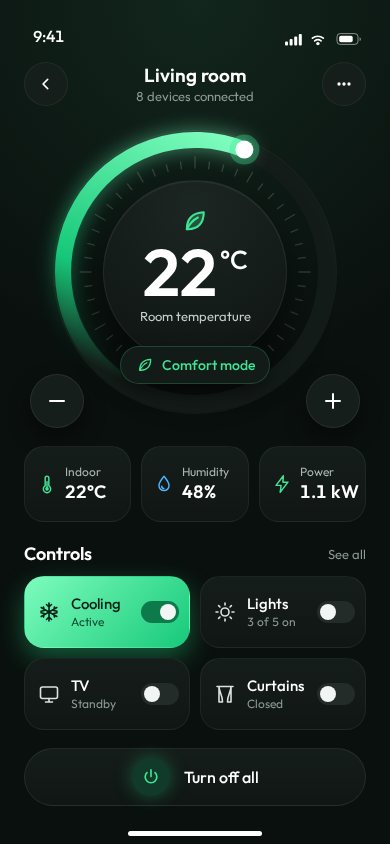 Lumen Living room: Smart home energy, Dark-first, dark
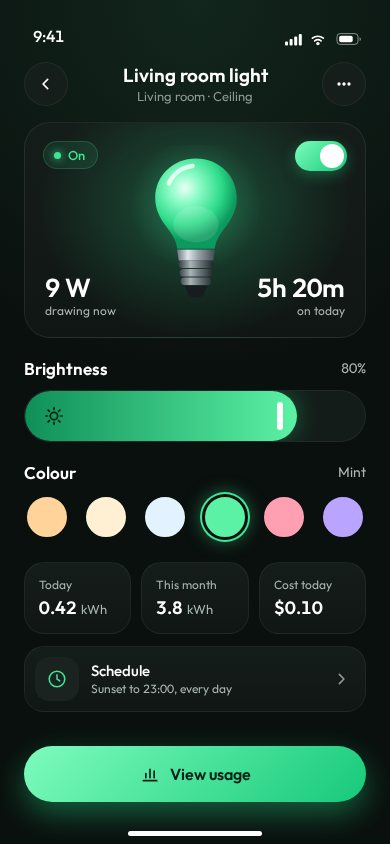 Lumen Light: Smart home energy, Dark-first, dark
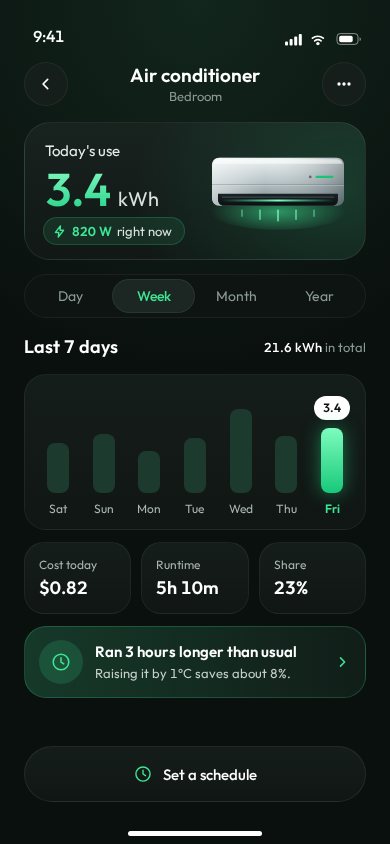 Lumen Device usage: Smart home energy, Dark-first, dark
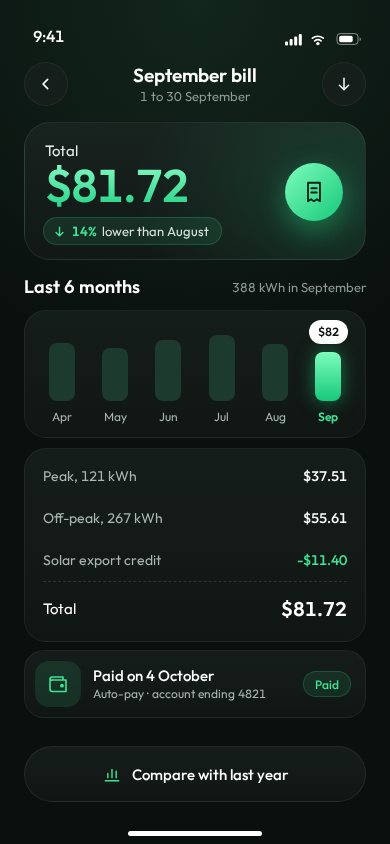 Lumen Bill: Smart home energy, Dark-first, dark
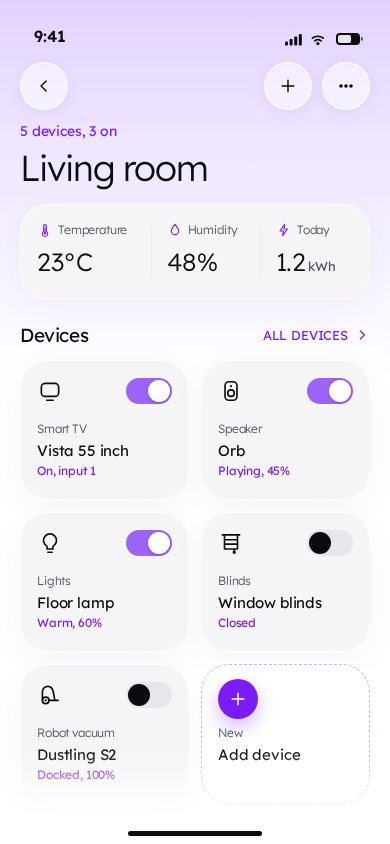 Abode Room: Smart home devices, Minimal
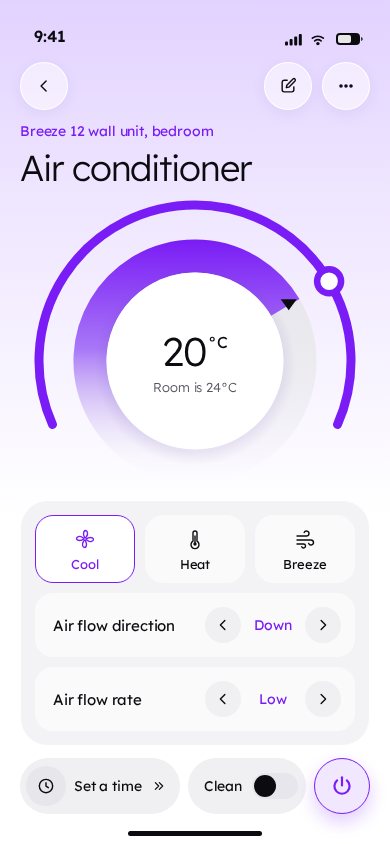 Abode Air conditioner: Smart home devices, Minimal
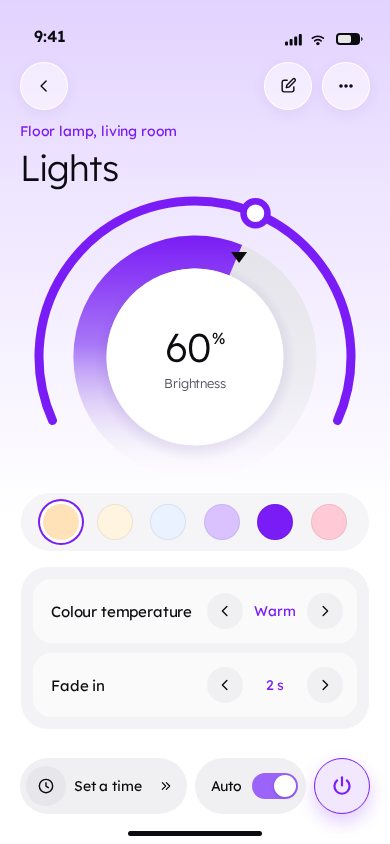 Abode Lights: Smart home devices, Minimal
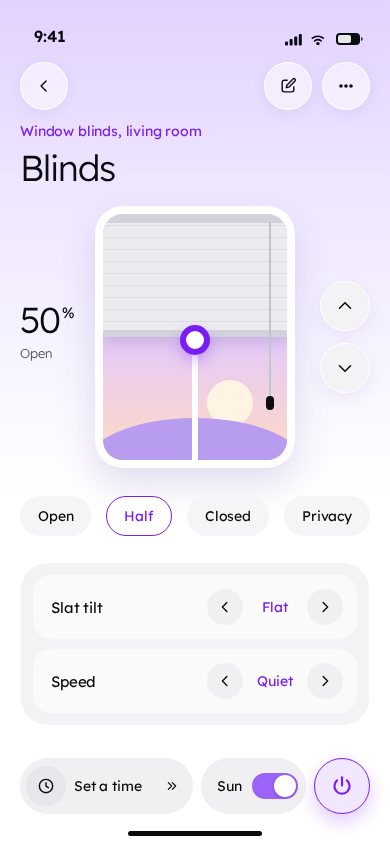 Abode Blinds: Smart home devices, Minimal
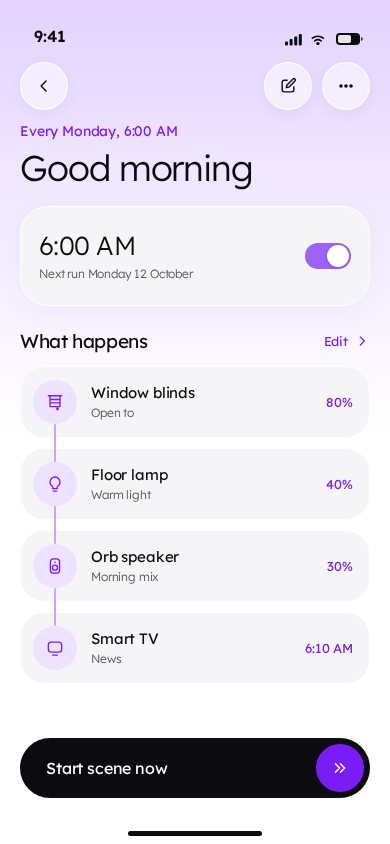 Abode Scene: Smart home devices, Minimal
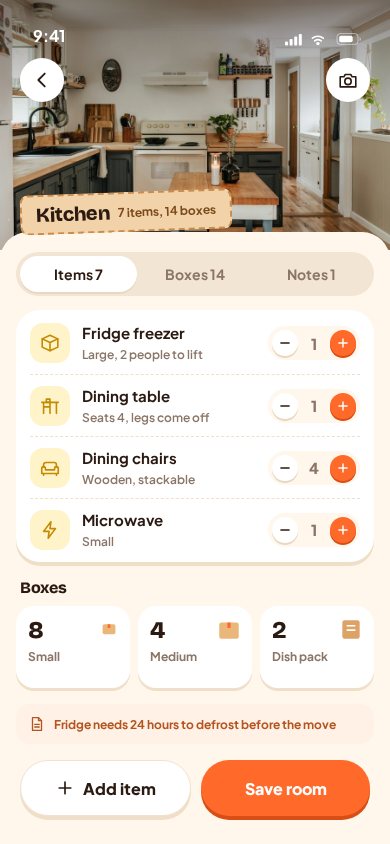 Boxed Room: Book movers and plan moving day, Playful
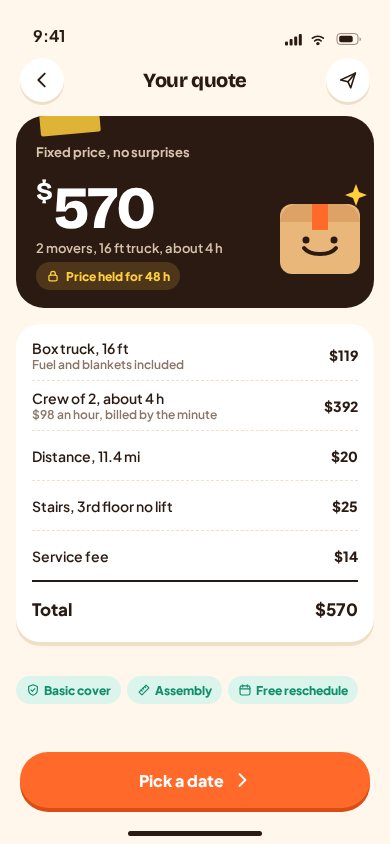 Boxed Quote: Book movers and plan moving day, Playful
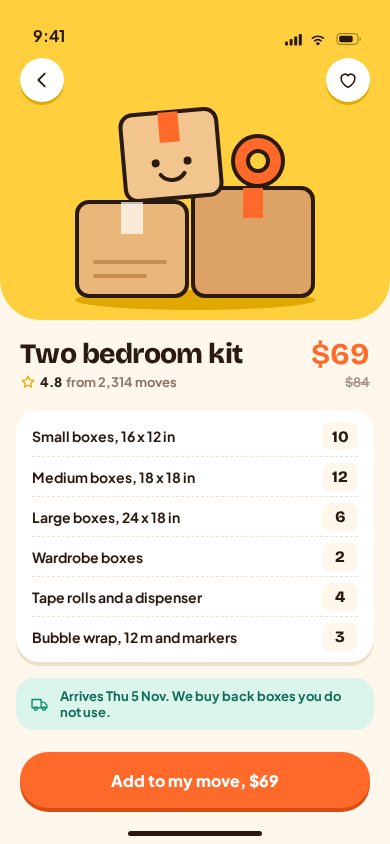 Boxed Box kit: Book movers and plan moving day, Playful
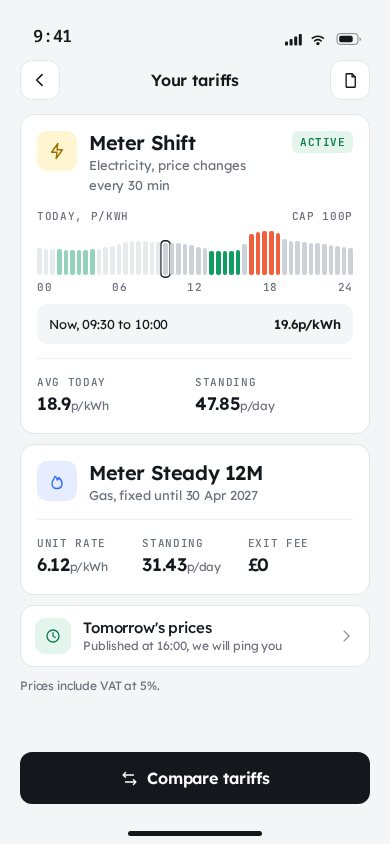 Meter Tariff: Your energy supplier account, Clinical
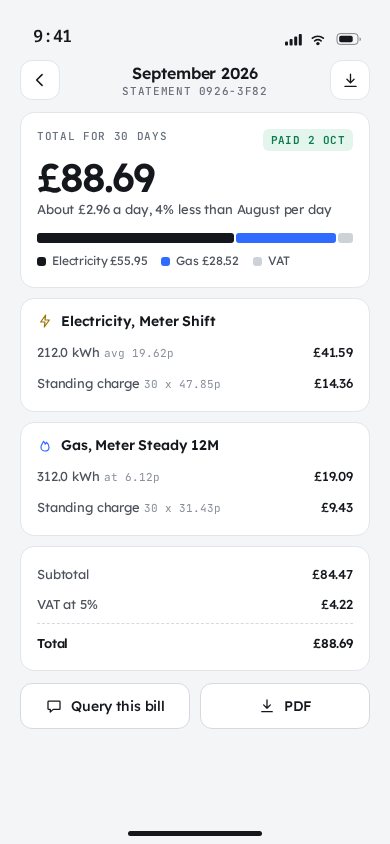 Meter Bill: Your energy supplier account, Clinical
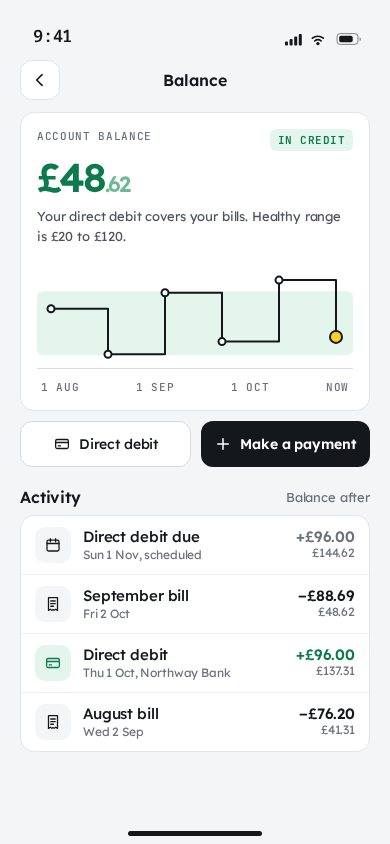 Meter Balance: Your energy supplier account, Clinical
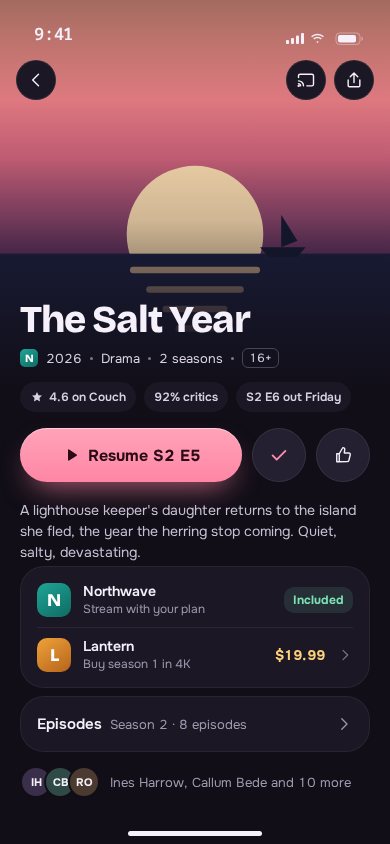 Couch Title: TV remote, casting and watchlist, Dark-first, dark
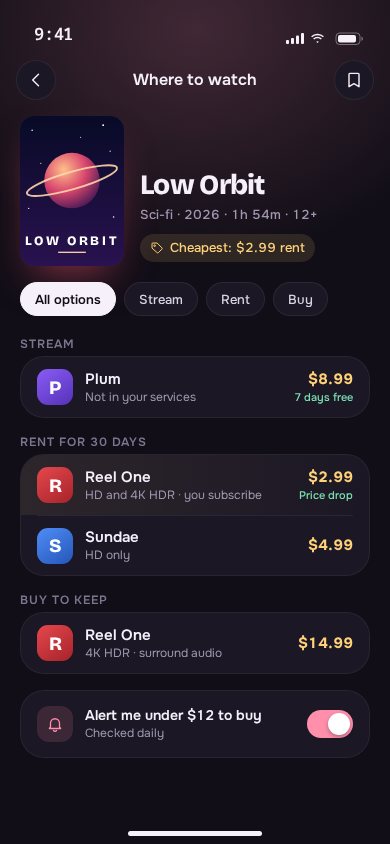 Couch Where to watch: TV remote, casting and watchlist, Dark-first, dark
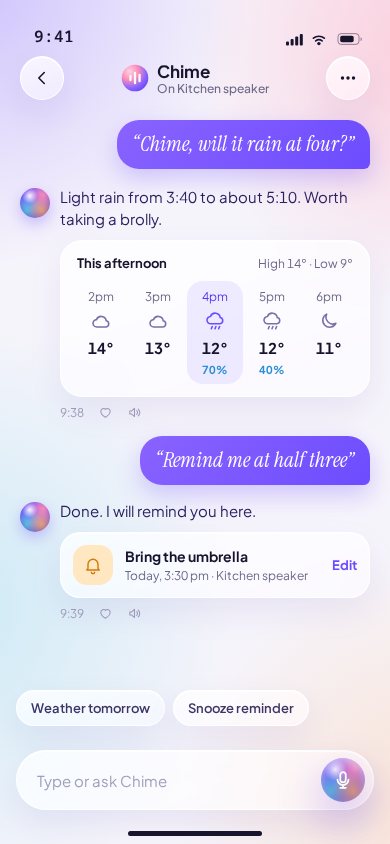 Chime Answer: Voice assistant and smart speaker, Glass
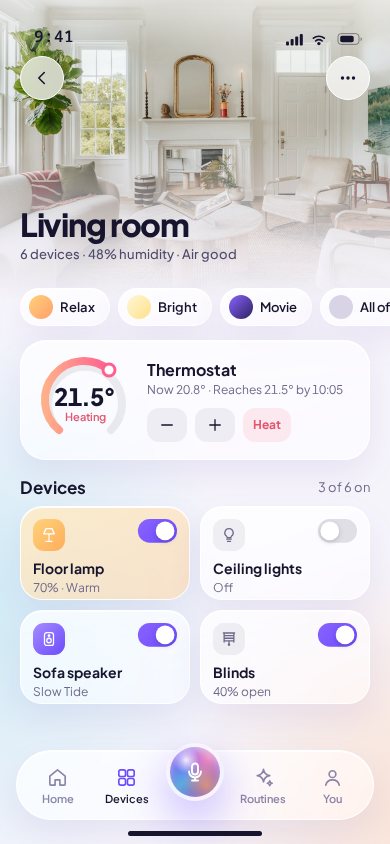 Chime Living room: Voice assistant and smart speaker, Glass
- Chime Light: Voice assistant and smart speaker, Glass
- Latch Front door: Smart locks and guest access, Minimal
- Latch Entry: Smart locks and guest access, Minimal
- Mesh Node: Home Wi-Fi network, Glass, dark
- Mesh Device: Home Wi-Fi network, Glass, dark
- Mesh Person: Home Wi-Fi network, Glass, dark
- Decibel Room: Multi-room speakers, Luxury, dark
- Decibel Album: Multi-room speakers, Luxury, dark
- Nursery Clip: Baby monitor camera and sleep, Glass, dark
- Nursery Sleep coach: Baby monitor camera and sleep, Glass, dark
- Porch Alert: Home security cameras, Dark-first, dark
- Porch Face: Home security cameras, Dark-first, dark
- Sundial Battery: Solar panels and home battery, Glass
- Sundial Panel: Solar panels and home battery, Glass
- Sundial Grid export: Solar panels and home battery, Glass
- Sundial Car charging: Solar panels and home battery, Glass
- Sundial Installer: Solar panels and home battery, Glass
- Puddle Zone: Garden watering and sprinklers, Playful
- Puddle Plant: Garden watering and sprinklers, Playful
- Puddle Garden map: Garden watering and sprinklers, Playful
- Puddle Product: Garden watering and sprinklers, Playful
- Upkeep Task: Home maintenance calendar, Minimal
- Upkeep Appliance: Home maintenance calendar, Minimal
- Upkeep Pro: Home maintenance calendar, Minimal
- Kelvin Living room: Climate and thermostat, Luxury, dark
- Kelvin Wine cellar: Climate and thermostat, Luxury, dark
- Kelvin Scene: Climate and thermostat, Luxury, dark
- Kelvin Forecast: Climate and thermostat, Luxury, dark
- Kelvin Heat pump: Climate and thermostat, Luxury, dark
- Glow Bedroom: Light scenes and colour, Gen Z, dark
- Glow Moon lamp: Light scenes and colour, Gen Z, dark
- Glow Tokyo 2am: Light scenes and colour, Gen Z, dark
- Glow Strip 2: Light scenes and colour, Gen Z, dark
- Tagged Living room: Home inventory for insurance, Clinical
- Tagged Item: Home inventory for insurance, Clinical
- Tagged Receipt: Home inventory for insurance, Clinical
- Lobby Door key: Apartment building app, Enterprise
- Lobby Package: Apartment building app, Enterprise
- Lobby Roof terrace: Apartment building app, Enterprise
- Sweep Room: Robot vacuum and mop, Brutalist
- Sweep Clean report: Robot vacuum and mop, Brutalist
- Sweep Dock: Robot vacuum and mop, Brutalist
What makes a good smart home app detail screen
- Lead with what identifies the item. A large image or title, the price or status, and the key facts at the top. People should know they are in the right place at a glance.
- Keep the main action visible. A sticky bottom button for Add to cart, Book or Play stays reachable while people scroll through details.
- Order information by importance. The facts that decide the choice come first; reviews, specifications and fine print further down.
- Use progressive disclosure. Long descriptions, specifications and policies can expand on tap rather than filling the screen.
- Make the way back obvious. A clear back button and, for media, swipe down to dismiss, so people can return to their place in the list.
The full detail screen guide: layouts, mistakes and questions
Detail screens in other kinds of app
- Lifestyle app detail screens (215)
- Productivity app detail screens (185)
- Finance app detail screens (142)
- Travel app detail screens (137)
- Social app detail screens (125)
- Fitness app detail screens (121)
- Education app detail screens (94)
- Sports app detail screens (87)
- Food app detail screens (81)
- Music app detail screens (61)
Other smart home app screens
- Smart home app onboarding screens
- Smart home app sign in and sign up screens
- Smart home app home screens
- Smart home app search and explore screens
- Smart home app list and feed screens
- Smart home app booking and checkout screens
- Smart home app paywall screens
- Smart home app success and confirmation screens
- Smart home app profile screens
- Smart home app settings screens
- Smart home app dashboard and stats screens
- Smart home app player, camera and editor screens
- Smart home app live tracking screens
- Smart home app form and input screens