Templates · Live tracking screens
Smart home app live tracking screens
22 live tracking screens from 17 smart home app templates, each in its own design language. Smart home apps control real things: rooms, devices and their state need to be obvious, with the common actions one tap away.
The examples
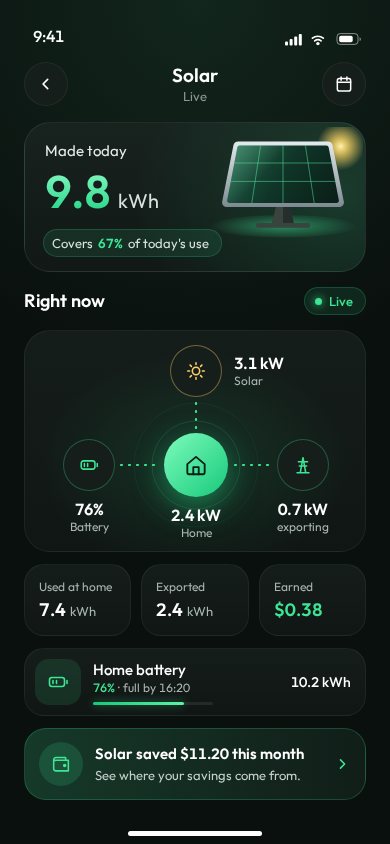 Lumen Solar: Smart home energy, Dark-first, dark
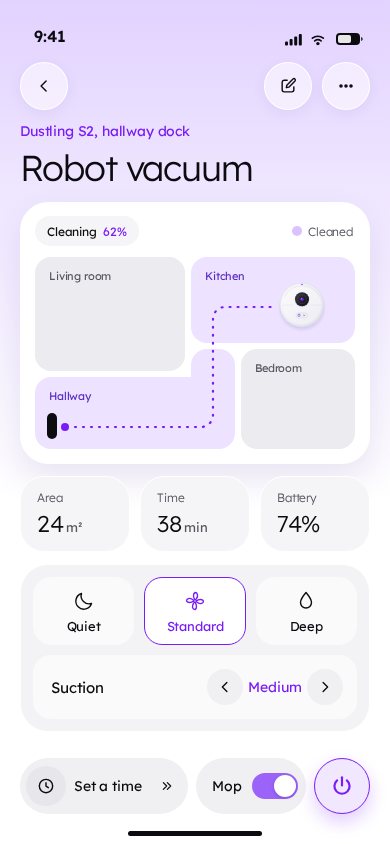 Abode Robot vacuum: Smart home devices, Minimal
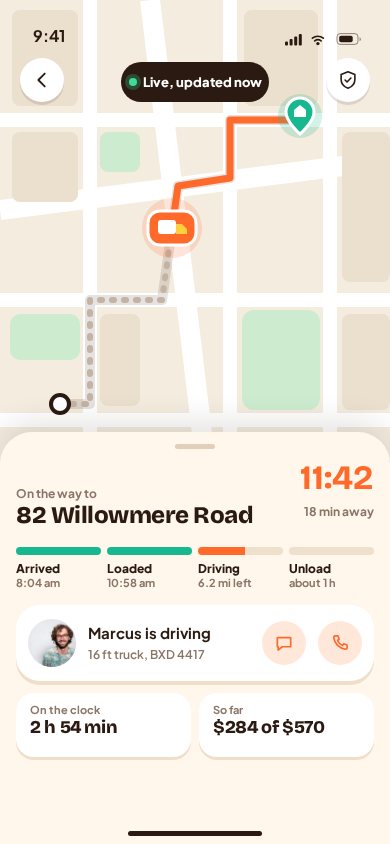 Boxed Live move: Book movers and plan moving day, Playful
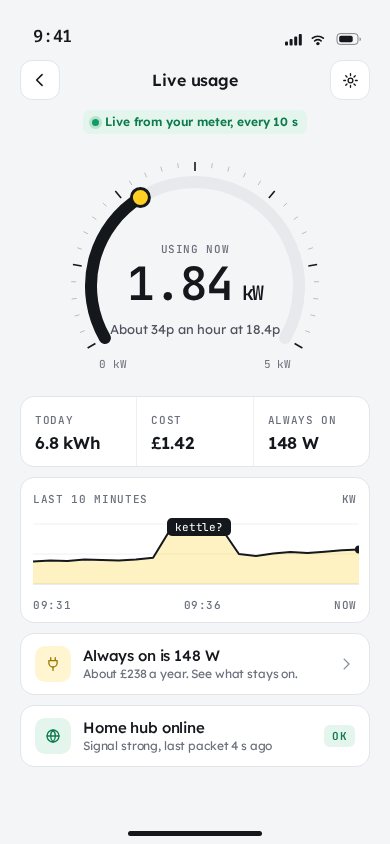 Meter Live usage: Your energy supplier account, Clinical
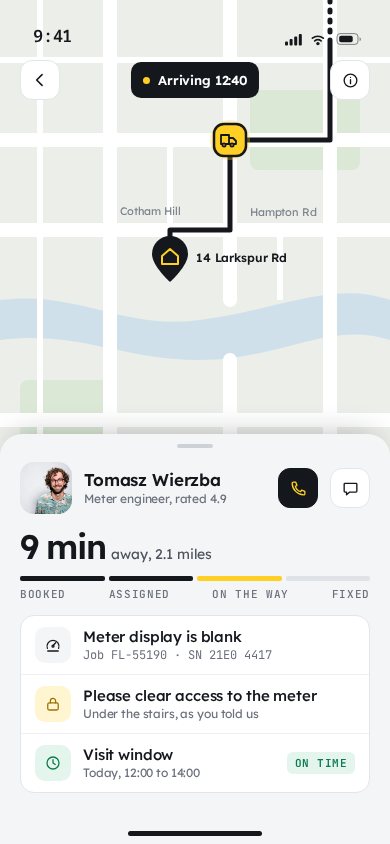 Meter Engineer visit: Your energy supplier account, Clinical
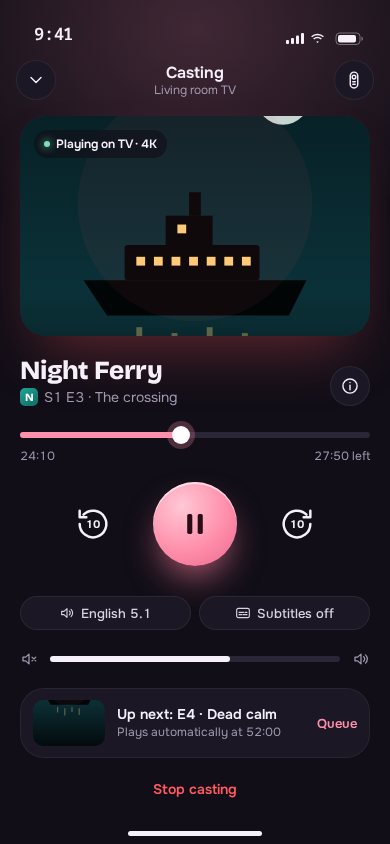 Couch Casting: TV remote, casting and watchlist, Dark-first, dark
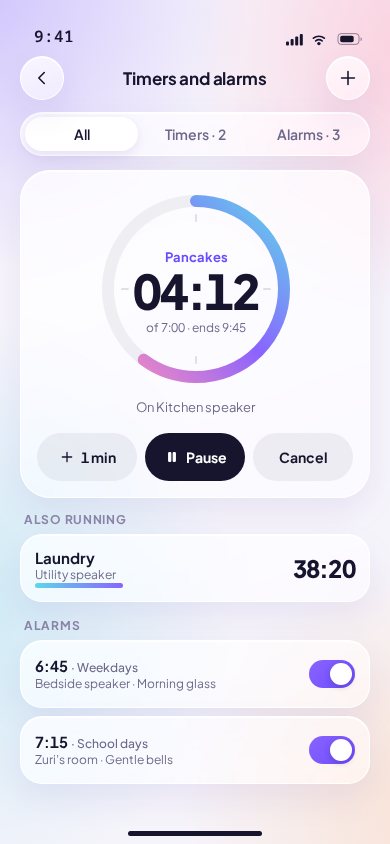 Chime Timers: Voice assistant and smart speaker, Glass
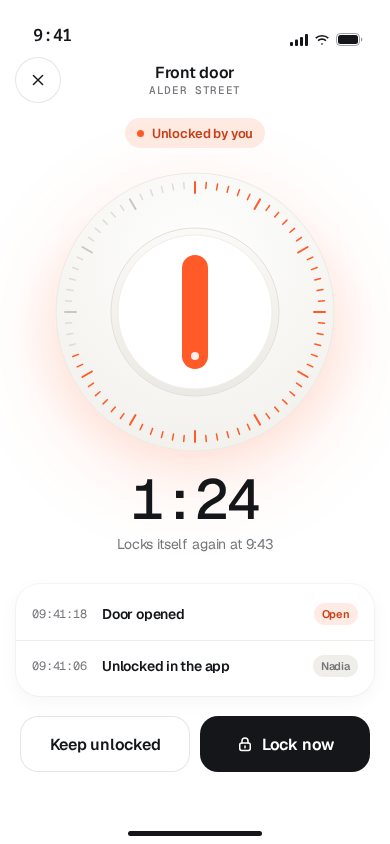 Latch Unlocked: Smart locks and guest access, Minimal
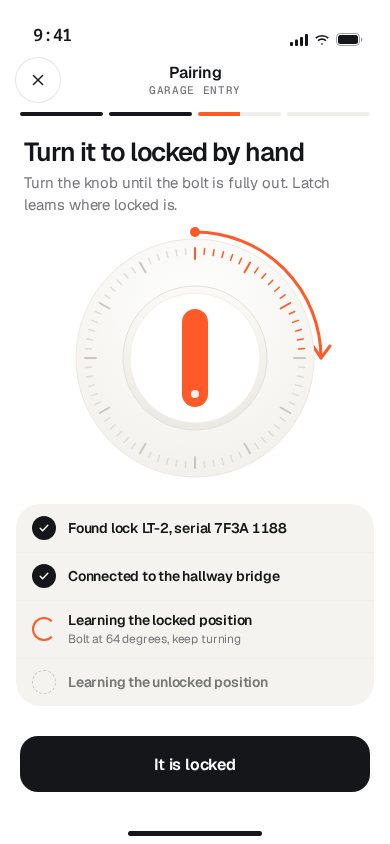 Latch Calibrate: Smart locks and guest access, Minimal
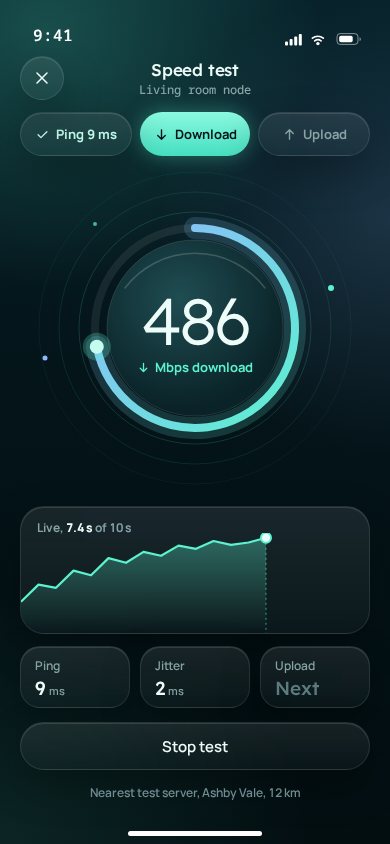 Mesh Speed test: Home Wi-Fi network, Glass, dark
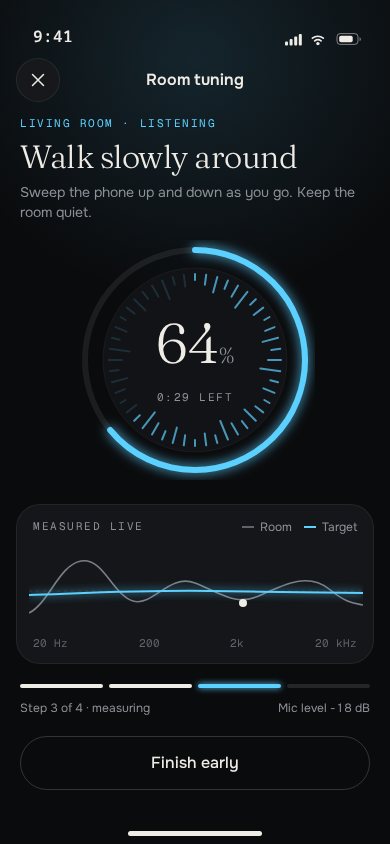 Decibel Room tuning: Multi-room speakers, Luxury, dark
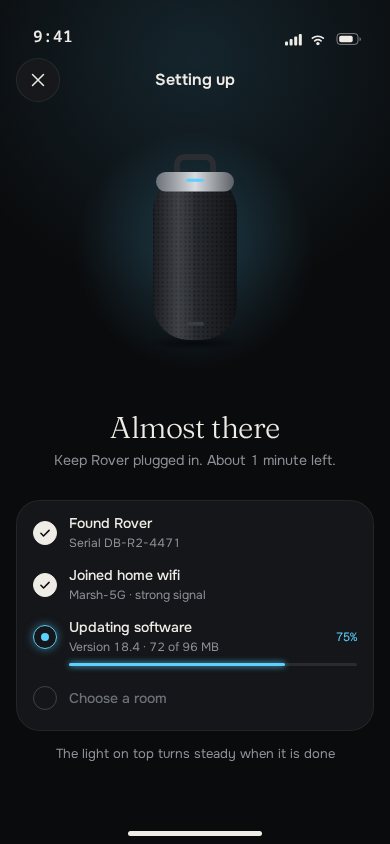 Decibel Connecting: Multi-room speakers, Luxury, dark
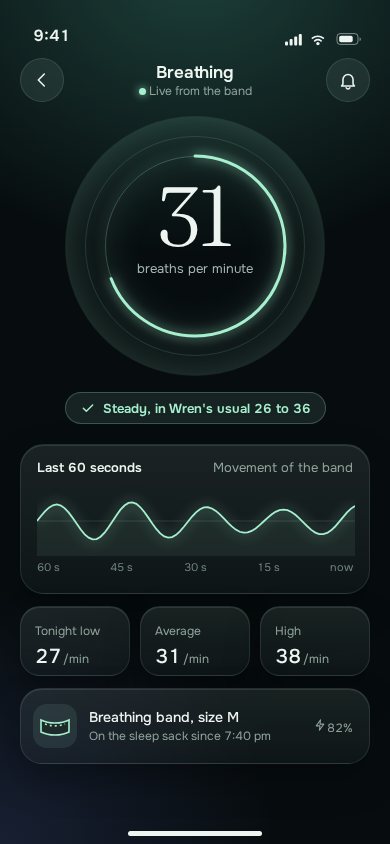 Nursery Breathing: Baby monitor camera and sleep, Glass, dark
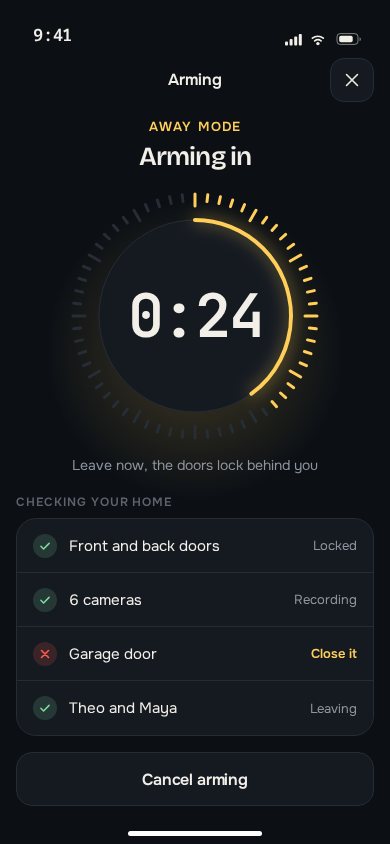 Porch Arming: Home security cameras, Dark-first, dark
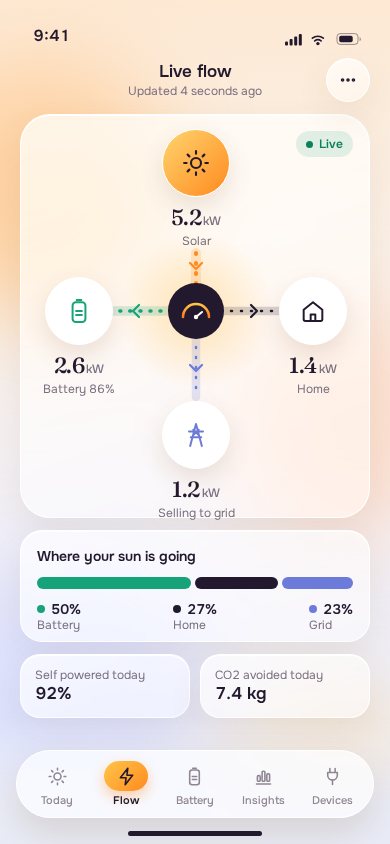 Sundial Live flow: Solar panels and home battery, Glass
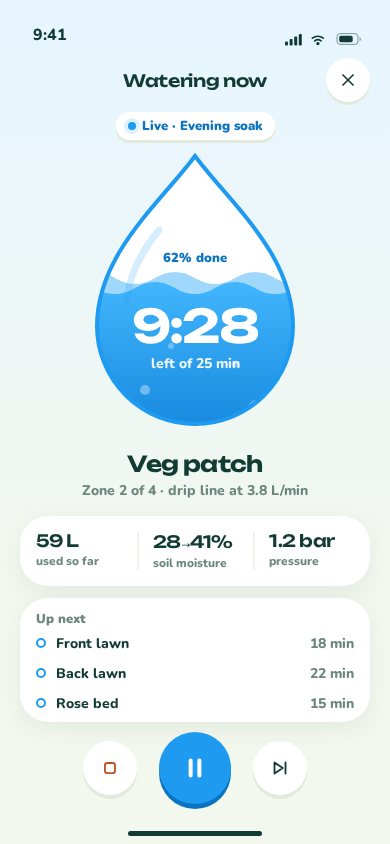 Puddle Watering: Garden watering and sprinklers, Playful
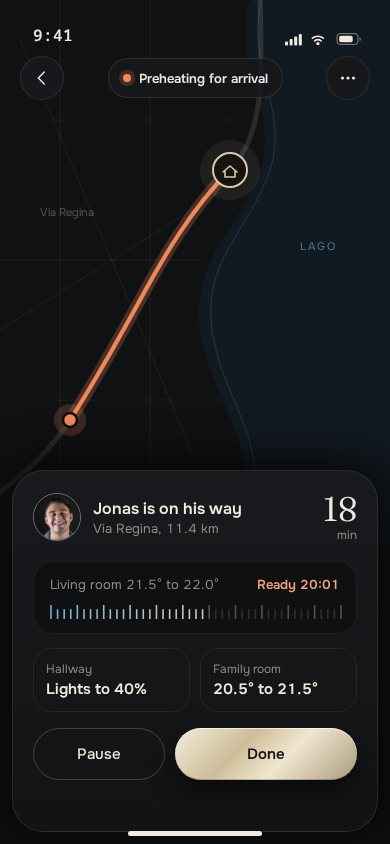 Kelvin Arrival: Climate and thermostat, Luxury, dark
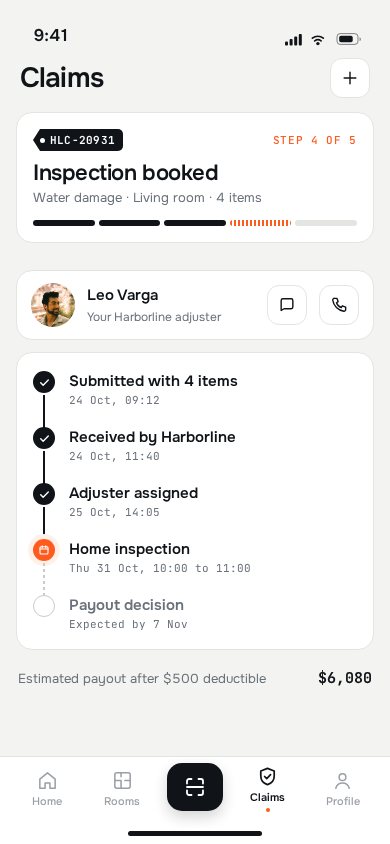 Tagged Claim status: Home inventory for insurance, Clinical
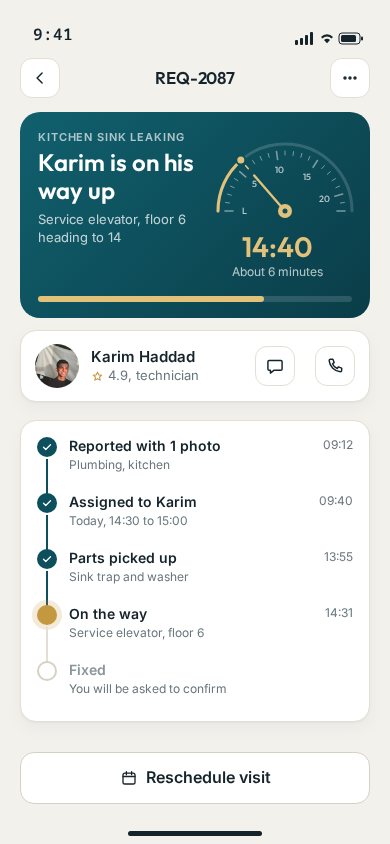 Lobby Request: Apartment building app, Enterprise
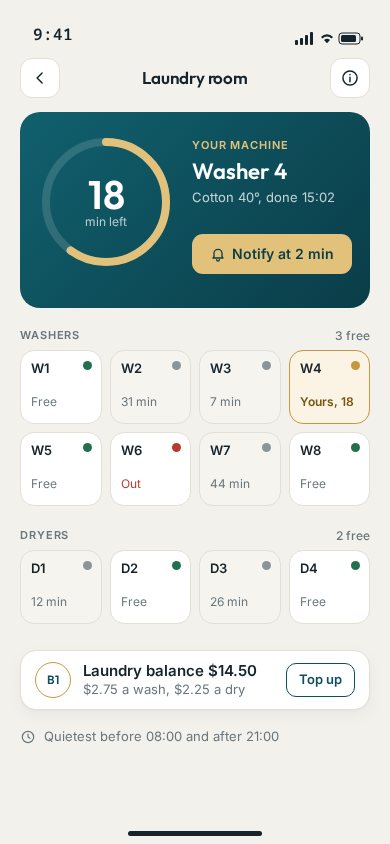 Lobby Laundry: Apartment building app, Enterprise
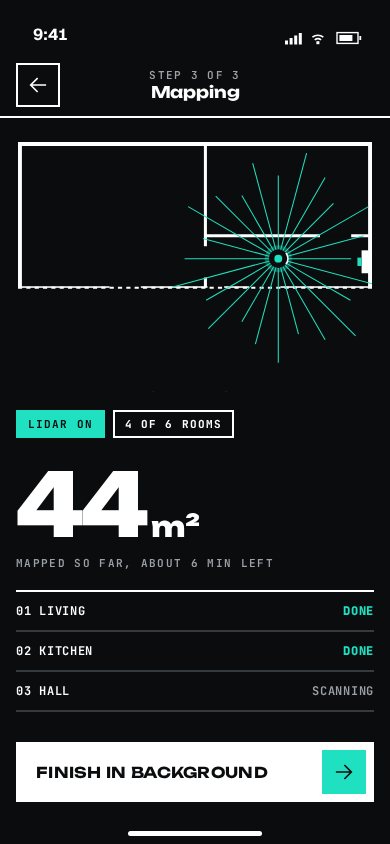 Sweep Mapping: Robot vacuum and mop, Brutalist
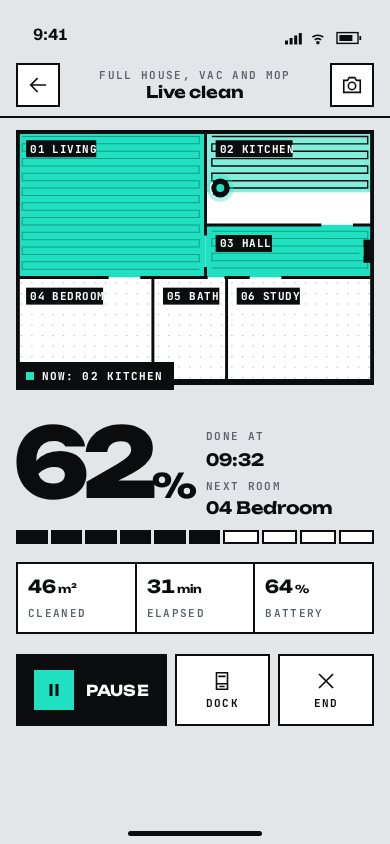 Sweep Live clean: Robot vacuum and mop, Brutalist
What makes a good smart home app live tracking screen
- The live number is the hero. Arrival time, pace, distance or time left, in large type at the top or centre.
- Show status in words. "Driver is 3 minutes away" or "Halfway there" alongside the map or chart.
- Make it readable while moving. Large numbers, high contrast and big buttons for pause, stop or call.
- Keep updates calm. Smooth movement on the map and steady numbers; jumpy updates feel broken.
- Extend beyond the app. Lock screen and notification updates, like iOS Live Activities, so people need not keep the app open.
- Plan for lost signal. Show when data was last updated and keep recording offline where possible, so a tunnel or a weak connection does not lose a run or confuse a customer.
The full live tracking screen guide: layouts, mistakes and questions
Live tracking screens in other kinds of app
- Lifestyle app live tracking screens (55)
- Travel app live tracking screens (51)
- Fitness app live tracking screens (47)
- Productivity app live tracking screens (44)
- Food app live tracking screens (37)
- Sports app live tracking screens (23)
- Social app live tracking screens (18)
- Finance app live tracking screens (17)
- Education app live tracking screens (16)
- Music app live tracking screens (10)
Other smart home app screens
- Smart home app onboarding screens
- Smart home app sign in and sign up screens
- Smart home app home screens
- Smart home app search and explore screens
- Smart home app list and feed screens
- Smart home app detail screens
- Smart home app booking and checkout screens
- Smart home app paywall screens
- Smart home app success and confirmation screens
- Smart home app profile screens
- Smart home app settings screens
- Smart home app dashboard and stats screens
- Smart home app player, camera and editor screens
- Smart home app form and input screens