Templates · Form and input screens
Smart home app form and input screens
50 form screens from 20 smart home app templates, each in its own design language. Smart home apps control real things: rooms, devices and their state need to be obvious, with the common actions one tap away.
The examples
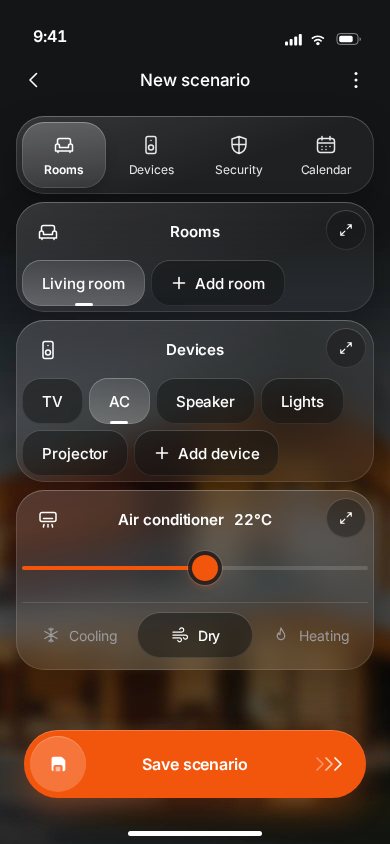 Dusk New scenario: Smart home scenarios, Glass, dark
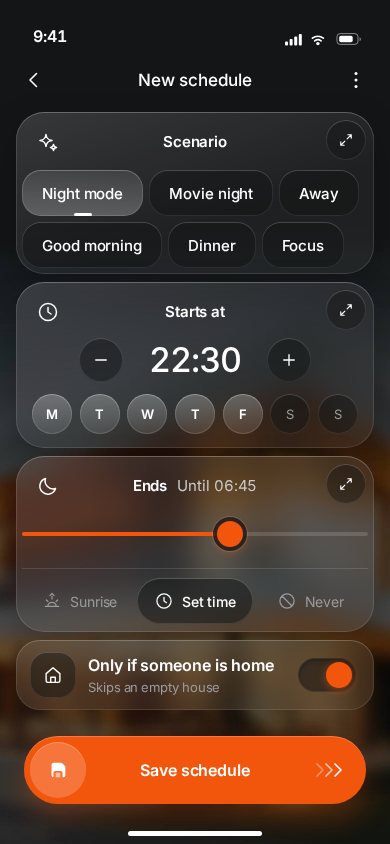 Dusk New schedule: Smart home scenarios, Glass, dark
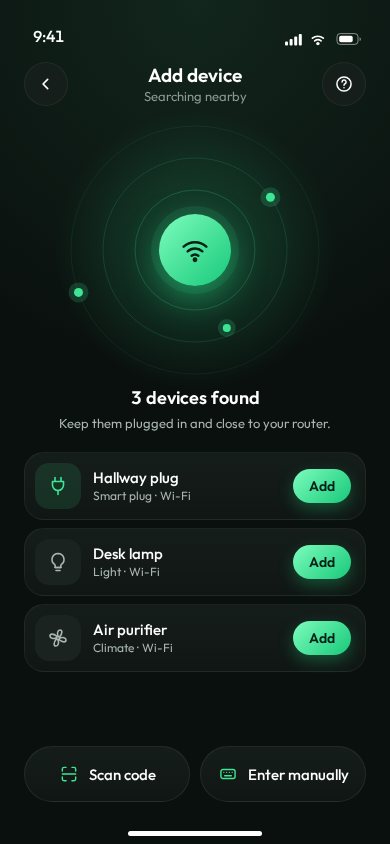 Lumen Add device: Smart home energy, Dark-first, dark
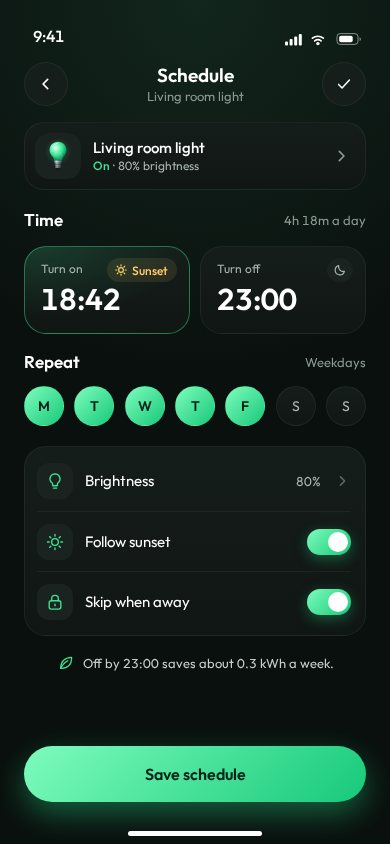 Lumen Schedule: Smart home energy, Dark-first, dark
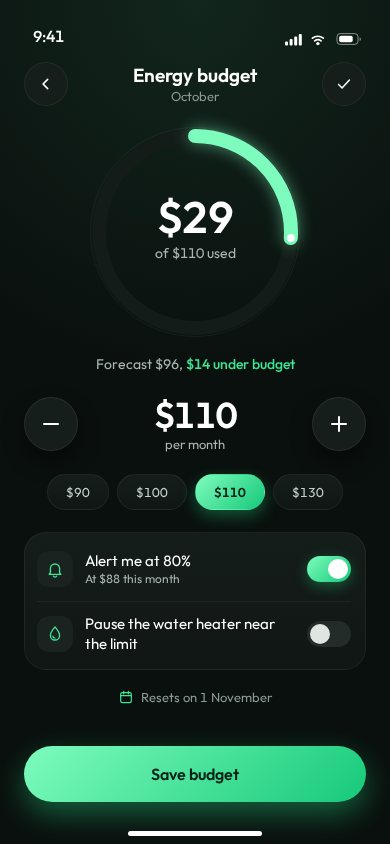 Lumen Energy budget: Smart home energy, Dark-first, dark
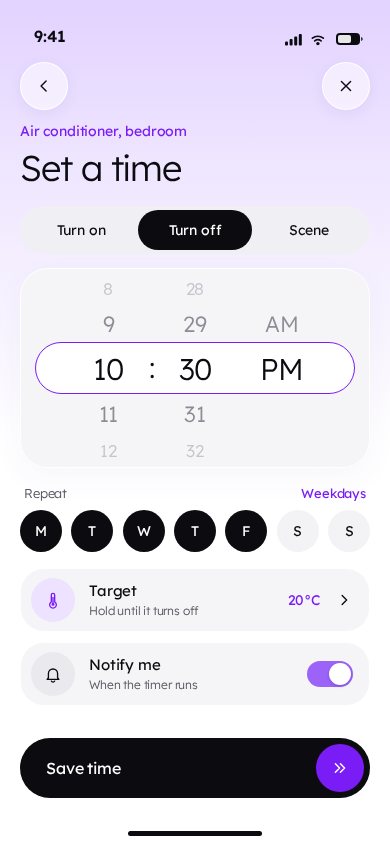 Abode Set a time: Smart home devices, Minimal
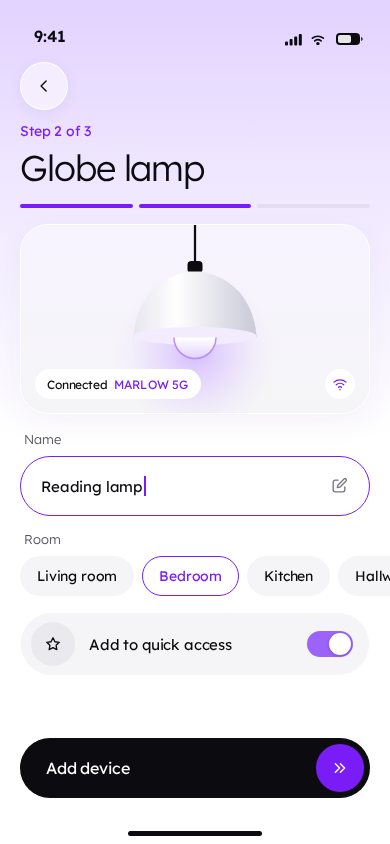 Abode Pair device: Smart home devices, Minimal
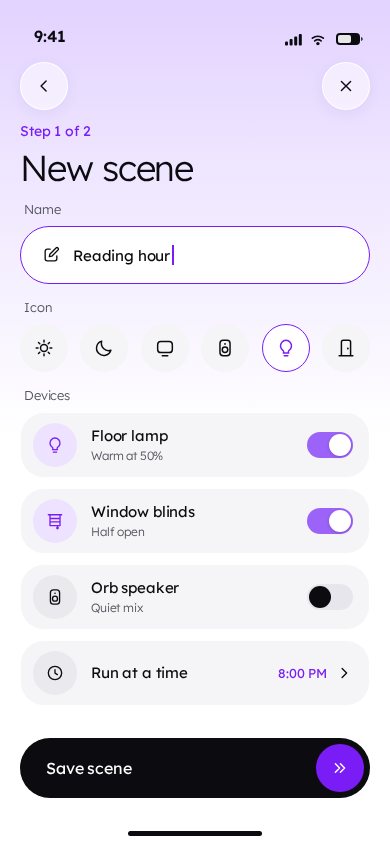 Abode New scene: Smart home devices, Minimal
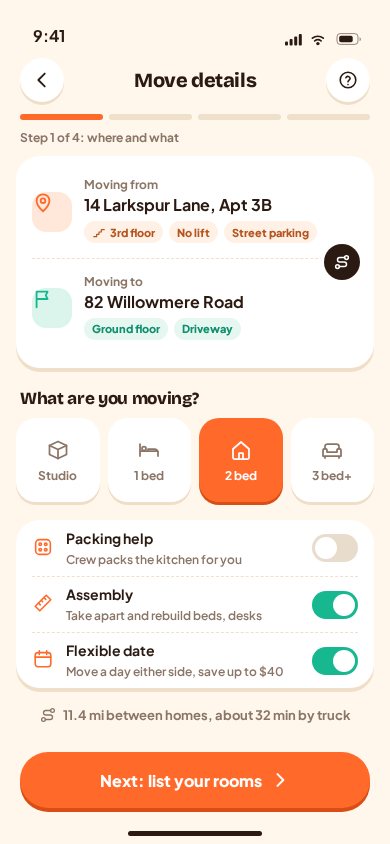 Boxed Move details: Book movers and plan moving day, Playful
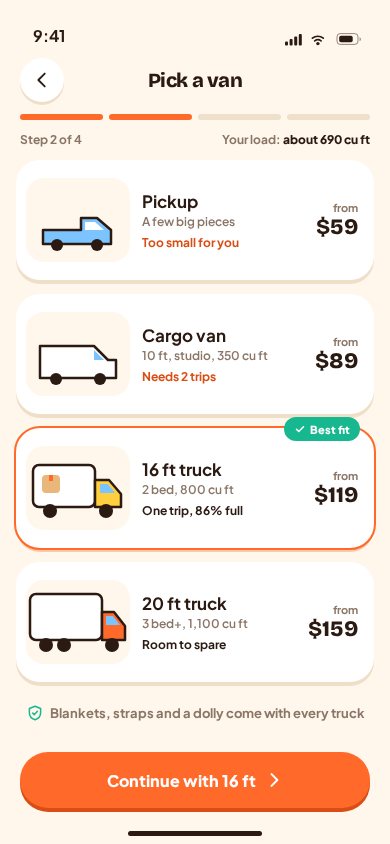 Boxed Pick a van: Book movers and plan moving day, Playful
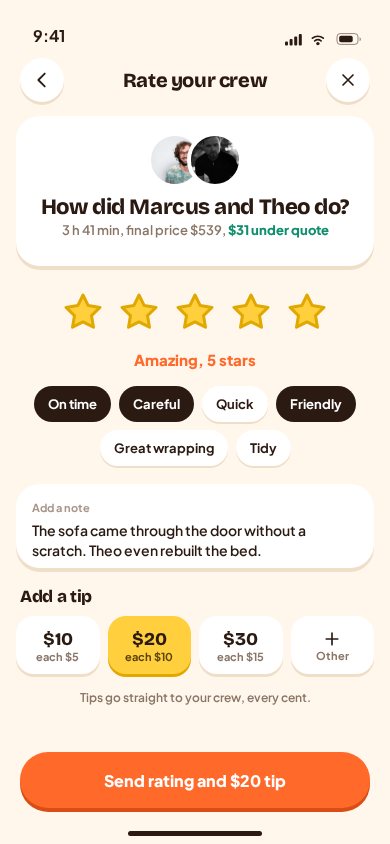 Boxed Rate crew: Book movers and plan moving day, Playful
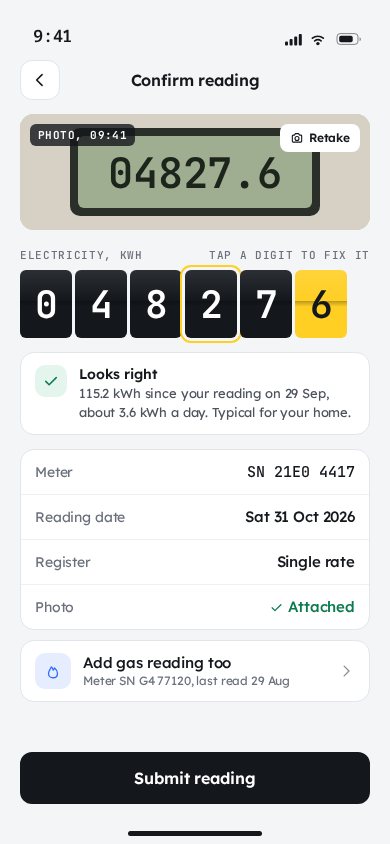 Meter Confirm reading: Your energy supplier account, Clinical
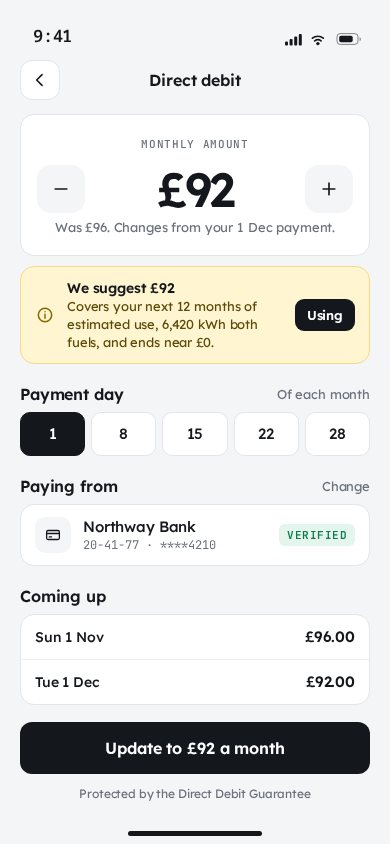 Meter Direct debit: Your energy supplier account, Clinical
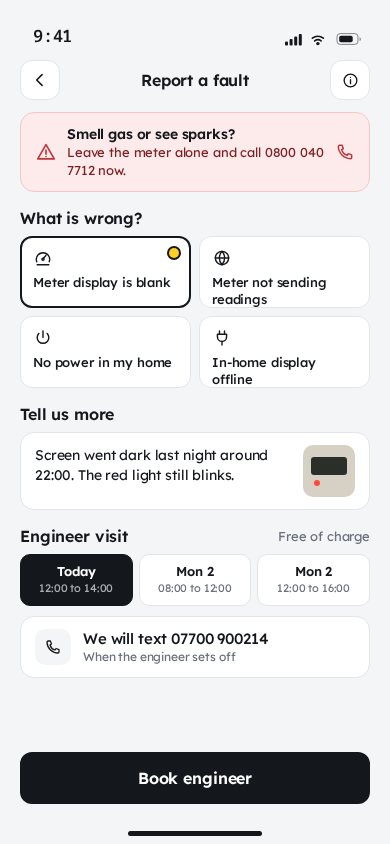 Meter Report a fault: Your energy supplier account, Clinical
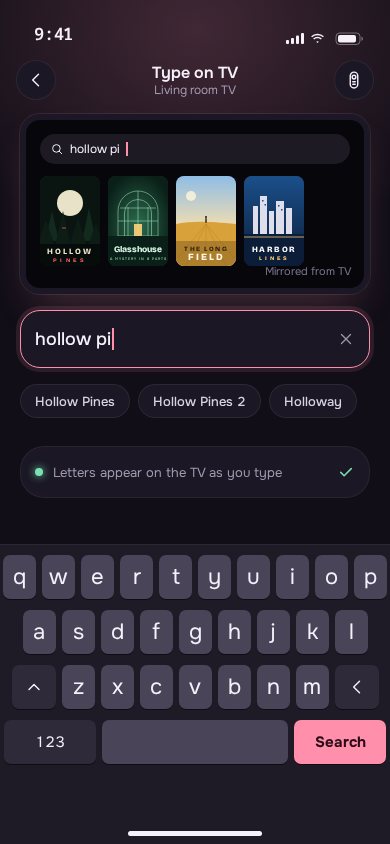 Couch Keyboard: TV remote, casting and watchlist, Dark-first, dark
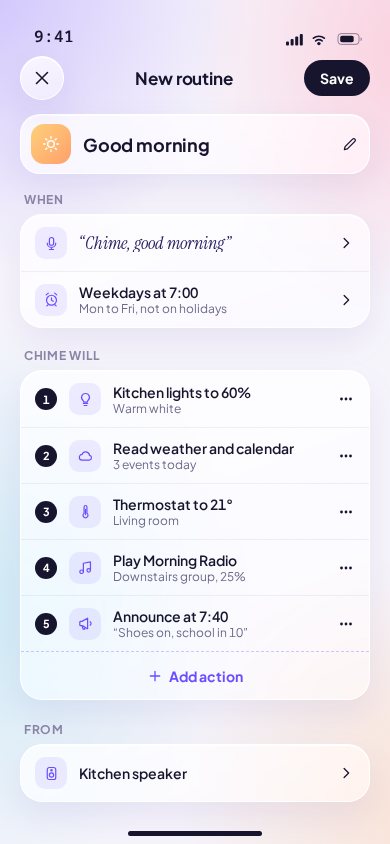 Chime New routine: Voice assistant and smart speaker, Glass
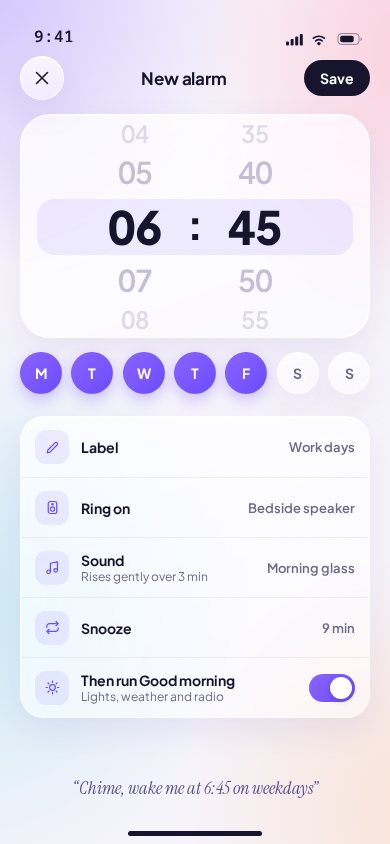 Chime New alarm: Voice assistant and smart speaker, Glass
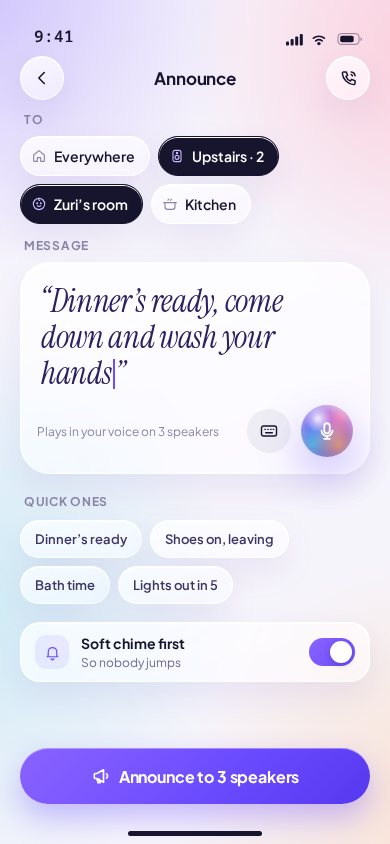 Chime Announce: Voice assistant and smart speaker, Glass
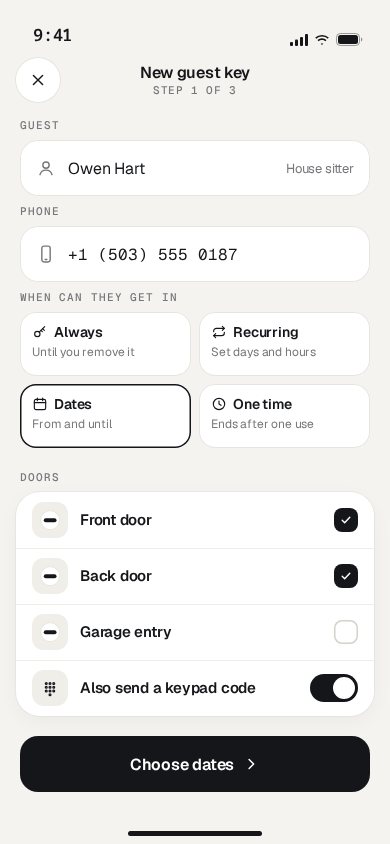 Latch New key: Smart locks and guest access, Minimal
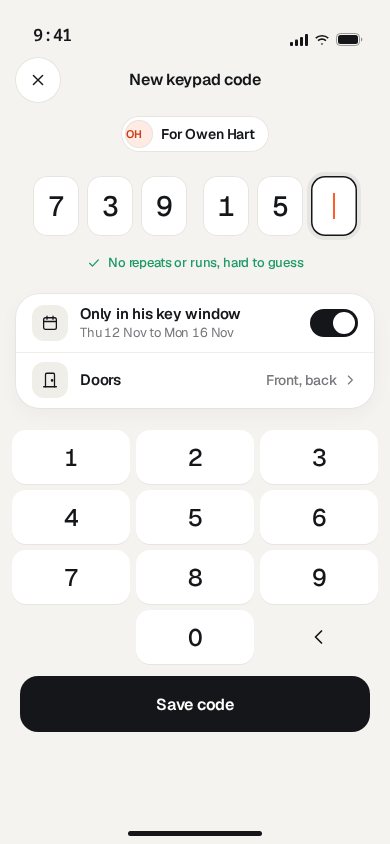 Latch New code: Smart locks and guest access, Minimal
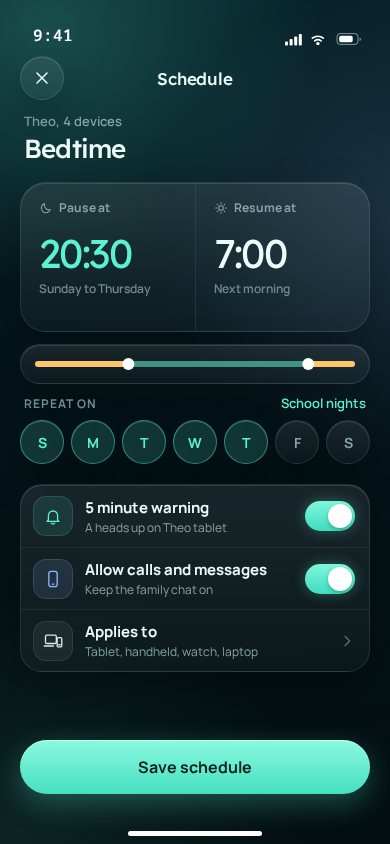 Mesh Schedule: Home Wi-Fi network, Glass, dark
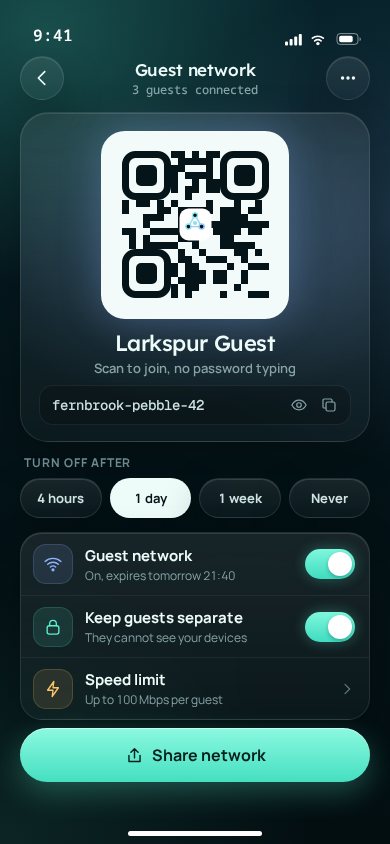 Mesh Guest network: Home Wi-Fi network, Glass, dark
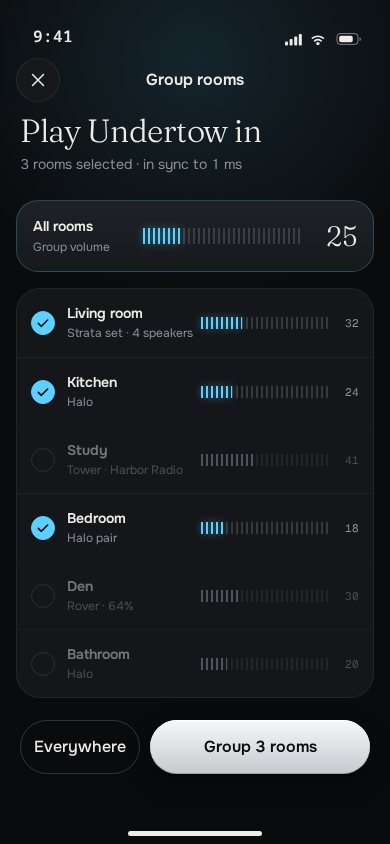 Decibel Group rooms: Multi-room speakers, Luxury, dark
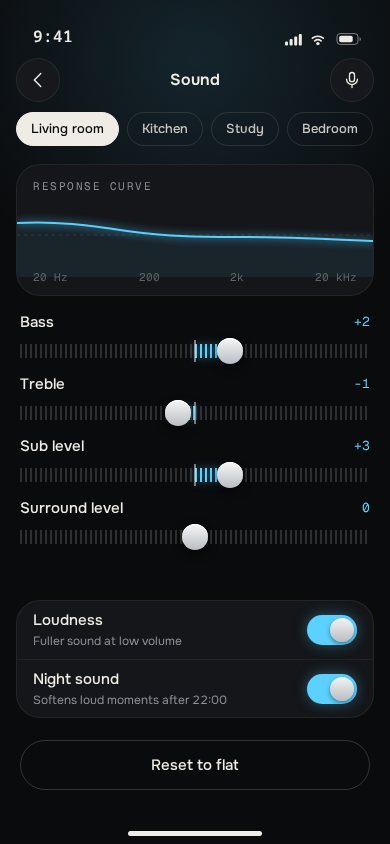 Decibel Sound: Multi-room speakers, Luxury, dark
- Decibel New alarm: Multi-room speakers, Luxury, dark
- Decibel Sleep timer: Multi-room speakers, Luxury, dark
- Nursery Log sleep: Baby monitor camera and sleep, Glass, dark
- Nursery Invite: Baby monitor camera and sleep, Glass, dark
- Porch Motion zones: Home security cameras, Dark-first, dark
- Porch Modes: Home security cameras, Dark-first, dark
- Sundial Battery mode: Solar panels and home battery, Glass
- Sundial New rule: Solar panels and home battery, Glass
- Puddle Edit schedule: Garden watering and sprinklers, Playful
- Puddle Add zone: Garden watering and sprinklers, Playful
- Upkeep Log task: Home maintenance calendar, Minimal
- Upkeep New task: Home maintenance calendar, Minimal
- Kelvin Edit period: Climate and thermostat, Luxury, dark
- Kelvin Away mode: Climate and thermostat, Luxury, dark
- Glow Colour: Light scenes and colour, Gen Z, dark
- Glow New scene: Light scenes and colour, Gen Z, dark
- Glow Wake up: Light scenes and colour, Gen Z, dark
- Glow Add light: Light scenes and colour, Gen Z, dark
- Tagged Your policy: Home inventory for insurance, Clinical
- Tagged New item: Home inventory for insurance, Clinical
- Tagged Start a claim: Home inventory for insurance, Clinical
- Tagged Insurer report: Home inventory for insurance, Clinical
- Lobby New guest pass: Apartment building app, Enterprise
- Lobby New request: Apartment building app, Enterprise
- Sweep Edit map: Robot vacuum and mop, Brutalist
- Sweep Custom clean: Robot vacuum and mop, Brutalist
What makes a good smart home app form screen
- Ask only what you need. Every field is a reason to stop. Remove optional fields or move them to later.
- Labels above fields. Visible labels stay readable while people type; placeholder-only labels disappear.
- Use the right keyboard and input. Number pads for amounts, email keyboards for email, pickers for dates and autofill for addresses and codes.
- Validate as people go. Show problems next to the field when people leave it, in words that say how to fix them.
- Keep the main button reachable. Above the keyboard or fixed at the bottom, with a label that says what happens.
- Save progress. Keep what people typed if they leave the screen, get a call or the app closes, especially on long forms and messages.
The full form screen guide: layouts, mistakes and questions
Form and input screens in other kinds of app
- Productivity app form and input screens (175)
- Lifestyle app form and input screens (140)
- Finance app form and input screens (118)
- Social app form and input screens (87)
- Travel app form and input screens (81)
- Food app form and input screens (74)
- Fitness app form and input screens (66)
- Education app form and input screens (53)
- Sports app form and input screens (41)
- Music app form and input screens (32)
Other smart home app screens
- Smart home app onboarding screens
- Smart home app sign in and sign up screens
- Smart home app home screens
- Smart home app search and explore screens
- Smart home app list and feed screens
- Smart home app detail screens
- Smart home app booking and checkout screens
- Smart home app paywall screens
- Smart home app success and confirmation screens
- Smart home app profile screens
- Smart home app settings screens
- Smart home app dashboard and stats screens
- Smart home app player, camera and editor screens
- Smart home app live tracking screens