Templates · List and feed screens
Smart home app list and feed screens
92 list screens from 20 smart home app templates, each in its own design language. Smart home apps control real things: rooms, devices and their state need to be obvious, with the common actions one tap away.
The examples
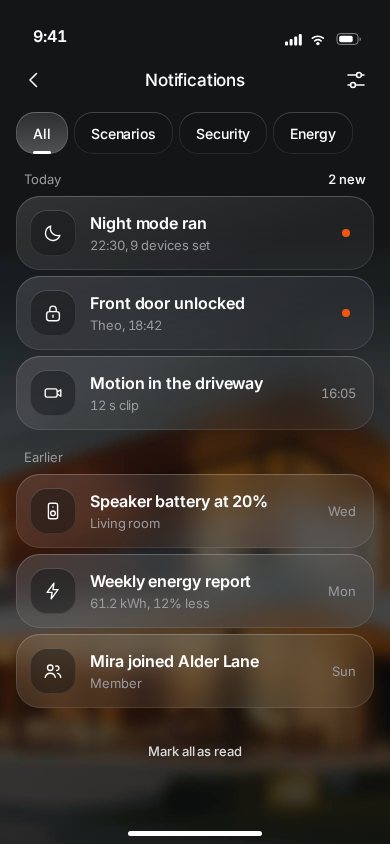 Dusk Notifications: Smart home scenarios, Glass, dark
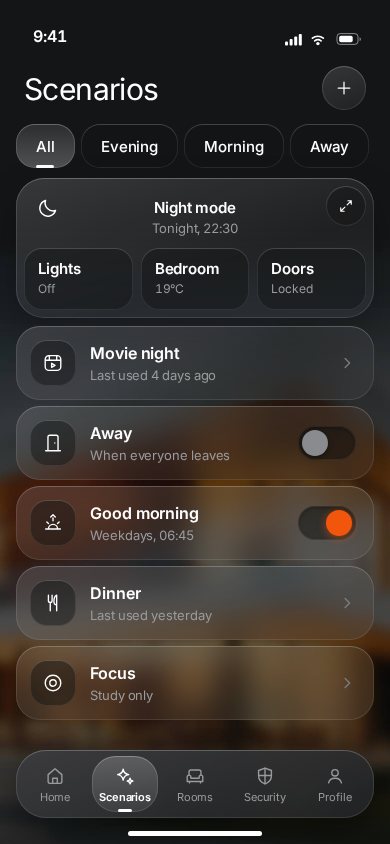 Dusk Scenarios: Smart home scenarios, Glass, dark
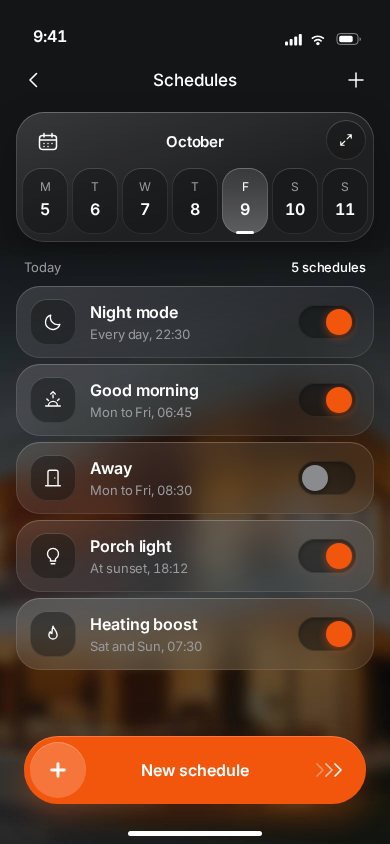 Dusk Schedules: Smart home scenarios, Glass, dark
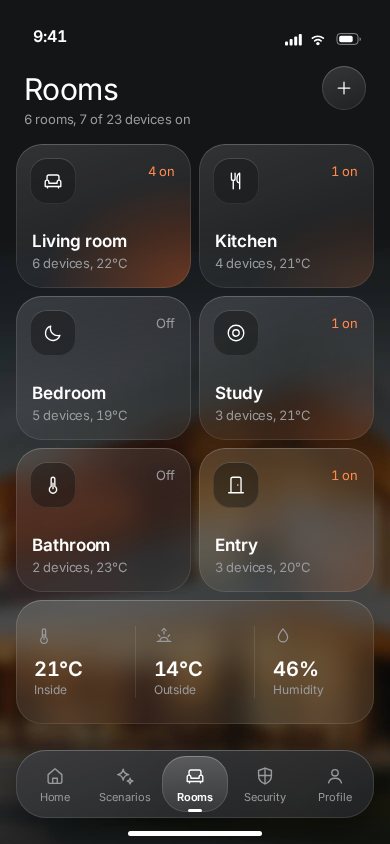 Dusk Rooms: Smart home scenarios, Glass, dark
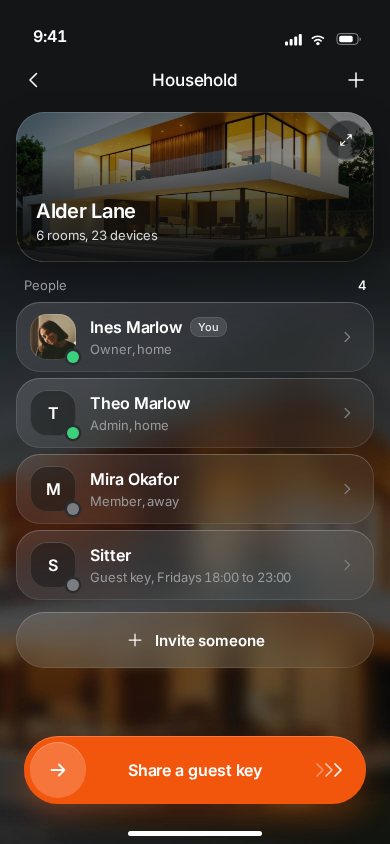 Dusk Household: Smart home scenarios, Glass, dark
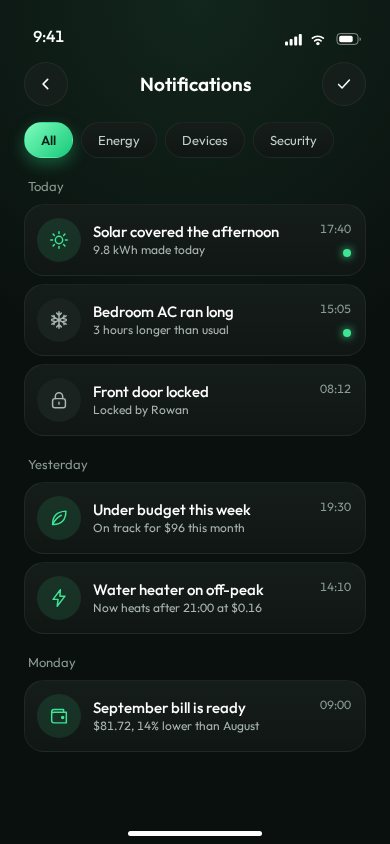 Lumen Notifications: Smart home energy, Dark-first, dark
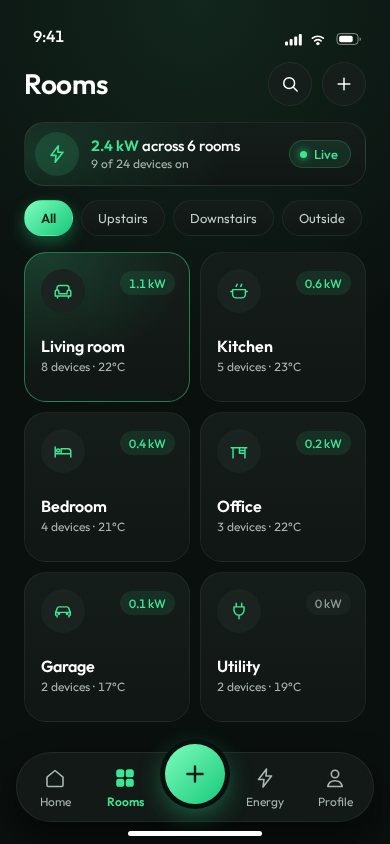 Lumen Rooms: Smart home energy, Dark-first, dark
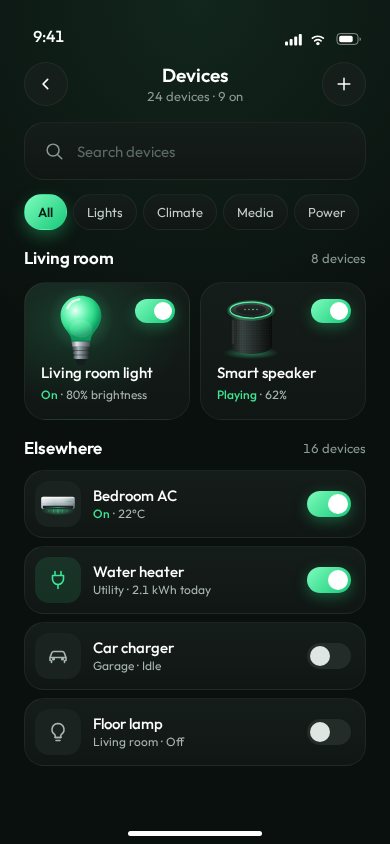 Lumen Devices: Smart home energy, Dark-first, dark
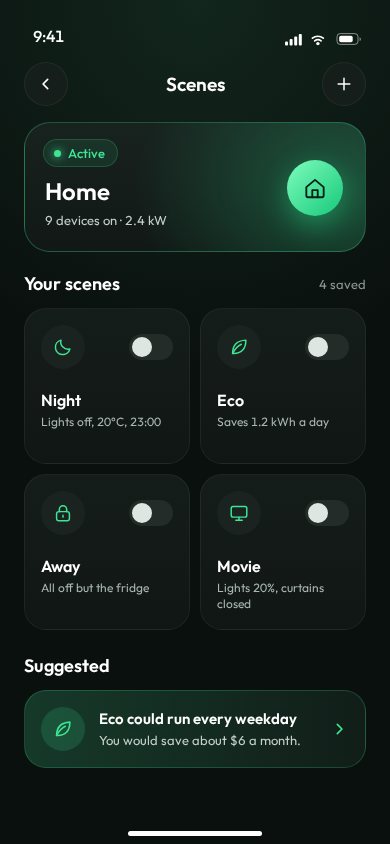 Lumen Scenes: Smart home energy, Dark-first, dark
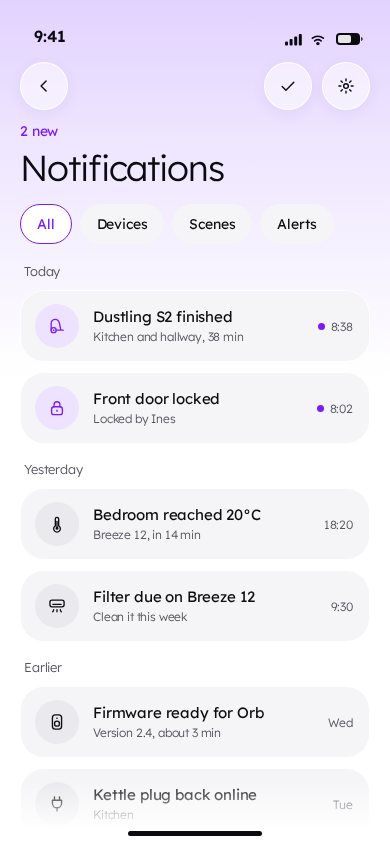 Abode Notifications: Smart home devices, Minimal
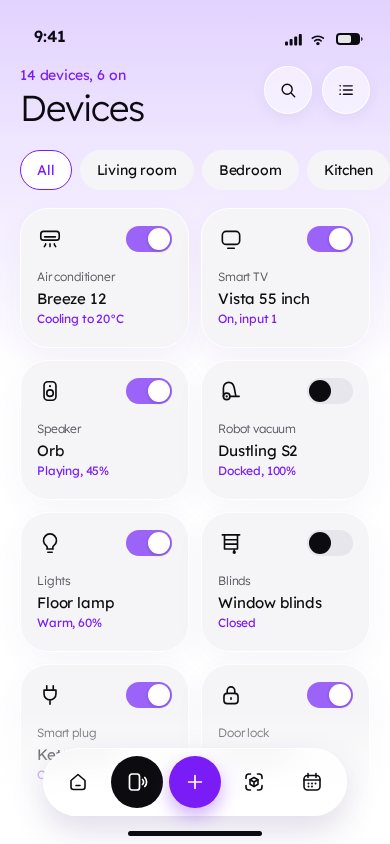 Abode Devices: Smart home devices, Minimal
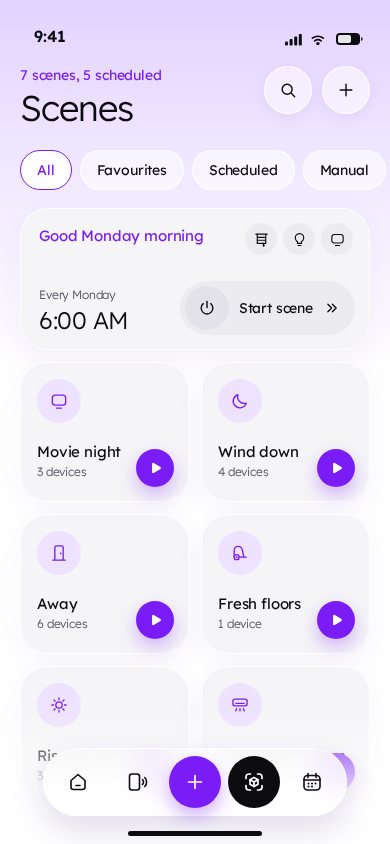 Abode Scenes: Smart home devices, Minimal
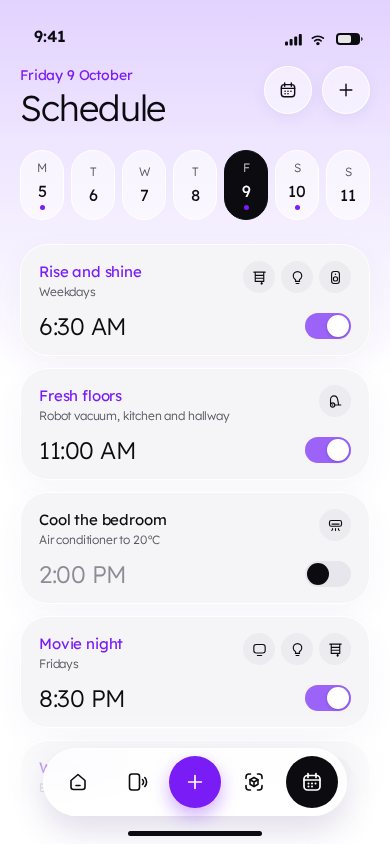 Abode Schedule: Smart home devices, Minimal
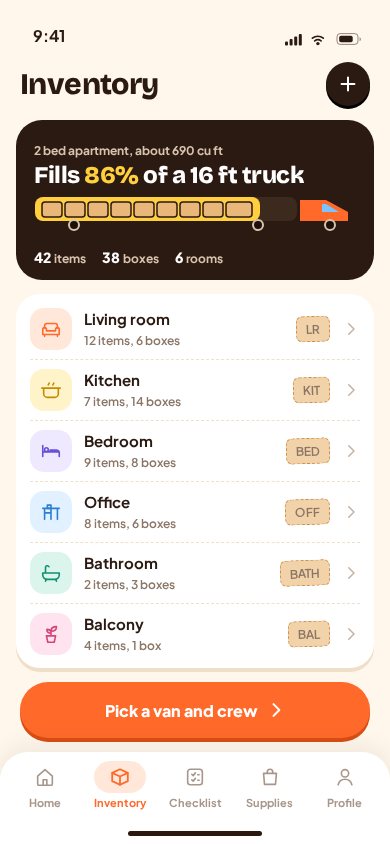 Boxed Inventory: Book movers and plan moving day, Playful
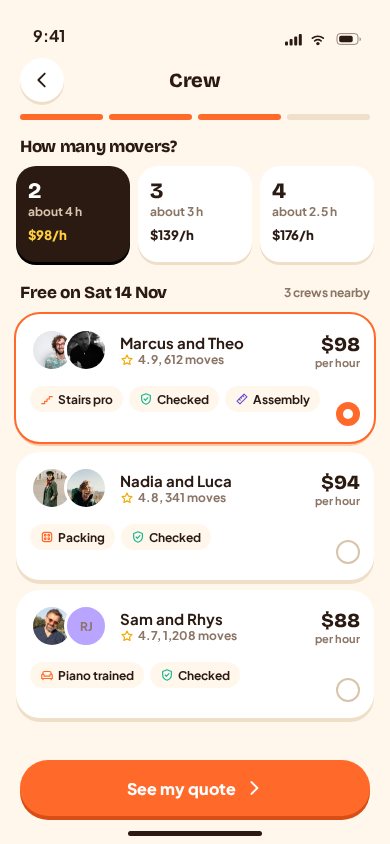 Boxed Crew: Book movers and plan moving day, Playful
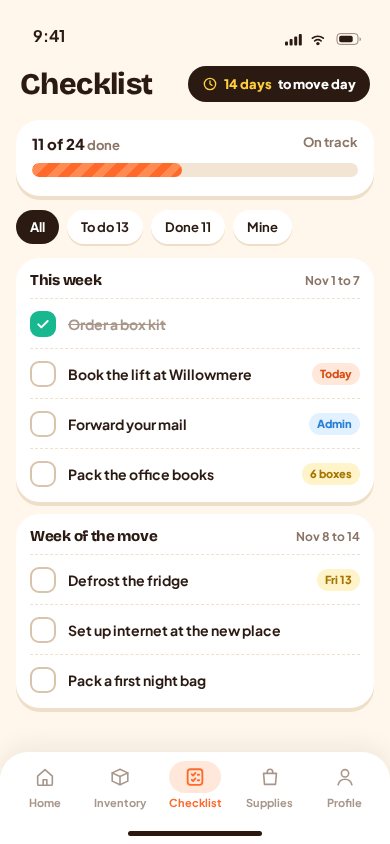 Boxed Checklist: Book movers and plan moving day, Playful
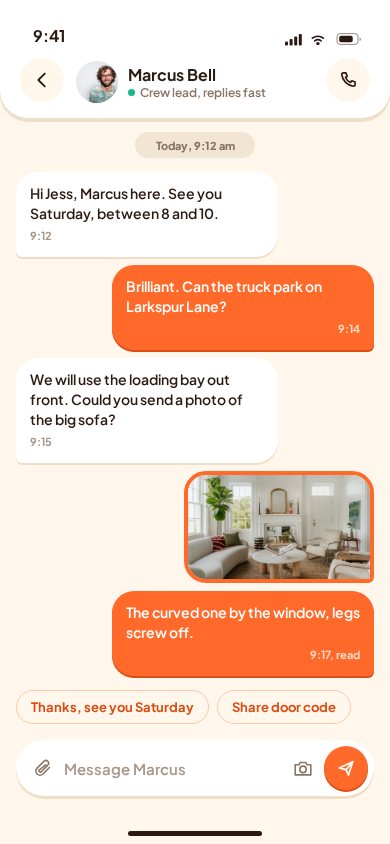 Boxed Chat: Book movers and plan moving day, Playful
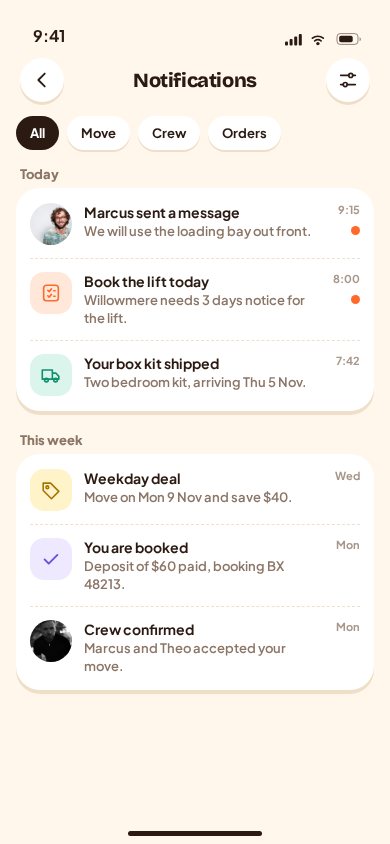 Boxed Notifications: Book movers and plan moving day, Playful
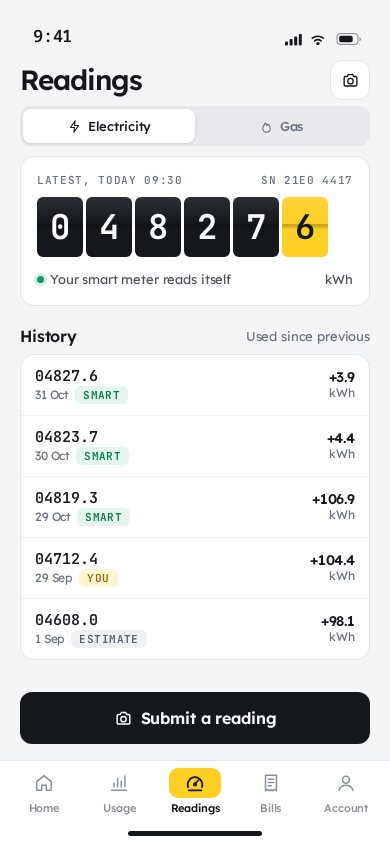 Meter Readings: Your energy supplier account, Clinical
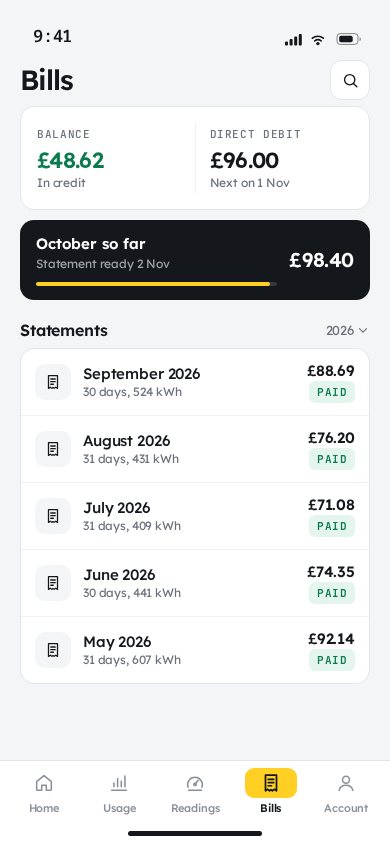 Meter Bills: Your energy supplier account, Clinical
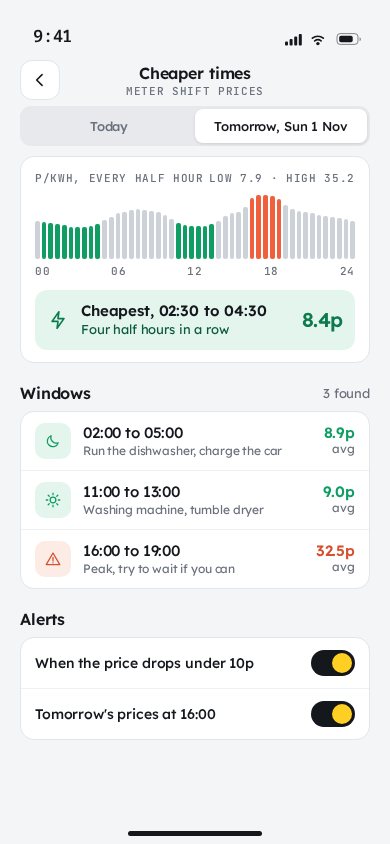 Meter Cheaper times: Your energy supplier account, Clinical
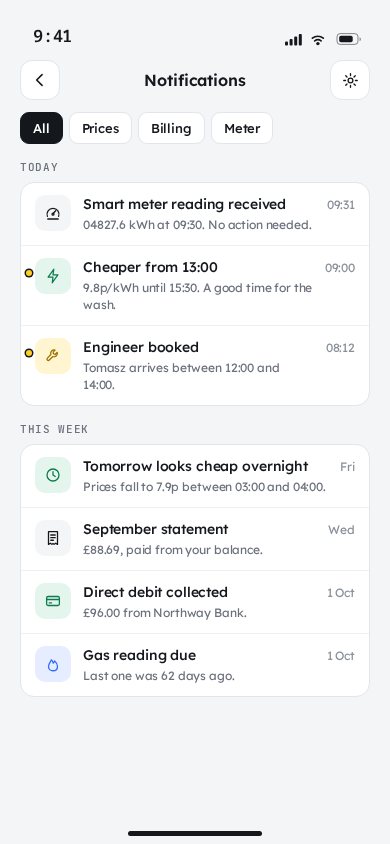 Meter Notifications: Your energy supplier account, Clinical
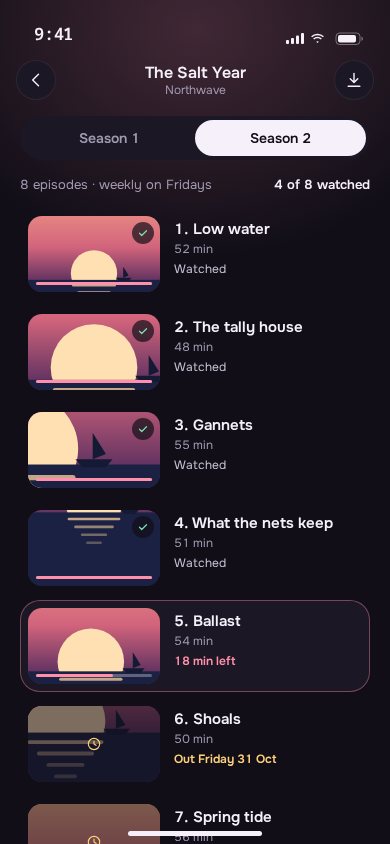 Couch Episodes: TV remote, casting and watchlist, Dark-first, dark
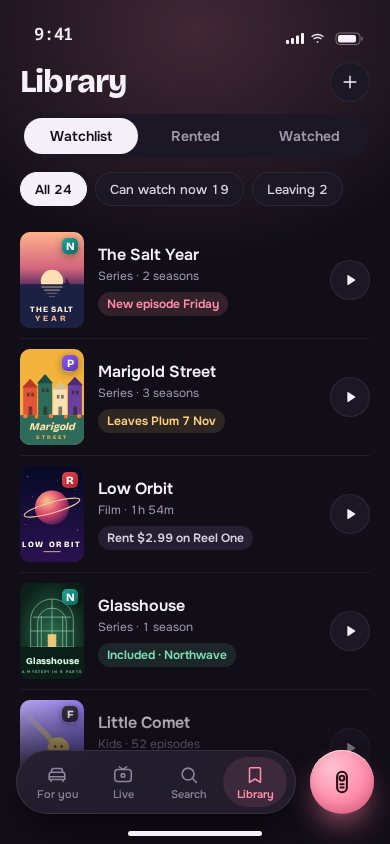 Couch Watchlist: TV remote, casting and watchlist, Dark-first, dark
- Couch Live: TV remote, casting and watchlist, Dark-first, dark
- Couch Devices: TV remote, casting and watchlist, Dark-first, dark
- Couch Notifications: TV remote, casting and watchlist, Dark-first, dark
- Chime Devices: Voice assistant and smart speaker, Glass
- Chime Routines: Voice assistant and smart speaker, Glass
- Chime Shopping list: Voice assistant and smart speaker, Glass
- Chime Voice history: Voice assistant and smart speaker, Glass
- Chime Notifications: Voice assistant and smart speaker, Glass
- Latch Doors: Smart locks and guest access, Minimal
- Latch Activity: Smart locks and guest access, Minimal
- Latch Keys: Smart locks and guest access, Minimal
- Latch Keypad codes: Smart locks and guest access, Minimal
- Latch Notifications: Smart locks and guest access, Minimal
- Mesh Devices: Home Wi-Fi network, Glass, dark
- Mesh People: Home Wi-Fi network, Glass, dark
- Mesh Notifications: Home Wi-Fi network, Glass, dark
- Decibel Queue: Multi-room speakers, Luxury, dark
- Decibel Services: Multi-room speakers, Luxury, dark
- Decibel Alarms: Multi-room speakers, Luxury, dark
- Decibel Notifications: Multi-room speakers, Luxury, dark
- Nursery Lullabies: Baby monitor camera and sleep, Glass, dark
- Nursery Events: Baby monitor camera and sleep, Glass, dark
- Nursery Moments: Baby monitor camera and sleep, Glass, dark
- Nursery Notifications: Baby monitor camera and sleep, Glass, dark
- Nursery Caregivers: Baby monitor camera and sleep, Glass, dark
- Porch Cameras: Home security cameras, Dark-first, dark
- Porch Events: Home security cameras, Dark-first, dark
- Porch Familiar faces: Home security cameras, Dark-first, dark
- Porch Deliveries: Home security cameras, Dark-first, dark
- Porch Notifications: Home security cameras, Dark-first, dark
- Sundial Roof: Solar panels and home battery, Glass
- Sundial Devices: Solar panels and home battery, Glass
- Sundial Rules: Solar panels and home battery, Glass
- Sundial Notifications: Solar panels and home battery, Glass
- Puddle Zones: Garden watering and sprinklers, Playful
- Puddle Schedules: Garden watering and sprinklers, Playful
- Puddle Shop: Garden watering and sprinklers, Playful
- Puddle Notifications: Garden watering and sprinklers, Playful
- Upkeep Calendar: Home maintenance calendar, Minimal
- Upkeep Room: Home maintenance calendar, Minimal
- Upkeep Equipment: Home maintenance calendar, Minimal
- Upkeep Home log: Home maintenance calendar, Minimal
- Upkeep Notifications: Home maintenance calendar, Minimal
- Kelvin Rooms: Climate and thermostat, Luxury, dark
- Kelvin Scenes: Climate and thermostat, Luxury, dark
- Kelvin Schedule: Climate and thermostat, Luxury, dark
- Kelvin Devices: Climate and thermostat, Luxury, dark
- Kelvin Alerts: Climate and thermostat, Luxury, dark
- Glow Rooms: Light scenes and colour, Gen Z, dark
- Glow Routines: Light scenes and colour, Gen Z, dark
- Glow Notifications: Light scenes and colour, Gen Z, dark
- Tagged Rooms: Home inventory for insurance, Clinical
- Tagged Valuables: Home inventory for insurance, Clinical
- Tagged Claim items: Home inventory for insurance, Clinical
- Tagged Warranties: Home inventory for insurance, Clinical
- Tagged Notifications: Home inventory for insurance, Clinical
- Lobby Packages: Apartment building app, Enterprise
- Lobby Guests: Apartment building app, Enterprise
- Lobby Requests: Apartment building app, Enterprise
- Lobby Notices: Apartment building app, Enterprise
- Lobby Community: Apartment building app, Enterprise
- Lobby Notifications: Apartment building app, Enterprise
- Sweep Rooms: Robot vacuum and mop, Brutalist
- Sweep Schedule: Robot vacuum and mop, Brutalist
- Sweep History: Robot vacuum and mop, Brutalist
- Sweep Obstacles: Robot vacuum and mop, Brutalist
- Sweep Care: Robot vacuum and mop, Brutalist
- Sweep Notifications: Robot vacuum and mop, Brutalist
What makes a good smart home app list screen
- Show what people need to decide. Each row should carry just enough to choose: a title, one or two details and a status. Everything else belongs on the detail screen.
- Keep rows consistent. The same information in the same place on every row lets people scan down a column instead of reading each item.
- Group with headings. Dates, categories or status headings break long lists into chunks people can skip through.
- Make common actions quick. Swipe actions, a checkbox or a heart on the row save opening the item for small tasks.
- Plan for empty, loading and end states. Skeleton rows while loading, a helpful empty state, and a clear end of the list or smooth loading of more.
The full list screen guide: layouts, mistakes and questions
List and feed screens in other kinds of app
- Productivity app list and feed screens (305)
- Lifestyle app list and feed screens (299)
- Social app list and feed screens (191)
- Finance app list and feed screens (180)
- Travel app list and feed screens (169)
- Fitness app list and feed screens (142)
- Education app list and feed screens (131)
- Food app list and feed screens (129)
- Sports app list and feed screens (99)
- Music app list and feed screens (81)
Other smart home app screens
- Smart home app onboarding screens
- Smart home app sign in and sign up screens
- Smart home app home screens
- Smart home app search and explore screens
- Smart home app detail screens
- Smart home app booking and checkout screens
- Smart home app paywall screens
- Smart home app success and confirmation screens
- Smart home app profile screens
- Smart home app settings screens
- Smart home app dashboard and stats screens
- Smart home app player, camera and editor screens
- Smart home app live tracking screens
- Smart home app form and input screens