Education app profile screens
36 profile screens from 29 education app templates, each in its own design language. Education apps are about the next step: what to learn today, how far you have come, and a tone that encourages rather than lectures.
The examples
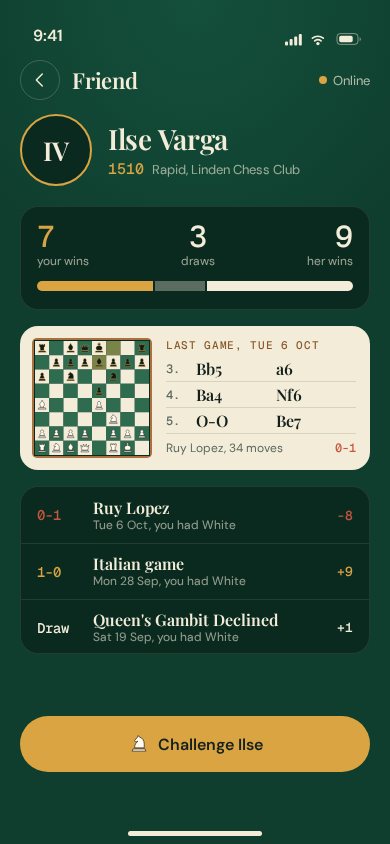 Gambit Friend: Chess training, Luxury, dark
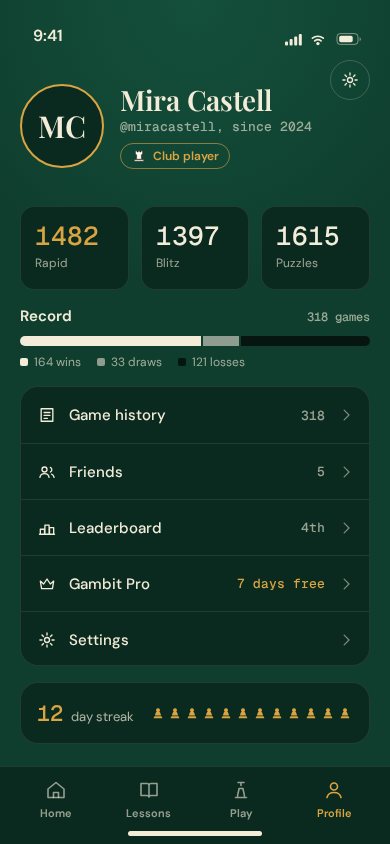 Gambit Profile: Chess training, Luxury, dark
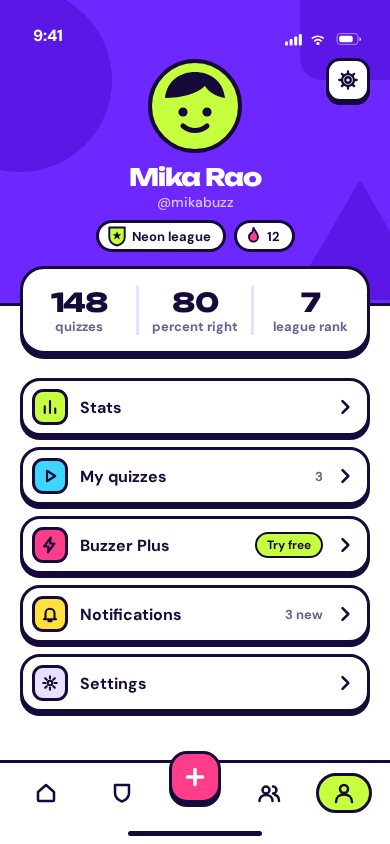 Buzzer Profile: Live trivia, Gen Z
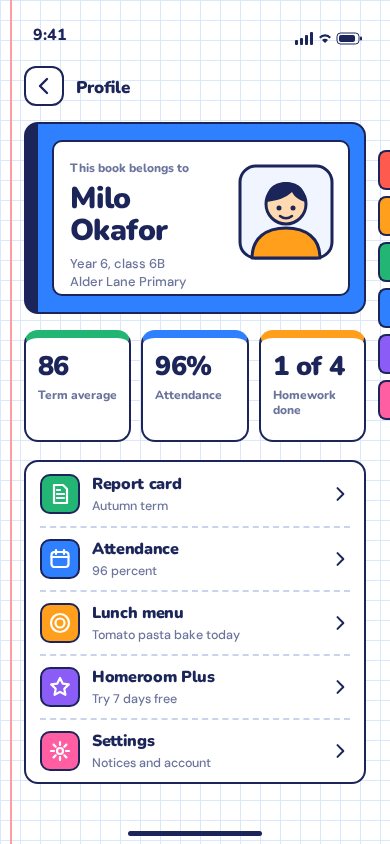 Homeroom Profile: School, all on one page, Playful
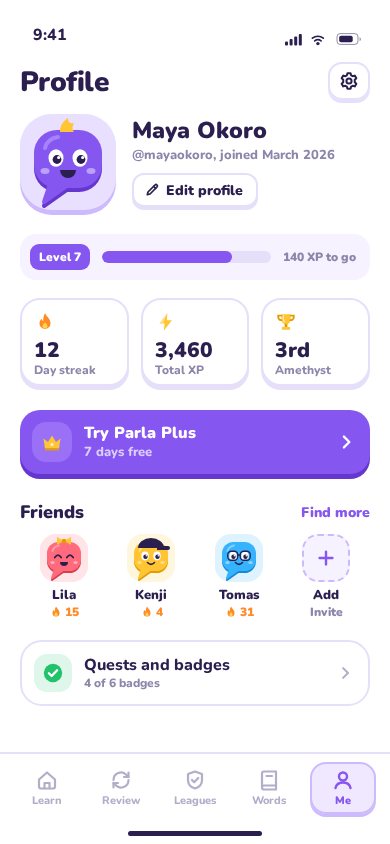 Parla Profile: Language learning, Playful
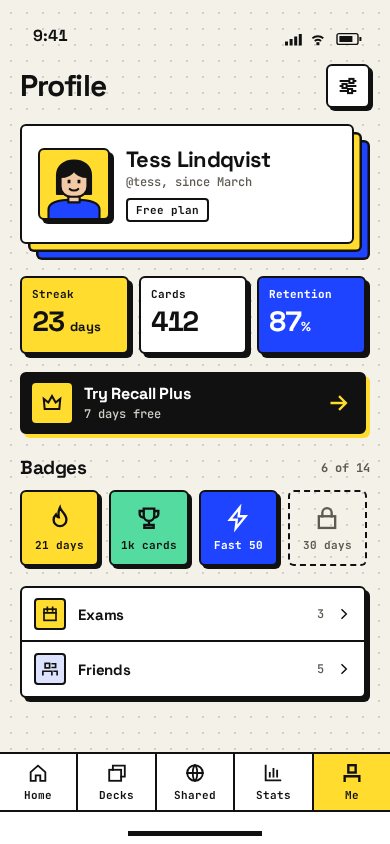 Recall Profile: Flashcards and spaced repetition, Neubrutalism
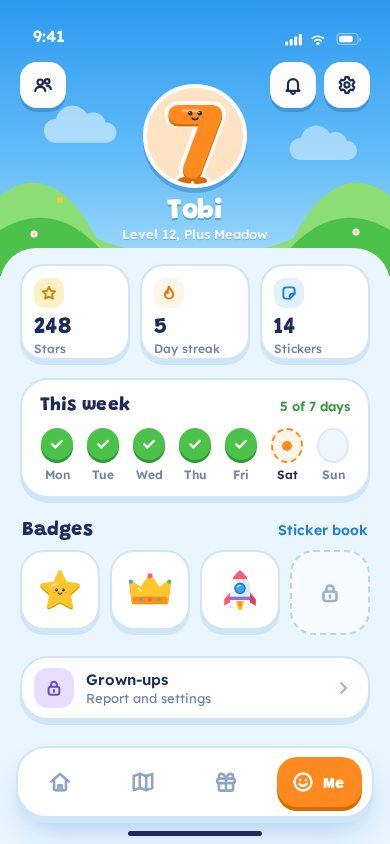 Numo Profile: Kids maths game, Playful
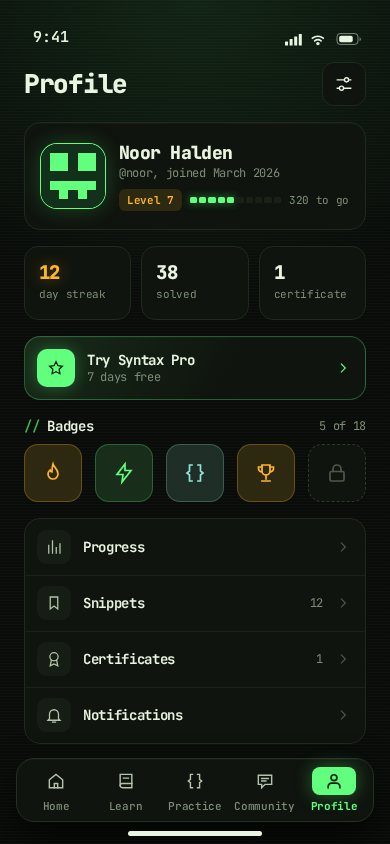 Syntax Profile: Learn to code, Dark-first, dark
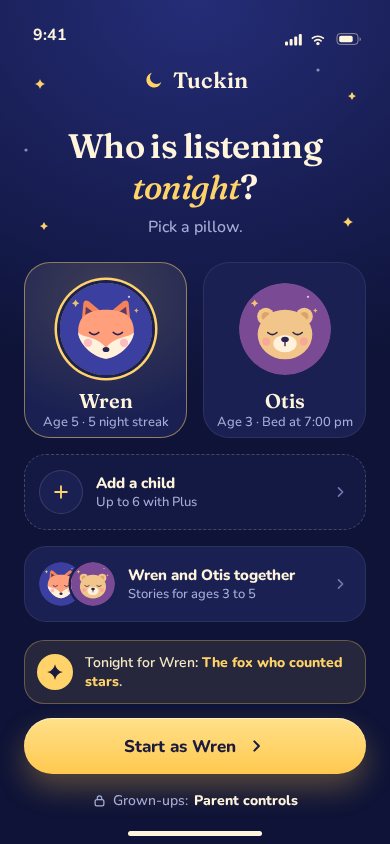 Tuckin Who is listening: Bedtime stories for kids, Playful, dark
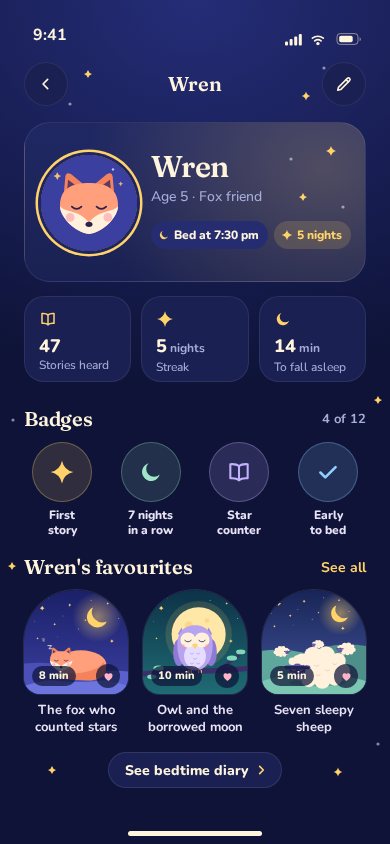 Tuckin Child profile: Bedtime stories for kids, Playful, dark
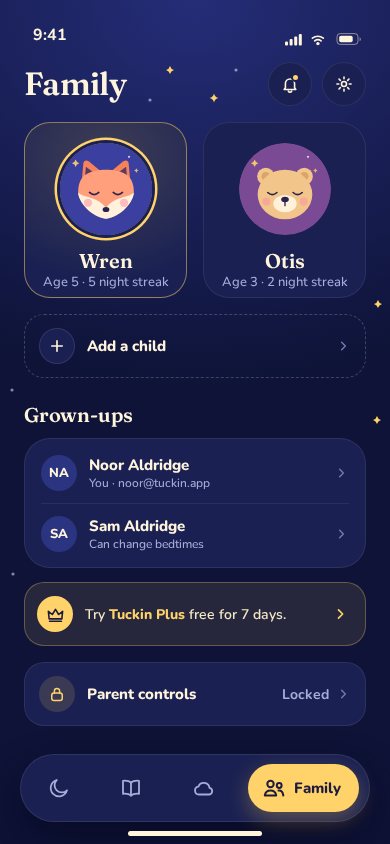 Tuckin Family: Bedtime stories for kids, Playful, dark
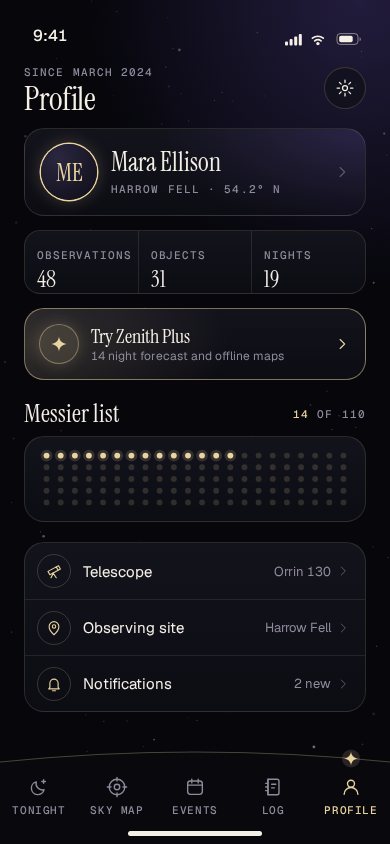 Zenith Profile: Night sky guide, Dark-first, dark
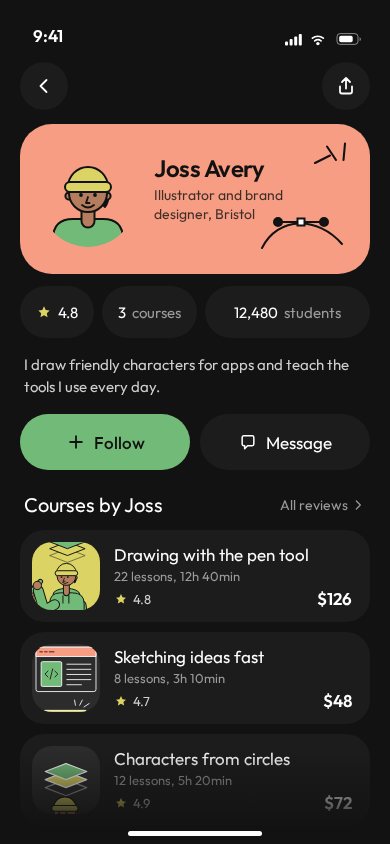 Chalk Mentor: Design courses, Playful, dark
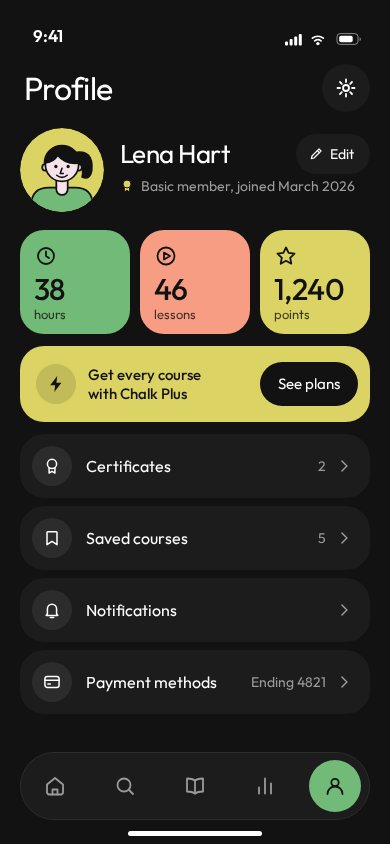 Chalk Profile: Design courses, Playful, dark
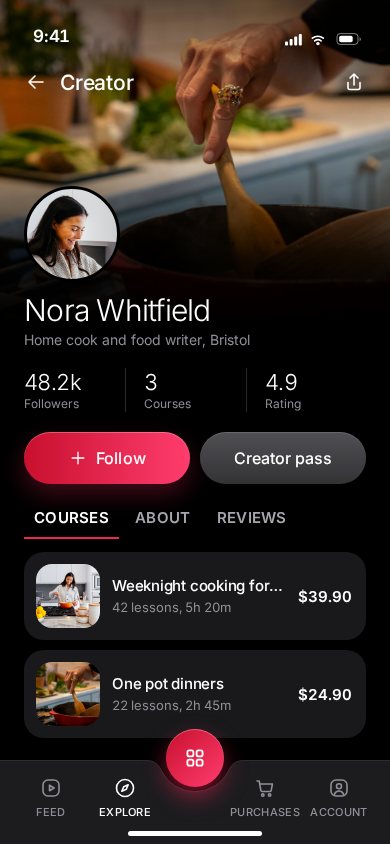 Encore Creator: Creator courses, Dark-first, dark
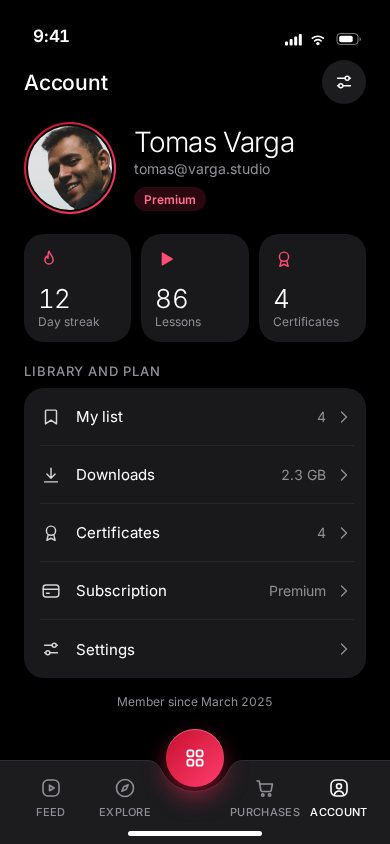 Encore Account: Creator courses, Dark-first, dark
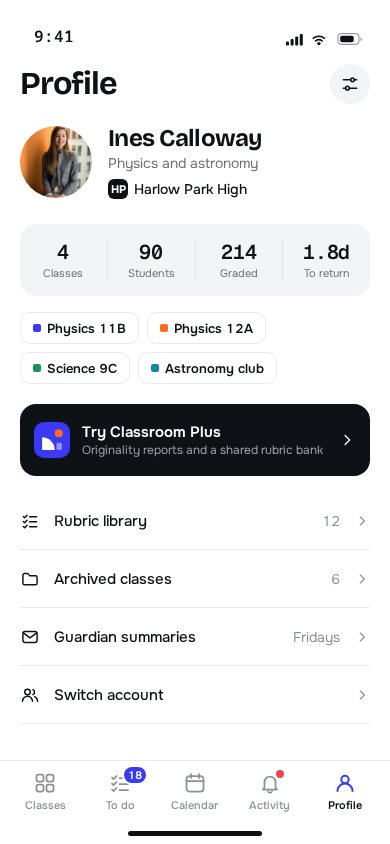 Classroom Profile: Class stream and assignments, Minimal
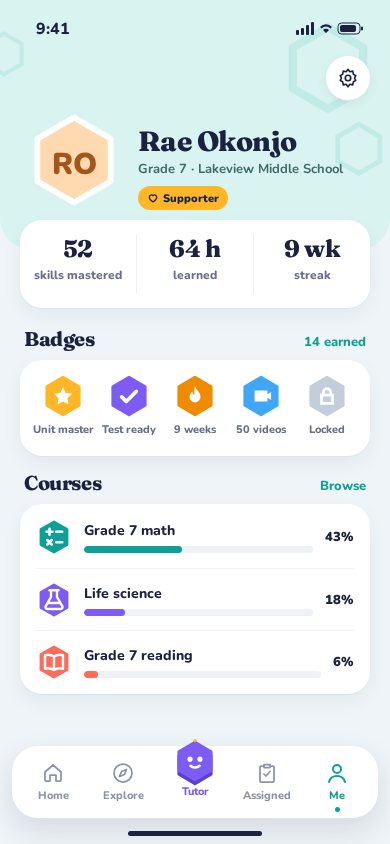 Studyhall Profile: Free lessons and practice for school, Playful
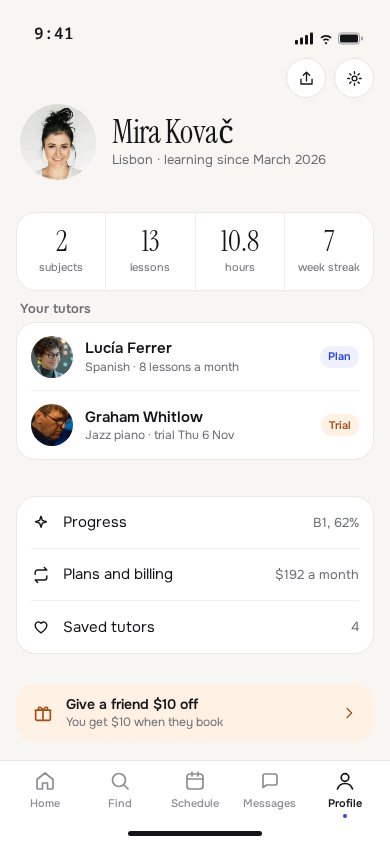 Tutor Profile: Book online tutors for any skill, Minimal
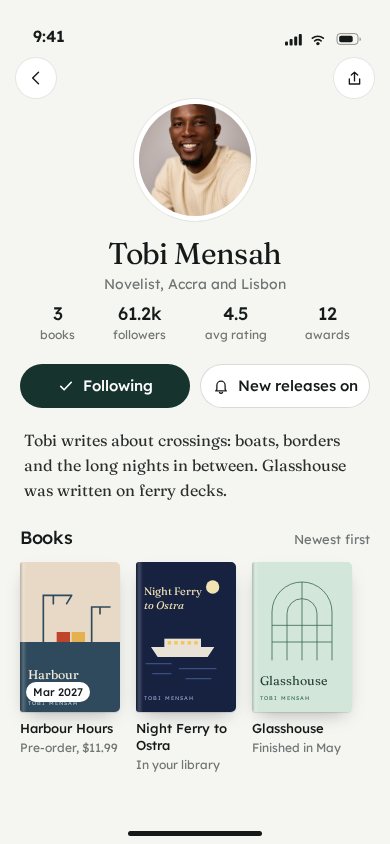 Leaf Author: E-books and reading, Minimal
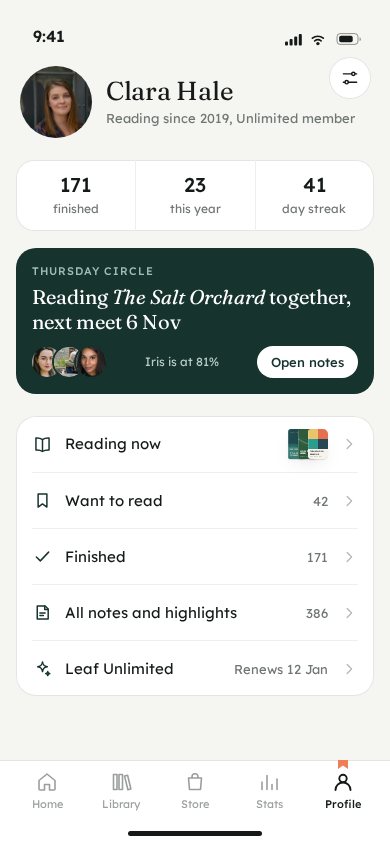 Leaf Profile: E-books and reading, Minimal
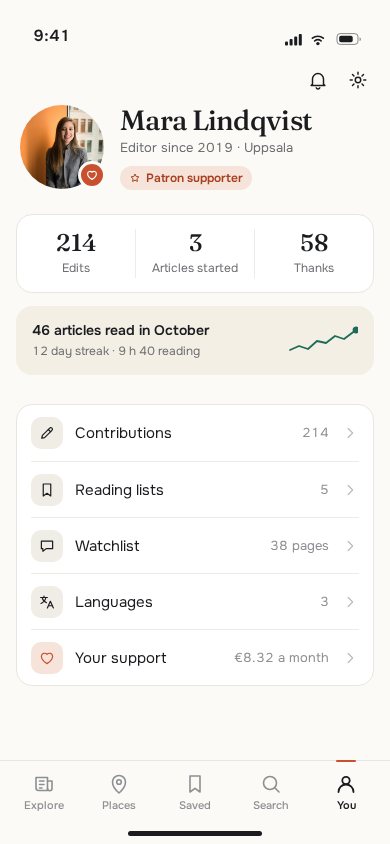 Almanac Profile: The free encyclopedia reader, Minimal
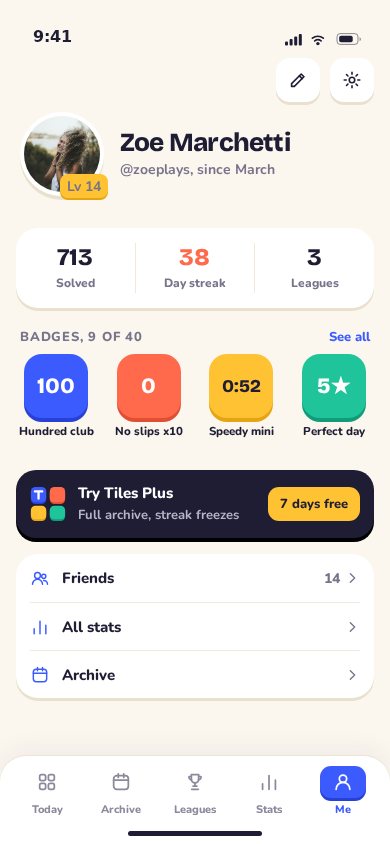 Tiles Profile: Daily word and number puzzles, Playful
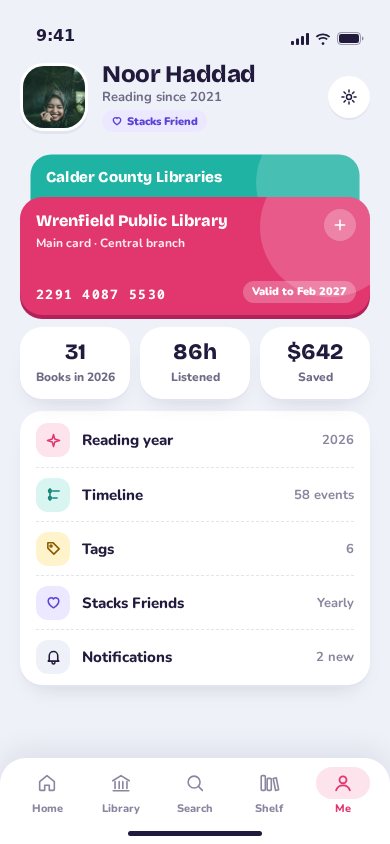 Stacks Profile: Borrow e-books and audiobooks from your library, Playful
- Penpal Partner: Language exchange chat, Playful
- Penpal Profile: Language exchange chat, Playful
- Lexis Profile: A word a day, Luxury
- Quanta Profile: Interactive physics lessons, Dark-first, dark
- Cram Profile: Exam prep and mock tests, Gen Z
- Quad Profile: University campus app, Enterprise
- Palm Profile: Learn sign language, Playful
- Epoch Profile: History on a timeline, Brutalist
- Wren Reader profile: Early reading for kids, Neubrutalism
- Proof Profile: Maths tutor that shows its working, Clinical
- Skim Profile: Speed reading trainer, Minimal
- Terra Profile: Geography and flags quiz, Glass
What makes a good education app profile screen
- Lead with identity. Photo, name and one line about the person at the top. It confirms whose profile this is.
- Show meaningful stats. Two to four numbers that matter in this app, like workouts, followers, books read or streak.
- Make editing obvious for the owner. An Edit profile button near the top, shown only on your own profile.
- Organise content with tabs. Posts, activity, saved or achievements as tabs keep a long profile tidy.
- Keep settings separate. A gear icon leading to settings is clearer than mixing account options into the profile.
- Respect privacy on public profiles. Let people choose what others can see, like stats, activity or location, and make it clear on the screen which parts are public.
The full profile screen guide: layouts, mistakes and questions
Profile screens in other kinds of app
- Lifestyle app profile screens (88)
- Productivity app profile screens (67)
- Social app profile screens (64)
- Finance app profile screens (44)
- Travel app profile screens (43)
- Fitness app profile screens (40)
- Food app profile screens (32)
- Sports app profile screens (28)
- Music app profile screens (27)
- Smart home app profile screens (23)
Other education app screens
- Education app onboarding screens
- Education app sign in and sign up screens
- Education app home screens
- Education app search and explore screens
- Education app list and feed screens
- Education app detail screens
- Education app booking and checkout screens
- Education app paywall screens
- Education app success and confirmation screens
- Education app settings screens
- Education app dashboard and stats screens
- Education app player, camera and editor screens
- Education app live tracking screens
- Education app form and input screens