Education app paywall screens
29 paywall screens from 29 education app templates, each in its own design language. Education apps are about the next step: what to learn today, how far you have come, and a tone that encourages rather than lectures.
The examples
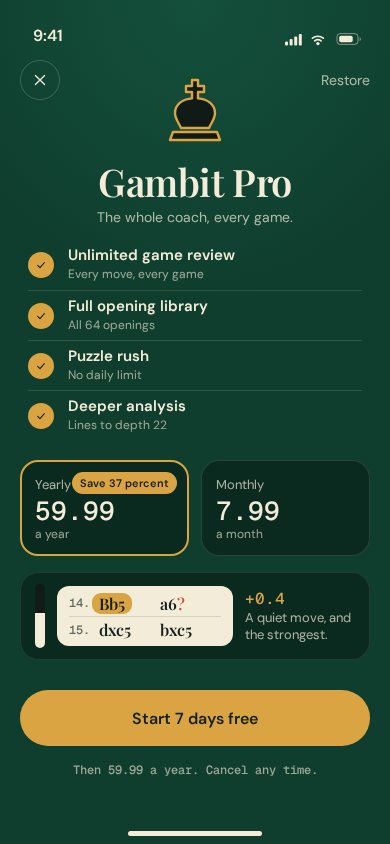 Gambit Pro: Chess training, Luxury, dark
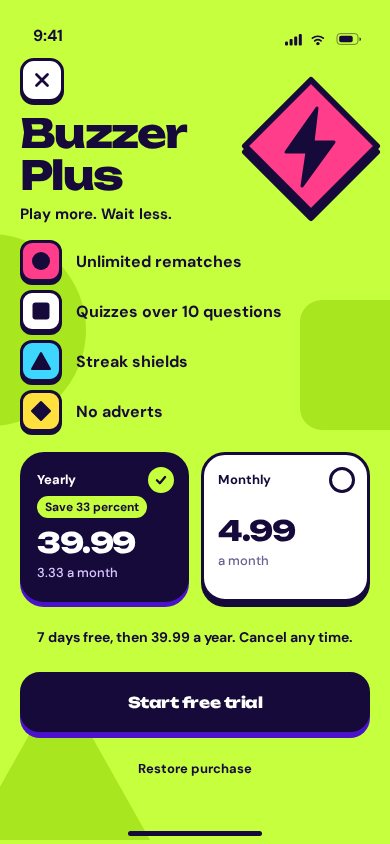 Buzzer Plus: Live trivia, Gen Z
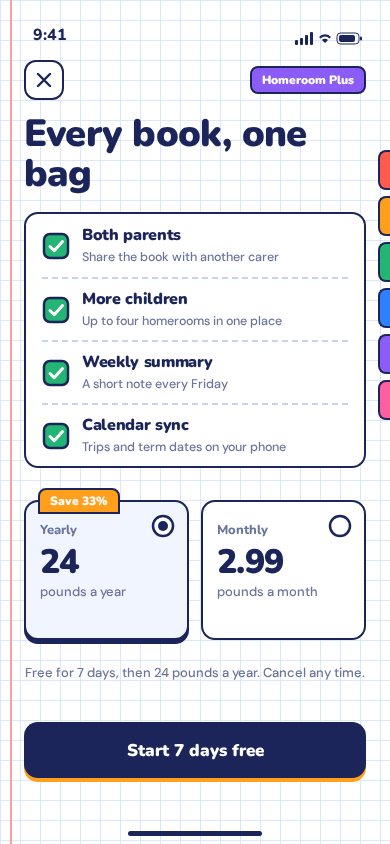 Homeroom Plus: School, all on one page, Playful
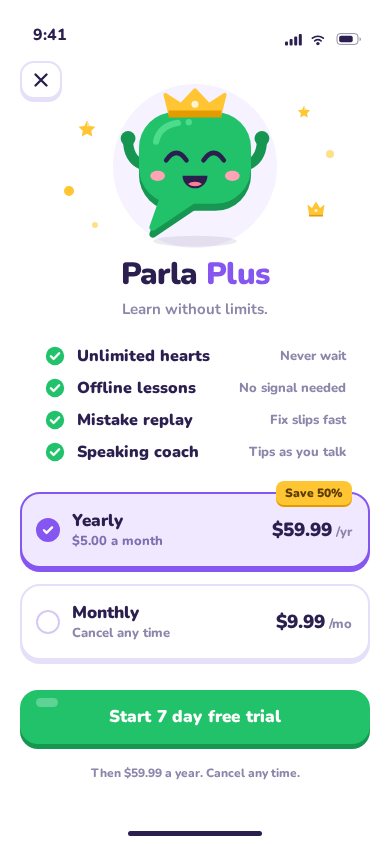 Parla Plus: Language learning, Playful
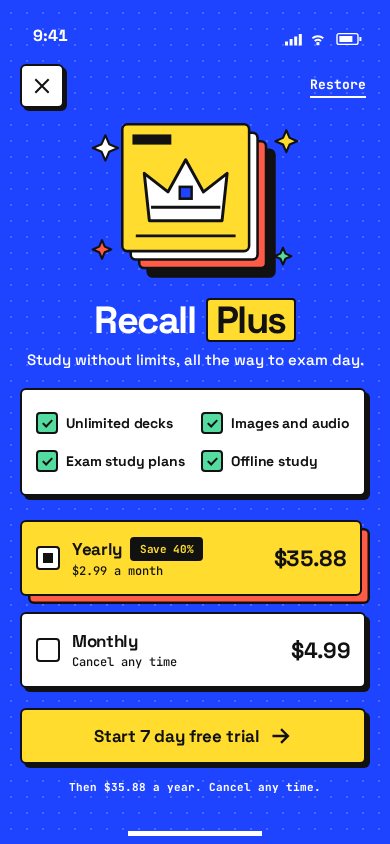 Recall Plus: Flashcards and spaced repetition, Neubrutalism
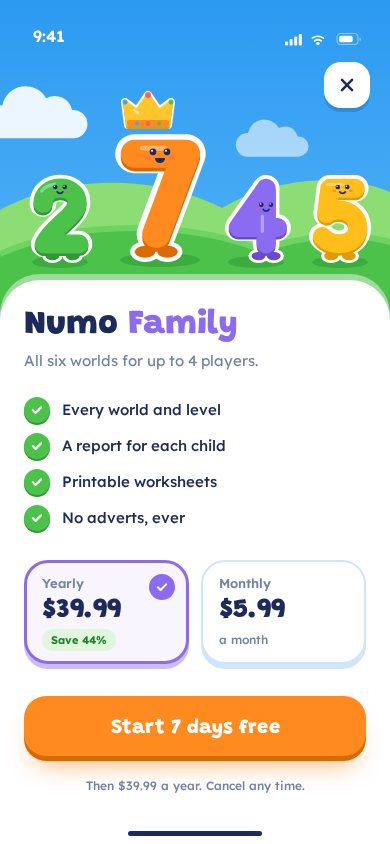 Numo Family: Kids maths game, Playful
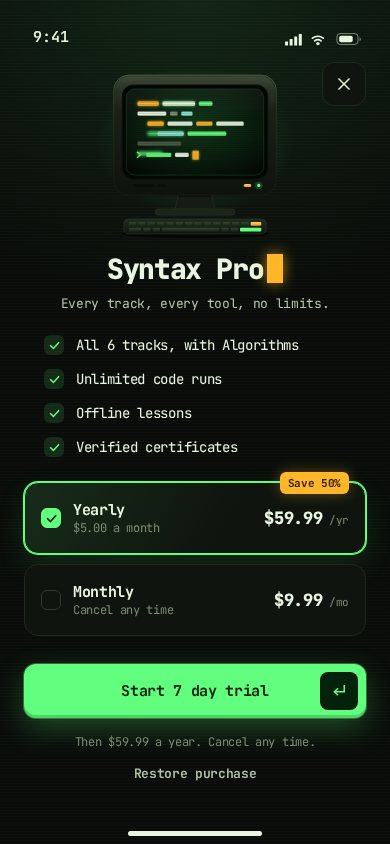 Syntax Pro: Learn to code, Dark-first, dark
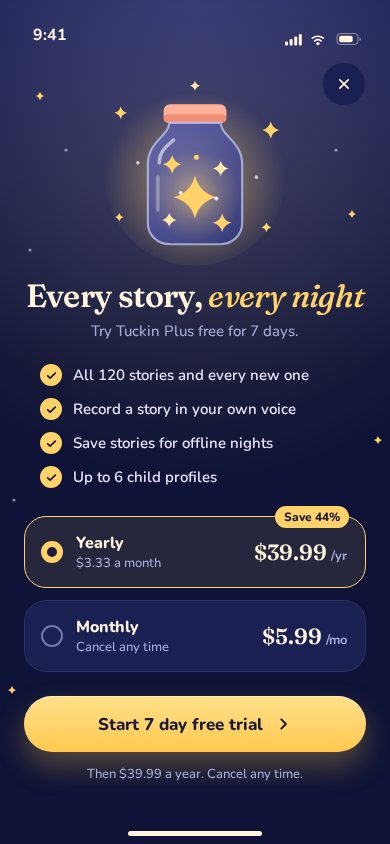 Tuckin Plus: Bedtime stories for kids, Playful, dark
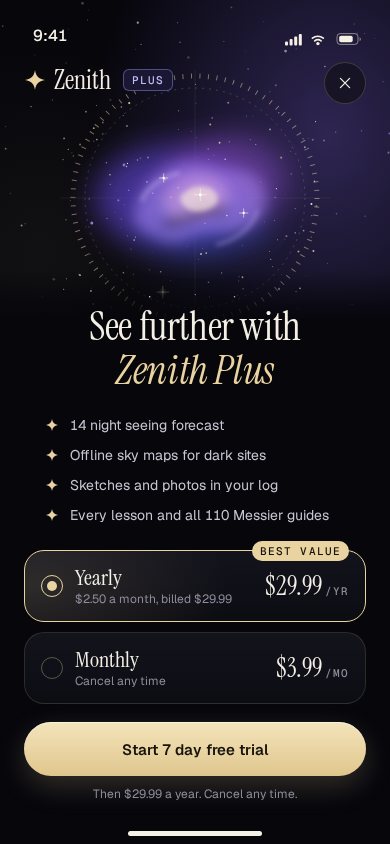 Zenith Plus: Night sky guide, Dark-first, dark
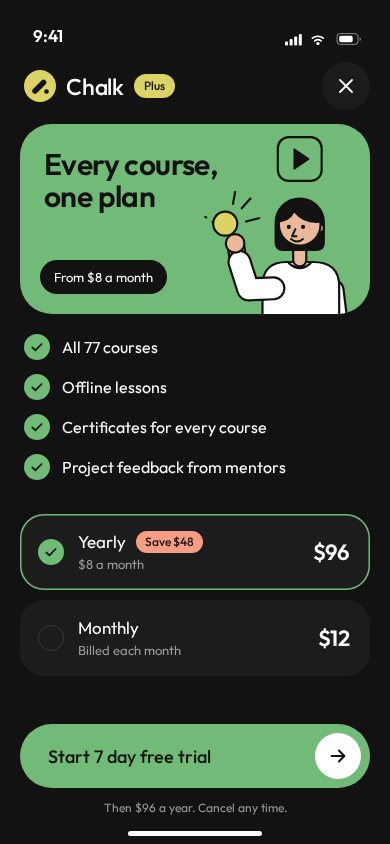 Chalk Plus: Design courses, Playful, dark
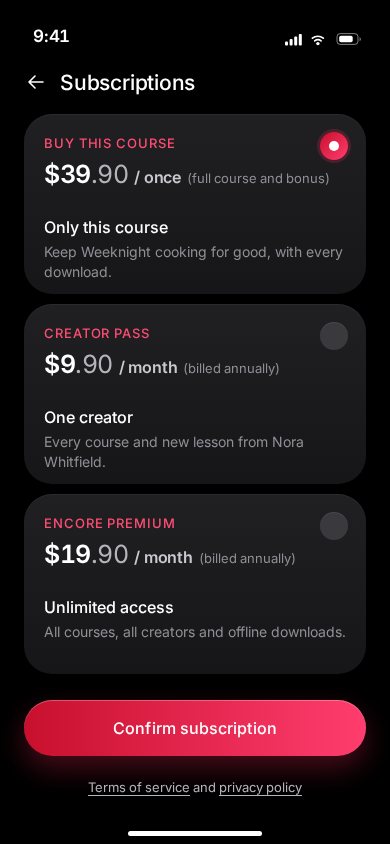 Encore Subscriptions: Creator courses, Dark-first, dark
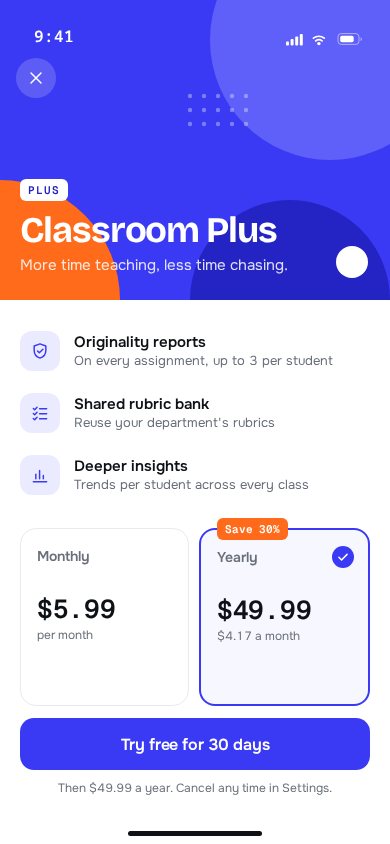 Classroom Plus: Class stream and assignments, Minimal
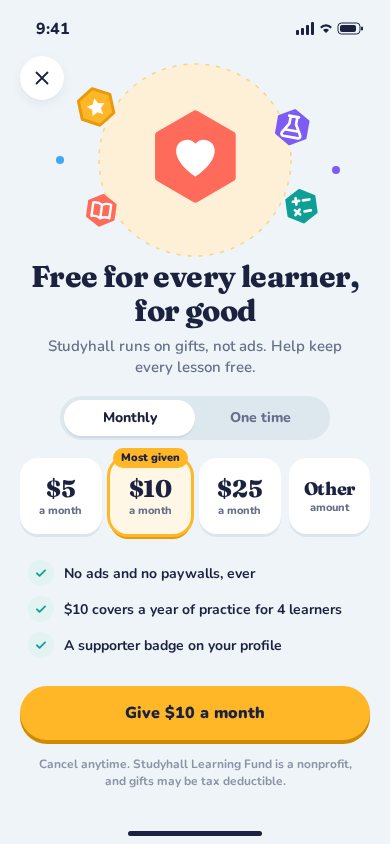 Studyhall Support: Free lessons and practice for school, Playful
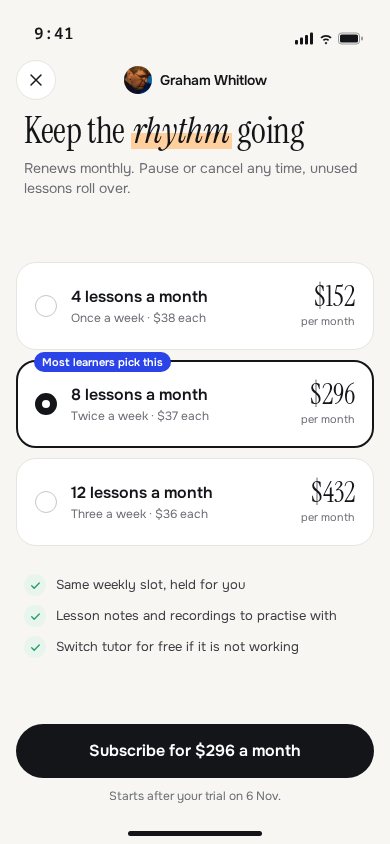 Tutor Lesson plans: Book online tutors for any skill, Minimal
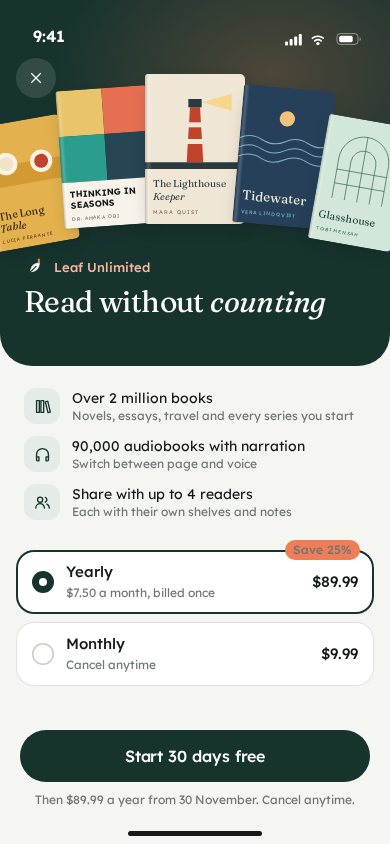 Leaf Unlimited: E-books and reading, Minimal
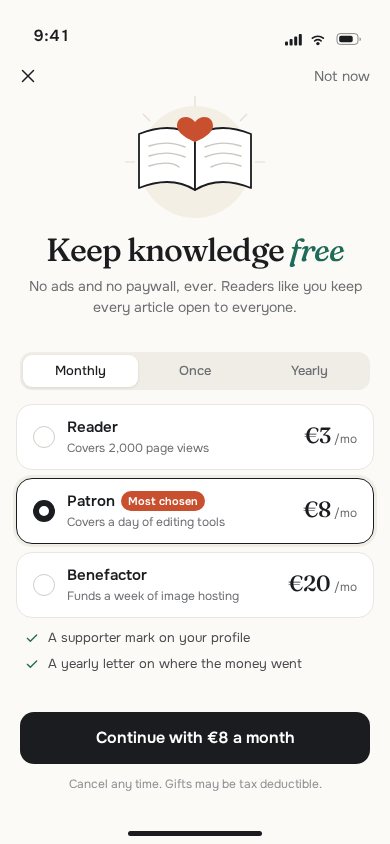 Almanac Support: The free encyclopedia reader, Minimal
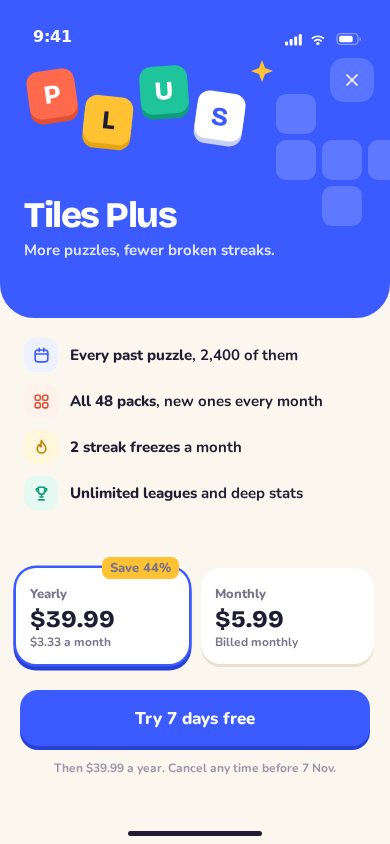 Tiles Plus: Daily word and number puzzles, Playful
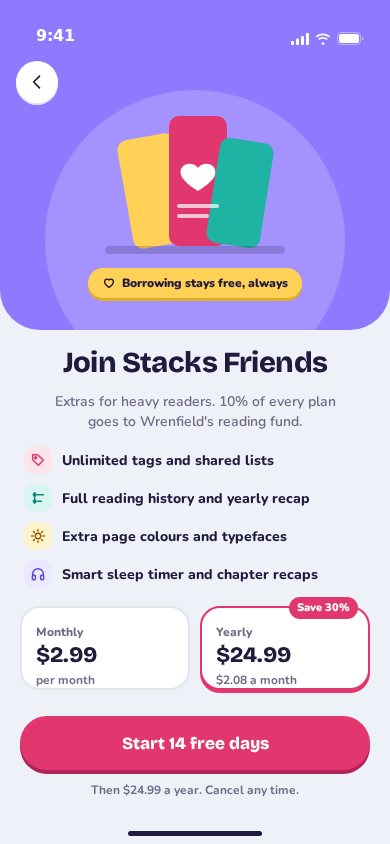 Stacks Friends: Borrow e-books and audiobooks from your library, Playful
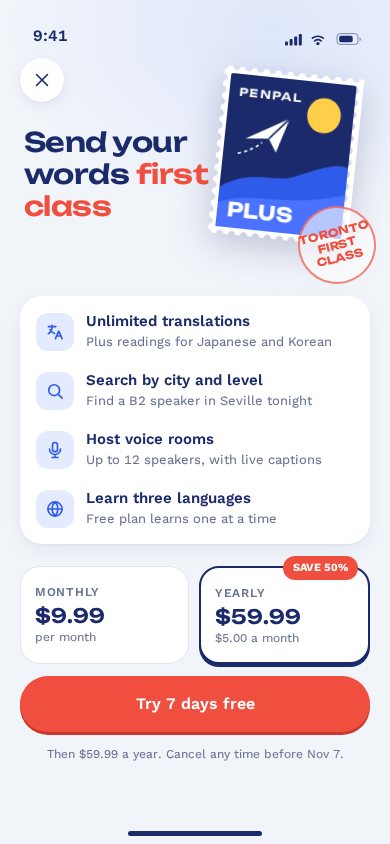 Penpal Plus: Language exchange chat, Playful
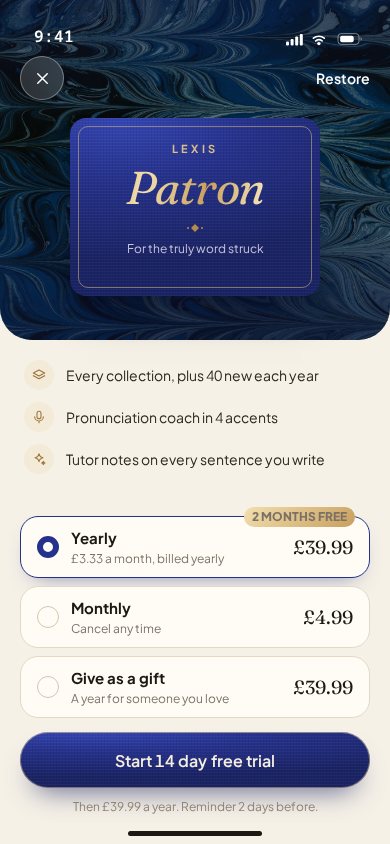 Lexis Patron: A word a day, Luxury
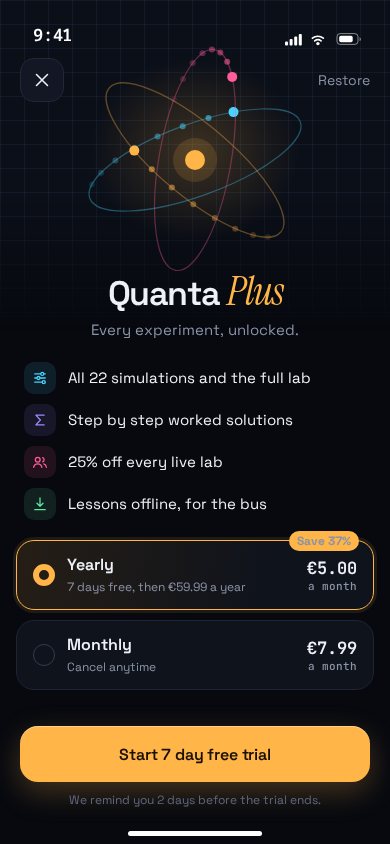 Quanta Plus: Interactive physics lessons, Dark-first, dark
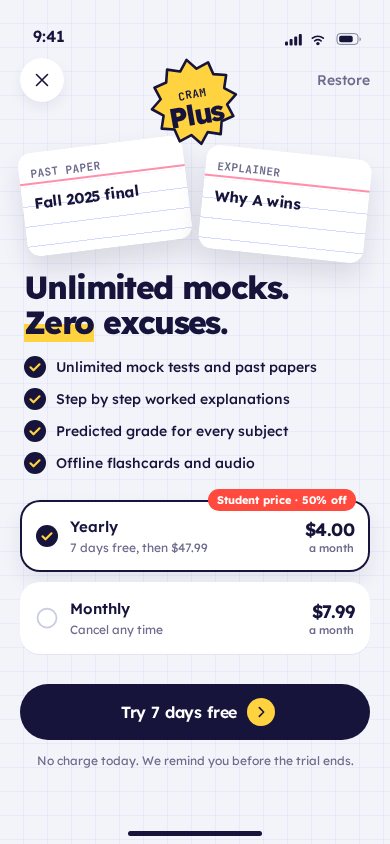 Cram Plus: Exam prep and mock tests, Gen Z
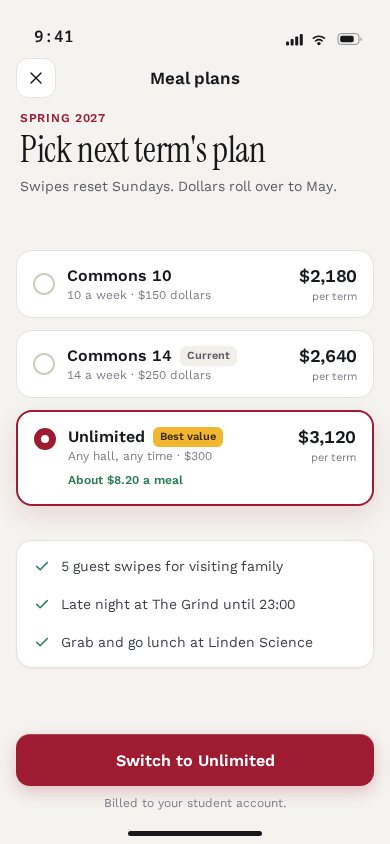 Quad Meal plans: University campus app, Enterprise
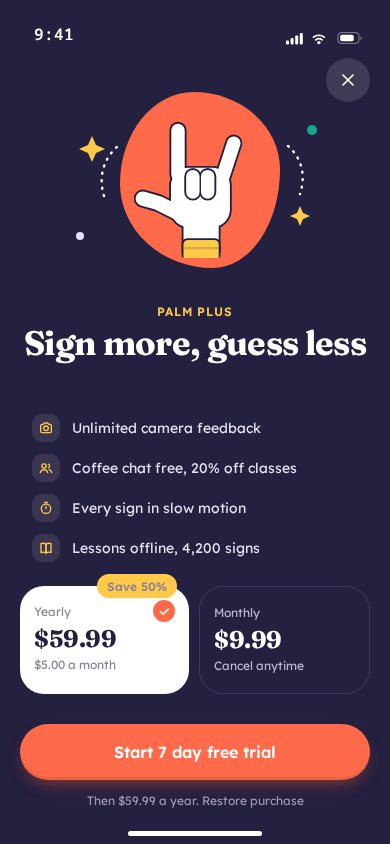 Palm Plus: Learn sign language, Playful
- Epoch Pro: History on a timeline, Brutalist
- Wren Plus: Early reading for kids, Neubrutalism
- Proof Plus: Maths tutor that shows its working, Clinical
- Skim Pro: Speed reading trainer, Minimal
- Terra Plus: Geography and flags quiz, Glass
What makes a good education app paywall screen
- Lead with the outcome, not the feature list. The headline should say what changes for the person: "Train smarter every week" beats "Unlock Premium". Three to five benefits underneath are enough; more turns into a wall of ticks nobody reads.
- Show the real price, period and trial terms. State the price, how often it renews and when a free trial turns into a charge, near the button. Apple's App Store guideline 3.1.2 asks subscription apps to make this clear before purchase, and Google Play has similar rules.
- One primary button. The main call to action should be impossible to miss and say what happens: "Start 7-day free trial" or "Subscribe for $4.99/month". A second plan choice is fine; a second competing button is not.
- Make the plans easy to compare. When you offer monthly and yearly, show both prices in the same unit (per month or per week) and mark the saving on the yearly plan in plain numbers, not just a badge.
- Give people a way out. A visible close button or "Not now" keeps trust. Hiding it, or making people wait for it, makes the screen feel like a trap and invites angry reviews.
- Restore and legal links belong on the screen. Restore purchases, terms of use and privacy policy should be reachable from the paywall itself. They are small, but people who already paid on another device look for them first.
- Match the rest of the app. A paywall that suddenly switches fonts, colours or tone looks like an ad. Keep the app's own design language so the upgrade feels like part of the product.
The full paywall screen guide: layouts, mistakes and questions
Paywall screens in other kinds of app
- Lifestyle app paywall screens (64)
- Productivity app paywall screens (59)
- Social app paywall screens (42)
- Travel app paywall screens (39)
- Finance app paywall screens (39)
- Fitness app paywall screens (33)
- Food app paywall screens (29)
- Sports app paywall screens (22)
- Smart home app paywall screens (20)
- Music app paywall screens (19)
Other education app screens
- Education app onboarding screens
- Education app sign in and sign up screens
- Education app home screens
- Education app search and explore screens
- Education app list and feed screens
- Education app detail screens
- Education app booking and checkout screens
- Education app success and confirmation screens
- Education app profile screens
- Education app settings screens
- Education app dashboard and stats screens
- Education app player, camera and editor screens
- Education app live tracking screens
- Education app form and input screens