Templates · Form and input screens
Food app form and input screens
74 form screens from 29 food app templates, each in its own design language. Food apps are about appetite and time: photography that makes the dish look real, delivery times up front and the basket one tap away.
The examples
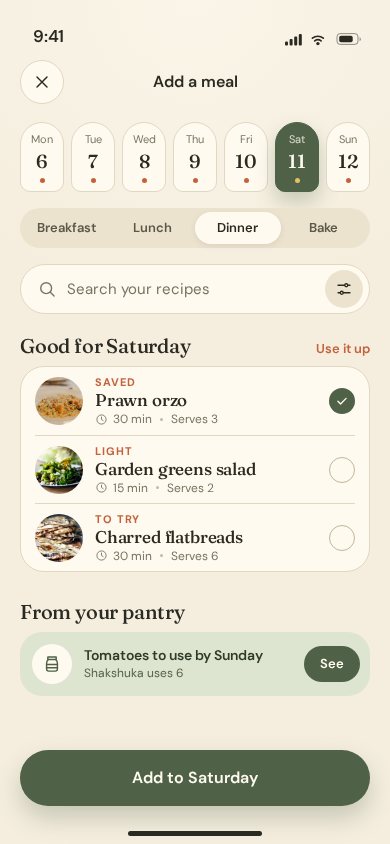 Ladle Add a meal: Recipes and meal planning, Minimal
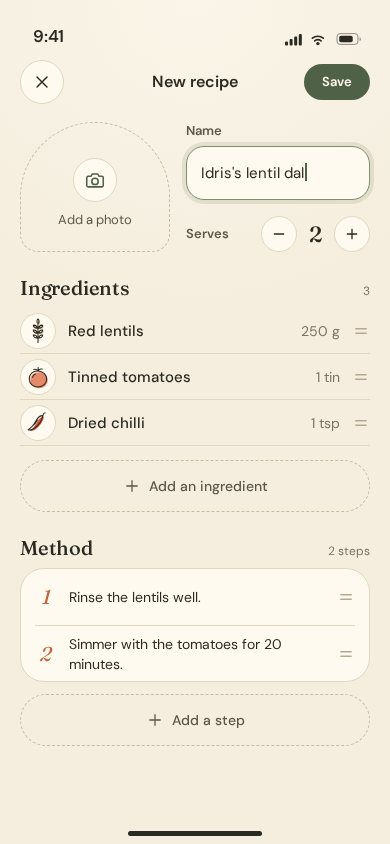 Ladle New recipe: Recipes and meal planning, Minimal
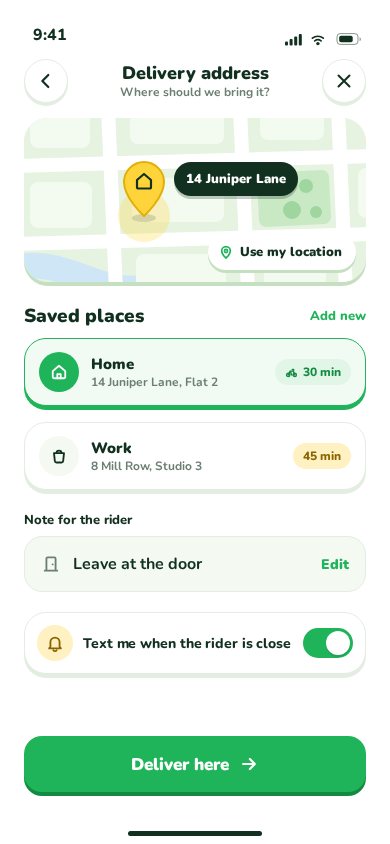 Pantry Delivery address: Grocery delivery, Playful
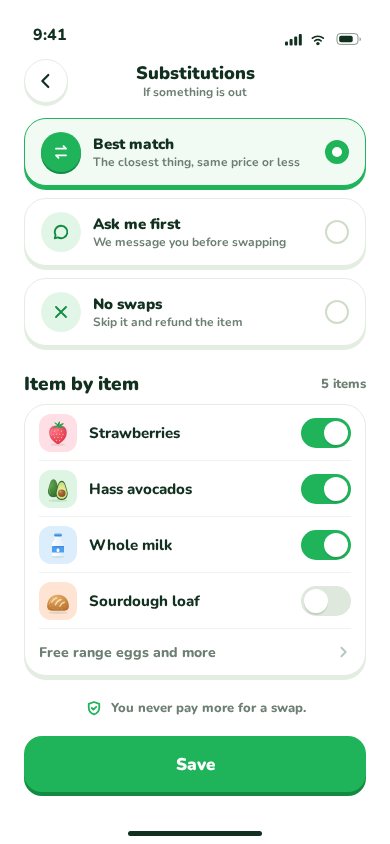 Pantry Substitutions: Grocery delivery, Playful
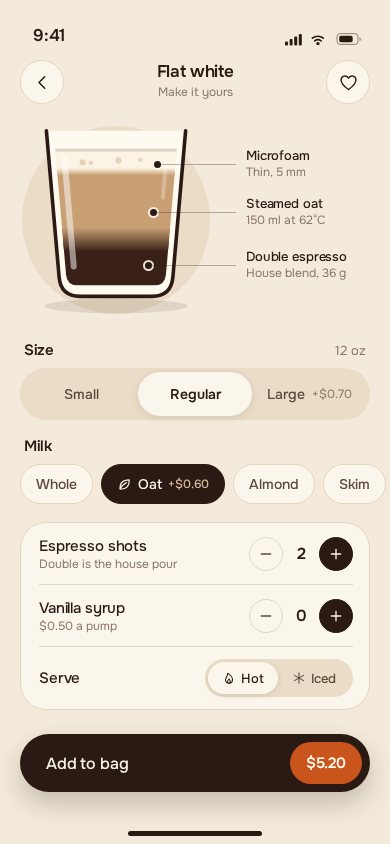 Brewly Customise: Coffee ordering and loyalty, Minimal
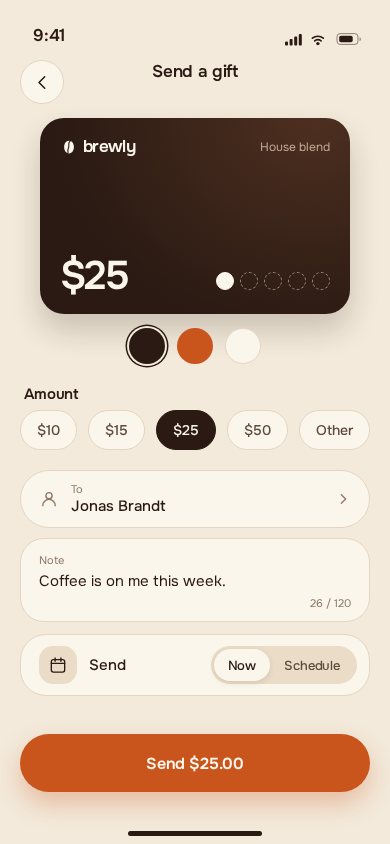 Brewly Send a gift: Coffee ordering and loyalty, Minimal
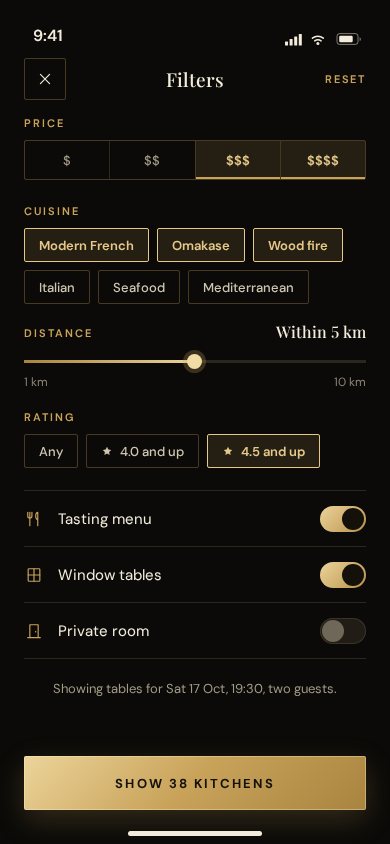 Tabla Filters: Tables worth dressing for, Luxury, dark
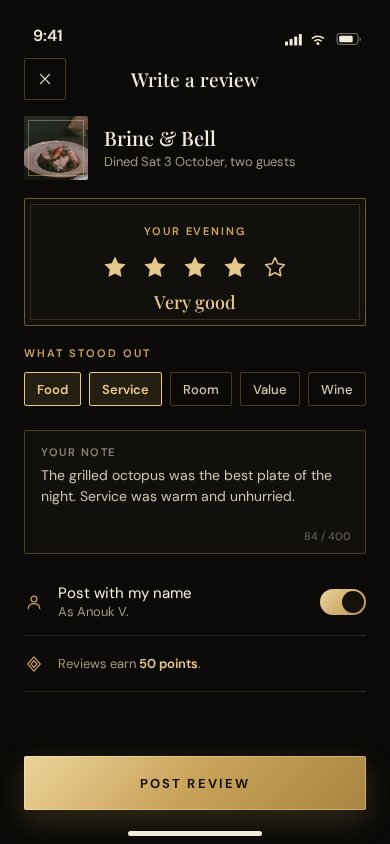 Tabla Write a review: Tables worth dressing for, Luxury, dark
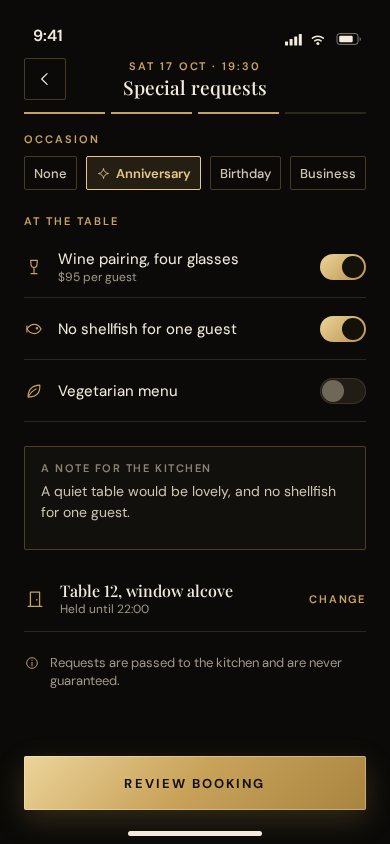 Tabla Special requests: Tables worth dressing for, Luxury, dark
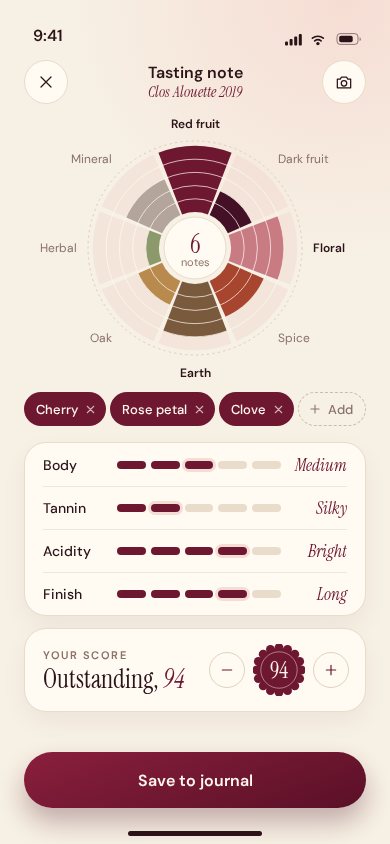 Corked Tasting note: Wine journal and cellar, Luxury
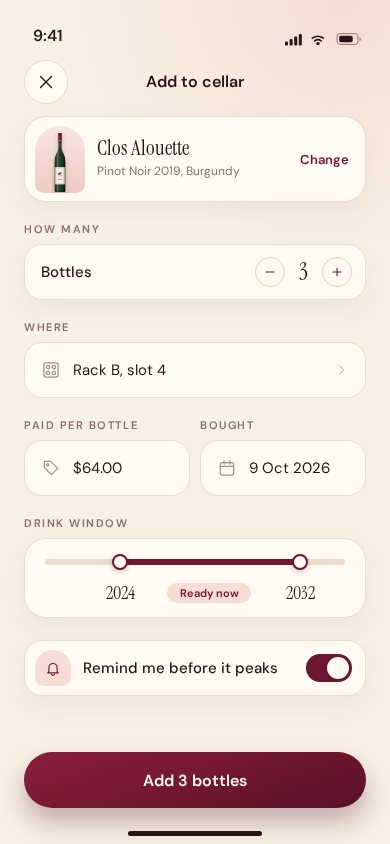 Corked Add bottle: Wine journal and cellar, Luxury
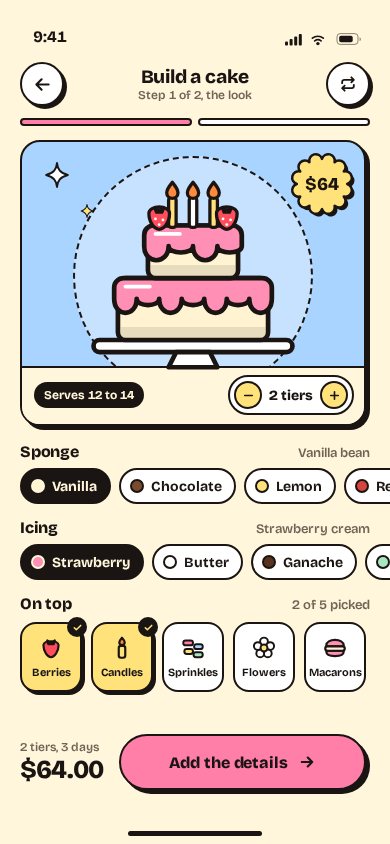 Crumb Build a cake: Neighbourhood bakery, Neubrutalism
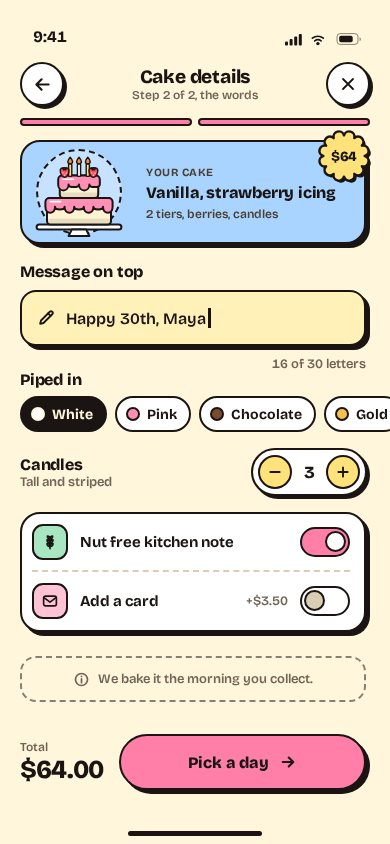 Crumb Cake details: Neighbourhood bakery, Neubrutalism
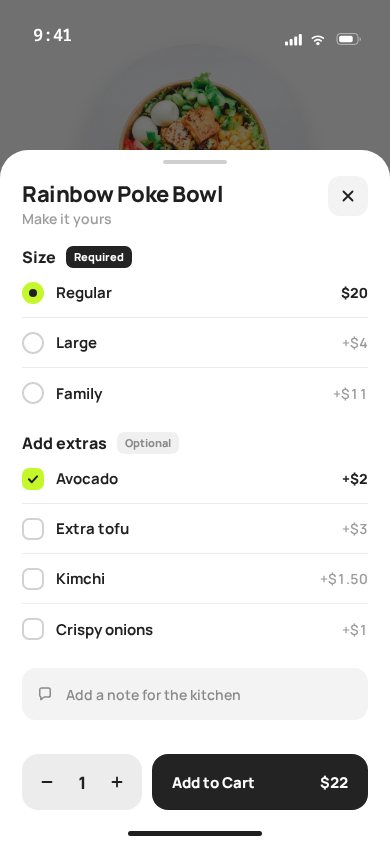 Tiffin Customize: Food delivery, Minimal
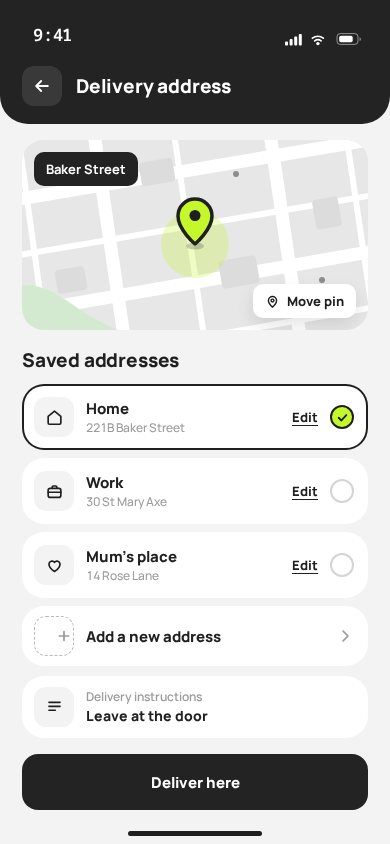 Tiffin Address: Food delivery, Minimal
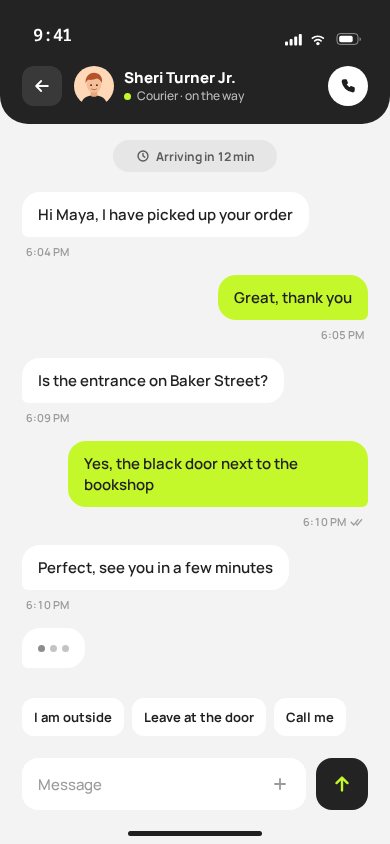 Tiffin Chat: Food delivery, Minimal
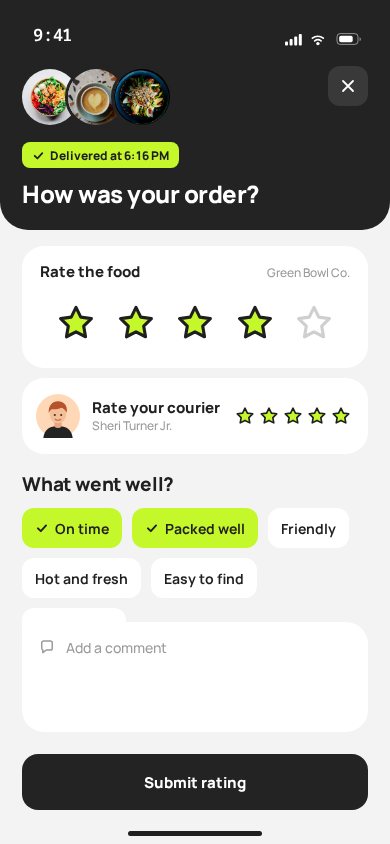 Tiffin Rate order: Food delivery, Minimal
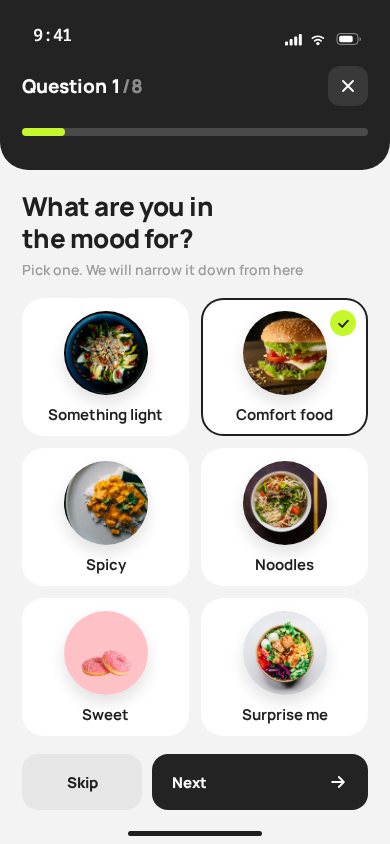 Tiffin Help me choose: Food delivery, Minimal
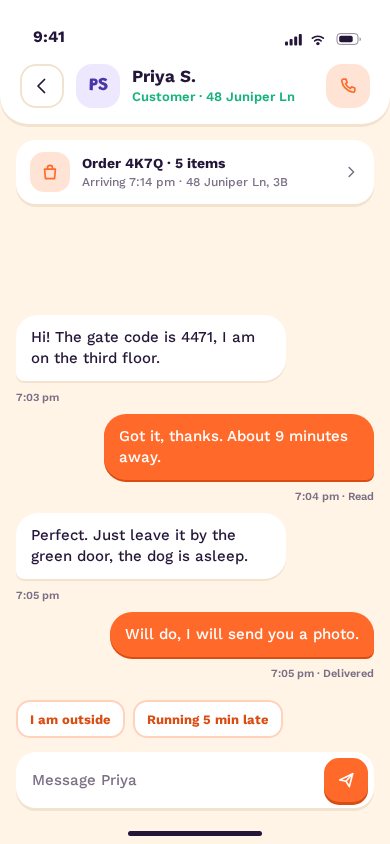 Courier Chat: Food delivery driver app, Playful
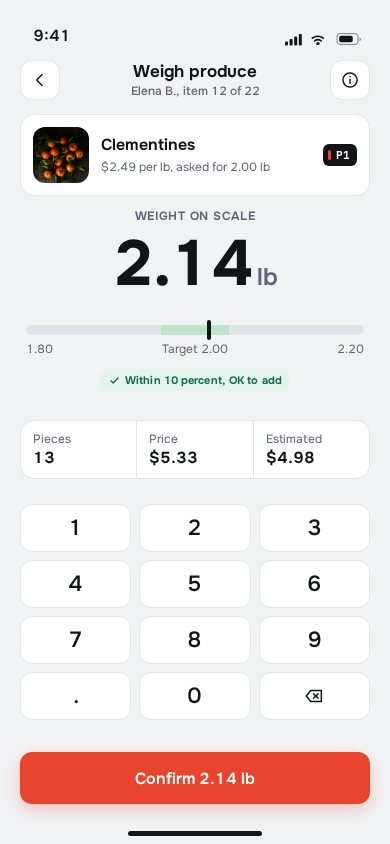 Picker Weigh: Grocery shopper app, Enterprise
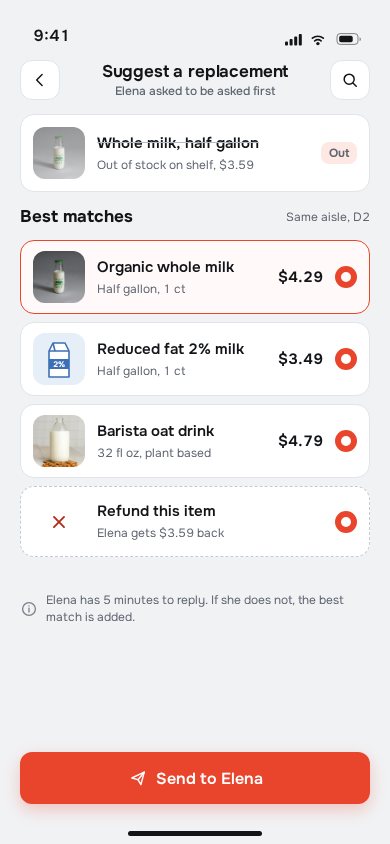 Picker Replacement: Grocery shopper app, Enterprise
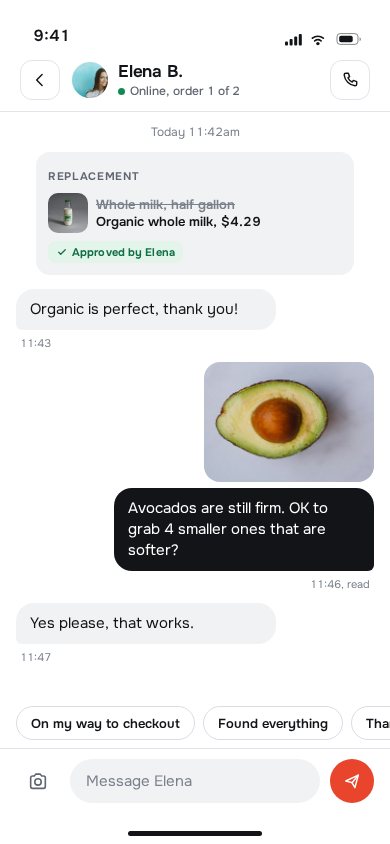 Picker Chat: Grocery shopper app, Enterprise
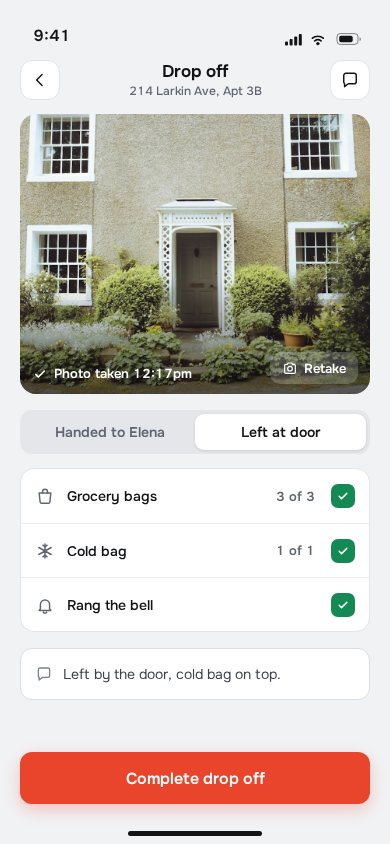 Picker Drop off: Grocery shopper app, Enterprise
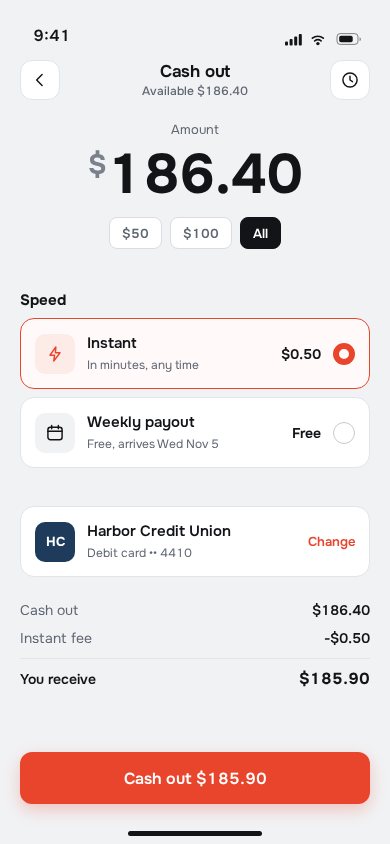 Picker Cash out: Grocery shopper app, Enterprise
- Queue Party size: Join the waitlist from anywhere, Neubrutalism
- Queue Running late: Join the waitlist from anywhere, Neubrutalism
- Queue Wait alert: Join the waitlist from anywhere, Neubrutalism
- Nosh Write a review: Local restaurant reviews, Minimal
- Buns Customize: Burger chain ordering and deals, Playful
- Buns Make it a meal: Burger chain ordering and deals, Playful
- Slice Order type: Pizza ordering with a live tracker, Neubrutalism
- Slice Build your pizza: Pizza ordering with a live tracker, Neubrutalism
- Slice Toppings: Pizza ordering with a live tracker, Neubrutalism
- Crate Rate meal: Meal kits delivered weekly, Minimal
- Crate Preferences: Meal kits delivered weekly, Minimal
- Crate Delivery address: Meal kits delivered weekly, Minimal
- Crate Get help: Meal kits delivered weekly, Minimal
- Dash Address: Ten minute grocery delivery, Playful
- Aisle order: Shared grocery lists, Minimal
- Aisle Import recipe: Shared grocery lists, Minimal
- Aisle Plan meal: Shared grocery lists, Minimal
- Menu Options: Scan, order and pay at the table, Minimal
- Menu Allergens: Scan, order and pay at the table, Minimal
- Menu Call server: Scan, order and pay at the table, Minimal
- Menu Split bill: Scan, order and pay at the table, Minimal
- Menu Tip: Scan, order and pay at the table, Minimal
- Mart Pickup slot: Supermarket app with loyalty and scan and go, Enterprise
- Rescue Set location: Surprise bags of surplus food, Playful
- Rescue Filters: Surprise bags of surplus food, Playful
- Rescue Rate your bag: Surprise bags of surplus food, Playful
- Rescue Invite friends: Surprise bags of surplus food, Playful
- Omakase Guests and notes: Chef's counter reservations, Luxury, dark
- Omakase Tasting note: Chef's counter reservations, Luxury, dark
- Lunchbox Build a box: School lunch planner for parents, Playful
- Lunchbox Lunch report: School lunch planner for parents, Playful
- Agave Add bottle: Cocktails and home bar, Dark-first, dark
- Agave Batch: Cocktails and home bar, Dark-first, dark
- Agave Log a drink: Cocktails and home bar, Dark-first, dark
- Crock Feed: Fermentation and sourdough starter log, Minimal
- Crock New batch: Fermentation and sourdough starter log, Minimal
- Crock Log check: Fermentation and sourdough starter log, Minimal
- Crock Plan a bake: Fermentation and sourdough starter log, Minimal
- Curbside Write review: Street food and food truck finder, Gen Z
- Forage Swap items: Farmers market and veg box, Neubrutalism
- Ember Alerts: Smoker and grill thermometer, Dark-first, dark
- Ember New cook: Smoker and grill thermometer, Dark-first, dark
- Steep Brew setup: Tea brewing and tasting notes, Minimal
- Steep Tasting note: Tea brewing and tasting notes, Minimal
- Steep Add tea: Tea brewing and tasting notes, Minimal
- Brigade New prep task: Restaurant kitchen and line ops, Enterprise
- Brigade 86 an item: Restaurant kitchen and line ops, Enterprise
- Brigade Temp check: Restaurant kitchen and line ops, Enterprise
- Nibs Add member: Food allergy and label scanner, Clinical
- Nibs Log reaction: Food allergy and label scanner, Clinical
What makes a good food app form screen
- Ask only what you need. Every field is a reason to stop. Remove optional fields or move them to later.
- Labels above fields. Visible labels stay readable while people type; placeholder-only labels disappear.
- Use the right keyboard and input. Number pads for amounts, email keyboards for email, pickers for dates and autofill for addresses and codes.
- Validate as people go. Show problems next to the field when people leave it, in words that say how to fix them.
- Keep the main button reachable. Above the keyboard or fixed at the bottom, with a label that says what happens.
- Save progress. Keep what people typed if they leave the screen, get a call or the app closes, especially on long forms and messages.
The full form screen guide: layouts, mistakes and questions
Form and input screens in other kinds of app
- Productivity app form and input screens (175)
- Lifestyle app form and input screens (140)
- Finance app form and input screens (118)
- Social app form and input screens (87)
- Travel app form and input screens (81)
- Fitness app form and input screens (66)
- Education app form and input screens (53)
- Smart home app form and input screens (50)
- Sports app form and input screens (41)
- Music app form and input screens (32)
Other food app screens
- Food app onboarding screens
- Food app sign in and sign up screens
- Food app home screens
- Food app search and explore screens
- Food app list and feed screens
- Food app detail screens
- Food app booking and checkout screens
- Food app paywall screens
- Food app success and confirmation screens
- Food app profile screens
- Food app settings screens
- Food app dashboard and stats screens
- Food app player, camera and editor screens
- Food app live tracking screens