Food app paywall screens
29 paywall screens from 29 food app templates, each in its own design language. Food apps are about appetite and time: photography that makes the dish look real, delivery times up front and the basket one tap away.
The examples
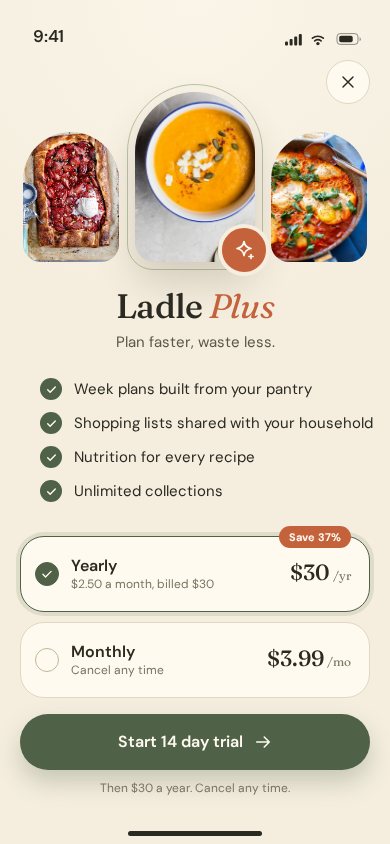 Ladle Plus: Recipes and meal planning, Minimal
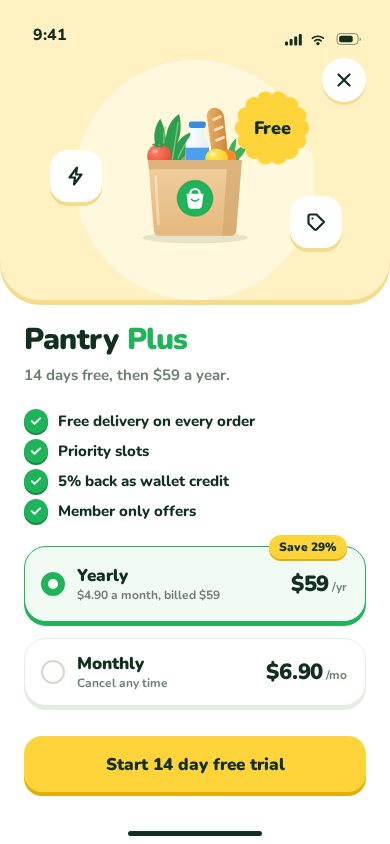 Pantry Plus: Grocery delivery, Playful
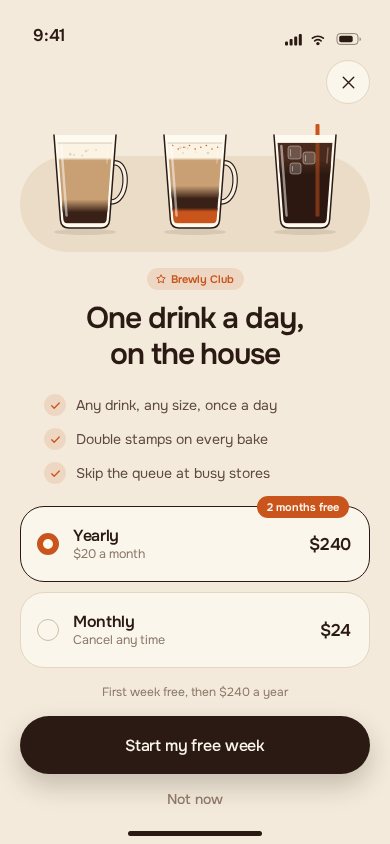 Brewly Club: Coffee ordering and loyalty, Minimal
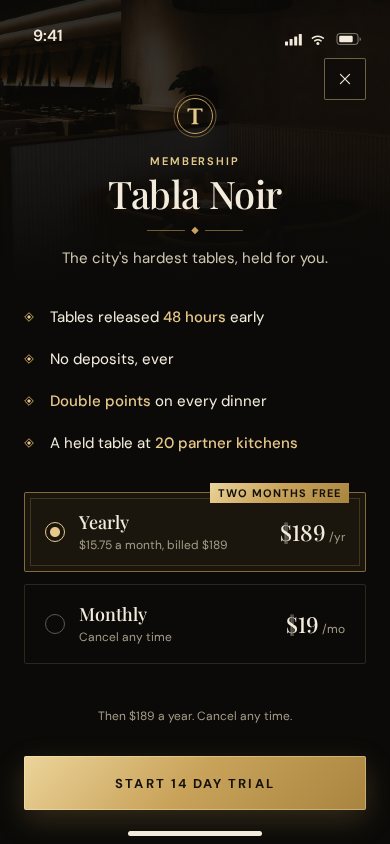 Tabla Noir: Tables worth dressing for, Luxury, dark
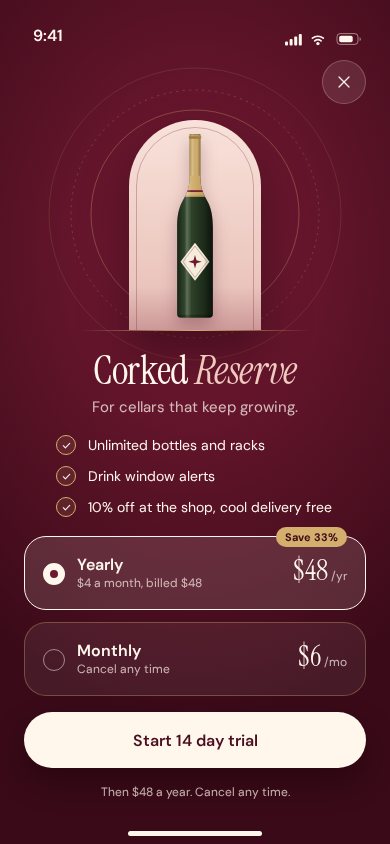 Corked Reserve: Wine journal and cellar, Luxury
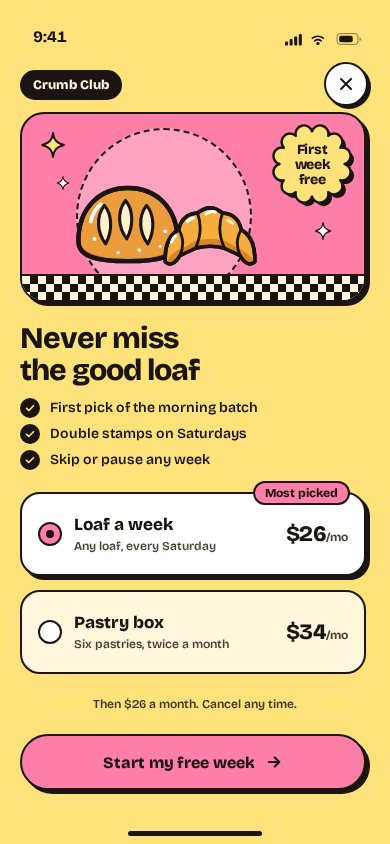 Crumb Club: Neighbourhood bakery, Neubrutalism
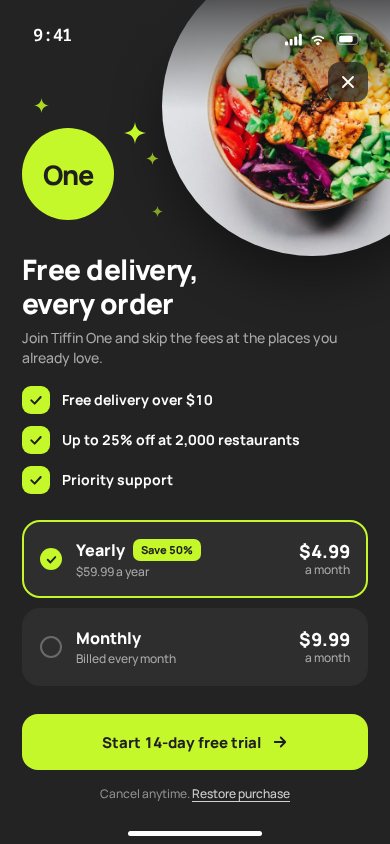 Tiffin One: Food delivery, Minimal
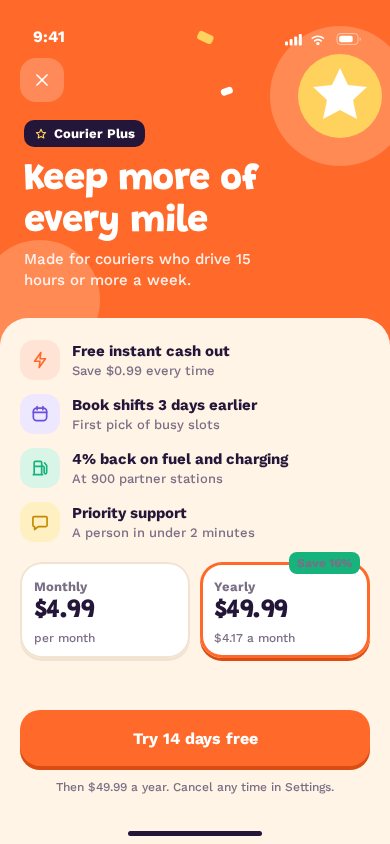 Courier Plus: Food delivery driver app, Playful
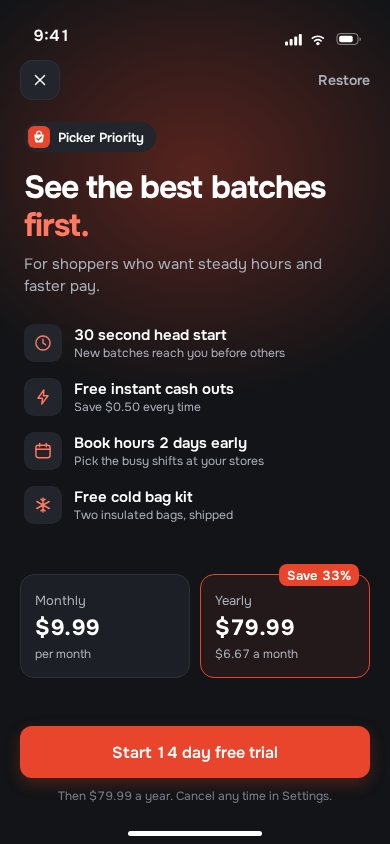 Picker Priority: Grocery shopper app, Enterprise
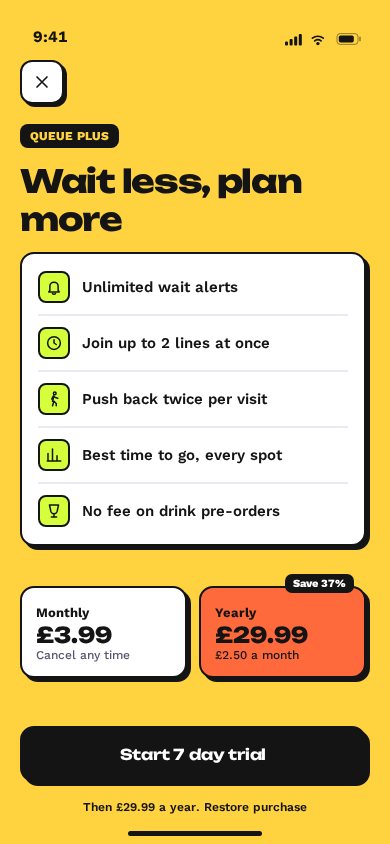 Queue Plus: Join the waitlist from anywhere, Neubrutalism
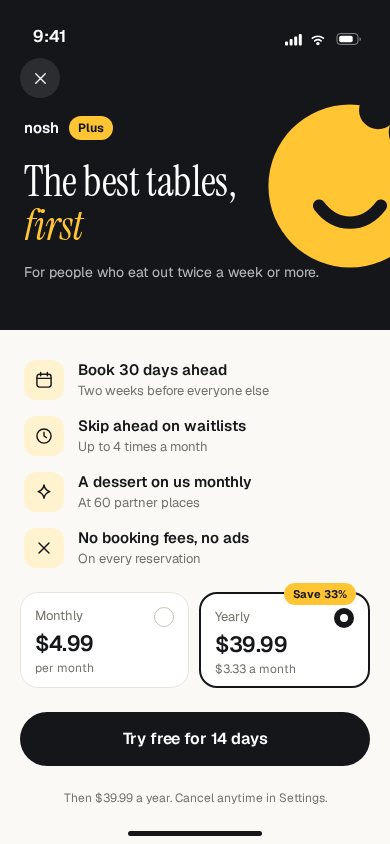 Nosh Plus: Local restaurant reviews, Minimal
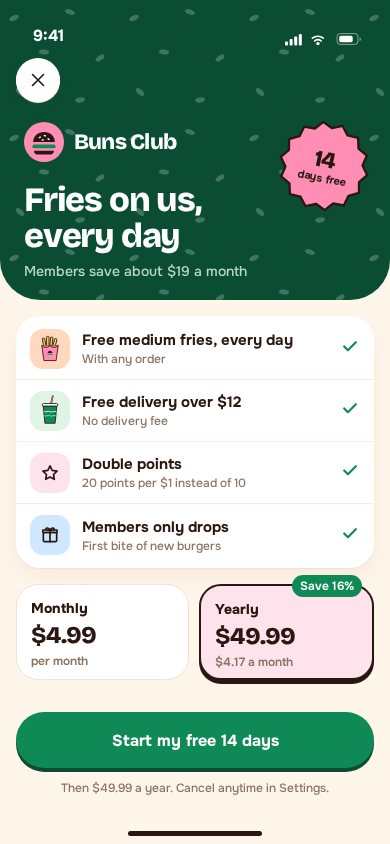 Buns Club: Burger chain ordering and deals, Playful
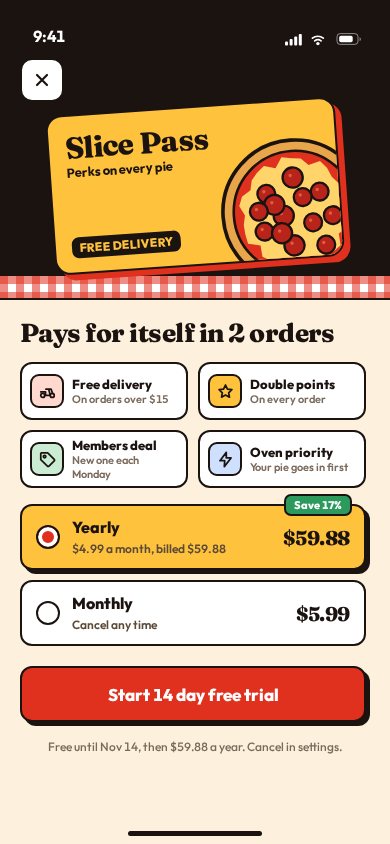 Slice Pass: Pizza ordering with a live tracker, Neubrutalism
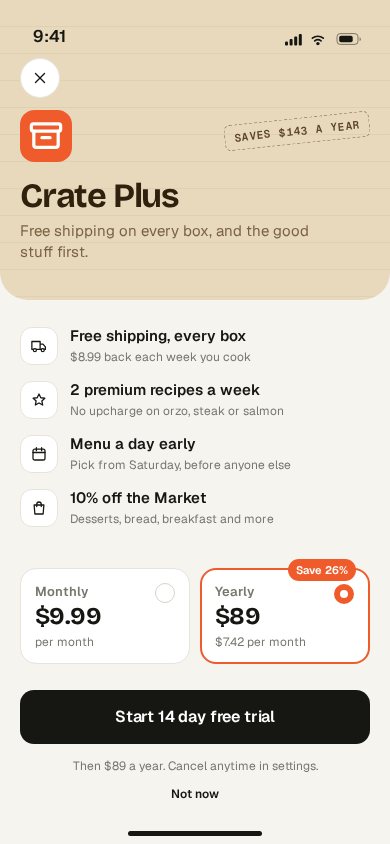 Crate Plus: Meal kits delivered weekly, Minimal
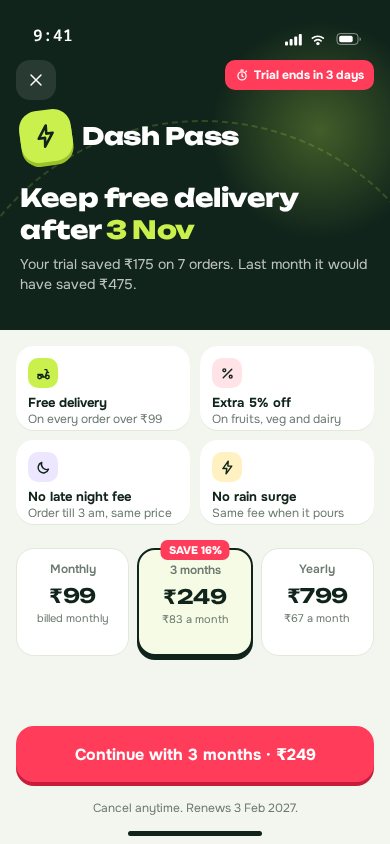 Dash Pass: Ten minute grocery delivery, Playful
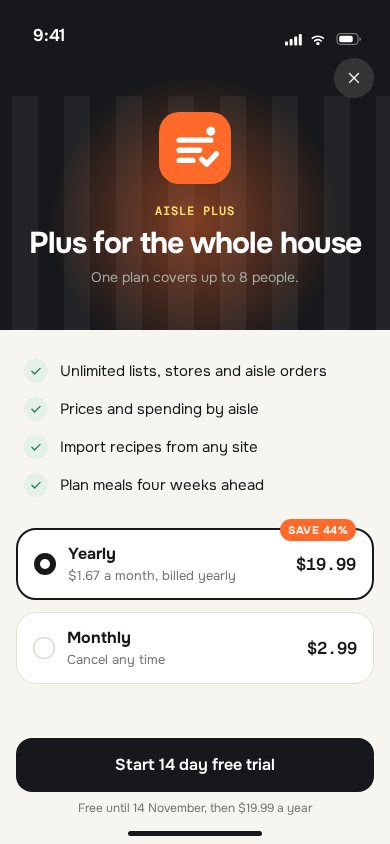 Aisle Plus: Shared grocery lists, Minimal
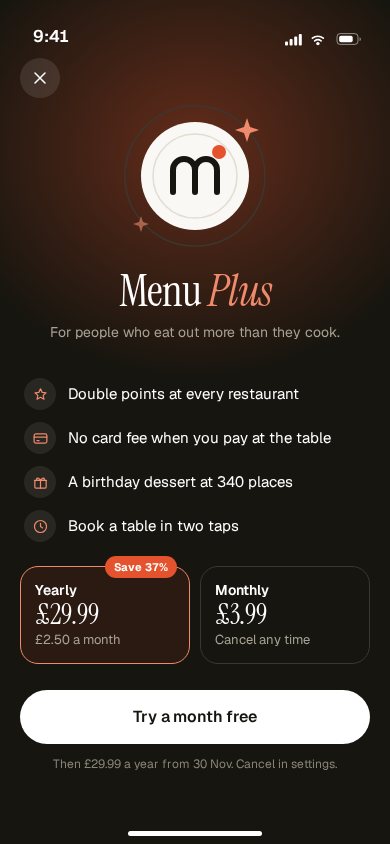 Menu Plus: Scan, order and pay at the table, Minimal
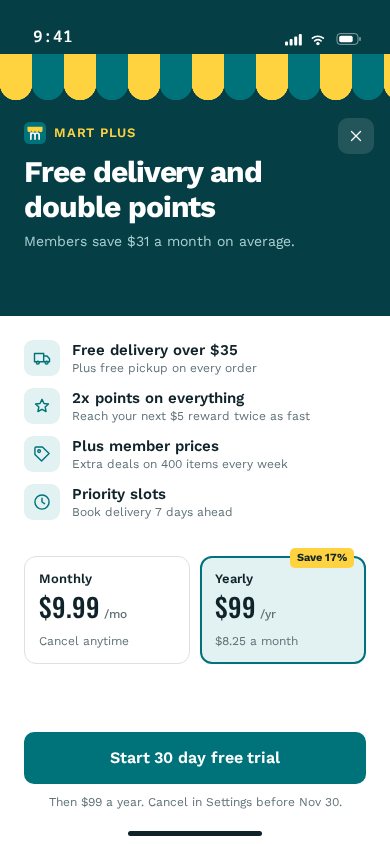 Mart Plus: Supermarket app with loyalty and scan and go, Enterprise
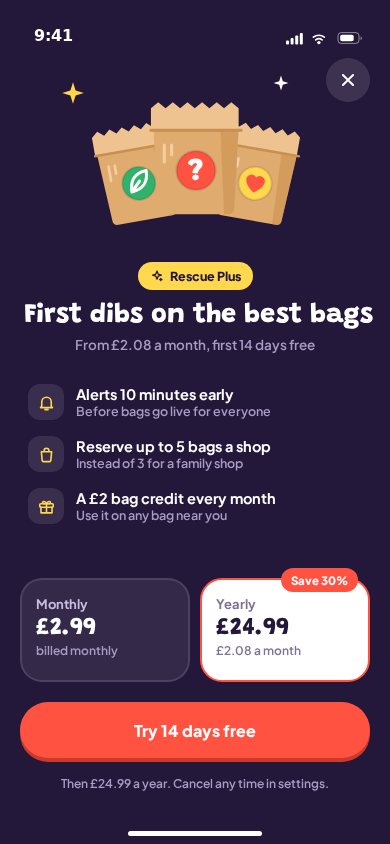 Rescue Plus: Surprise bags of surplus food, Playful
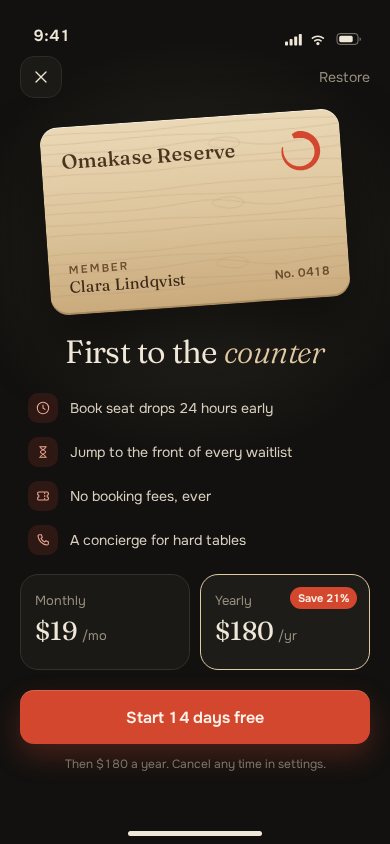 Omakase Reserve: Chef's counter reservations, Luxury, dark
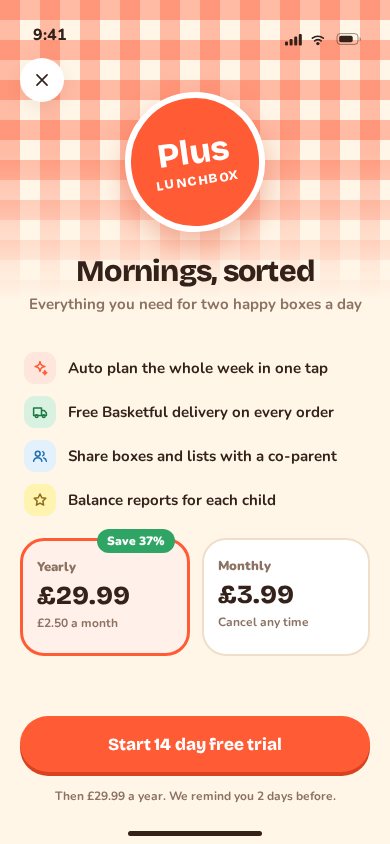 Lunchbox Plus: School lunch planner for parents, Playful
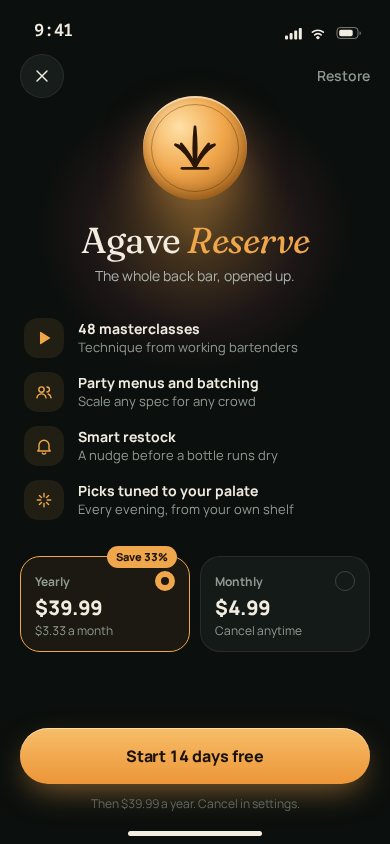 Agave Reserve: Cocktails and home bar, Dark-first, dark
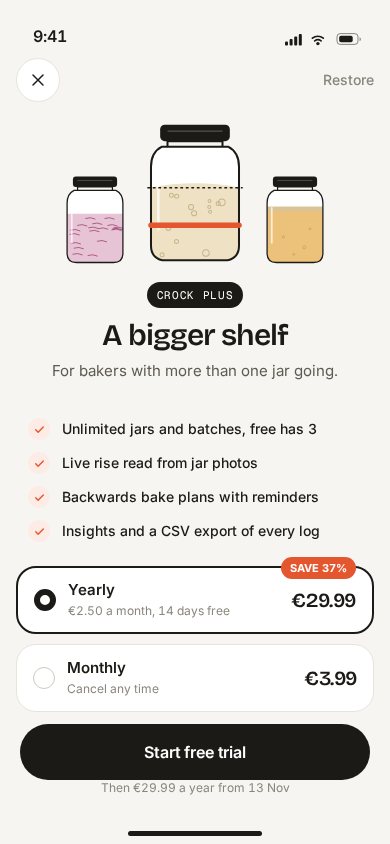 Crock Plus: Fermentation and sourdough starter log, Minimal
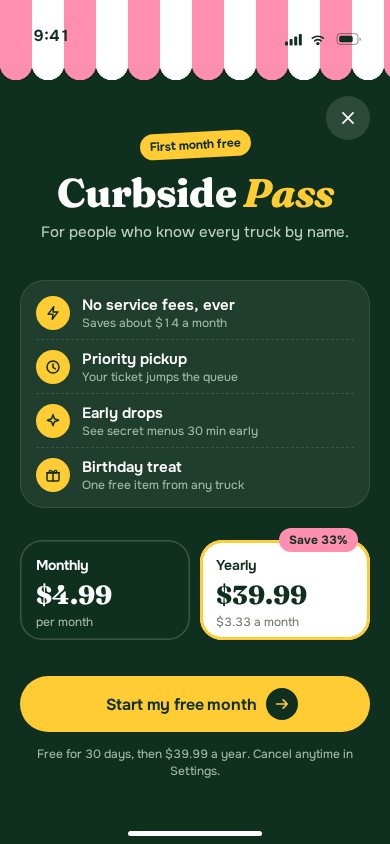 Curbside Pass: Street food and food truck finder, Gen Z
- Forage Box plans: Farmers market and veg box, Neubrutalism
- Ember Pro: Smoker and grill thermometer, Dark-first, dark
- Steep Plus: Tea brewing and tasting notes, Minimal
- Brigade Pro: Restaurant kitchen and line ops, Enterprise
- Nibs Family: Food allergy and label scanner, Clinical
What makes a good food app paywall screen
- Lead with the outcome, not the feature list. The headline should say what changes for the person: "Train smarter every week" beats "Unlock Premium". Three to five benefits underneath are enough; more turns into a wall of ticks nobody reads.
- Show the real price, period and trial terms. State the price, how often it renews and when a free trial turns into a charge, near the button. Apple's App Store guideline 3.1.2 asks subscription apps to make this clear before purchase, and Google Play has similar rules.
- One primary button. The main call to action should be impossible to miss and say what happens: "Start 7-day free trial" or "Subscribe for $4.99/month". A second plan choice is fine; a second competing button is not.
- Make the plans easy to compare. When you offer monthly and yearly, show both prices in the same unit (per month or per week) and mark the saving on the yearly plan in plain numbers, not just a badge.
- Give people a way out. A visible close button or "Not now" keeps trust. Hiding it, or making people wait for it, makes the screen feel like a trap and invites angry reviews.
- Restore and legal links belong on the screen. Restore purchases, terms of use and privacy policy should be reachable from the paywall itself. They are small, but people who already paid on another device look for them first.
- Match the rest of the app. A paywall that suddenly switches fonts, colours or tone looks like an ad. Keep the app's own design language so the upgrade feels like part of the product.
The full paywall screen guide: layouts, mistakes and questions
Paywall screens in other kinds of app
- Lifestyle app paywall screens (64)
- Productivity app paywall screens (59)
- Social app paywall screens (42)
- Travel app paywall screens (39)
- Finance app paywall screens (39)
- Fitness app paywall screens (33)
- Education app paywall screens (29)
- Sports app paywall screens (22)
- Smart home app paywall screens (20)
- Music app paywall screens (19)
Other food app screens
- Food app onboarding screens
- Food app sign in and sign up screens
- Food app home screens
- Food app search and explore screens
- Food app list and feed screens
- Food app detail screens
- Food app booking and checkout screens
- Food app success and confirmation screens
- Food app profile screens
- Food app settings screens
- Food app dashboard and stats screens
- Food app player, camera and editor screens
- Food app live tracking screens
- Food app form and input screens