Templates · Success and confirmation screens
Food app success and confirmation screens
39 confirmation screens from 29 food app templates, each in its own design language. Food apps are about appetite and time: photography that makes the dish look real, delivery times up front and the basket one tap away.
The examples
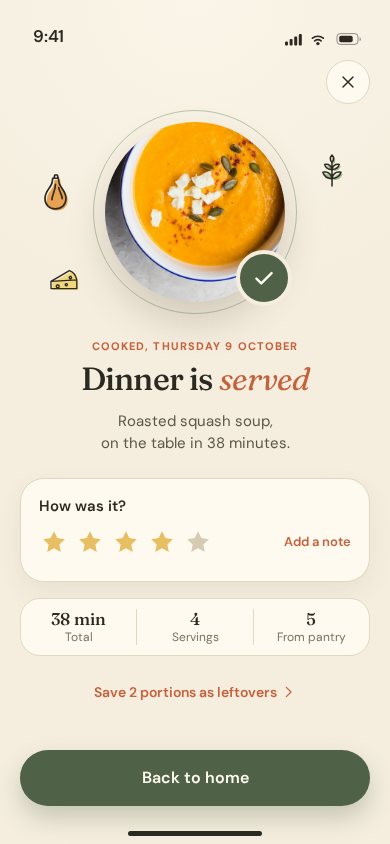 Ladle Cooked: Recipes and meal planning, Minimal
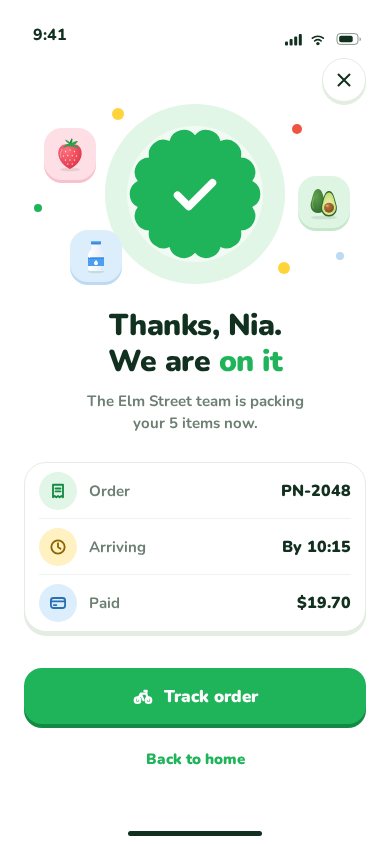 Pantry Order placed: Grocery delivery, Playful
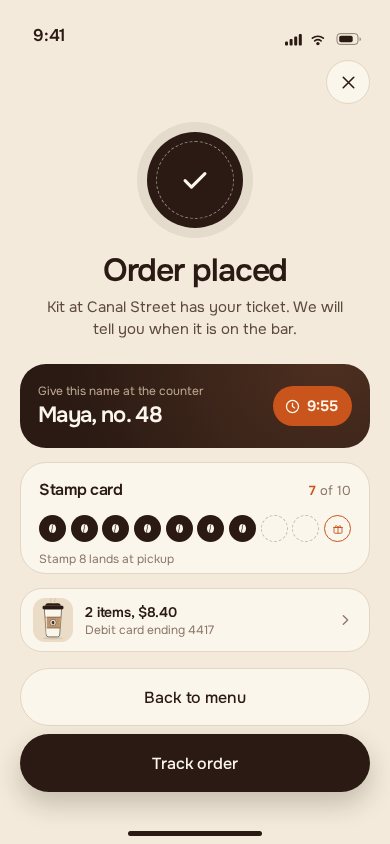 Brewly Order placed: Coffee ordering and loyalty, Minimal
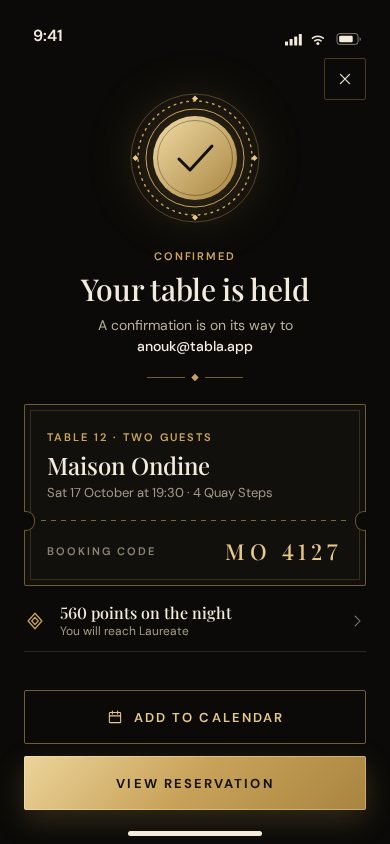 Tabla Booking confirmed: Tables worth dressing for, Luxury, dark
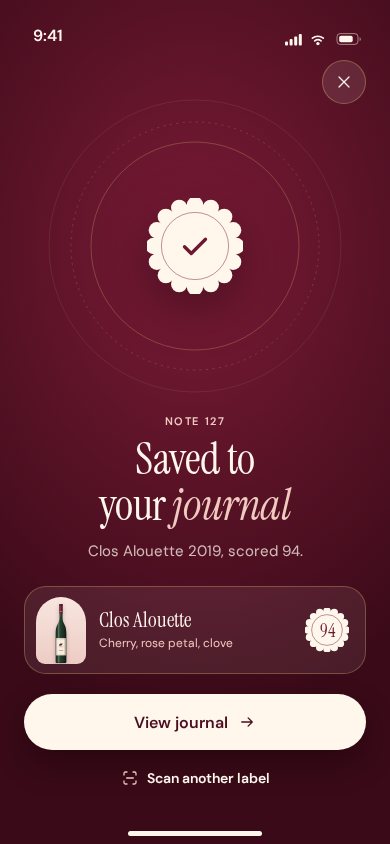 Corked Note saved: Wine journal and cellar, Luxury
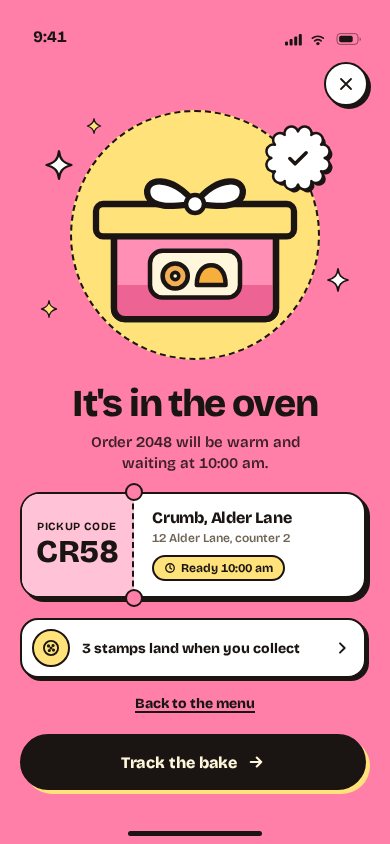 Crumb Order placed: Neighbourhood bakery, Neubrutalism
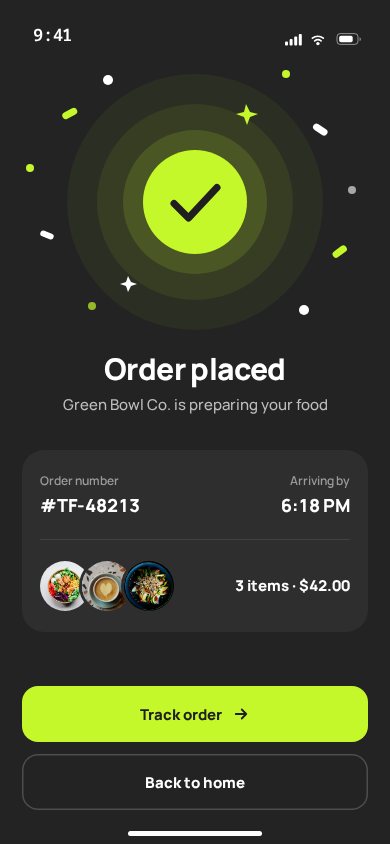 Tiffin Order placed: Food delivery, Minimal
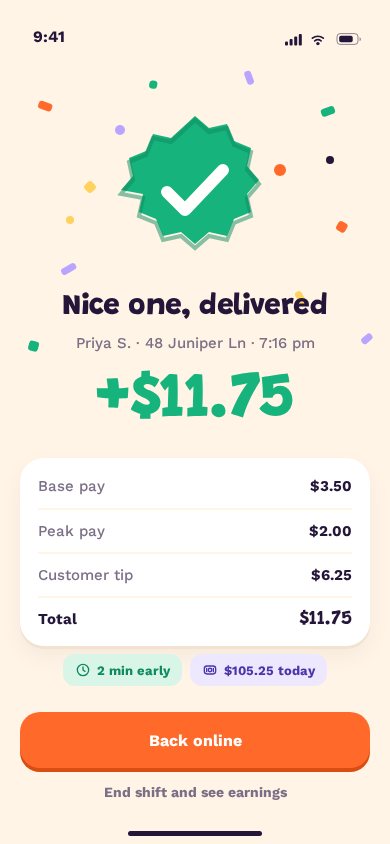 Courier Delivered: Food delivery driver app, Playful
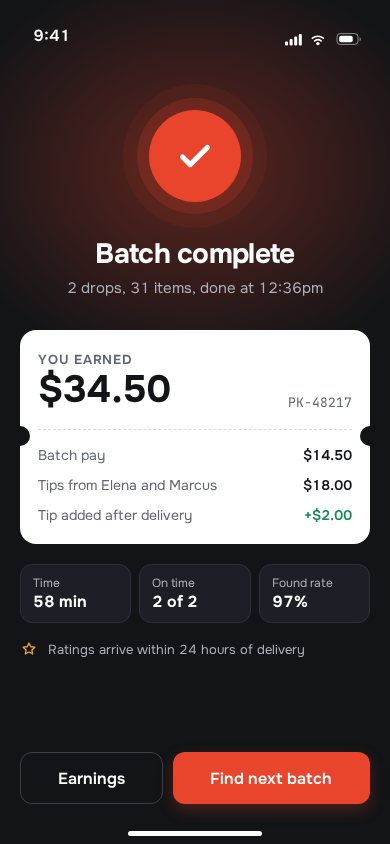 Picker Delivered: Grocery shopper app, Enterprise
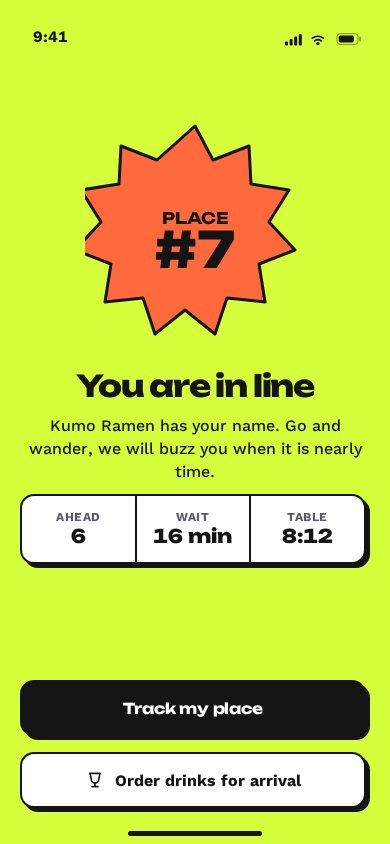 Queue Joined: Join the waitlist from anywhere, Neubrutalism
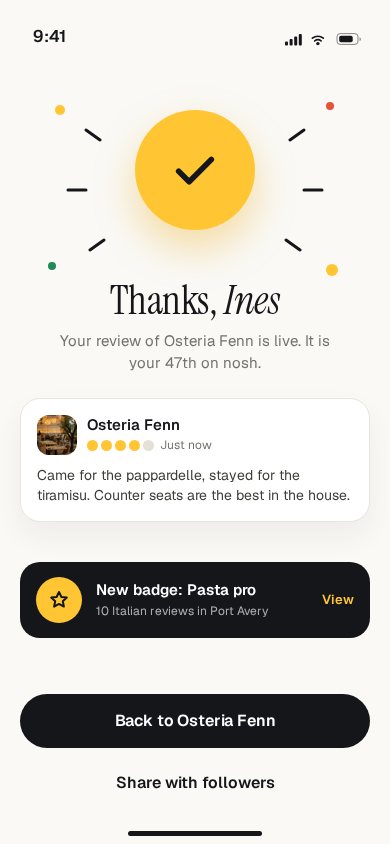 Nosh Review posted: Local restaurant reviews, Minimal
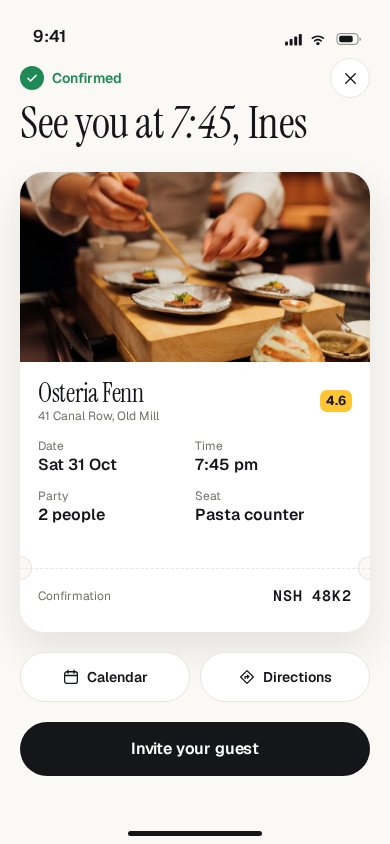 Nosh Booked: Local restaurant reviews, Minimal
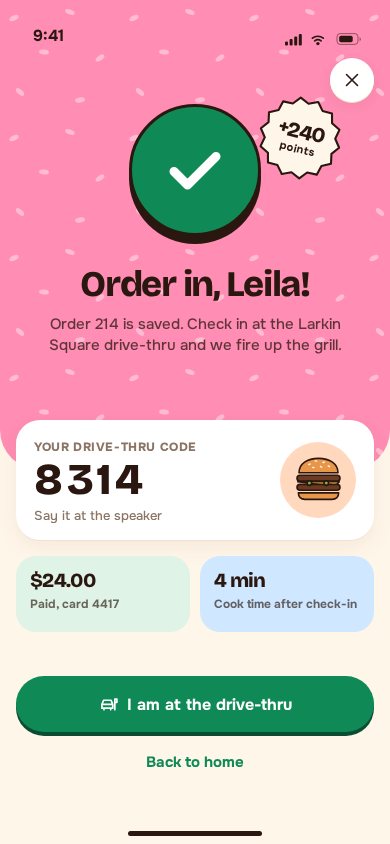 Buns Order placed: Burger chain ordering and deals, Playful
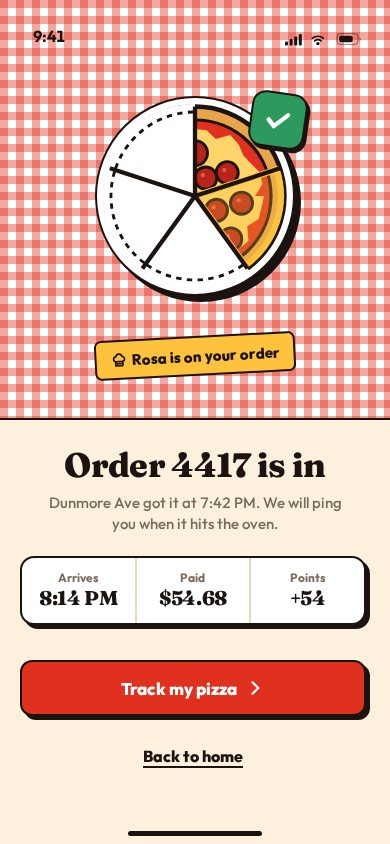 Slice Order placed: Pizza ordering with a live tracker, Neubrutalism
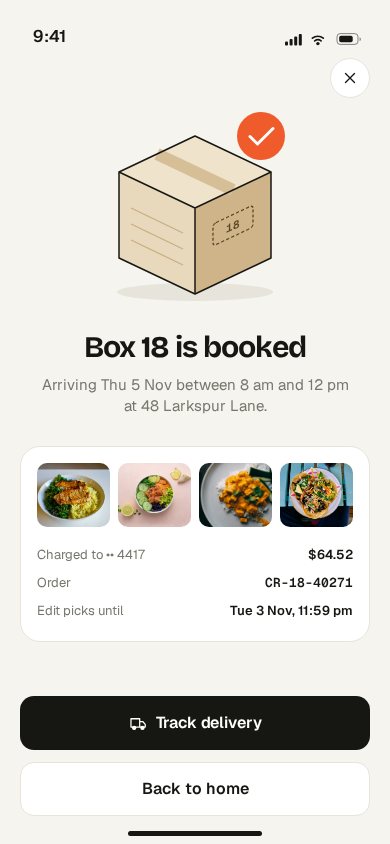 Crate Box confirmed: Meal kits delivered weekly, Minimal
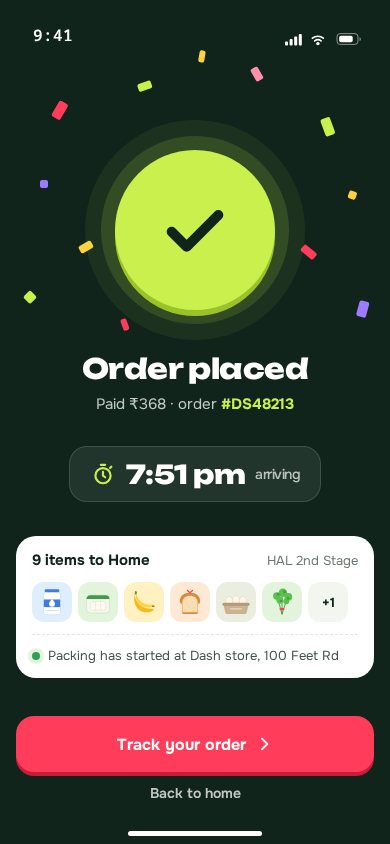 Dash Order placed: Ten minute grocery delivery, Playful
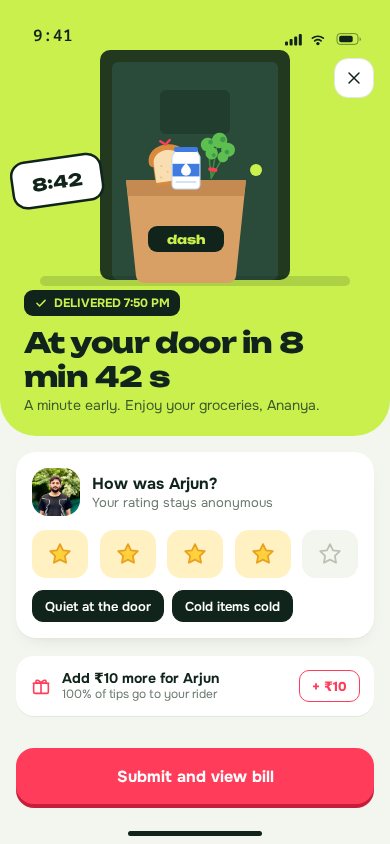 Dash Delivered: Ten minute grocery delivery, Playful
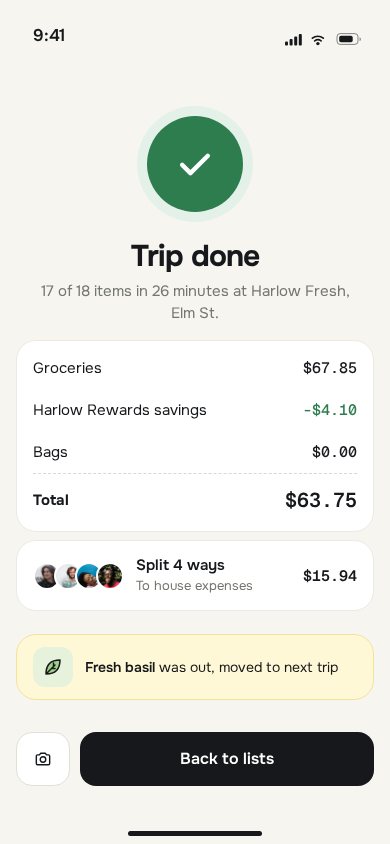 Aisle Trip done: Shared grocery lists, Minimal
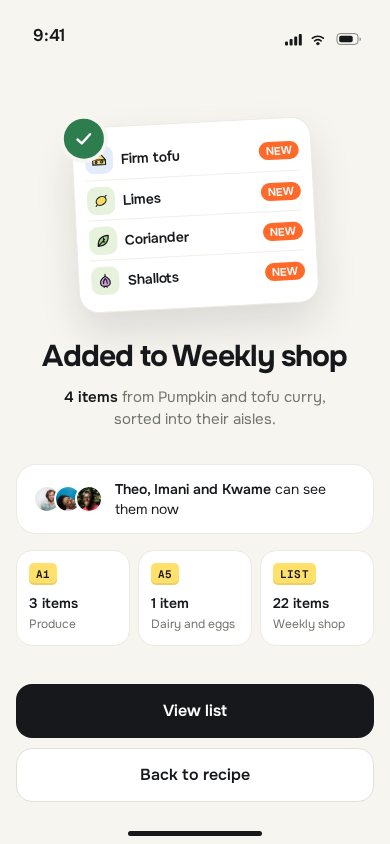 Aisle Added: Shared grocery lists, Minimal
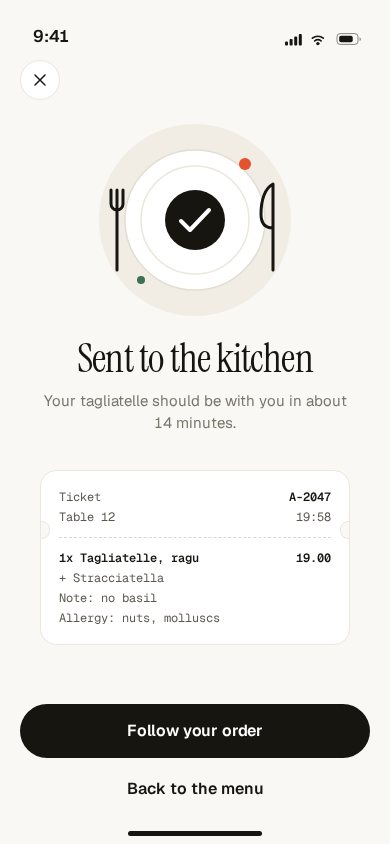 Menu Order sent: Scan, order and pay at the table, Minimal
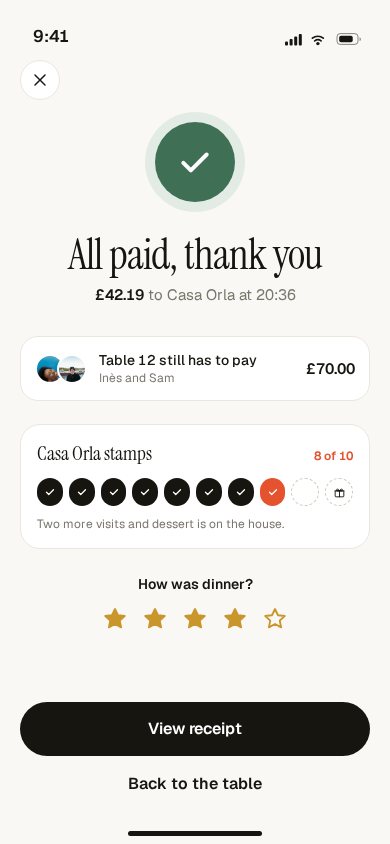 Menu Paid: Scan, order and pay at the table, Minimal
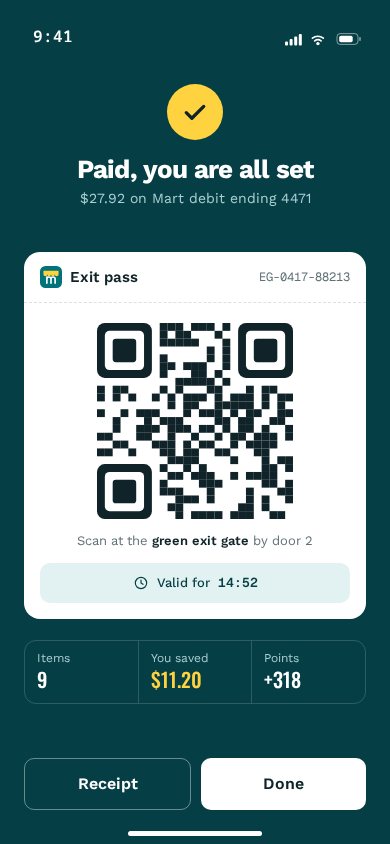 Mart Exit pass: Supermarket app with loyalty and scan and go, Enterprise
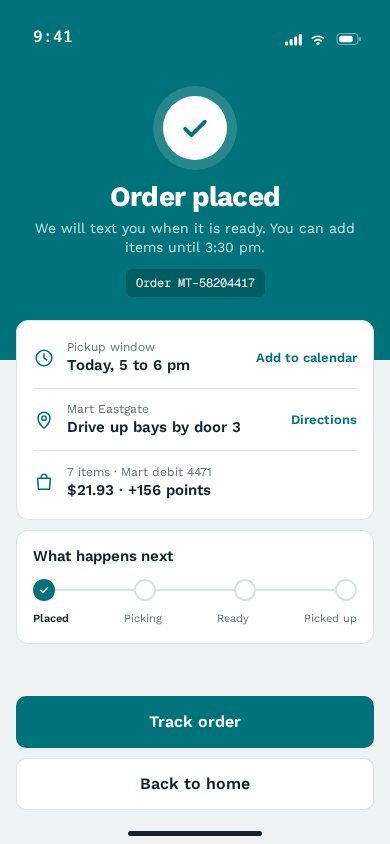 Mart Order placed: Supermarket app with loyalty and scan and go, Enterprise
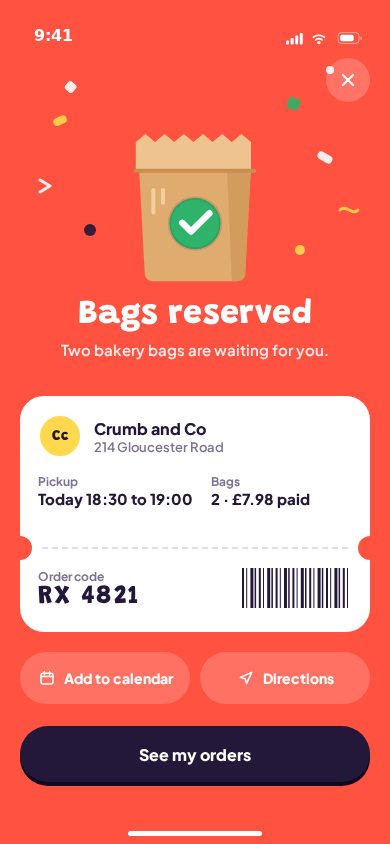 Rescue Reserved: Surprise bags of surplus food, Playful
- Rescue Collected: Surprise bags of surplus food, Playful
- Omakase Confirmed: Chef's counter reservations, Luxury, dark
- Lunchbox Order placed: School lunch planner for parents, Playful
- Lunchbox All packed: School lunch planner for parents, Playful
- Agave Order placed: Cocktails and home bar, Dark-first, dark
- Crock At peak: Fermentation and sourdough starter log, Minimal
- Crock Order placed: Fermentation and sourdough starter log, Minimal
- Curbside Order placed: Street food and food truck finder, Gen Z
- Forage Order placed: Farmers market and veg box, Neubrutalism
- Ember Cook complete: Smoker and grill thermometer, Dark-first, dark
- Ember Order placed: Smoker and grill thermometer, Dark-first, dark
- Steep Note saved: Tea brewing and tasting notes, Minimal
- Steep Order placed: Tea brewing and tasting notes, Minimal
- Brigade Order sent: Restaurant kitchen and line ops, Enterprise
- Nibs Order placed: Food allergy and label scanner, Clinical
What makes a good food app confirmation screen
- Confirm in the headline. "Payment sent", "Table booked for Friday at 8" or "Lesson complete" in plain words, with a clear success colour or icon.
- Repeat the key details. Amount, date, reference number or score, so people do not need to check elsewhere that the right thing happened.
- Say what happens next. When the order arrives, when the money lands, when the next lesson unlocks.
- Offer the next step. Track the order, add to calendar, share, or start the next lesson. One primary action and a way back home.
- Match the emotion to the moment. A streak or a finished course can celebrate; a bank transfer should feel calm and certain.
- Make the receipt easy to keep. Offer share, save as image or email receipt for payments and bookings, and keep the same details findable later in the app's history.
The full confirmation screen guide: layouts, mistakes and questions
Success and confirmation screens in other kinds of app
- Lifestyle app success and confirmation screens (77)
- Productivity app success and confirmation screens (66)
- Social app success and confirmation screens (52)
- Travel app success and confirmation screens (50)
- Finance app success and confirmation screens (50)
- Education app success and confirmation screens (44)
- Fitness app success and confirmation screens (41)
- Smart home app success and confirmation screens (28)
- Music app success and confirmation screens (24)
- Sports app success and confirmation screens (23)
Other food app screens
- Food app onboarding screens
- Food app sign in and sign up screens
- Food app home screens
- Food app search and explore screens
- Food app list and feed screens
- Food app detail screens
- Food app booking and checkout screens
- Food app paywall screens
- Food app profile screens
- Food app settings screens
- Food app dashboard and stats screens
- Food app player, camera and editor screens
- Food app live tracking screens
- Food app form and input screens