Templates · Live tracking screens
Food app live tracking screens
37 live tracking screens from 28 food app templates, each in its own design language. Food apps are about appetite and time: photography that makes the dish look real, delivery times up front and the basket one tap away.
The examples
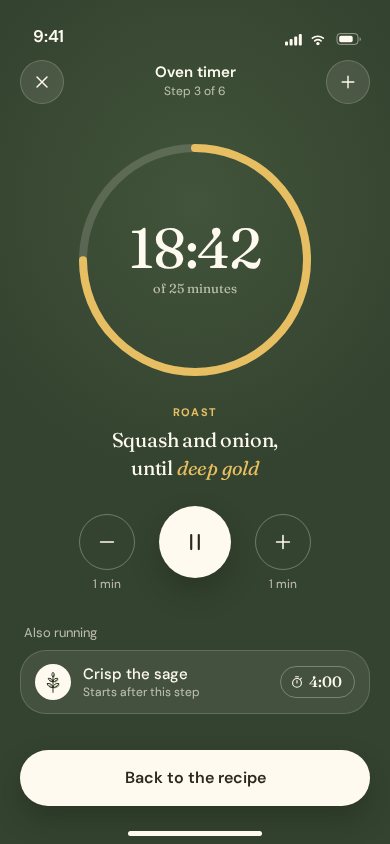 Ladle Timer: Recipes and meal planning, Minimal
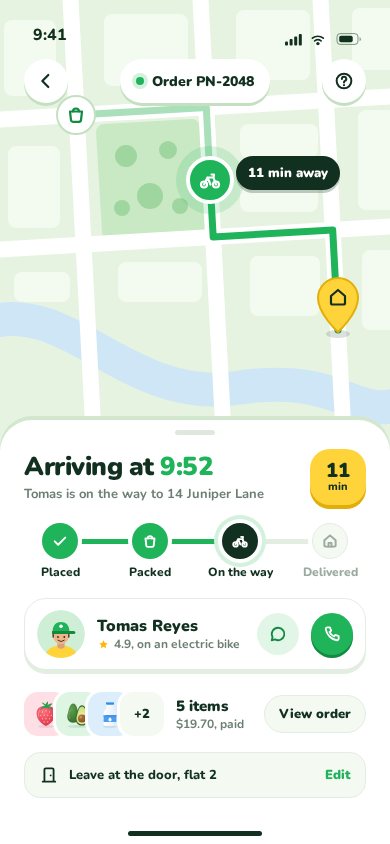 Pantry Track order: Grocery delivery, Playful
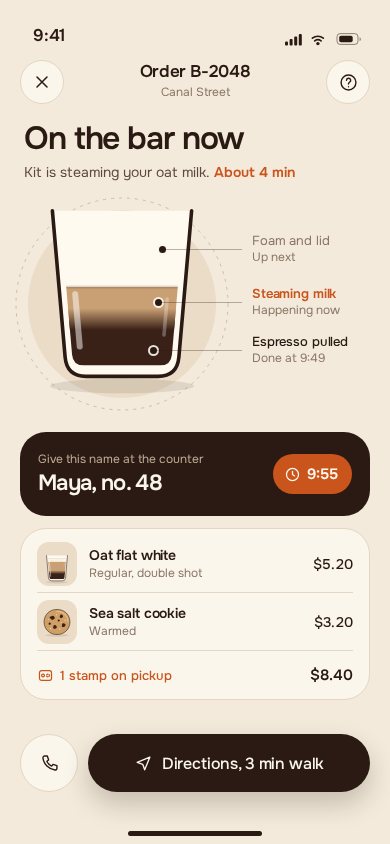 Brewly Order status: Coffee ordering and loyalty, Minimal
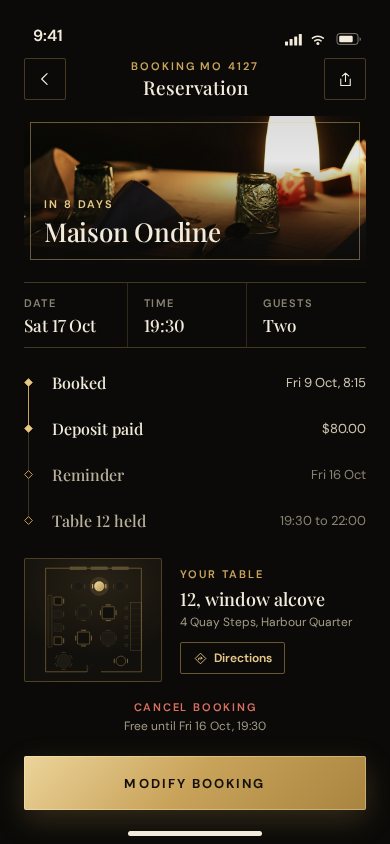 Tabla Reservation: Tables worth dressing for, Luxury, dark
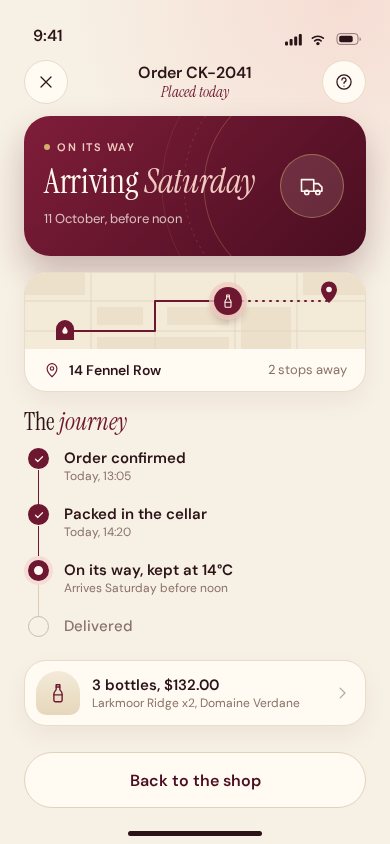 Corked Order: Wine journal and cellar, Luxury
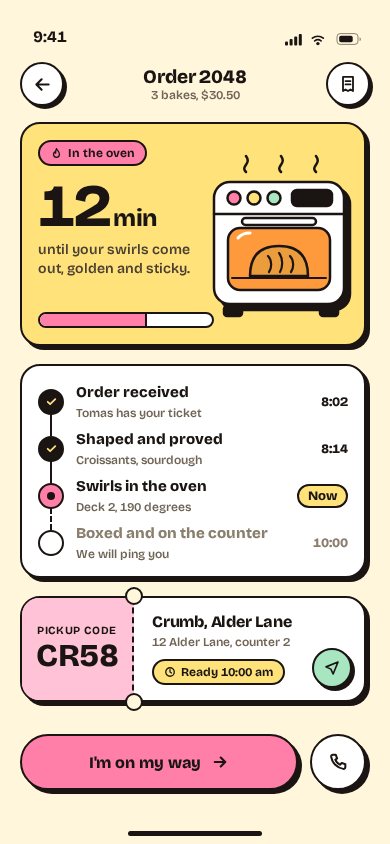 Crumb Order tracking: Neighbourhood bakery, Neubrutalism
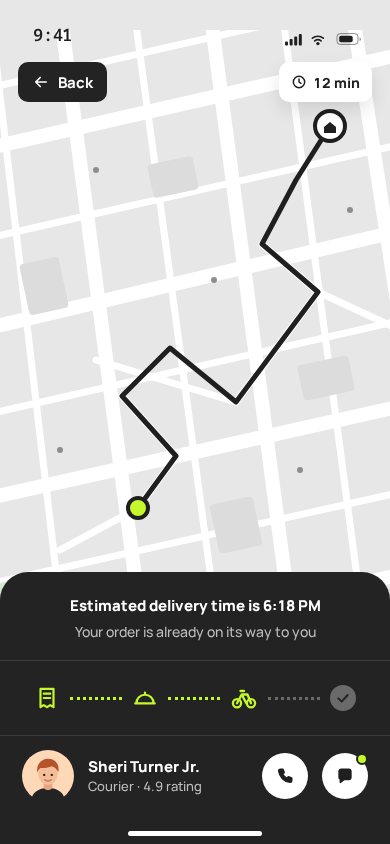 Tiffin Tracking: Food delivery, Minimal
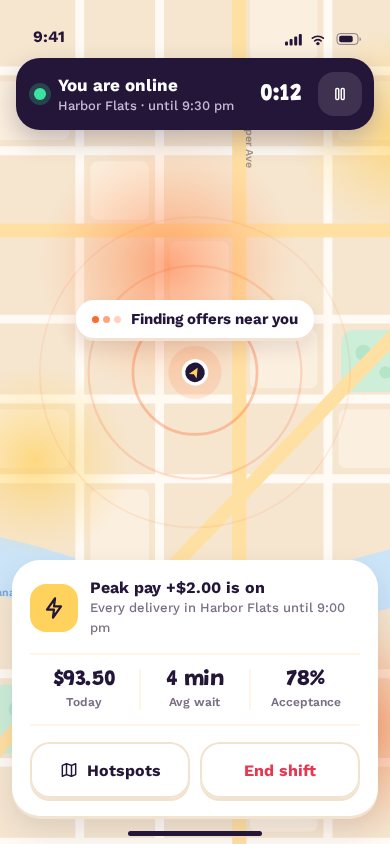 Courier Online: Food delivery driver app, Playful
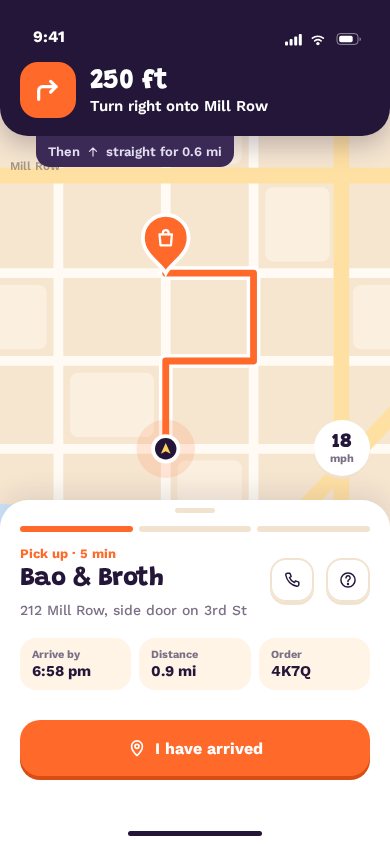 Courier To store: Food delivery driver app, Playful
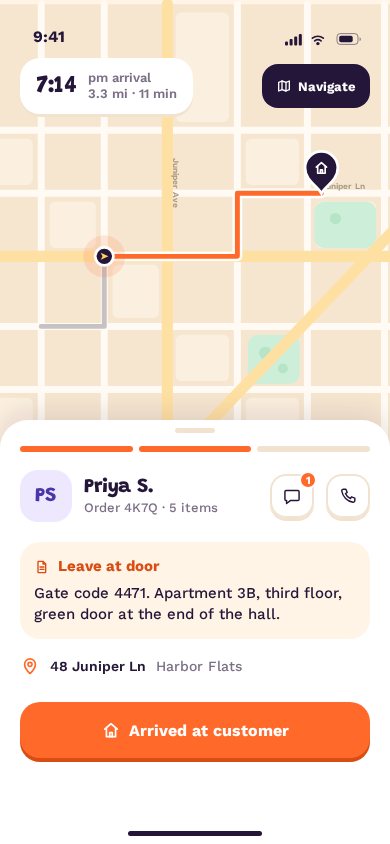 Courier To customer: Food delivery driver app, Playful
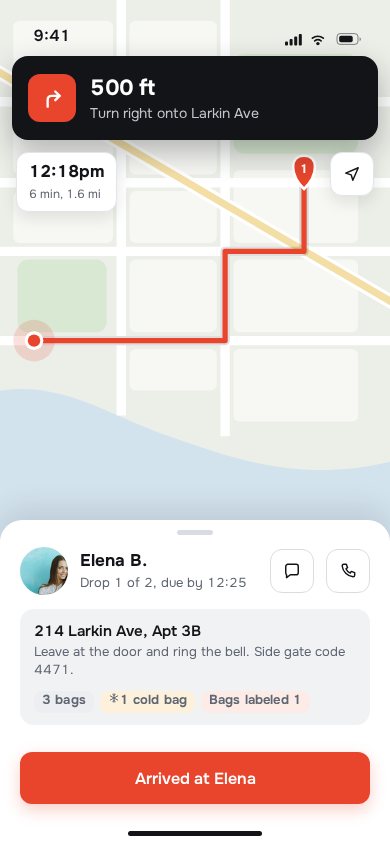 Picker Deliver: Grocery shopper app, Enterprise
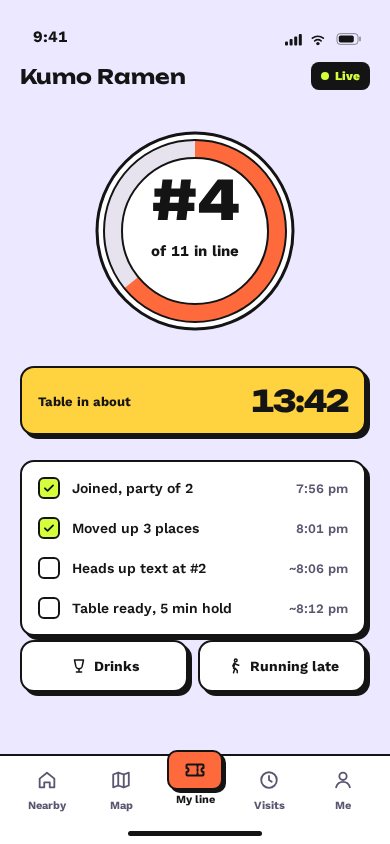 Queue In line: Join the waitlist from anywhere, Neubrutalism
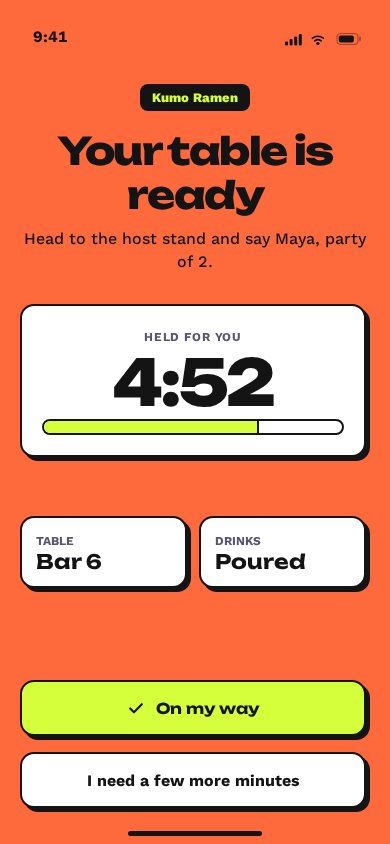 Queue Table ready: Join the waitlist from anywhere, Neubrutalism
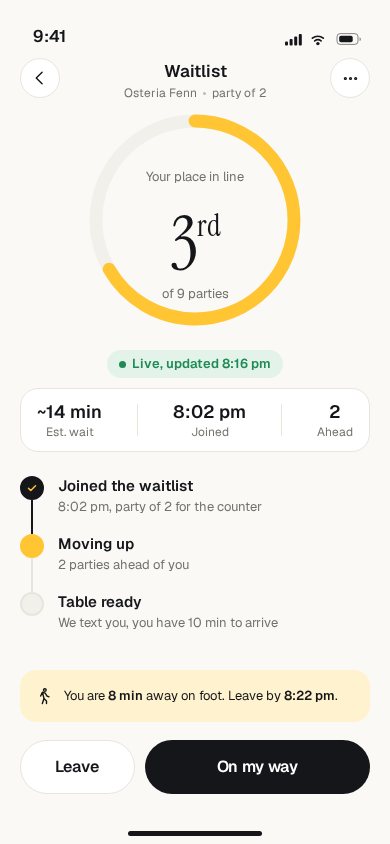 Nosh Waitlist: Local restaurant reviews, Minimal
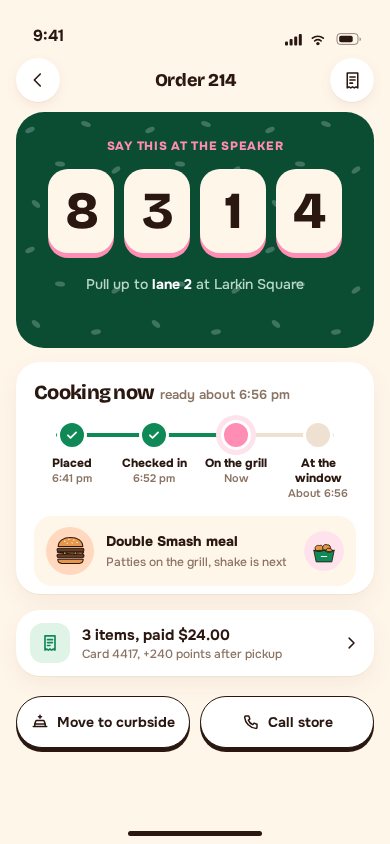 Buns Order code: Burger chain ordering and deals, Playful
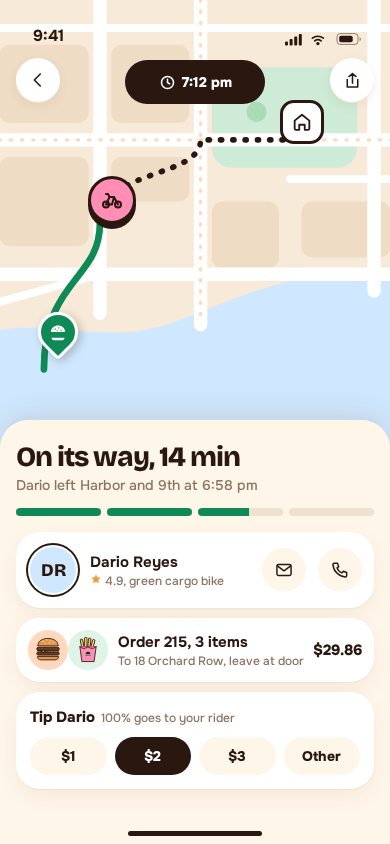 Buns Delivery: Burger chain ordering and deals, Playful
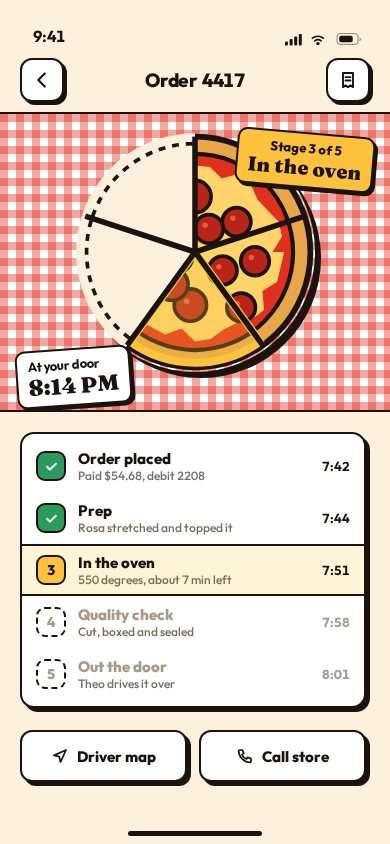 Slice Tracker: Pizza ordering with a live tracker, Neubrutalism
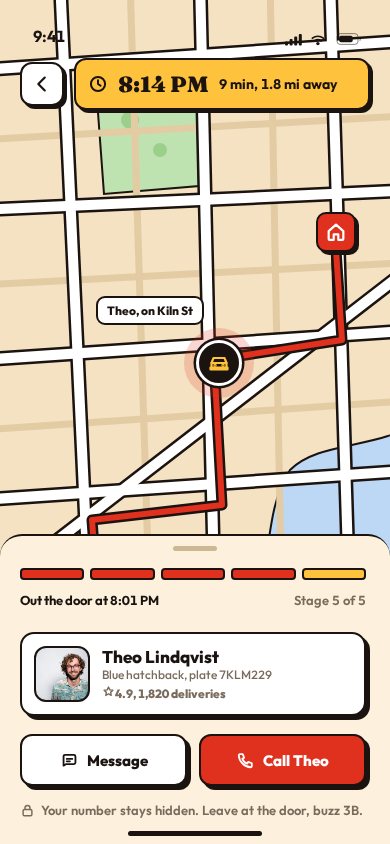 Slice Driver: Pizza ordering with a live tracker, Neubrutalism
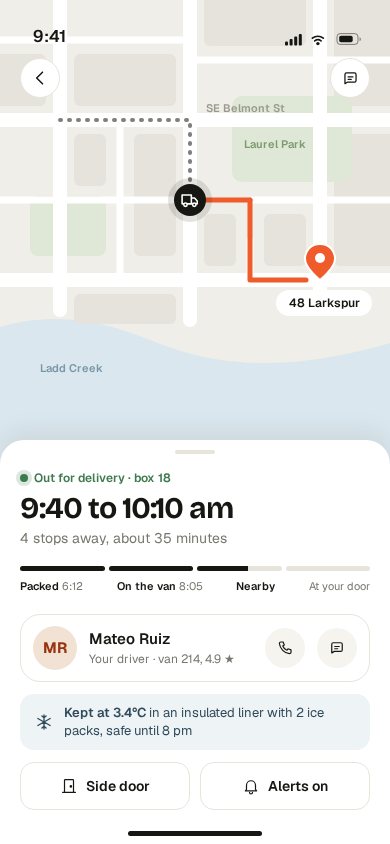 Crate Delivery: Meal kits delivered weekly, Minimal
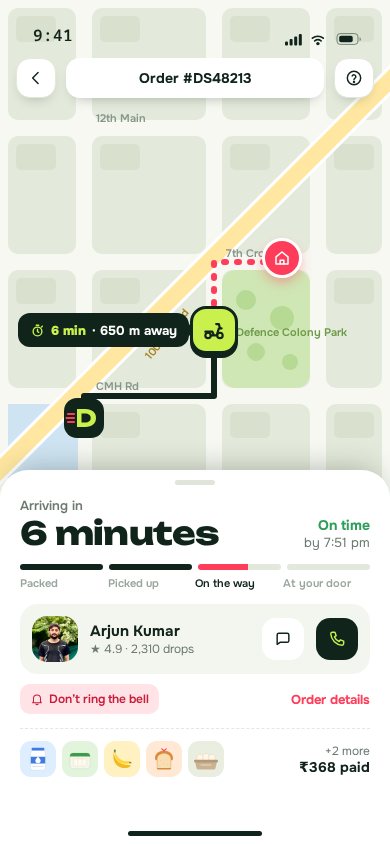 Dash Track order: Ten minute grocery delivery, Playful
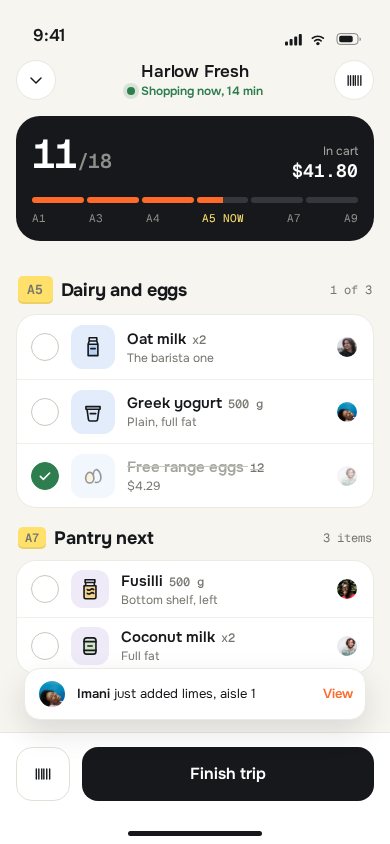 Aisle In store: Shared grocery lists, Minimal
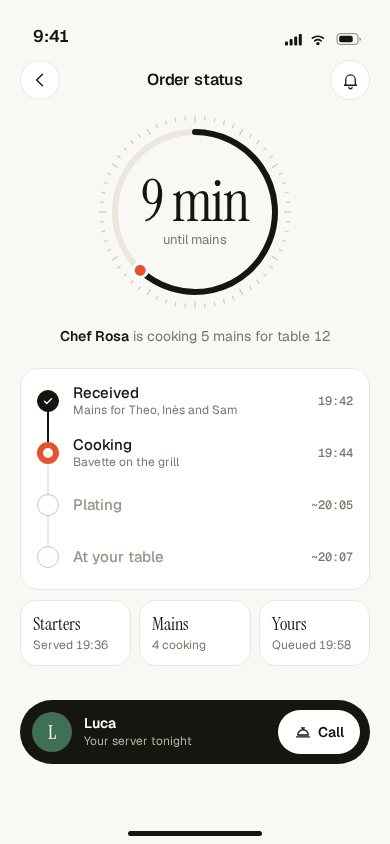 Menu Order status: Scan, order and pay at the table, Minimal
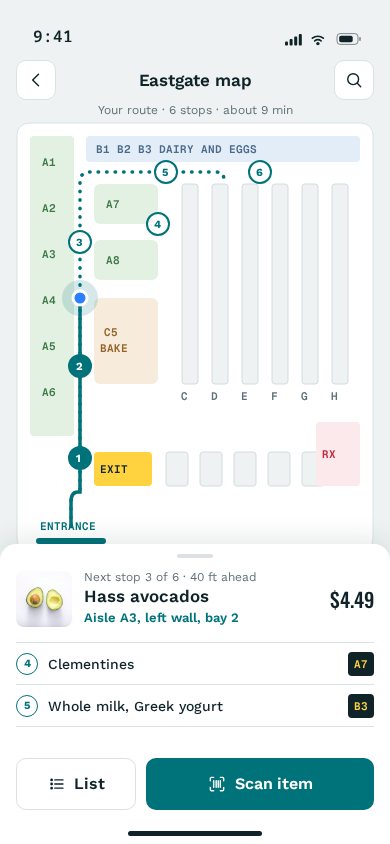 Mart Aisle map: Supermarket app with loyalty and scan and go, Enterprise
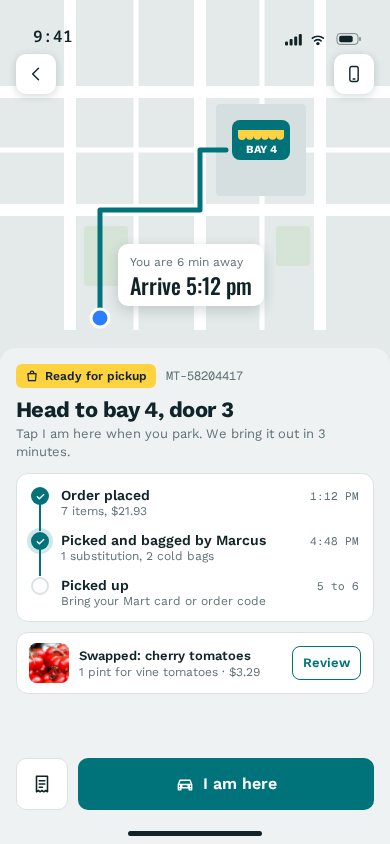 Mart Order status: Supermarket app with loyalty and scan and go, Enterprise
- Rescue Pickup: Surprise bags of surplus food, Playful
- Omakase At the counter: Chef's counter reservations, Luxury, dark
- Lunchbox Packing mode: School lunch planner for parents, Playful
- Agave Delivery: Cocktails and home bar, Dark-first, dark
- Crock Rise tracker: Fermentation and sourdough starter log, Minimal
- Curbside Order status: Street food and food truck finder, Gen Z
- Curbside Follow truck: Street food and food truck finder, Gen Z
- Forage On its way: Farmers market and veg box, Neubrutalism
- Ember Live cook: Smoker and grill thermometer, Dark-first, dark
- Ember Resting: Smoker and grill thermometer, Dark-first, dark
- Steep Brewing: Tea brewing and tasting notes, Minimal
- Brigade Ticket rail: Restaurant kitchen and line ops, Enterprise
- Brigade Delivery: Restaurant kitchen and line ops, Enterprise
What makes a good food app live tracking screen
- The live number is the hero. Arrival time, pace, distance or time left, in large type at the top or centre.
- Show status in words. "Driver is 3 minutes away" or "Halfway there" alongside the map or chart.
- Make it readable while moving. Large numbers, high contrast and big buttons for pause, stop or call.
- Keep updates calm. Smooth movement on the map and steady numbers; jumpy updates feel broken.
- Extend beyond the app. Lock screen and notification updates, like iOS Live Activities, so people need not keep the app open.
- Plan for lost signal. Show when data was last updated and keep recording offline where possible, so a tunnel or a weak connection does not lose a run or confuse a customer.
The full live tracking screen guide: layouts, mistakes and questions
Live tracking screens in other kinds of app
- Lifestyle app live tracking screens (55)
- Travel app live tracking screens (51)
- Fitness app live tracking screens (47)
- Productivity app live tracking screens (44)
- Sports app live tracking screens (23)
- Smart home app live tracking screens (22)
- Social app live tracking screens (18)
- Finance app live tracking screens (17)
- Education app live tracking screens (16)
- Music app live tracking screens (10)
Other food app screens
- Food app onboarding screens
- Food app sign in and sign up screens
- Food app home screens
- Food app search and explore screens
- Food app list and feed screens
- Food app detail screens
- Food app booking and checkout screens
- Food app paywall screens
- Food app success and confirmation screens
- Food app profile screens
- Food app settings screens
- Food app dashboard and stats screens
- Food app player, camera and editor screens
- Food app form and input screens