Templates · Form and input screens
Sports app form and input screens
41 form screens from 22 sports app templates, each in its own design language. Sports apps are live and dense: scores, times and stats that must read at a glance, often on a dark background for match day.
The examples
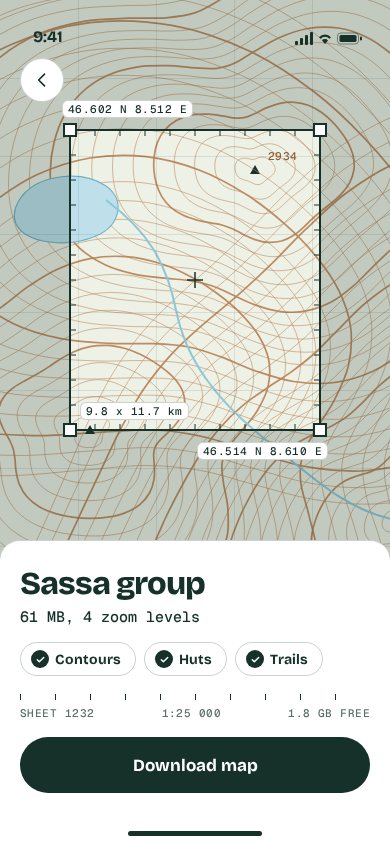 Cairn Download region: Trails, contours and summits on one map sheet, Minimal
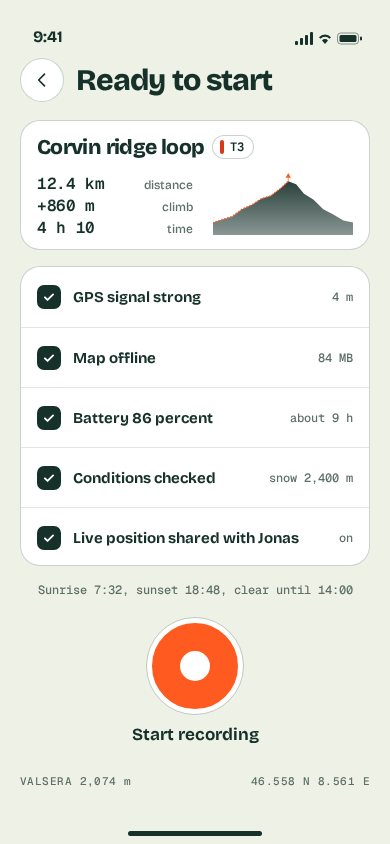 Cairn Start hike: Trails, contours and summits on one map sheet, Minimal
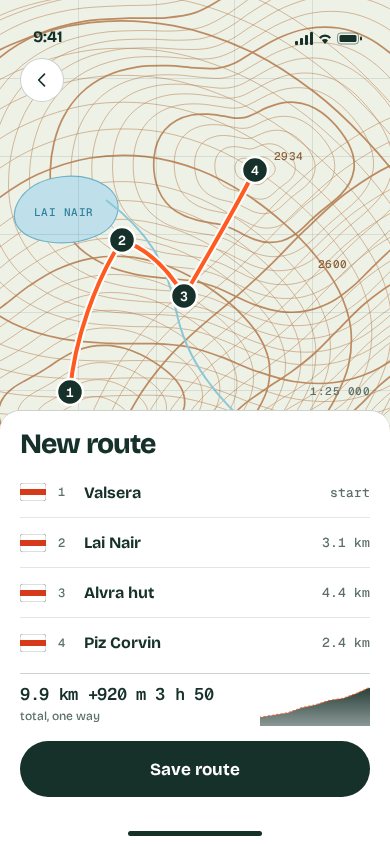 Cairn Plan a route: Trails, contours and summits on one map sheet, Minimal
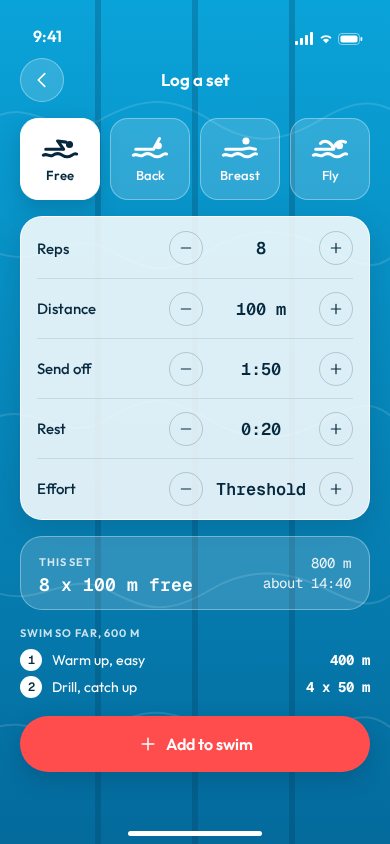 Lapse Log a set: Swim training, Glass
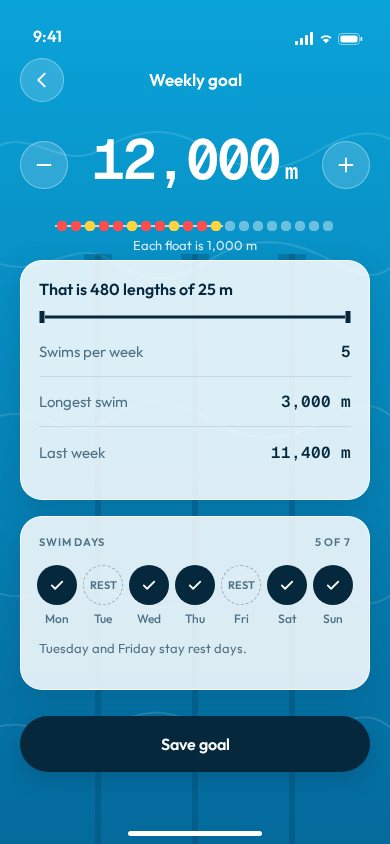 Lapse Weekly goal: Swim training, Glass
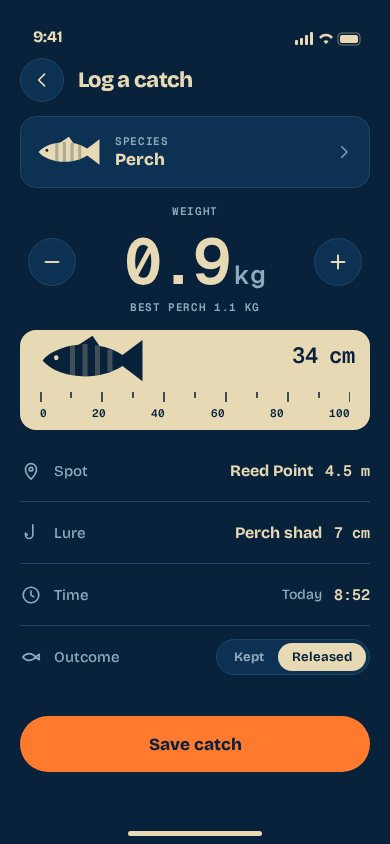 Angler Log a catch: A fishing log drawn on the depth chart, Dark-first, dark
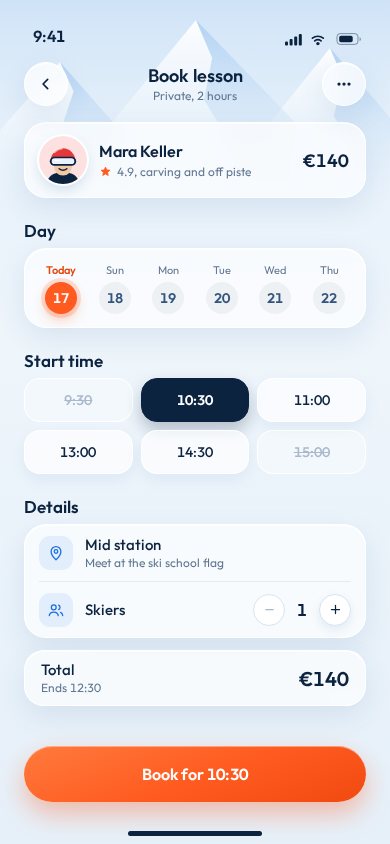 Piste Book lesson: Ski resort companion, Glass
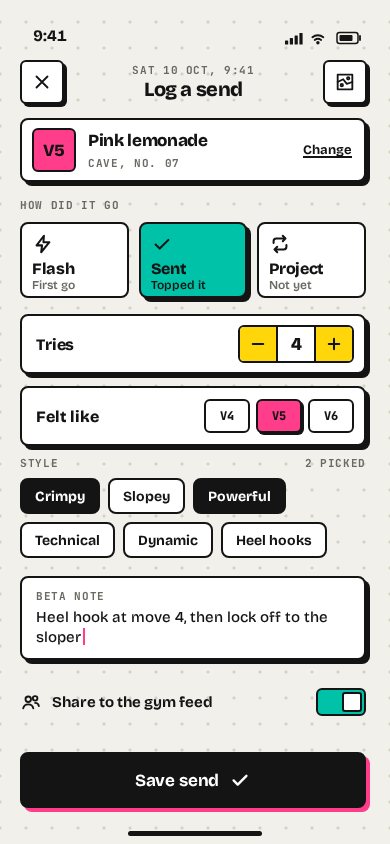 Crag Log a send: Climbing gym logbook, Neubrutalism
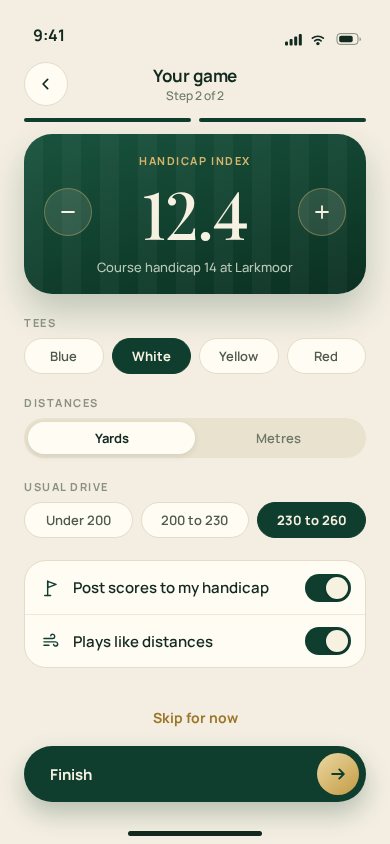 Fairway Your game: Golf course guide and scorecard, Luxury
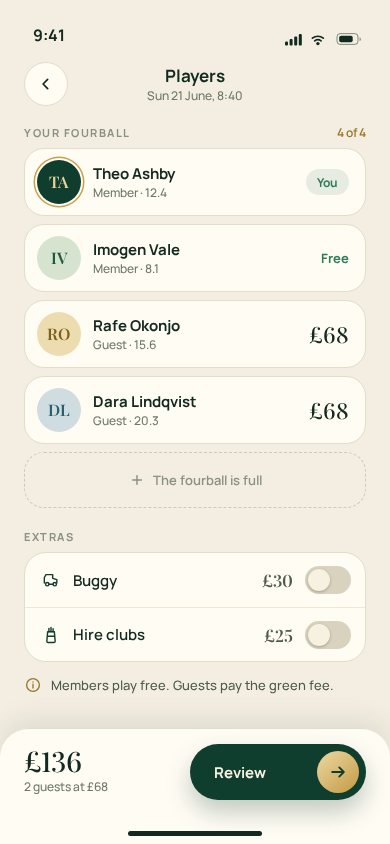 Fairway Players: Golf course guide and scorecard, Luxury
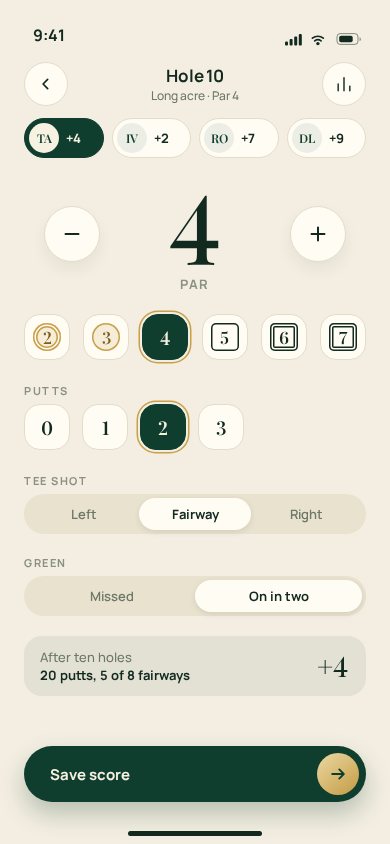 Fairway Enter score: Golf course guide and scorecard, Luxury
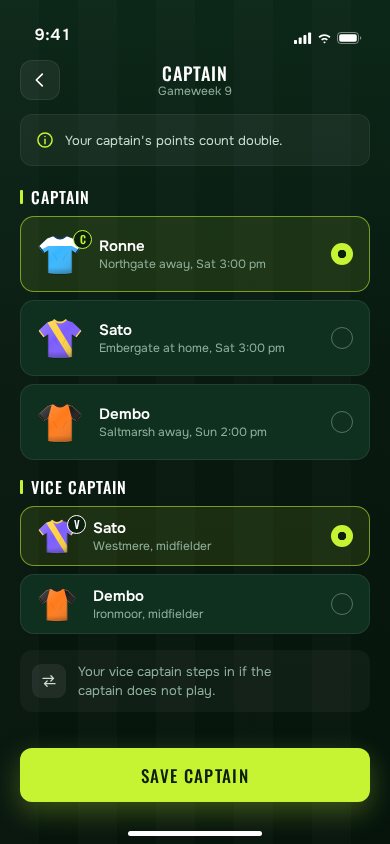 Matchday Captain: Football scores and fantasy, Dark-first, dark
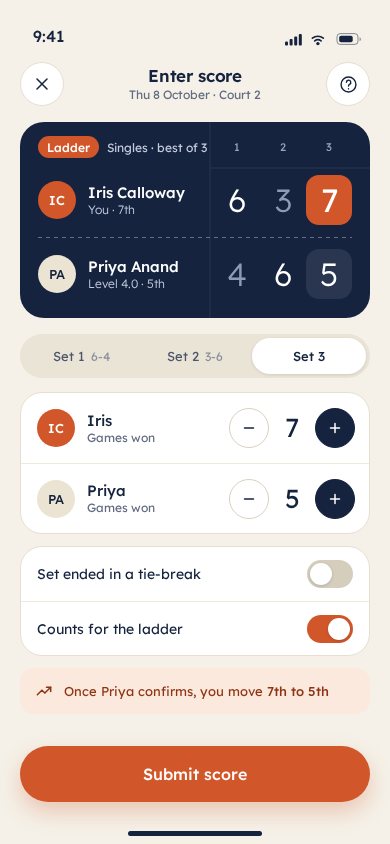 Rally Enter score: Tennis and padel club, Minimal
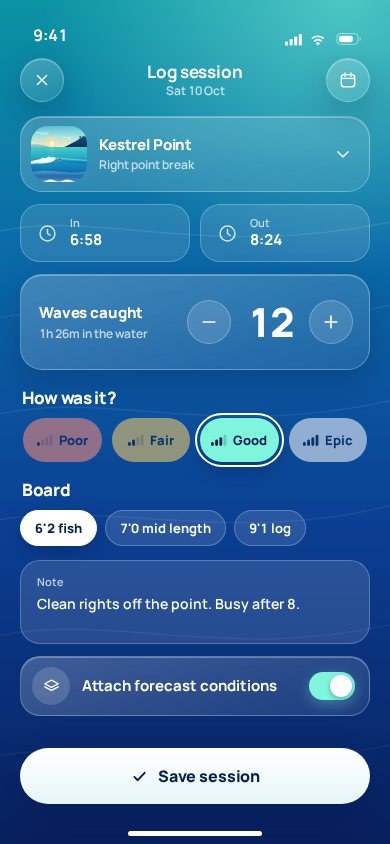 Swell Log session: Surf forecast, Glass, dark
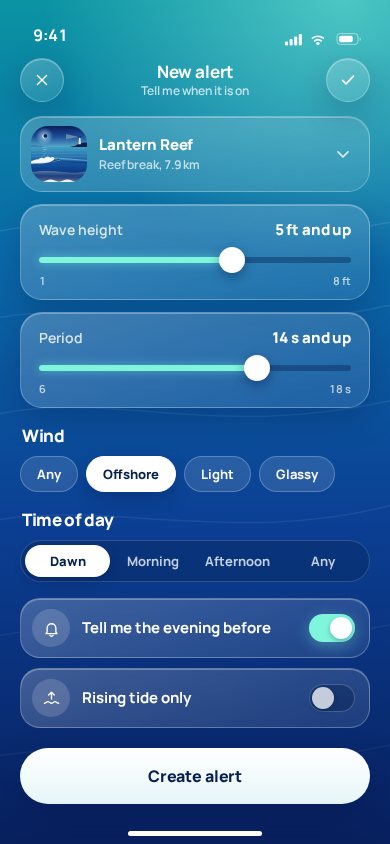 Swell New alert: Surf forecast, Glass, dark
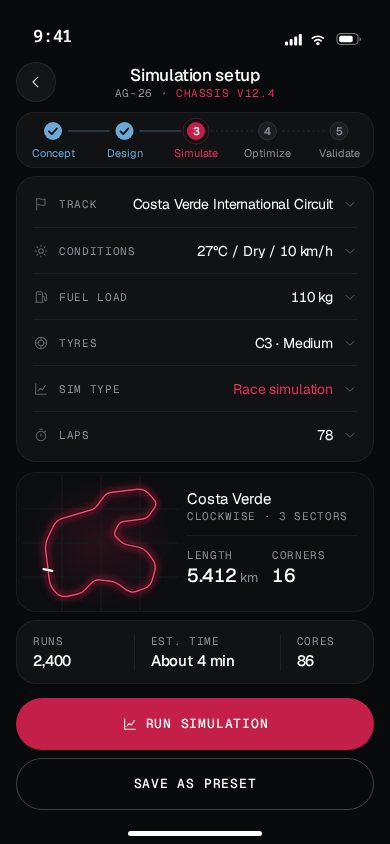 Pitwall Simulation setup: Race engineering, Dark-first, dark
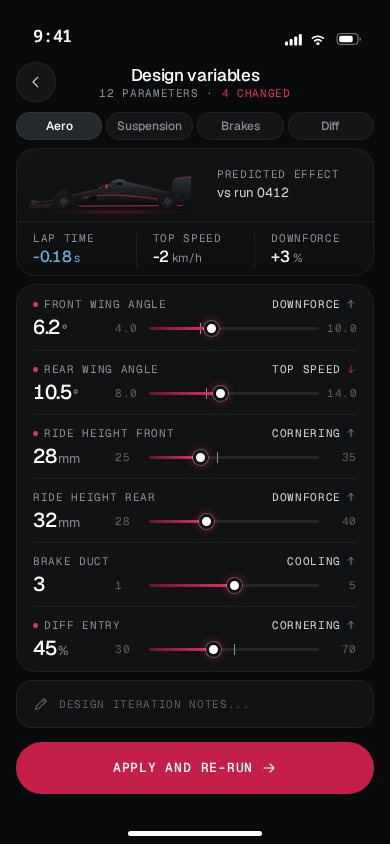 Pitwall Design variables: Race engineering, Dark-first, dark
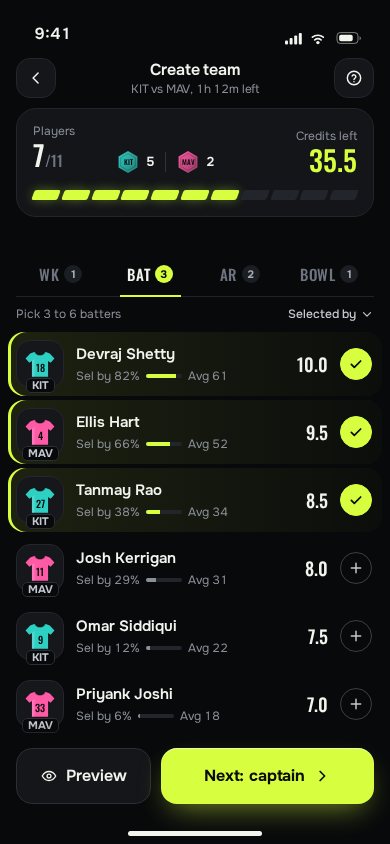 Elevens Create team: Fantasy cricket leagues, Dark-first, dark
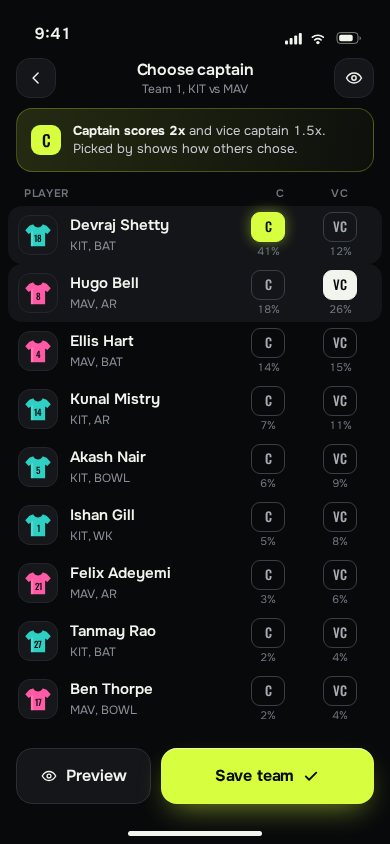 Elevens Captain: Fantasy cricket leagues, Dark-first, dark
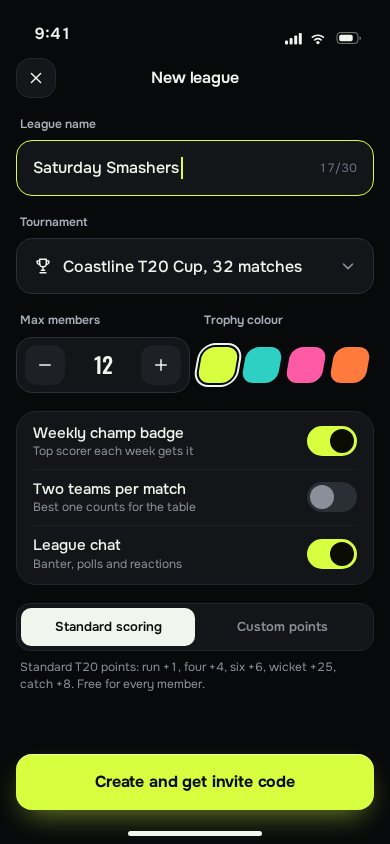 Elevens New league: Fantasy cricket leagues, Dark-first, dark
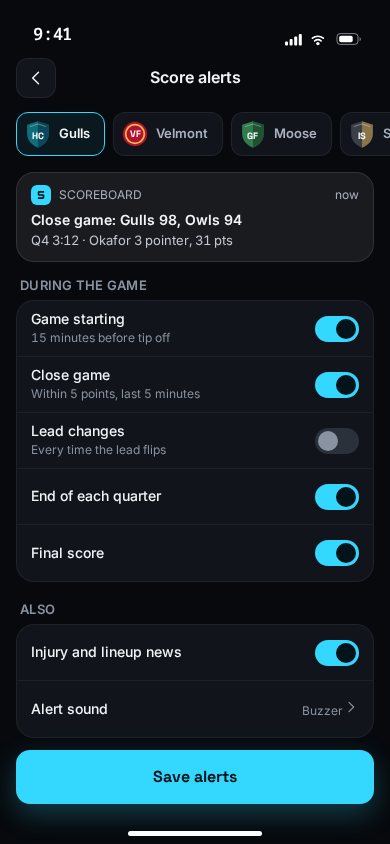 Scoreboard Score alerts: Scores and news for every sport, Dark-first, dark
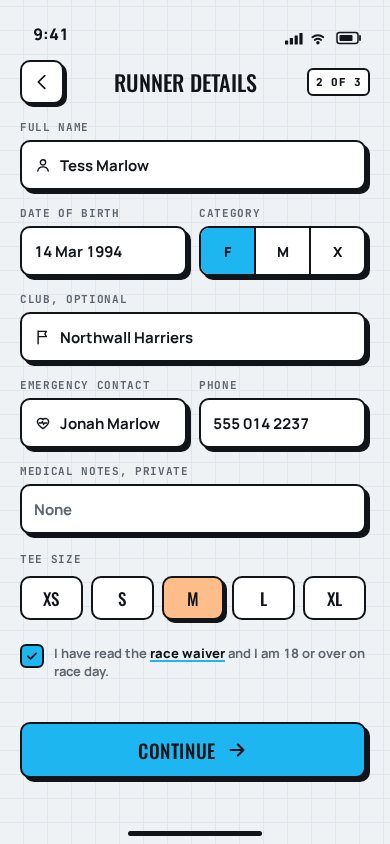 Bib Runner details: Find and enter races, Neubrutalism
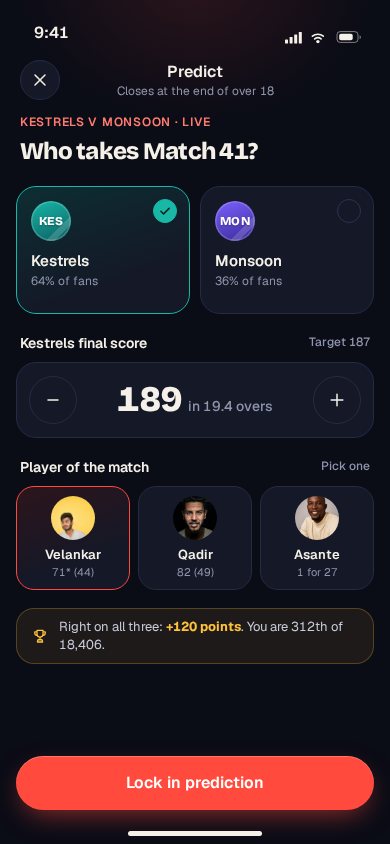 Wicket Predict: Live cricket scores, Dark-first, dark
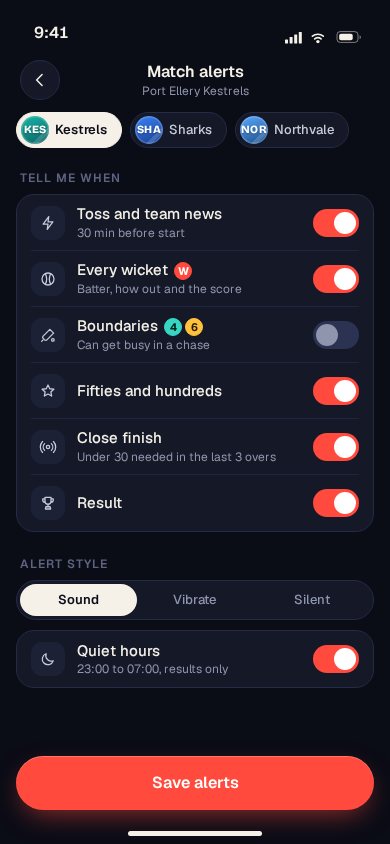 Wicket Match alerts: Live cricket scores, Dark-first, dark
- Courtside Start a run: Pickup basketball games, Gen Z, dark
- Courtside Rate the run: Pickup basketball games, Gen Z, dark
- Tack Enter regatta: Sailing wind and regatta tracker, Minimal
- Tack Log session: Sailing wind and regatta tracker, Minimal
- Frag Register team: Esports tournaments and teams, Brutalist, dark
- Frag Map veto: Esports tournaments and teams, Brutalist, dark
- Frag Report score: Esports tournaments and teams, Brutalist, dark
- Canter Log a ride: Riding stables and lessons, Luxury
- Ollie Add a spot: Skate spots and clips, Neubrutalism
- Ollie Post clip: Skate spots and clips, Neubrutalism
- Eddy New alert: River levels for paddlers, Glass
- Eddy Log a run: River levels for paddlers, Glass
- Whistle Team sheet: Grassroots league manager for coaches, Enterprise
- Whistle Log goal: Grassroots league manager for coaches, Enterprise
- Whistle Add player: Grassroots league manager for coaches, Enterprise
- Oche New game: Darts scorer and leagues, Playful, dark
- Oche Keypad: Darts scorer and leagues, Playful, dark
What makes a good sports app form screen
- Ask only what you need. Every field is a reason to stop. Remove optional fields or move them to later.
- Labels above fields. Visible labels stay readable while people type; placeholder-only labels disappear.
- Use the right keyboard and input. Number pads for amounts, email keyboards for email, pickers for dates and autofill for addresses and codes.
- Validate as people go. Show problems next to the field when people leave it, in words that say how to fix them.
- Keep the main button reachable. Above the keyboard or fixed at the bottom, with a label that says what happens.
- Save progress. Keep what people typed if they leave the screen, get a call or the app closes, especially on long forms and messages.
The full form screen guide: layouts, mistakes and questions
Form and input screens in other kinds of app
- Productivity app form and input screens (175)
- Lifestyle app form and input screens (140)
- Finance app form and input screens (118)
- Social app form and input screens (87)
- Travel app form and input screens (81)
- Food app form and input screens (74)
- Fitness app form and input screens (66)
- Education app form and input screens (53)
- Smart home app form and input screens (50)
- Music app form and input screens (32)
Other sports app screens
- Sports app onboarding screens
- Sports app sign in and sign up screens
- Sports app home screens
- Sports app search and explore screens
- Sports app list and feed screens
- Sports app detail screens
- Sports app booking and checkout screens
- Sports app paywall screens
- Sports app success and confirmation screens
- Sports app profile screens
- Sports app settings screens
- Sports app dashboard and stats screens
- Sports app player, camera and editor screens
- Sports app live tracking screens