Templates · List and feed screens
Sports app list and feed screens
99 list screens from 22 sports app templates, each in its own design language. Sports apps are live and dense: scores, times and stats that must read at a glance, often on a dark background for match day.
The examples
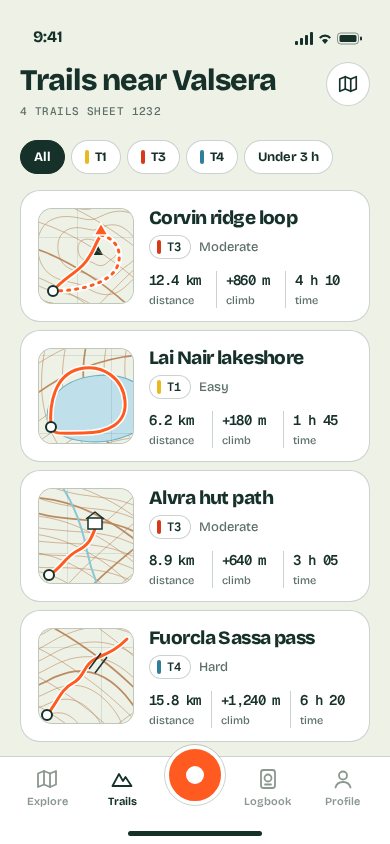 Cairn Trail list: Trails, contours and summits on one map sheet, Minimal
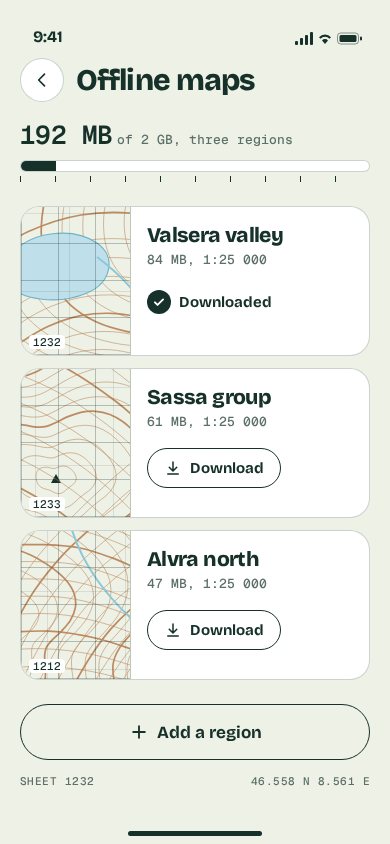 Cairn Offline maps: Trails, contours and summits on one map sheet, Minimal
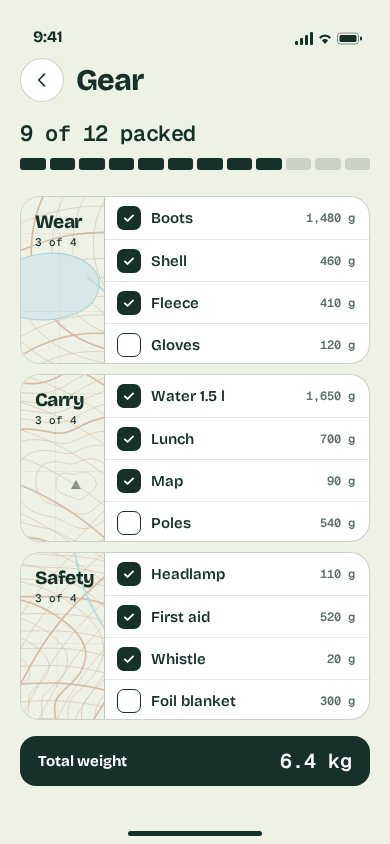 Cairn Gear checklist: Trails, contours and summits on one map sheet, Minimal
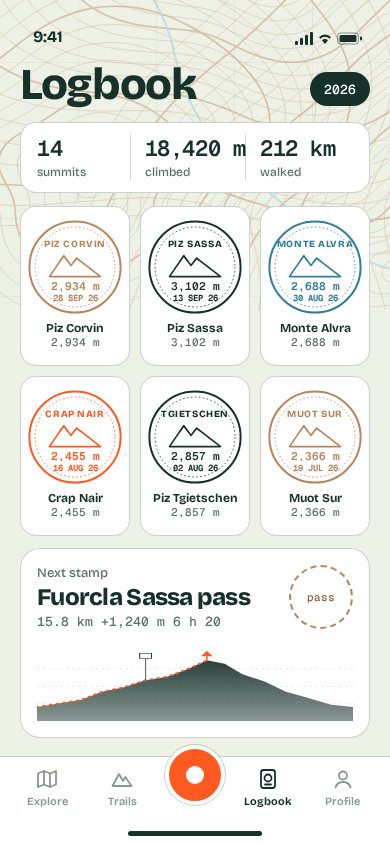 Cairn Logbook: Trails, contours and summits on one map sheet, Minimal
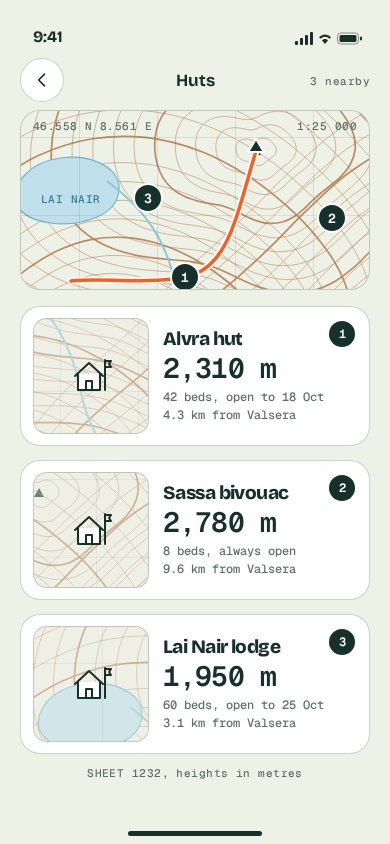 Cairn Huts: Trails, contours and summits on one map sheet, Minimal
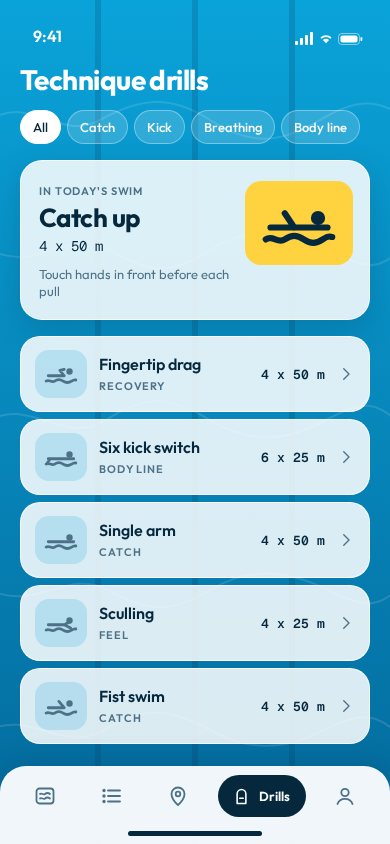 Lapse Drills: Swim training, Glass
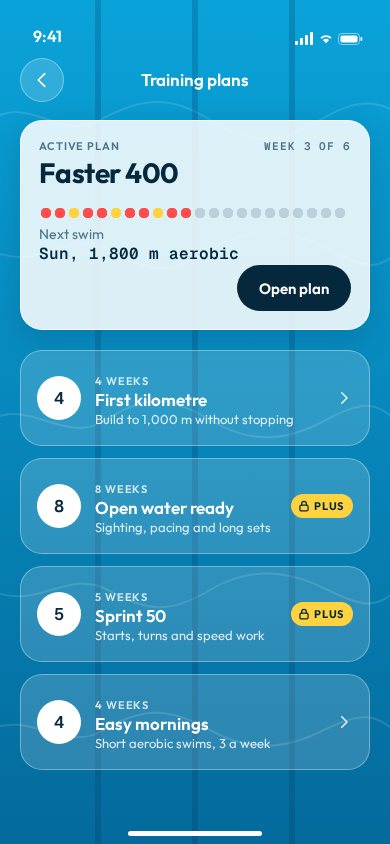 Lapse Training plans: Swim training, Glass
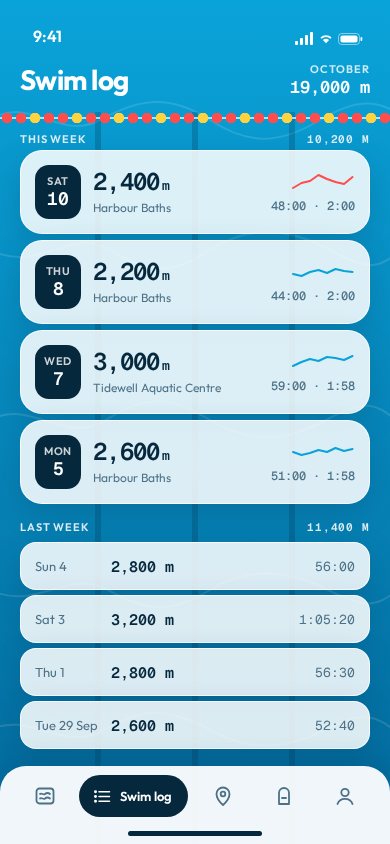 Lapse Swim log: Swim training, Glass
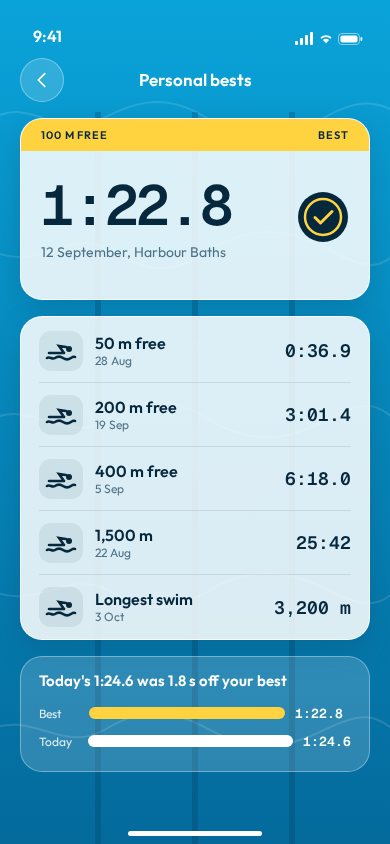 Lapse Personal bests: Swim training, Glass
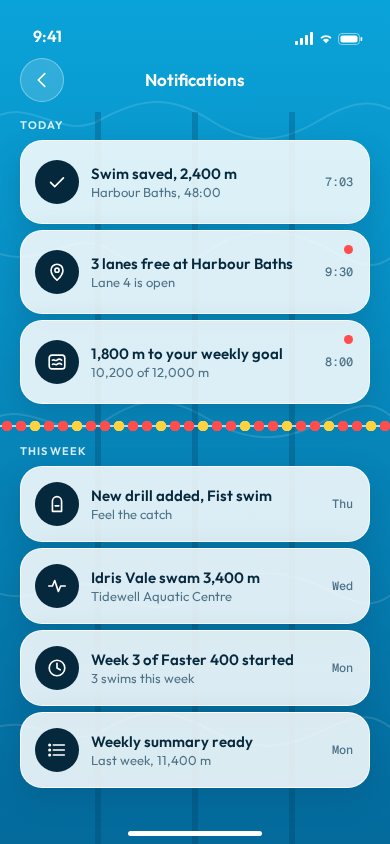 Lapse Notifications: Swim training, Glass
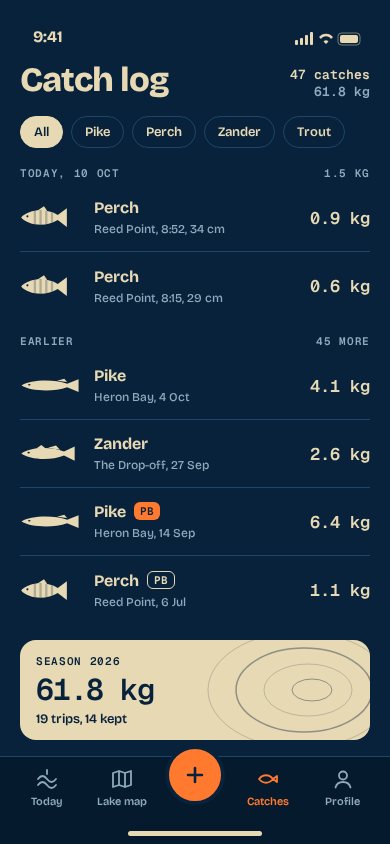 Angler Catch log: A fishing log drawn on the depth chart, Dark-first, dark
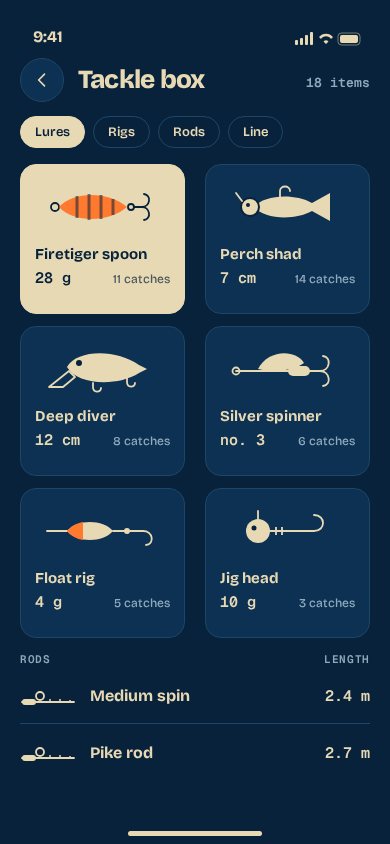 Angler Tackle box: A fishing log drawn on the depth chart, Dark-first, dark
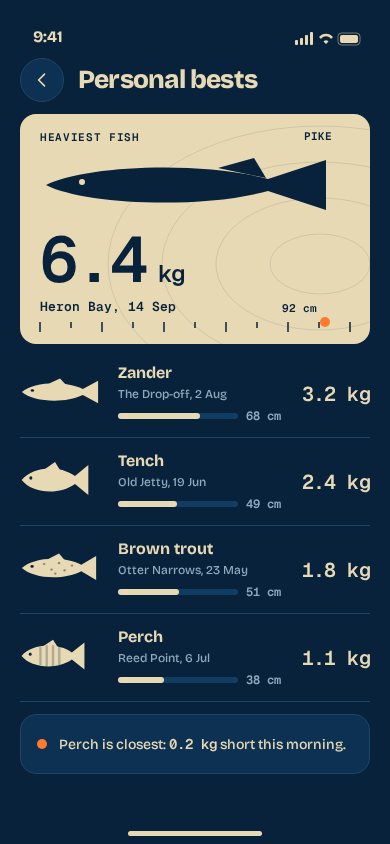 Angler Personal bests: A fishing log drawn on the depth chart, Dark-first, dark
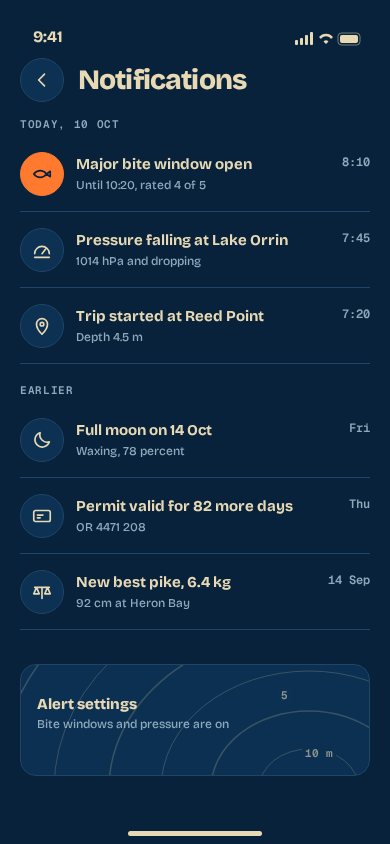 Angler Notifications: A fishing log drawn on the depth chart, Dark-first, dark
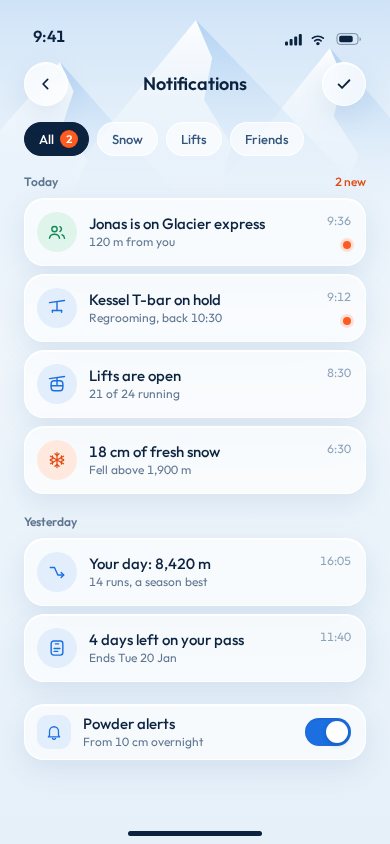 Piste Notifications: Ski resort companion, Glass
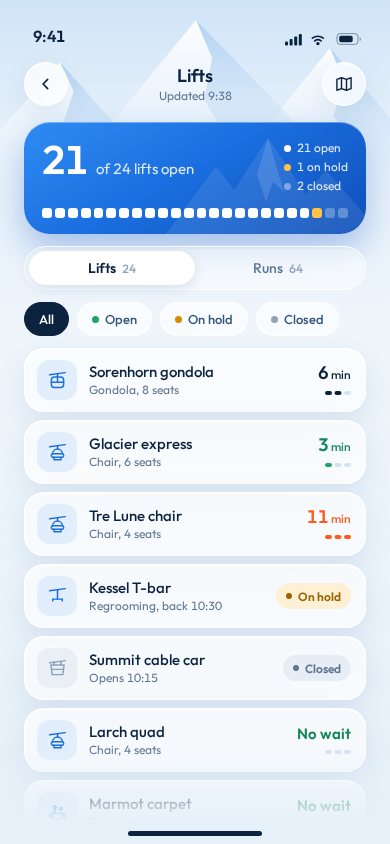 Piste Lifts: Ski resort companion, Glass
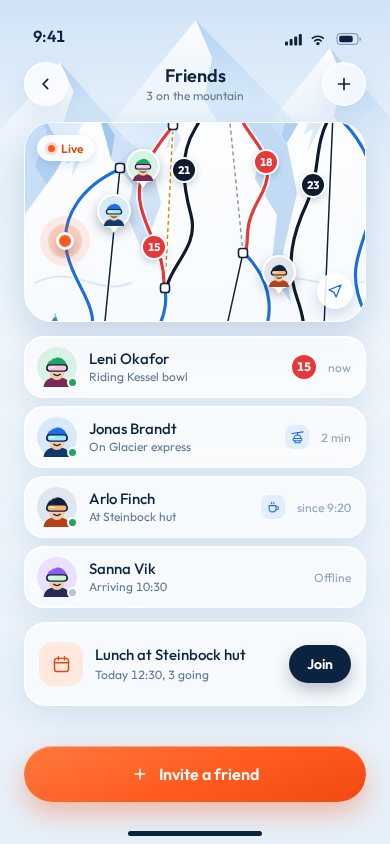 Piste Friends: Ski resort companion, Glass
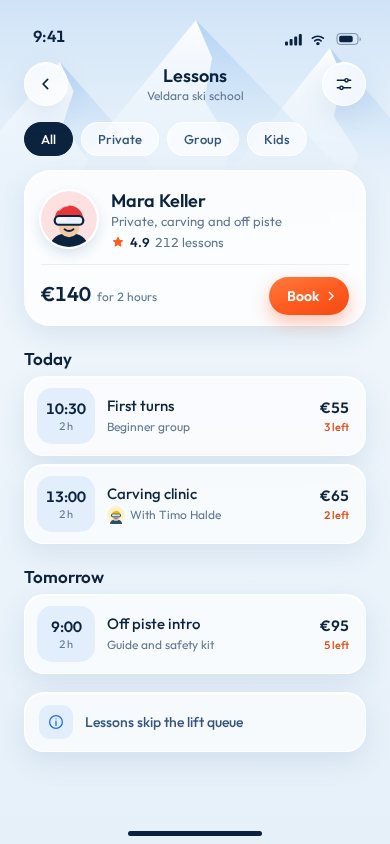 Piste Lessons: Ski resort companion, Glass
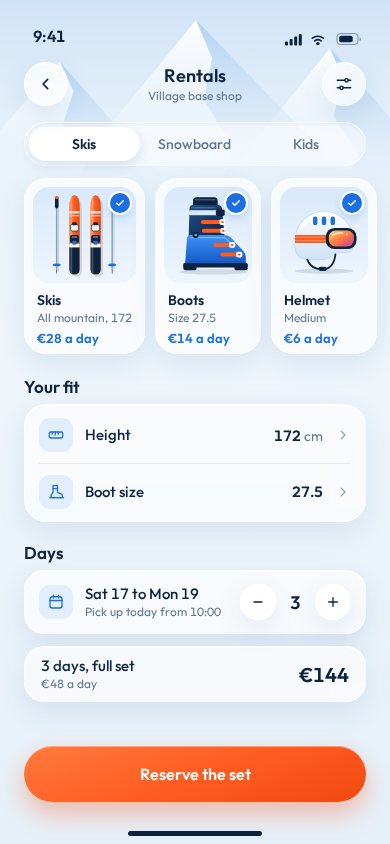 Piste Rentals: Ski resort companion, Glass
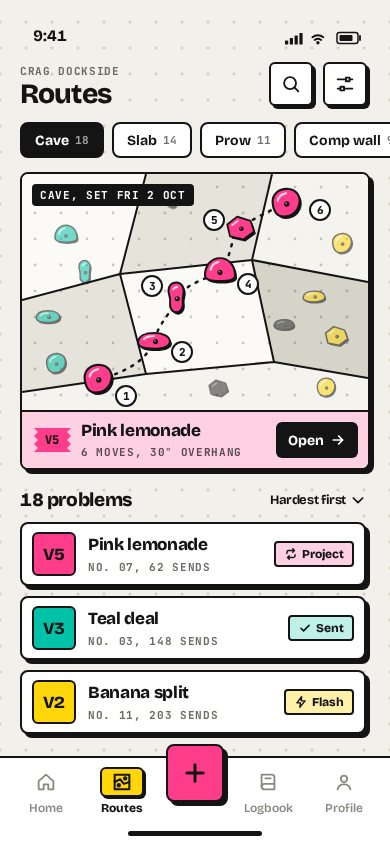 Crag Routes: Climbing gym logbook, Neubrutalism
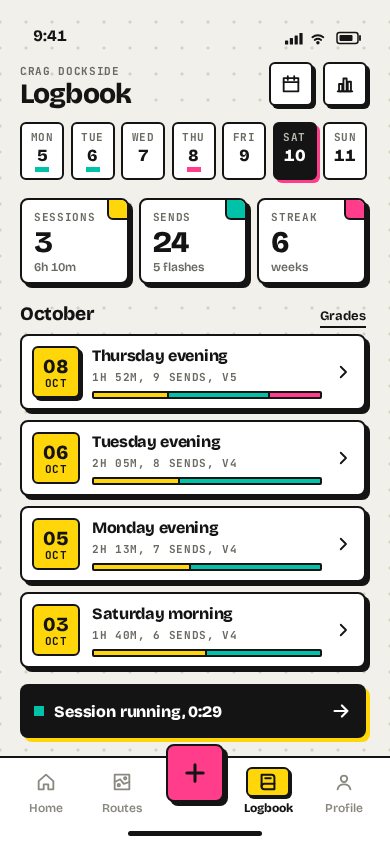 Crag Logbook: Climbing gym logbook, Neubrutalism
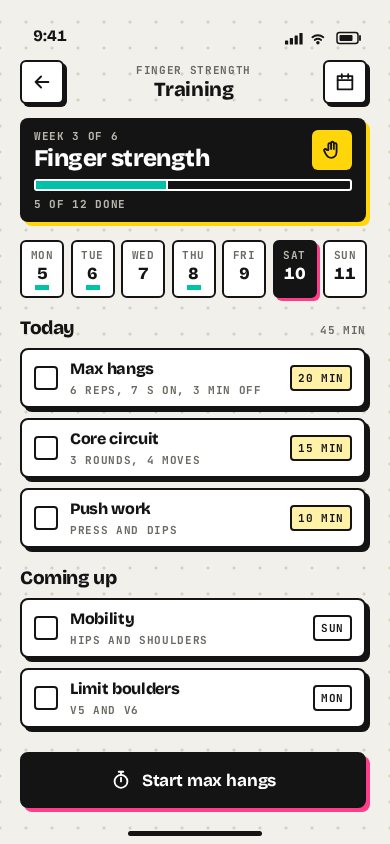 Crag Training: Climbing gym logbook, Neubrutalism
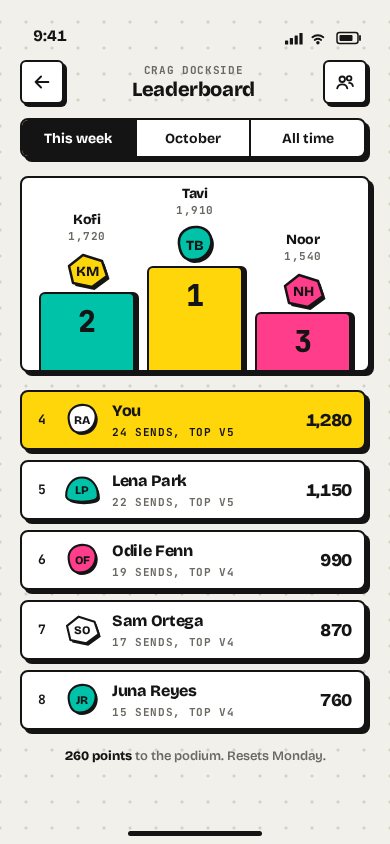 Crag Leaderboard: Climbing gym logbook, Neubrutalism
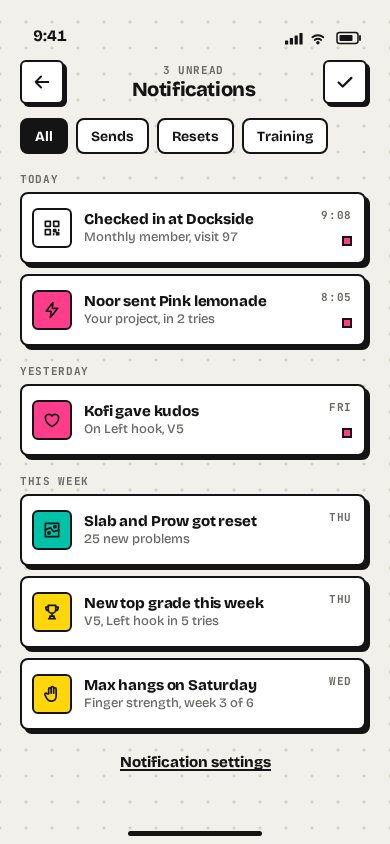 Crag Notifications: Climbing gym logbook, Neubrutalism
- Fairway Notifications: Golf course guide and scorecard, Luxury
- Fairway Hole guide: Golf course guide and scorecard, Luxury
- Fairway My bag: Golf course guide and scorecard, Luxury
- Matchday Notifications: Football scores and fantasy, Dark-first, dark
- Matchday Fixtures: Football scores and fantasy, Dark-first, dark
- Matchday Table: Football scores and fantasy, Dark-first, dark
- Matchday Transfers: Football scores and fantasy, Dark-first, dark
- Matchday Leagues: Football scores and fantasy, Dark-first, dark
- Rally Notifications: Tennis and padel club, Minimal
- Rally Bookings: Tennis and padel club, Minimal
- Rally Open matches: Tennis and padel club, Minimal
- Rally Ladder: Tennis and padel club, Minimal
- Rally Coaching: Tennis and padel club, Minimal
- Swell Week ahead: Surf forecast, Glass, dark
- Swell Sessions: Surf forecast, Glass, dark
- Swell Alerts: Surf forecast, Glass, dark
- Swell Notifications: Surf forecast, Glass, dark
- Pitwall Timing: Race engineering, Dark-first, dark
- Pitwall System logs: Race engineering, Dark-first, dark
- Pitwall Notifications: Race engineering, Dark-first, dark
- Elevens Matches: Fantasy cricket leagues, Dark-first, dark
- Elevens My teams: Fantasy cricket leagues, Dark-first, dark
- Elevens Leagues: Fantasy cricket leagues, Dark-first, dark
- Elevens Leaderboard: Fantasy cricket leagues, Dark-first, dark
- Elevens Badges: Fantasy cricket leagues, Dark-first, dark
- Elevens Notifications: Fantasy cricket leagues, Dark-first, dark
- Scoreboard Play by play: Scores and news for every sport, Dark-first, dark
- Scoreboard Standings: Scores and news for every sport, Dark-first, dark
- Scoreboard Schedule: Scores and news for every sport, Dark-first, dark
- Scoreboard News: Scores and news for every sport, Dark-first, dark
- Scoreboard My teams: Scores and news for every sport, Dark-first, dark
- Scoreboard Notifications: Scores and news for every sport, Dark-first, dark
- Bib Calendar: Find and enter races, Neubrutalism
- Bib My races: Find and enter races, Neubrutalism
- Bib Results: Find and enter races, Neubrutalism
- Bib Notifications: Find and enter races, Neubrutalism
- Wicket Commentary: Live cricket scores, Dark-first, dark
- Wicket Fixtures: Live cricket scores, Dark-first, dark
- Wicket Points table: Live cricket scores, Dark-first, dark
- Wicket Notifications: Live cricket scores, Dark-first, dark
- Courtside My runs: Pickup basketball games, Gen Z, dark
- Courtside Run chat: Pickup basketball games, Gen Z, dark
- Courtside Leaderboard: Pickup basketball games, Gen Z, dark
- Courtside Crew: Pickup basketball games, Gen Z, dark
- Courtside Notifications: Pickup basketball games, Gen Z, dark
- Tack Regattas: Sailing wind and regatta tracker, Minimal
- Tack Results: Sailing wind and regatta tracker, Minimal
- Tack Logbook: Sailing wind and regatta tracker, Minimal
- Tack Notifications: Sailing wind and regatta tracker, Minimal
- Frag Schedule: Esports tournaments and teams, Brutalist, dark
- Frag Rankings: Esports tournaments and teams, Brutalist, dark
- Frag Scrims: Esports tournaments and teams, Brutalist, dark
- Frag Notifications: Esports tournaments and teams, Brutalist, dark
- Canter Instructors: Riding stables and lessons, Luxury
- Canter The stable: Riding stables and lessons, Luxury
- Canter Ride journal: Riding stables and lessons, Luxury
- Canter Shows: Riding stables and lessons, Luxury
- Canter Notifications: Riding stables and lessons, Luxury
- Ollie Clips: Skate spots and clips, Neubrutalism
- Ollie Trick list: Skate spots and clips, Neubrutalism
- Ollie Skateparks: Skate spots and clips, Neubrutalism
- Ollie Notifications: Skate spots and clips, Neubrutalism
- Eddy Rapids: River levels for paddlers, Glass
- Eddy Releases: River levels for paddlers, Glass
- Eddy Alerts: River levels for paddlers, Glass
- Eddy Logbook: River levels for paddlers, Glass
- Eddy Notifications: River levels for paddlers, Glass
- Whistle Fixtures: Grassroots league manager for coaches, Enterprise
- Whistle Availability: Grassroots league manager for coaches, Enterprise
- Whistle League table: Grassroots league manager for coaches, Enterprise
- Whistle Squad: Grassroots league manager for coaches, Enterprise
- Whistle Notifications: Grassroots league manager for coaches, Enterprise
- Oche Practice: Darts scorer and leagues, Playful, dark
- Oche Leagues: Darts scorer and leagues, Playful, dark
- Oche Notifications: Darts scorer and leagues, Playful, dark
What makes a good sports app list screen
- Show what people need to decide. Each row should carry just enough to choose: a title, one or two details and a status. Everything else belongs on the detail screen.
- Keep rows consistent. The same information in the same place on every row lets people scan down a column instead of reading each item.
- Group with headings. Dates, categories or status headings break long lists into chunks people can skip through.
- Make common actions quick. Swipe actions, a checkbox or a heart on the row save opening the item for small tasks.
- Plan for empty, loading and end states. Skeleton rows while loading, a helpful empty state, and a clear end of the list or smooth loading of more.
The full list screen guide: layouts, mistakes and questions
List and feed screens in other kinds of app
- Productivity app list and feed screens (305)
- Lifestyle app list and feed screens (299)
- Social app list and feed screens (191)
- Finance app list and feed screens (180)
- Travel app list and feed screens (169)
- Fitness app list and feed screens (142)
- Education app list and feed screens (131)
- Food app list and feed screens (129)
- Smart home app list and feed screens (92)
- Music app list and feed screens (81)
Other sports app screens
- Sports app onboarding screens
- Sports app sign in and sign up screens
- Sports app home screens
- Sports app search and explore screens
- Sports app detail screens
- Sports app booking and checkout screens
- Sports app paywall screens
- Sports app success and confirmation screens
- Sports app profile screens
- Sports app settings screens
- Sports app dashboard and stats screens
- Sports app player, camera and editor screens
- Sports app live tracking screens
- Sports app form and input screens