Sports app detail screens
87 detail screens from 22 sports app templates, each in its own design language. Sports apps are live and dense: scores, times and stats that must read at a glance, often on a dark background for match day.
The examples
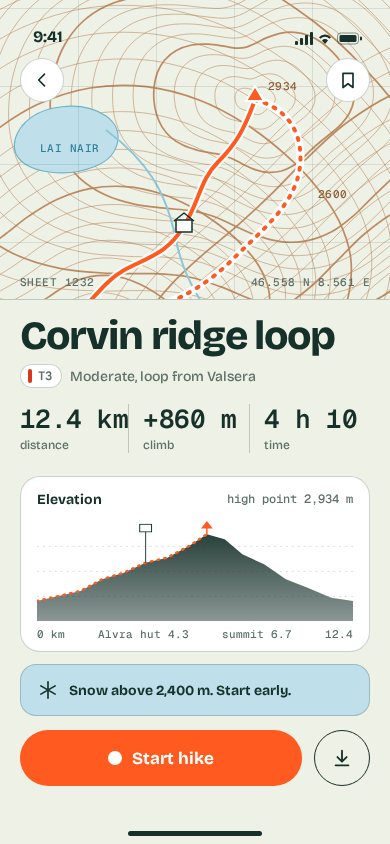 Cairn Trail: Trails, contours and summits on one map sheet, Minimal
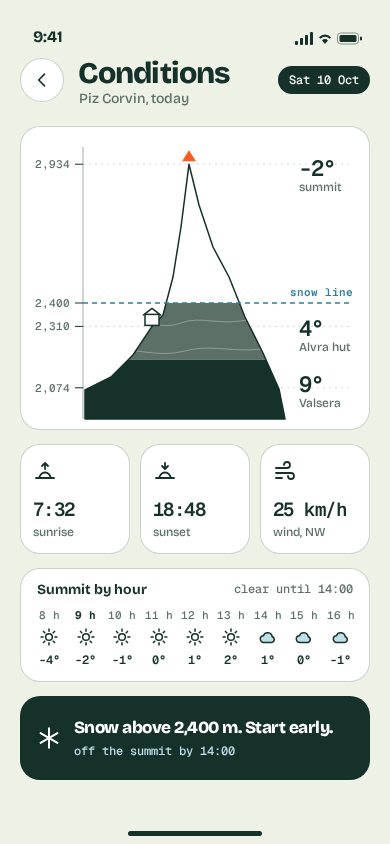 Cairn Conditions: Trails, contours and summits on one map sheet, Minimal
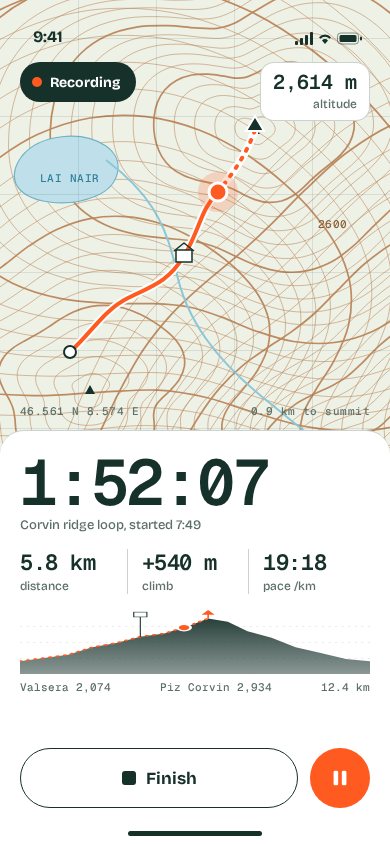 Cairn Recording: Trails, contours and summits on one map sheet, Minimal
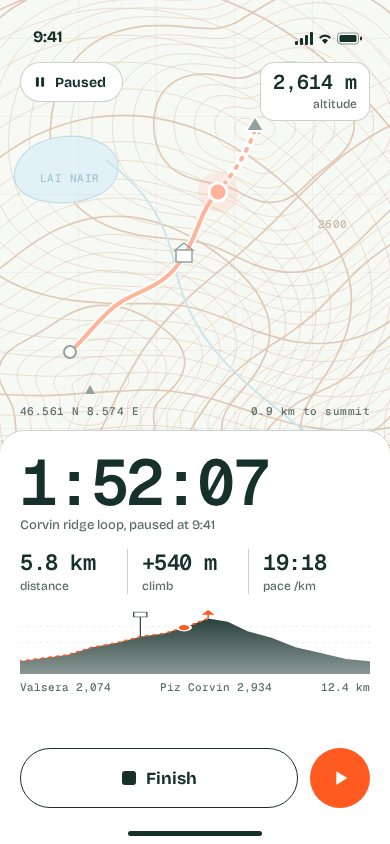 Cairn Paused: Trails, contours and summits on one map sheet, Minimal
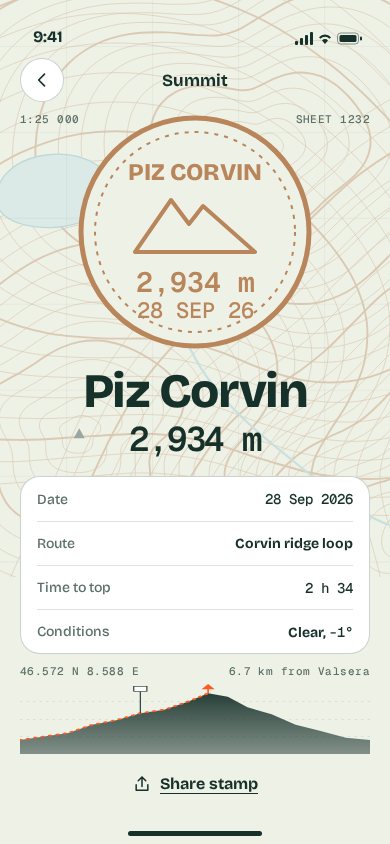 Cairn Summit: Trails, contours and summits on one map sheet, Minimal
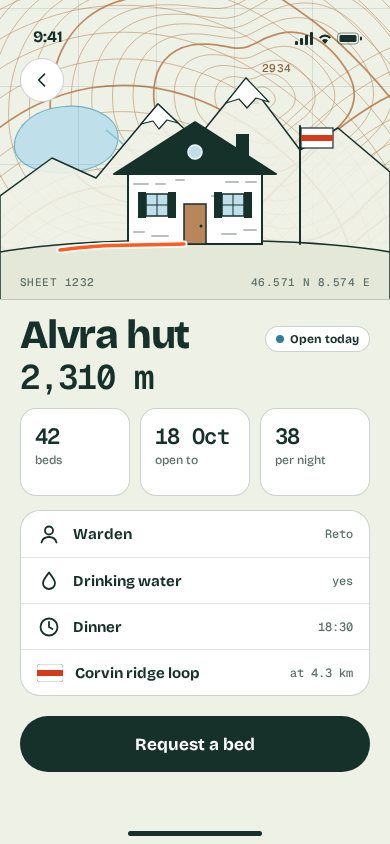 Cairn Hut: Trails, contours and summits on one map sheet, Minimal
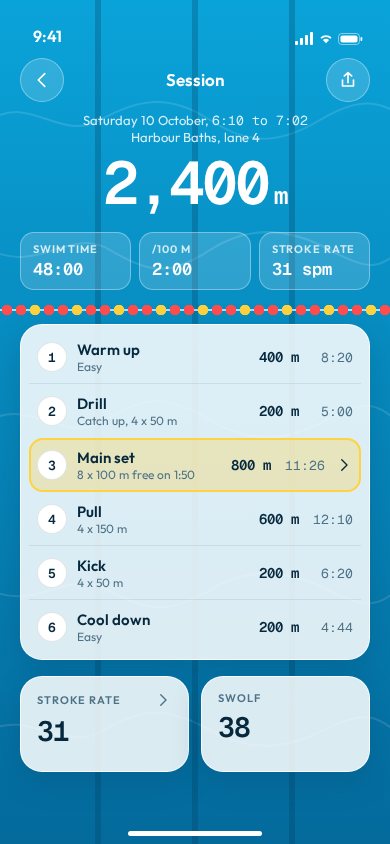 Lapse Session: Swim training, Glass
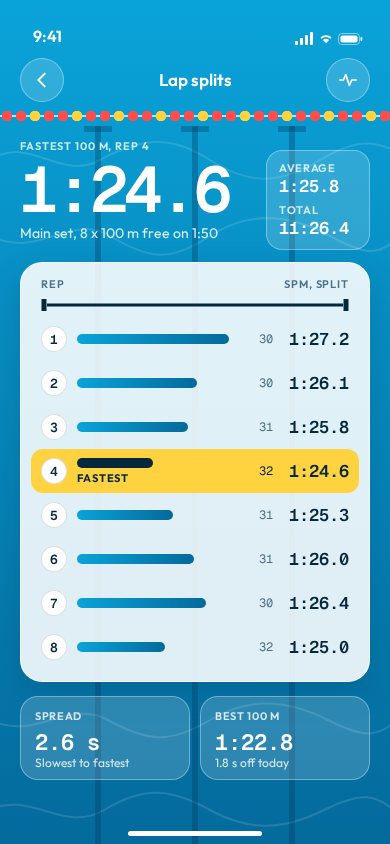 Lapse Lap splits: Swim training, Glass
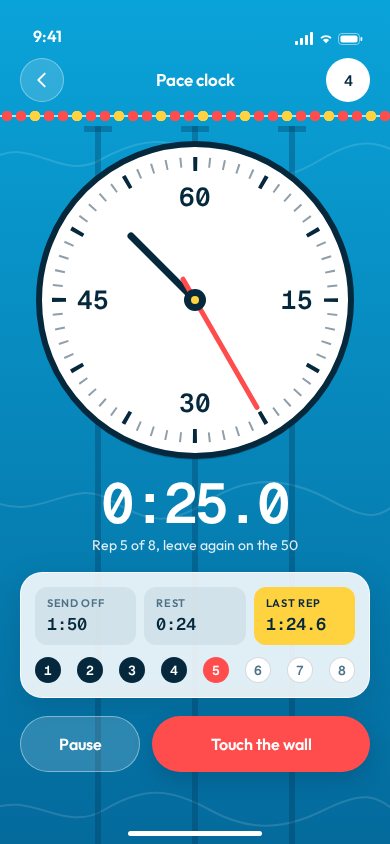 Lapse Pace clock: Swim training, Glass
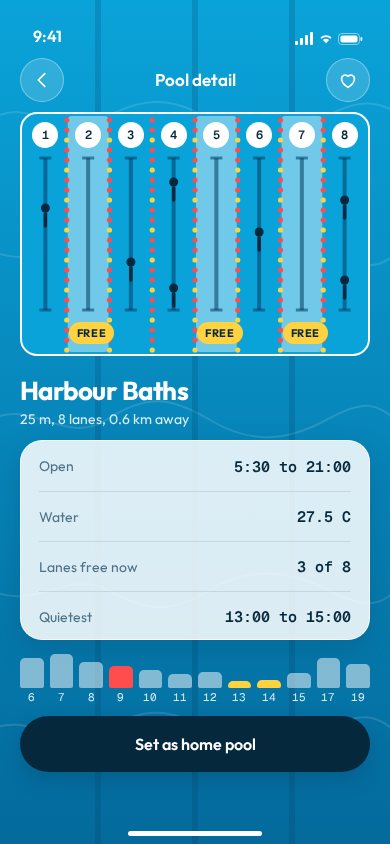 Lapse Pool detail: Swim training, Glass
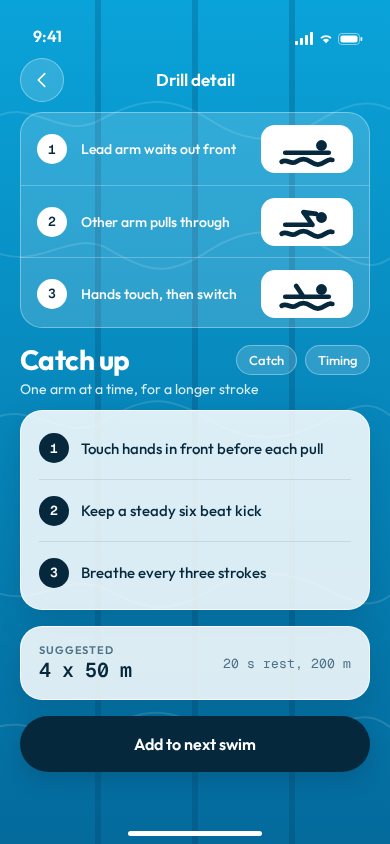 Lapse Drill detail: Swim training, Glass
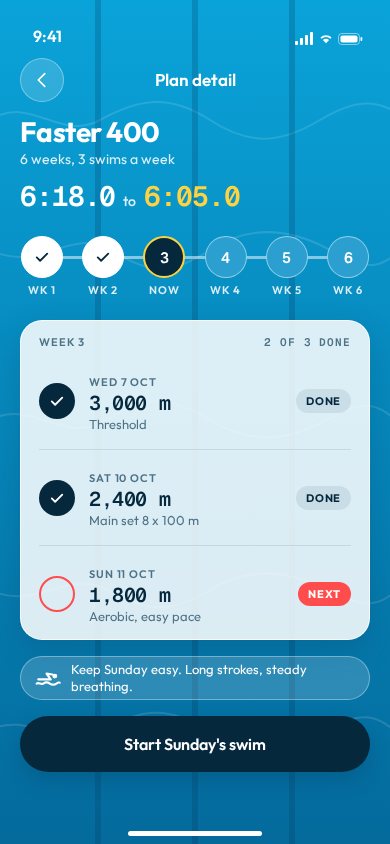 Lapse Plan detail: Swim training, Glass
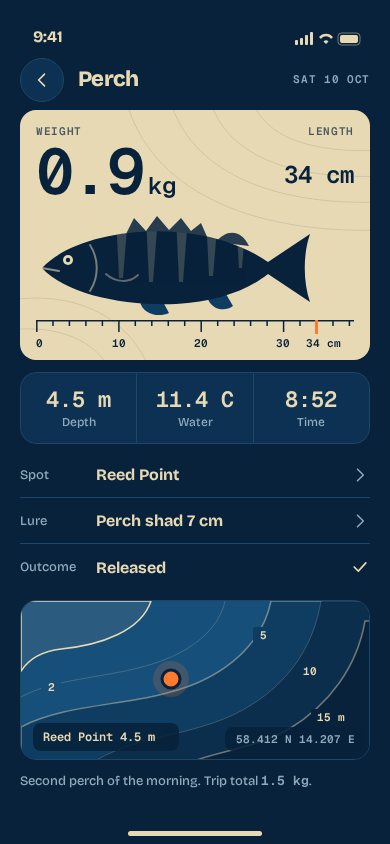 Angler Catch: A fishing log drawn on the depth chart, Dark-first, dark
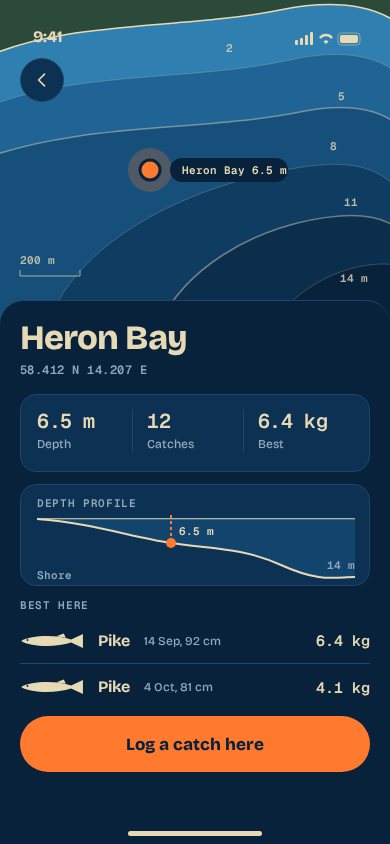 Angler Spot: A fishing log drawn on the depth chart, Dark-first, dark
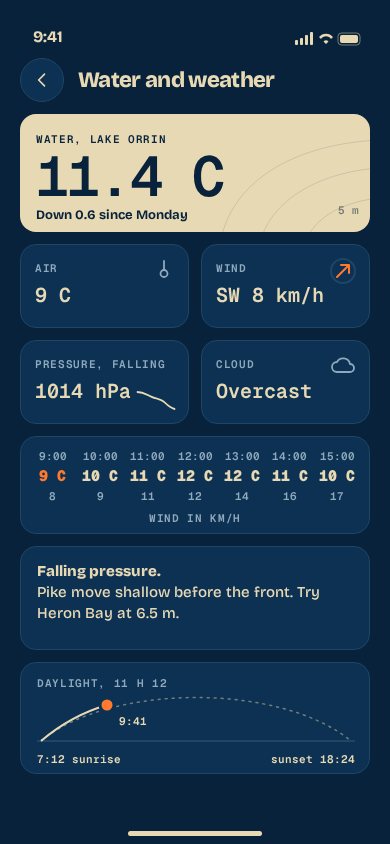 Angler Water and weather: A fishing log drawn on the depth chart, Dark-first, dark
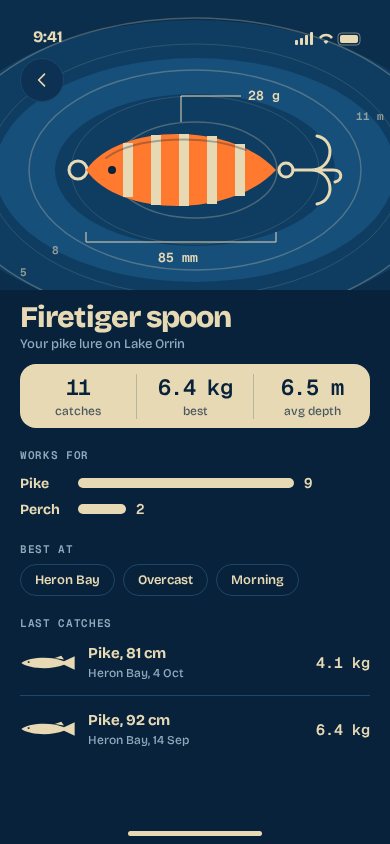 Angler Lure: A fishing log drawn on the depth chart, Dark-first, dark
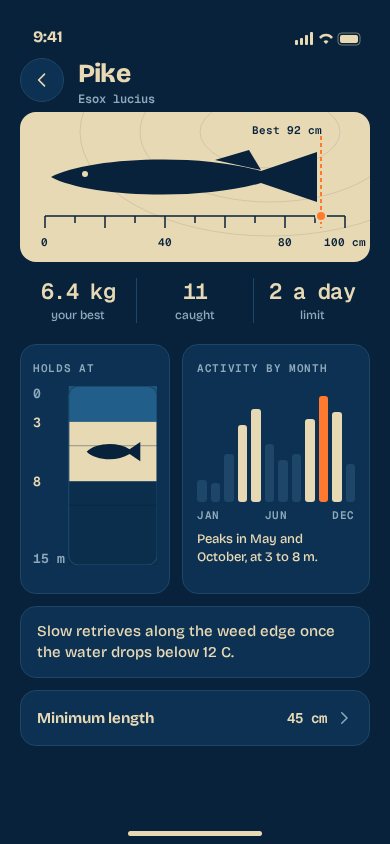 Angler Species: A fishing log drawn on the depth chart, Dark-first, dark
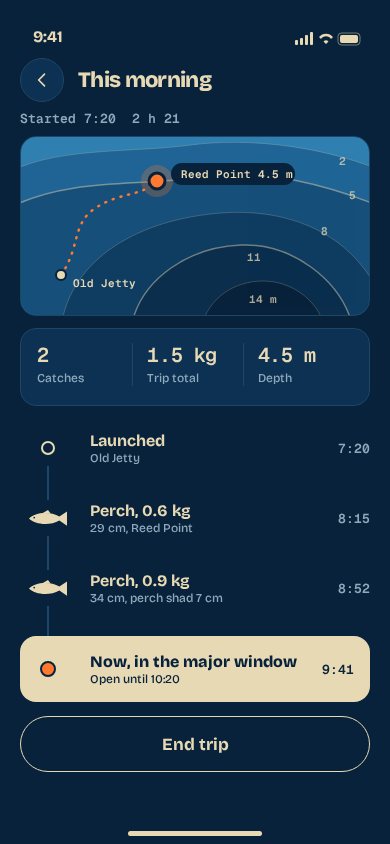 Angler Trip: A fishing log drawn on the depth chart, Dark-first, dark
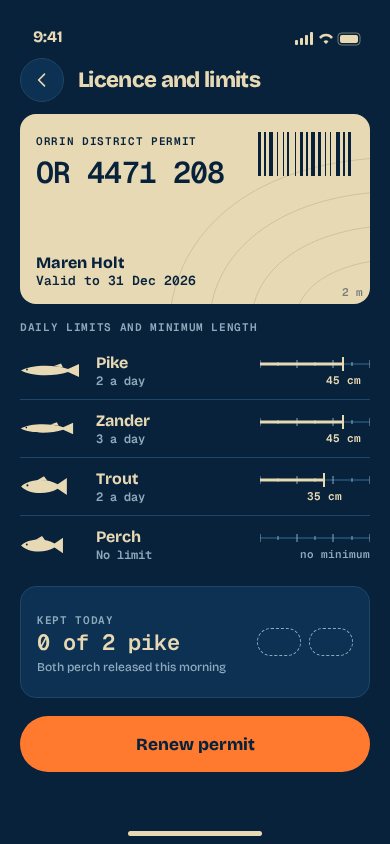 Angler Licence and limits: A fishing log drawn on the depth chart, Dark-first, dark
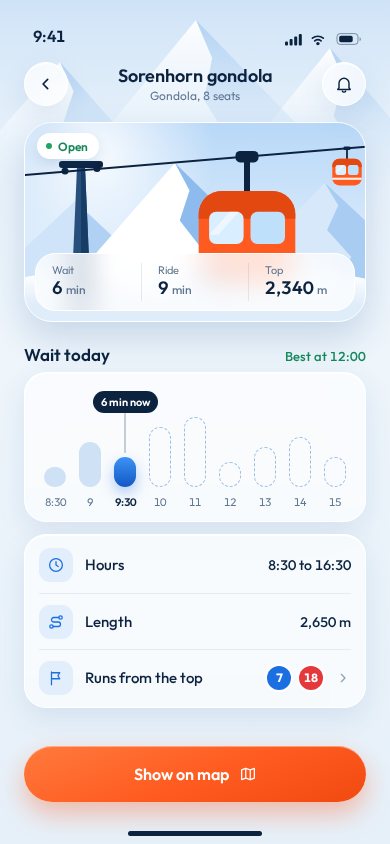 Piste Gondola: Ski resort companion, Glass
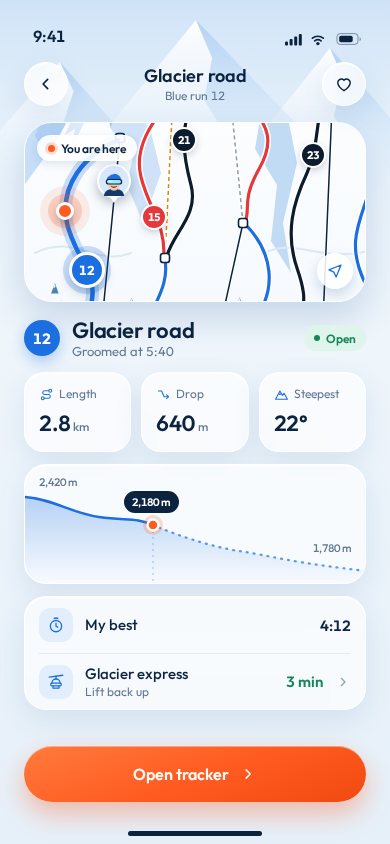 Piste Glacier road: Ski resort companion, Glass
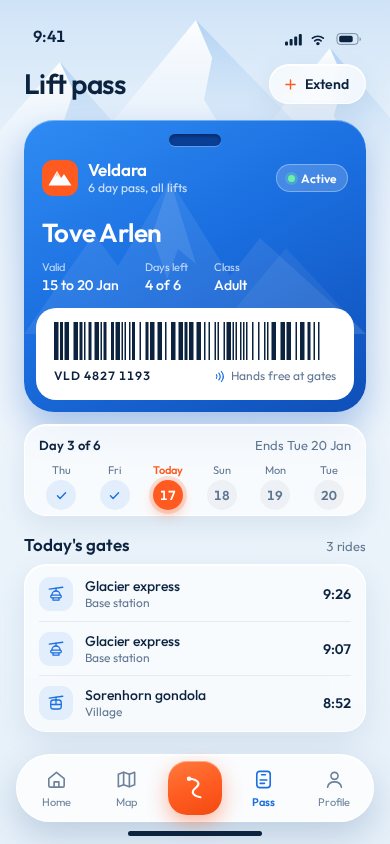 Piste Lift pass: Ski resort companion, Glass
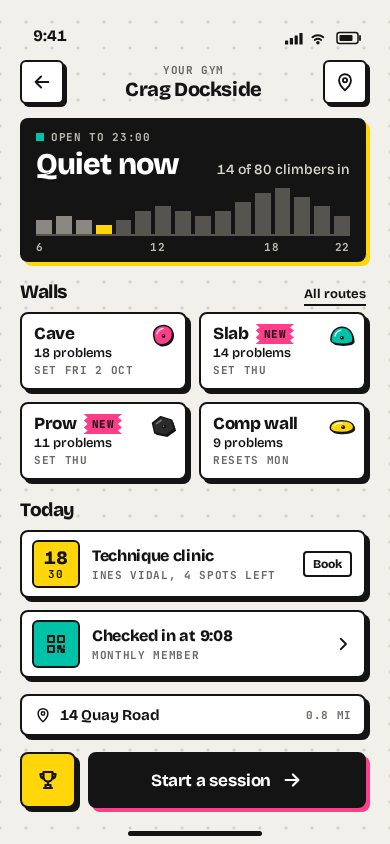 Crag Gym: Climbing gym logbook, Neubrutalism
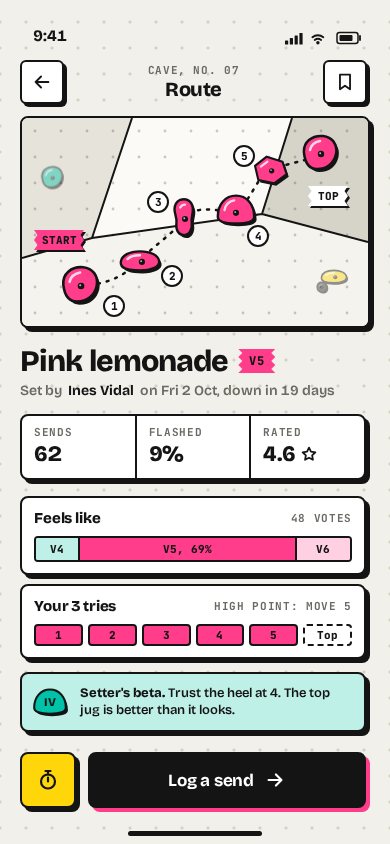 Crag Route: Climbing gym logbook, Neubrutalism
- Crag Session: Climbing gym logbook, Neubrutalism
- Crag Pass: Climbing gym logbook, Neubrutalism
- Fairway Course: Golf course guide and scorecard, Luxury
- Fairway Hole map: Golf course guide and scorecard, Luxury
- Fairway Scorecard: Golf course guide and scorecard, Luxury
- Matchday Lineups: Football scores and fantasy, Dark-first, dark
- Matchday Club: Football scores and fantasy, Dark-first, dark
- Matchday Player: Football scores and fantasy, Dark-first, dark
- Matchday Mini league: Football scores and fantasy, Dark-first, dark
- Rally Club: Tennis and padel club, Minimal
- Rally Match: Tennis and padel club, Minimal
- Rally Match result: Tennis and padel club, Minimal
- Rally Coach: Tennis and padel club, Minimal
- Swell Tides: Surf forecast, Glass, dark
- Swell Wind: Surf forecast, Glass, dark
- Swell detail: Surf forecast, Glass, dark
- Swell Spot guide: Surf forecast, Glass, dark
- Swell Session: Surf forecast, Glass, dark
- Pitwall Tyres: Race engineering, Dark-first, dark
- Pitwall Powertrain: Race engineering, Dark-first, dark
- Pitwall Brakes: Race engineering, Dark-first, dark
- Pitwall Alert: Race engineering, Dark-first, dark
- Elevens Match: Fantasy cricket leagues, Dark-first, dark
- Elevens Player: Fantasy cricket leagues, Dark-first, dark
- Elevens Team preview: Fantasy cricket leagues, Dark-first, dark
- Elevens League: Fantasy cricket leagues, Dark-first, dark
- Scoreboard Box score: Scores and news for every sport, Dark-first, dark
- Scoreboard Team: Scores and news for every sport, Dark-first, dark
- Scoreboard Player: Scores and news for every sport, Dark-first, dark
- Scoreboard Article: Scores and news for every sport, Dark-first, dark
- Bib Race: Find and enter races, Neubrutalism
- Bib Course: Find and enter races, Neubrutalism
- Bib: Find and enter races, Neubrutalism
- Bib Race day: Find and enter races, Neubrutalism
- Wicket Scorecard: Live cricket scores, Dark-first, dark
- Wicket Player: Live cricket scores, Dark-first, dark
- Wicket Team: Live cricket scores, Dark-first, dark
- Wicket Venue: Live cricket scores, Dark-first, dark
- Courtside Court: Pickup basketball games, Gen Z, dark
- Courtside Run: Pickup basketball games, Gen Z, dark
- Tack Venue: Sailing wind and regatta tracker, Minimal
- Tack Regatta: Sailing wind and regatta tracker, Minimal
- Tack Session: Sailing wind and regatta tracker, Minimal
- Tack Boat: Sailing wind and regatta tracker, Minimal
- Frag Tournament: Esports tournaments and teams, Brutalist, dark
- Frag Bracket: Esports tournaments and teams, Brutalist, dark
- Frag Match: Esports tournaments and teams, Brutalist, dark
- Canter Instructor: Riding stables and lessons, Luxury
- Canter Horse: Riding stables and lessons, Luxury
- Canter Lesson: Riding stables and lessons, Luxury
- Canter Trail ride: Riding stables and lessons, Luxury
- Ollie Spot: Skate spots and clips, Neubrutalism
- Ollie Trick: Skate spots and clips, Neubrutalism
- Ollie Park: Skate spots and clips, Neubrutalism
- Eddy River: River levels for paddlers, Glass
- Eddy Rapid: River levels for paddlers, Glass
- Eddy Run recap: River levels for paddlers, Glass
- Whistle Match: Grassroots league manager for coaches, Enterprise
- Whistle Player: Grassroots league manager for coaches, Enterprise
- Whistle Training: Grassroots league manager for coaches, Enterprise
- Oche League: Darts scorer and leagues, Playful, dark
- Oche Fixture: Darts scorer and leagues, Playful, dark
- Oche Pub: Darts scorer and leagues, Playful, dark
What makes a good sports app detail screen
- Lead with what identifies the item. A large image or title, the price or status, and the key facts at the top. People should know they are in the right place at a glance.
- Keep the main action visible. A sticky bottom button for Add to cart, Book or Play stays reachable while people scroll through details.
- Order information by importance. The facts that decide the choice come first; reviews, specifications and fine print further down.
- Use progressive disclosure. Long descriptions, specifications and policies can expand on tap rather than filling the screen.
- Make the way back obvious. A clear back button and, for media, swipe down to dismiss, so people can return to their place in the list.
The full detail screen guide: layouts, mistakes and questions
Detail screens in other kinds of app
- Lifestyle app detail screens (215)
- Productivity app detail screens (185)
- Finance app detail screens (142)
- Travel app detail screens (137)
- Social app detail screens (125)
- Fitness app detail screens (121)
- Education app detail screens (94)
- Food app detail screens (81)
- Smart home app detail screens (66)
- Music app detail screens (61)
Other sports app screens
- Sports app onboarding screens
- Sports app sign in and sign up screens
- Sports app home screens
- Sports app search and explore screens
- Sports app list and feed screens
- Sports app booking and checkout screens
- Sports app paywall screens
- Sports app success and confirmation screens
- Sports app profile screens
- Sports app settings screens
- Sports app dashboard and stats screens
- Sports app player, camera and editor screens
- Sports app live tracking screens
- Sports app form and input screens