Templates · Success and confirmation screens
Sports app success and confirmation screens
23 confirmation screens from 21 sports app templates, each in its own design language. Sports apps are live and dense: scores, times and stats that must read at a glance, often on a dark background for match day.
The examples
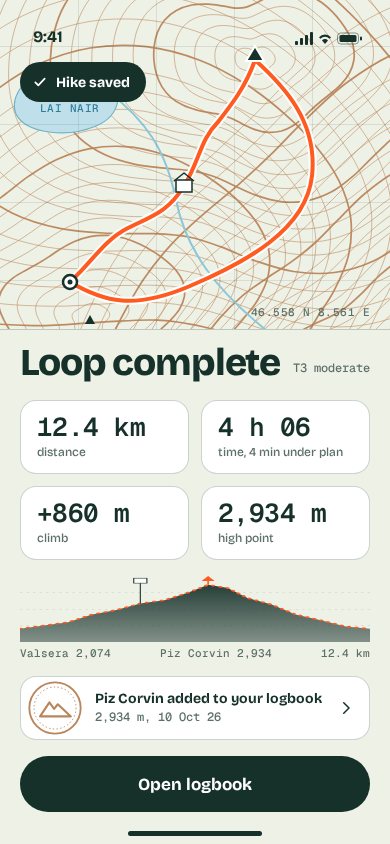 Cairn Hike summary: Trails, contours and summits on one map sheet, Minimal
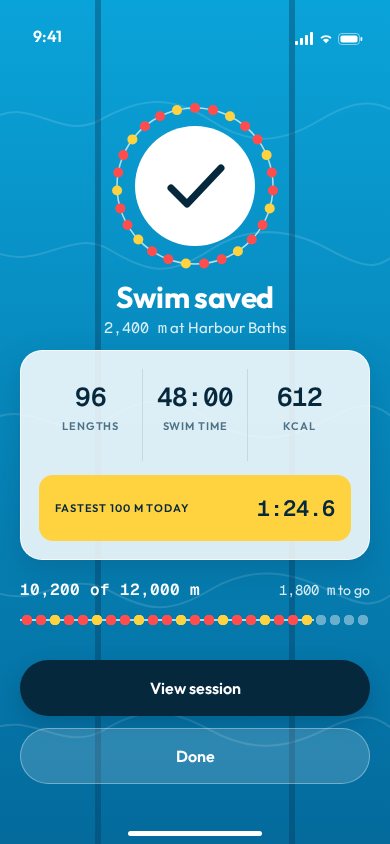 Lapse Swim saved: Swim training, Glass
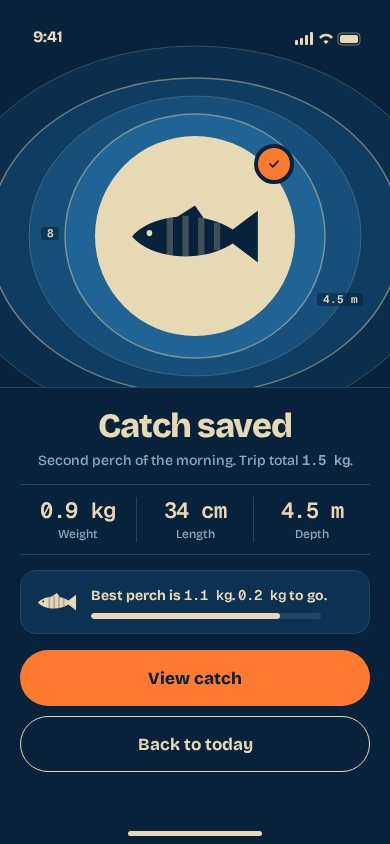 Angler Catch saved: A fishing log drawn on the depth chart, Dark-first, dark
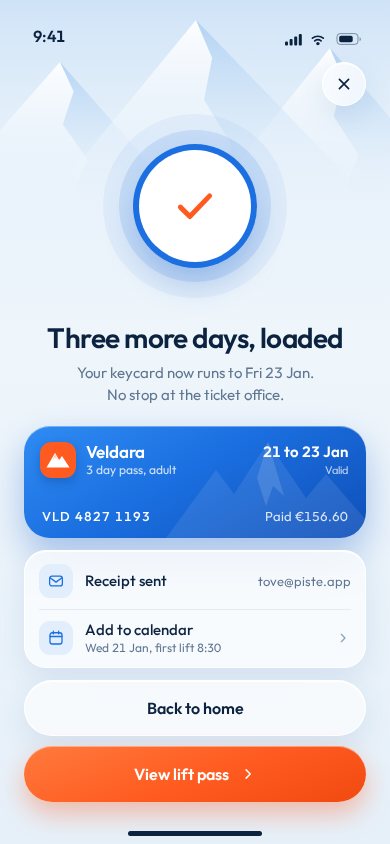 Piste Pass ready: Ski resort companion, Glass
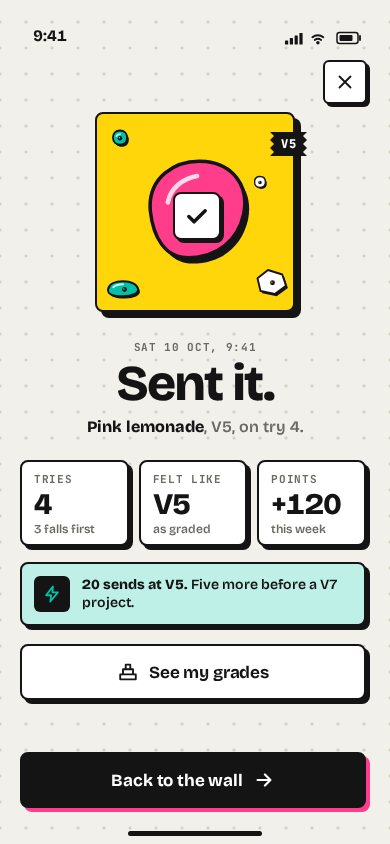 Crag Sent: Climbing gym logbook, Neubrutalism
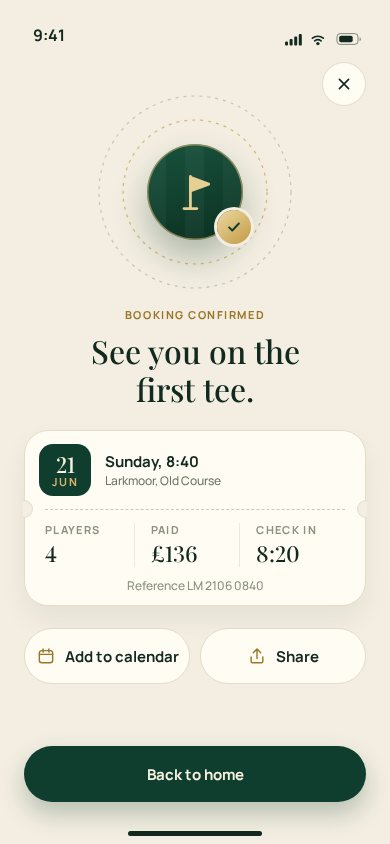 Fairway Booked: Golf course guide and scorecard, Luxury
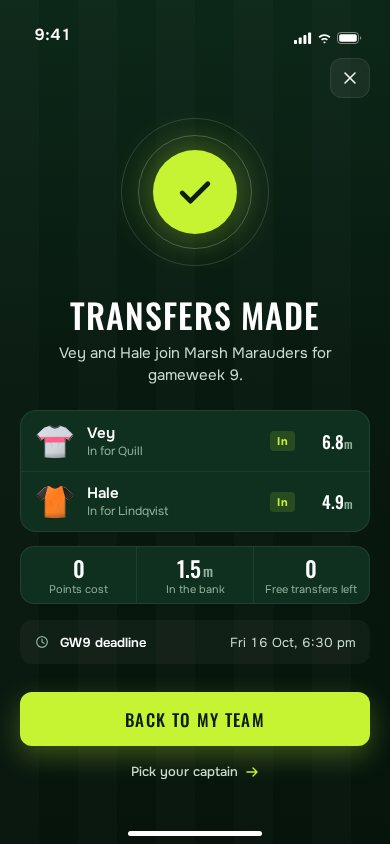 Matchday Transfers made: Football scores and fantasy, Dark-first, dark
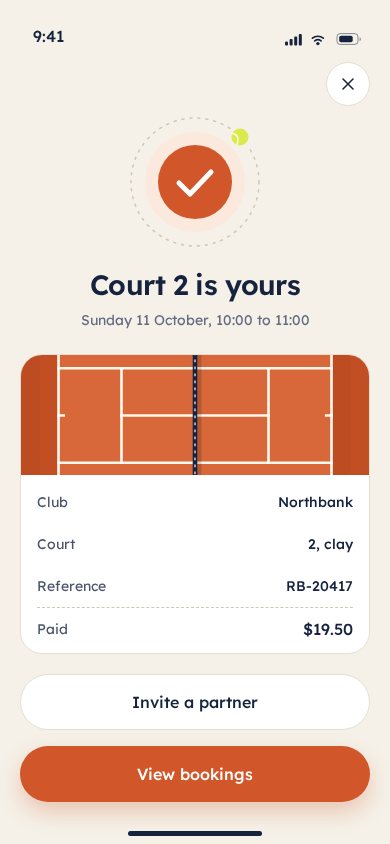 Rally Court booked: Tennis and padel club, Minimal
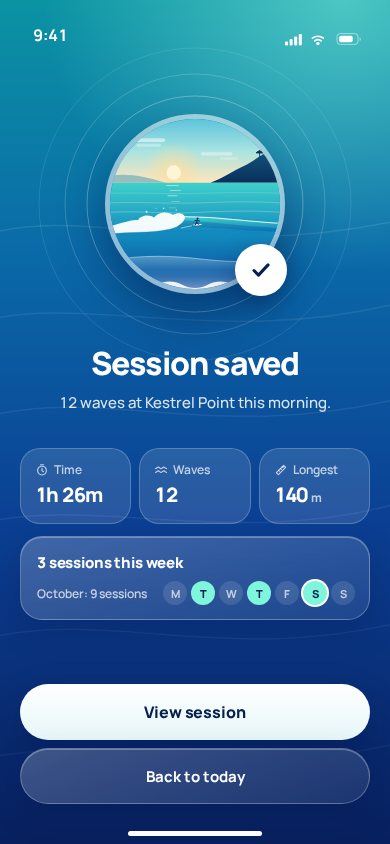 Swell Session saved: Surf forecast, Glass, dark
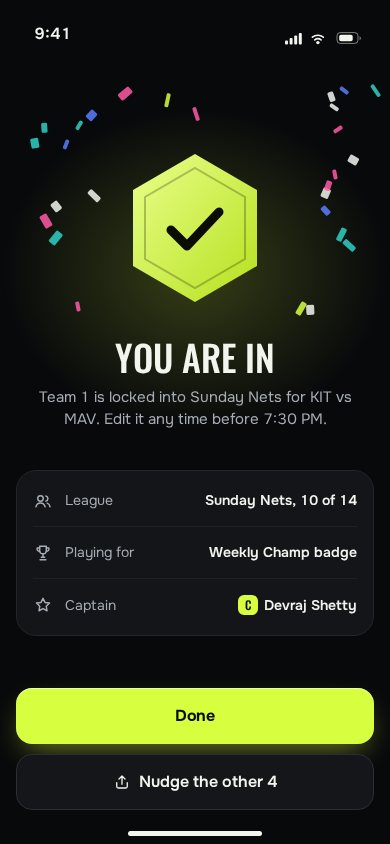 Elevens Joined: Fantasy cricket leagues, Dark-first, dark
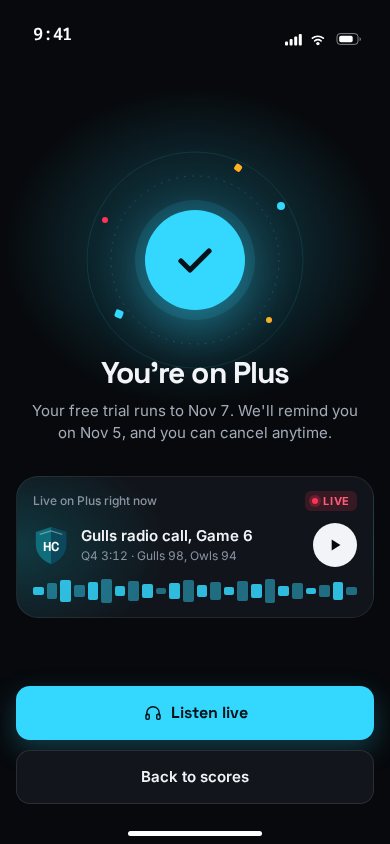 Scoreboard Subscribed: Scores and news for every sport, Dark-first, dark
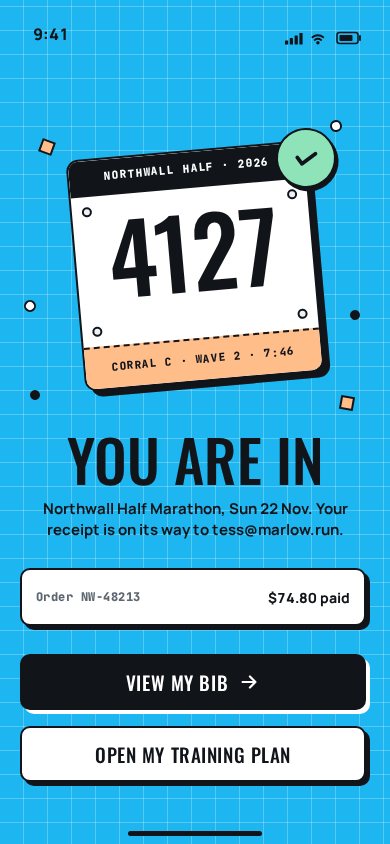 Bib Entered: Find and enter races, Neubrutalism
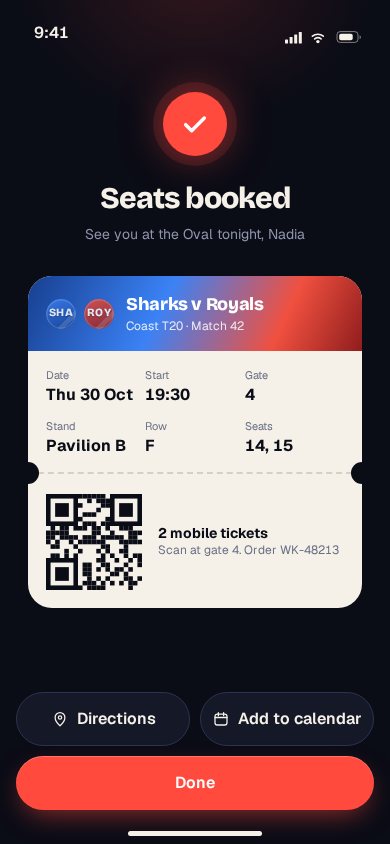 Wicket Booked: Live cricket scores, Dark-first, dark
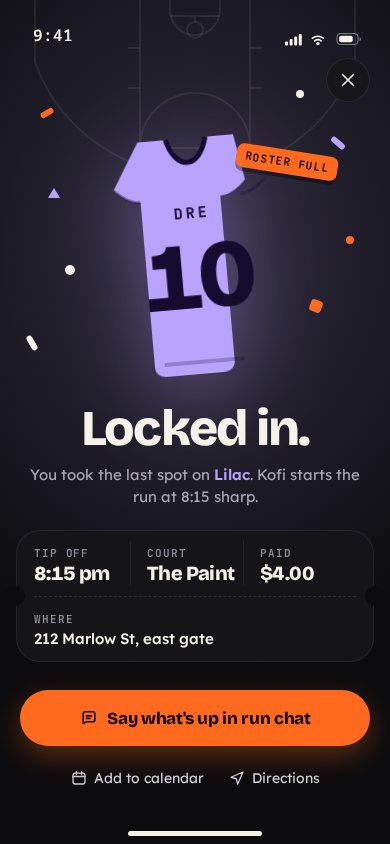 Courtside Locked in: Pickup basketball games, Gen Z, dark
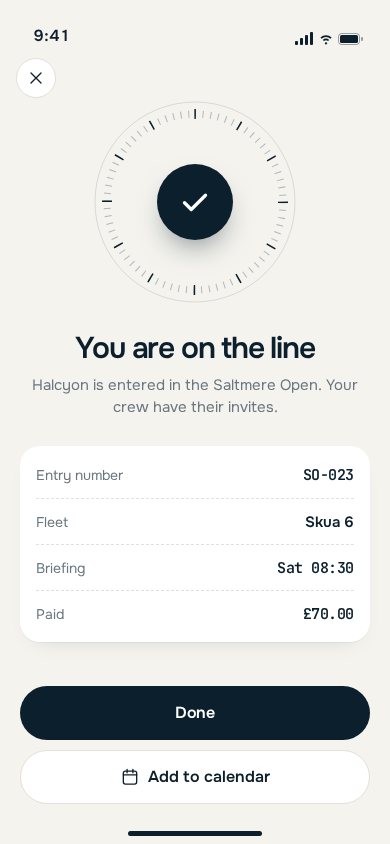 Tack Entered: Sailing wind and regatta tracker, Minimal
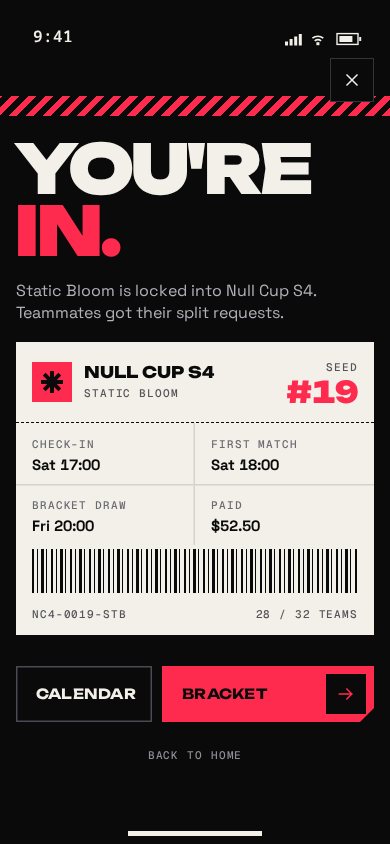 Frag Registered: Esports tournaments and teams, Brutalist, dark
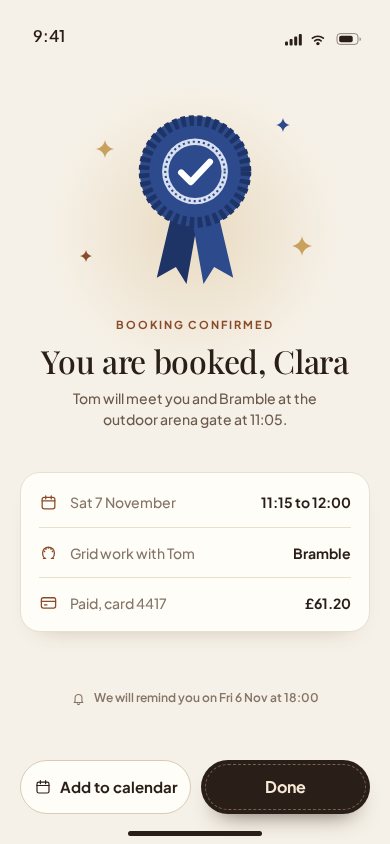 Canter Booked: Riding stables and lessons, Luxury
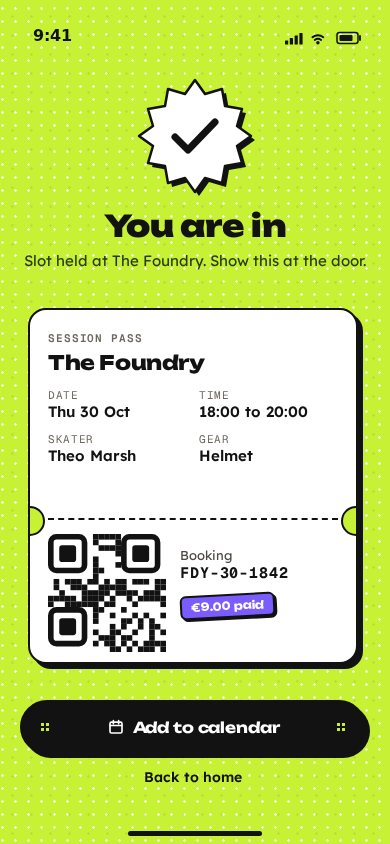 Ollie Booked: Skate spots and clips, Neubrutalism
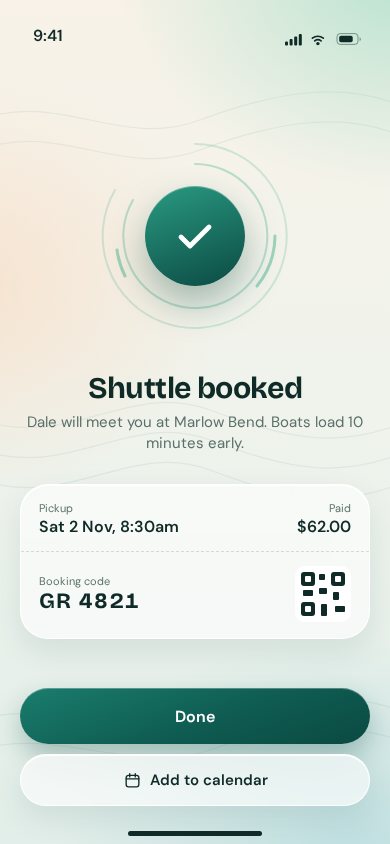 Eddy Shuttle booked: River levels for paddlers, Glass
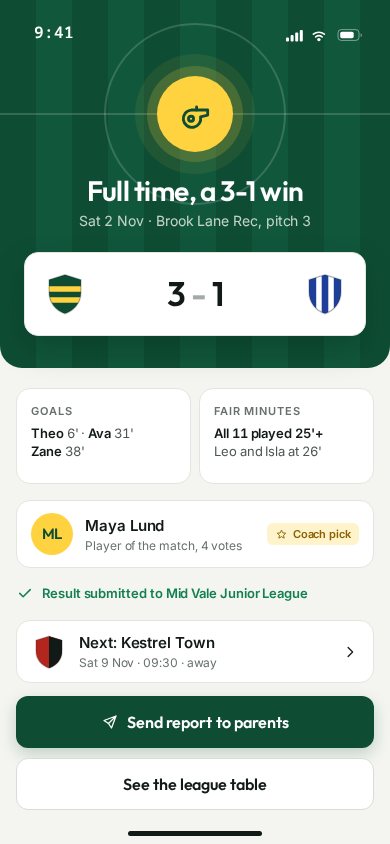 Whistle Full time: Grassroots league manager for coaches, Enterprise
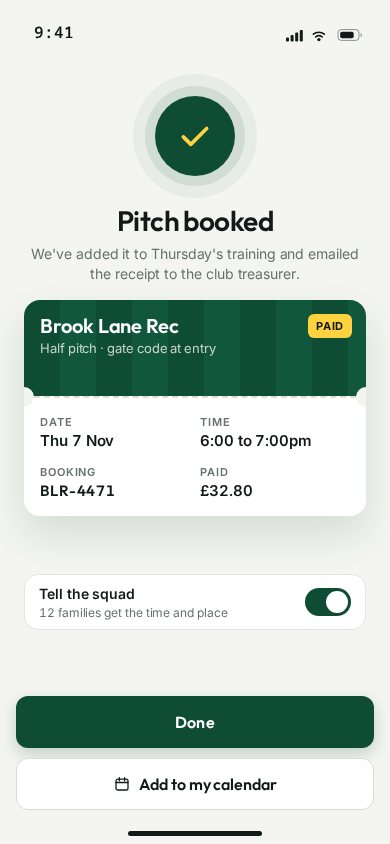 Whistle Pitch booked: Grassroots league manager for coaches, Enterprise
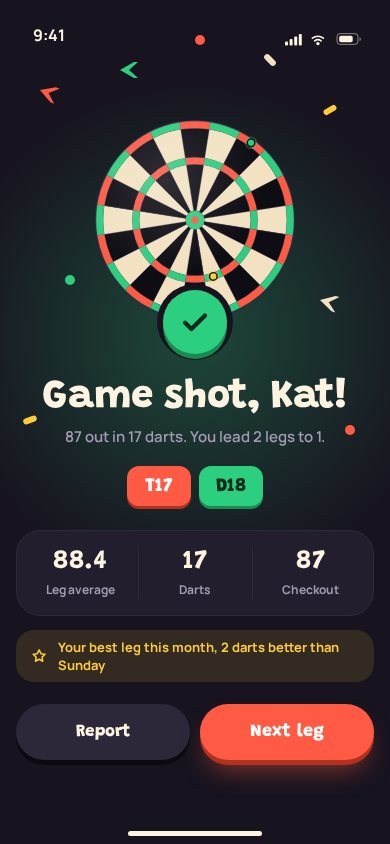 Oche Leg won: Darts scorer and leagues, Playful, dark
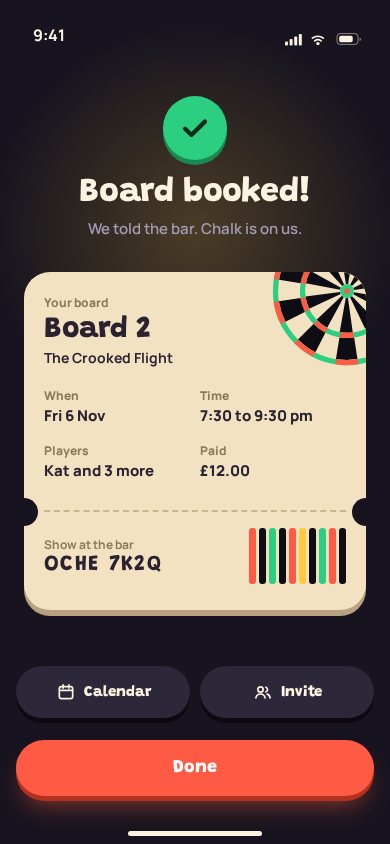 Oche Booked: Darts scorer and leagues, Playful, dark
What makes a good sports app confirmation screen
- Confirm in the headline. "Payment sent", "Table booked for Friday at 8" or "Lesson complete" in plain words, with a clear success colour or icon.
- Repeat the key details. Amount, date, reference number or score, so people do not need to check elsewhere that the right thing happened.
- Say what happens next. When the order arrives, when the money lands, when the next lesson unlocks.
- Offer the next step. Track the order, add to calendar, share, or start the next lesson. One primary action and a way back home.
- Match the emotion to the moment. A streak or a finished course can celebrate; a bank transfer should feel calm and certain.
- Make the receipt easy to keep. Offer share, save as image or email receipt for payments and bookings, and keep the same details findable later in the app's history.
The full confirmation screen guide: layouts, mistakes and questions
Success and confirmation screens in other kinds of app
- Lifestyle app success and confirmation screens (77)
- Productivity app success and confirmation screens (66)
- Social app success and confirmation screens (52)
- Travel app success and confirmation screens (50)
- Finance app success and confirmation screens (50)
- Education app success and confirmation screens (44)
- Fitness app success and confirmation screens (41)
- Food app success and confirmation screens (39)
- Smart home app success and confirmation screens (28)
- Music app success and confirmation screens (24)
Other sports app screens
- Sports app onboarding screens
- Sports app sign in and sign up screens
- Sports app home screens
- Sports app search and explore screens
- Sports app list and feed screens
- Sports app detail screens
- Sports app booking and checkout screens
- Sports app paywall screens
- Sports app profile screens
- Sports app settings screens
- Sports app dashboard and stats screens
- Sports app player, camera and editor screens
- Sports app live tracking screens
- Sports app form and input screens