Templates · Form and input screens
Fitness app form and input screens
66 form screens from 33 health and fitness app templates, each in its own design language. Health and fitness apps run on progress and motivation: rings, streaks and numbers people check daily, with goals that feel personal.
The examples
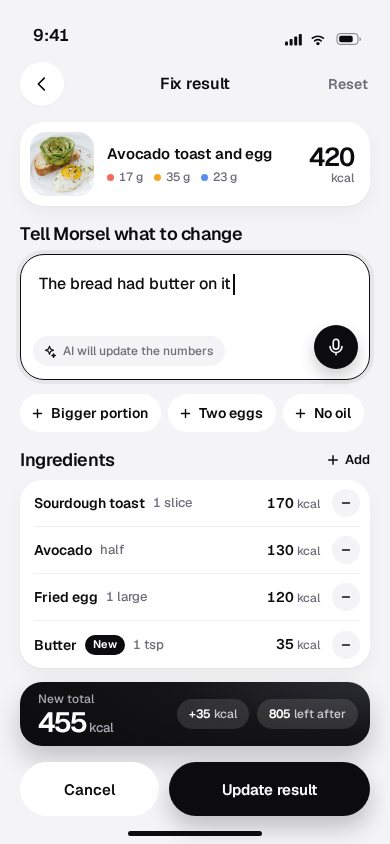 Morsel Fix result: AI calorie tracker, Minimal
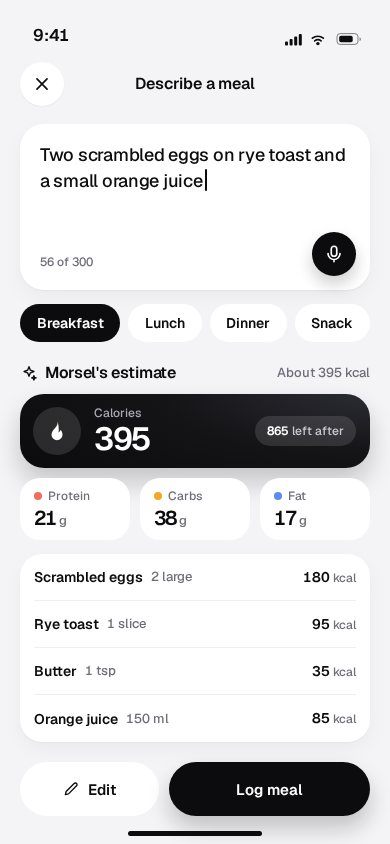 Morsel Describe a meal: AI calorie tracker, Minimal
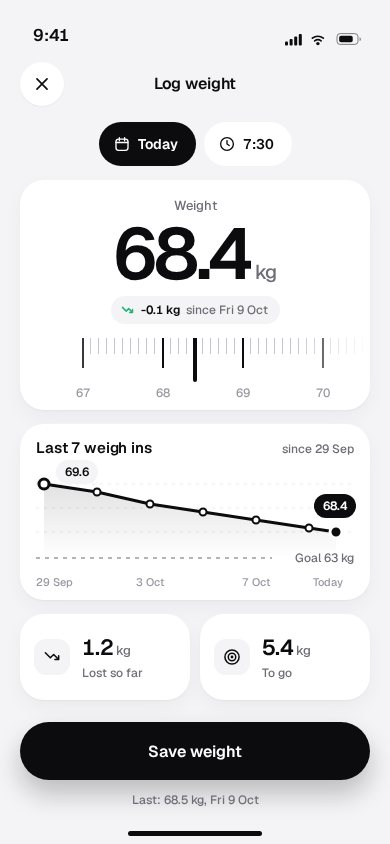 Morsel Log weight: AI calorie tracker, Minimal
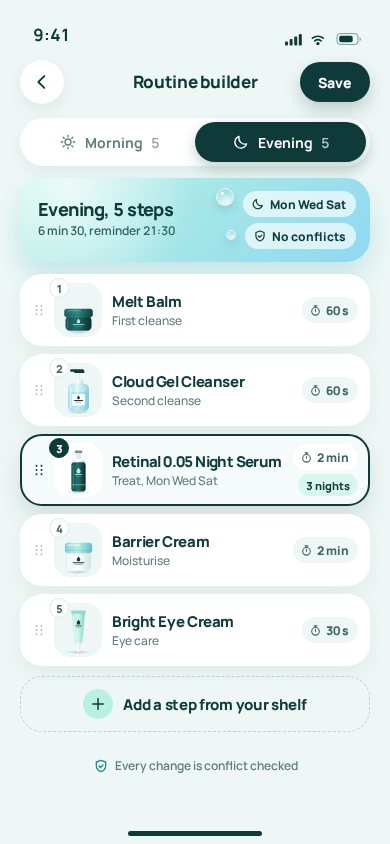 Dew Routine builder: AI skin scan and routine, Clinical
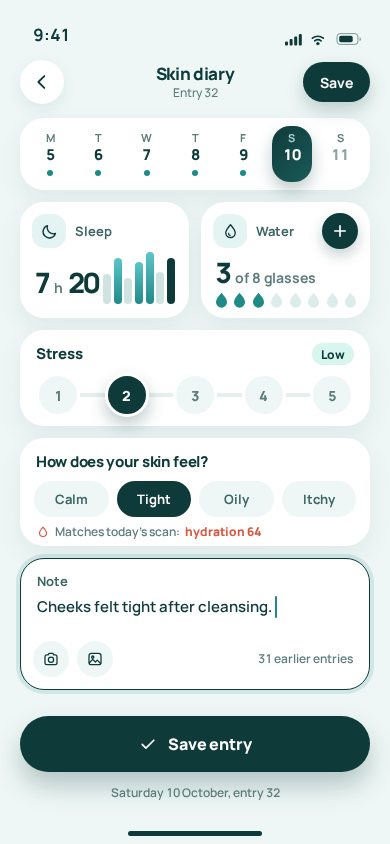 Dew Diary: AI skin scan and routine, Clinical
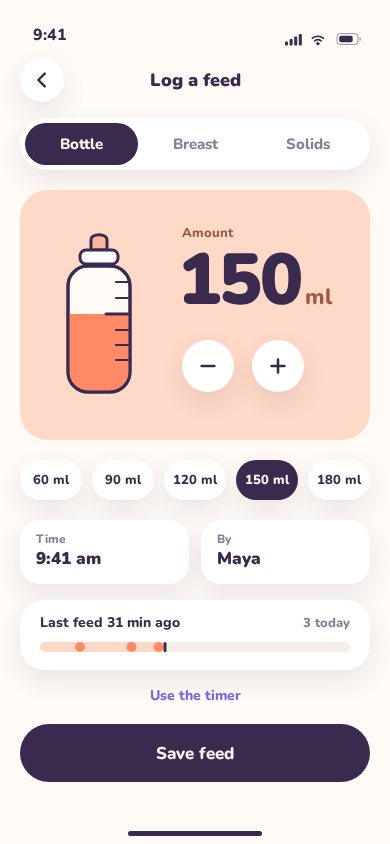 Cradle Log a feed: Baby tracker, Playful
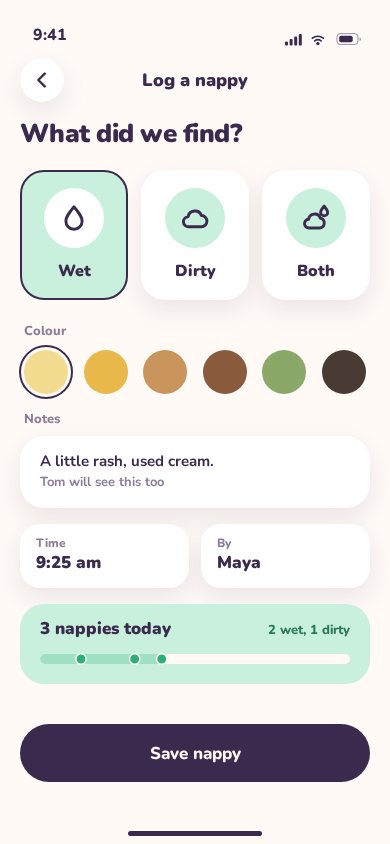 Cradle Log a nappy: Baby tracker, Playful
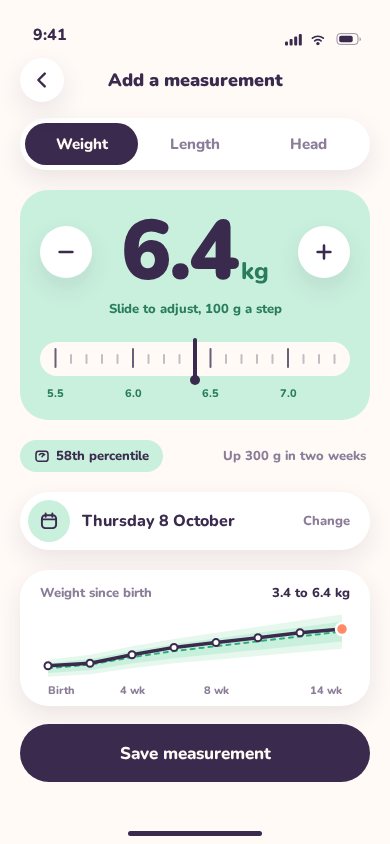 Cradle Add a measurement: Baby tracker, Playful
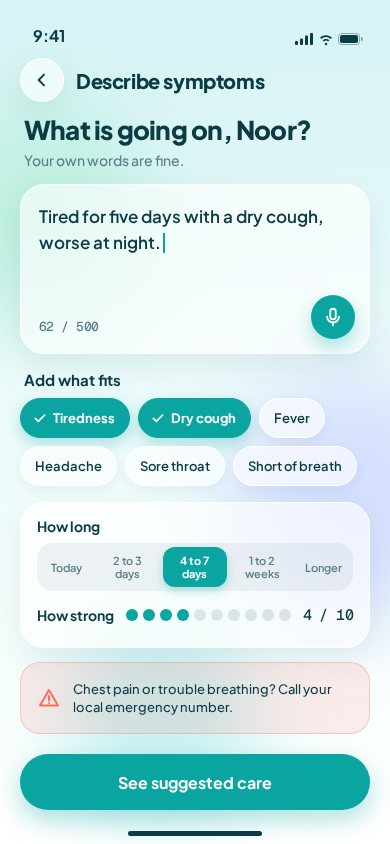 Medly Describe symptoms: Doctor on call, Glass
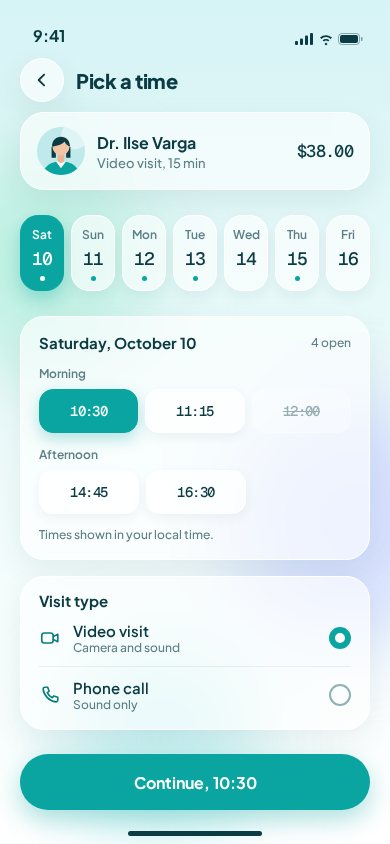 Medly Pick a time: Doctor on call, Glass
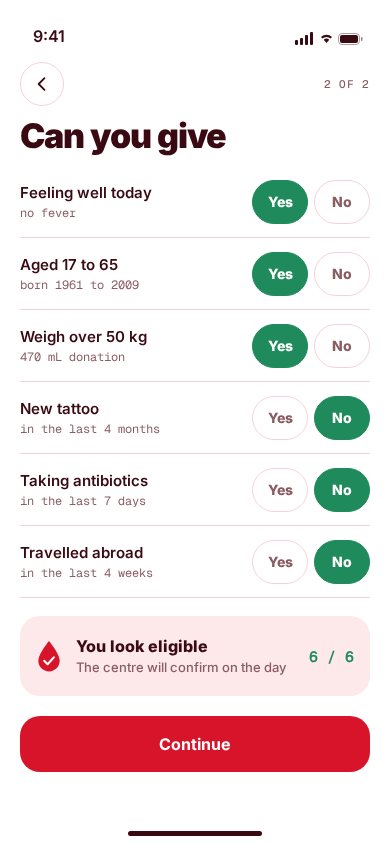 Donor Eligibility: Blood donation, counted drop by drop, Clinical
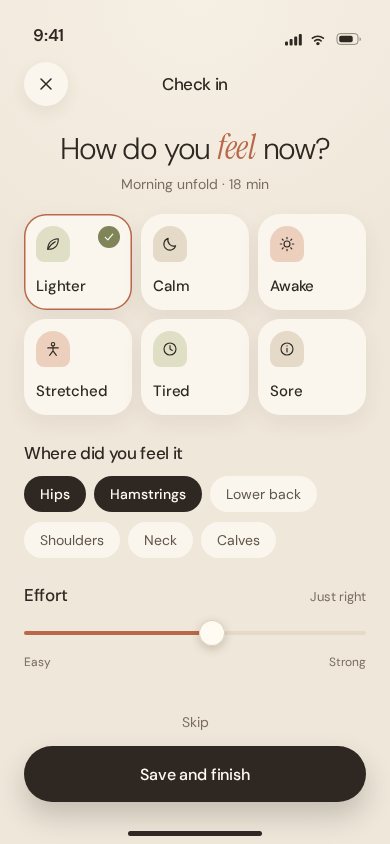 Unfold Check in: Yoga and stretching, Minimal
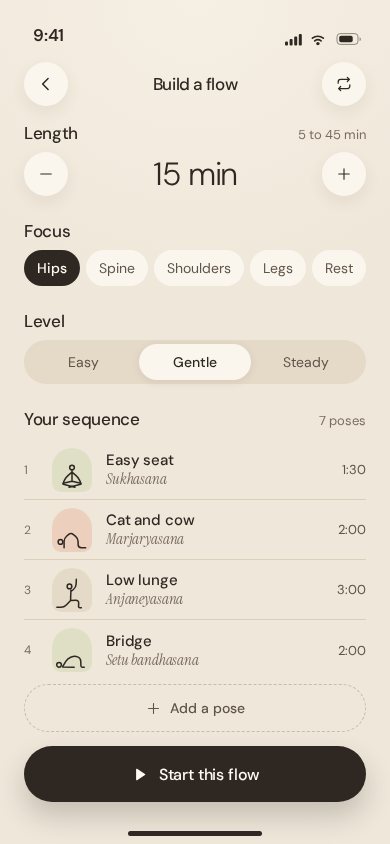 Unfold Build a flow: Yoga and stretching, Minimal
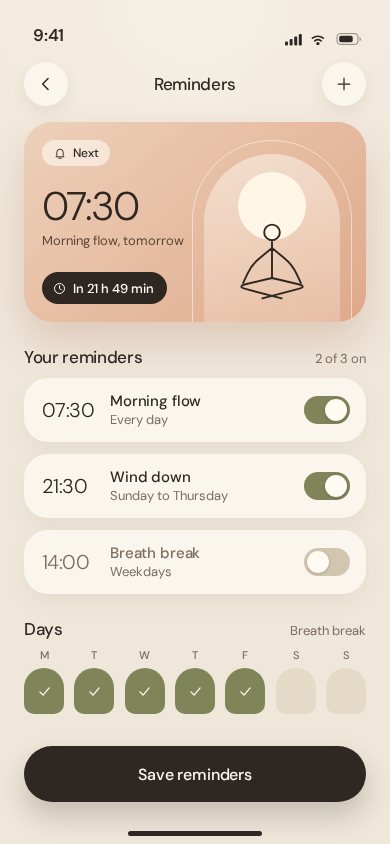 Unfold Reminders: Yoga and stretching, Minimal
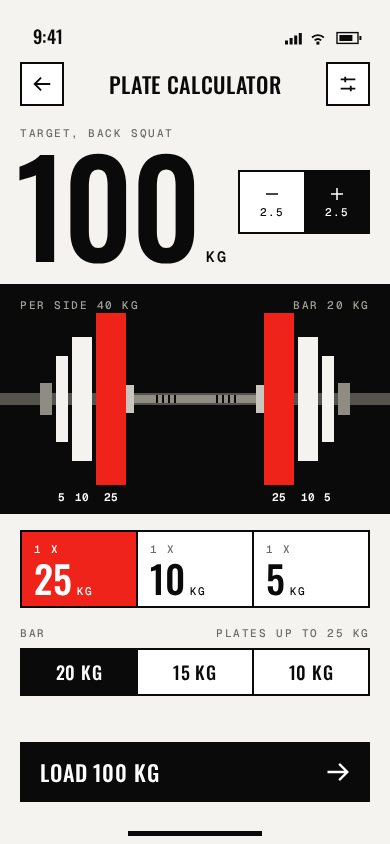 Kilo Plate calculator: Strength training log, Brutalist
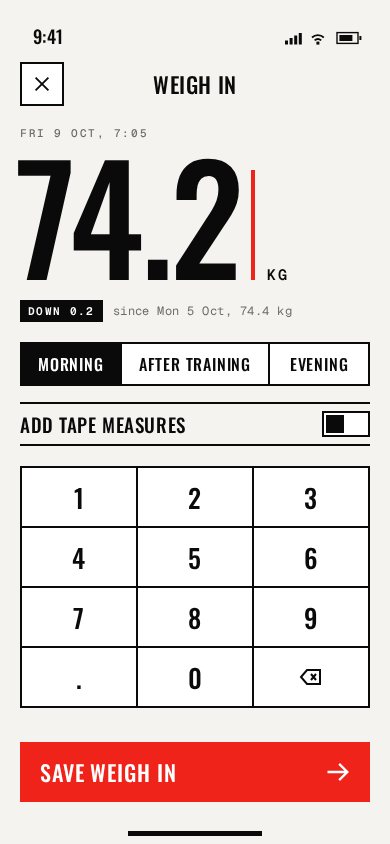 Kilo Weigh in: Strength training log, Brutalist
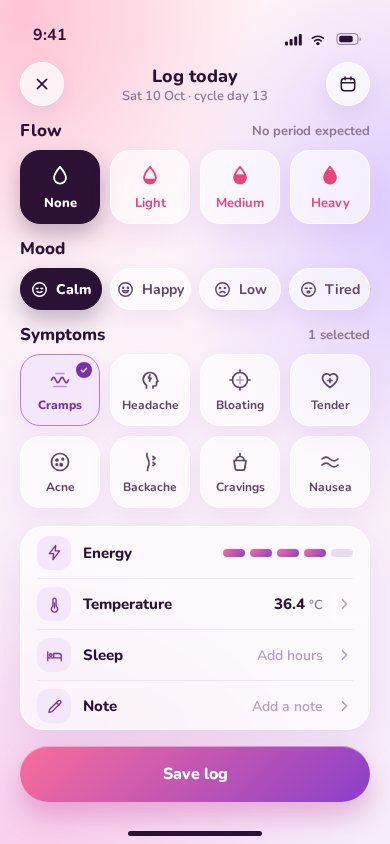 Cyra Log today: Cycle tracker, Glass
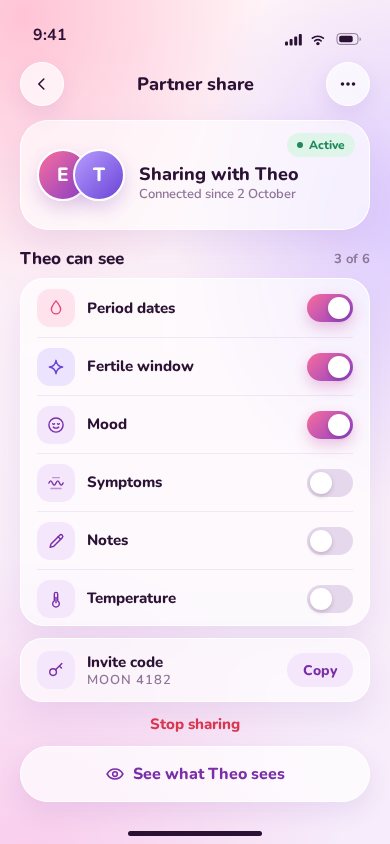 Cyra Partner share: Cycle tracker, Glass
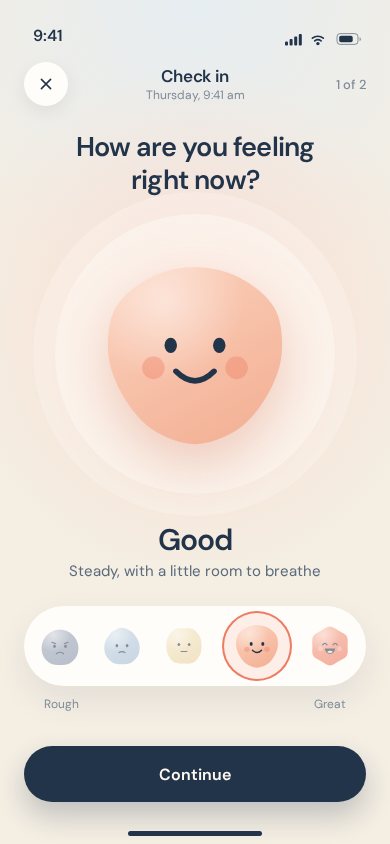 Harbor Check in: Therapy and mood, Minimal
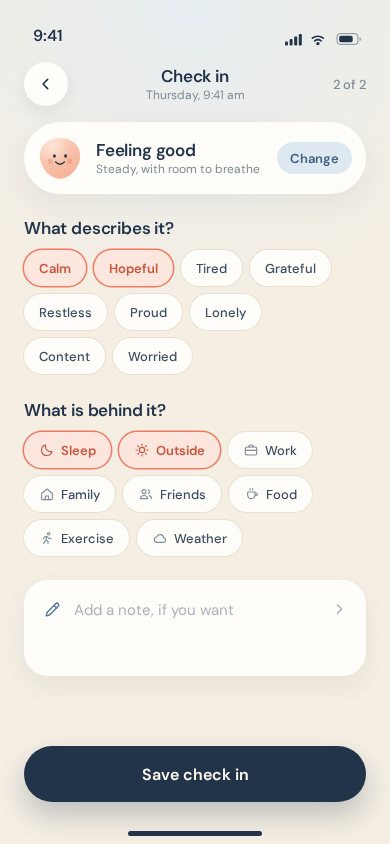 Harbor Add detail: Therapy and mood, Minimal
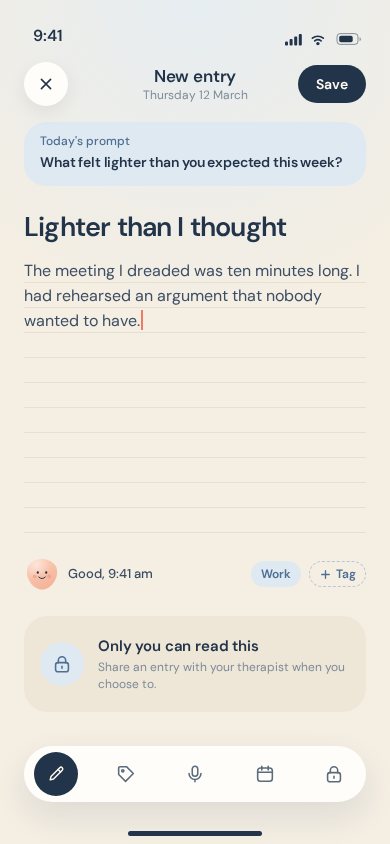 Harbor New entry: Therapy and mood, Minimal
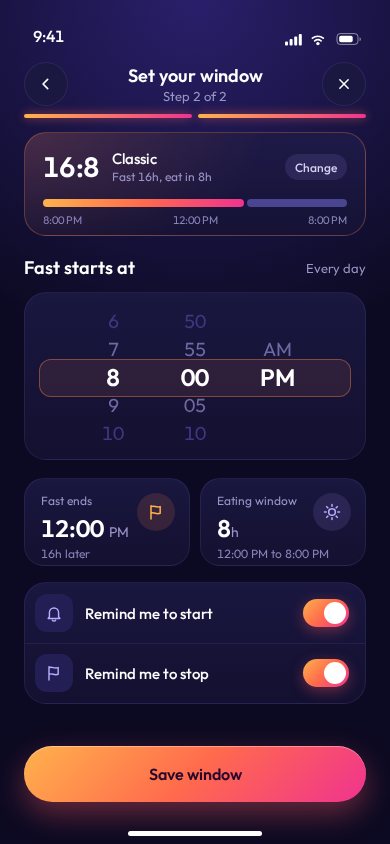 Fasten Set your window: Intermittent fasting, Dark-first, dark
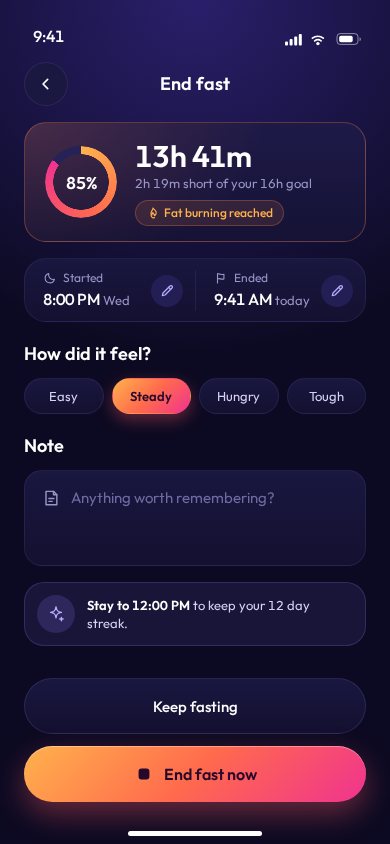 Fasten End fast: Intermittent fasting, Dark-first, dark
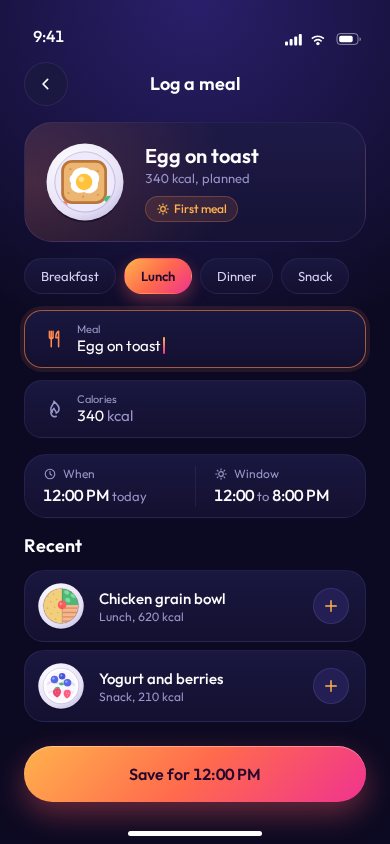 Fasten Log a meal: Intermittent fasting, Dark-first, dark
- Fasten Log weight: Intermittent fasting, Dark-first, dark
- Plate Quick add: Calorie and macro tracker, Clinical
- Plate Log weight: Calorie and macro tracker, Clinical
- Vita Log a reading: Personal health record, Clinical
- Vita Add medication: Personal health record, Clinical
- Lull Sleep timer: Sleep sounds and meditation, Dark-first, dark
- Lull Edit alarm: Sleep sounds and meditation, Dark-first, dark
- Flexpass Filters: One membership, many studios, Glass
- Flexpass Rate class: One membership, many studios, Glass
- Clinic Filters: Find and book doctors, Clinical
- Clinic Visit reason: Find and book doctors, Clinical
- Clinic Intake form: Find and book doctors, Clinical
- Careline New task: Care for an ageing parent, Clinical
- Careline Check in: Care for an ageing parent, Clinical
- Velo Your goals: Live and on-demand indoor cycling, Dark-first, dark
- Vantage Edit my day: Sports watch companion, Clinical, dark
- Labwork Collection: Book blood tests and see results, Clinical
- Labwork Share report: Book blood tests and see results, Clinical
- Segment Save activity: Runs and rides with friends, Minimal
- Nightly Add tags: Smart ring sleep and readiness, Dark-first, dark
- Pillbox Add medicine: Pharmacy refills and medicine reminders, Clinical
- Pillbox Schedule: Pharmacy refills and medicine reminders, Clinical
- Rise Set alarm: Alarm clock and sleep cycles, Glass, dark
- Rise Bedtime: Alarm clock and sleep cycles, Glass, dark
- Rise Wake mood: Alarm clock and sleep cycles, Glass, dark
- Ward Check in: Patient portal for results, visits and messages, Clinical
- Ward New message: Patient portal for results, visits and messages, Clinical
- Level Target range: Glucose monitor companion, Clinical
- Level Log: Glucose monitor companion, Clinical
- Reformer Rate class: Pilates studio booking, Luxury
- Reformer Private session: Pilates studio booking, Luxury
- Sip Log a drink: Water intake and hydration, Playful
- Sip Edit reminder: Water intake and hydration, Playful
- Mend Log session: Physio and rehab exercises, Minimal
- Tabata Build timer: HIIT interval timer, Neubrutalism
- Tabata Log effort: HIIT interval timer, Neubrutalism
- Jab Combo builder: Boxing workouts with a smart bag, Dark-first, dark
- Exhale Custom pattern: Breathwork sessions, Glass, dark
- Exhale Check-in: Breathwork sessions, Glass, dark
- Exhale Reminders: Breathwork sessions, Glass, dark
- Bump Daily log: Pregnancy week by week, Glass
- Locker Guest pass: Gym membership and class booking, Brutalist
What makes a good fitness app form screen
- Ask only what you need. Every field is a reason to stop. Remove optional fields or move them to later.
- Labels above fields. Visible labels stay readable while people type; placeholder-only labels disappear.
- Use the right keyboard and input. Number pads for amounts, email keyboards for email, pickers for dates and autofill for addresses and codes.
- Validate as people go. Show problems next to the field when people leave it, in words that say how to fix them.
- Keep the main button reachable. Above the keyboard or fixed at the bottom, with a label that says what happens.
- Save progress. Keep what people typed if they leave the screen, get a call or the app closes, especially on long forms and messages.
The full form screen guide: layouts, mistakes and questions
Form and input screens in other kinds of app
- Productivity app form and input screens (175)
- Lifestyle app form and input screens (140)
- Finance app form and input screens (118)
- Social app form and input screens (87)
- Travel app form and input screens (81)
- Food app form and input screens (74)
- Education app form and input screens (53)
- Smart home app form and input screens (50)
- Sports app form and input screens (41)
- Music app form and input screens (32)
Other fitness app screens
- Fitness app onboarding screens
- Fitness app sign in and sign up screens
- Fitness app home screens
- Fitness app search and explore screens
- Fitness app list and feed screens
- Fitness app detail screens
- Fitness app booking and checkout screens
- Fitness app paywall screens
- Fitness app success and confirmation screens
- Fitness app profile screens
- Fitness app settings screens
- Fitness app dashboard and stats screens
- Fitness app player, camera and editor screens
- Fitness app live tracking screens